
Overview
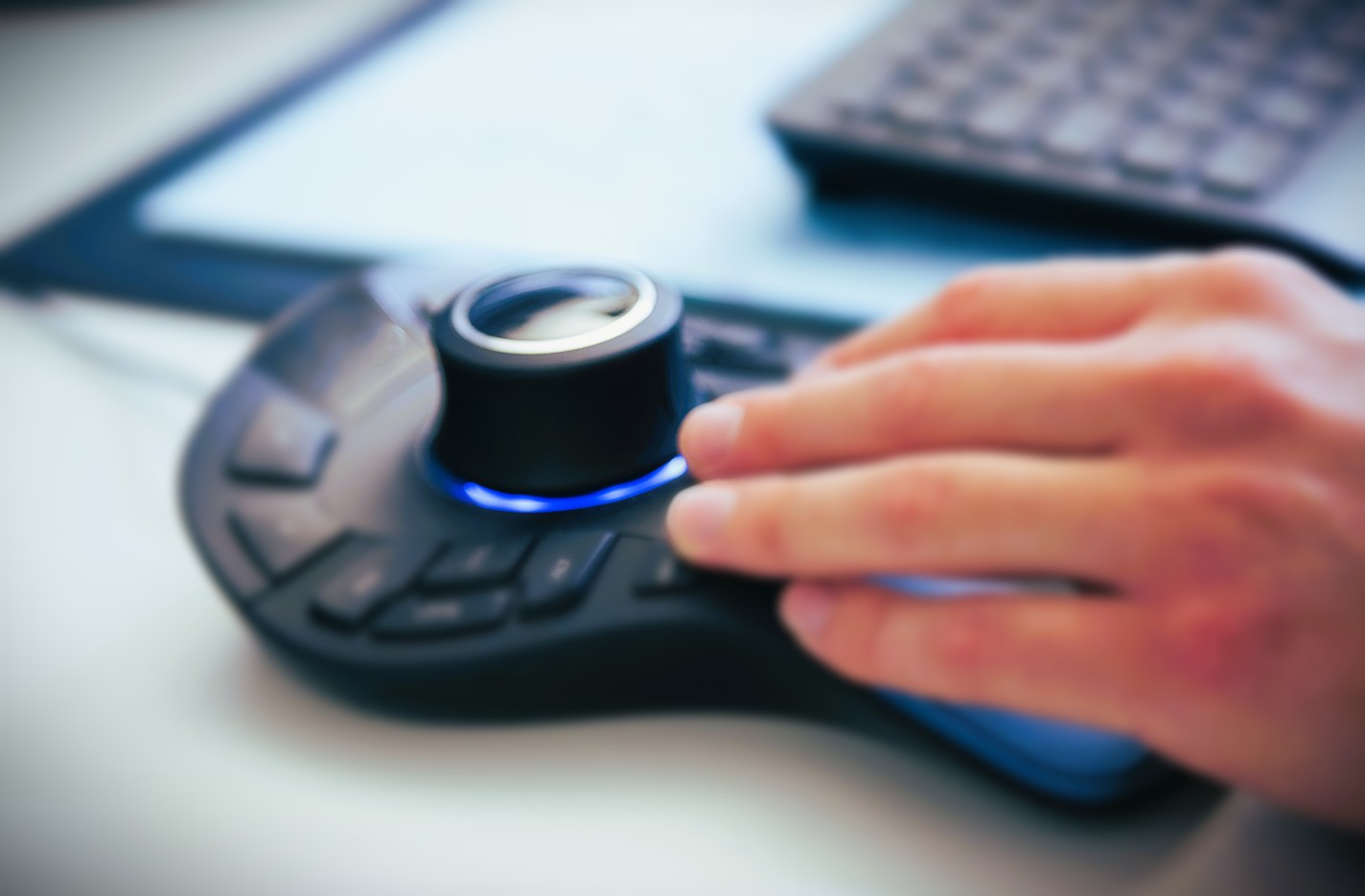
SimScale supports 3D computer mouse (also known as space mouse shown below) from 3Dconnexion for navigating the 3D viewer in the workbench. A 3D mouse provides intuitive six-degrees-of-freedom control, allowing you to pan, zoom, and rotate your model simultaneously for a more efficient modeling and simulation workflow.
Supported Devices
SimScale supports 3Dconnexion Space Mouse devices. For the full range of compatible devices, visit the 3Dconnexion SpaceMouse product page.
Compatibility
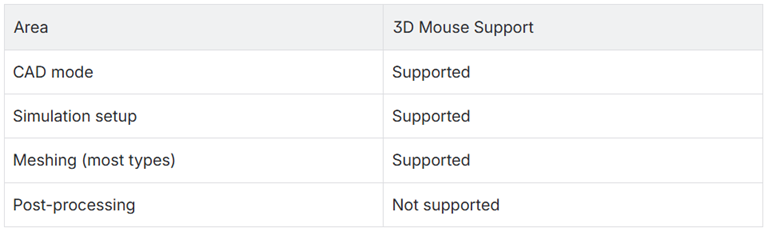
The 3D mouse is supported in the SimScale workbench for most workflows. This includes CAD mode, mesh generation, & simulation setup. Please Note: Post-processing is not yet supported.
Setting Up Your 3D Mouse
Before using your 3D mouse in SimScale, ensure the device is connected to your computer and that the 3Dconnexion driver software is installed. You can find device manuals and driver downloads at the 3Dconnexion manuals page.
Depending on your browser, you may need to grant local network access permissions so that SimScale can communicate with your 3D mouse.
Google Chrome (version 142 and later)
Starting with Chrome version 142, local network access must be explicitly allowed for the 3D mouse to work.
- Open the SimScale workbench.
- Click the lock icon (or the info icon) to the left of the URL in the address bar.
- Select Site settings.
- Find Local network access and set it to Allow.
- Go back to the workbench tab and refresh the page.
For more details on changing site-specific settings in Chrome, see Google’s support article on site permissions.
Microsoft Edge
- Open the SimScale workbench.
- Click the lock icon (or the info icon) to the left of the URL in the address bar.
- Select Permissions for this site or Site permissions.
- Find Local network access and set it to Allow.
- Refresh the workbench page.
Other Browsers
No additional browser configuration is required. The 3D mouse should work automatically once connected and the driver software is running.
Limitations
- The 3D mouse is currently not supported in post-processing mode. We are working on future updates for this.
- Some mesh visualization modes may not support 3D mouse navigation.
- Browser permissions for local network access may need to be re-granted after browser updates.






