


Orchestration Layer
AI-Orchestrated simulation workflows
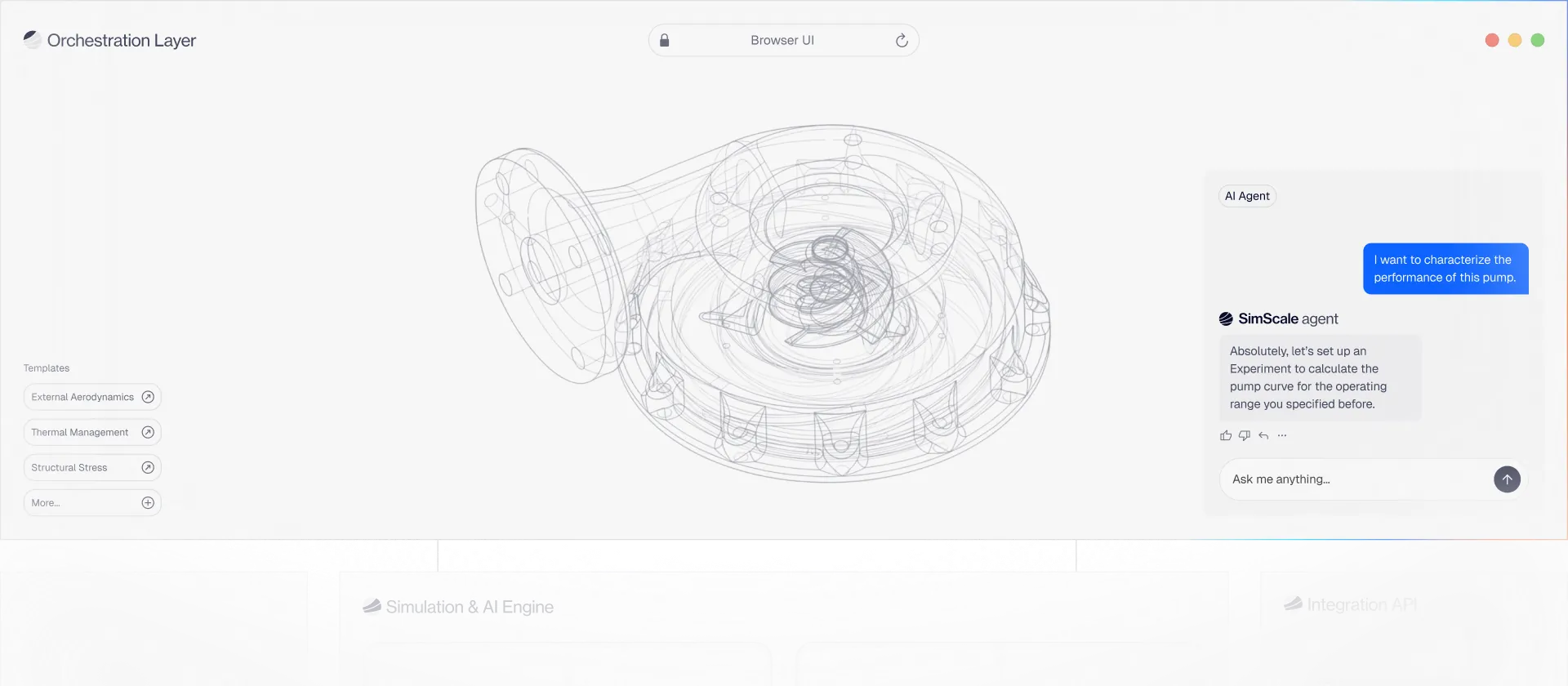
The orchestration layer turns simulation from a one-off expert task into an automated, auditable, agentic process — so every engineer on your team can explore thousands of engineering decisions in seconds.




Platform capabilities
The capabilities that automate setup, enforce best practices, and scale simulation across your entire engineering organisation, with full traceability built in.
Built for agentic engineering workflows
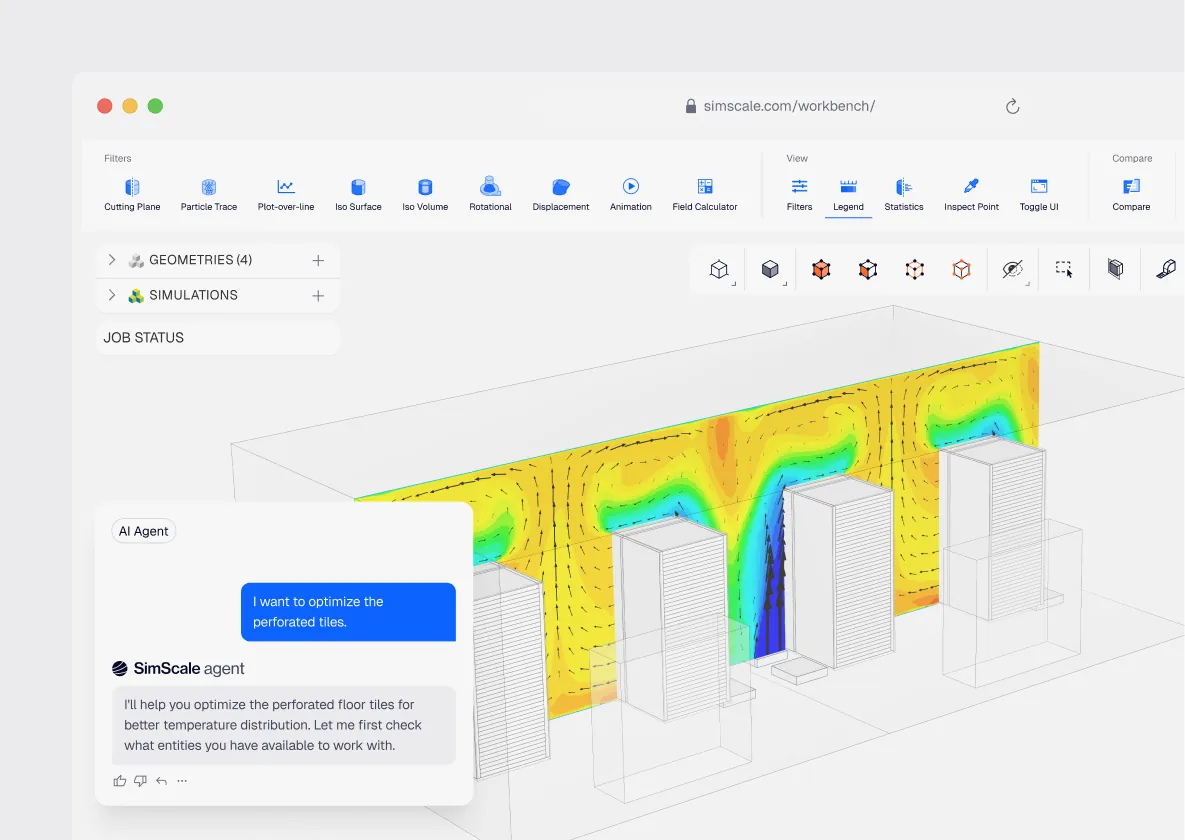
The orchestration layer is the access point for every interaction with SimScale — browser, API, or autonomous AI agent. That means an agent reasoning through a multi-step design exploration — triggering simulations, evaluating results, and iterating on parameters — operates through the same layer as an engineer reviewing results manually. Same governance, same traceability, regardless of who or what is driving the workflow.
Guided workflows
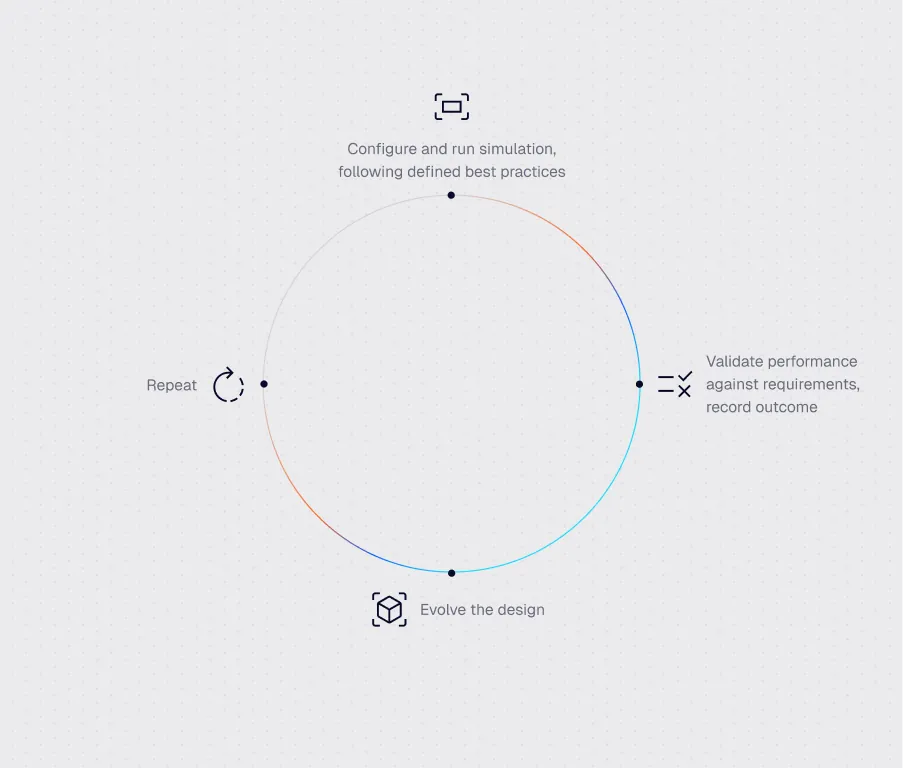
Simulations span multiple steps: geometry prep, meshing, solving, validation, post-processing. Guided workflows enforce a consistent path through all of them, reducing errors, cutting onboarding time, and ensuring your simulation standards hold across every engineer who runs them.
Process templates
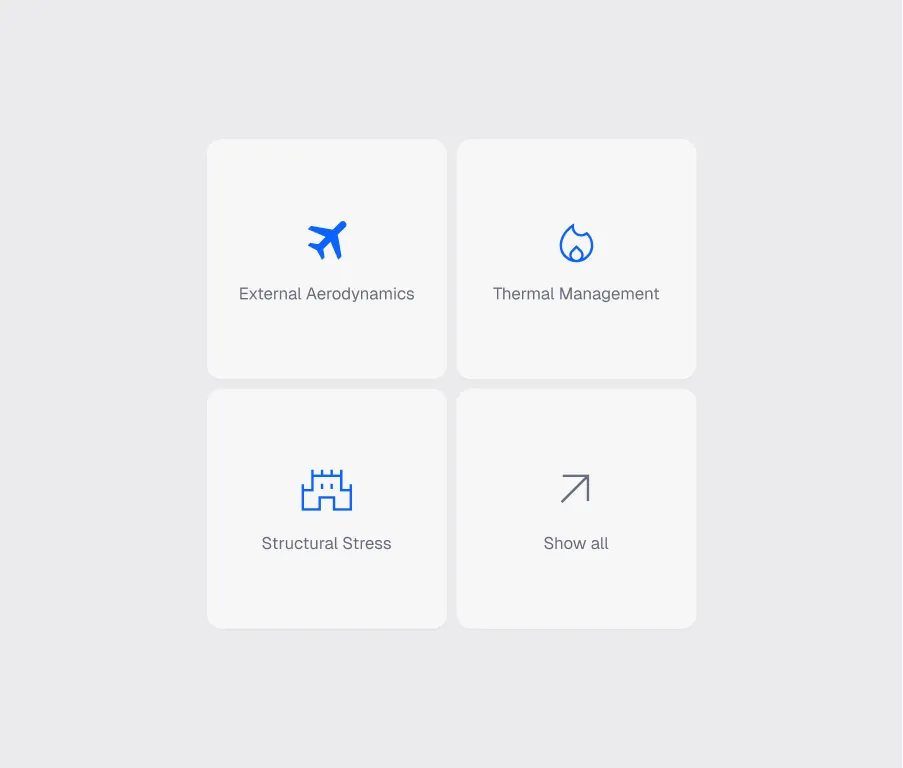
Templates allow organizations to capture domain-specific simulation knowledge as reusable workflows. Engineering teams encode their expertise once and reuse it across products — so a new engineer follows the same validated method as your most experienced analyst.
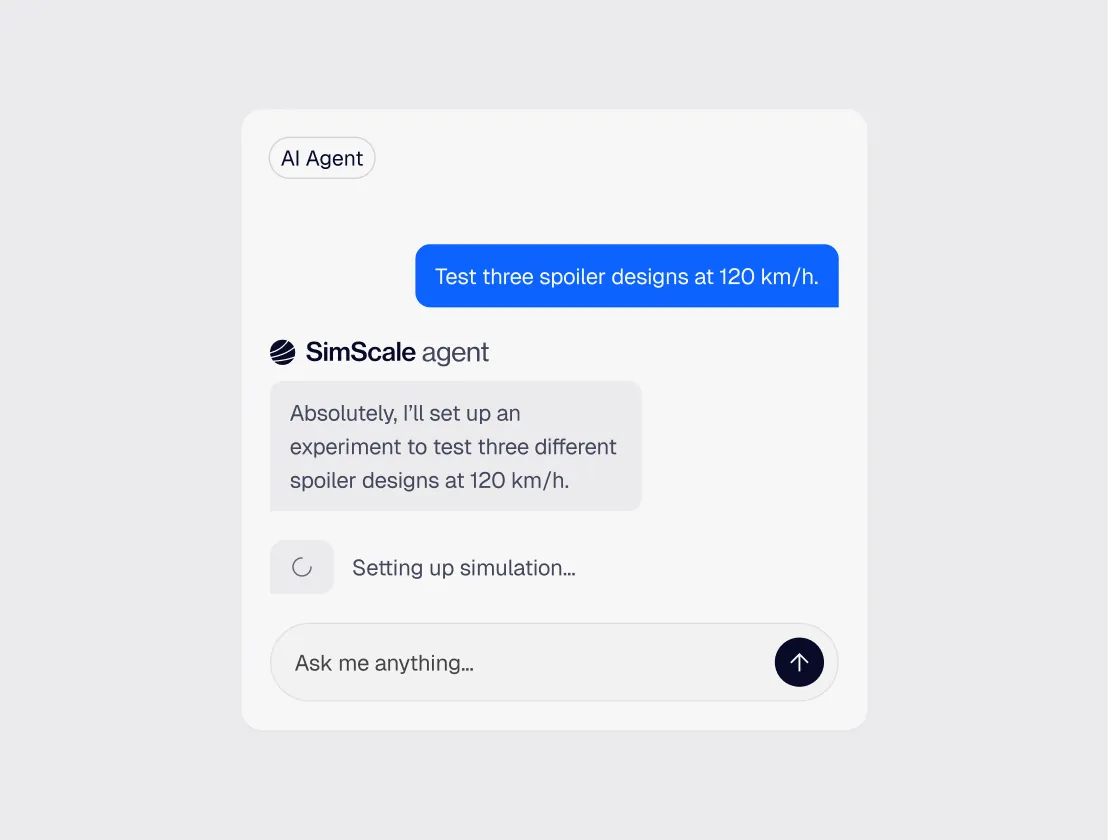
AI agents & human-in-the-loop
Engineering AI automates the repetitive parts of simulation — setup, meshing, validation, parameter sweeps — so engineers spend time on decisions, not configuration. Agents work within defined guardrails, surfacing decisions to humans at the points that matter. Expert judgement stays in the loop; manual overhead doesn’t.
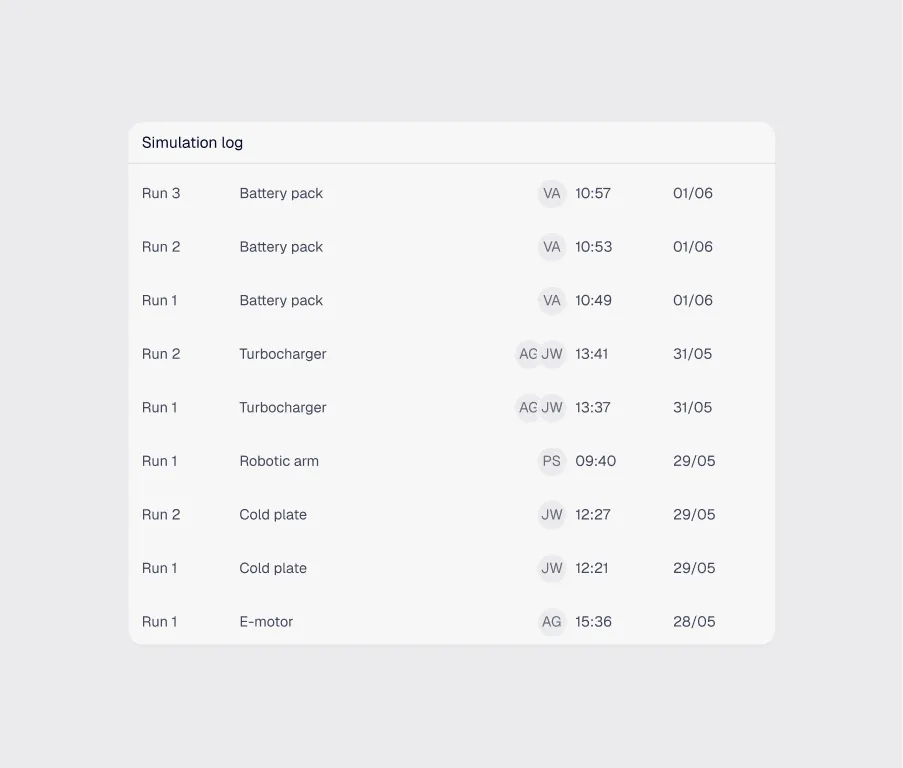
Governance & traceability
When simulation becomes part of automated workflows, maintaining traceability becomes essential. The orchestration layer records historical simulation runs, configurations, data inputs and outputs, ensuring full transparency for reproducible engineering analyses.
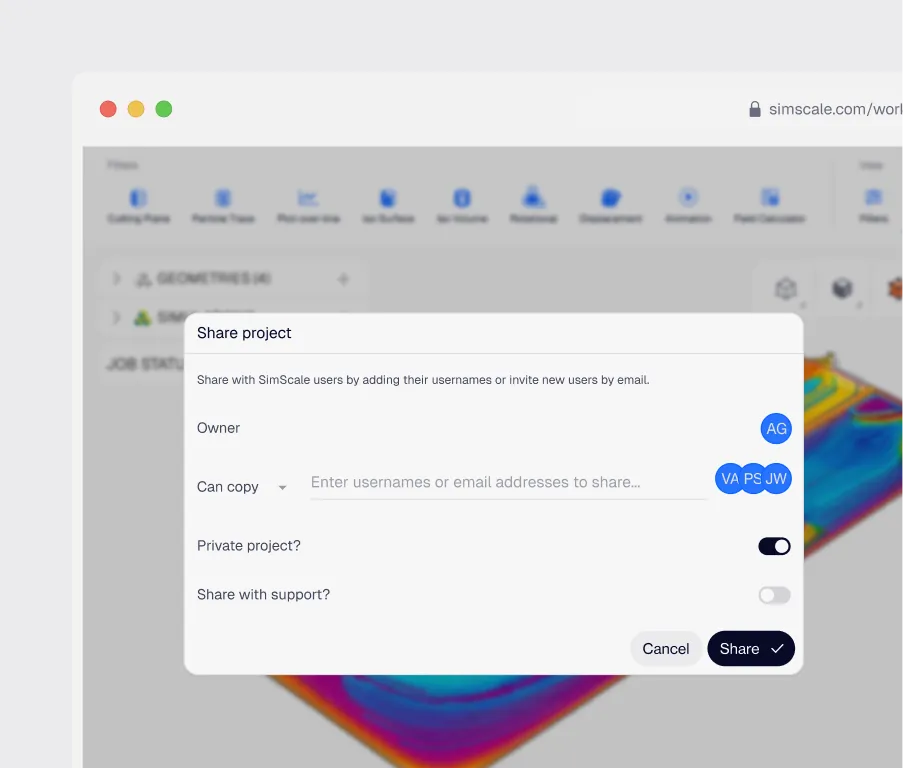
Collaboration & review
Simulation results, models, and workflows are accessible to engineering teams through a shared environment. Engineers can review analyses, compare results, and iterate together — without chasing files, managing workstation installs, or working across disconnected tools.
1 hour
Thousands of design variants explored
“We developed an in-house digital wind tunnel app by integrating SimScale with Grasshopper. This allows our architects to run multiple design iterations in early-stage development without needing specialized simulation expertise.”

An AI-orchestrated simulation workflow combines automated agents, guided processes, and user-led decision points to run engineering simulations consistently and at scale. The orchestration layer coordinates how each step runs, what data it uses, and how results are reviewed.
Scripts automate a fixed sequence of steps. Orchestrated workflows add governance, traceability, and AI-assisted decisions on top, the system can adapt the workflow to the inputs and surface decisions for humans where judgement is needed.
Setup tasks like geometry preparation, mesh generation, boundary condition assignment, solver configuration, validation checks, and result post-processing can all be partially or fully automated by AI agents as desired — with engineers reviewing the outputs at defined checkpoints.
Yes. Agents can hand off between fluid dynamics, structural mechanics, thermal, and electromagnetic analyses, with intermediate results passed between stages and traceability preserved end-to-end.
Yes. The orchestration layer exposes APIs and integrations for major CAD and PLM systems, so simulation runs can be triggered from your existing engineering tools and results returned to them automatically.
Explore technology
Understand how SimScale connects simulation, AI, and cloud infrastructure into a unified engineering platform.
Simulation & AI Engine
Core simulation and AI capabilities that power physics-based analysis, AI inference, and design exploration.
Open Integration
Connect simulation to your engineering stack with APIs, dataflows, and agent-driven workflows.
Cloud Infrastructure
Scalable, secure cloud compute designed to run large simulation workloads and AI models in parallel.
Get started today
Start exploring simulation, Engineering AI, and Physics AI in one platform today — no setup required.





