


Architecture, Engineering & Construction (AEC)
Design Buildings and Cities That Perform. From the First Sketch.
SimScale’s AI-native cloud platform gives architects and engineers fast, browser-based access to wind comfort, thermal comfort, and structural simulation. Run 36 wind directions in parallel, evaluate outdoor and indoor environments, and make performance-driven design decisions from the earliest design stage, not just at planning submission.
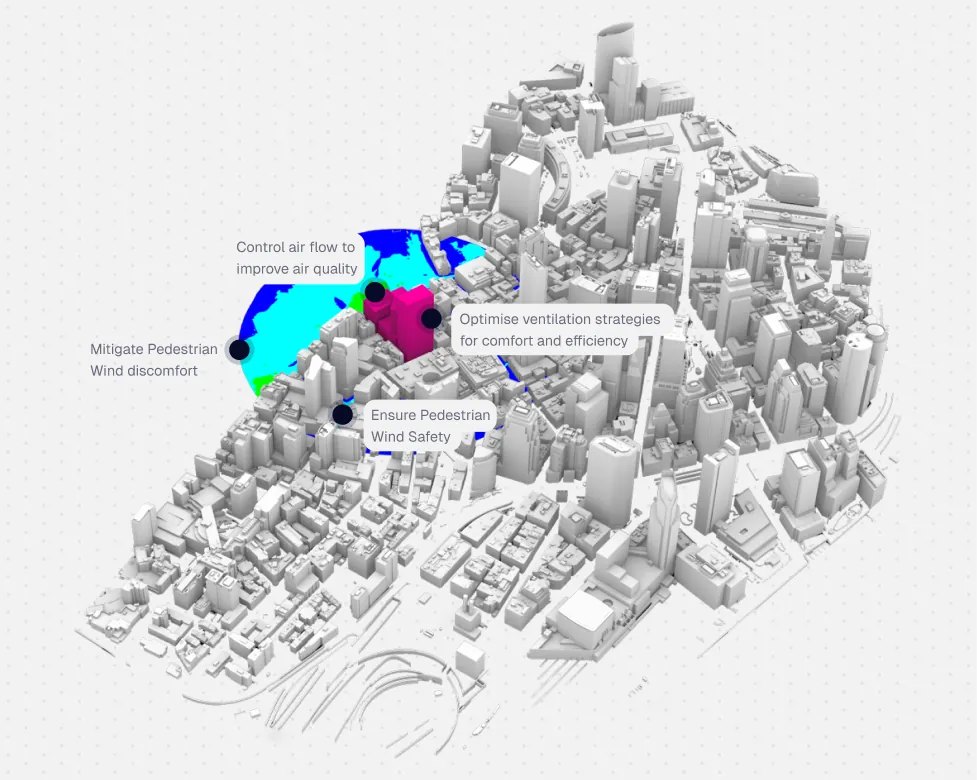




Structural and wind performance issues found late cost AEC teams time and money. SimScale puts wind, thermal, and structural simulation in your browser. Run 36 wind directions in parallel and fix problems while design changes are still cheap.
How SimScale benefits Architecture, Engineering & Construction (AEC)
Wind comfort and compliance from concept stage
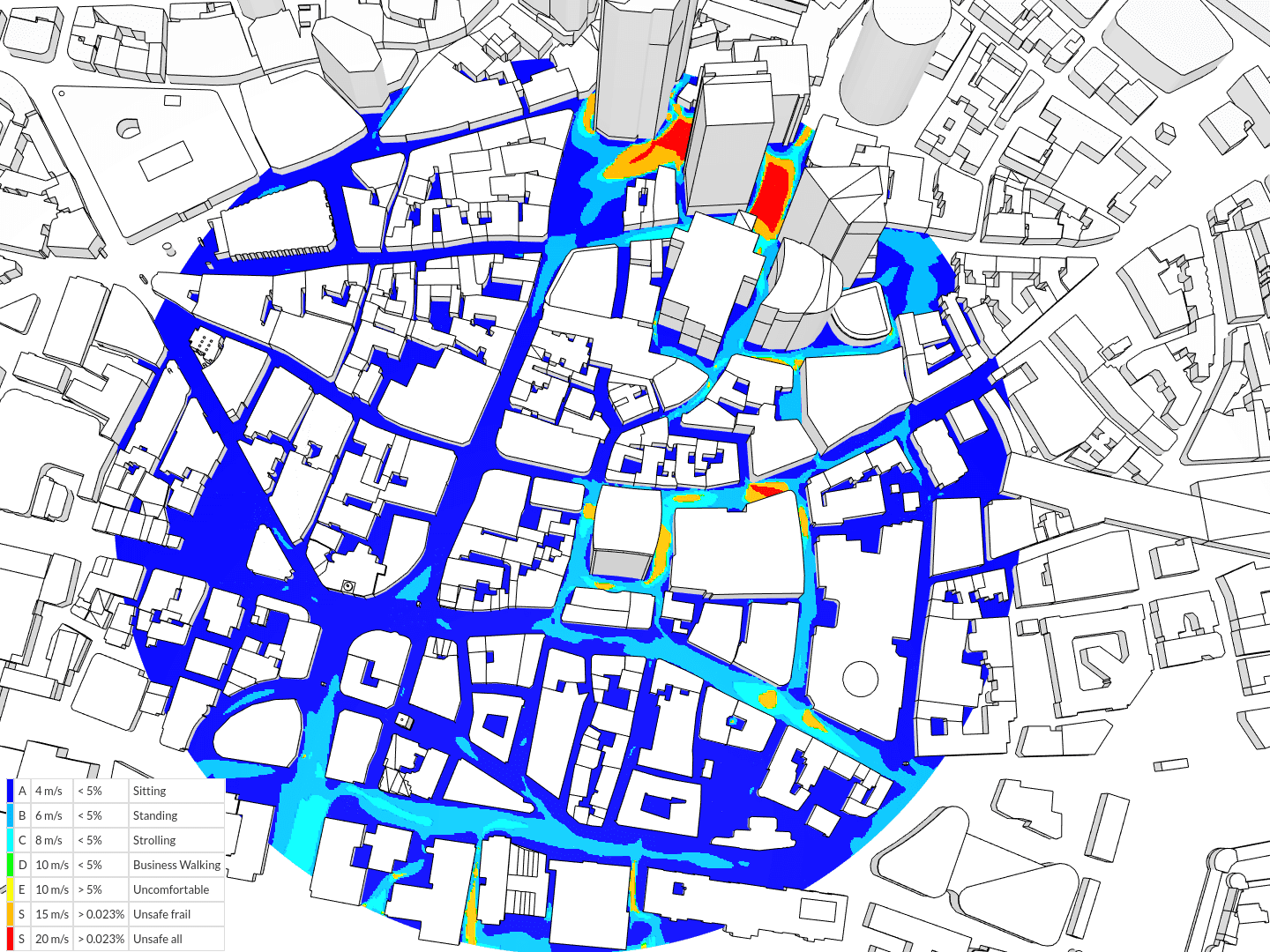
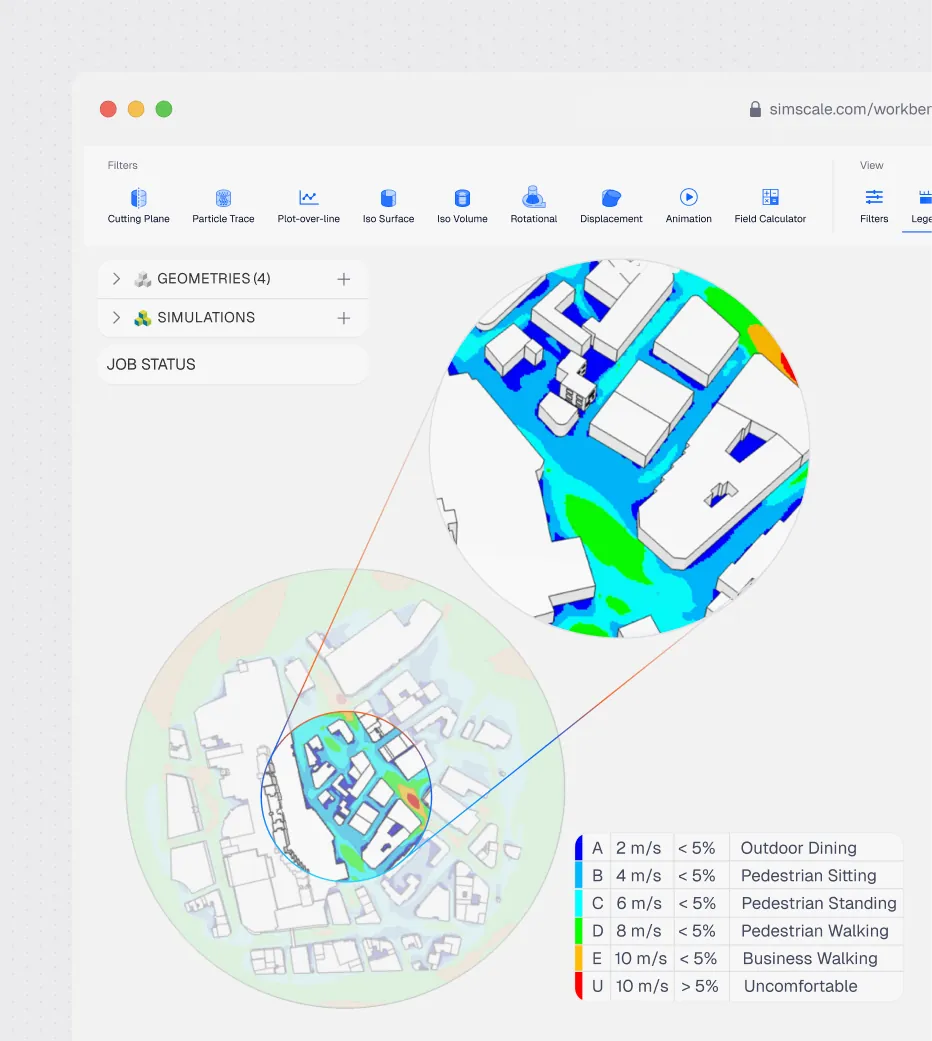
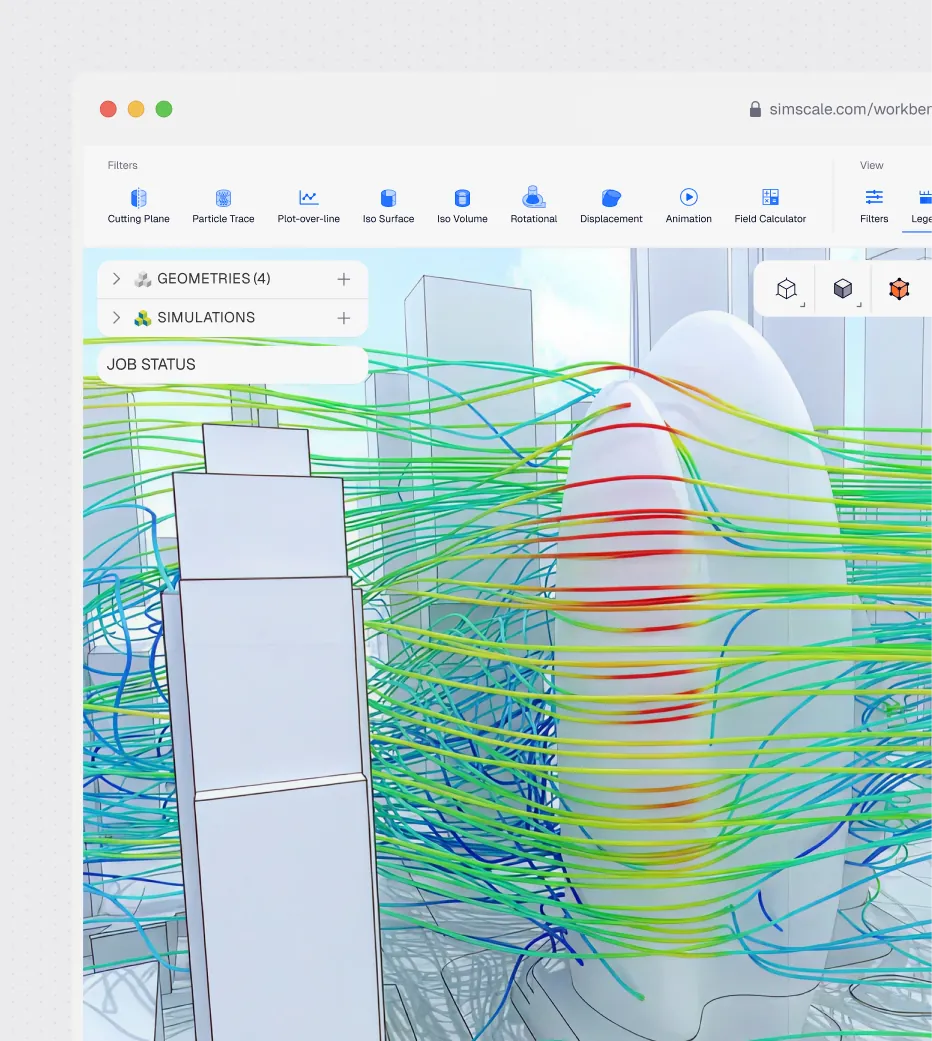
Evaluate pedestrian wind comfort, building aerodynamics, and facade wind loads before geometry is finalized — when changes are still low-cost. The LBM solver runs up to 10× faster than competing tools, simulating 36 wind directions in parallel. Physics AI goes further, delivering near-instant predictions once trained on your data so teams can test massing changes in seconds before committing to a full run.
Indoor environment optimization for comfort and energy efficiency
Assess thermal comfort, ventilation effectiveness, indoor air quality, and HVAC sizing without leaving the design environment. SimScale supports solar shading, thermal bridging, and data center cooling, enabling architects and engineers to optimize the building envelope and mechanical systems together, in one platform.
Seamless integration with your existing design tools
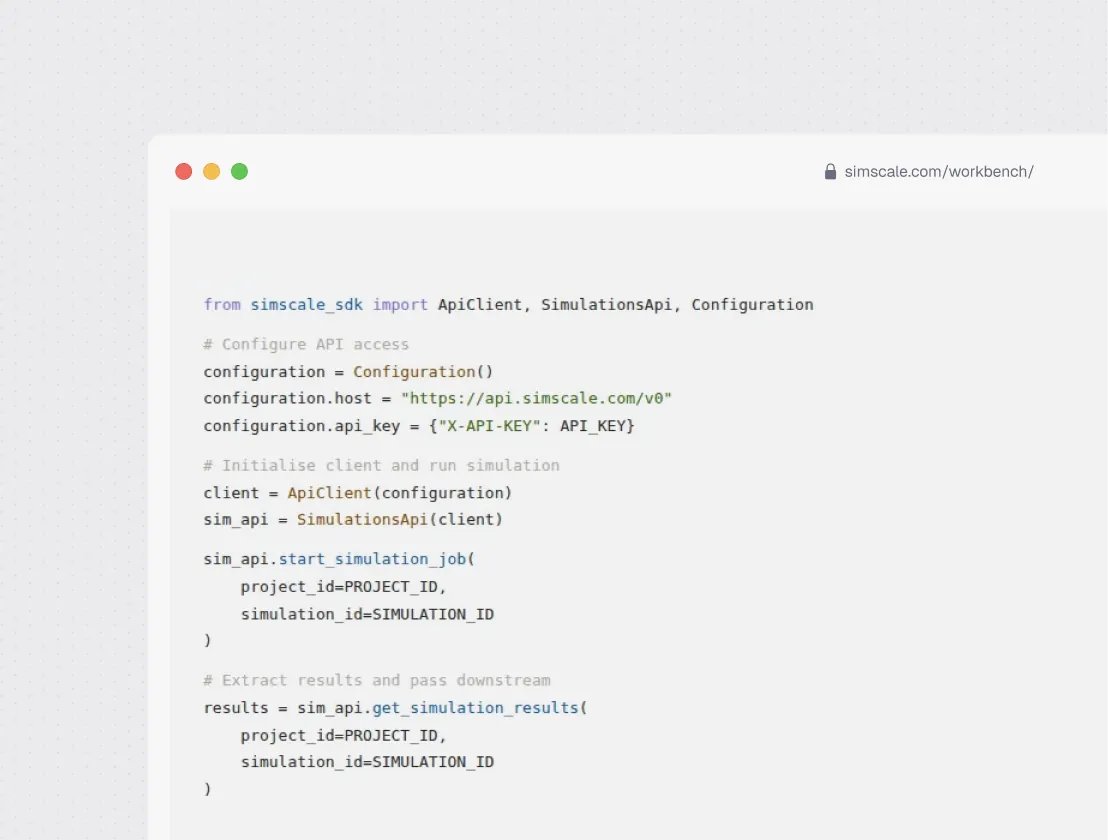
SimScale’s Python SDK and REST API connect directly with Rhino, Grasshopper, Revit, SketchUp, and AutoCAD. Teams can automate simulation workflows, build custom apps, and embed simulation into early-stage design processes without changing the CAD authoring environment their team already uses.
Wind, thermal, and indoor environment, in one platform
Cloud-native parameterization
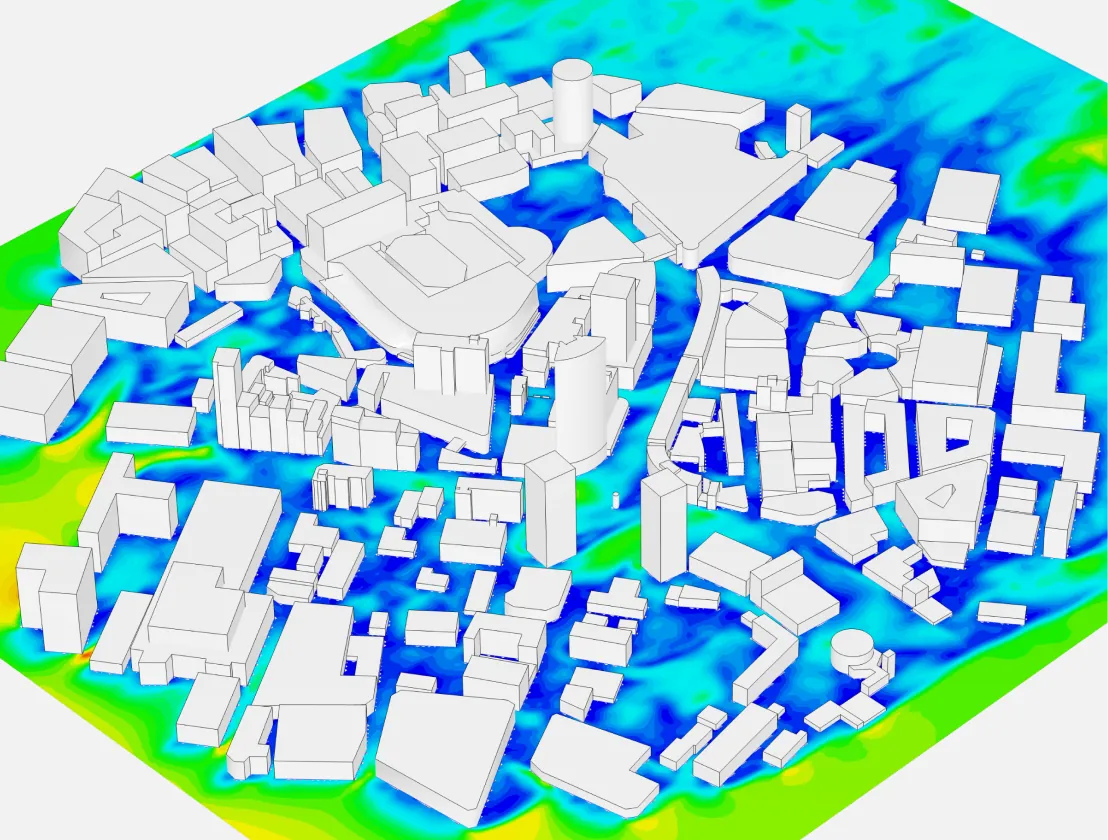
Run up to 36 wind directions simultaneously in a single study — each with a different massing variant if needed — without HPC queues or CAD prep overhead. Robust automatic meshing handles architect-authored models from Rhino, Revit, and SketchUp as-is, and Engineering AI applies geometry cleanup and mesh settings automatically, so engineers spend time on design decisions rather than model preparation.
Solver speed & accuracy
SimScale meets and in many cases exceeds the accuracy of traditional CAE simulation tools. Advanced analysis capabilities using the lattice Boltzmann method (LBM) pacefish® solver increase simulation speed by an order of magnitude with robust meshing and is up to 10× faster than competing tools. Rapid transient simulations using LBM are a must-have for AEC due to the complex nature of turbulent flows in urban environments and the unsteady atmospheric boundary layer (ABL) profile.
Engineering AI-guided setup
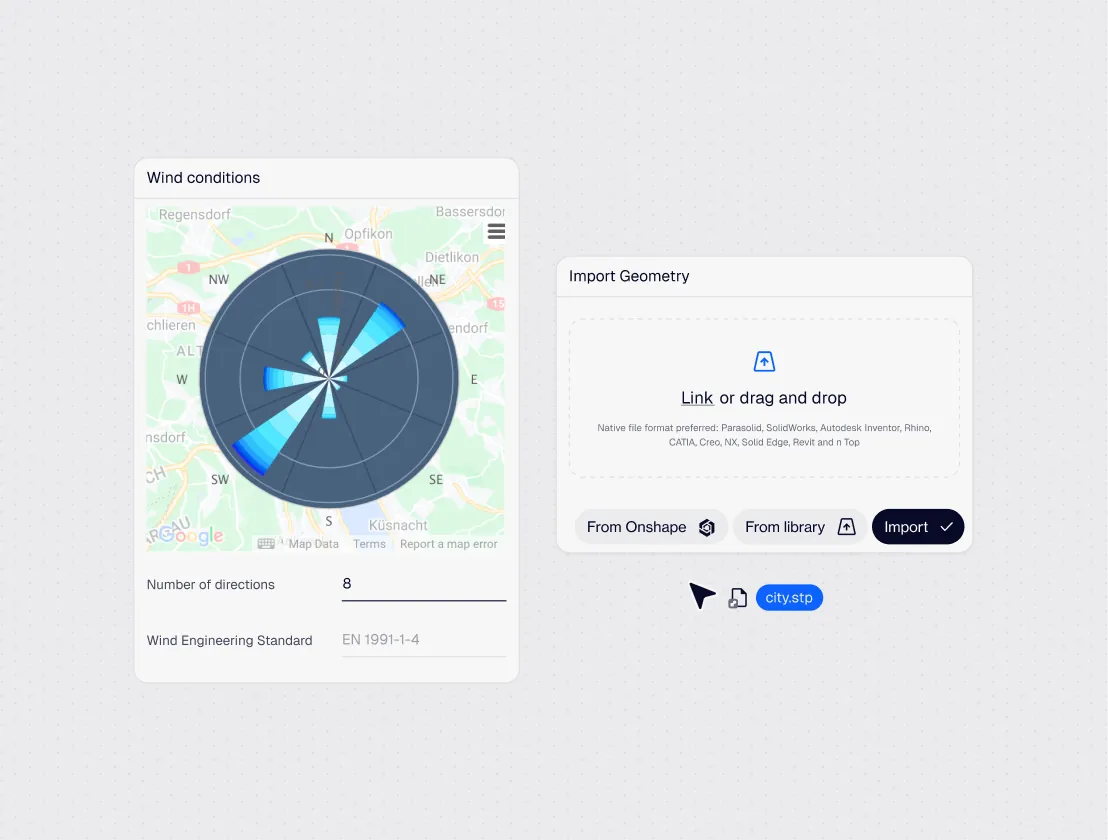
Engineering AI copilots guide architects and engineers through simulation setup step by step, recommending boundary conditions, flagging geometry issues, and applying best-practice templates. Non-CFD-specialists can run production-quality wind and thermal comfort studies without deep solver knowledge. Hundreds of ready-made templates, automated meshing, and automatic results post-processing mean teams stay focused on the design problem, not the simulation tool.
API integration & automation
The SimScale API facilitates bi-directional coupling with many popular CAE and design optimisation tools, including Rhino®, Ladybug®, Onshape®, Grasshopper®, ESRI ArcGIS, SketchUp®, and more. The API is accessible via a Python SDK, already popular in the AEC industry, enabling custom app development by architects, engineers, or third-party developers.
CAD interoperability
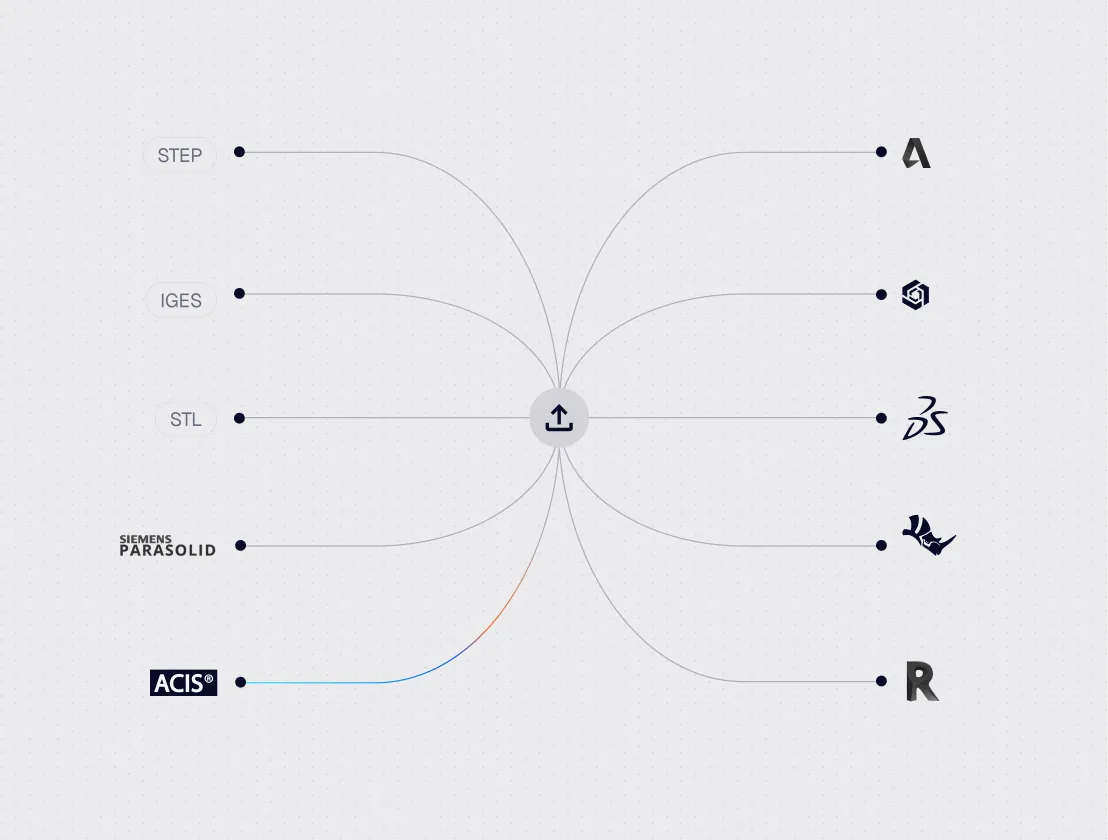
SimScale can import various file formats making it easy for architects and engineers to work with their preferred CAD authoring tools including Rhino®, Grasshopper, Revit®, AutoCAD®, SketchUp, and Onshape, as well as common formats such as STL, DWG, and IGES. A dedicated CAD mode lets users interact with CAD models, delete, extrude, or scale parts directly within the platform.
Proven across the AEC project lifecycle
From high-rise wind analysis to district-level urban heat studies, SimScale supports AEC engineers at every project scale.
Indoor air quality & ventilation CFD
Simulate airflow patterns, contaminant dispersion, and thermal stratification inside buildings. Validate HVAC performance and occupant comfort at the design stage.
Pedestrian wind comfort CFD
Run multi-directional wind comfort analyses for pedestrian-level environments. Assess Lawson criteria compliance from early design through planning submission.
Wind load analysis for buildings
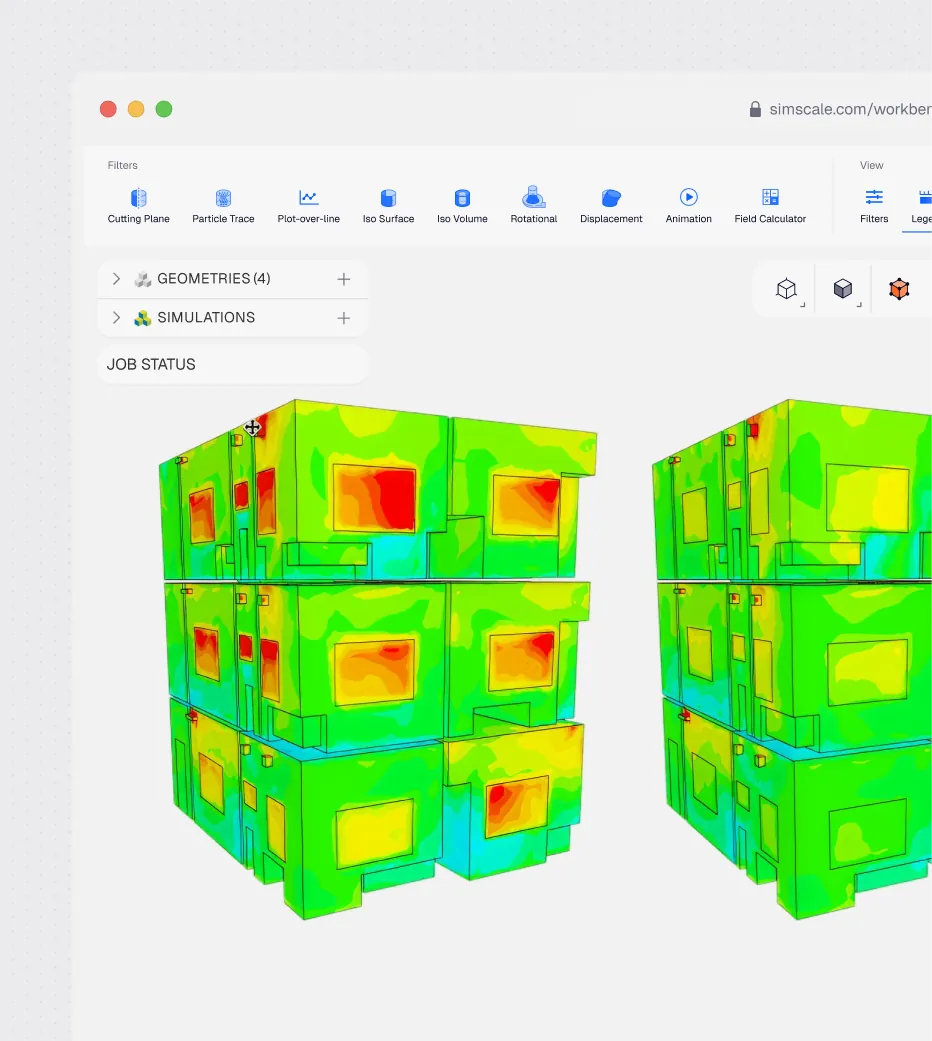
Simulate wind pressure distributions across facades and cladding systems. Generate structural loading data for engineering design and regulatory approval.
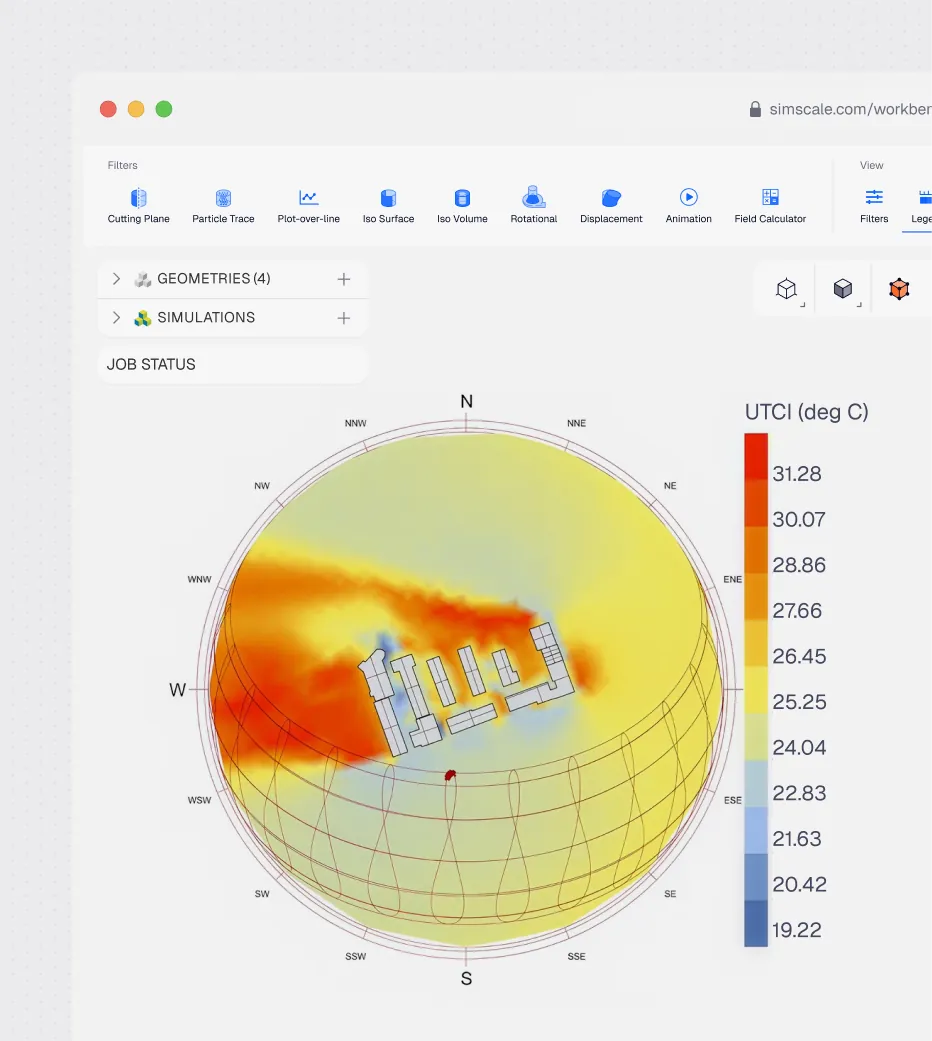
Thermal comfort & urban heat simulation
Model mean radiant temperature, air temperature, and thermal comfort indices across outdoor spaces. Evaluate urban heat island effect and mitigation strategies.
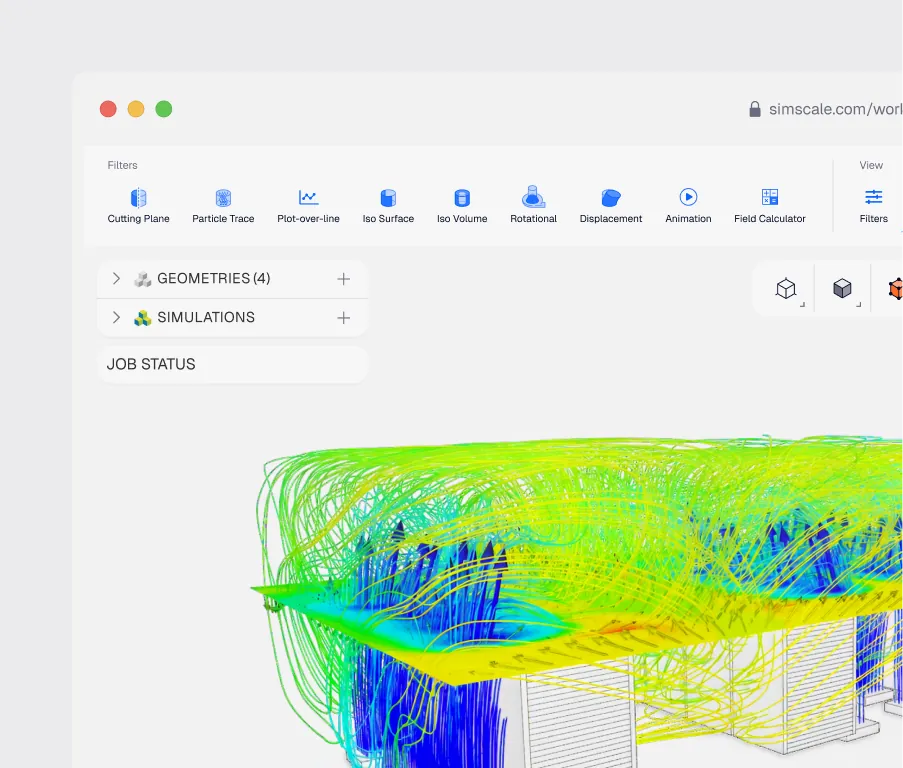
Data center cooling
Model airflow, containment strategies, and next-generation cooling technologies in hours, not weeks. Validate ASHRAE compliance, optimize PUE, and future-proof your data center before breaking ground.
Industry-specific case studies
From start ups to scale ups, the journey is filled with challenges and opportunities.
See all solutions100+ architects deployed in 3 months
Learn More


"When we began using SimScale, we were able to shorten our CFD simulation feedback loop, which allowed us to iterate and evaluate many design options at the earliest design phases, when changes have the biggest impact on performance."
2–3× speed acceleration of design iterations through cloud-native CFD
Learn More


"SimScale allows us to embed simulation insight at the moment when decisions are being made, not after drawings are complete."
5-8 hours saved per simulation compared to their previous workflow
Learn More


"Being able to see results so promptly enhances both efficiency and momentum in the design process."
Related resources
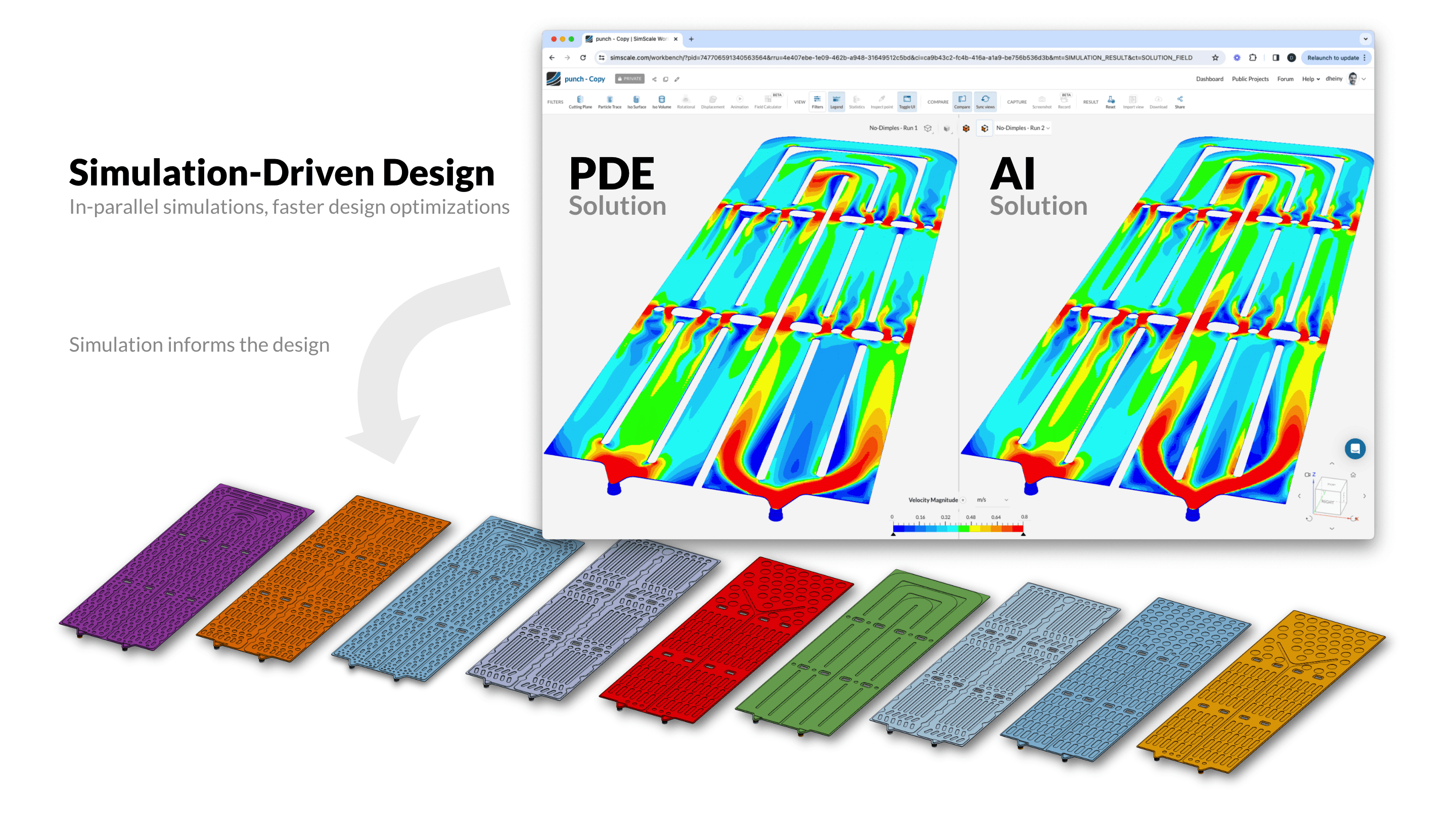
AI Simulation: The Convergence of AI and Engineering Simulation
What AI simulation is, how AI-assisted simulation and simulation-assisted AI differ, how Physics AI models are trained and validated, and where they fit next to CFD and FEA.

Steve Lainé
September 16, 2026
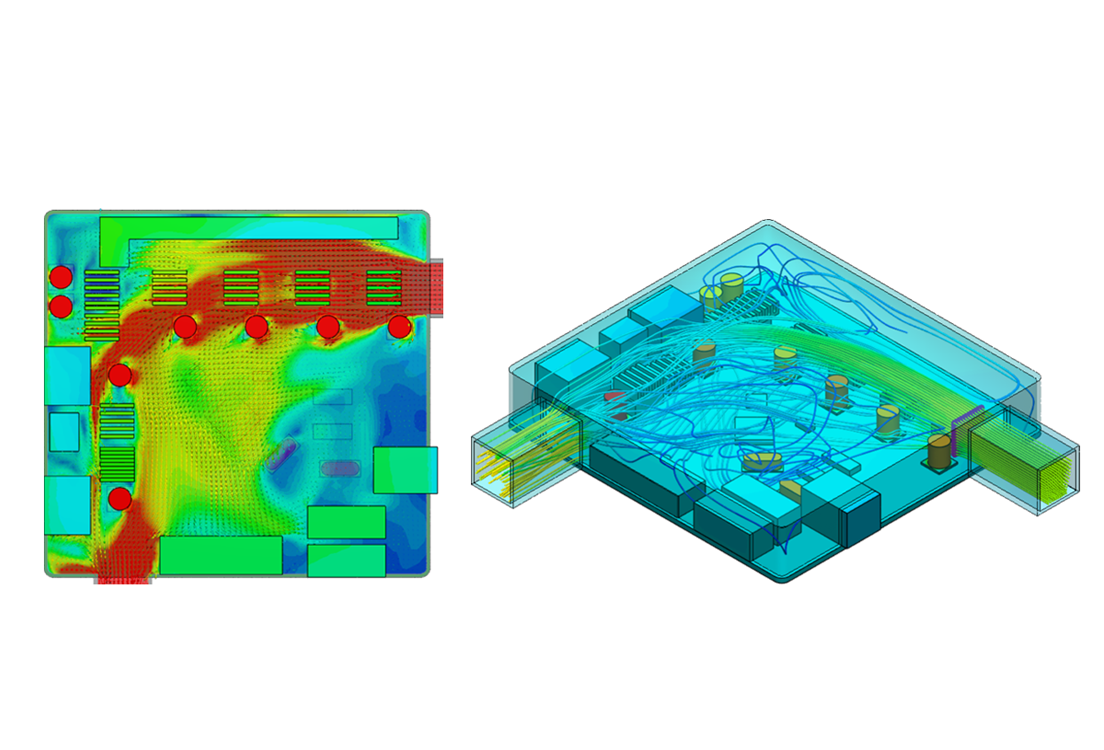
How to run a conjugate heat transfer (CHT) simulation
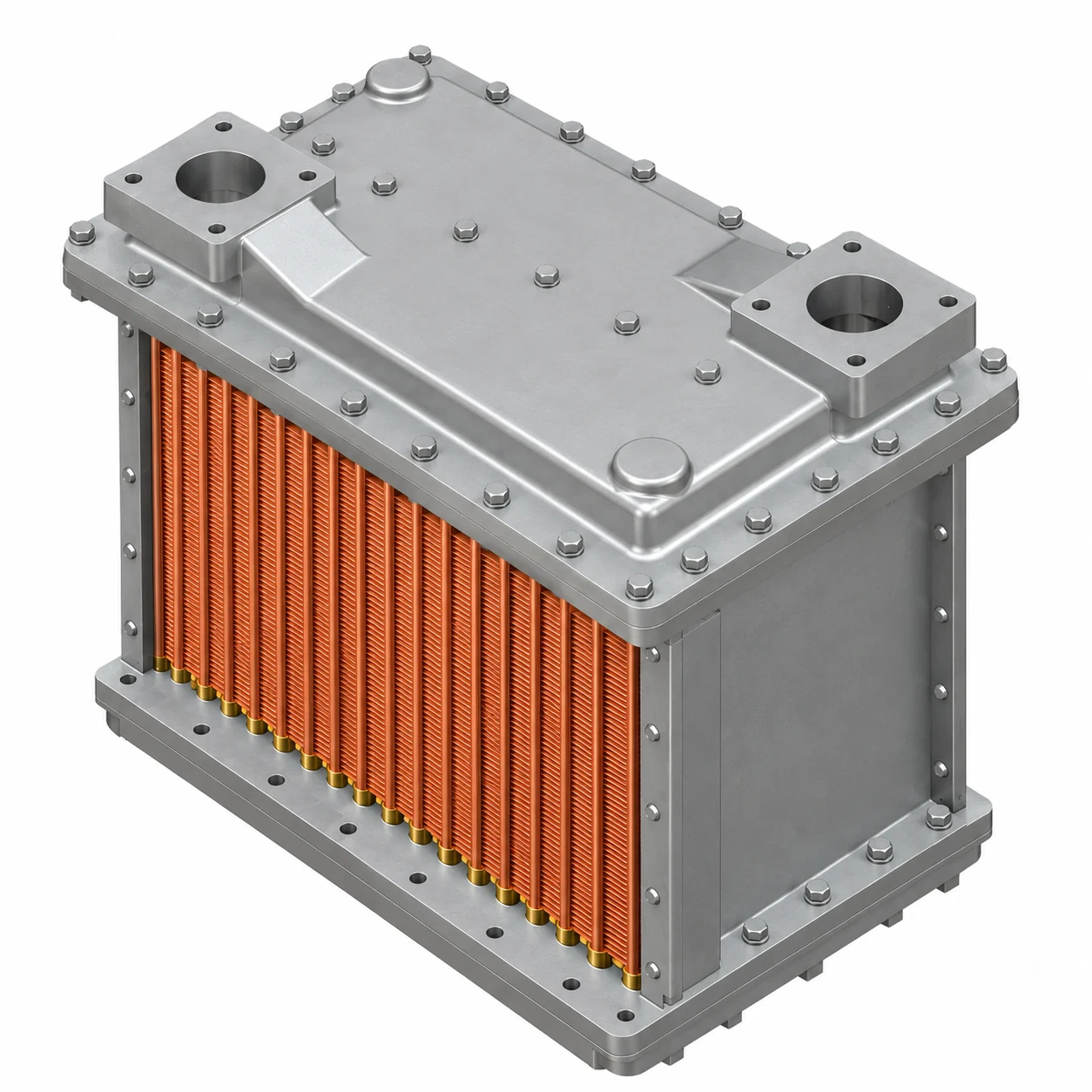
A step-by-step CHT simulation walkthrough: the full setup sequence, validation against physical test, and worked SimScale examples in air and liquid.

Alexander Fischer
September 13, 2026

Onshape CFD simulation: how to run CFD and FEA on Onshape models
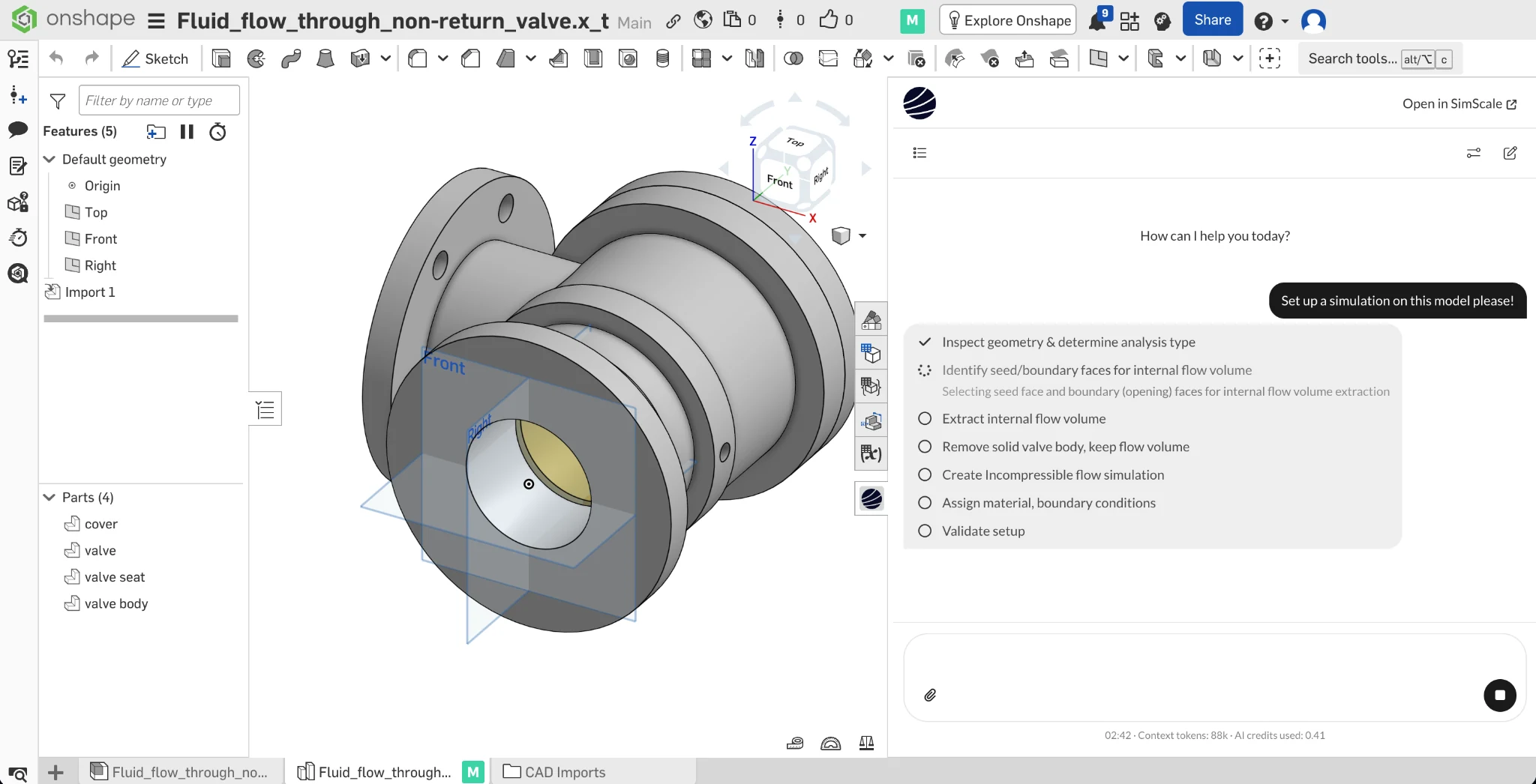
How to run CFD, thermal and FEA simulation on Onshape models in the browser with SimScale, including a six-step CFD workflow.

Guillermo Giraldo
September 11, 2026



Luis Goncaves
August 4, 2026
Luis Goncaves
June 18, 2026
Luis Goncaves
January 27, 2026

Alex Graham
September 15, 2026
Alex Graham
August 4, 2026
Steve Lainé
July 6, 2026

Peter Selmeczy
July 9, 2026
Peter Selmeczy
March 24, 2026
Peter Selmeczy
September 10, 2025

jwebster
September 15, 2026
Peter Selmeczy
September 3, 2026
SimScale supports all major pedestrian wind comfort standards including Lawson LDDC, Lawson Comfort Criteria, NEN 8100, AS/NZS 1170.2, and the Davenport classification. Results can be output in formats compatible with planning submission requirements across UK, EU, US, and APAC jurisdictions.
SimScale provides a Python SDK and REST API that integrate directly with Rhino and Grasshopper. KPF, for example, built a full in-house Rhino app using the SimScale wind simulation engine in under 3 months, then deployed it to over 100 architects globally. Custom parametric simulation workflows can be built and run without leaving the Grasshopper environment.
Yes. SimScale’s guided workflow, automated meshing, and ready-made templates are designed for architects and designers without deep simulation expertise. Thornton Tomasetti’s digital wind tunnel app, for example, lets structural engineers run CFD simulations directly in Rhino without any CFD specialist involvement.
The Lattice Boltzmann Method (LBM) pacefish® solver is SimScale’s high-performance transient solver built for urban wind and AEC applications. It is up to 10× faster than traditional RANS-based CFD solvers for wind comfort studies, and its robust meshing handles complex urban geometries with minimal manual cleanup, which is critical when working with architect-authored models from Rhino, Revit, or SketchUp.
Yes. SimScale’s simulation outputs can support evidence generation for sustainability certifications including LEED, BREEAM, and WELL. Relevant analysis types include pedestrian wind comfort, outdoor thermal comfort, indoor air quality, natural ventilation performance, and solar radiation. Simulation data produced in SimScale can contribute to credit submissions for energy and atmosphere, indoor environment quality, and sustainable sites categories.
Explore industries
Start designing better-performing buildings today
Join 900,000+ engineers who use SimScale to make performance-driven design decisions, meet wind and thermal comfort standards, and deliver better-performing buildings.





