Robotics Simulation
Validate robot hardware faster with AI-native simulation
Replace prototype cycles with cloud-native simulation that delivers results in hours or minutes. Run FEA, thermal, CFD, and electromagnetics analysis on autonomous mobile robots, legged robots, and industrial arms to prove structural durability, motor and electronics thermals, and fatigue life before you build.
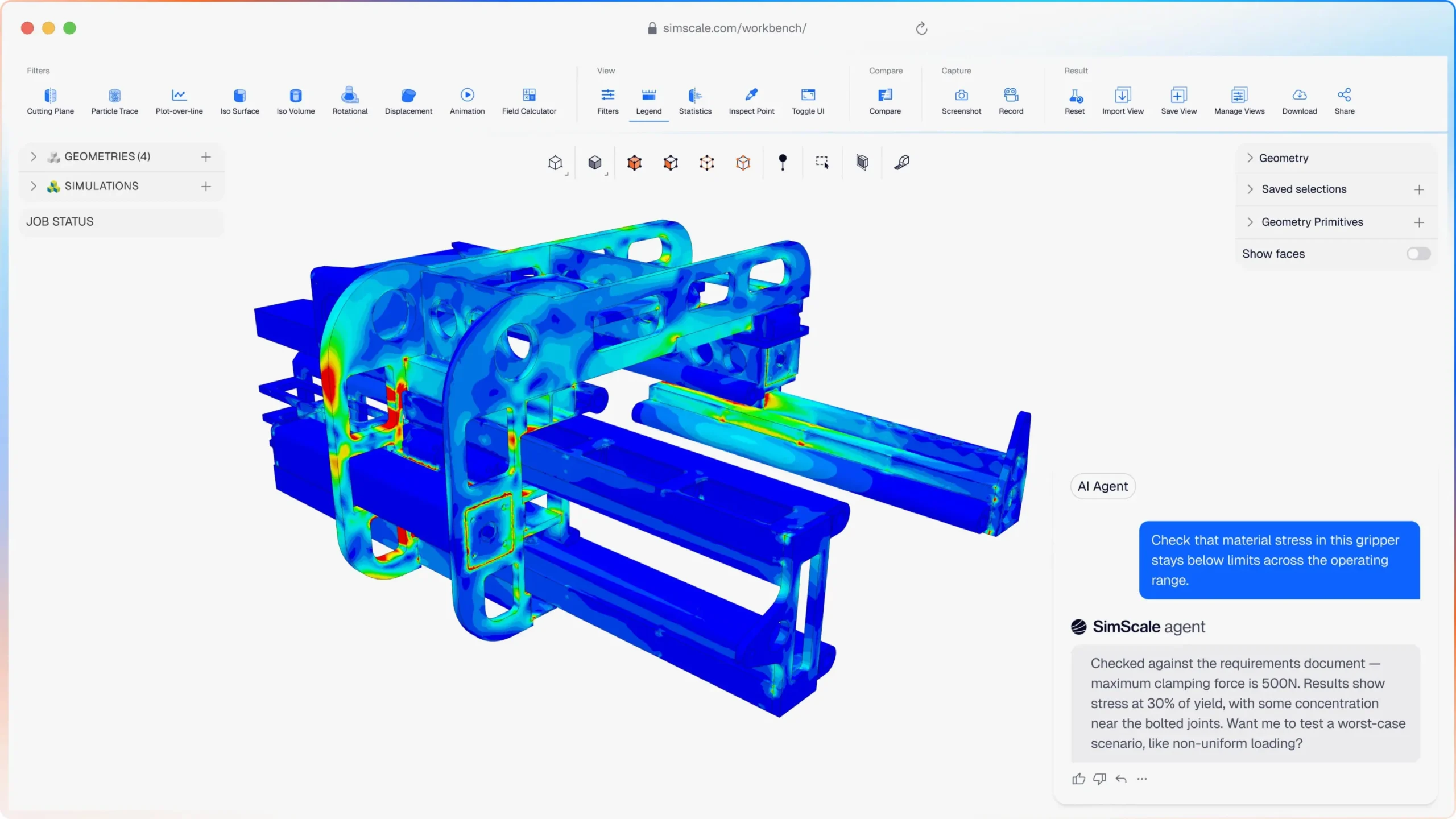




Motor thermals, structural loads, vibration, and impact durability all interact. Physical prototype rigs are too slow to explore that space. SimScale, runs the physics in hours, so you validate hardware early, before the design locks in and changing direction gets expensive.
Robotics simulation that covers your full hardware design challenge
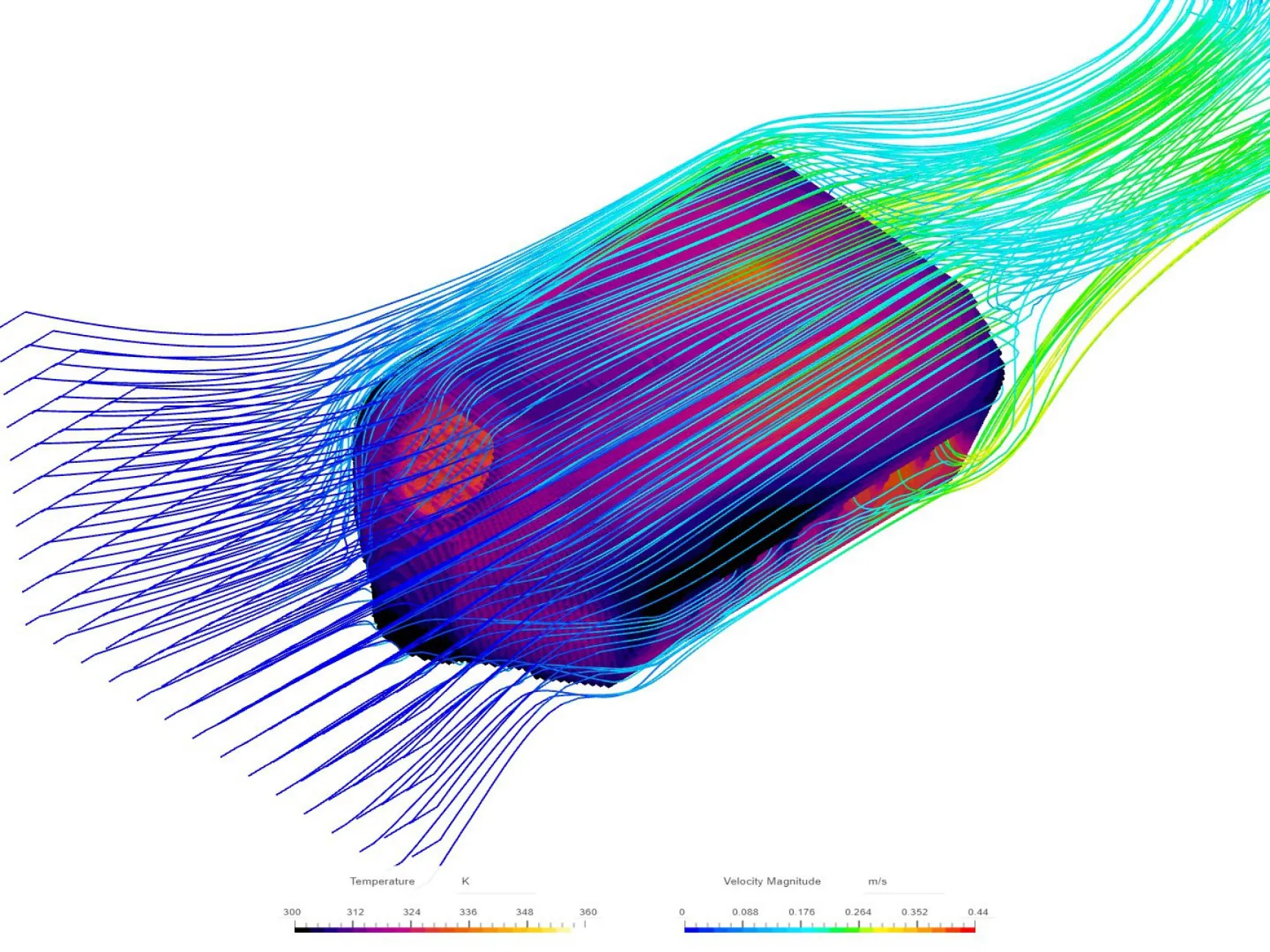
All the physics your robotics team needs
CFD, FEA, thermal, electromagnetic, and vibration analysis in one cloud platform. Run conjugate heat transfer on a servo motor and its enclosure to keep the electronics within their thermal envelope, structural FEA on the chassis to prove it survives impact and load, and a modal analysis on the arm to check for resonance, all on the same CAD model, without switching tools or queuing for HPC. One workspace, every analysis your robot needs.
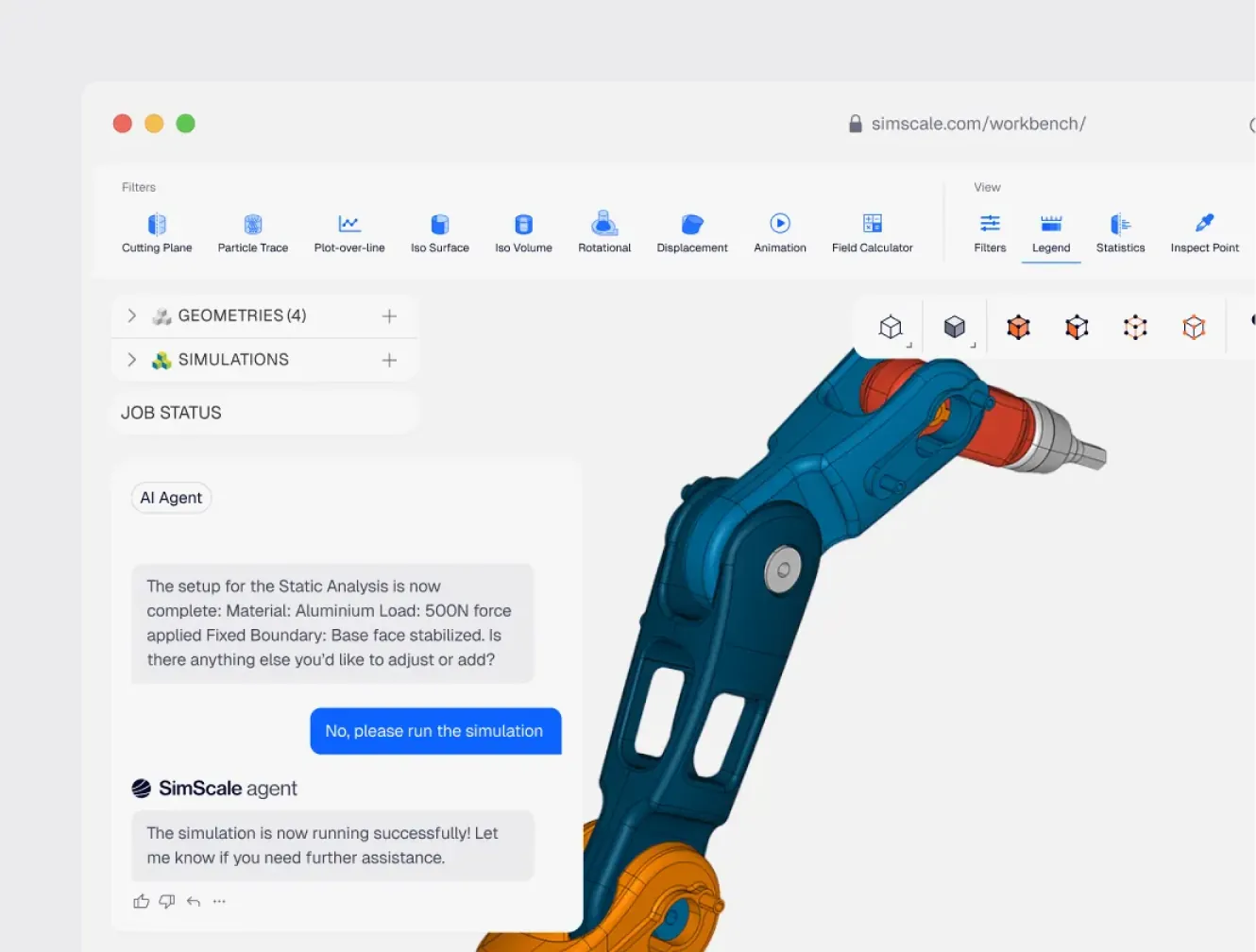
Engineering AI and Physics AI for robot design
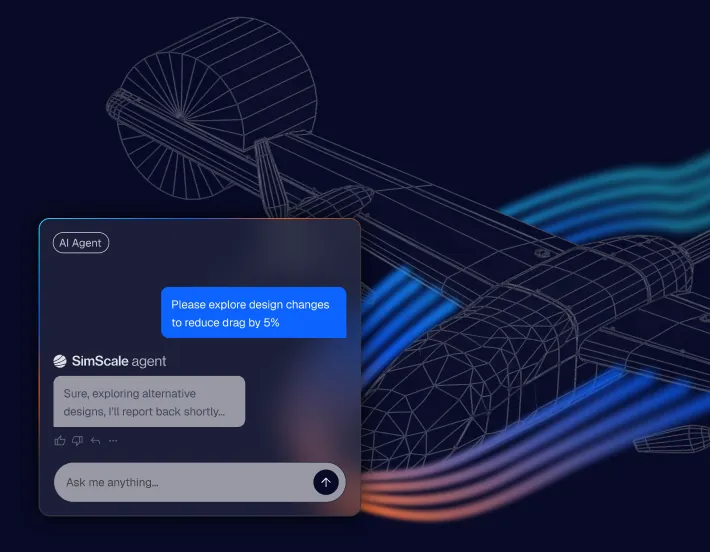
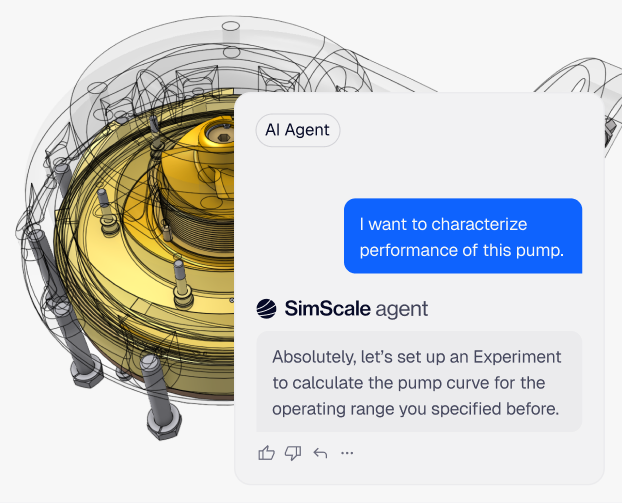
Engineering AI orchestrates the full setup, handling geometry import, meshing, loads and boundary conditions, and the parametric sweeps, so running a study no longer depends on a dedicated CAE specialist. Design engineers can stand up a trustworthy simulation in a fraction of the time, shifting validation earlier in the design cycle. Physics AI then learns from those high-fidelity results to predict new variants in near real time, so your team explores the rest of the design space in seconds, with engineers steering every decision.
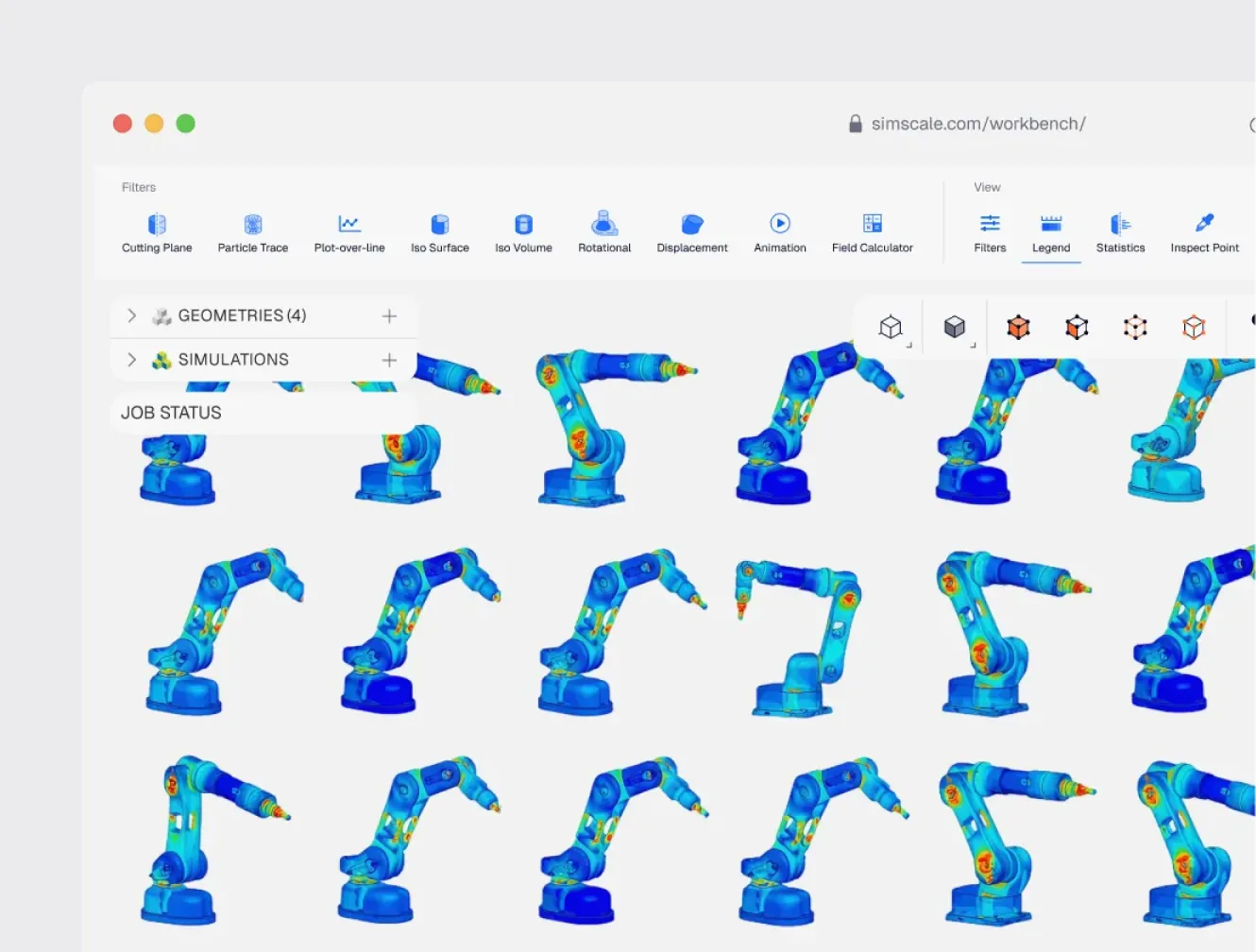
Scale across the cloud, not the server room
No HPC, no VPN, no install. Run hundreds of robot simulations in parallel from a browser, anywhere. Because compute is cloud-native and scales on demand, the whole engineering team can run studies from any location, including remote design centres, with nothing to set up or maintain locally.
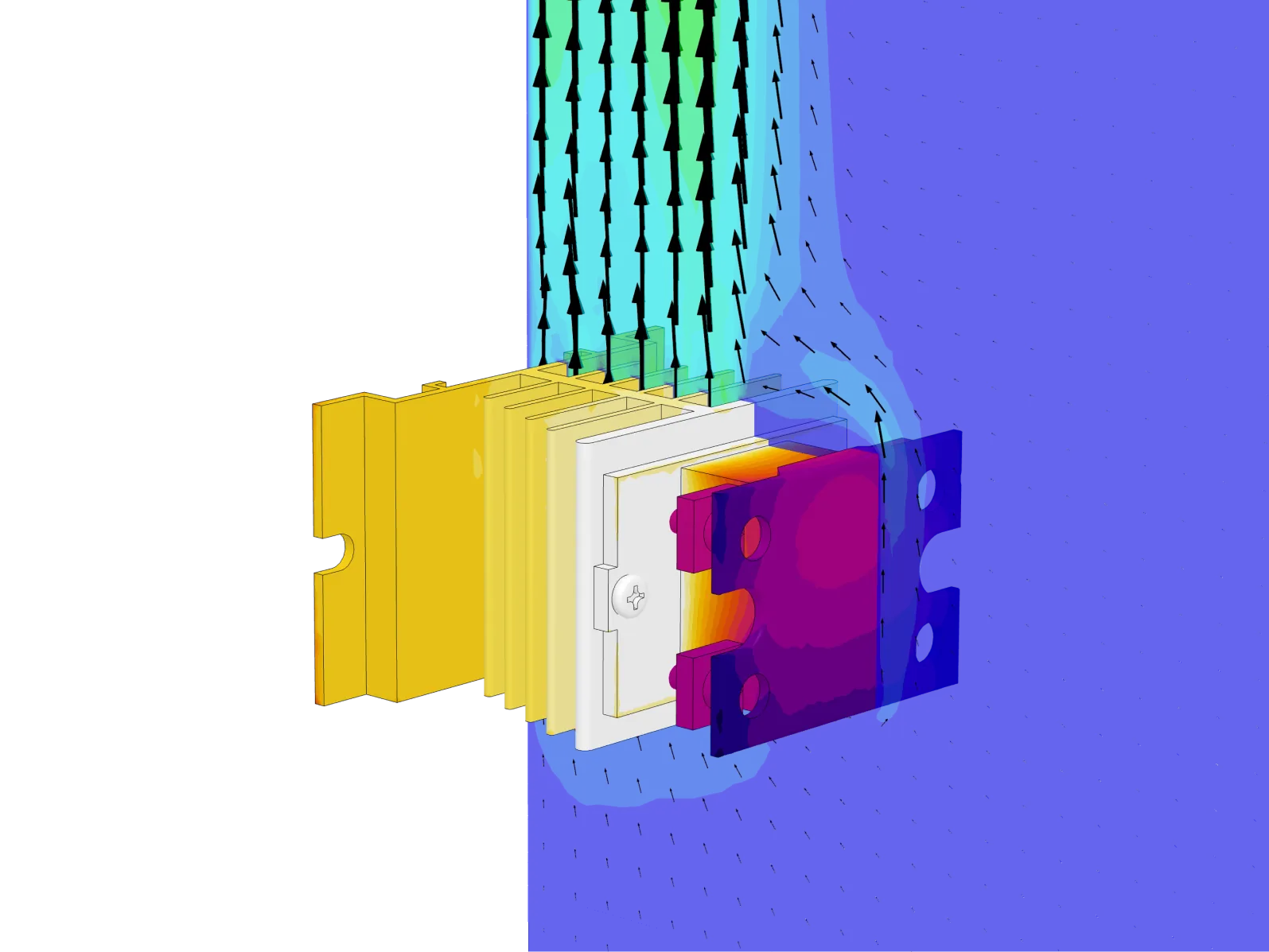
Thermal management for motors, electronics, and batteries
Predict junction and winding temperatures on servo motors and harmonic drives, and keep CPUs, LIDARs, encoders, drive electronics, and battery packs inside their thermal envelope. Run conjugate heat transfer (CHT) with forced or natural convection to size fans, heat sinks, and cooling paths, and catch hotspots before the bench.
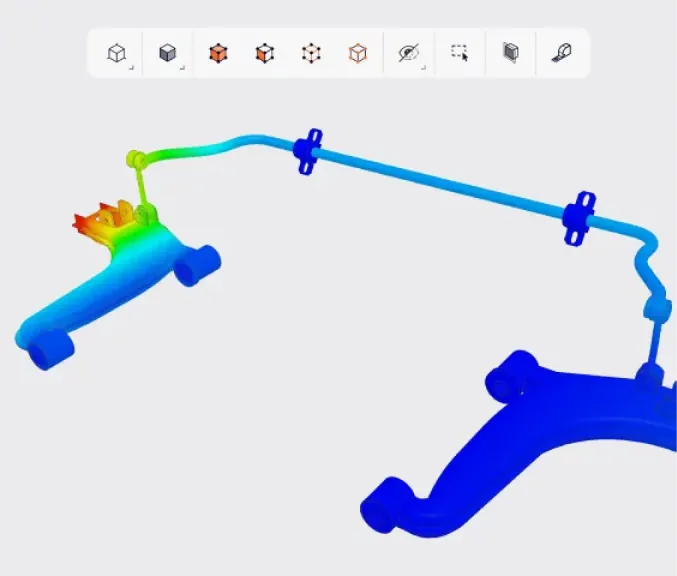
Structural FEA for robot bodies, chassis, arms, and drivetrains
Validate static structural margins, payload deflection, and weight-to-strength across robot bodies, chassis, arms, joints, and mounts. Run nonlinear contact, fatigue, and impact/drop analyses to prove durability against falls, rollover, and high-cycle joint and drivetrain loads, with results that map back to your structural test plan.
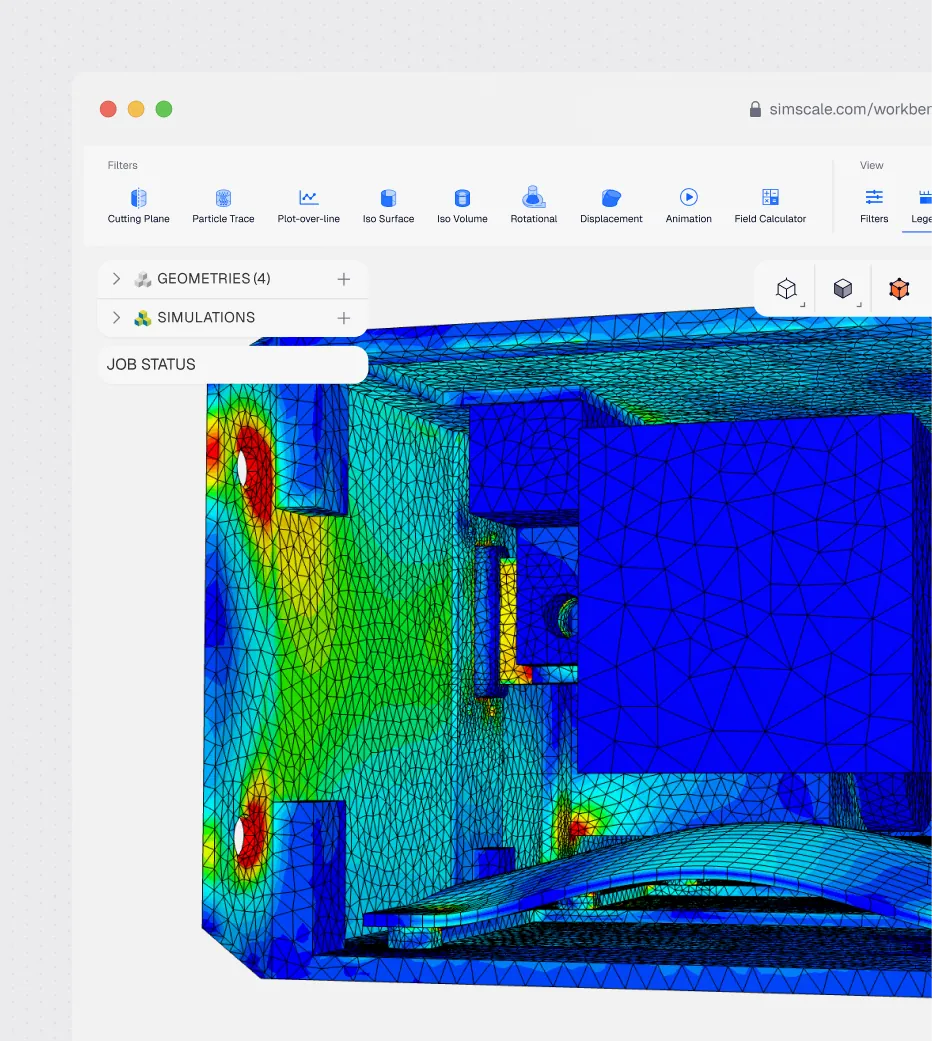
Vibration, modal, and harmonic analysis
Identify natural frequencies and mode shapes that fall inside operating ranges. Run modal and harmonic response on arms, chassis, and critical components to predict resonance risk and confirm that structural dynamics won’t compromise sensors, joints, or service life.

100s
of parallel cloud simulations per design cycle, replacing physical prototypes
“Autonomous robotics require demanding engineering simulation that can account for a broad range of physical phenomena. With SimScale we found our ideal balance between ease of use, variety of capabilities, and the ability to handle complex physics.”
Dr. Alessandro Scafato — Senior Development Engineer, ANYbotics

80+
Cloud simulations run to validate an autonomous cargo vehicle chassis, with no on-prem HPC
“A static run of a 2.6M-element chassis model took around 15–20 minutes on a 64-core machine, with the focus on torsional stiffness under opposing wheel-reaction loads.”
Ati Motors

50%
Fewer physical prototypes when FEA was added to the design phase
“Support is super good! The few times I had something wrong or hadn’t understood something, I would simply email the Customer Success Engineer and minutes later the solution was there.”
Fabrizio Pauri — CEO and Chief Engineer, Carbomech
Related resources
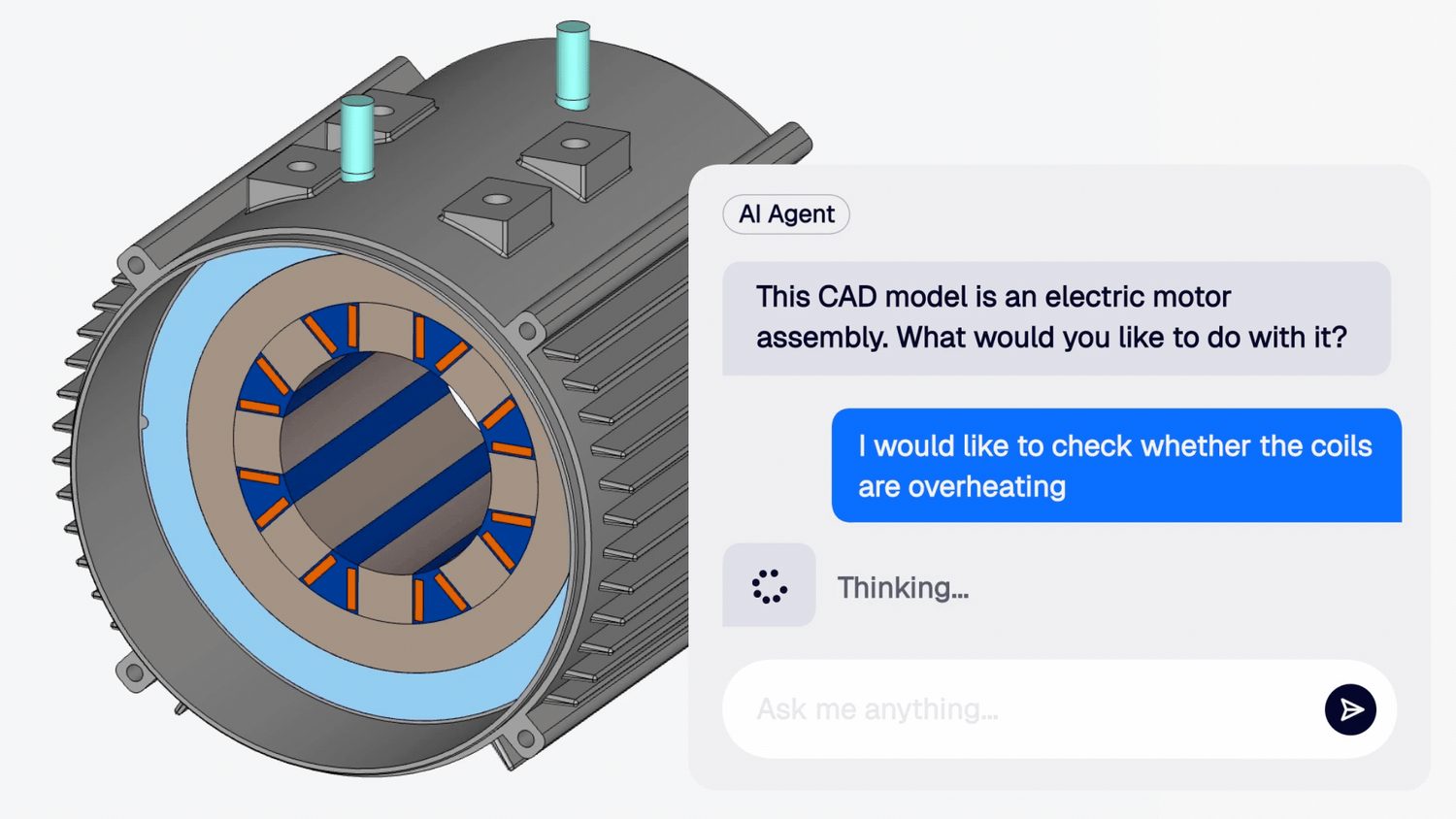
Engineering AI, explained
Engineering AI is SimScale’s agent that sets up, runs, and reports on simulations from plain-language requests, often without a specialist.

Alex Graham
September 30, 2026
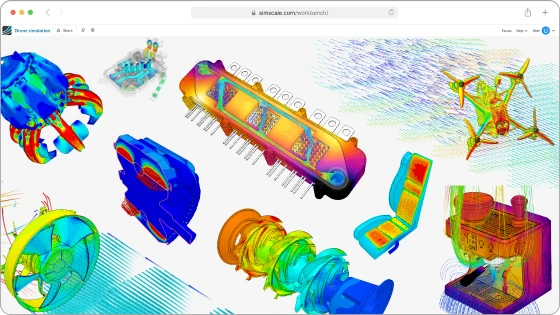
What’s new in SimScale: autumn 2026
SimScale’s autumn 2026 release: the Engineering AI agent is now free on every plan, plus Marc thermo-mechanical, circuit coupling and CAD repair.
Alex Graham
September 29, 2026
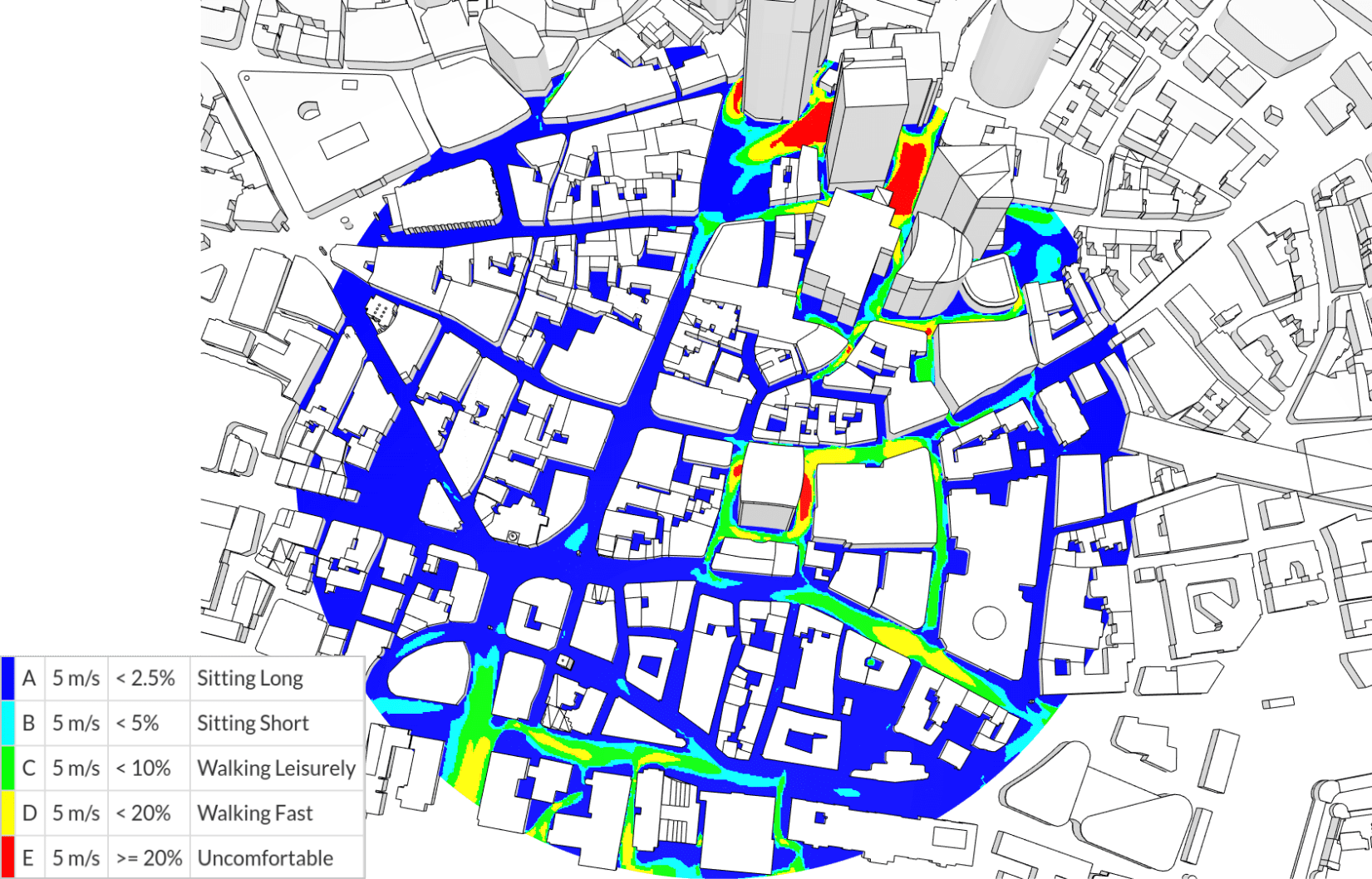
NEN 8100: the Dutch wind comfort and wind danger criteria explained
The Dutch NEN 8100 standard scores pedestrian wind comfort in five classes from one 5 m/s threshold, with a separate 15 m/s danger criterion.

Guillermo Giraldo
September 25, 2026



Luis Goncaves
August 4, 2026
Luis Goncaves
June 18, 2026
Luis Goncaves
January 27, 2026

Peter Selmeczy
September 28, 2026
Alex Graham
September 15, 2026
Alex Graham
August 4, 2026
Peter Selmeczy
July 9, 2026
Peter Selmeczy
March 24, 2026
Peter Selmeczy
September 10, 2025
Peter Selmeczy
September 23, 2026

jwebster
September 15, 2026
FAQs
Common questions from robotics engineering teams evaluating SimScale for hardware design and validation.
ContactSimScale covers the physics of robot hardware in one cloud platform: structural FEA on robot bodies, chassis, arms, joints, and mounts; thermal and conjugate heat transfer on motors, actuators, and electronics enclosures; vibration, modal, and harmonic response; drivetrain stress, fatigue, and impact/drop durability; and CFD with conjugate heat transfer where airflow or cooling matters. You can run all of these on the same CAD model, without switching tools.
No. SimScale validates the hardware physics (structural, thermal, and vibration) using static and transient FEA, thermal, and CFD. It does not simulate motion, control, or kinematics; for that, teams use dedicated motion and robotics simulators such as Isaac Sim, Gazebo, or RoboDK alongside SimScale. SimScale’s job is to prove the hardware is durable and thermally sound before it’s built.
Upload your robot CAD assembly directly in the browser: SolidWorks, Onshape, CATIA, and STEP all import natively, with no local install. Update the geometry and your saved simulation setup re-runs against it, so design iterations don’t lose progress and your CAD stays the single source of truth.
Yes. Run transient and nonlinear FEA to simulate impacts, drops, and rollover, and quantify peak stress and deformation against your structural requirements. Legged and mobile-robot makers use this to prove that bodies, enclosures, and sensor mounts survive real-world handling, replacing many physical drop-test prototypes with cloud simulation runs.
SimScale runs entirely in the browser, with no install, VPN, or HPC procurement. Engineers can upload a CAD assembly and set up a first analysis in a session, with Engineering AI assisting setup and parametric sweeps so new users reach valid results faster.