Transformer Simulation Software
Cut transformer losses and optimize thermal performance with AI-native simulation
Simulate electromagnetic field distribution, predict core and copper losses, and validate cooling strategies for power and distribution transformers. Use Engineering AI to automate setup and Physics AI to eliminate solve time, all in a high-performance cloud environment.
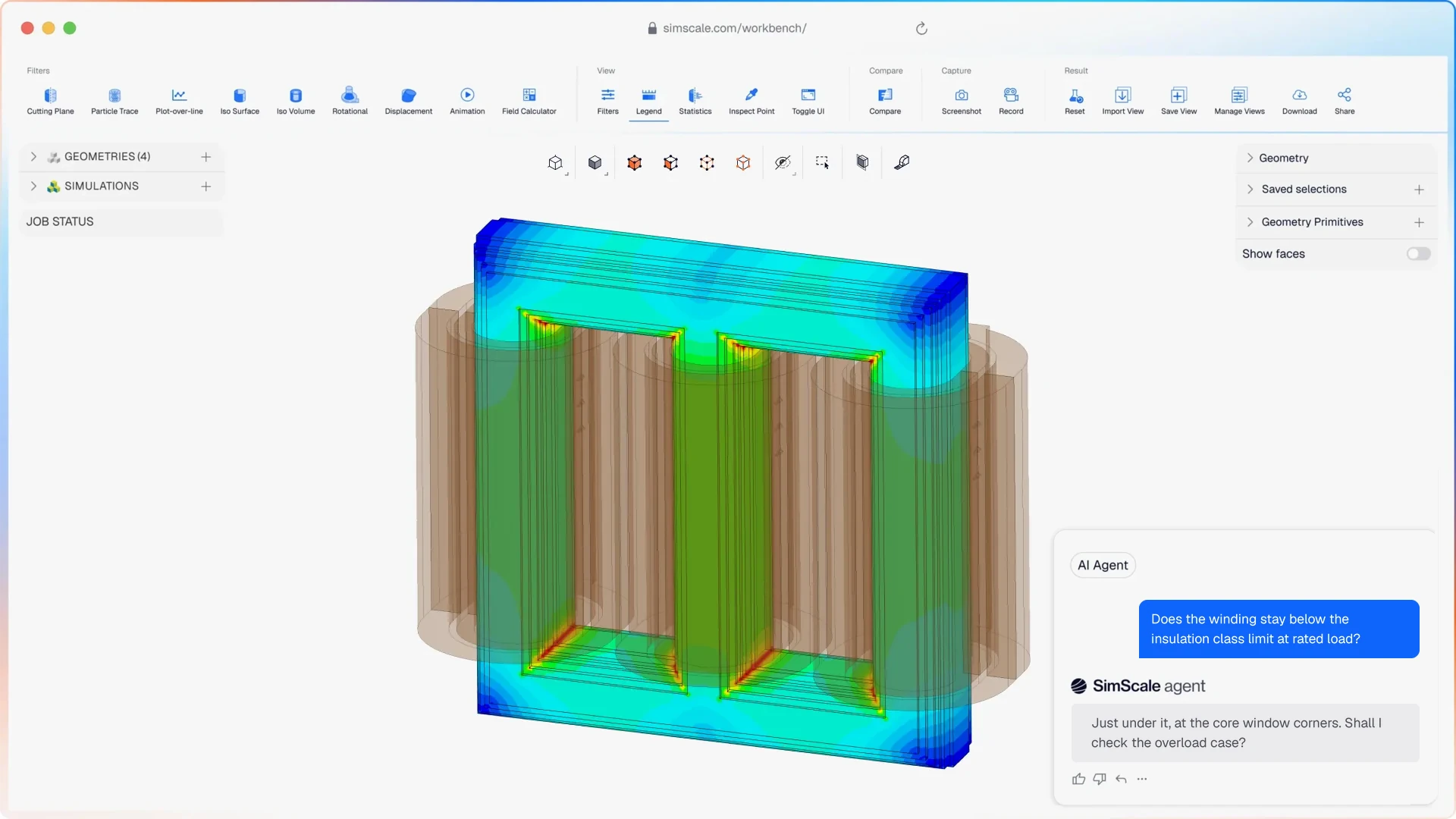




Transformer development spans electromagnetic, thermal, and structural physics, often requiring separate tools and physical prototypes. SimScale unifies all three in the cloud. Teams can reduce core losses, optimize winding geometry, and validate cooling strategies without switching platforms.
Transformer simulation that covers your full design challenge
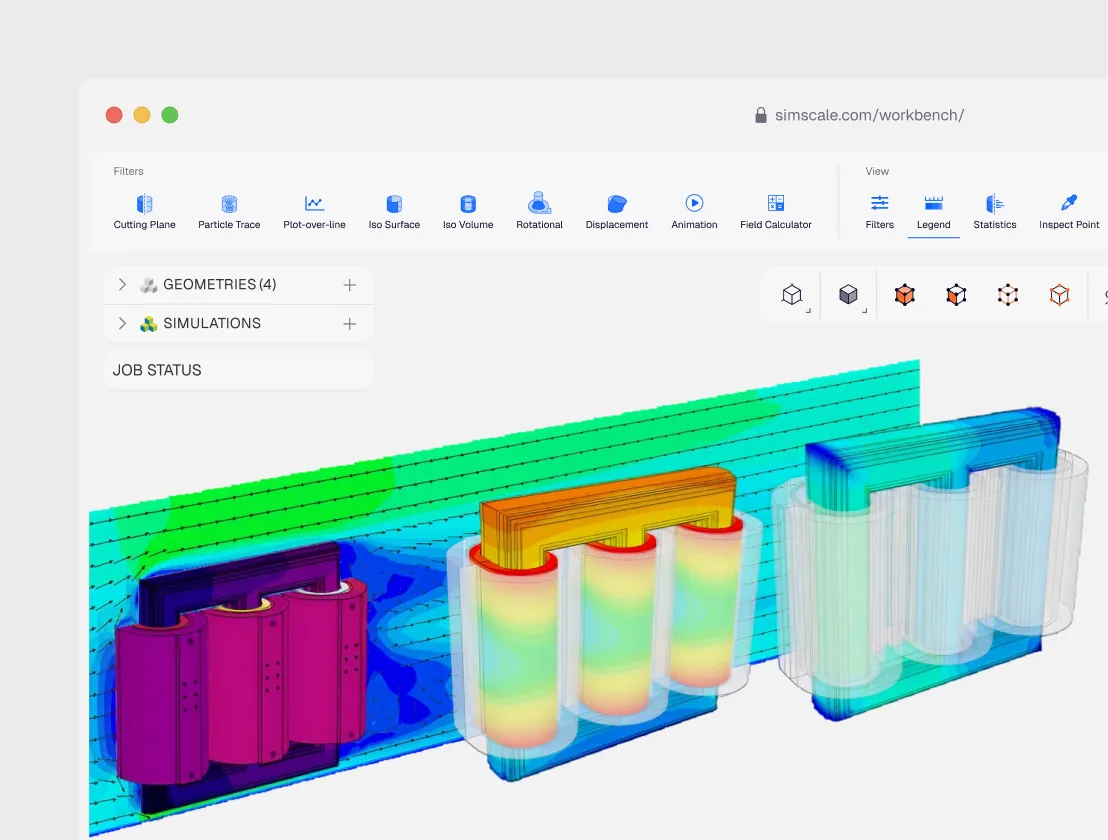
EM, thermal, structural, and fluid analysis in one platform
Visualize 3D flux distribution, compute eddy current and hysteresis losses, and evaluate dielectric safety margins — then map those losses directly onto thermal models to predict winding hotspots and optimize cooling. Add FEA to assess mechanical stress from short-circuit forces and magnetostriction.
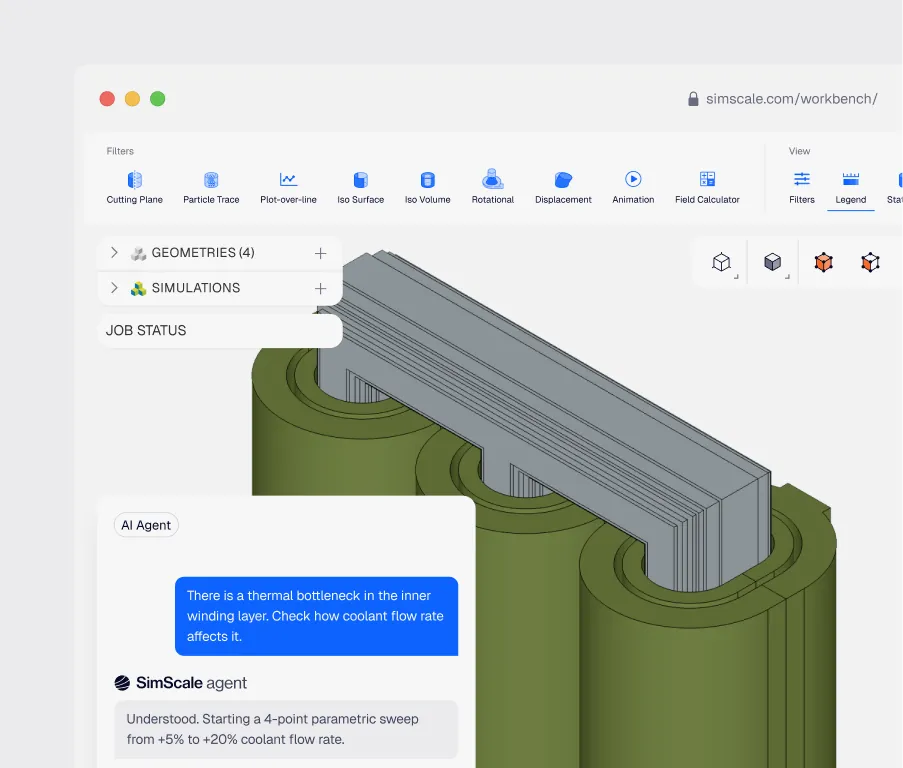
AI-accelerated transformer setup and analysis
Automate meshing, setup, and analysis with Engineering AI — so engineers spend more time evaluating winding configurations, core materials, and cooling strategies, and less time clicking through options.
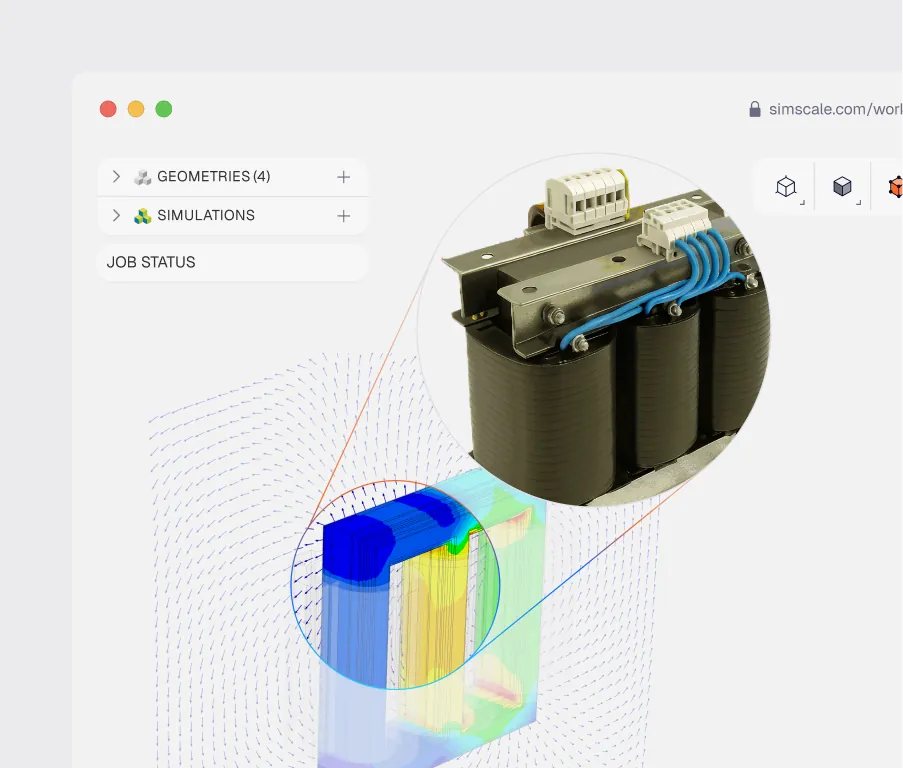
Cloud-native simulation — from any browser, at full scale
Import transformer geometry from SolidWorks, CATIA, Inventor, or any standard CAD format and run multiple designs, cooling configurations, or load cycles in parallel — from any web browser, no installation required. Share validated electromagnetic and thermal results with your design team or certification authority in real time.
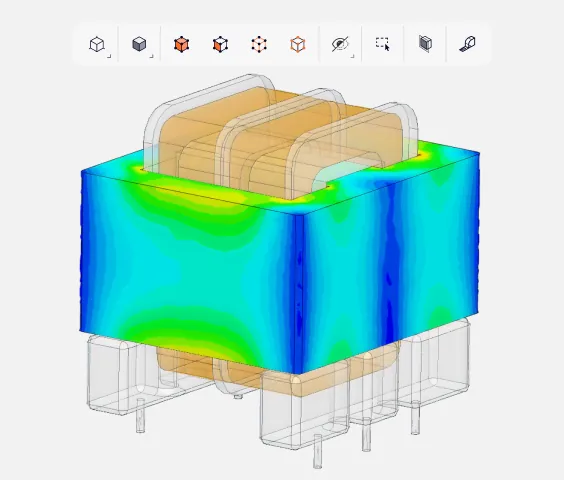
Power & grid transformers
Predict voltage regulation, flux density, and loss distribution under real load cycles. Combine electromagnetic and thermal analysis to optimize cooling and assess long-term reliability.
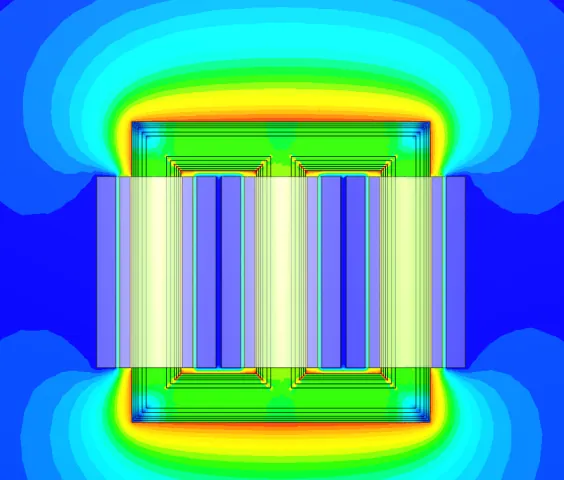
Distribution & medium-voltage transformers
Evaluate material choices, lamination geometry, and winding arrangements to reduce core and copper losses while verifying insulation safety at rated voltage.
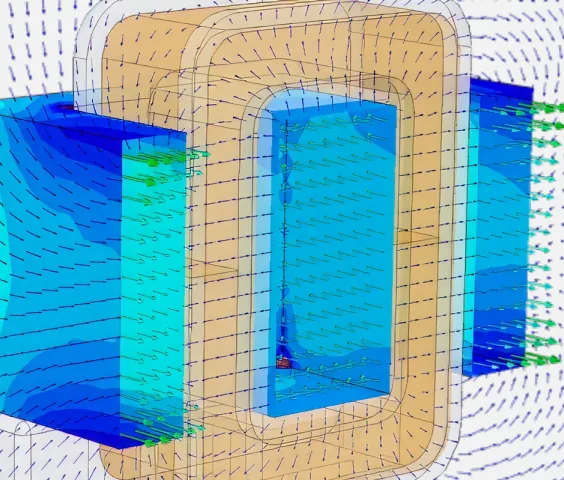
Power electronics & high-frequency transformers
Analyze skin and proximity effects, copper losses, and insulation stress in gate drive, converter isolation, and resonant transformer designs for EV powertrains and industrial drives.

Countless
Simulation integrated into transformer enclosure tender proposals
“Simulation allows us to present prospective clients with highly accurate, data-driven proofs of our ventilation strategies during the tender phase.”
Dr. Richard Wilson — Acoustic Design Engineer, Merford

Reduced
physical prototyping, faster time to market
“Due to the cloud-native nature of the solvers, the simulation speed is essentially a non-issue because I can add on more cores for faster simulation as needed. I can run 1, 2, or 20 simulations in parallel without worrying about hardware needs.”
Andrzej Tunkiel — Mechanical Team Lead, EASEE

2×
faster iteration cycles
“Getting speed, accuracy, usability, and cost efficiency in one package is hard to find anywhere else.”
Maximilian Güttinger — CEO & Co-founder, Emil Motors
Related resources
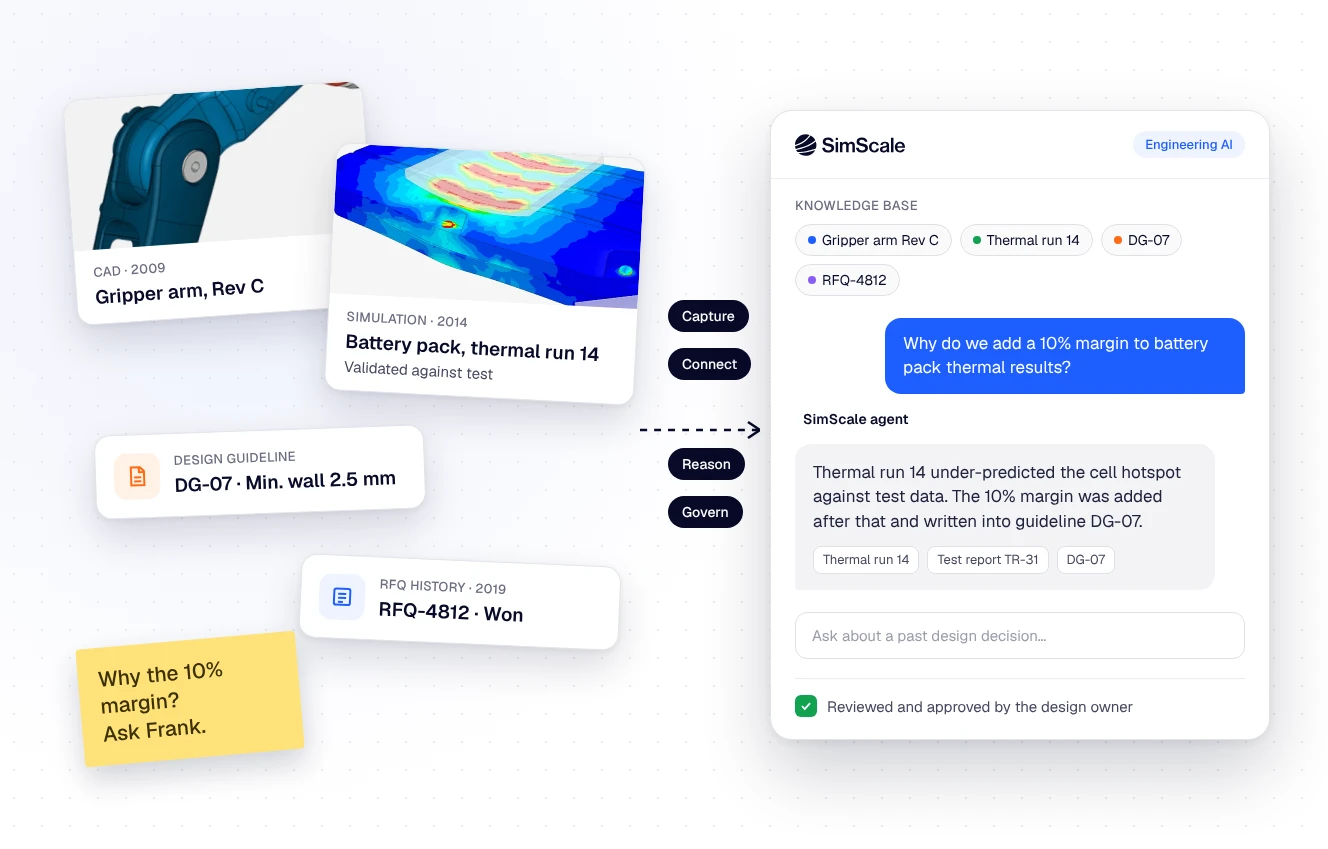
Tribal knowledge in engineering: how to capture 40 years of design decisions before they walk out the door
What tribal knowledge is, where it hides in engineering teams, and a five-step method to capture design decisions as validated, traceable context for AI agents.

Peter Selmeczy
November 2, 2026
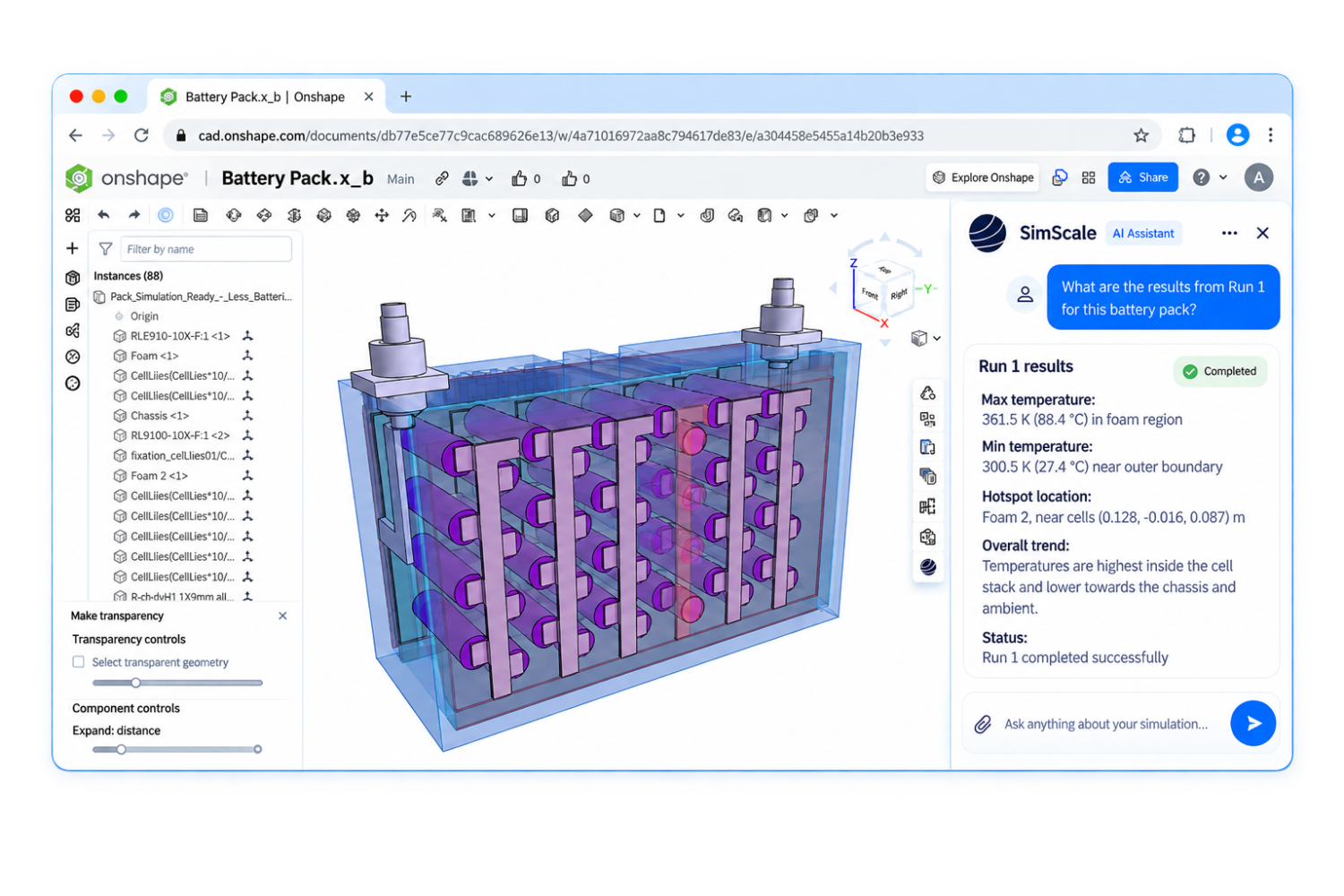
Text to CAD to simulation and optimization for manufacturing
Why text to CAD falls short for manufacturing, how the Onshape FeatureScript MCP turns prompts into reusable parametric tools, and how the SimScale agent tests them.
Peter Selmeczy
October 30, 2026

What 1,000 engineers at Agentic Unlocks told us about AI
Live poll results from Agentic Unlocks: only 1 in 20 engineering teams are scaling AI, plus practitioner advice for every stage of adoption.

Alex Graham
October 23, 2026



Luis Goncaves
August 4, 2026
Luis Goncaves
June 18, 2026
Luis Goncaves
January 27, 2026
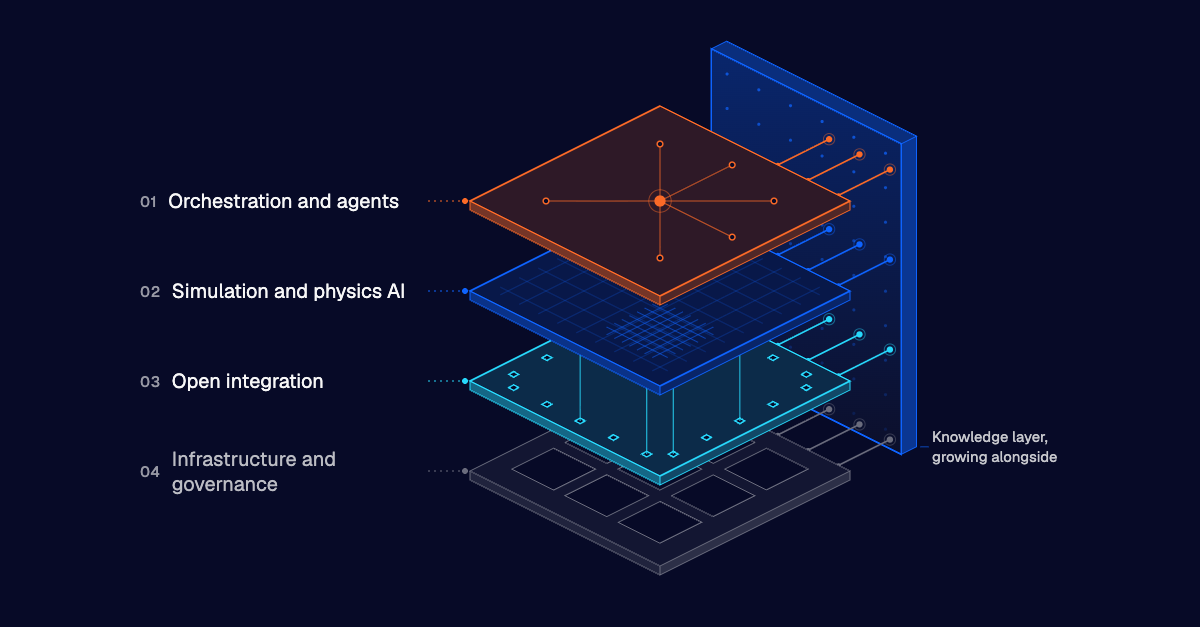

Steve Lainé
October 28, 2026
Steve Lainé
October 9, 2026

Peter Selmeczy
September 28, 2026
Peter Selmeczy
July 9, 2026
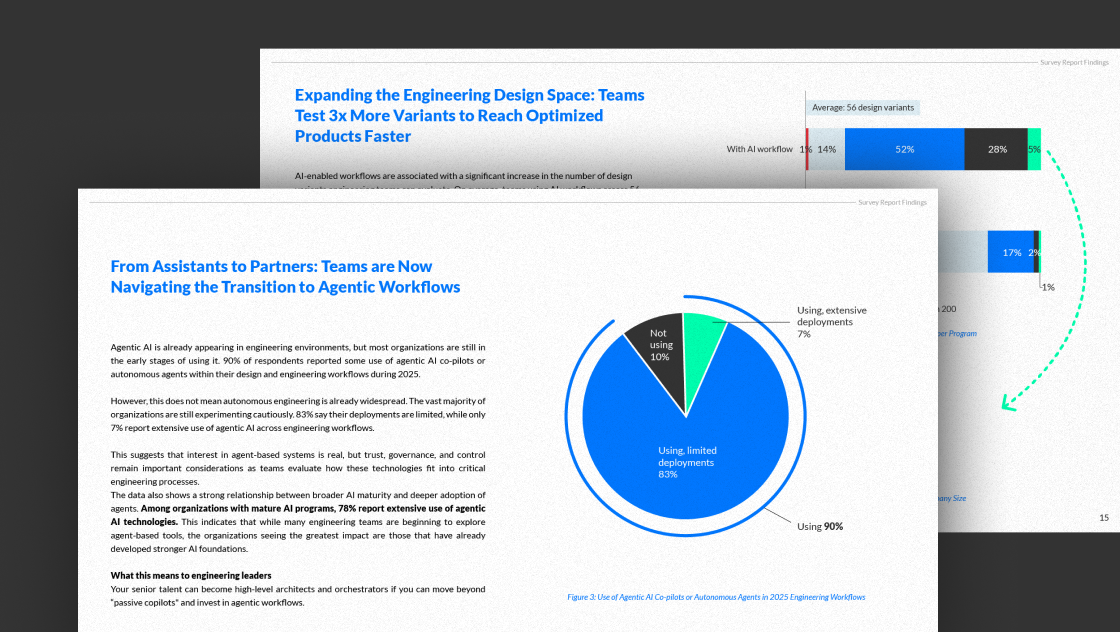
Peter Selmeczy
March 24, 2026
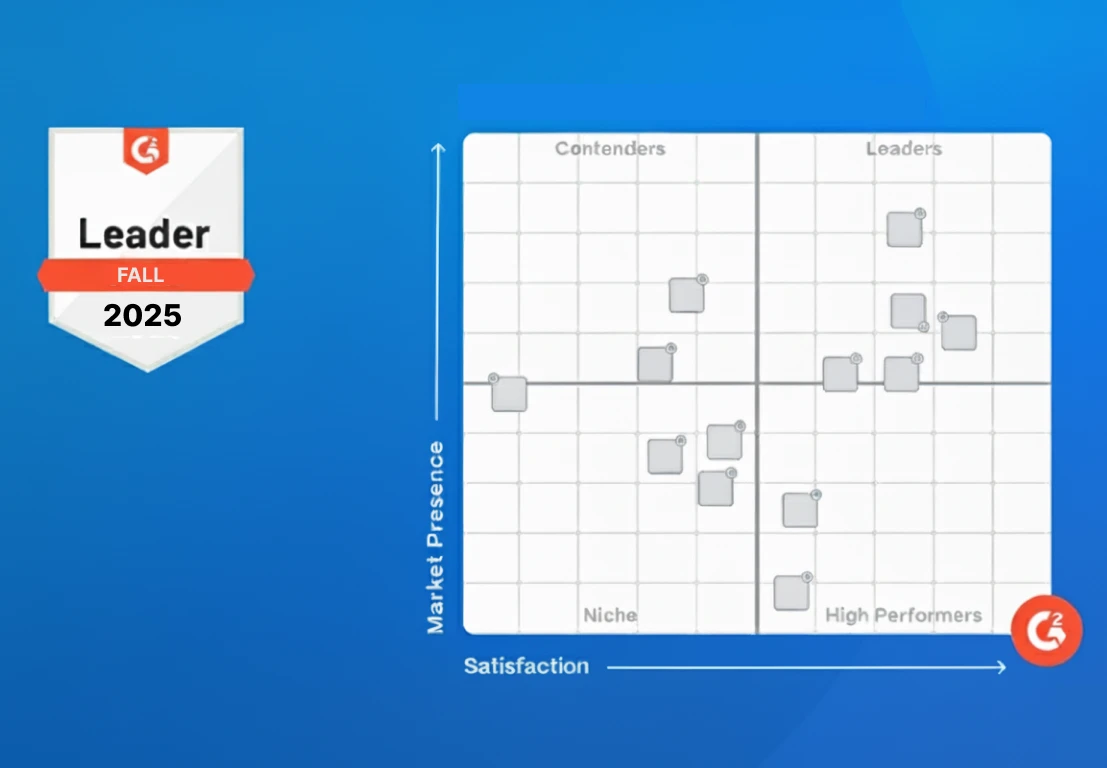
Peter Selmeczy
September 10, 2025
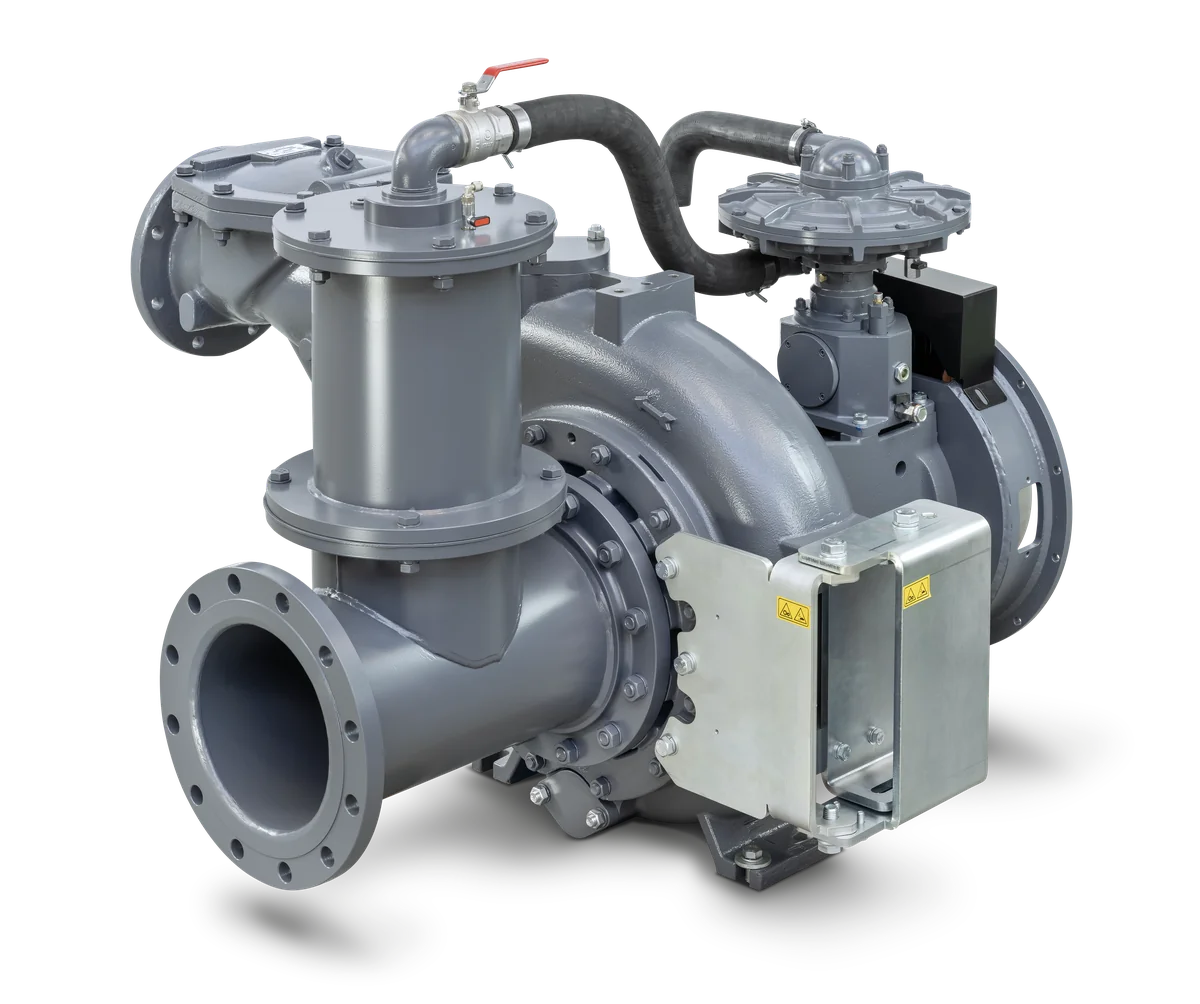
Peter Selmeczy
September 23, 2026

jwebster
September 15, 2026
FAQs
New to transformer simulation or evaluating SimScale? Here are the questions we hear most.
ContactSimScale supports power and grid transformers, distribution and medium-voltage transformers, dry-type transformers, oil-cooled transformers, and power electronics transformers including gate drive, converter isolation, and resonant designs.
Yes. SimScale models natural air cooling (AN), forced air cooling (AF), oil natural air natural (ONAN), oil natural air forced (ONAF), oil forced air forced (OFAF), and water-cooled systems — enabling complete cooling optimization for any transformer type.
Yes. SimScale couples electromagnetic, thermal, and structural simulation to analyze transformer temperature rise and cooling performance, thermal expansion and mechanical stresses, vibration and acoustic noise from magnetostriction, and electromagnetic-thermal-fluid interactions in oil-cooled designs.
Yes. SimScale's electromagnetic solver evaluates electric field distribution and dielectric stress in insulation systems under rated and overload voltage conditions, supporting high-voltage safety verification and compliance assessment.
No. SimScale is 100% cloud-native. Import your transformer CAD geometry and start simulating from any web browser with no installation.