
Engineering teams switch to cloud-native tools for what it gets them: more speed, running simulations and studies in parallel instead of queuing for a workstation or cluster, and broader access with more flexibility across their organizations.
Those have been the reasons for years. But now there is another, and it is quickly becoming the more urgent: AI.
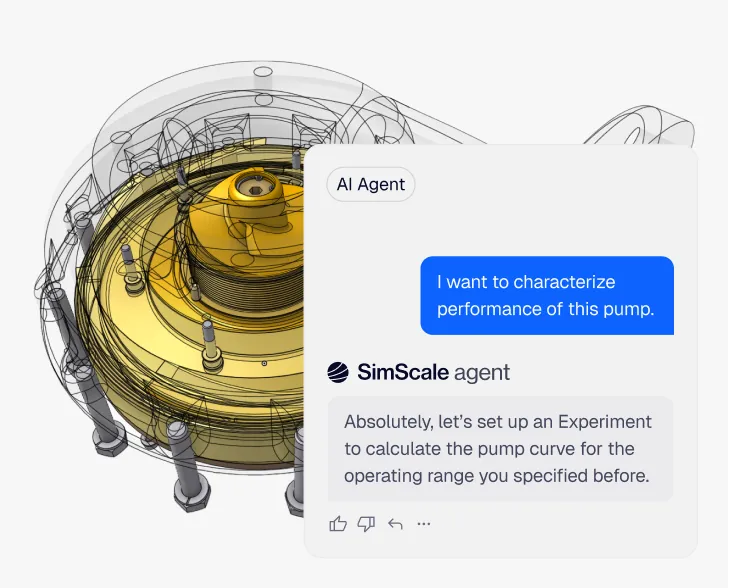
AI is starting to touch nearly every step of a simulation project. It can set up a case from a CAD file, define boundary conditions and mesh settings, predict a result in seconds instead of running a full solve, flag a design that will fail before it is built, and chain a design sweep or a report together without an engineer clicking through each step by hand. While engineers have been writing scripts to automate isolated aspects of their work for decades, the abilities of reasoning models and AI agents are having a profound impact, not just in increasing efficiency through automation but by augmenting the engineering power of users and teams.
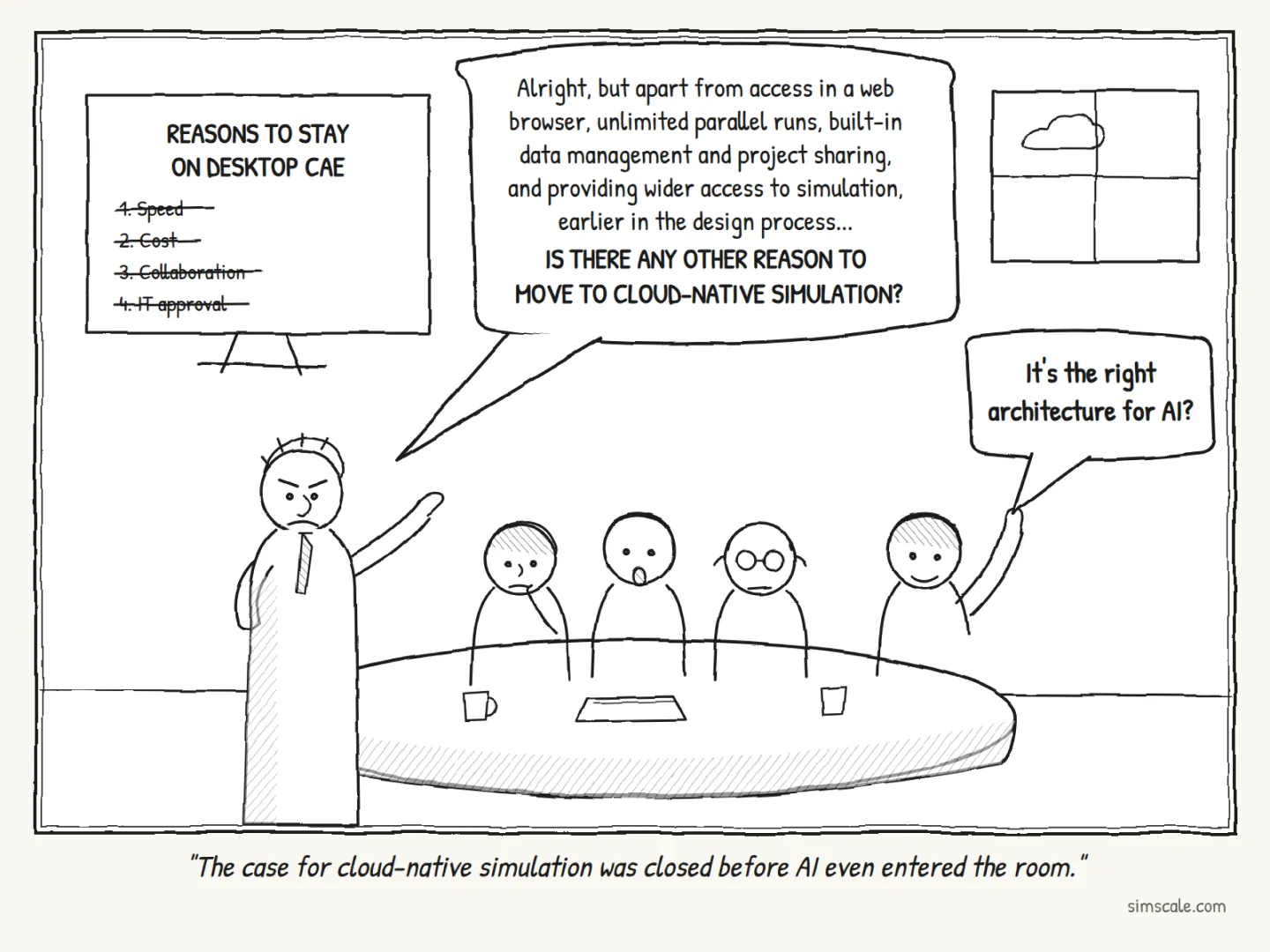
That scope of capability is exactly why the underlying architecture matters so much now. Confusingly, many CAE tools are now marketed as “cloud” solutions. Look closely at what you have actually got under the hood: some are desktop CAE tools with cloud-hosted services bolted on, and some have been redesigned from the ground up to live natively in the cloud. Only the second kind delivers the speed, reach, and AI depth that actually move the needle.
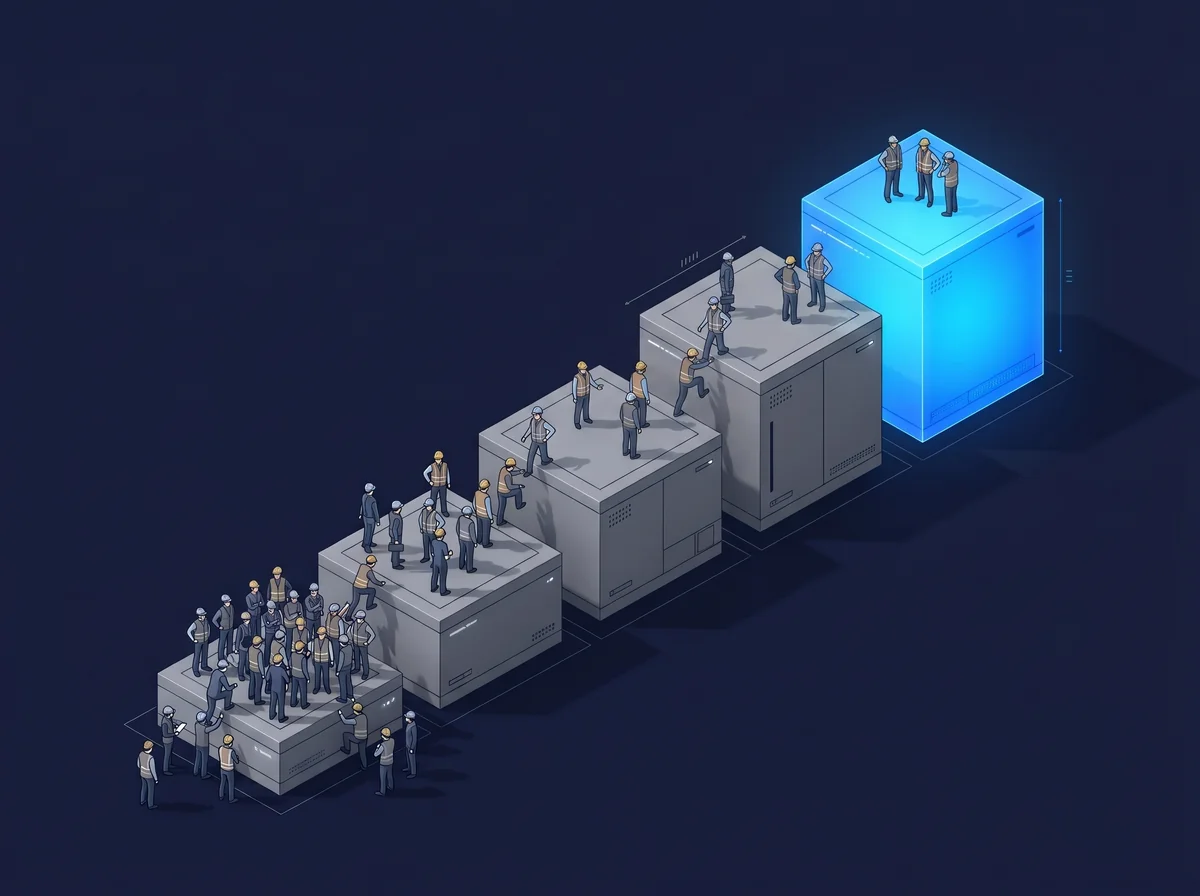
A cloud-connected license buys AI features bolted onto a local install. Cloud-native buys a platform an agent can run end to end, every day, with no hand-off in sight.
Deep integration is only possible when AI is part of the platform
A desktop AI add-on is limited by the machine it runs on. It sees whatever data sits on that install, uses whatever compute the workstation has, and going beyond that requires a hand-off to something else. Exploring an engineering decision end to end requires more scope, and so you will run into the age-old challenge of on-premises software interoperability. You’ll need a patchwork of connectors and scripts to go any further.
On a cloud-native platform, AI reaches into three layers at once. It works on the data layer, where every project, mesh, and result lives in one place. It calls the compute layer directly, spinning up parallel solves instead of waiting for a free core. And it sits inside the workflow, so a setup, a sweep, and a post-process are steps an agent can chain rather than tasks a person clicks through.
That is why Engineering AI and Physics AI must be integrated as native capabilities instead of plug-ins. Engineering AI automates setup, pre/post, and optimization loops because it can act on the project directly. Physics AI delivers near-instant predictions because the trained models, the high-fidelity solvers they learn from, and the data all share the same home.
Tell the AI agent what you want to do and watch it get to work
The same logic runs outward across the tool stack. Desktop CAE talks to other tools through file import and export and manual handoffs: save and export the CAD file, import to the simulation tool, save the model locally and then copy it to another filesystem to run the simulation. Cloud-native tools connect through APIs and live data. For example, SimScale integrates directly with Onshape so a design change can feed straight into a simulation workflow, closing the loop between CAD and CAE without a file ever touching a desktop.
Cross-tool connectivity is also what makes agentic workflows possible end to end. An agent can move from CAD to simulation to a report without leaving the cloud, because every step exposes an API and every result is already where the next step needs it.
Physics AI needs cloud-scale data and compute to keep improving
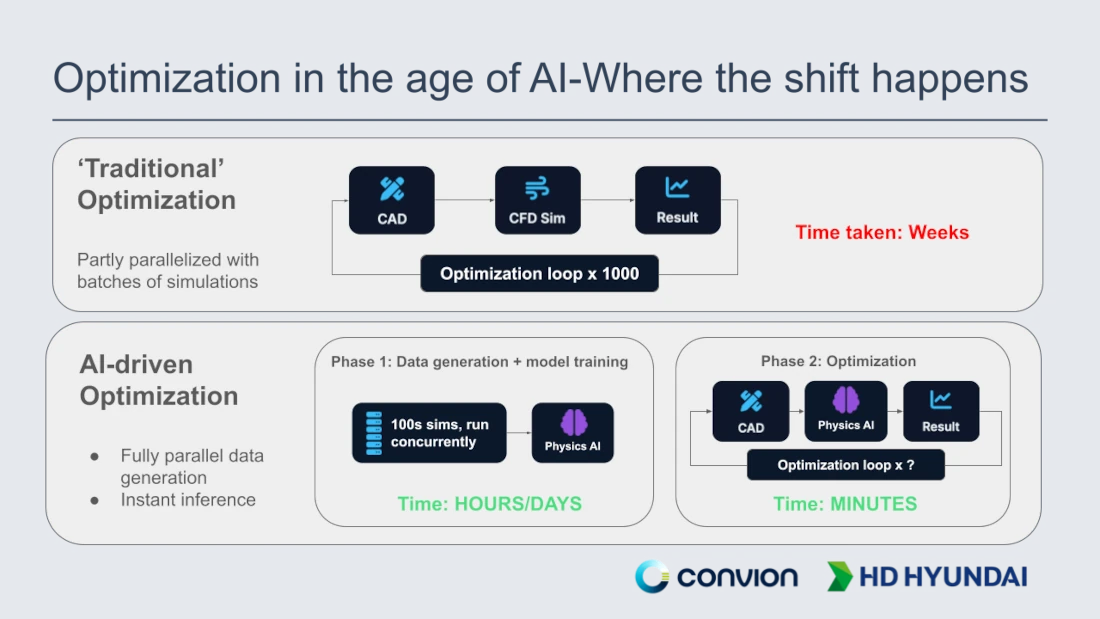
Physics AI inference is cheap once a model is trained: a prediction returns in seconds on modest compute. Building and validating that model is not. Training data comes from running the full-fidelity solver again and again across a wide sweep of conditions, and every prediction still needs to be checked against the solver from time to time to confirm it holds. That is where the compute and data volume actually go, and neither is available on a desktop install. A model frozen at its install date stays frozen.
A cloud-native model improves for everyone at once. The same data gravity that makes deep integration possible, all projects and results in one place, is what lets Physics AI keep learning, at a scale a workstation cannot reach. A trained model also does not stay on one machine: it is published and shared across the team in a few clicks, everyone gets the update when it is retrained, and every version stays tracked and traceable. When someone asks which model produced a prediction in a design review, there is an answer.
There is a second effect beyond model accuracy. A dataset that lives in one place is also an institutional record: every project, every mesh, every design decision, captured rather than scattered across individual laptops. Teams can mine that history for design rules, spot patterns across product lines, and hand a new agentic workflow a body of prior work to reason over instead of starting cold. A desktop install re-derives that judgment every time, project by project, analyst by analyst. A cloud-native one keeps it, and every new agent capability that ships gets something real to work against from day one.
Agentic workflows are the clearest evidence of why this is irreversible
Engineering AI agents orchestrate multi-step work. To do that, they need to run jobs in parallel, pull from knowledge repositories, and chain CAD to simulation to reporting. The bigger opportunity behind that orchestration is what it lets an engineer investigate: forty points in the design space instead of one. The solver is still the essential component behind reaching that scale, whether through a direct full-fidelity sweep or the training and validation work behind a Physics AI model described above, and that is exactly why the compute and licensing behind it need to scale on demand too. That is what exploring thousands of engineering decisions in seconds actually looks like on a real project. An agent that wants to fire 40 parallel runs needs 40 slots, not a queue, and local hardware and seat licenses were never built to provide that.
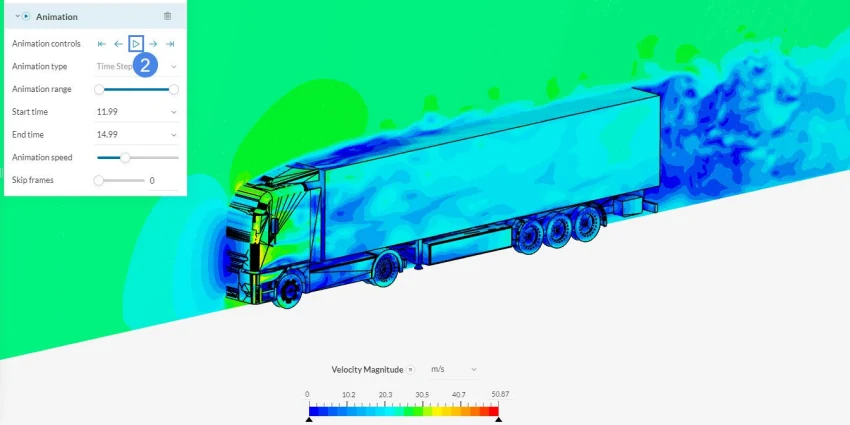
A design-of-experiments loop runs end to end without a human shepherding each step. A headless agent triggers off a CAD upload or a PLM event. RFQ response work gets automated against a library of governed templates. Check the video below to get an idea of how this looks.
This ties back to where we started. Agentic workflows, especially the cross-tool ones, are what becomes possible when AI lives inside the platform and the wider toolchain rather than alongside them. That is the reason the switch to cloud-native is not a trend that reverses. The capability ceiling on a desktop install is fixed. On a cloud-native platform it keeps rising.
If you want to see where your own stack sits on that curve, the State of Engineering AI report is a useful benchmark: cloud-native organizations were 3x more likely to have mature AI programs and 6x more likely to have clean, centralized data. The architecture you start from is the advantage you compound.
Start simulating in your browser
No install, no hardware, no credit card.