Valve Simulation Software
Optimize valve design faster with cloud-native CFD, FEA, and thermal analysis
From pressure drop prediction to cavitation risk assessment, simulate every aspect of valve performance directly in your browser, without hardware or installation.
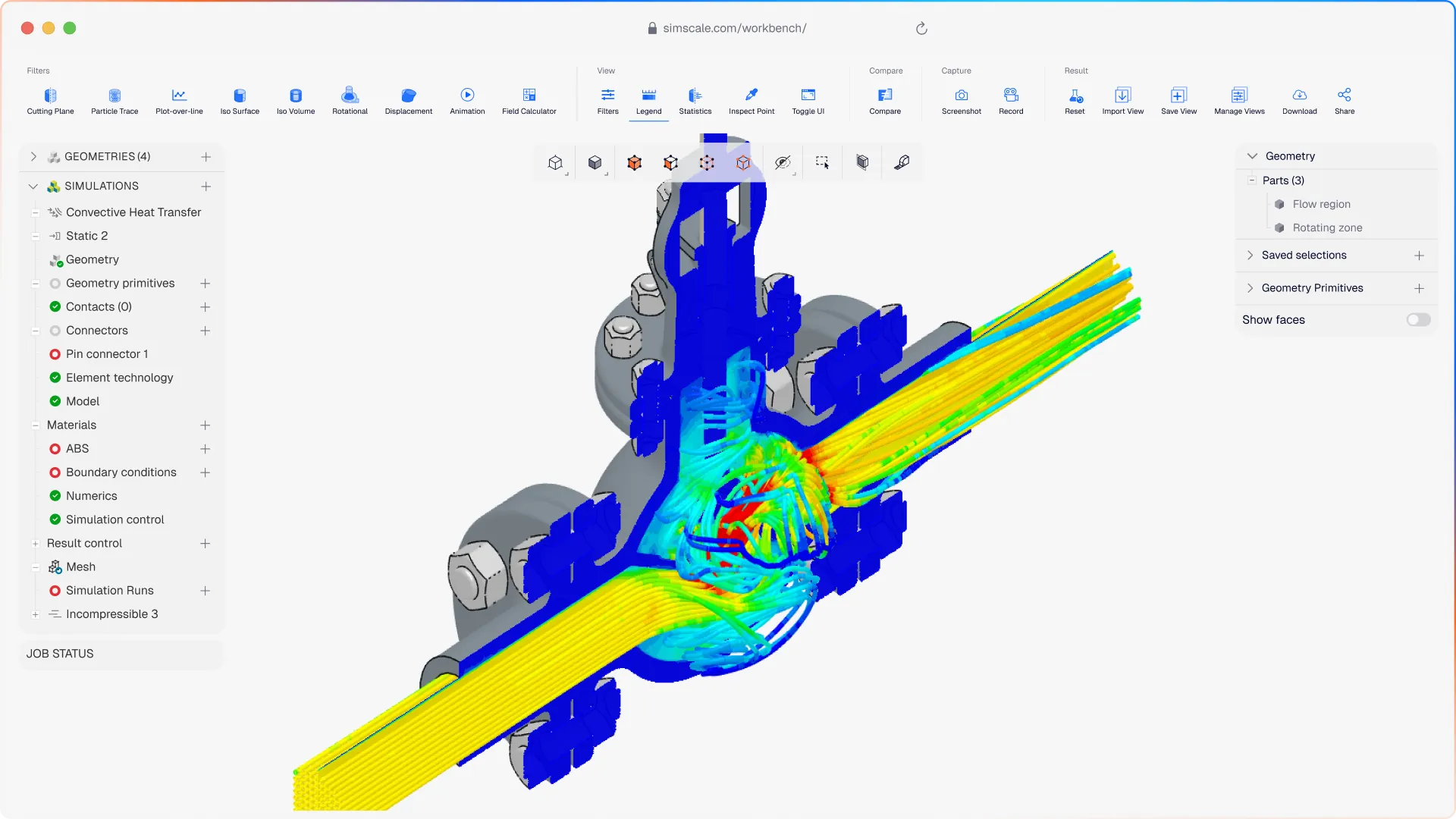












Prototype testing finds valve failures late. Fixing them is costly. SimScale lets valve and fluid system engineers simulate in the cloud, predicting Cv curves, identifying cavitation zones, and validating pressure ratings in hours, not weeks.
Valve simulation that covers your full design challenge
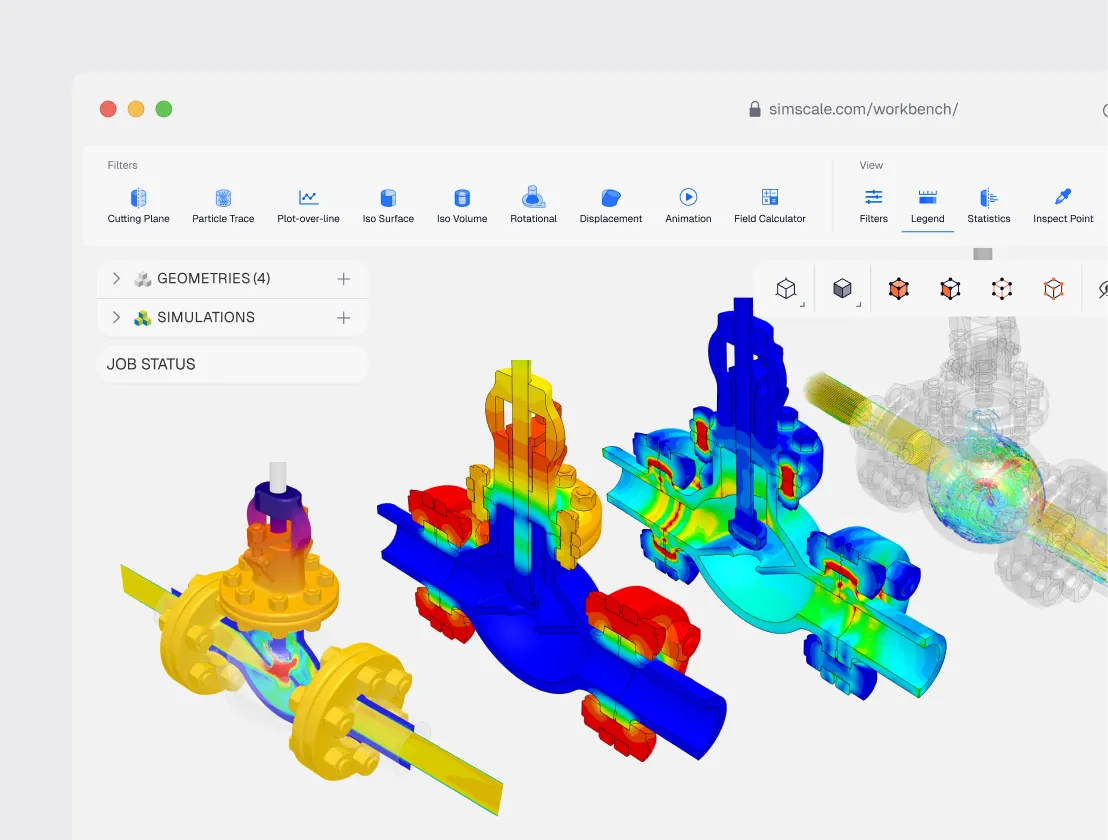
All the physics valve engineers need
Simulate internal flow, structural integrity, and thermal behavior for any valve type — ball, gate, globe, butterfly, or control. Quantify pressure drop, plot Cv curves, identify cavitation risk, and validate structural ratings from one CAD model.
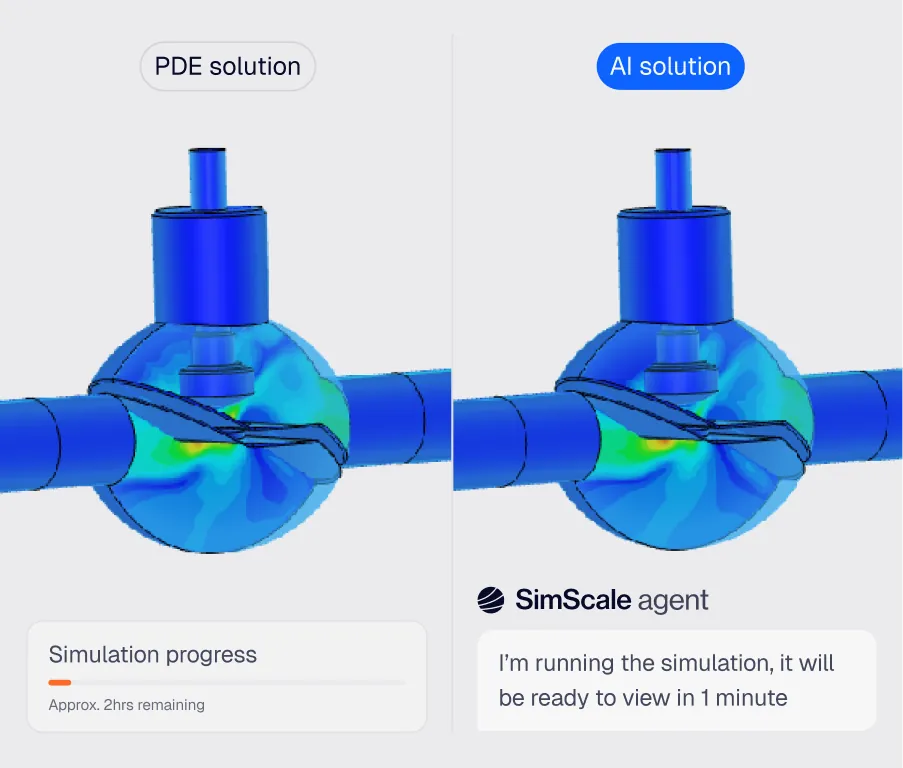
AI-native valve design optimization
Physics AI predicts flow performance in seconds across dozens of valve geometries before committing to full CFD. Engineering AI automates meshing for complex internal flow geometries, compressing the design cycle from weeks to days.
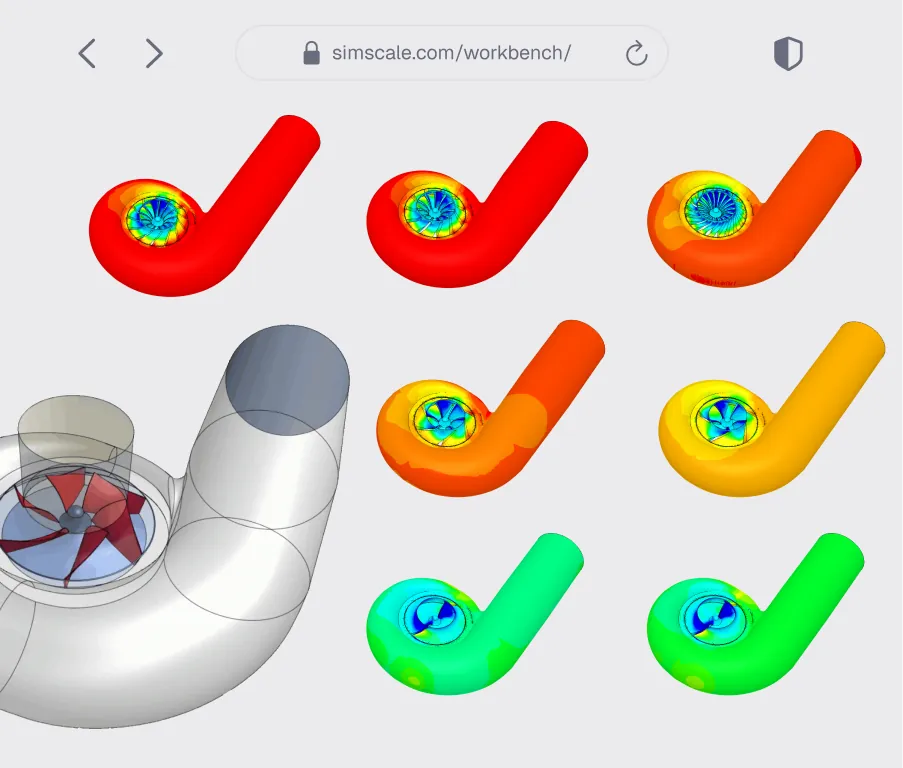
Cloud benefits — more variants, faster
Import from any standard CAD format and run full Cv curve sweeps across multiple valve positions simultaneously. Batch-test a complete valve family in a single session and share results with your team in real time.
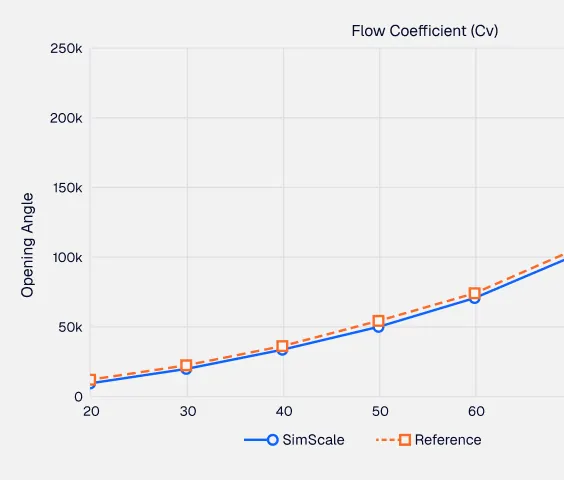
Pressure drop & Cv curves
Run multiple opening positions in parallel to automatically generate full valve performance curves. Quantify pressure drop and flow coefficient across the complete operating range in minutes.
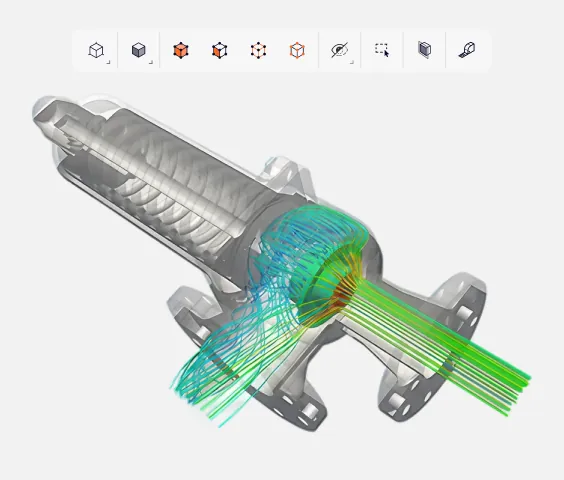
Cavitation risk prediction
Identify high-velocity, low-pressure zones where cavitation will occur before it damages hardware. Optimize trim geometry and flow path to eliminate risk and extend valve service life.
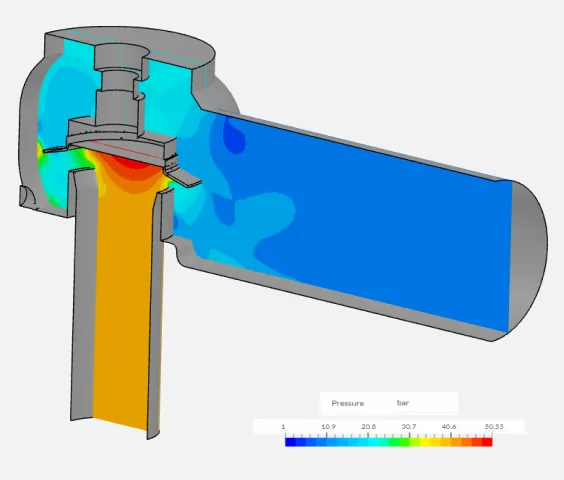
Water hammer & transient analysis
Simulate sudden valve closure and transient pressure waves to quantify water hammer risk. Optimize actuation speed and geometry to protect downstream equipment and ensure system stability.

38%
improvement in valve efficiency
“SimScale has allowed us to save extensive time and resources by enabling rapid design changes and evaluating their effectiveness in a simulated environment. Creating small updates and testing their effect in a CFD simulation allows us to create a more finished prototype for physical testing. Instead of waiting for prototypes to be made and shipped here multiple times, SimScale lets us take weeks off of our production schedule and has accelerated the rate of innovation in our team.”
Jackson Kamedulski — R&D Engineer at Metraflex

80%
reduction in pressure drop
“Reduction of pressure drop by 80%, putting the valve within the desired operating range — while moving the cavitation risk zone away from the wall.”
Diinef Design Team

35
mesh configurations tested
“With the simulations done on SimScale, we characterized the valve (original goal), and gained much greater insight into the interaction between the valve and the fluid at each valve position. This will help us provide a better analysis in the future. SimScale has proved to be for the firm a flexible and scalable tool, which was critical for a HUBZone firm like ours.”
EJ Consulting Engineering Team
Related resources

CFD consulting vs. in-house simulation: what the cost comparison misses
Why the outsource-or-build decision for CFD comes down to engineering capacity rather than project cost, and how cloud simulation moved the break-even point.

Alex Graham
August 21, 2026

Feel Recognized at SimScale
How SimScale turned survey feedback into a recognition culture: Appreciation Week, peer-nominated annual awards, and an internal Hall of Fame.

Matias Degiuseppe
August 18, 2026
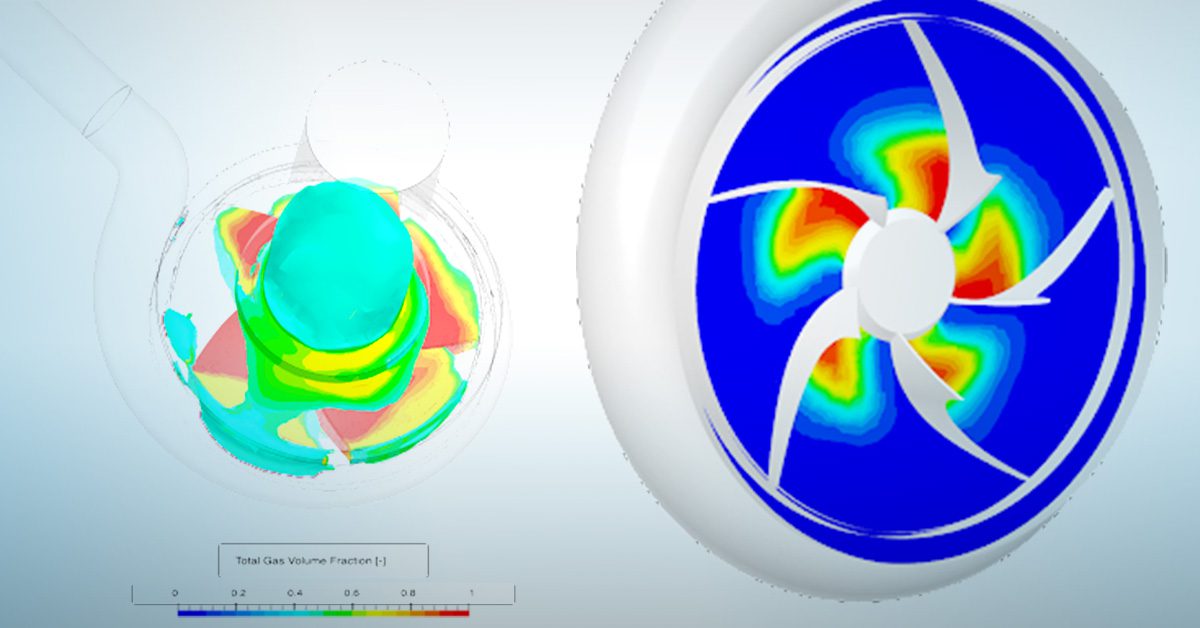
Diagnose and eliminate pump cavitation with CFD
How to identify which of five cavitation mechanisms is damaging a pump, calculate NPSH margin correctly, and predict cavitation in CFD.

Peter Selmeczy
August 14, 2026



Luis Goncaves
August 4, 2026
Luis Goncaves
June 18, 2026
Luis Goncaves
January 27, 2026

Taylor Keen
August 4, 2026
Peter Selmeczy
July 6, 2026


Jon Wilde
June 16, 2026
Peter Selmeczy
July 9, 2026
Peter Selmeczy
March 24, 2026

Peter Selmeczy
September 10, 2025

Peter Selmeczy
July 30, 2026
Peter Selmeczy
July 30, 2026
SimScale supports CFD, FEA, and thermal simulation for all standard valve types, including ball, gate, globe, butterfly, and control valves. You can simulate internal flow, structural response to pressure loads, and thermal behavior from a single CAD import — across the full range of operating positions.
SimScale allows you to run multiple valve opening positions in parallel using cloud compute. Each position yields a pressure drop result, and the flow coefficient (Cv) is extracted across the full operating range. A complete Cv curve can be generated in a single simulation session rather than running positions sequentially.
Yes. SimScale's Multi-purpose solver includes a validated cavitation model that identifies high-velocity, low-pressure zones where vapor formation is likely. You can visualize vapor mass fraction across the valve geometry and optimize trim and flow path design before hardware commitment.
Yes. SimScale supports transient CFD simulation of sudden valve closure events, allowing you to quantify pressure wave propagation, peak pressure spikes, and system impact. You can evaluate actuation speed sensitivity and geometry modifications to protect downstream equipment and piping systems.
SimScale supports all major CAD formats including STEP, IGES, STL, Parasolid, and native formats from SOLIDWORKS, Autodesk, and others. Import your valve geometry directly from your CAD tool and begin meshing and simulation setup in the browser — no local software installation required.