Mixing Simulation Software
Test, confirm results, and iterate on your mixer designs before anything is built
Predict blend time, dead zones, shear, and impeller power for your stirred tanks, static mixers, and reactors, right in your browser and with no hardware to buy or install.

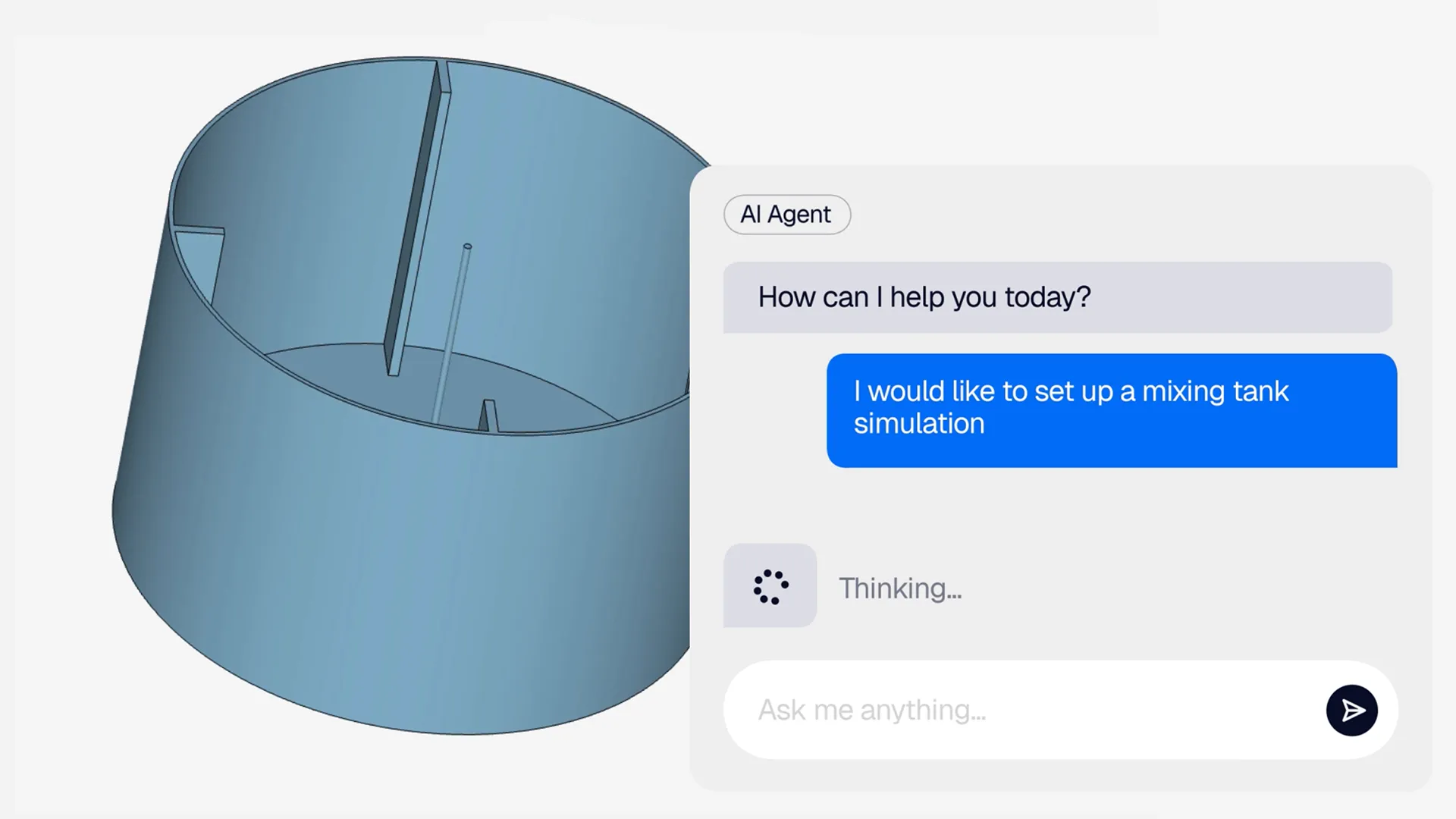









Your mixer has to deliver a homogenous, precise, and consistent product, and the right design depends on what you’re mixing: viscosity, particle size, miscibility, texture, and chemical formula. Proving every impeller, baffle, and nozzle option on real equipment costs weeks and trial batches. With SimScale, you test those options in CFD, FEA, and thermal simulation from your browser and pick the design with the shortest batch time and lowest energy use before anything is built.
Mixing simulation that covers your full design challenge
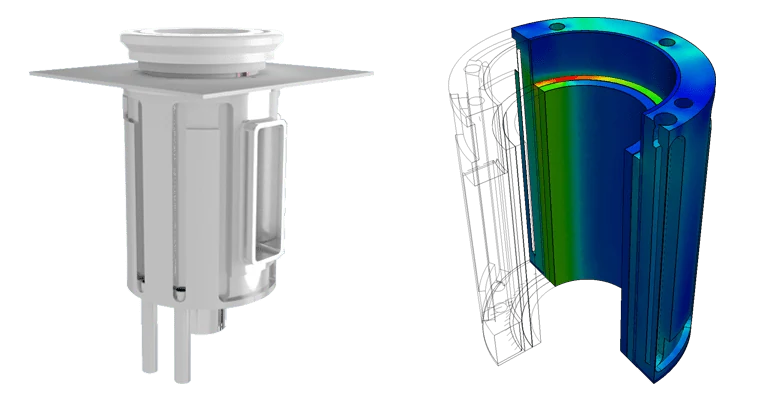
Multiphysics mixing simulation: CFD, FEA, and thermal in one platform
Check the mix and the hardware in one project. Run CFD on the vessel flow, conjugate heat transfer on jacketed and heated vessels, and FEA on impellers, shafts, and tank supports from the same CAD model, so every design change gets every check without exporting a file.
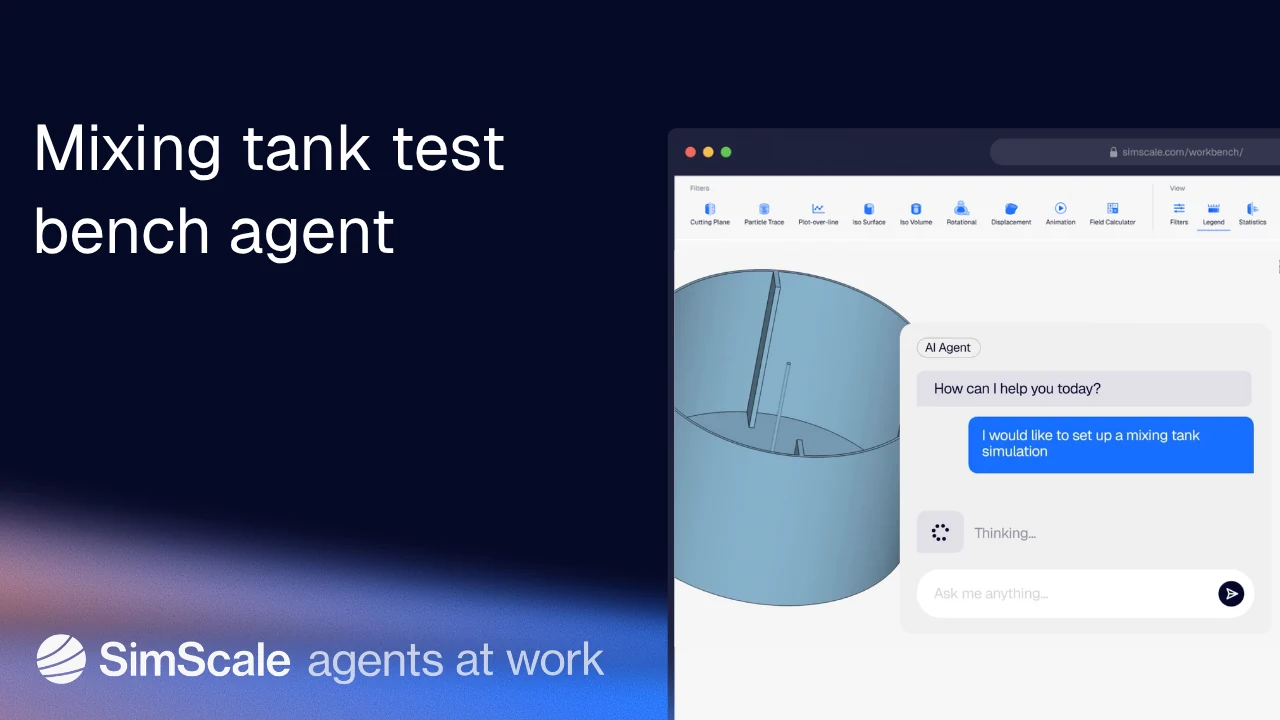
AI-native mixer design optimization
Go from CAD to a running mixing tank simulation with a single request: Engineering AI sets up, meshes, and post-processes the model for you. Physics AI then predicts results in seconds, trained on high-fidelity simulation data, so you can sweep impeller diameter, clearance, and baffle options before committing to a full CFD run.
Cloud simulation: more variants, faster
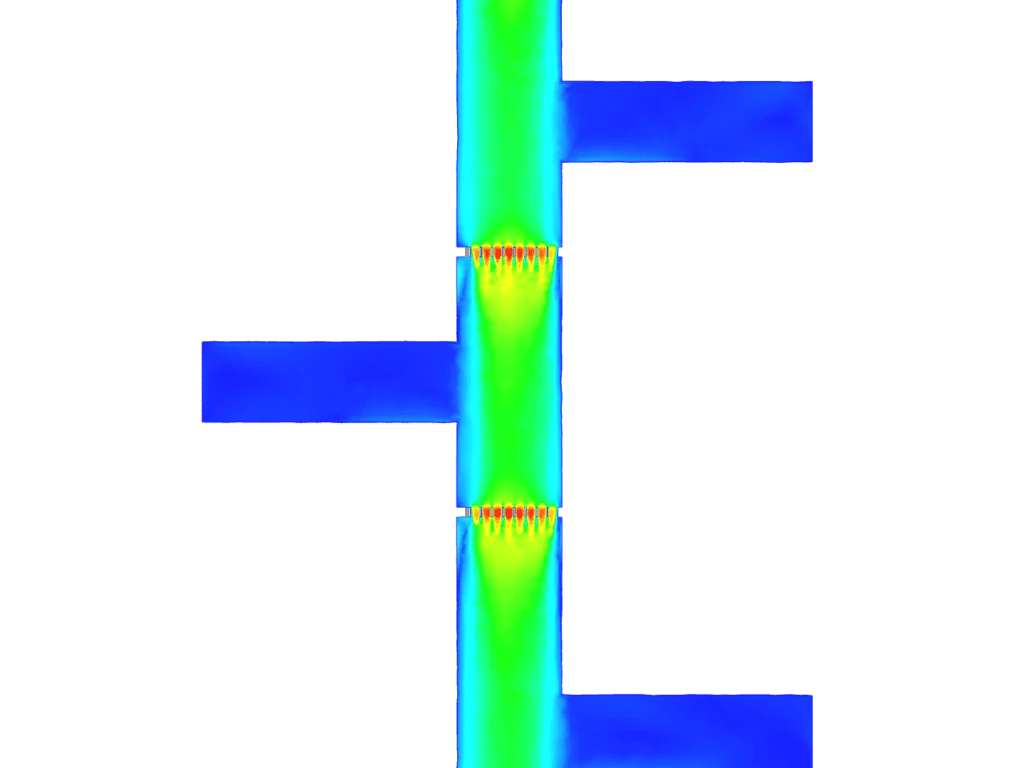
Compare impeller speeds, fill levels, and baffle layouts side by side. Run as many simulations in parallel as your project needs, with no on-prem HPC, VPN, or per-seat license limits, and get started in an easy-to-learn browser interface with nothing to install or maintain.
Pharmaceutical mixing and blending equipment
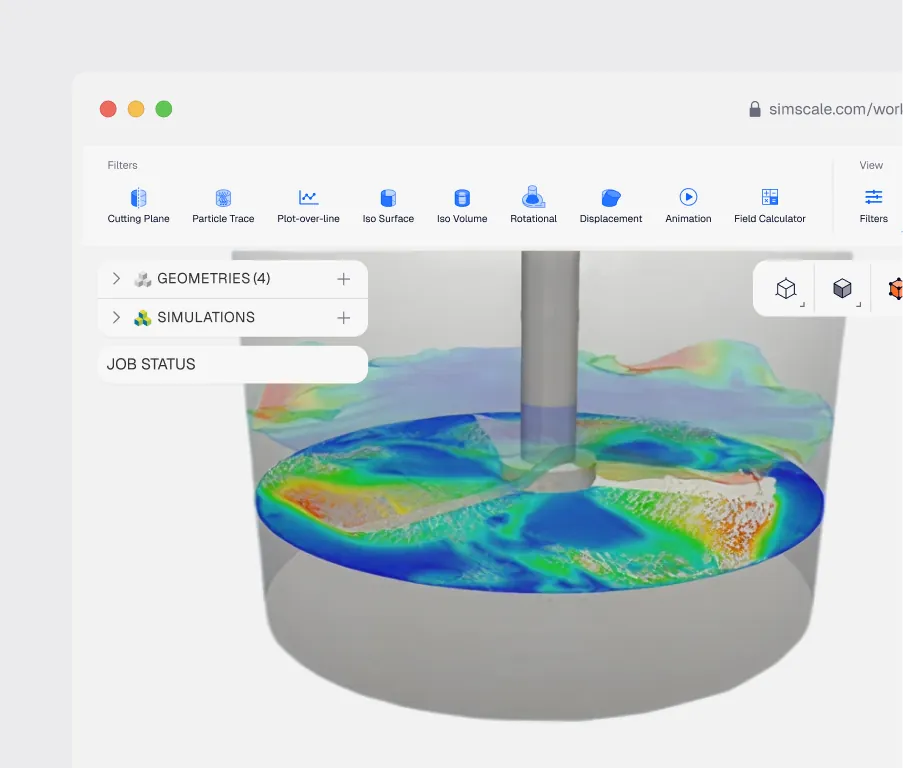
In a highly regulated industry, you need mixing equipment you can rely on to produce pure, safe, and effective substances. Simulate flow patterns, dead zones, and shear in vessels for oral suspensions, saline solutions, antacids, cough syrups, bioceuticals, dose coatings, and therapeutic creams and lotions, and go into process validation with fewer unknowns.
Chemical reactor and process mixing
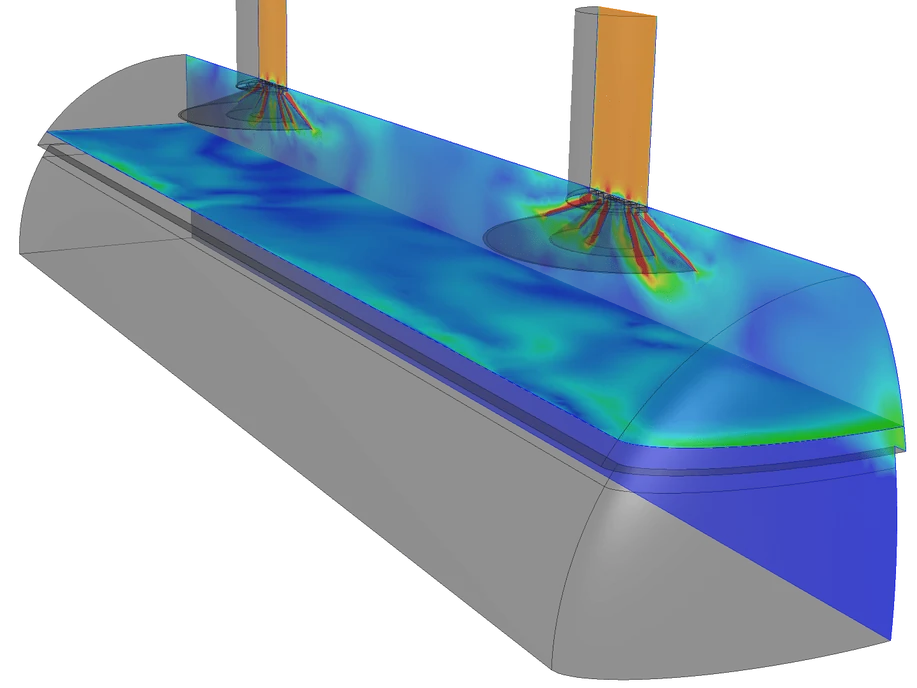
Cut pumping energy without giving up mixing performance. Simulate your reactors, process vessels, and eductors to weigh mixing against pressure drop, and run thermal analysis on jacketed and lab reactors. Axens cut a redesigned eductor’s energy use by 20%, and SYSTAG reduced heat flux variation in a lab reactor by over 60%.
Stirred tank and impeller design
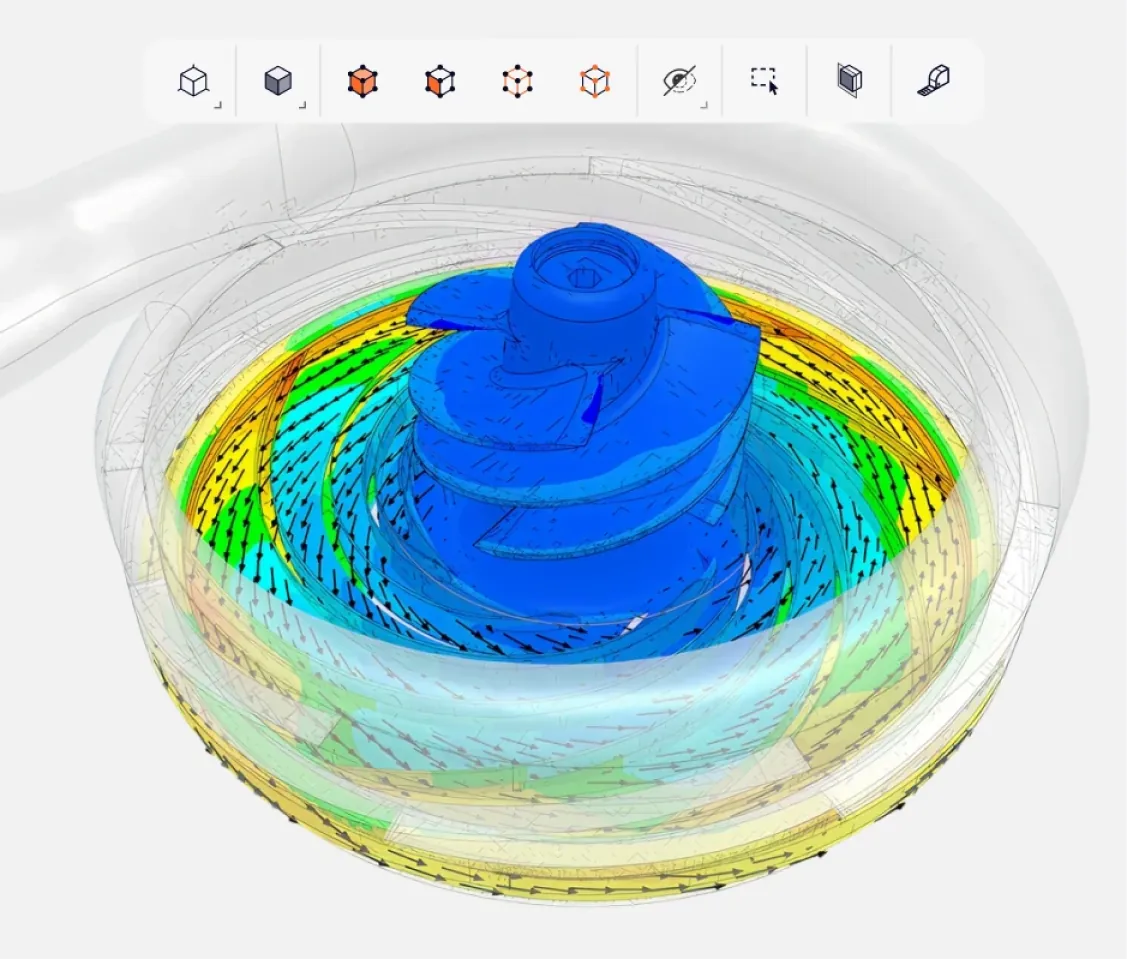
Choose the right impeller, speed, and baffle layout before you order hardware. Compare Rushton, pitched blade, and hydrofoil impellers on power number, torque, and flow pattern, with fast steady runs in a rotating zone or a sliding mesh when blade-baffle interaction matters.
Blend time, dead zones, and residence time
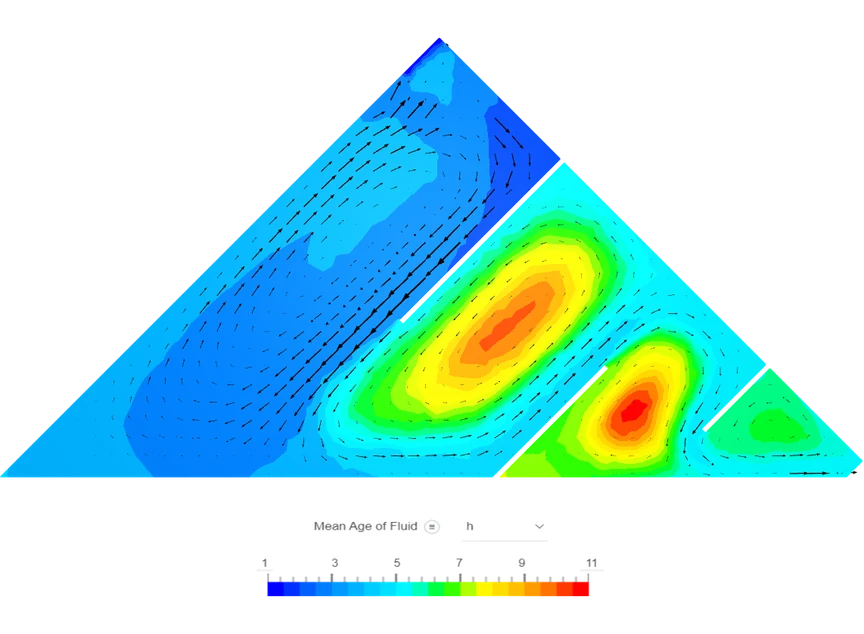
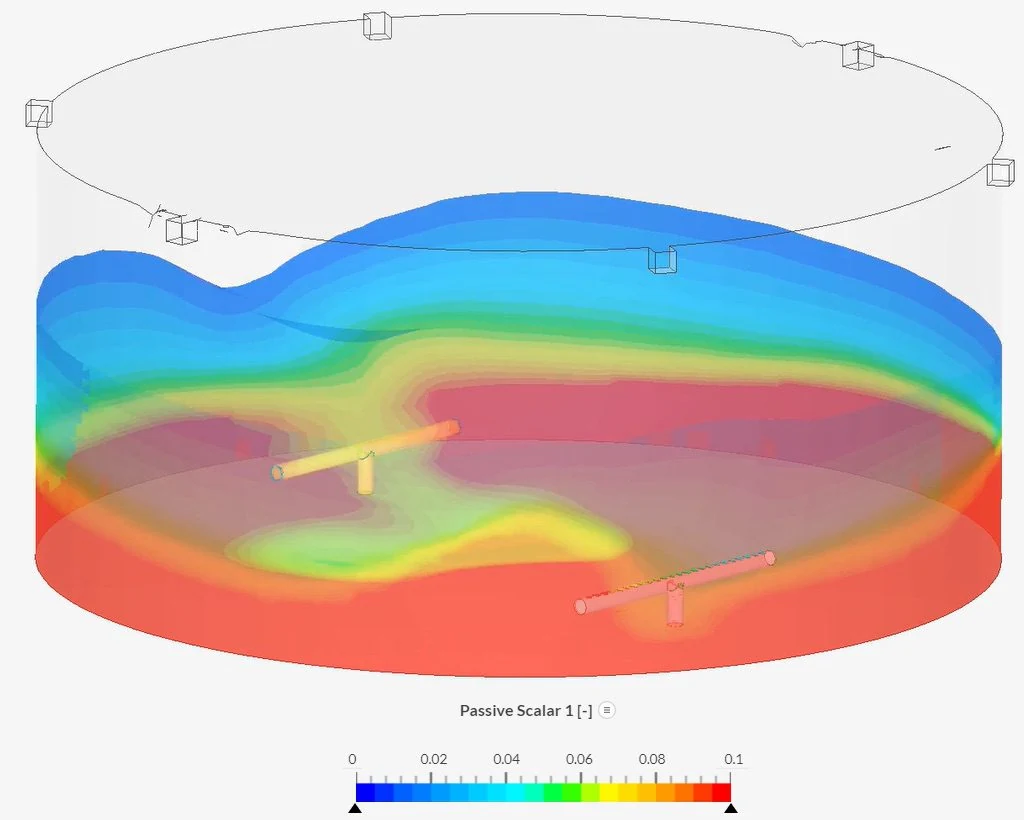
Know how long your batch takes to mix, and where it doesn’t. Track a passive scalar tracer from the feed point to measure blend time, and map stagnant regions to find short-circuiting flow. JESA cut dead zones by 30% and mean water age from 24 to 11 hours in a wastewater buffer tank.

Static mixers and inline blending
Size static mixers and inline injection points for uniform blending at the lowest pressure drop. See how far downstream two streams become uniform as you change element count and geometry, using scalar mixing validated against T-junction experiments.
Jet-mixed and nozzle-mixed tanks
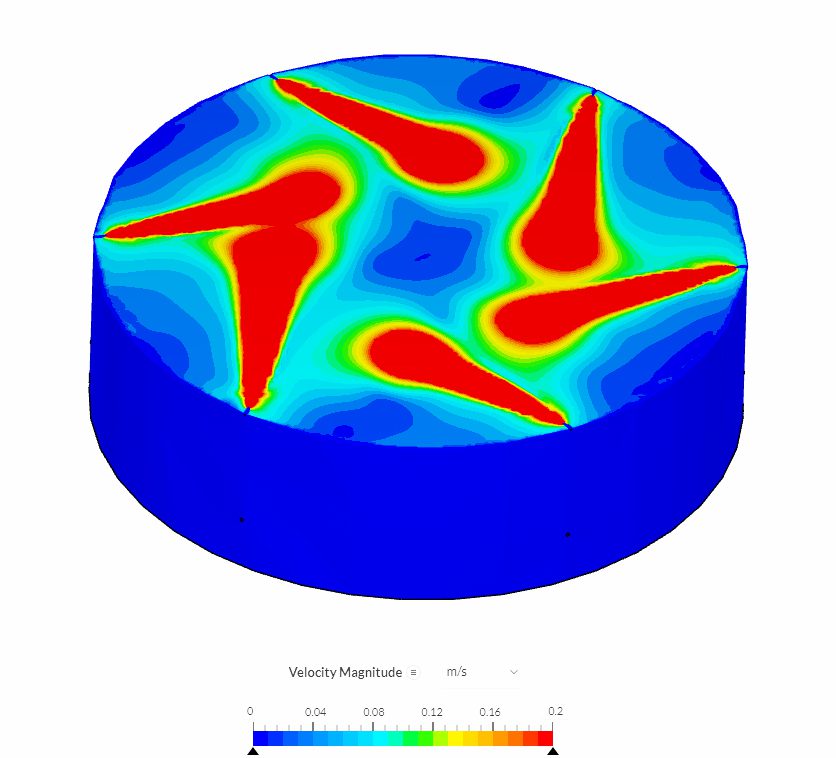
Make sure your storage and treatment tanks mix at every depth and fill level. Simulate mixing nozzles, suction pipes, and baffles together and compare layouts before fabrication. Aquabio checked a 27.3 m anaerobic reactor at low and full capacity, and Allegro Energy compared baffles, nozzle depths, and flow rates for electrolyte tanks.
Multiphase and free-surface mixing
Simulate free-surface and multiphase mixing in partly filled tanks. Capture surface vortices, air entrainment, and the mixing of immiscible liquids with the VOF multiphase solver, or switch to mesh-free SPH simulation for splash-dominated flows.

Non-Newtonian and high-viscosity mixing
Simulate non-Newtonian mixing for creams, gels, slurries, and polymer solutions. Apply power law or Herschel-Bulkley models so viscosity responds to shear across the vessel, and find where low shear leaves your batch stagnant before you change the impeller or speed.

Gas mixing in food processing and packaging
Simulate gas mixing in food processing and packaging lines. The multicomponent model tracks how nitrogen, carbon dioxide, and oxygen mix by convection and diffusion, so you can check modified-atmosphere packaging and preservation systems before you build them.
See your tank mix over time
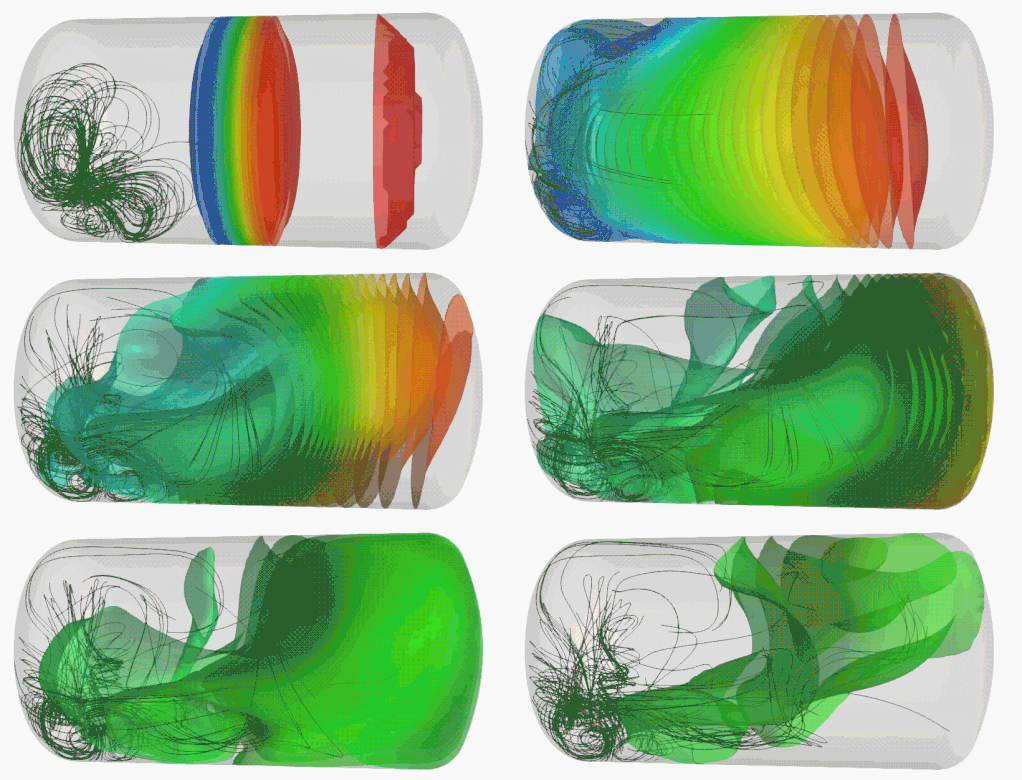
Pharmaceutical mixing has to be consistent in every region of the tank. Transient simulation in SimScale shows how the flow pattern develops and where mixing lags, so you can fix weak spots before the first batch. Follow the mixing tank simulation guide to set up your own.
Scale up from pilot vessel to production
Check your model against a pilot-scale vessel, then predict how the full-size tank will mix before you commit to it. Compare blend time, shear, and impeller power at both scales, and catch the dead zones that only show up at production volume.
Shear-sensitive and biopharma mixing
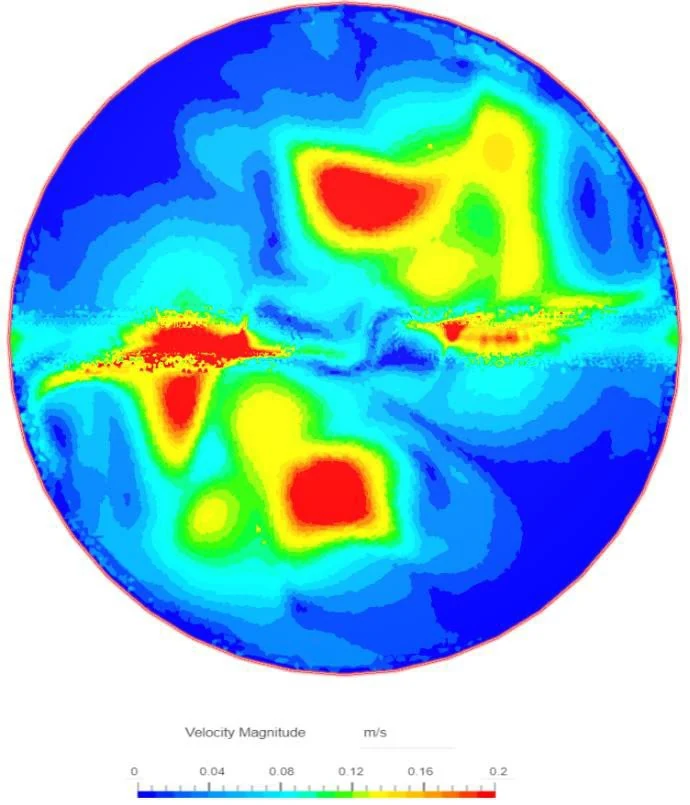
Keep shear within limits for cell cultures, emulsions, and shear-sensitive formulations. Map shear rate and velocity around the impeller, and find the speed that blends your batch without damaging the product.
2-3x
faster electrolyte tank design process
“Being able to do so much simulation work before fabrication speeds up the whole process, since we have already answered most of the questions by then. I would say SimScale has accelerated the overall process by 2-3 times”
Finn Trass, Process Flow Engineer at Allegro Energy
30%
fewer dead zones in a wastewater buffer tank
“SimScale provided detailed insights into flow behavior, allowing for a high degree of confidence in our design.”
Mohamed Amine Rabitateddine, Chief Process Engineer at JESA Group

20%
less energy for a redesigned process eductor
“Be confident in SimScale! The solution is easy to learn and taking advantage of the live chat support is a must, with very short answering delay and valuable input!”
Jean-François Le Coz, Technology Development Manager at Axens

60%
lower heat flux variation in a lab reactor for chemical and pharma process development
“We saved 28 weeks of delivery/manufacturing time for prototypes, plus roughly 10,000 CHF for manufacturing costs.”
Martin Ritterath, Head of Software, Engineering & Services at SYSTAG

27.3 m
anaerobic reactor tank checked for mixing at low and full capacity
“We can now confidently test various designs and operating modes at the simulation stage before we build anything.”
Alex Meredith, Engineer at Aquabio
Resources for mixing simulation
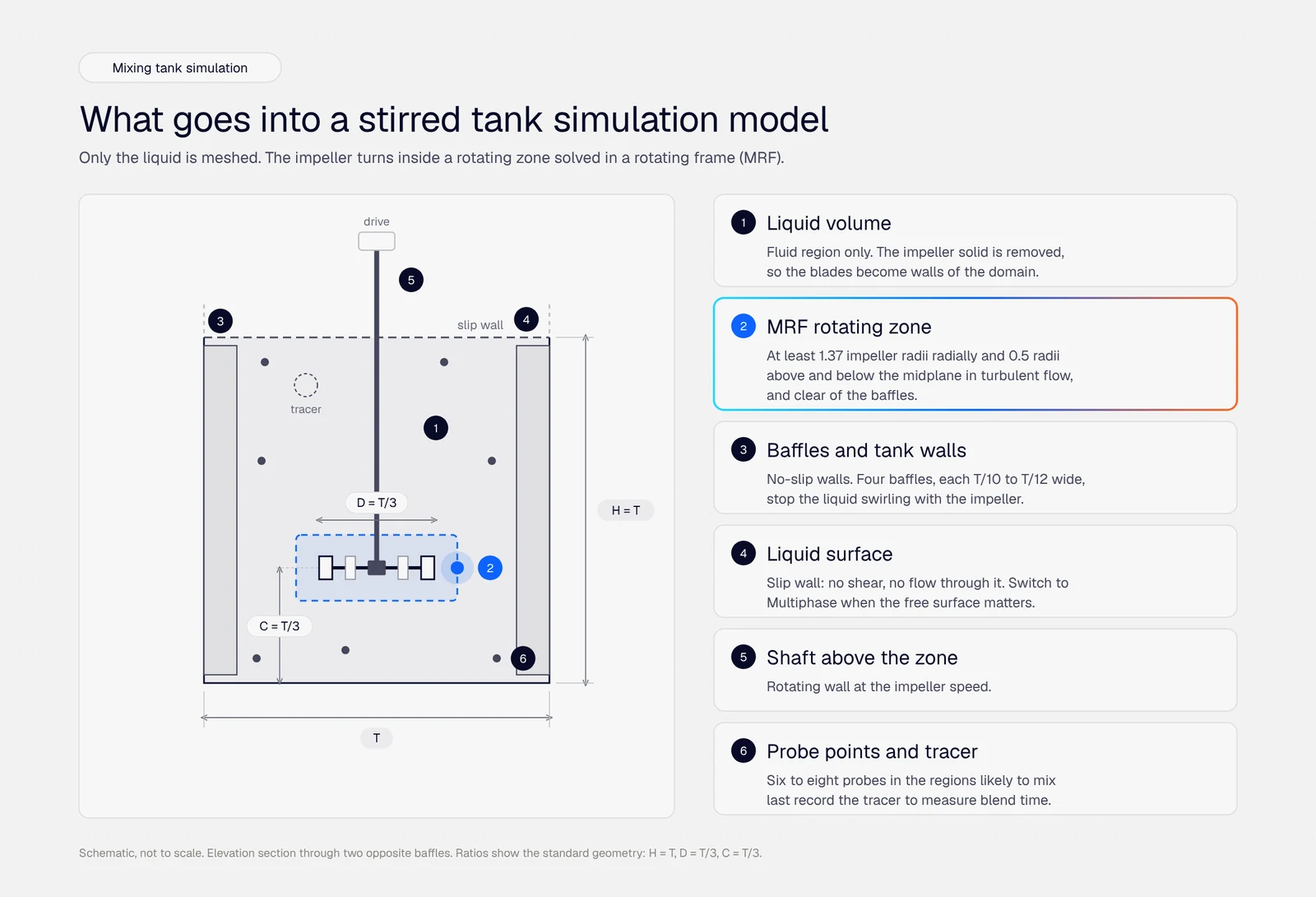
Mixing tank simulation: how to set up a stirred tank CFD model in 8 steps
Eight steps to set up a mixing tank simulation in CFD, from the rotating zone and mesh to power number, blend time and multiphase checks.

Alexander Fischer
October 14, 2026


Kanchan Garg
December 15, 2017
Kanchan Garg
May 15, 2024

Rishabh Shah
December 19, 2018
Rishabh Shah
December 19, 2018
Rishabh Shah
December 19, 2018


Darren Lynch
October 30, 2019

Samir Jaber
August 20, 2024


Nolan Halliday
January 11, 2023


Carolina Giavedoni
October 28, 2021

Carolina Giavedoni
August 31, 2022

Kanchan Garg
June 12, 2024

Peter Selmeczy
July 9, 2026


Peter Selmeczy
July 30, 2026
Peter Selmeczy
March 24, 2026
Frequently asked questions about mixing simulation
New to mixing simulation or evaluating SimScale? Here are the questions we hear most.
ContactMixing simulation uses CFD to predict how fluids blend inside your mixer before it's built: flow patterns, velocity and shear fields, stagnant regions, impeller power, and the time a batch takes to become uniform. You can compare impellers, baffles, nozzles, and operating speeds without a physical trial for each.
Yes. You can check mixing vessels for suspensions, saline solutions, syrups, creams, and lotions for flow patterns, dead zones, blend time, and shear before equipment is built or changed. Simulation results support your process validation and equipment qualification; they don't replace them.
You can simulate miscible liquids with passive scalar transport, immiscible liquids and free surfaces with the VOF multiphase solver, gas mixtures with the multicomponent model, and shear-thinning or yield-stress fluids with non-Newtonian models. Equipment covers stirred tanks, reactors, static mixers, T-junctions, eductors, and jet-mixed storage and treatment tanks.
Yes, for the physical mixing in your process equipment: how feeds, additives, and phases spread through a vessel or pipe, and how long that takes. The passive scalar and multicomponent models transport species without chemical reactions, so reaction kinetics are outside their scope.
Release a passive scalar tracer at the feed point in a transient run and record it at probe points. Blend time is the moment every probe stays within 5% of the final concentration. The mixing tank simulation guide walks you through the full setup, including power number checks.
Import your CAD from SolidWorks, CATIA, Onshape, or STEP files directly in the browser. SimScale extracts the liquid volume from the vessel geometry, and CAD mode builds the rotating zone around the impeller, so you don't need a separate CAD-cleanup or meshing tool.
Copy one of the public mixing projects into your workspace and run it right after sign-up. Real-time support sits inside the project for setup, meshing, and physics questions, and there's nothing to install and no HPC or VPN to set up.