
How long does your team wait between a finished CAD model and knowing whether the design works? In some industries the answer is 20 weeks. In our Engineering AI Blueprint webinar, Jon Wilde, VP Product at SimScale, Pablo Hermoso Moreno, Senior Solutions Architect at NVIDIA, and Matthieu Lebas, Global Head of AI Engineering at Capgemini Engineering, walked through how agents, Physics AI and open integration fit together to close that gap. Alex Graham, Product Marketing Manager at SimScale, hosted. Here are five takeaways from the session.
Watch the on-demand webinar
The full session includes an AI agent setting up a drop test from a CAD model, a layer-by-layer walkthrough of the architecture, and a roundtable on autonomy and trust. Watch the recording.
The Engineering AI Blueprint
The reference architecture for autonomous engineering workflows: what changes when agents run for hours, the stack they need underneath, and where the autonomy red line sits.
1. The bottleneck is the wait before the simulation
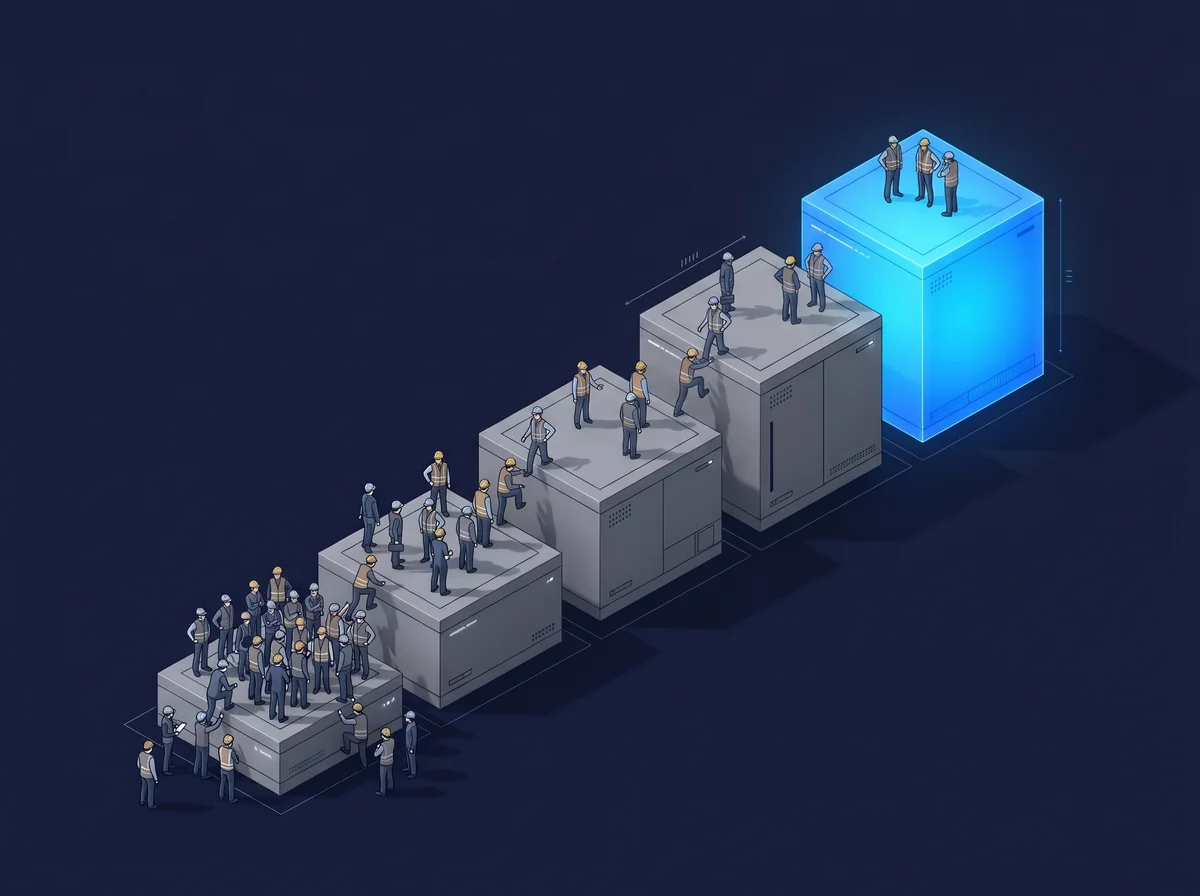
Jon split the time between “the design is ready” and “we know how it performs” into two parts. Solve time is the part the industry has worked on for years, and it is now short: GPU solvers are fast, and Physics AI returns predictions in seconds. Simulation lead time is the larger part: handoffs between departments, deciding what to simulate, and simplifying the CAD without removing anything that matters.
How long that wait lasts depends on the industry:
- Small, repeatable parts such as a computer mouse: about two weeks
- Aerospace suppliers: about a month
- Companies that build a custom solution for every order: a couple of months
- Automotive: up to 20 weeks
At 20 weeks, a team gets two design iterations a year. One company told Jon that whatever they start with is what they end up with, because there is no time to iterate.
Engineering AI now covers most of that lead time. The agent captures the requirements, prepares the CAD for simulation, builds the setup, runs it, and reports the results. It can also run a hundred design variants instead of one and tell you which few to focus on. Jon’s other point was about the V-model: test results from the right-hand side rarely feed back into the next concept. A system that learns from every run makes each new design start from what the last one taught you.
2. Most teams are still exploring, and three blockers explain why
A live poll of the audience showed where teams stand with AI agents in engineering:
| Stage | Share of respondents |
|---|---|
| Not started | about 25% |
| Exploring | 42% |
| Pilot | 15% |
| In production | 8% |
| Scaled | 10% |
Matthieu said this matches Capgemini’s own annual study and what we heard from 1,000 engineers at Agentic Unlocks. Capgemini’s customers name three things that stop them moving from pilot to scale:
- Cost. Pilots are already expensive, and at scale token costs come on top of compute costs.
- Reliability. Engineering cannot accept hallucinated results, so the system has to be grounded in the right tools and data.
- People. Capgemini has 55,000 engineers, some of whom have followed the same methods for 20 or 30 years. Moving them to agent workflows takes training and support.
Pablo added IP: for most engineering companies, the geometry and the procedures are the IP. His answer to cost and reliability together is specialized agents. A general coding agent can attempt an engineering task, but an agent built with the right skills, sub-agents and tools has far less room to drift off course. Running it on a smaller model you have post-trained can also bring the cost down when hundreds of engineers use it.
3. There are three ways to put a simulation agent to work
The webinar opened with a short demo. A company Jon worked with ran the same drop test again and again, setting it up by hand each time. He built an agent that takes any CAD model, works out what it is looking at, creates the contacts, applies an initial velocity for the last part of the fall, and runs the simulation. The only question it asks is which way is down. Every decision it makes is recorded in SimScale, so you can trace how it reached the setup.
That is the first of three ways to use an agent, which the Enterprise Agent Stack sets out in detail:
- The SimScale agent, inside SimScale. This is how Jon works day to day. “I’m a mechanical engineer who’s now a prompting engineer,” he said. The agent does his CAD preparation and his simulations.
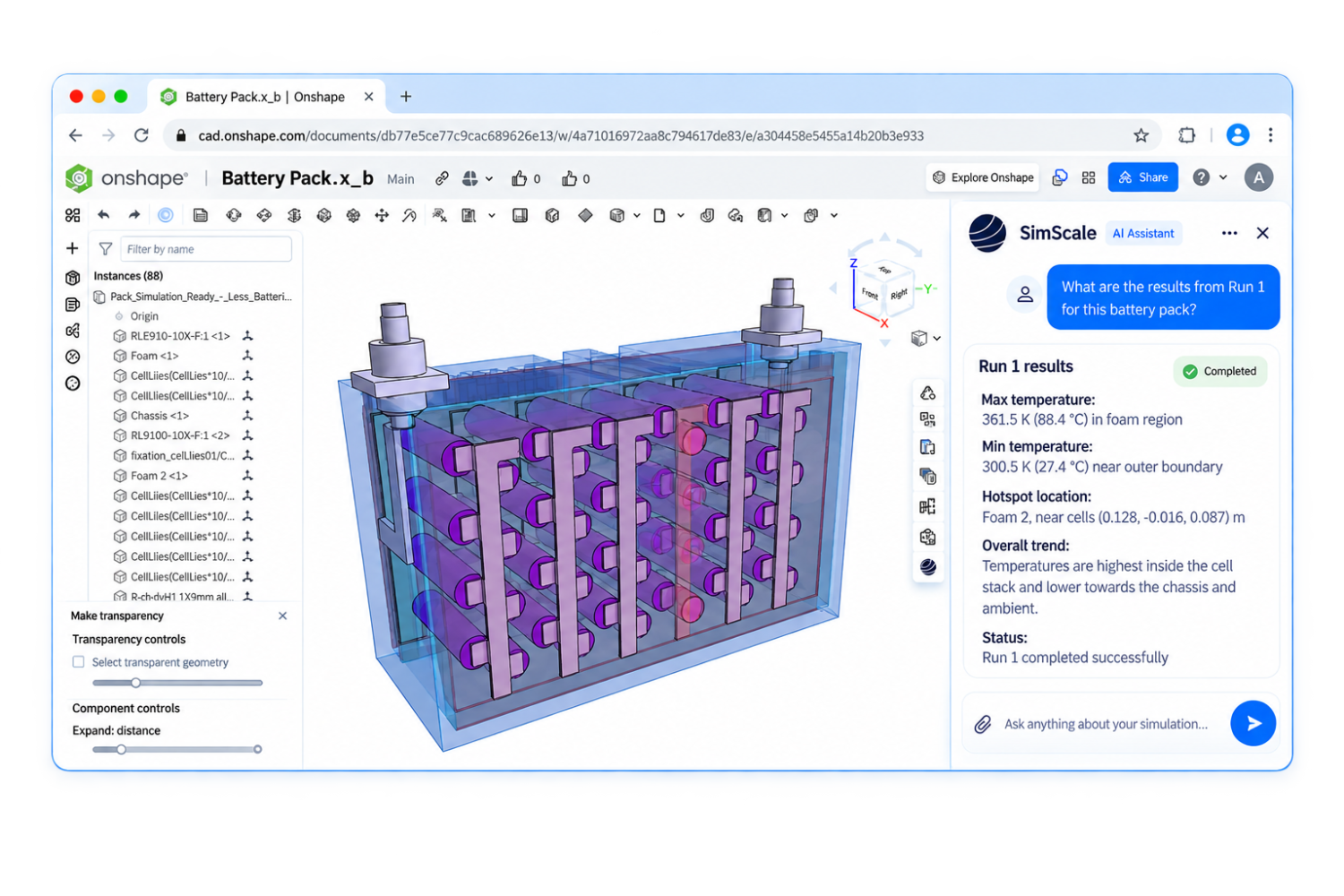
- An external agent calling SimScale. For a quick speaker demo, Jon had Claude build the CAD in Onshape, which then called the SimScale agent through the API to run the simulations. Your CAD tool and your AI tool stay your choice. Read how text-to-CAD connects to simulation.
- Your own orchestration agent, talking to ours. Over MCP or the API, your agent delegates the engineering work to SimScale. Jon’s example: an engineer checks a model out of PLM, changes it, and checks it back in. The agent sees that the change will affect the results, runs the simulations, files the report in PLM, and flags any requirement the design no longer meets.
Pablo described the third option from the enterprise side. Many organizations already run their own assistant that reads Slack, email and the wiki. That assistant can hand the engineering task to the SimScale agent, then draft the email with the report attached.
4. The stack has four layers, and you own the knowledge layer
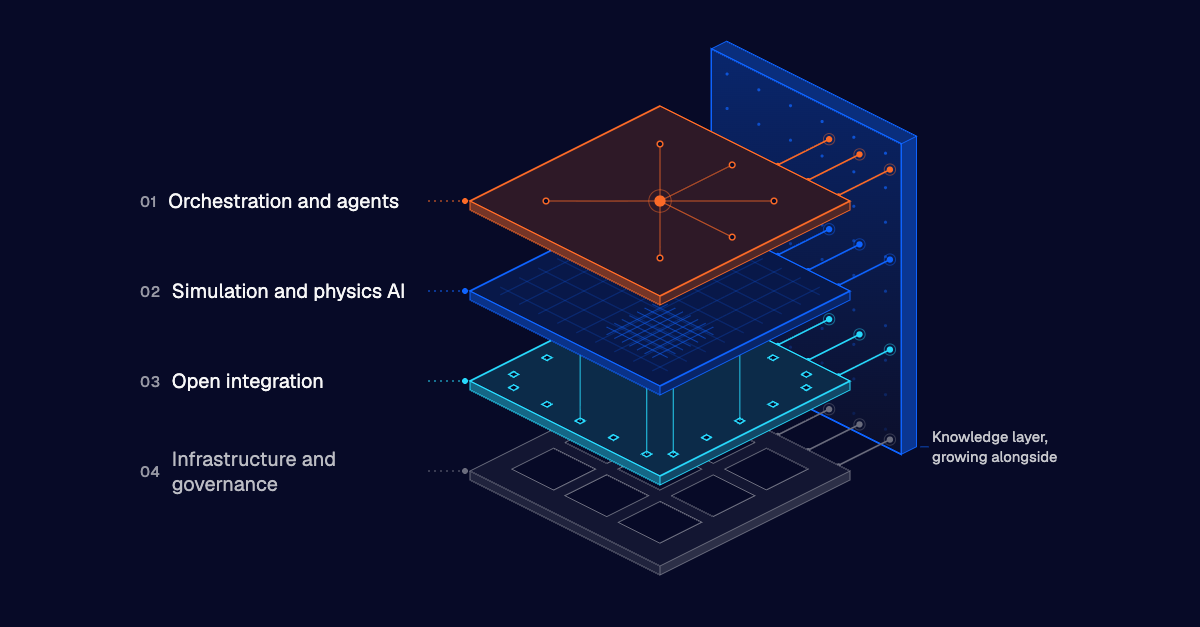
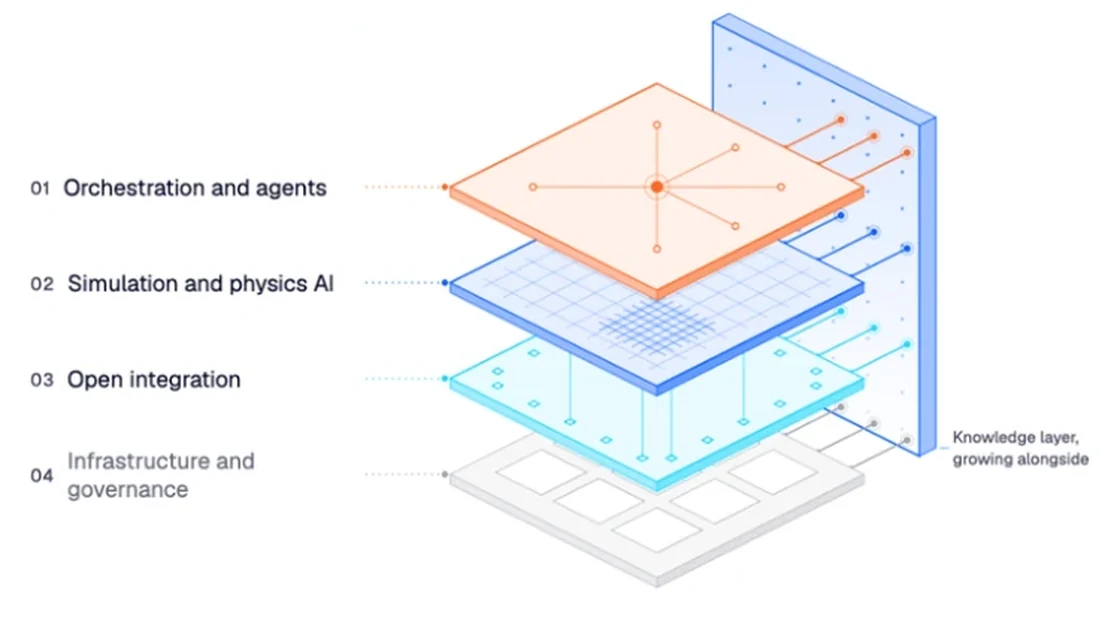
The Blueprint places the agentic system between your existing systems (CAD, PLM, your solvers and test data) and the people and agents who send it work. Inside it are four layers, plus a knowledge layer that sits beside them:
- Orchestration. SimScale’s orchestration connects the model’s reasoning to the tools and APIs, recovers from failures, and hands CAD, simulation and post-processing to sub-agents. NVIDIA’s open-weight Nemotron models can provide the reasoning, and the NVIDIA Agent Toolkit collects the traces of every agent conversation. Pablo said those traces are what let the agent improve over time, as they become better skills and better tool definitions.
- Simulation and AI engine. CPU and GPU solvers, including solvers built on CUDA-X, plus Physics AI models trained with NVIDIA PhysicsNeMo. You can train on SimScale data through the UI, bring third-party data, or bring your own solvers. Pablo described agents generating hundreds of pump geometries to train a Physics AI model, which is then fine-tuned as new simulations come in.
- Open integration. The agent, the API and MCP are all exposed, so you can work at whatever level suits you.
- Cloud infrastructure and governance. Jon called it the part you don’t think about: everything runs in parallel at scale, and every action by every agent is logged with who did what and when.
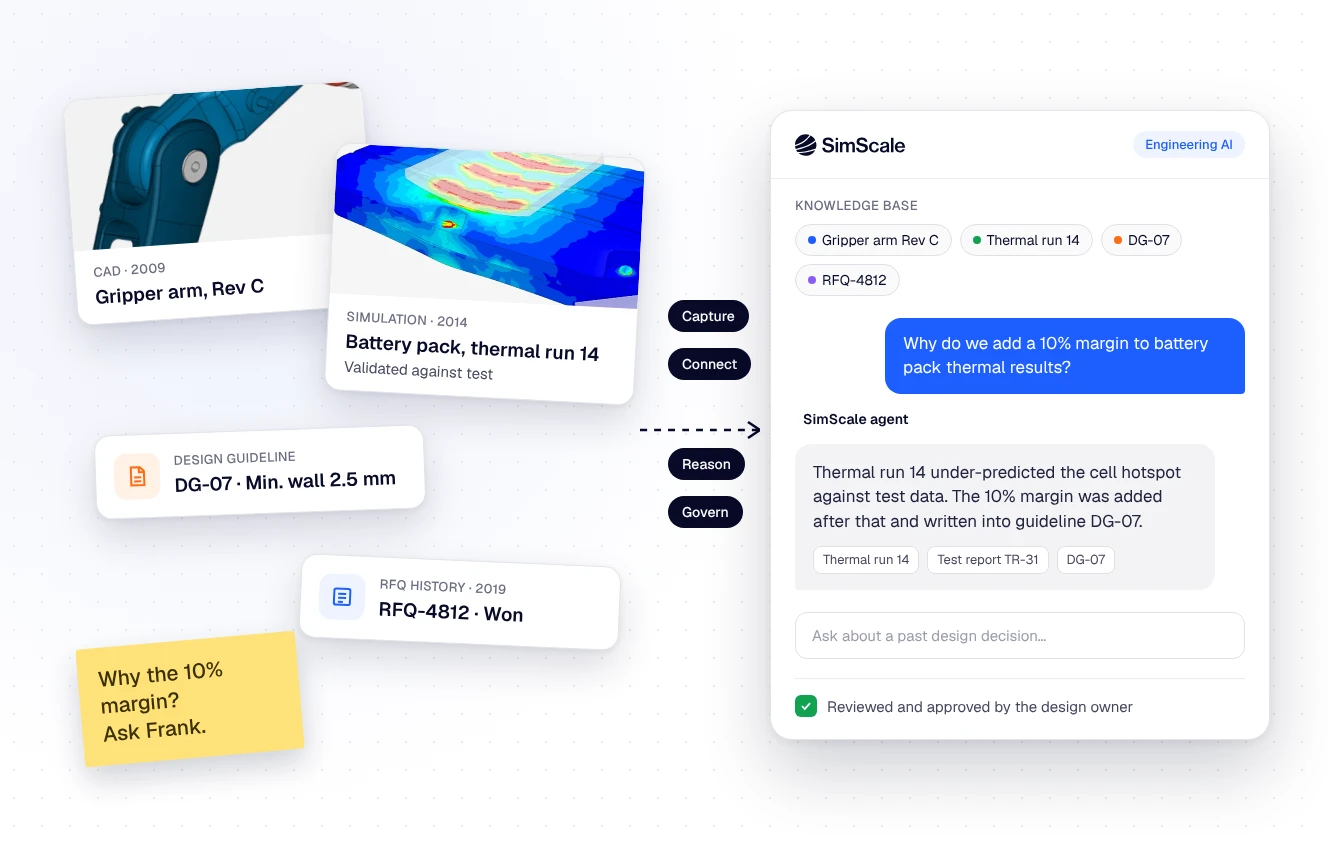
- Knowledge layer. This part belongs to your company. It holds the skills, standards and methods your agents follow, such as how your team always models spot welds. “Everything else we can bring,” Jon said, “but this part is specific to your company.” NVIDIA’s vector search libraries help turn hundreds of internal documents into context the agent can use. Our post on capturing tribal knowledge covers how to start building it.
5. Autonomy can be delegated, accountability cannot
Matthieu described four levels of autonomy: engineer-driven, agent-assisted, agent-led and autonomous. At Capgemini Engineering today, most work is agent-assisted, about 20% is agent-led, some pockets are still engineer-driven, and close to none is autonomous. He has seen autonomous workflows in software production, but not yet in hardware.
The engineer stays accountable at every level. How much autonomy a task gets depends on its risk and whether it can be reversed. Matthieu expects most organizations to hand reversible, iterative tasks to agents within three to six months. Safety-critical design decisions will move more slowly, and some customers already keep AI out of core design while using it for testing and documentation.
The panel described three controls that make this work:
- Gates. Pablo pointed out that a general agent will report a task as done. A specialized agent has to check its result against gates you define, such as a convergence criterion or a CAD tolerance check.
- Instruction layers. Jon walked through the rings around the agent: its files and projects, the skills it builds up, the instructions each user sets, and the organization’s instructions, which override the user’s.
- Governance below the agent. Pablo said governance should not be left to the agent deciding whether to call a tool. It belongs in the runtime and network layer, where each agent’s access to files, APIs and protocols is enforced.
Matthieu added data sovereignty: when core product data sits outside the cloud, the option to deploy the stack on your own infrastructure is what makes agent workflows possible at all.
His advice for getting started: break down the engineering process with the team, measure where the time goes, and begin with the tasks that are low-risk and high-volume. Documentation, requirements traceability and drawing comparison are where Capgemini sees the most demand today.
Frequently Asked Questions
The Engineering AI Blueprint is a reference architecture for running engineering agents in production. Published by SimScale with NVIDIA and Capgemini, it sets out four layers (orchestration, the simulation and AI engine, open integration, and cloud infrastructure and governance) plus a knowledge layer your organization owns. Read the Blueprint.
Simulation lead time is the wait between a design being ready and a simulation starting: handoffs, deciding what to simulate, and preparing the CAD. In the webinar, Jon Wilde put it at about two weeks for small repeatable parts and up to 20 weeks in automotive.
Yes. Your agent can call SimScale over MCP or the API and delegate the engineering work to the SimScale agent, with the same permissions and audit trail as your engineers. See the Enterprise Agent Stack.
Nemotron open models and the NVIDIA Agent Toolkit sit in the orchestration layer. CUDA-X and PhysicsNeMo power solvers and Physics AI training in the simulation engine. Most of it is invisible to the engineer using SimScale.
The engineer. Autonomy can be delegated by task, based on risk and reversibility, but an engineer still reviews and signs off the result. Gates, organization-level instructions and runtime governance keep the agent within the limits you set.
Start with one workflow
Pick a simulation your team repeats often, measure how long it waits before anyone runs it, and try the agent on it. Read the Blueprint to see how each layer fits your existing systems, or sign up for free and use the SimScale agent on your own CAD.
Read the Engineering AI Blueprint
The reference architecture for agents, Physics AI and open integration, built with NVIDIA and Capgemini.