Wind Simulation Software
Cloud-native wind analysis: From pedestrian comfort to structural wind loading
SimScale enables urban designers, façade engineers, and AEC consultants to run comprehensive wind comfort and wind loading analyses in a simple-to-use, cloud-native platform.
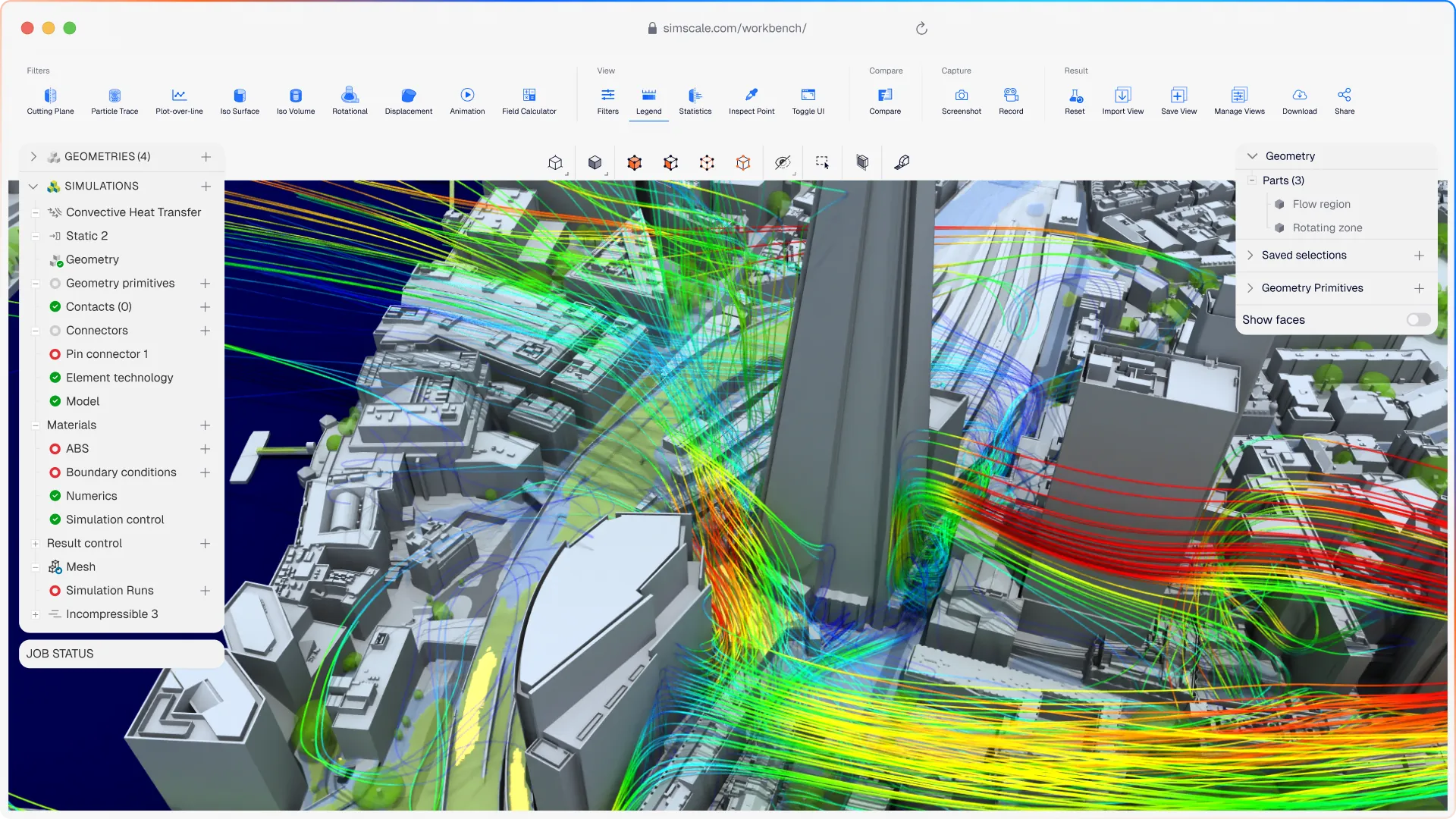












Wind comfort and loading analysis has meant specialist software, long lead times, and external consultants. SimScale puts simulation in the cloud so AEC teams can run it themselves, faster.
Wind simulation that covers your full design challenge
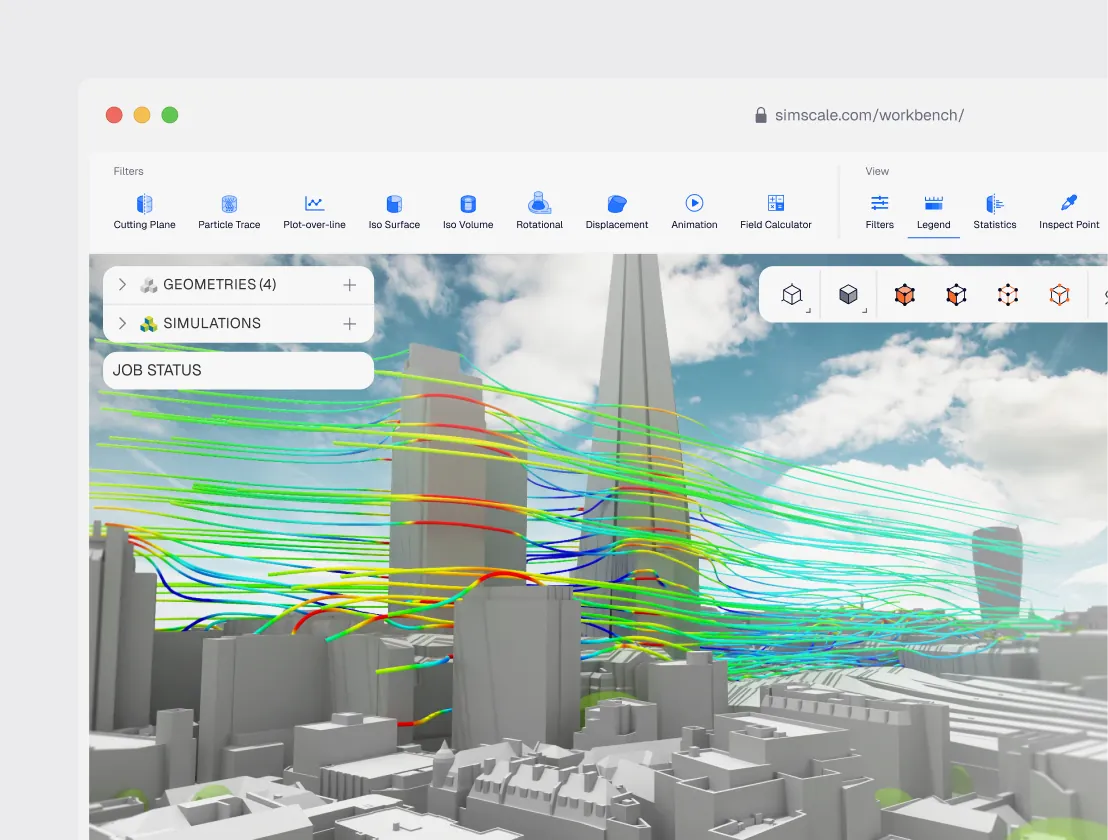
CFD, structural, and thermal wind analysis in one platform
Simulate all 36 wind directions simultaneously and combine results with wind rose data to assess pedestrian comfort against Lawson, Davenport, and NEN 8100 criteria. Transfer aerodynamic pressure loads directly to FEA structural models for facade and cladding design, and add outdoor thermal comfort analysis as needed.
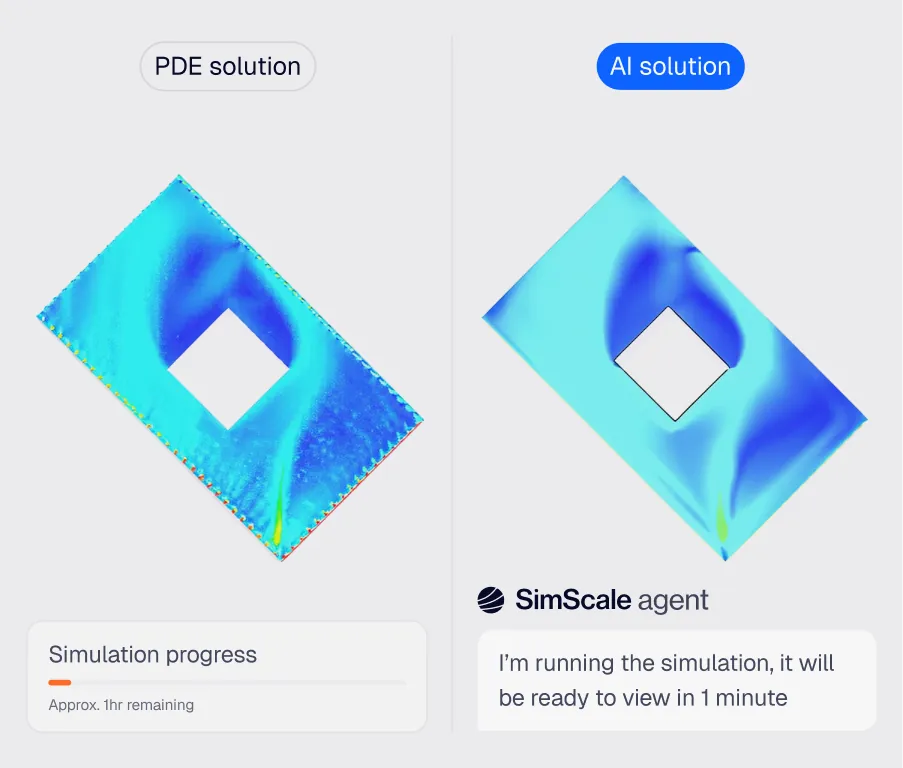
Engineering AI: automated wind simulation workflows
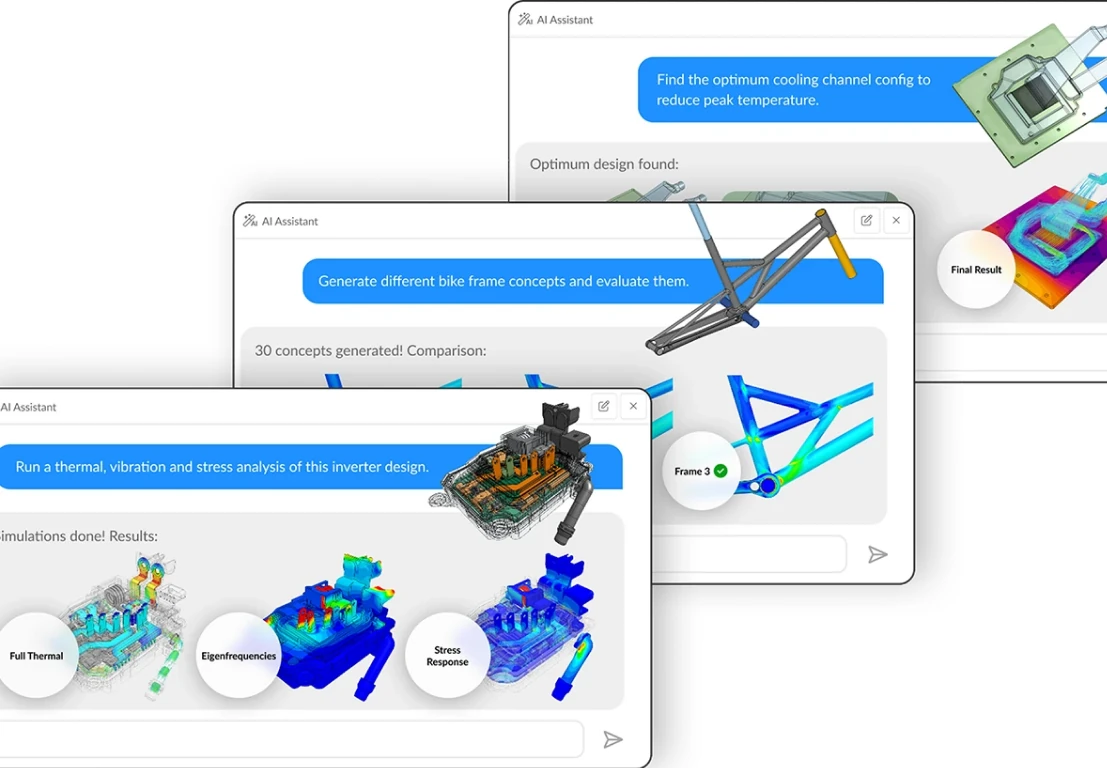
Engineering agents handles geometry simplification, mesh generation for large urban site models, and boundary condition configuration from meteorological data — cutting project setup from days to hours. Run parametric massing studies in parallel to find wind comfort solutions earlier in the design process.
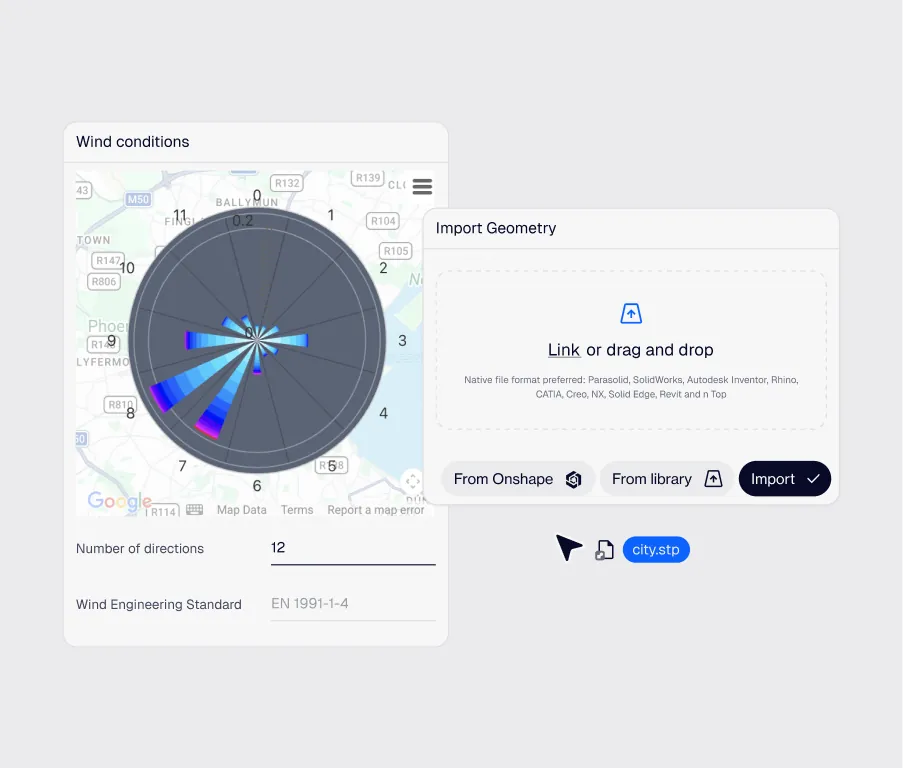
Cloud-native parallel simulation: 36 wind directions at once
SimScale's cloud-native architecture runs all wind directions simultaneously — a task that would take weeks on a local workstation. Import from Revit, Rhino, or any CAD format and deliver wind comfort reports faster than any traditional workflow.
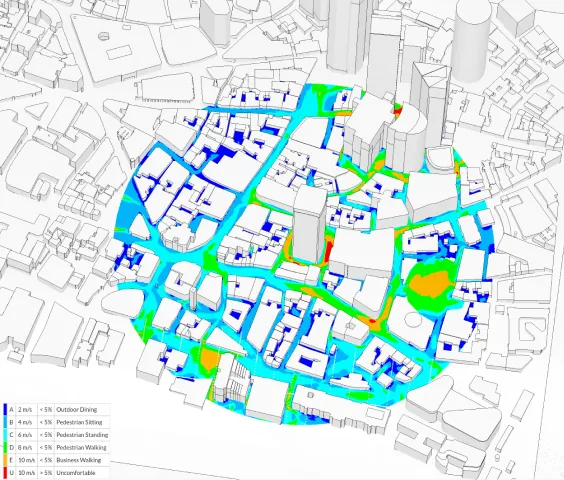
Pedestrian wind comfort analysis
Assess pedestrian-level wind conditions against Lawson, Davenport, and NEN 8100 criteria using multi-directional CFD. Generate comfort maps and planning submission reports directly from simulation results.
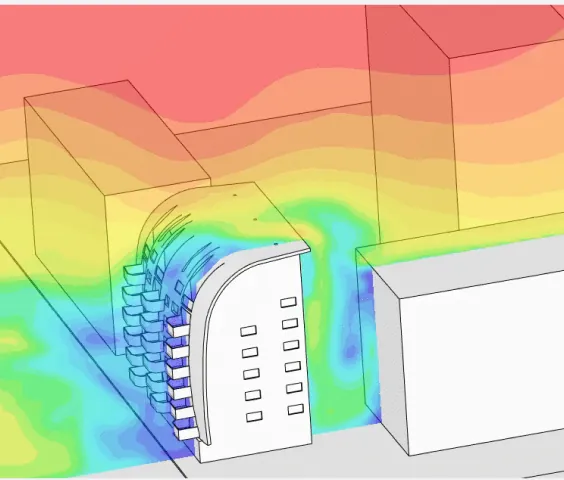
Building façade wind loading
Generate pressure coefficient distributions across building envelopes and transfer loads directly to FEA models for cladding and structural validation.
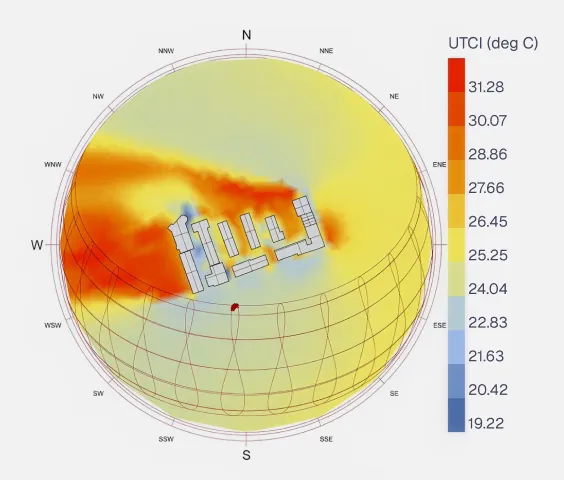
Urban microclimate & outdoor thermal comfort
Predict UTCI and urban heat island intensity across outdoor spaces. Evaluate shading strategies, surface materials, and vegetation placement to optimize microclimate conditions for occupants.
36
wind directions simulated simultaneously
“SimScale enabled us to analyze pedestrian wind comfort at the OPPO HQ across multiple wind directions simultaneously, delivering fast and accurate results that supported our design process and planning submission.”
Zaha Hadid Architects — Architecture & Urban Design

70%
of wind studies run in-house for competitions and bids
“Using SimScale, we have developed our own wind modeling app for early-stage analysis. Our plan is to deploy this to over 100 architects globally, giving them access to fast and accurate microclimate analysis as and when needed.”
Elias — Sustainable Design Lead, KPF

Wind comfort
integrated across multi-city masterplanning projects
“We have created a bespoke approach called AtkinsRéalis' 'Digital Daisy Chain' — an ecosystem of in-house holistic design tools that includes SimScale for wind and comfort analysis.”
Davide Minniti — London International Masterplanning Lead, AtkinsRéalis
Related resources

Alex Graham
June 16, 2026
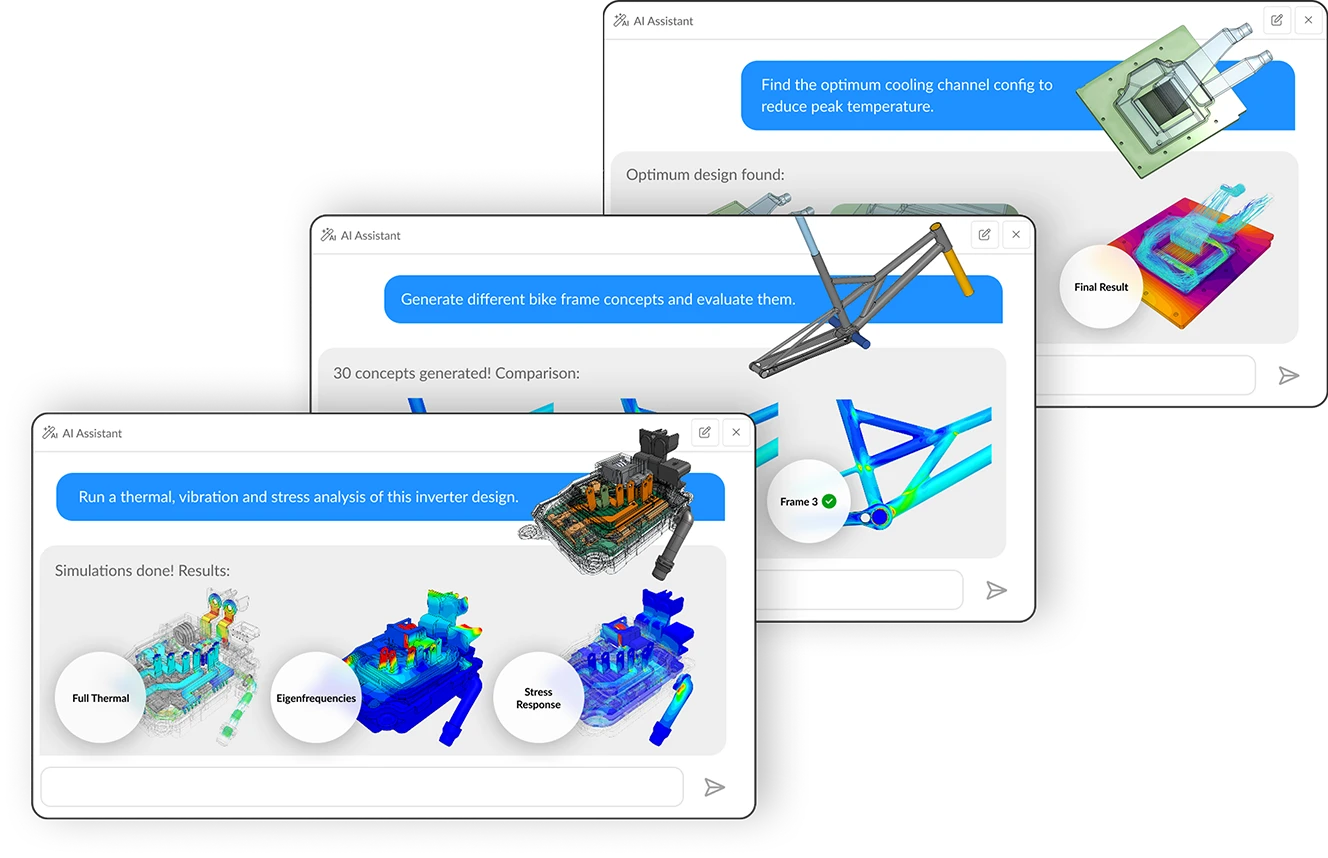
Multi-agent workflows: key takeaways from Design & Simulation Week 2026
SimScale and CoLab demonstrated live AI agent collaboration at Design & Simulation Week 2026, cutting engineering review and simulation lead times dramatically.
Alex Graham
June 12, 2026

SimScale Workflows: Why we are opening up the platform (& why you should care)
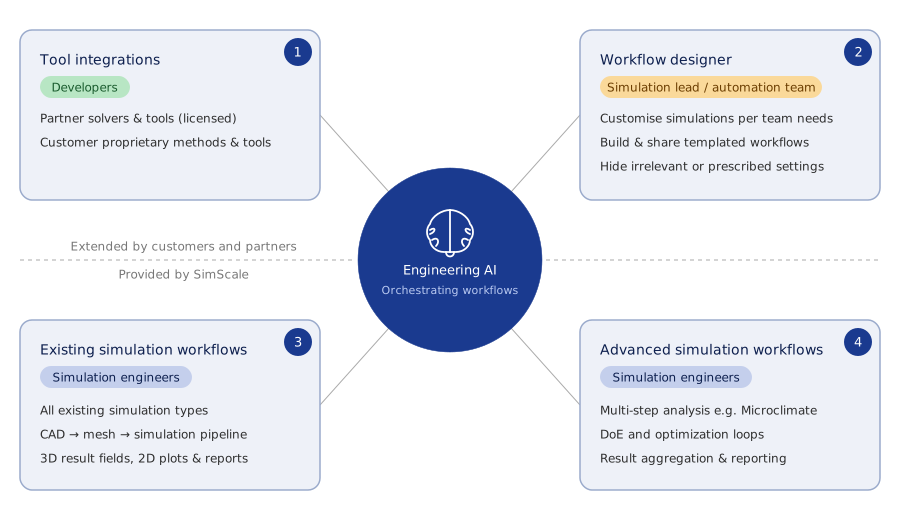
SimScale Workflows opens its platform to custom solvers and tools, enabling automated, AI-driven multi-step engineering simulation pipelines for any organization.
Alex Graham
May 29, 2026



Luis Goncaves
June 18, 2026
Luis Goncaves
January 27, 2026

Paras Ghumare
December 4, 2025


Jon Wilde
June 16, 2026


David Heiny
June 15, 2026
Jon Wilde
June 3, 2026

Peter Selmeczy
March 24, 2026
Peter Selmeczy
September 10, 2025
Peter Selmeczy
June 25, 2025
Peter Selmeczy
May 29, 2026
SimScale supports Lawson, Davenport, and NEN 8100 wind comfort criteria as standard output options. Results include exceedance probability maps and comfort classification plots suitable for planning submission reports.
Yes. SimScale's cloud architecture enables all 36 meteorological wind directions to be simulated in parallel, dramatically reducing project turnaround compared to sequential simulation workflows.
Yes. SimScale accepts geometry from Revit, Rhino, SketchUp, AutoCAD, and all standard neutral CAD formats. The platform supports direct import via plugin for common AEC tools, or via STEP, IGES, and OBJ for other workflows.
Yes. SimScale extracts pressure coefficient distributions across building surfaces and transfers wind loads directly to FEA structural models, supporting façade engineering, cladding design, and structural steel validation from a single CFD run.
No. SimScale is 100% cloud-native — run wind simulations directly from any web browser with no installation.