Solenoid Simulation Software
Solenoid Simulation. Magnetic Field, Force & Coupled-Physics FEA
Simulate solenoid force, magnetic field distribution, and pull-in dynamics for valves, actuators, and bistable designs — coupled with fluid and structural physics, on an AI-native cloud platform.
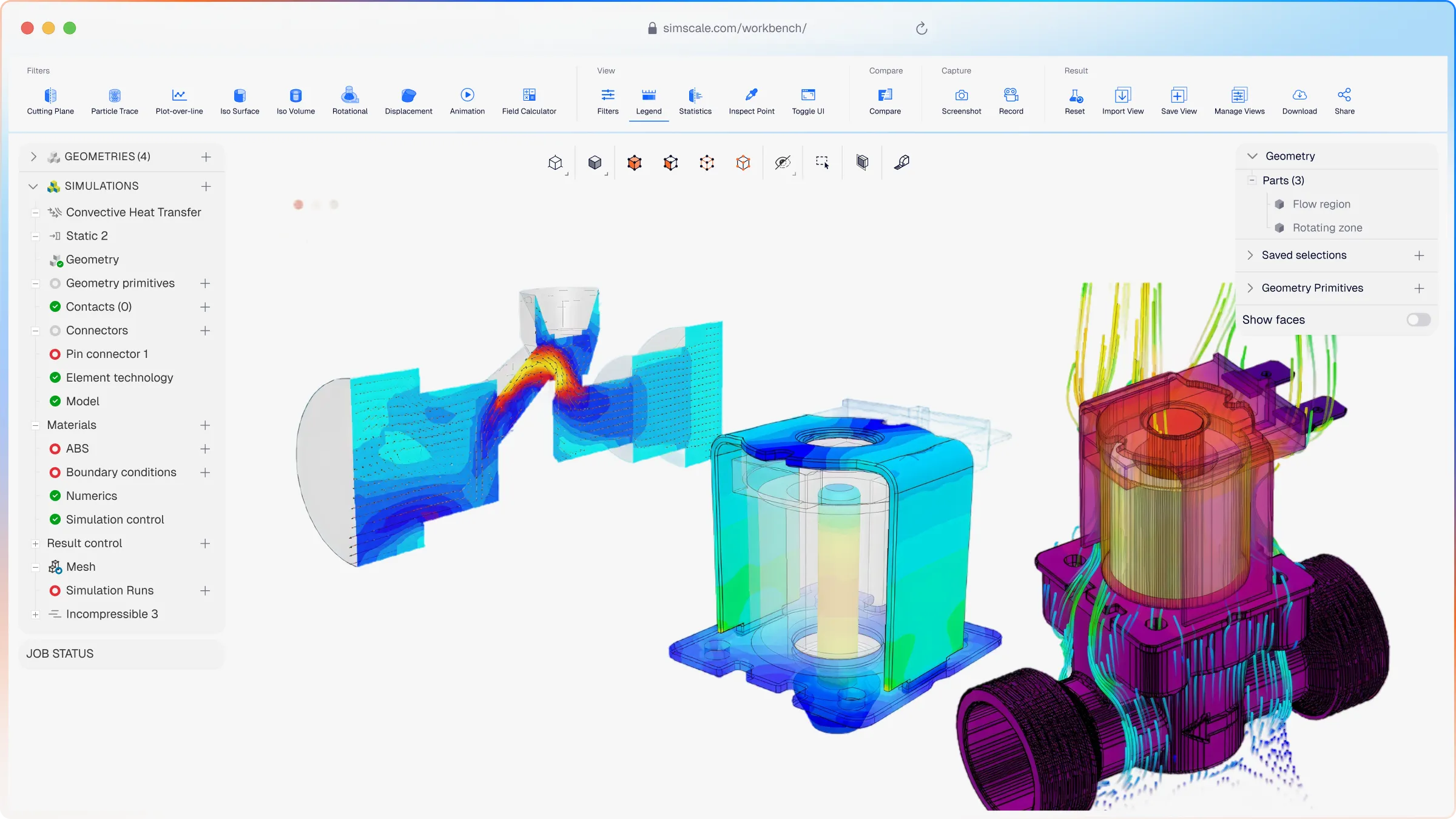












Accurate solenoid simulation traditionally requires specialist EM FEA software, hardware, and expertise, making iteration slow and costly.SimScale opens it to any design engineer. Run parametric sweeps across geometry variants and operating conditions in parallel. Reach sign-off in days, not weeks.
Why SimScale for Solenoid Simulation
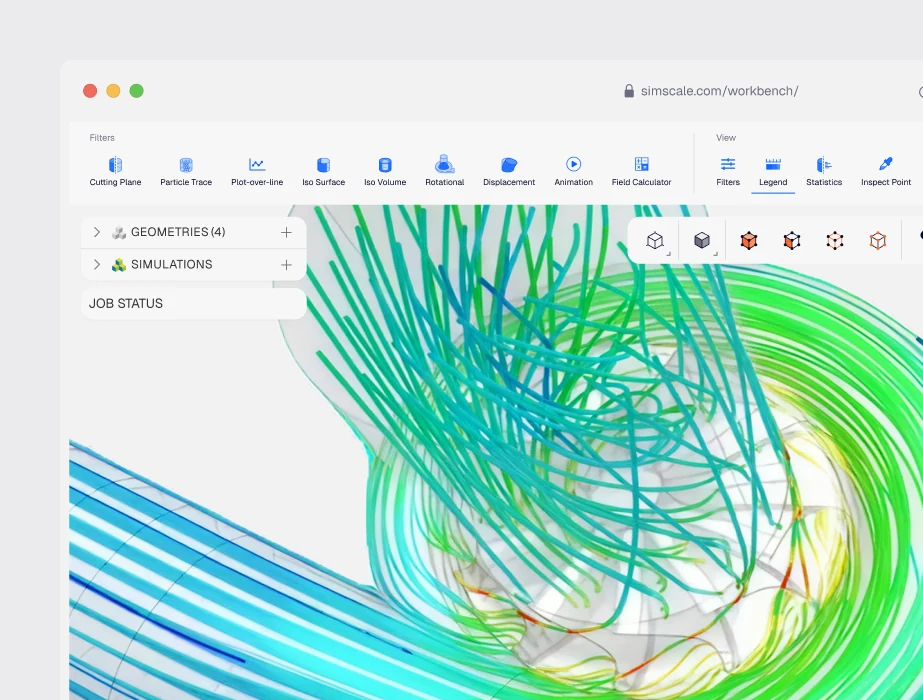
Multiphysics Electromagnetic, fluid, and structural in platform
Couple magnetic force to motion and fluid pressure for solenoid valves. No file export. No second tool.
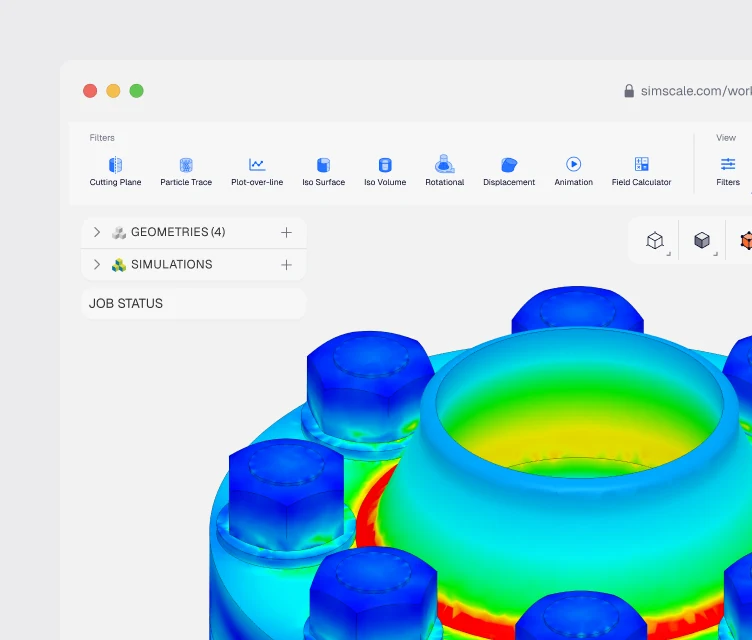
Engineering AI
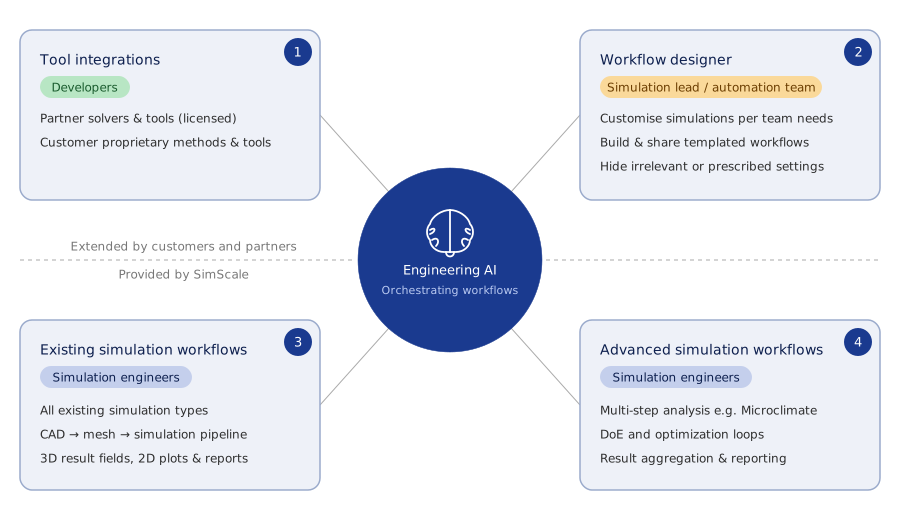
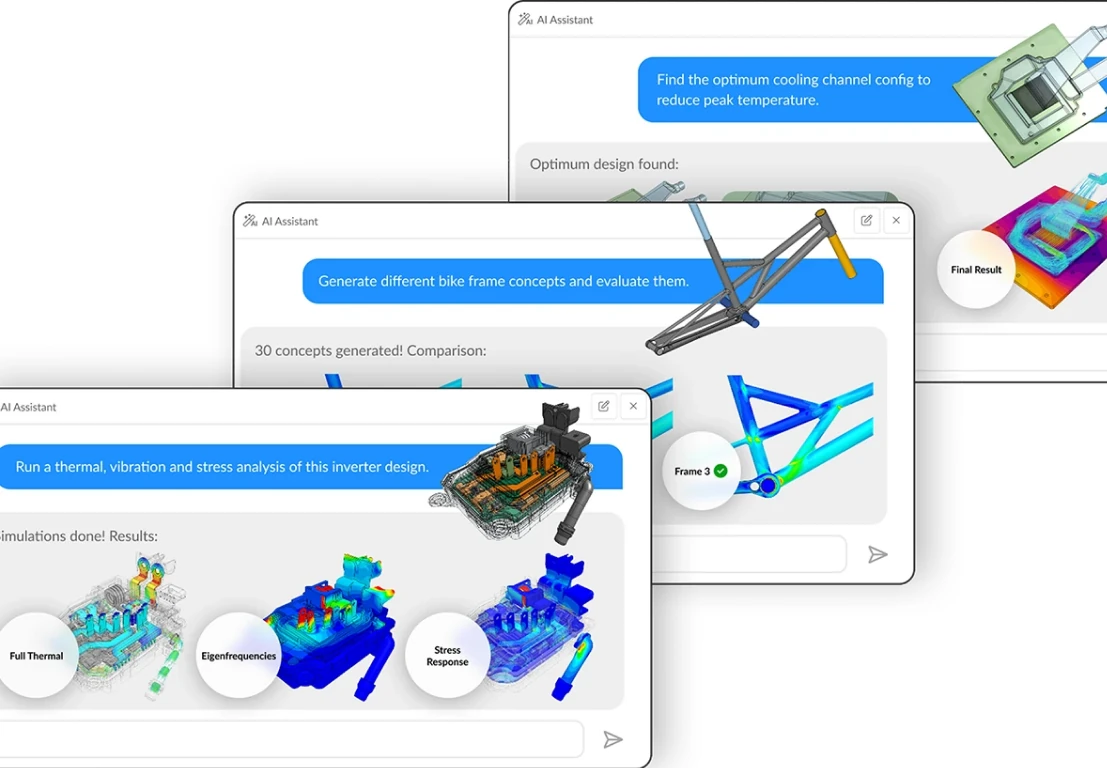
Get more from your engineering expertise. SimScale's Engineering AI handles the mechanics of simulation setup — meshing, boundary condition configuration, solver tuning — so engineering time goes into interpreting results and making design decisions rather than managing software. Sophisticated multiphysics workflows that would previously require dedicated CAE resource can be orchestrated by the design team directly, compressing the feedback loop between simulation insight and design iteration.
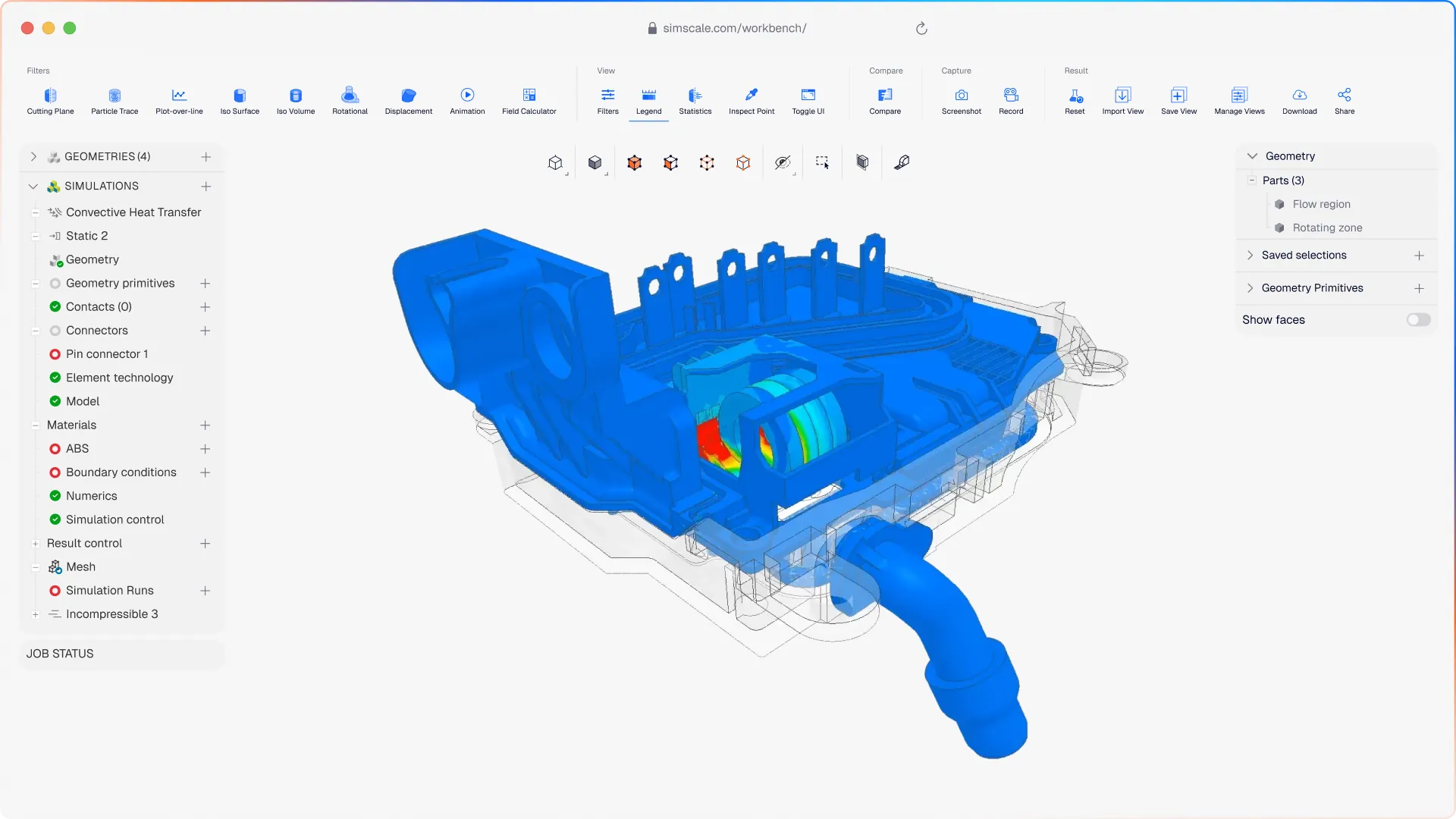
Cloud-native scale
Cloud-scale compute that turns parametric studies from a bottleneck into a differentiator. On local hardware, a force-stroke sweep or geometry optimisation study means queuing runs sequentially and waiting. On SimScale, every variant runs simultaneously on cloud infrastructure — so a study that would take a week on a workstation completes in hours. Scale up or down on demand, with no hardware investment and no licence ceiling.
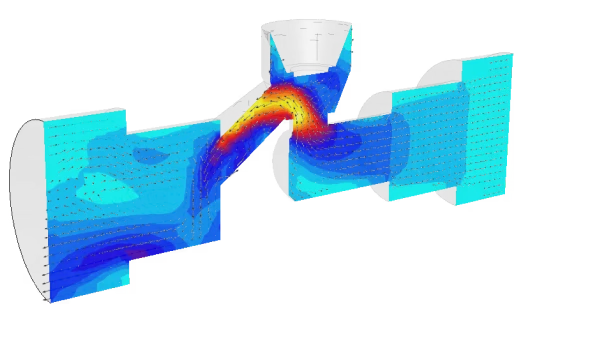
Solenoid Valve Force and Flow
Electromagnetic force, valve motion, and fluid pressure — coupled in a single workflow. Solenoid valve performance depends on the interaction between the magnetic force on the armature, the mechanical response of the plunger, and the resulting fluid pressure downstream. SimScale couples all three without requiring geometry to be exported between tools, so you can characterise pull-in, hold, and release dynamics alongside the downstream pressure response in one study.

Magnetic Field Distribution
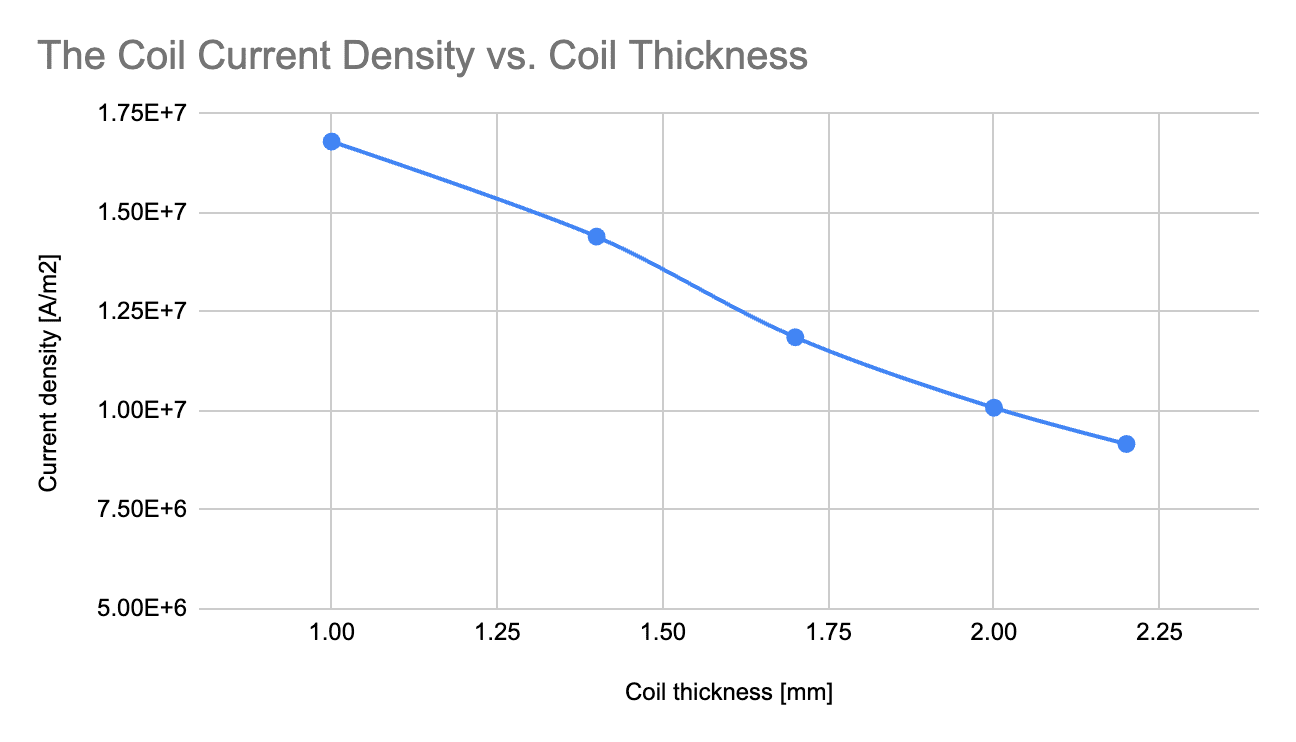
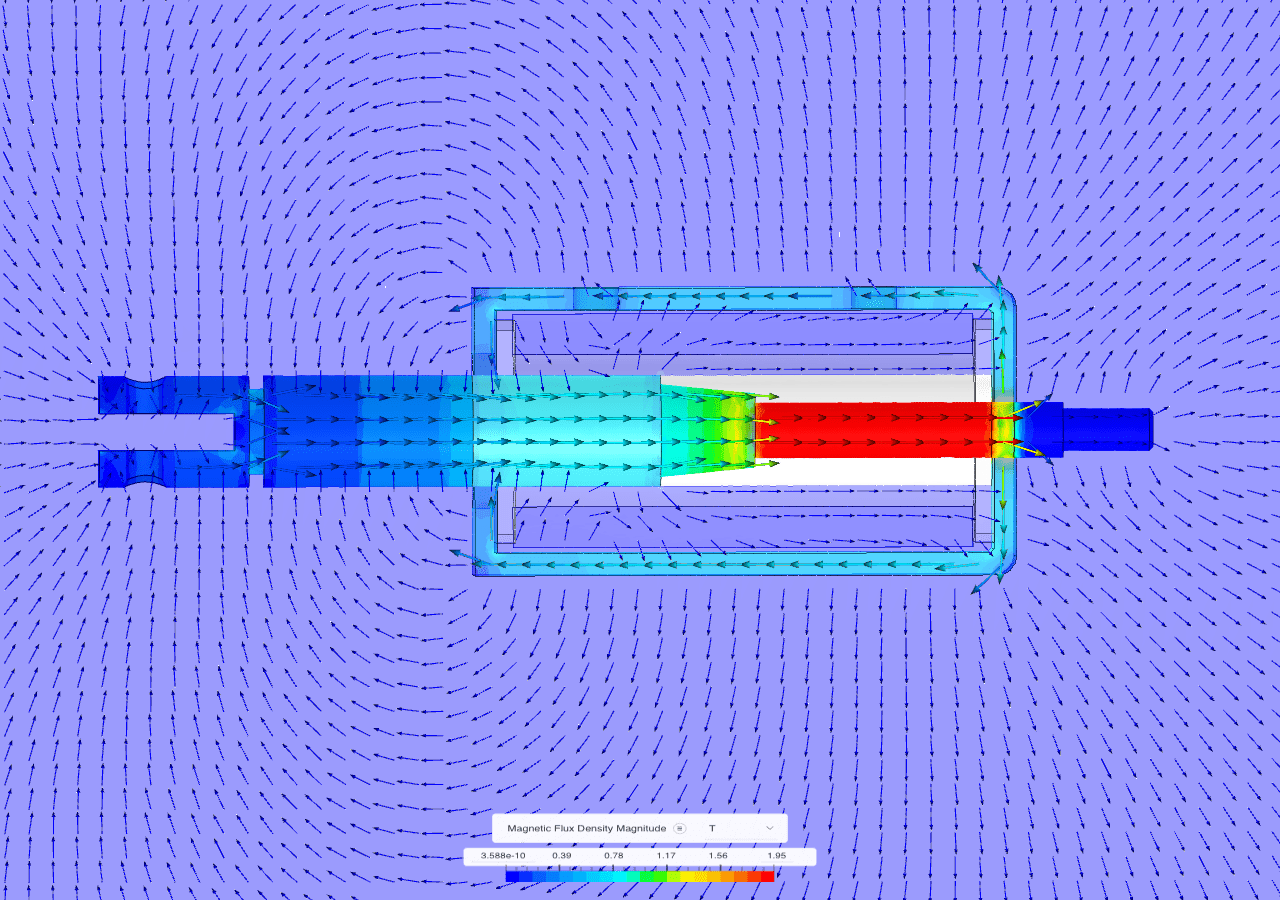
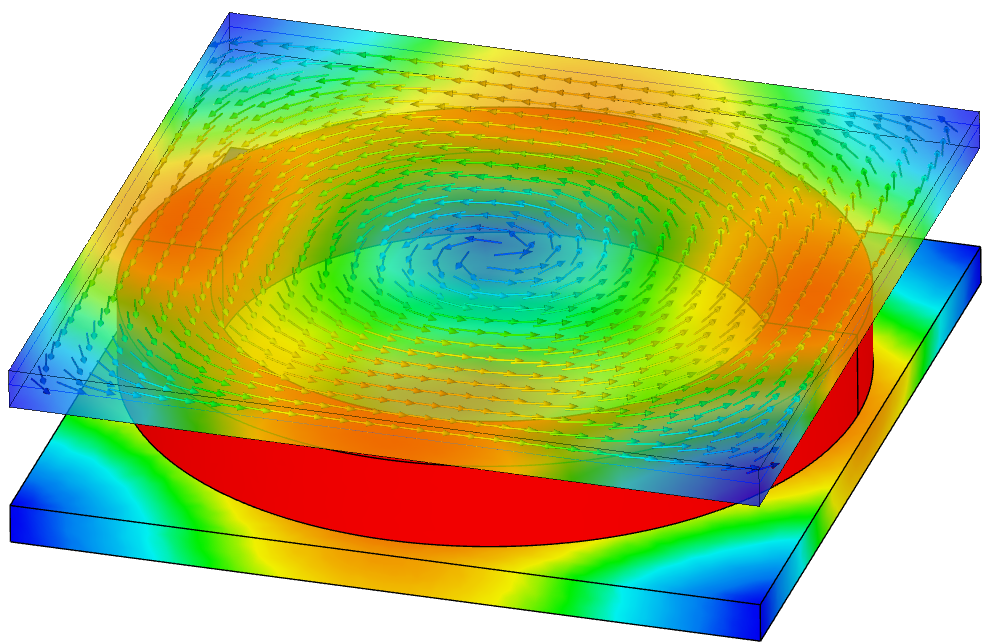
Visualise magnetic flux density across every component in the assembly. SimScale post-processing shows the full flux density distribution across coil windings, ferromagnetic core, and the critical air gap between armature and pole face. This makes it straightforward to identify regions of magnetic saturation, diagnose leakage flux that reduces pull force, and detect field asymmetries that could affect switching consistency.
Force-Stroke Curve Generation
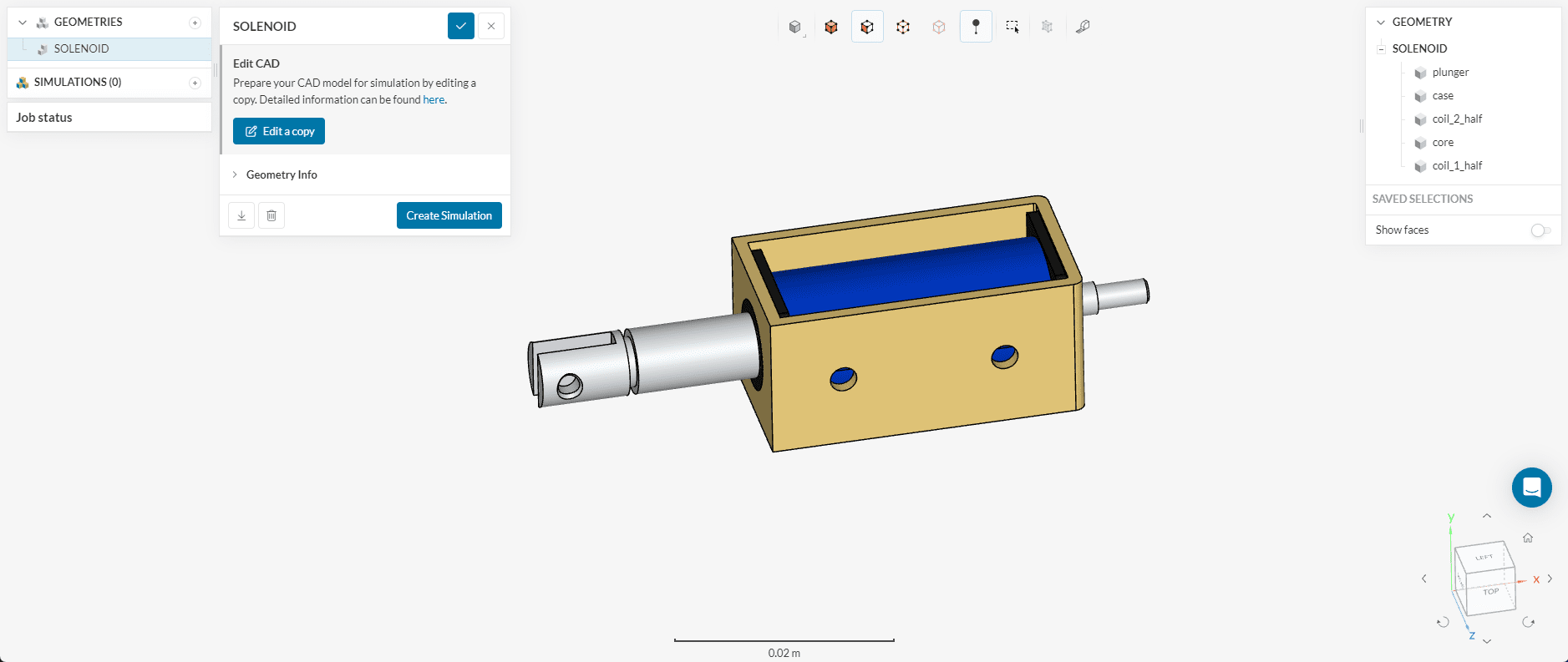
The fundamental performance characterisation of any solenoid, delivered faster with Physics AI. Producing a force-stroke curve traditionally means running a long sequence of individual magnetostatic analyses at each armature position. SimScale's Physics AI compresses this significantly, sweeping positions and excitation levels in parallel and assembling results into a comparative dashboard — so teams can evaluate geometry variants side-by-side and iterate on coil geometry or air gap dimensions before committing to hardware.
Bistable and Latching Solenoid Design
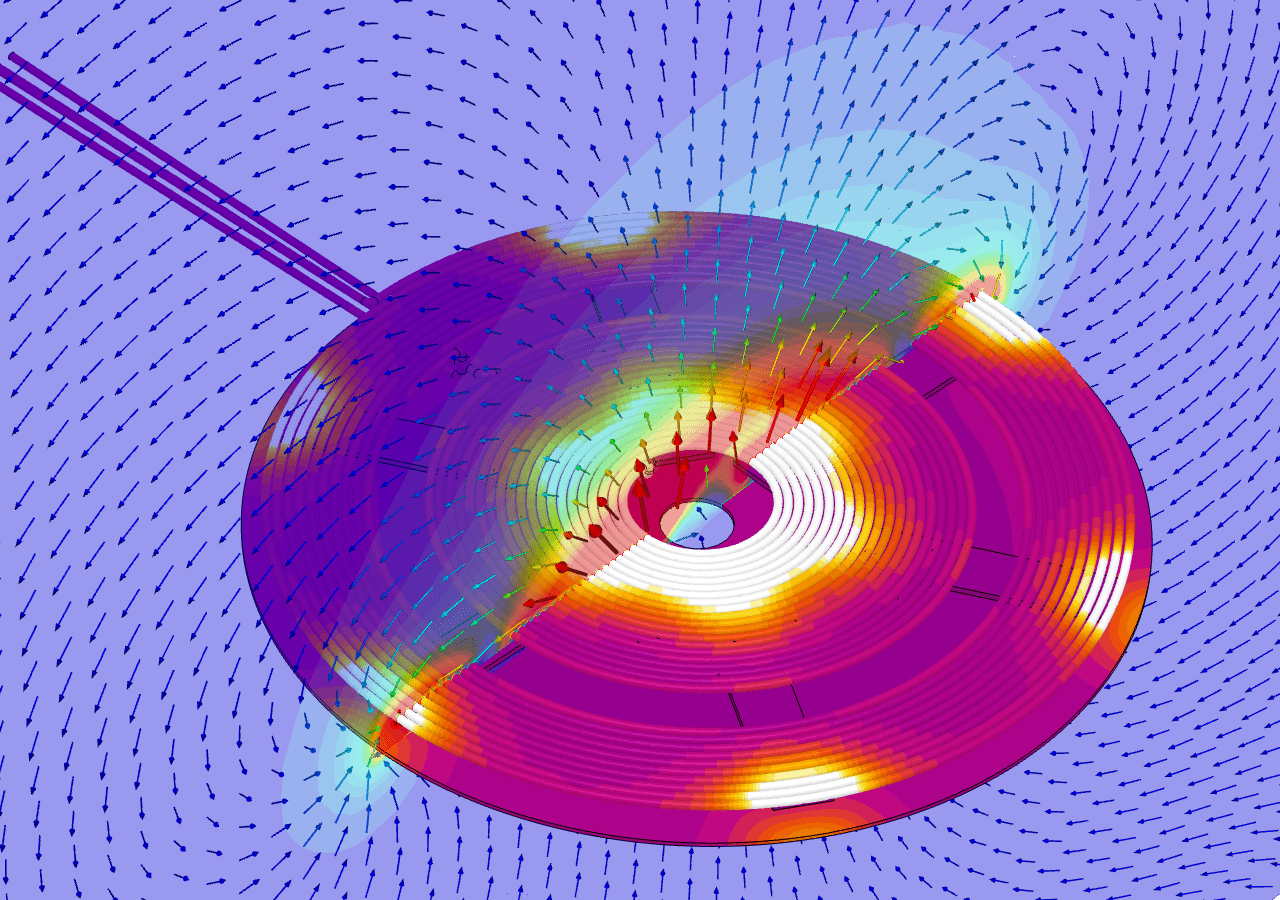
Balance permanent magnet flux, coil geometry, and air gap for reliable switching in both directions. Bistable solenoids must hold position in both states without continuous power — a design challenge requiring careful co-optimisation of magnet strength, coil geometry, and air gap. SimScale lets you model both stable positions in the same study, quantify holding force at each, and evaluate the energy required to switch states.
Coil Thermal Coupling
Understand how heat affects force output under real operating conditions. Copper winding resistance increases with temperature, directly affecting current draw and the magnetic force a solenoid can generate under sustained operation. SimScale's coupled electromagnetic-thermal analysis maps Joule heating in the coil as a heat source through the surrounding geometry, giving an accurate picture of steady-state operating temperature and the resulting force derating.
Automotive Transmission and Active Suspension
Optimise pressure-regulating solenoids for the most demanding production volumes. Automotive transmission solenoids operate under high cycling rates, elevated temperatures, and precise pressure regulation requirements across the full range of gear ratios and torque demands. SimScale supports full electromagnetic-CFD coupling for pressure-regulating valve development — covering solenoid force characteristic, spool or ball valve motion, and downstream pressure output — with the same workflow applicable to active suspension and CVT applications.

10
new business opportunities
“We have been using SimScale to modify and develop new solenoid valves. SimScale is one of our reliable computational tools to solve our fluid problems to make sure our solenoid-valves fluid performance is reliable.”
Chandru Rao - Simulation Manager, Solero Technologies

80%
reduction in pressure drop
“Approaching the design process using simulation with SimScale allowed Diinef to avoid a costly and slow testing process of physical models in the early stages of the project.”
Diinef Engineering Team

150
simulations across 7 valve sizes
“SimScale has proved to be for the firm a flexible and scalable tool, which was critical for a HUBZone firm like ours.”
EJ Consulting engineering team
Related resources

Alex Graham
June 16, 2026
Multi-agent workflows: key takeaways from Design & Simulation Week 2026
SimScale and CoLab demonstrated live AI agent collaboration at Design & Simulation Week 2026, cutting engineering review and simulation lead times dramatically.
Alex Graham
June 12, 2026

SimScale Workflows: Why we are opening up the platform (& why you should care)
SimScale Workflows opens its platform to custom solvers and tools, enabling automated, AI-driven multi-step engineering simulation pipelines for any organization.
Alex Graham
May 29, 2026



Luis Goncaves
June 18, 2026
Luis Goncaves
January 27, 2026

Paras Ghumare
December 4, 2025


Jon Wilde
June 16, 2026


David Heiny
June 15, 2026
Jon Wilde
June 3, 2026

Peter Selmeczy
March 24, 2026

Peter Selmeczy
September 10, 2025
Peter Selmeczy
June 25, 2025
Peter Selmeczy
May 29, 2026
Yes. SimScale supports magnetostatics for steady-state force and flux-density analysis, and time-harmonic magnetics for AC-excited coils and eddy-current effects. Both are accessible from the same browser-based interface with no additional license required.
SimScale's AI-native multiphysics platform couples electromagnetic FEA, structural motion, and CFD in a single workflow. You can model the magnetic force on the armature, the resulting valve motion, and the downstream fluid pressure response — without exporting geometry between tools.
Yes. SimScale runs all simulation variants simultaneously in the cloud. A force-stroke sweep across multiple armature positions or current levels runs in parallel, so a study that would take days sequentially completes in hours.
SimScale uses an automatic tetrahedral mesher optimised for electromagnetic analysis, with refinements around air gaps, coil windings, and core surfaces. Engineering AI-powered mesh generation reduces setup time for complex solenoid geometries significantly.
The fastest way is to follow the linear pushing solenoid tutorial, which walks through geometry import, electromagnetic setup, meshing, and post-processing in SimScale. You can also sign up free and use one of the public solenoid templates directly.