Vibration Analysis Simulation Software
Cloud-native FEA: Predict vibration failure before physical testing
Measure natural frequencies, assess resonance risk, and optimize structural designs using cloud-native FEA, directly in your browser.
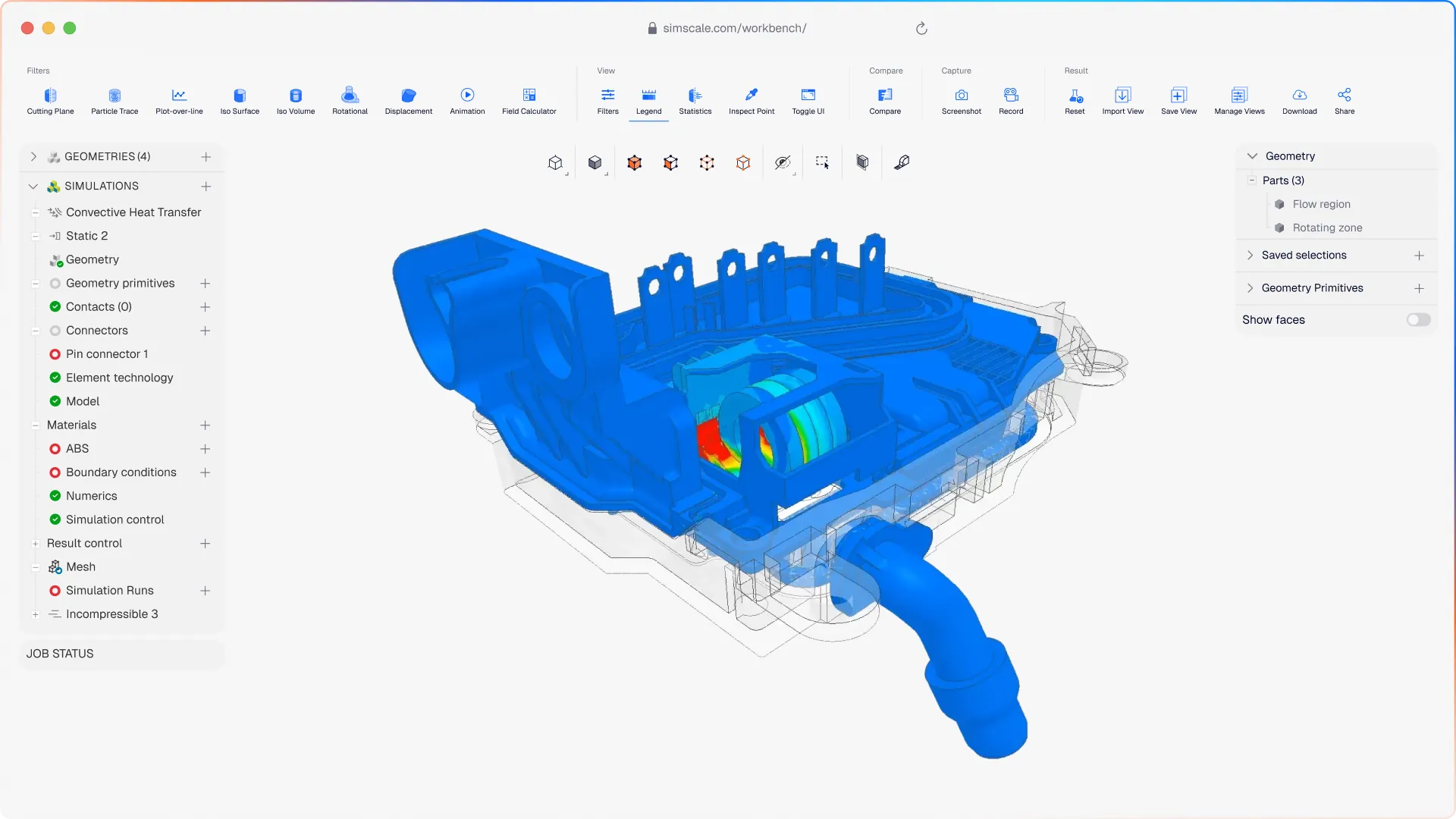












Resonance failures discovered in physical prototypes are expensive to fix. SimScale lets engineers and designers run modal, harmonic, and dynamic analyses in the cloud, catching vibration risks before hardware is built.
Vibration simulation that covers your full design challenge
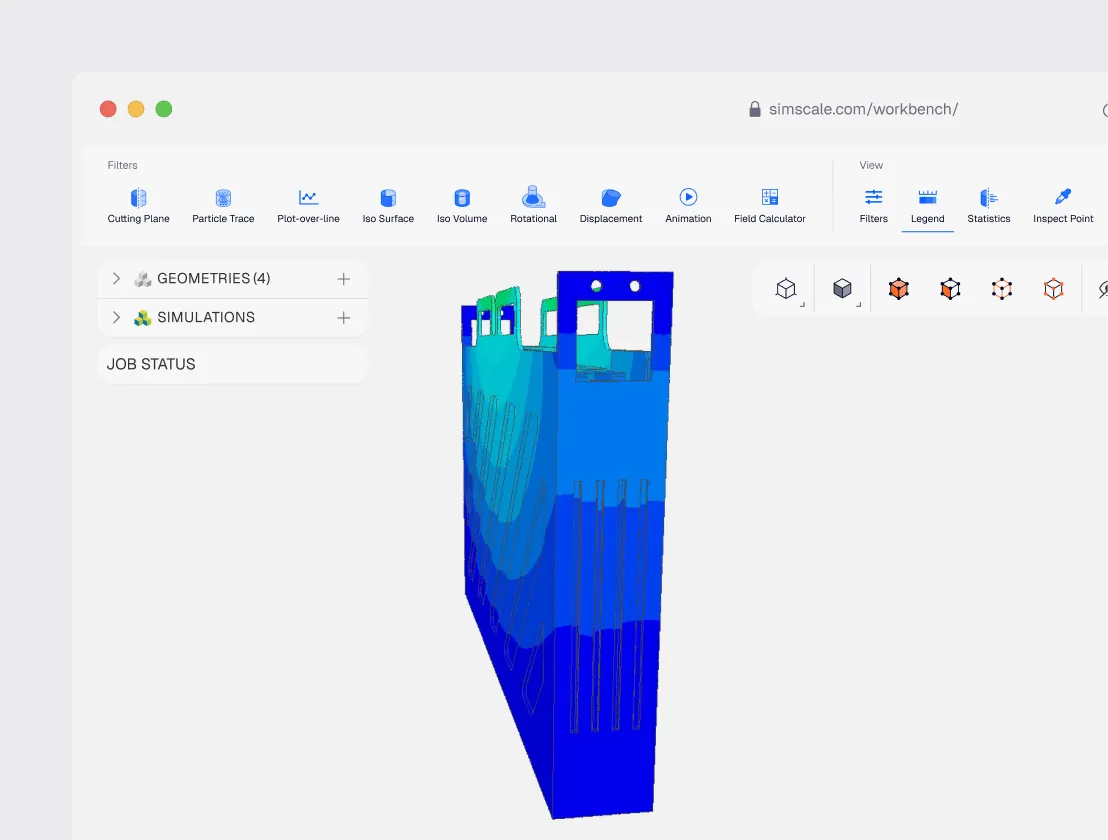
Multiphysics FEA: modal, harmonic, dynamic, and thermal-structural
Run modal, harmonic, dynamic, and thermal-structural analysis independently or combined to build a complete virtual vibration testing program. Identify resonance modes, evaluate stress under oscillating loads, and predict fatigue life before hardware certification.
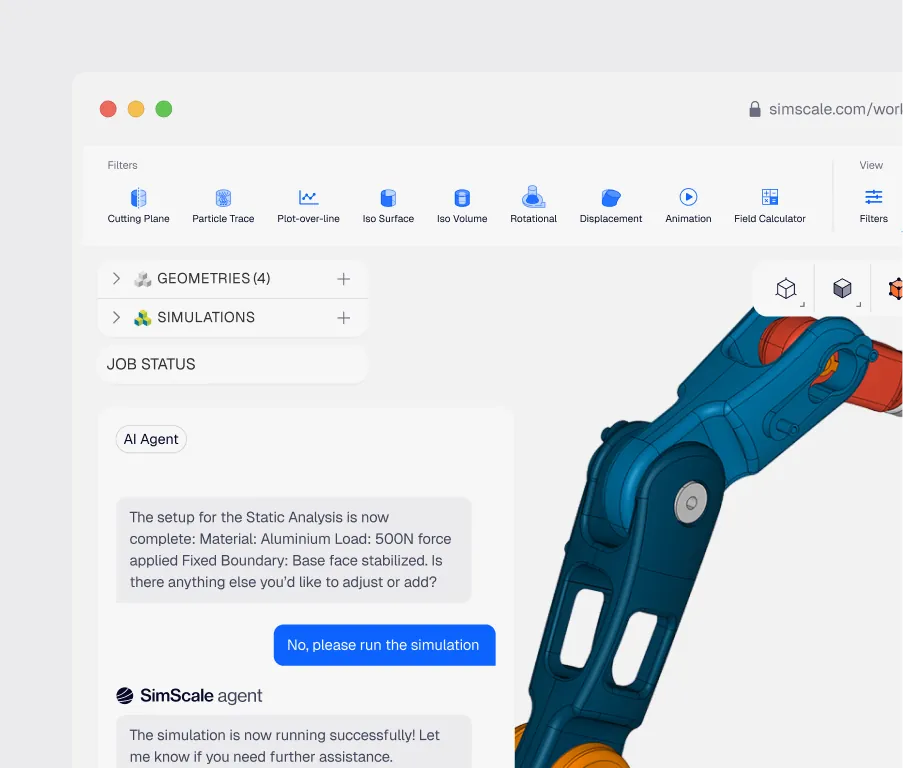
AI-native structural optimization
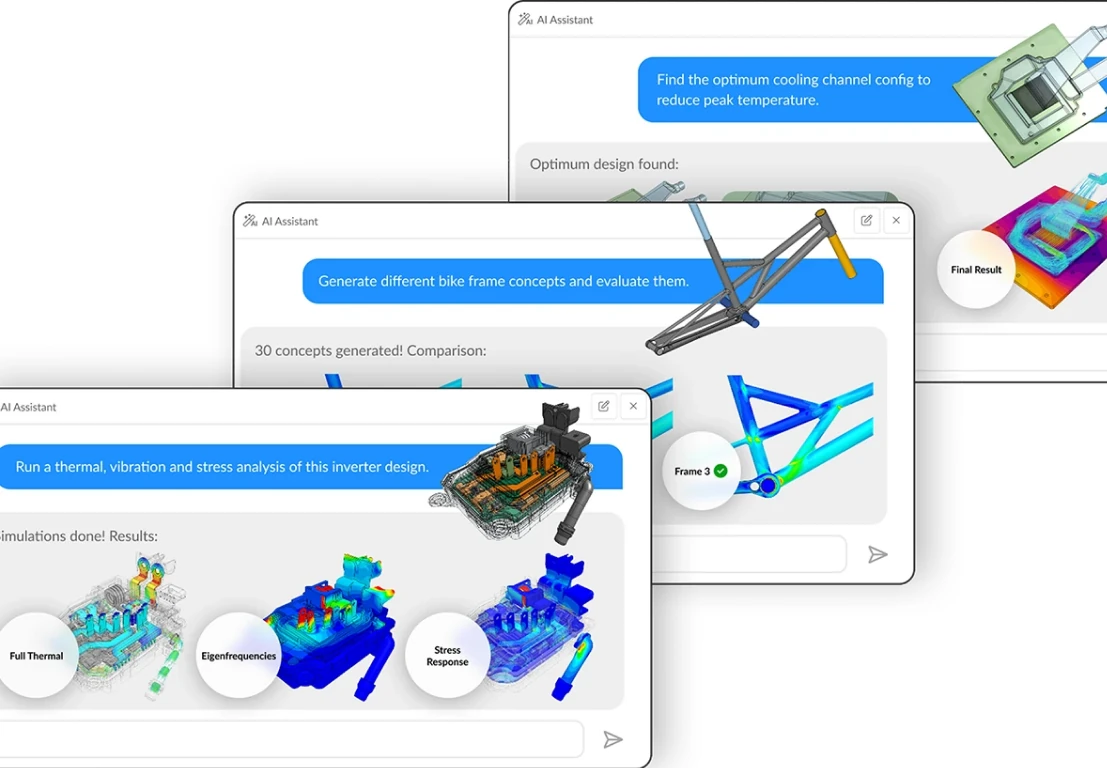
Physics AI delivers rapid structural predictions for early-stage design exploration, helping your team evaluate more options before committing to full FEA runs. Engineering AI automates mesh generation and simulation setup, reducing preparation time and eliminating common error sources.
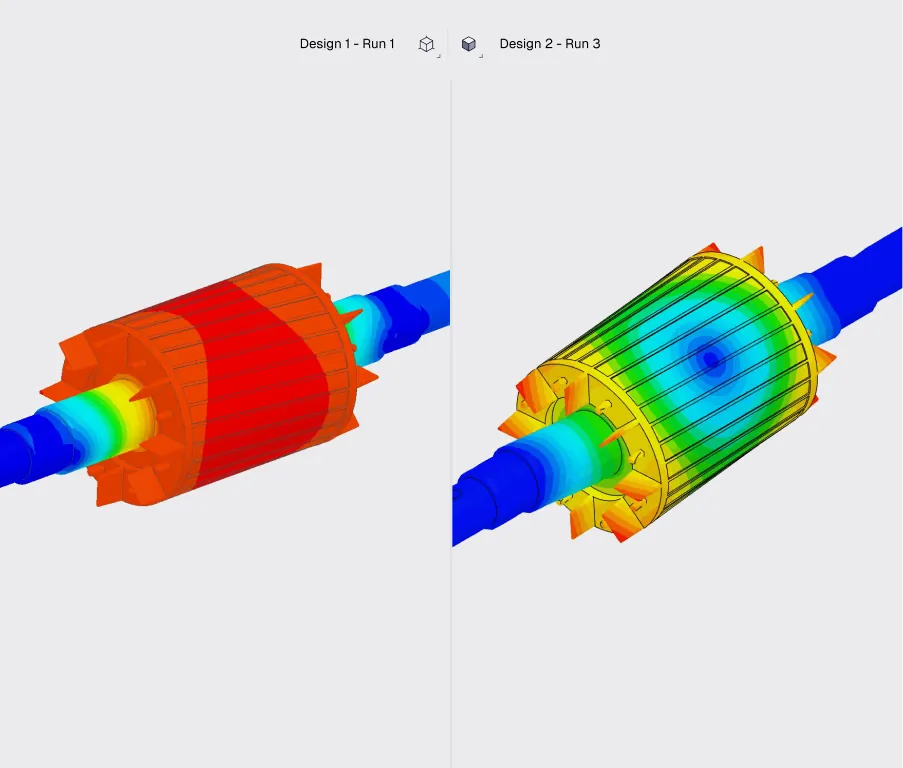
Cloud-native parallel compute: run multiple vibration studies without queuing
Submit modal, harmonic, and dynamic analyses simultaneously without queuing for compute. Compare design variants side by side and share results with your team in real time.
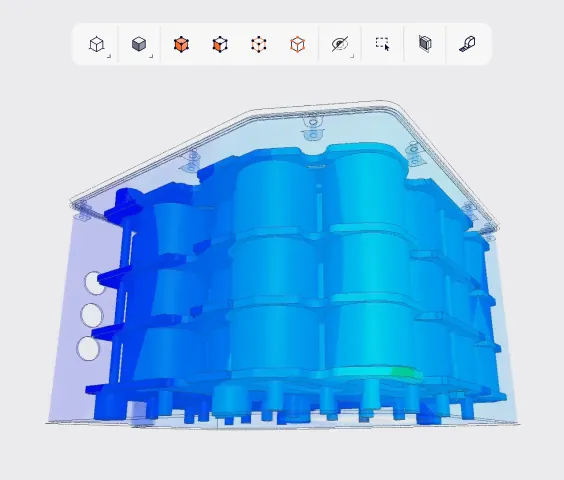
Modal analysis & eigenfrequency mapping
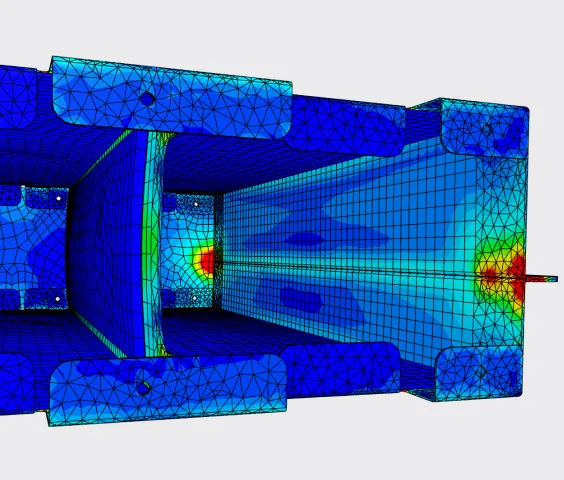
Determine natural frequencies and mode shapes to identify resonance risks under operating or test conditions. Define safe operating ranges and inform physical test profiles before hardware certification.
Harmonic response analysis
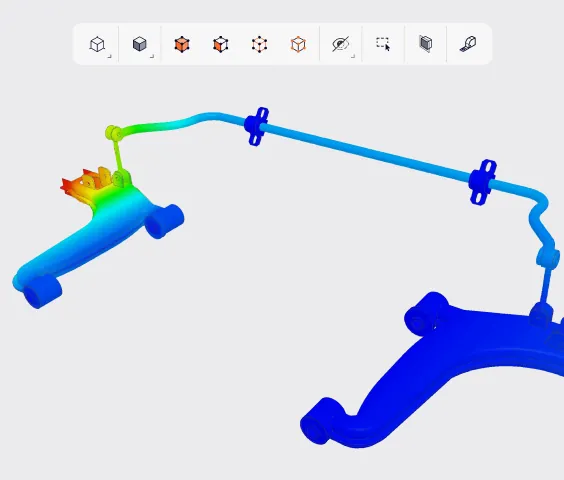
Evaluate steady-state structural response under sinusoidal loading across a defined frequency range. Identify peak response frequencies and stress concentrations to optimize damping and stiffness.
Fatigue life prediction
Estimate component fatigue life under cyclic and dynamic loading conditions. Identify high-stress regions prone to crack initiation and use simulation results to inform material selection and design modifications before physical validation.

€15k
saved in licensing and hardware costs
“Using SimScale, we not only specified evidence-based approaches to protect our equipment against vibration, we also minimized our need for physical prototyping and saved €15k in licensing and hardware costs.”
Mar Sanchez, Mechanical Engineer at TechSAT

FEA
workflow transformed from weeks to days
“We've only had to build one jig to cover two jobs with the use of SimScale, significantly reducing custom machining costs and physical laboratory setup time.”
Andrew Ashby — Mechanical Engineering Manager, Pektron

300°C
vibration & structural analysis for drilling electronics
“The simulation and collaboration features in SimScale have unlocked faster development times, and we are on track to deploy our first units in 2025.”
Peter Harvey — VP of Technology, Hephae
Related resources

Alex Graham
June 16, 2026
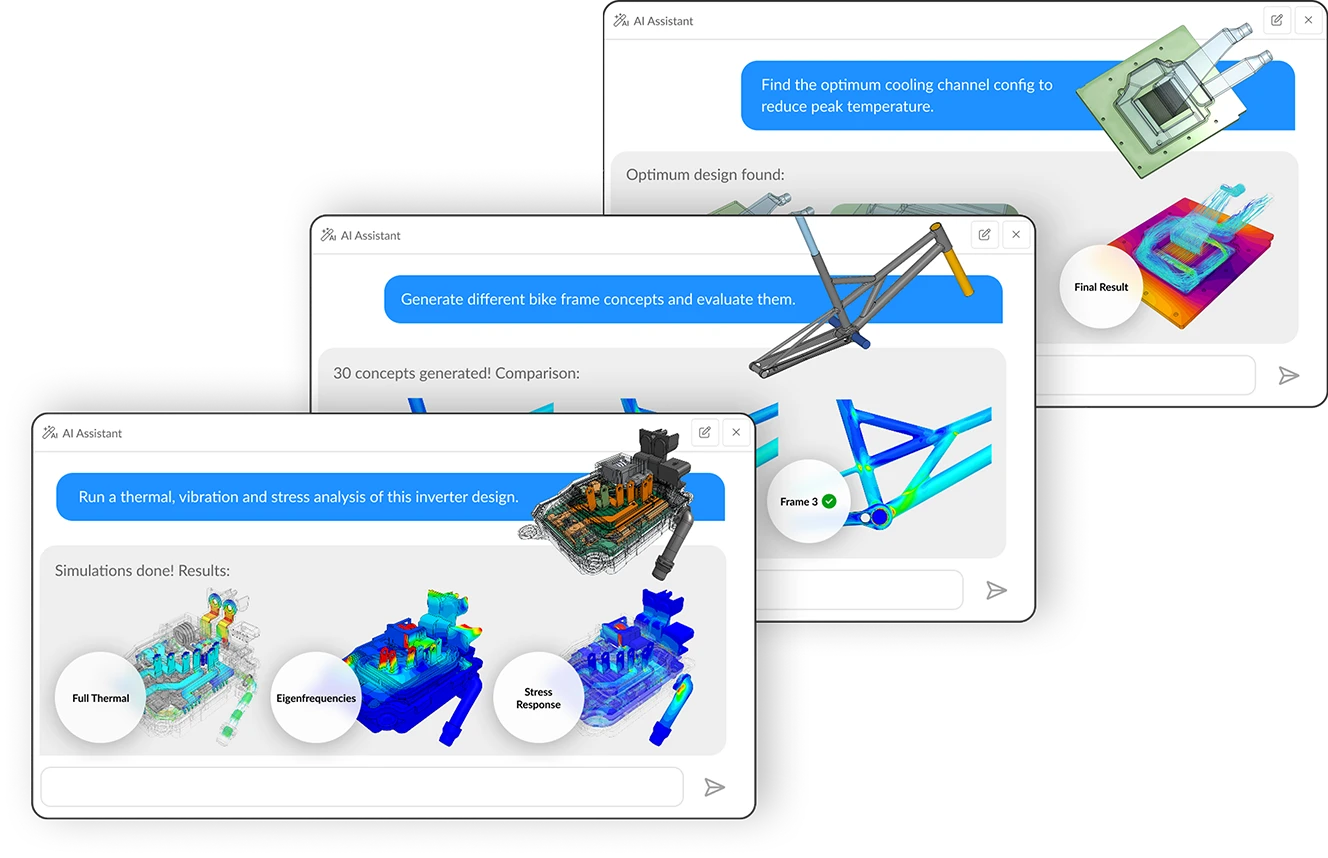
Multi-agent workflows: key takeaways from Design & Simulation Week 2026
SimScale and CoLab demonstrated live AI agent collaboration at Design & Simulation Week 2026, cutting engineering review and simulation lead times dramatically.
Alex Graham
June 12, 2026

SimScale Workflows: Why we are opening up the platform (& why you should care)
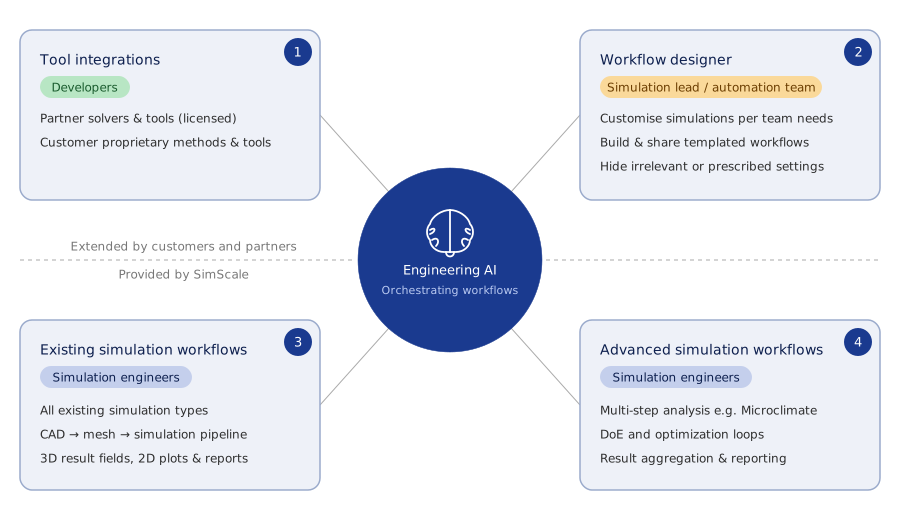
SimScale Workflows opens its platform to custom solvers and tools, enabling automated, AI-driven multi-step engineering simulation pipelines for any organization.
Alex Graham
May 29, 2026



Luis Goncaves
June 18, 2026
Luis Goncaves
January 27, 2026

Paras Ghumare
December 4, 2025


Jon Wilde
June 16, 2026


David Heiny
June 15, 2026
Jon Wilde
June 3, 2026

Peter Selmeczy
March 24, 2026

Peter Selmeczy
September 10, 2025
Peter Selmeczy
June 25, 2025
Peter Selmeczy
May 29, 2026
SimScale supports modal analysis (natural frequencies and mode shapes), harmonic analysis (steady-state sinusoidal response), dynamic analysis (time-domain response to transient loads), and rotational modal analysis with Campbell Diagram generation for rotating machinery.
Yes. SimScale is specifically used by engineering teams to identify resonance risks, define safe test frequency ranges, and optimize designs before physical testing. This reduces the risk of certification failure and the cost of re-testing.
SimScale supports thermal-structural coupling, allowing engineers to evaluate how elevated operating temperatures affect natural frequencies, stiffness, and fatigue life — important for aerospace, automotive, and industrial applications where thermal loading is significant.
Yes. SimScale supports parametric sweeps across geometry, material, and boundary condition variables. Teams can run multiple design variants in parallel to identify configurations that avoid resonance or maximize fatigue life.
No. SimScale is 100% cloud-native — access the full FEA platform from any web browser with no installation.