Engineering AI
From engineering intent to limitless exploration
Agentic engineering orchestrates the simulation process from intent to design, seamlessly managing complex workflows so teams can explore further, iterate faster, and build higher-performing products.




The intelligence layer between intent and validated design
Engineering AI transforms how products are designed & built.
Objective-driven engineering
Engineering has long been workflow-driven, with simulation runs defined step by step before insight is possible. Engineering AI changes the starting point. Engineers define performance targets, constraints, and trade-offs and the system orchestrates validation paths aligned to those objectives. Execution follows intent. Engineers focus on outcomes.
Agent-guided simulation
Engineering AI orchestrates simulation setup based on context and intent, selecting solver settings, mesh strategies, and boundary conditions automatically. Each validation cycle becomes repeatable, auditable, and scalable across teams. Experts can define templates, rules, constraints, and validation logic, creating reusable, governed workflows that encode your best practices.
Agentic reasoning, not task automation
Traditional automation executes predefined steps. Engineering AI agents reason about engineering intent. Agents coordinate end to end validation workflows. They interpret requirements, explore design alternatives, run multiphysics simulations, and assemble decision ready results within defined guardrails. Engineers remain in control. Agents handle orchestration.
Orchestrated, auditable execution
Engineering AI interfaces with users, agents, data, and compute. Every configuration choice, simulation step, and result is traceable and reproducible. Standards, templates, and compliance rules are embedded directly into execution, ensuring consistent validation across teams and programs. AI scales expertise. Governance preserves control.
See what it can do
Learn more about Engineering AI use cases by watching agents at work in SimScale
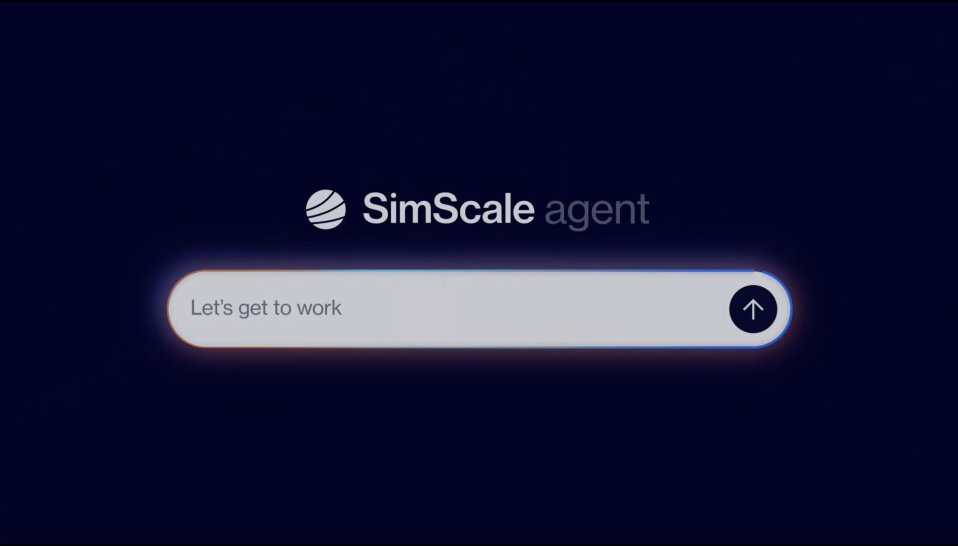
Try Engineering AI in the SimScale Community
The SimScale AI agent is now available to all SimScale Community members. Try it today!
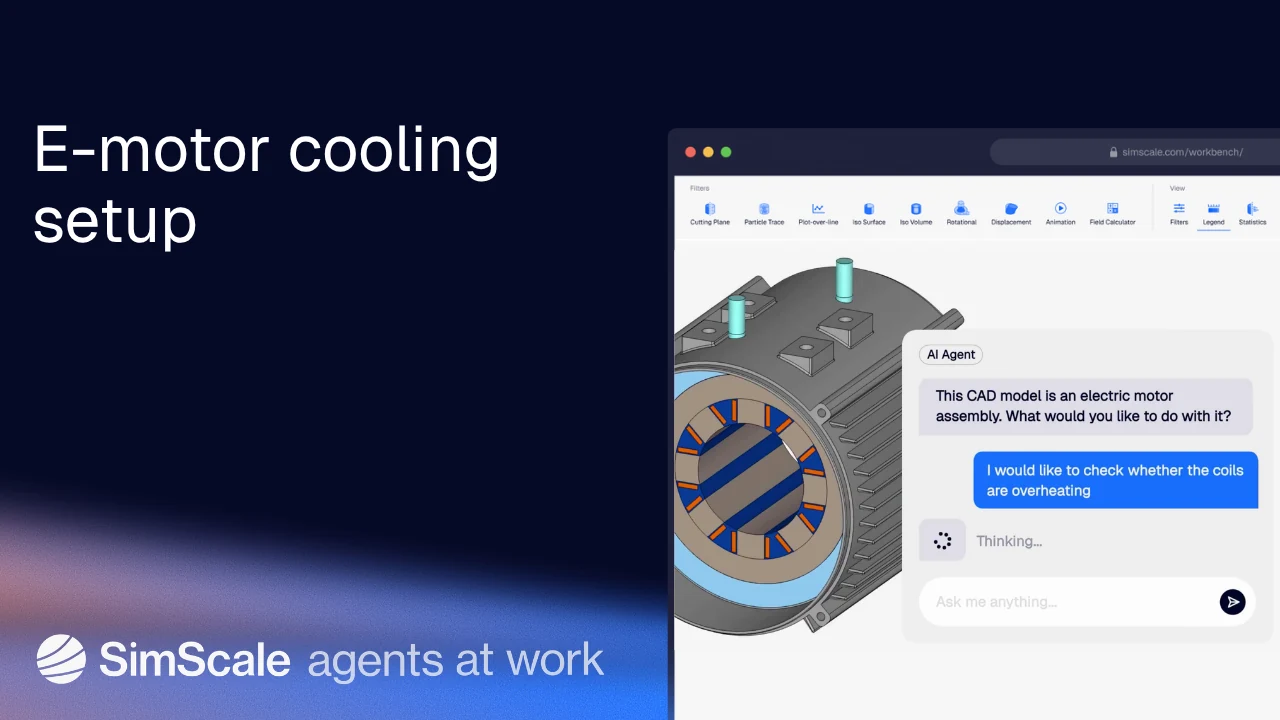
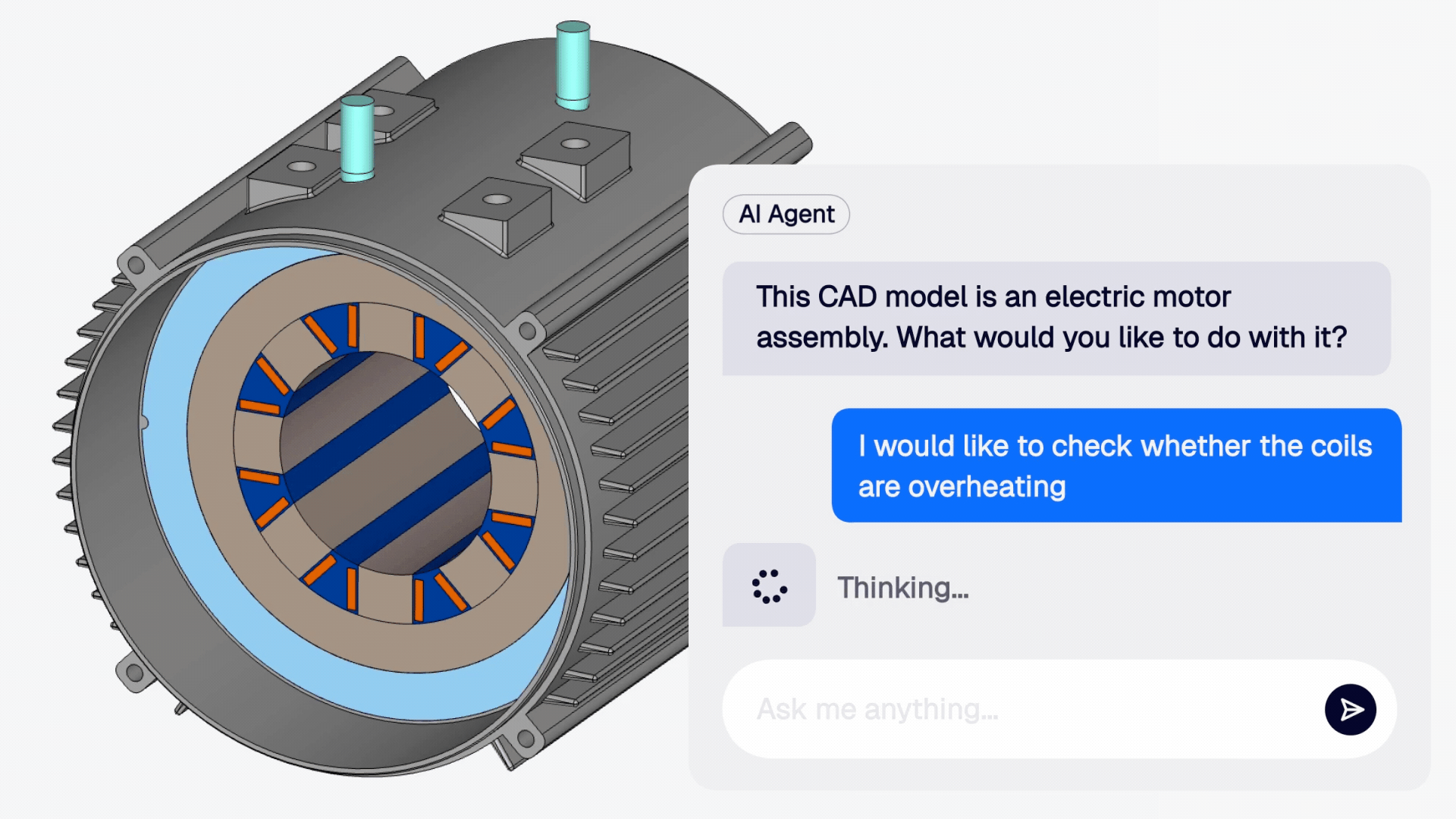
E-motor cooling setup
Using the SimScale Engineering AI agent to configure a complex e-motor cooling simulation
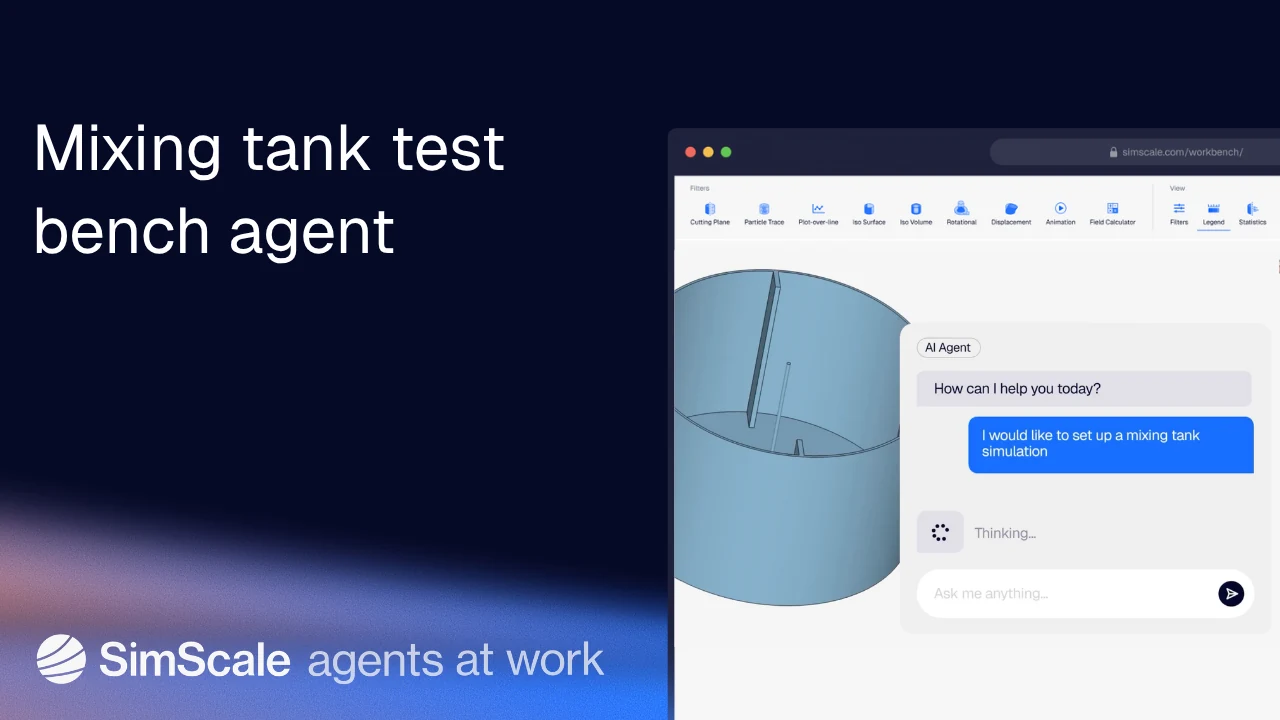
Mixing tank test bench agent
An agentic workflow for simulating mixing tank performance
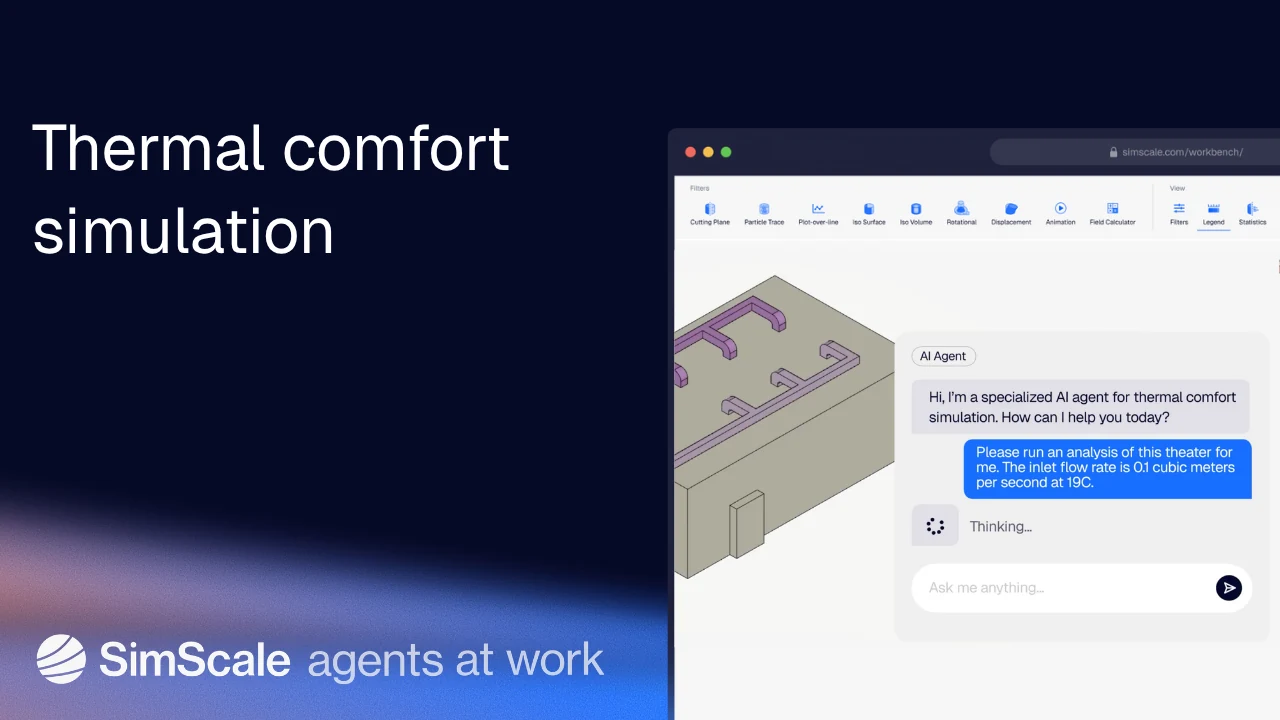
Thermal comfort simulation
Simulating a theater HVAC system using a specialized agent
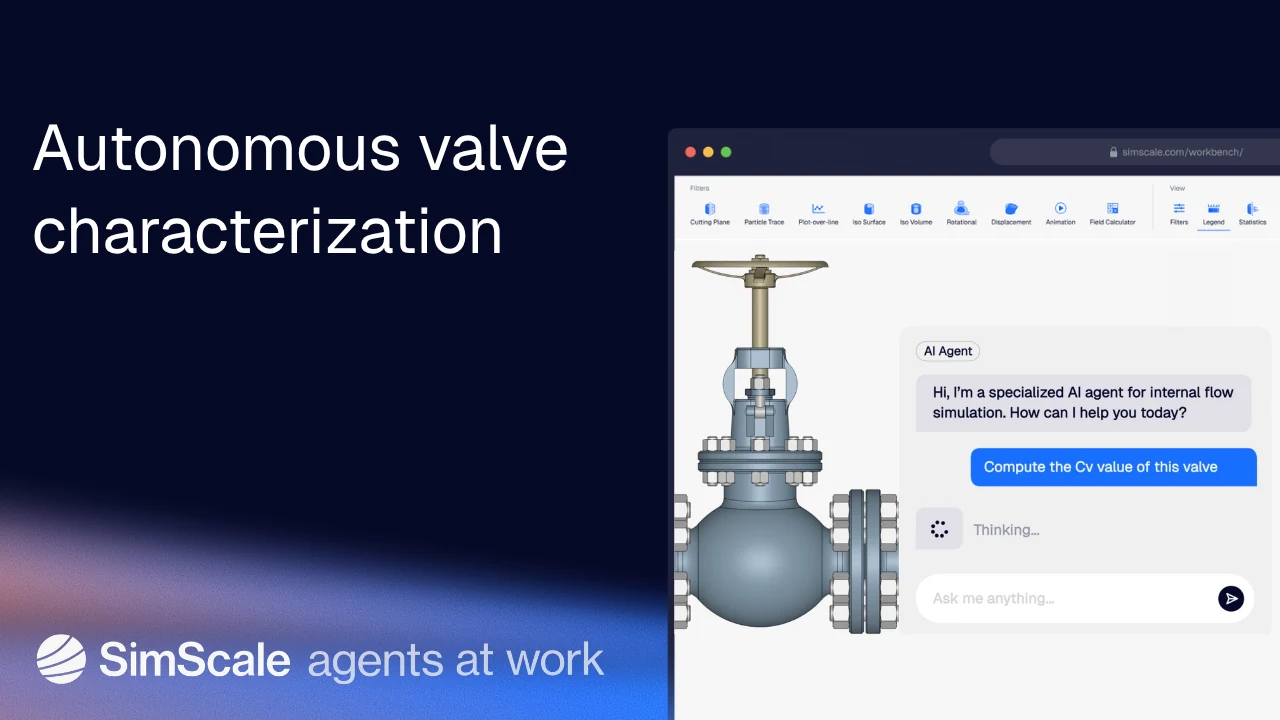
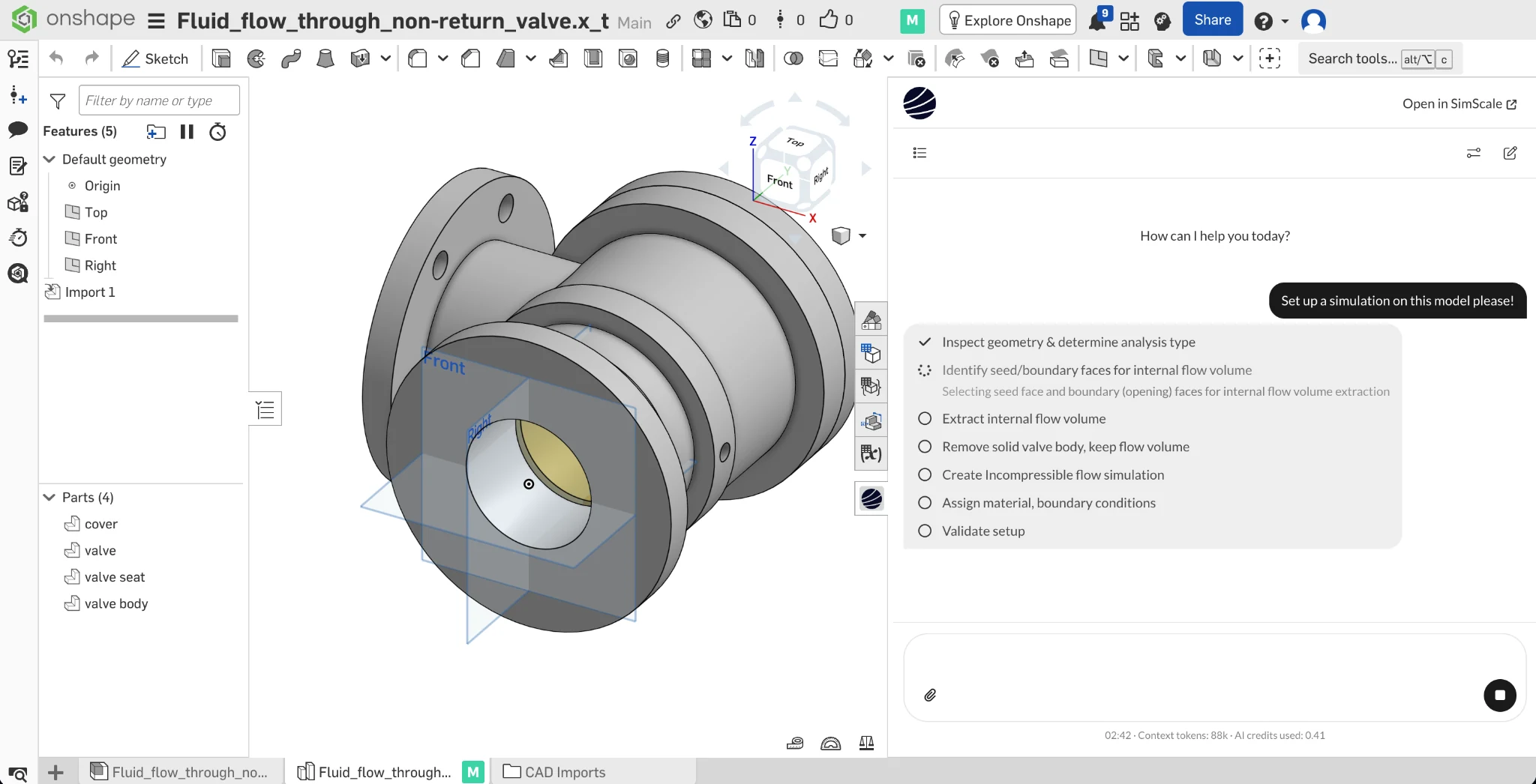
Autonomous valve characterization
See the SimScale AI agent calculate the Cv value, starting from an unlabelled CAD model
Try Engineering AI in the SimScale Community
The SimScale AI agent is now available to all SimScale Community members. Try it today!
E-motor cooling setup
Using the SimScale Engineering AI agent to configure a complex e-motor cooling simulation
Mixing tank test bench agent
An agentic workflow for simulating mixing tank performance
Thermal comfort simulation
Simulating a theater HVAC system using a specialized agent
Autonomous valve characterization
See the SimScale AI agent calculate the Cv value, starting from an unlabelled CAD model

Stop wasting engineering talent. When validation relies on simulation setup, expertise is consumed by process, not performance. Product innovation stalls.
How it works
From raw CAD file to instant design validation, in four steps
Engineering AI agents interpret your engineering intent, automate setup, and orchestrate execution from first conversation to final result.
Start a conversation at any time
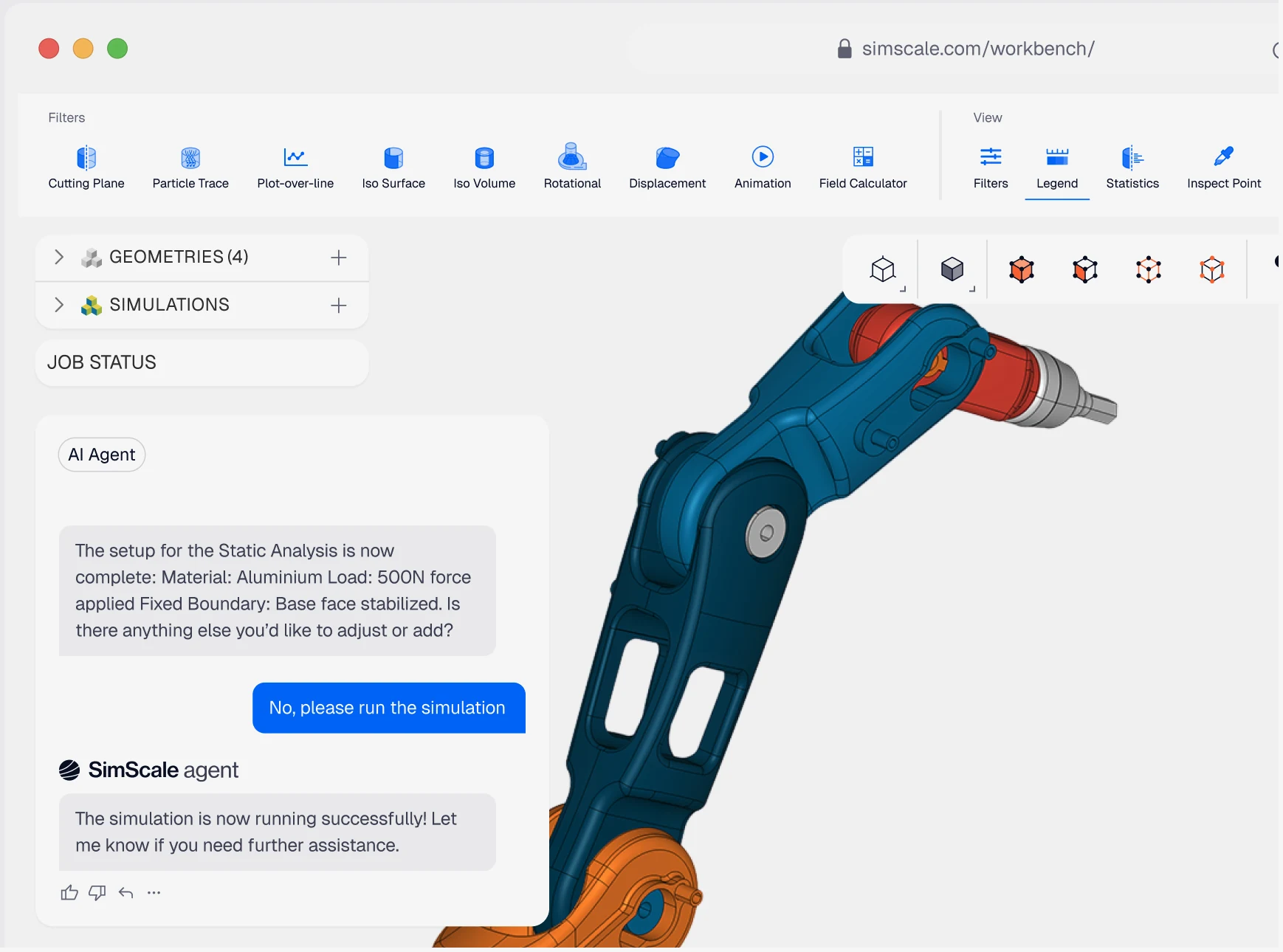
The Engineering AI agent acts as an engineering collaborator and co-pilot within your workflow. The agent can interpret context, recommend strategies, and assist with simulation setup, execution, and evaluation, aligning each step to your product performance goals. Execution follows intent. Engineers focus on outcomes.
Let the agent work for you, as well as with you
Engineering AI applies reasoning, embedded templates, and data from over 1,000,000 public simulation projects to configure appropriate simulation strategies in minutes, not hours. By building structured validation paths with consistency and rigor, it accelerates workflows while preserving engineering control.
Build custom agents with organizational standards assured
Create custom agents to fine-tune behavior and oversight to your needs. Agents can be configured and published to embed company best practices, compliance requirements, and domain expertise across teams and programs, enabling your wider engineering workforce with guardrailed access to early simulation.
SimScale Workflows and APIs for multi-agent collaboration
SimScale's execution infrastructure is open by design — any solver, AI method, or external data source can be integrated natively into the platform, governed and versioned alongside SimScale's own capabilities. The result is coordinated, intelligent execution across the full engineering stack.
Built on industry-leading AI frameworks
Built on proven AI frameworks and accelerated computing, Physics AI models are trained on simulation data and grounded in physics — delivering reliable, engineering-grade predictions.




seconds
To obtain reliable CFD parameters (lift, drag, speed) for vehicle aerodynamics
"By using cloud-native CFD in SimScale, the project resulted in savings of 45% compared to using traditional desktop software"


<1 hour
To explore thousands of design variants
“We now have an AI model that can generate a new optimized design in under an hour, and I have complete confidence in the results.”


50%
reduction in development costs
"Months of engineering work can now be done in an evening"

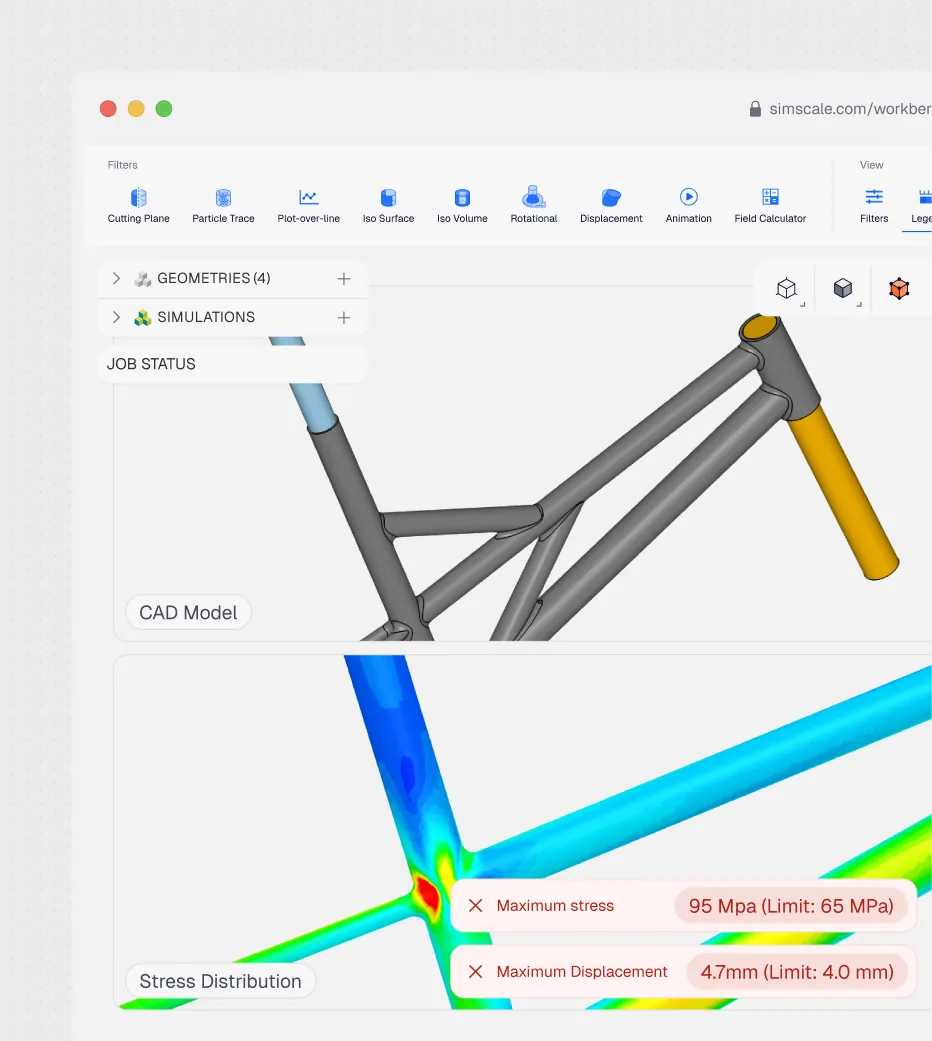
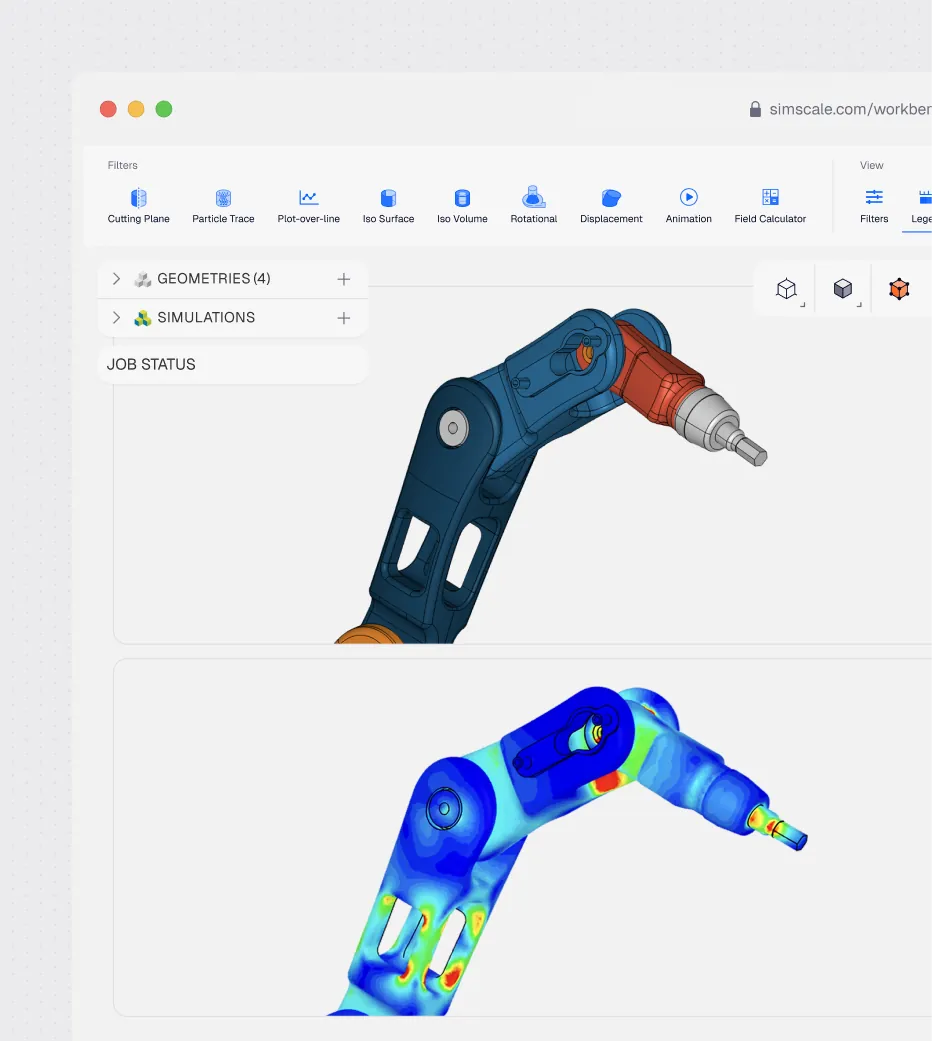
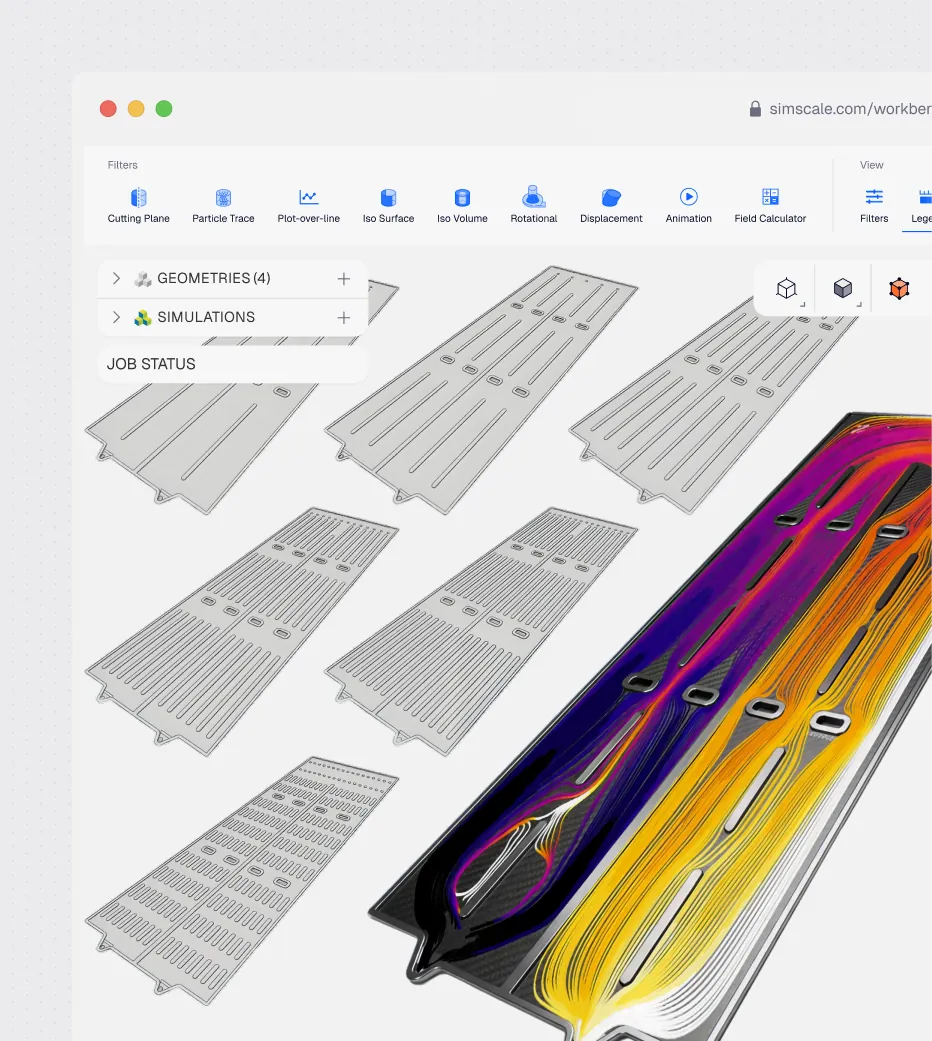
Where Engineering AI delivers measurable impact
Engineering AI reduces manual effort, accelerates iteration, and enables better decisions across the product development lifecycle.
Use AI agents to orchestrate engineering work directly from an RFP/RFQ document. SimScale's Engineering AI interprets requirements, generates design concepts, runs physics validation, and assesses feasibility. Produce proposal-ready technical reports in hours, increasing your win rate and protecting your margins.
Engineering AI interprets compliance requirements, configures the appropriate structural, thermal, or dynamic analyses, and maps results directly against code criteria. Generate audit-ready reports in hours — reducing risk, accelerating sign-off, and keeping projects on schedule.
Engineering AI autonomously runs parallel simulation workflows from early concept through to validated design — iterating through alternatives, surfacing performance insights at every stage, and documenting findings automatically. Teams reach confident design decisions faster and bring better products to market sooner.
Learn more
Related resources

Alex Graham
September 22, 2026
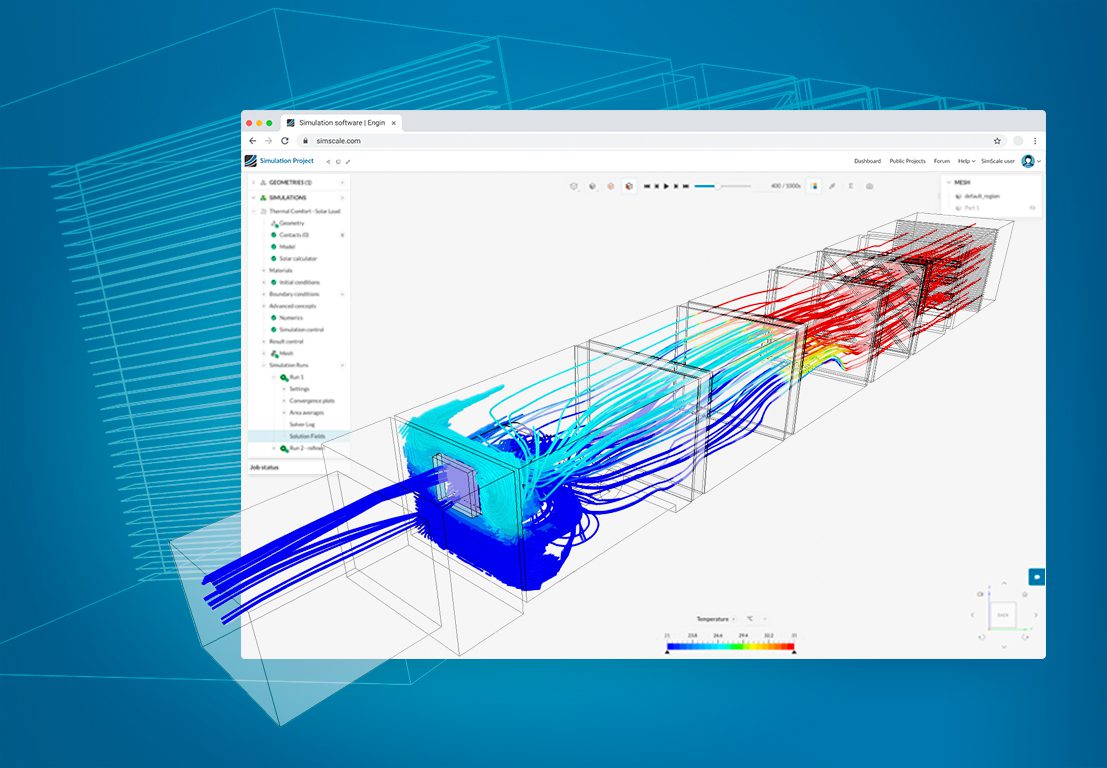
CFD Ventilation Simulation for HVAC Systems and Buildings
CFD ventilation simulation for HVAC components and buildings: pressure drop, CO2, thermal comfort, and the standards each result evidences.

Peter Selmeczy
September 21, 2026
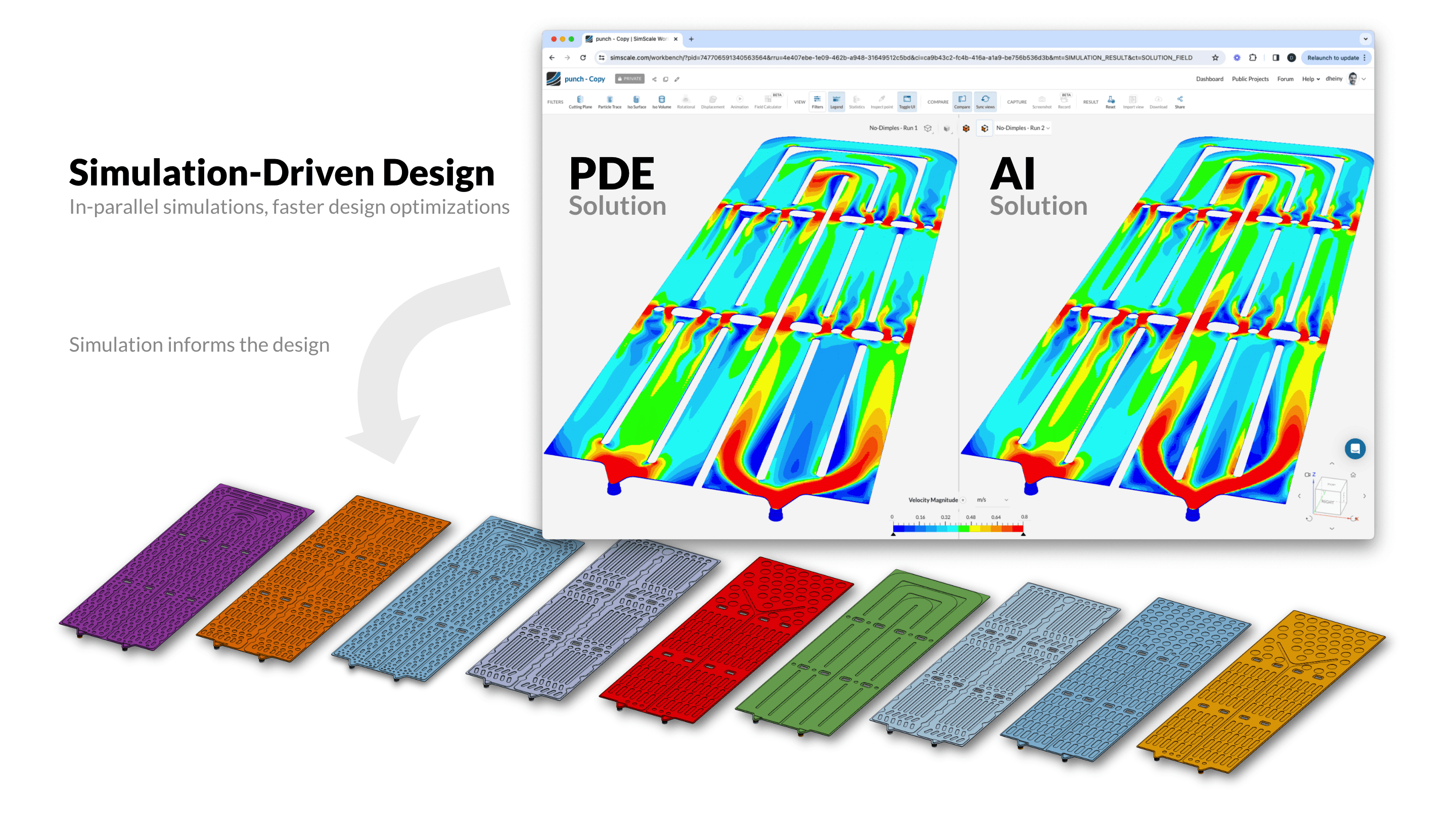
AI Simulation: The Convergence of AI and Engineering Simulation
What AI simulation is, how AI-assisted simulation and simulation-assisted AI differ, how Physics AI models are trained and validated, and where they fit next to CFD and FEA.

Steve Lainé
September 16, 2026



Luis Goncaves
August 4, 2026
Luis Goncaves
June 18, 2026
Luis Goncaves
January 27, 2026
Alex Graham
September 15, 2026
Alex Graham
August 4, 2026
Steve Lainé
July 6, 2026
Peter Selmeczy
July 9, 2026
Peter Selmeczy
March 24, 2026
Peter Selmeczy
September 10, 2025
Peter Selmeczy
September 23, 2026

jwebster
September 15, 2026
FAQs
New to Engineering AI or evaluating the SimScale Agent? Here are the questions we hear most.
ContactNo. It operates the platform directly and can perform tasks including: inspecting and preparing CAD, assigning materials and boundary conditions, validating or troubleshooting setups, launching runs and compiling results with plots and reports.
Chat is one interface among several. Engineering AI is also callable through the SimScale API and can run without the SimScale Workbench open.
No. Engineering AI helps rather than replaces engineers. By taking on the manual work that is needed to run simulations, Engineering AI allows engineers easier and faster access to simulation insights, so they can make decisions faster and with greater confidence.
SimScale CEO David Heiny, on opening the agent to the community: "AI is not going to replace hardware engineering jobs; it's a task tool that will free up engineers to do the work they trained for, and dreamt about, in the first place."
Engineering AI removes the setup and post-processing time around the solver, using an agent that operates the platform, and works on geometry it has never seen. Physics AI removes solve time with trained models that predict results directly, and needs existing simulation data for the design space you want to explore.
Yes, through custom agents. You supply instructions describing how your organization runs an analysis, plus documents the agent can search, such as material specifications or internal validation standards. The agent applies your criteria instead of generic defaults, and it's versioned and permissioned like any other platform asset.
No. Neither SimScale nor our model providers use customer prompts, uploaded content, tool outputs, simulation data or model responses to train or improve AI models. Inference runs in EU regions on AWS Bedrock and Google Vertex AI under agreements that prohibit provider retention, and the agent can only access data the requesting user is already permitted to see.
Explore our core technologies
Engineering AI works alongside cloud-native simulation and Physics AI — three technologies, one integrated platform.
Cloud-Native Simulation
SimScale puts powerful multiphysics simulation in every engineer's hands via an easy, instantly accessible web interface. Teams can explore, test, and share designs without friction.
Physics AI
Instant prediction of physical behavior using AI models linked to high-fidelity simulation. Leverage past CAE data for instant parametric design optimization.
Time is no longer the enemy. It’s your advantage.
Explore Engineering AI with SimScale.