Heat Sink simulation software
Heat sink simulation, in one cloud-native CHT platform
Run CFD and conjugate heat transfer for any fin geometry – extruded, pin-fin, skived, or additively manufactured. Validate natural and forced convection, sweep dozens of configurations in parallel, and hit thermal targets before committing to tooling
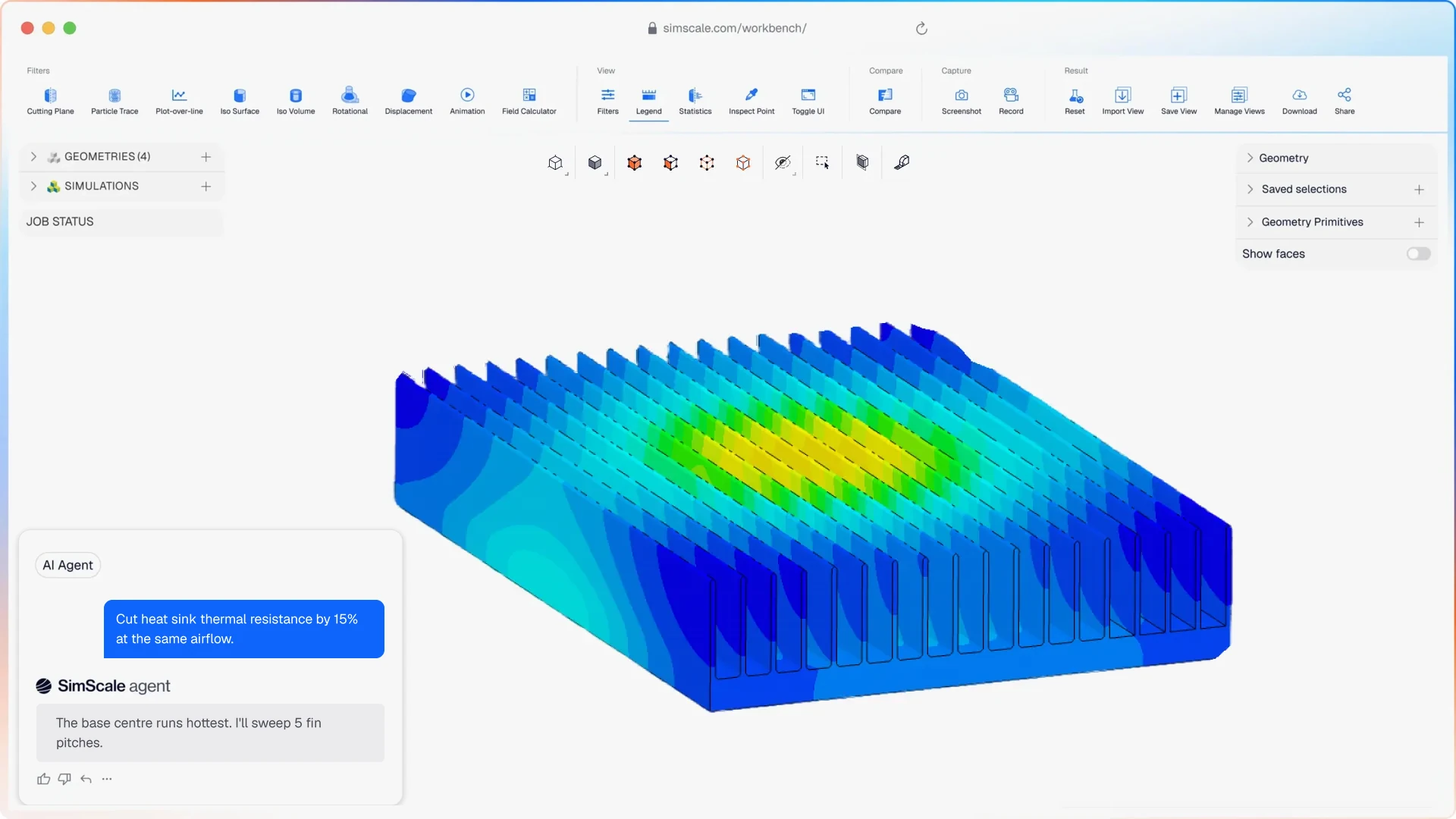




Traditional desktop CFD makes heat sink iteration slow and constrained, so engineers over-spec material or skip optimisation entirely. SimScale lets teams sweep fin shape, pitch, count, and height in parallel, cutting material mass by 30–40% while staying inside the thermal envelope.
Heat sink analysis that covers your full design challenge.
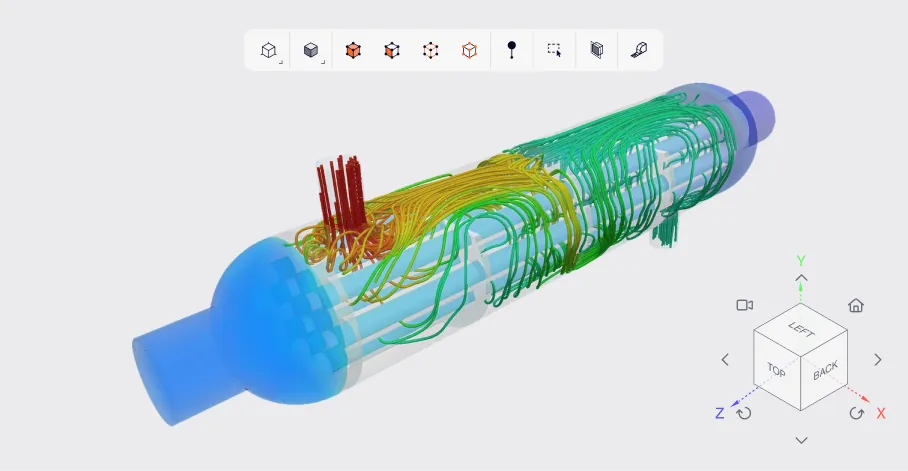
Flow, heat transfer, and structural FEA — no tool handoffs
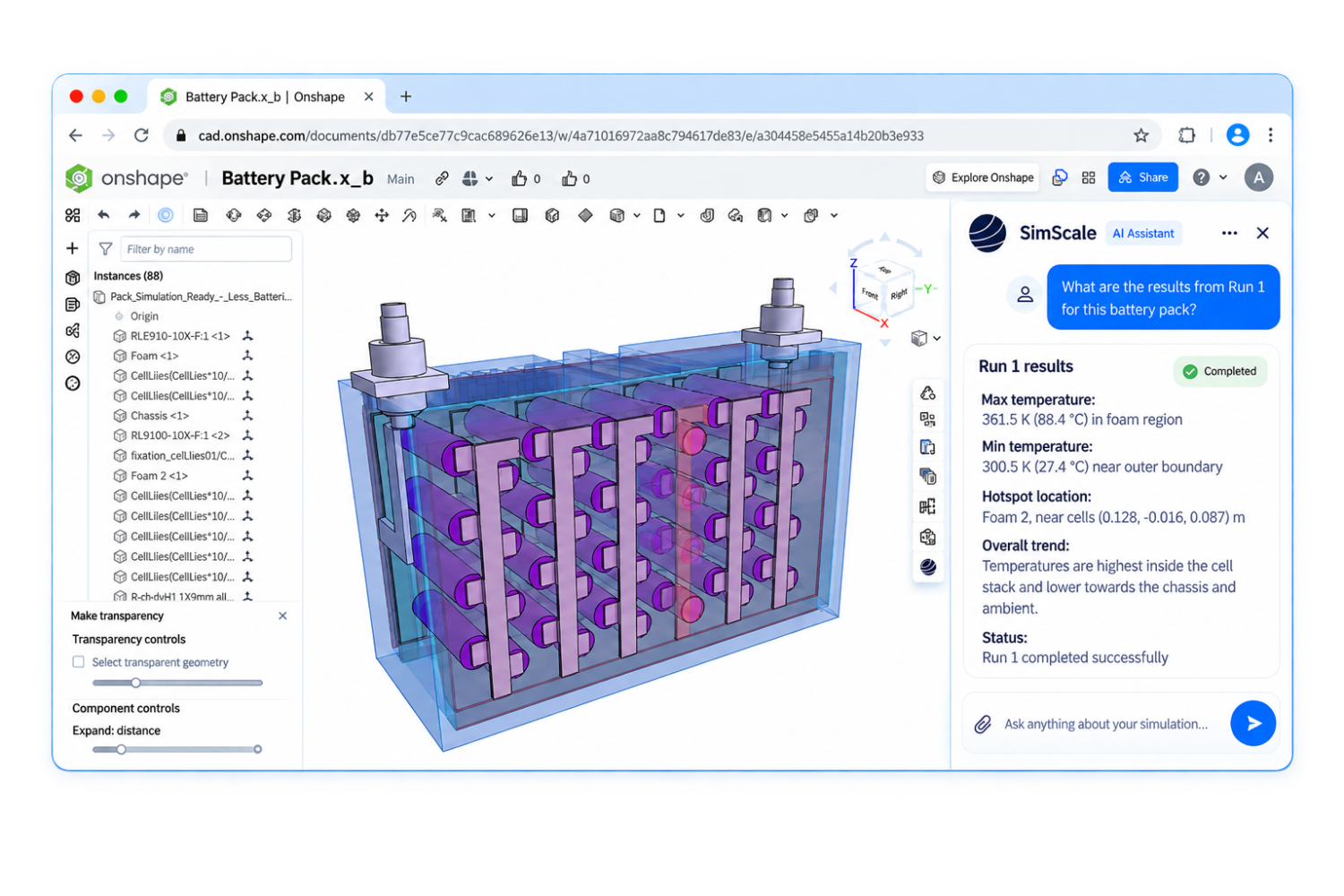
SimScale runs steady-state and transient CFD, conjugate heat transfer, and structural FEA against extruded, skived, pin-fin, plate-fin, lattice, and additively manufactured heat sinks — all in the browser. Heat sinks are never pure flow problems: SimScale couples fin-side convection, base-plate and fin conduction, contact resistance, and mounting-induced stresses in a single platform, so you don’t lose fidelity exporting between tools. Parametric sweeps, mesh sensitivity studies, and convection-regime comparisons run concurrently on the cloud — no install, no license server, no waiting for a workstation.
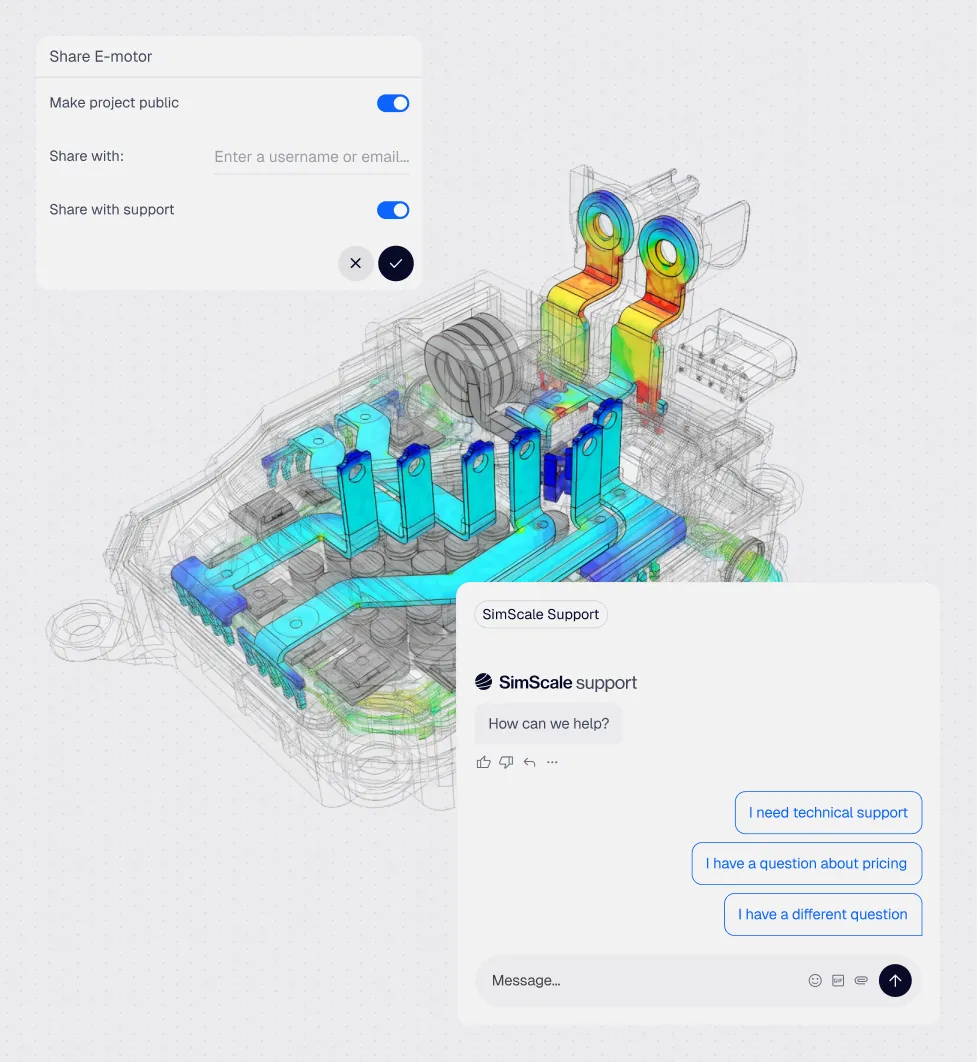
AI-orchestrated setup and intelligent meshing
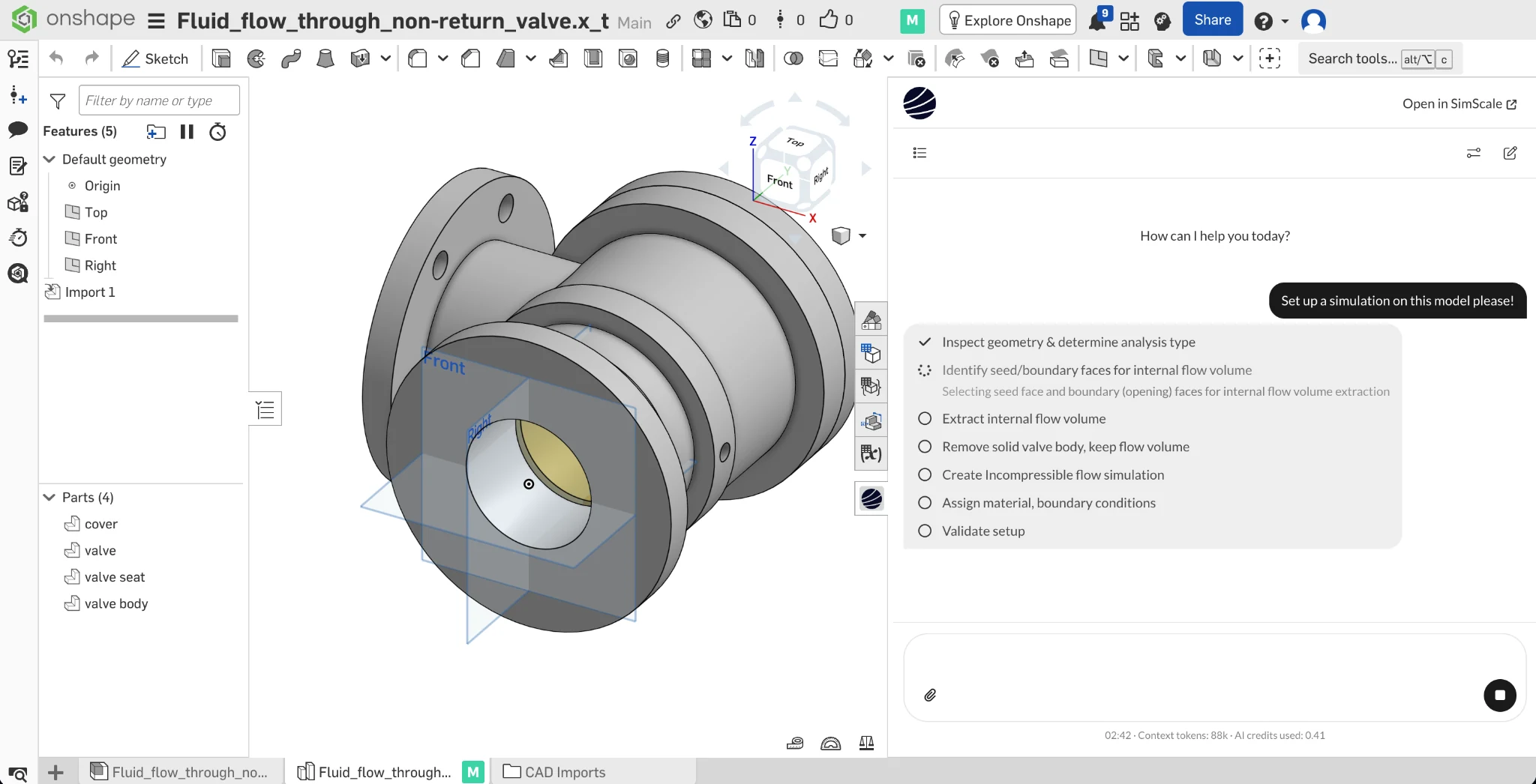
SimScale’s Engineering AI generates first-pass simulation setups from a CAD upload, suggests turbulence and convection models for the flow regime, and flags meshing problems before the solver runs. For heat sink geometries with hundreds or thousands of fin surfaces — pin fins, perforations, lattice cells — the automated mesh refinement around walls cuts what used to be a half-day pre-processing job into minutes.
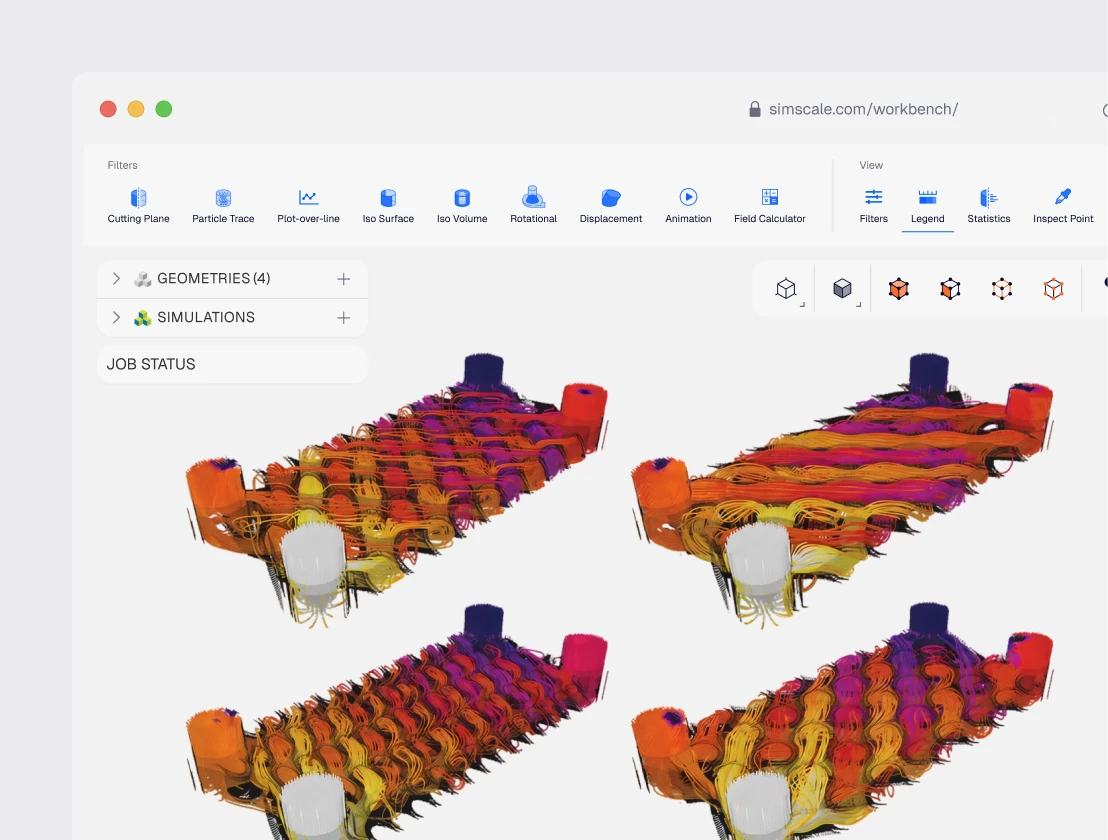
Unlimited cloud compute & parallel runs
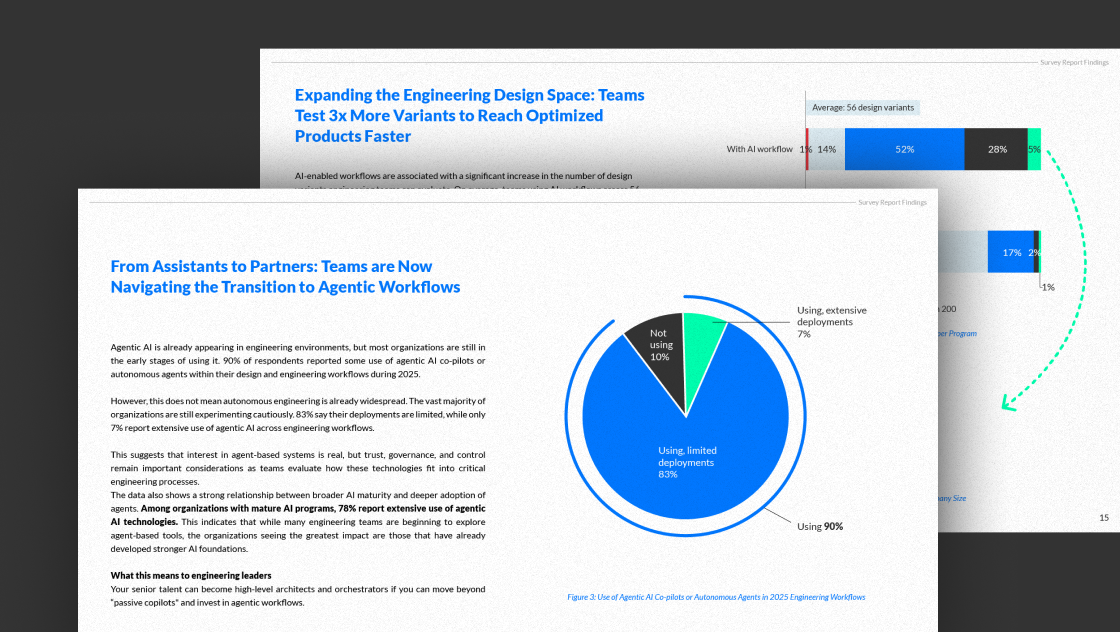
Run 5, 10, 50 simulations in parallel on cloud-bursting infrastructure — no machine size to negotiate, no license to share. Sweep dozens of fin configurations, convection regimes, or material variants simultaneously — then rank them on thermal performance, material mass, and pressure drop in a single study.

Natural convection heat sinks
Fanless designs depend on buoyancy-driven flow between fins, and that’s where hand-calculations and 1D correlations break down. CFD resolves the buoyant plume, fin-channel boundary layers, and the way nearby surfaces and enclosures distort the flow. Use it to size fin spacing and height for the temperature rise you can tolerate, without over-spec’ing material.
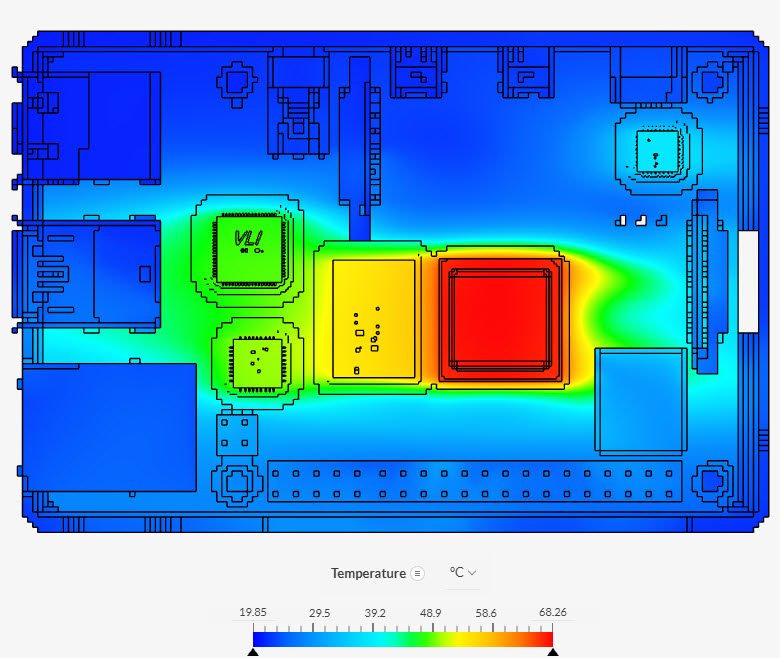
Forced convection & fan-assisted designs
Forced convection trades fin spacing for higher heat-transfer coefficient and lets you pack more thermal performance into a smaller volume — but only if fan placement, ducting, and bypass flow are designed deliberately. SimScale captures all three. Sweep fan speed, duct geometry, and fin pitch in parallel, and rank the candidates on temperature rise versus acoustic and power penalty.
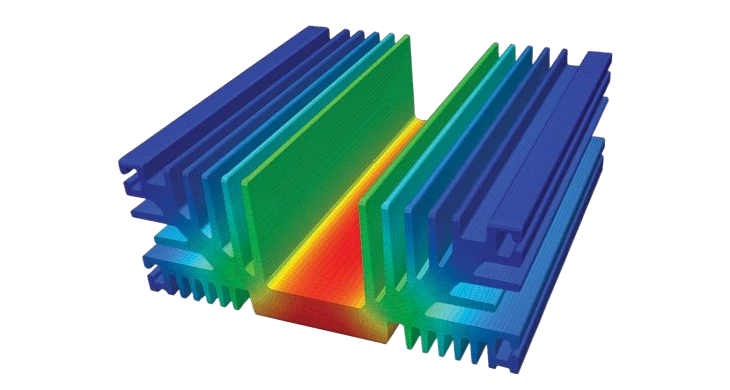
Fin geometry parametric optimisation
Fin height, thickness, spacing, count, perforation shape, and chamfer all interact. CFD lets you sweep all of them as a parametric design-of-experiments — exploring dozens of combinations in parallel, then ranking candidates on junction temperature, material mass, and pressure drop before committing to tooling.
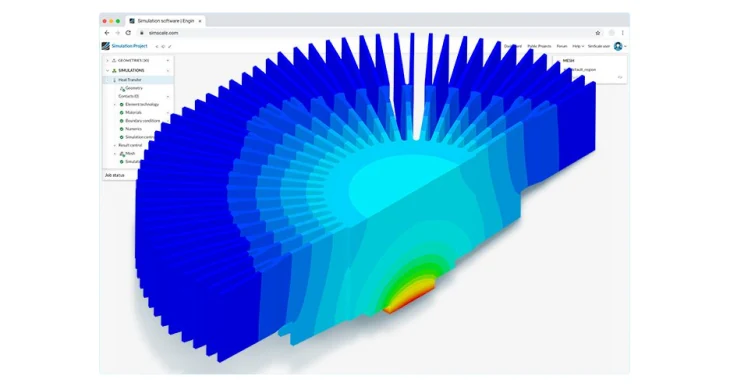
Electronics & LED thermal management
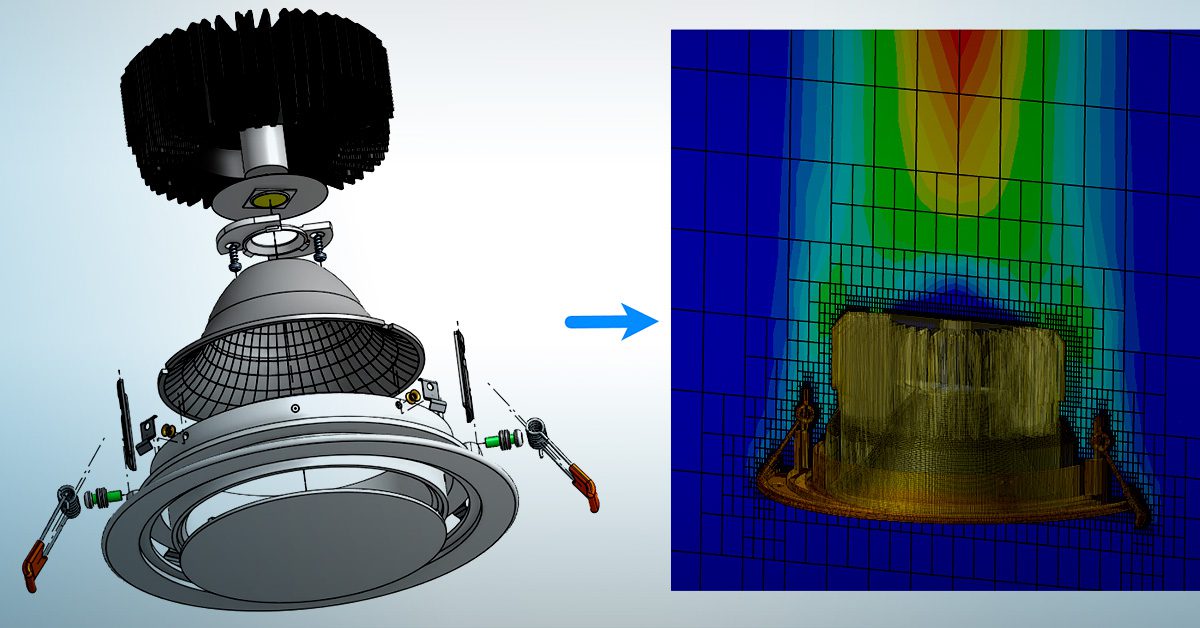
LED drivers, AC modules, transformers, and PCB-mounted rectifiers all impose distinct thermal-limit constraints on the heat sink they share. Use CHT to resolve each component as its own source term, capture the worst-case junction temperature, and design the heat sink against the binding constraint — not the average load.
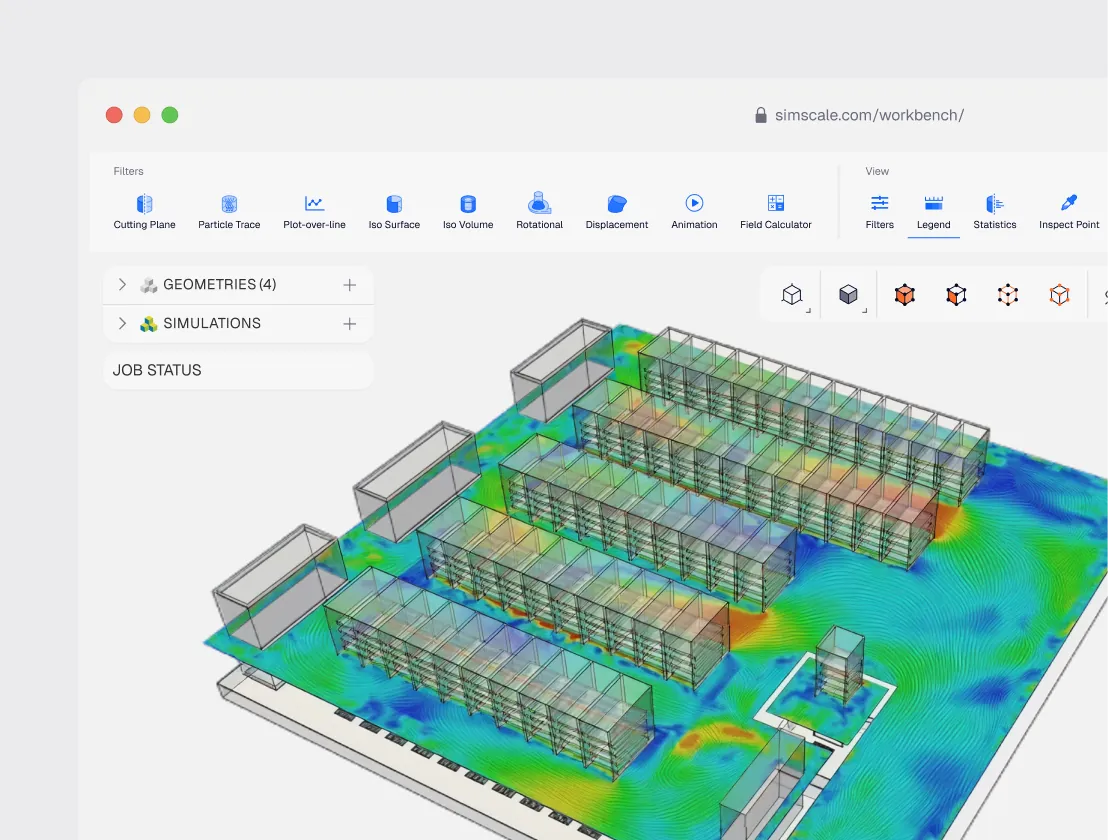
Data center & multi-heat-sink layouts
In dense electronics — rack-mounted servers, power-electronics cabinets, telecom enclosures — heat sinks interact through shared airflow. Upstream heat sinks dump hot air onto downstream ones, and the system effectiveness collapses below the per-component prediction. CFD resolves the full layout. Use it to set spacing, baffle, and airflow direction before the cabinet is built.
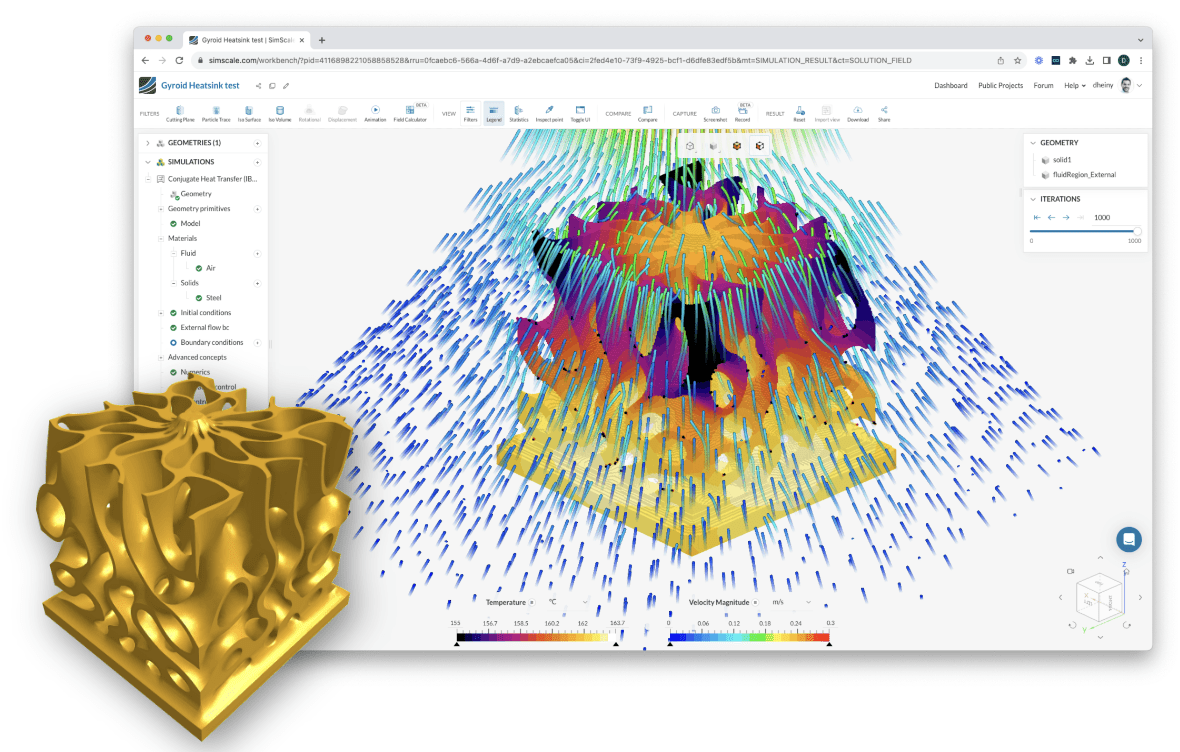
Additive manufacturing & lattice heat sinks
3D-printed lattice and topology-optimised heat sinks are reshaping what’s possible — but only if you can simulate them. SimScale handles non-traditional geometries that conventional meshers choke on, including triply-periodic minimal-surface lattices and topology-optimisation outputs. Validate the printed design before committing to a build that costs days of printer time.

11%
reduction in internal heat sink temperature
“One of the biggest benefits of using SimScale is that it is cloud-based. We can run massive simulations and not need a local HPC setup that frees up our computational resources and time. We have observed faster solve times compared to legacy desktop software tools and the user interface is intuitive with a shallow learning curve. In the swimming pool chlorinator project we were able to reduce internal temperatures by 11% inside the heat sink and move to the physical testing and production stage much faster as a result.”
Davis Tolley – Product Design Engineer, Cobalt Design

44%
component material savings
“The total material cost saving was 44%. We eliminated testing and prototype costs on this project entirely. It usually takes 1–3 weeks of prototyping time and another 1–3 weeks for all the testing normally done. Overall this project was successful and it helped achieve our goal of reducing cost and keeping within the project timeline.”
Josh Levine – Lead Engineer, Kichler

100+
simulation runs
“As SimScale is running in the cloud we can work with the simulation and easily check/share the result no matter where we are. Since we are able to provide the clients with realistic data incorporating reasonable numbers generated with the relevant simulation, it has become much easier to discuss the problem to solve in the initial stage, thus expanding business opportunities.”
Seongsu Park, Research Engineer – Forwiz System
Related resources

Aly Taleb
August 1, 2022

Khairi Deiri
July 12, 2022

Arnaud Girin
August 12, 2020



Luis Goncaves
August 4, 2026
Luis Goncaves
June 18, 2026
Luis Goncaves
January 27, 2026

Steve Lainé
October 9, 2026


Peter Selmeczy
September 28, 2026


Alex Graham
September 15, 2026
Peter Selmeczy
July 9, 2026
Peter Selmeczy
March 24, 2026

Peter Selmeczy
September 10, 2025
Peter Selmeczy
September 23, 2026

jwebster
September 15, 2026
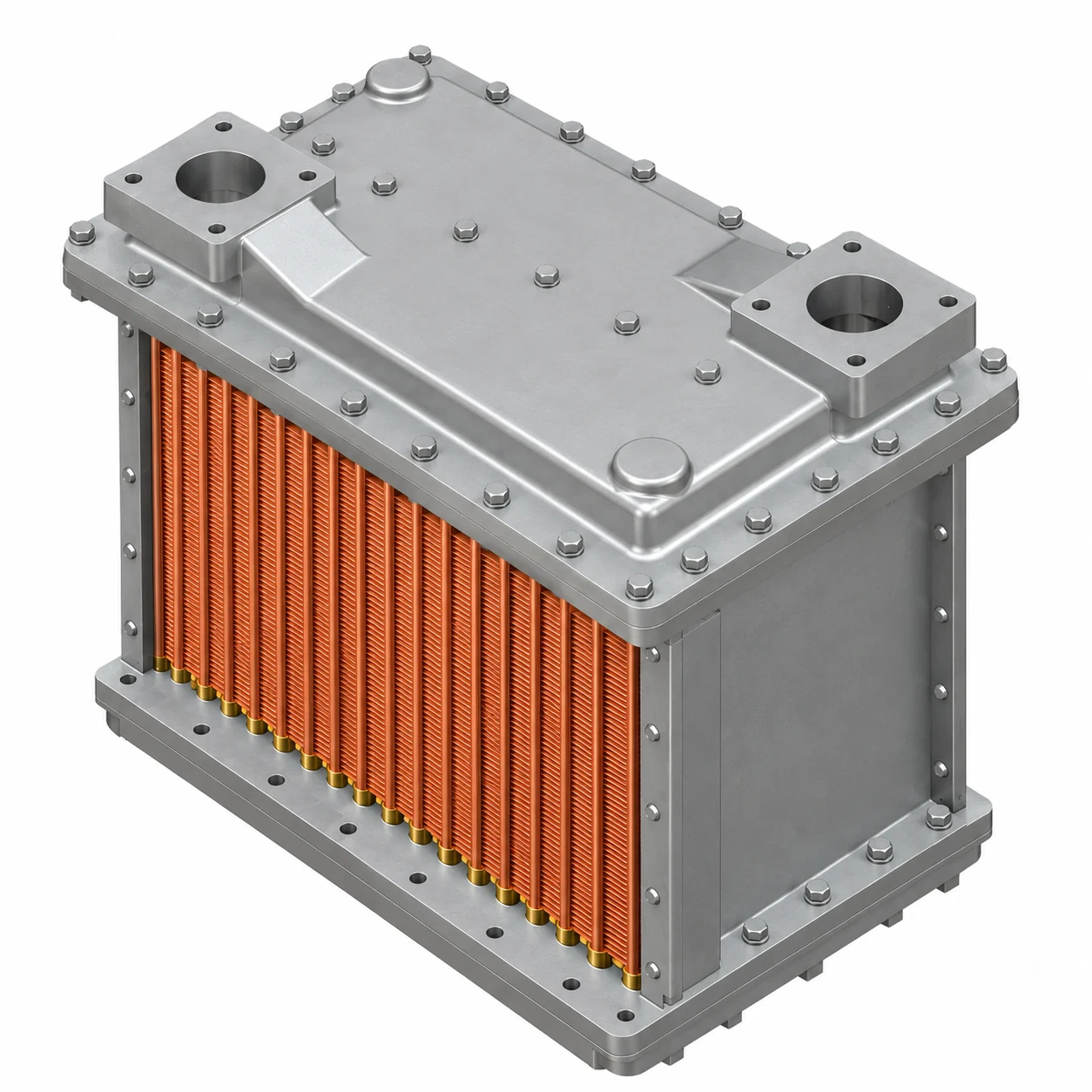
SimScale handles the full range of heat sink types — extruded aluminium fins, skived fins, pin-fin arrays, plate-fin configurations, and additively manufactured lattice or topology-optimised geometries. The meshing engine copes with high-surface-area structures that conventional meshers struggle with, including triply-periodic minimal-surface lattice cells and perforated fin sheets with thousands of individual surfaces. There's no geometry pre-simplification required before import: upload your CAD directly and the automated mesh refinement handles wall-boundary resolution from there.
Yes — both analysis types run in the same platform, with no solver switching required. For natural convection, SimScale resolves the buoyant plume, fin-channel boundary layers, and enclosure interactions that hand calculations and 1D correlations miss. For forced convection, the solver supports fan curves, pressure-inlet and outlet conditions, and full duct and bypass flow geometry, so you're not approximating the airpath. You can run both modes against the same geometry and compare thermal performance directly.
Yes. SimScale couples CFD, conjugate heat transfer (CHT), and structural FEA in one environment, which matters because heat sinks are rarely pure thermal problems. Mounting-induced mechanical stresses, interface contact resistance, and thermal expansion all interact — and resolving them in separate tools introduces model inconsistency and data loss at each handoff. With SimScale, fin-side convection, base-plate and fin conduction, contact resistance, and mounting stresses can all be part of a single analysis.
SimScale's automated mesh refinement targets thin walls and high-curvature surfaces automatically — the areas where conventional meshers require extensive manual intervention. You specify the flow regime and geometry scale; SimScale generates boundary layer resolution, near-wall inflation, and feature capture without manual cell sizing. For geometries with hundreds or thousands of fin surfaces — pin fins, perforations, lattice cells — what used to be a half-day pre-processing task typically takes minutes. The Engineering AI also flags meshing problems before the solver runs, so you catch issues early.
No. SimScale's Engineering AI generates a first-pass simulation setup from your CAD upload — selecting appropriate physics, recommending turbulence and convection models based on the flow regime, and flagging potential issues before you commit to a run. If you're new to CHT simulation, the public project library includes ready-to-use heat sink templates you can copy, adapt, and run immediately. For teams moving from desktop CFD tools, SimScale offers direct onboarding support to replicate your existing workflows in the cloud.