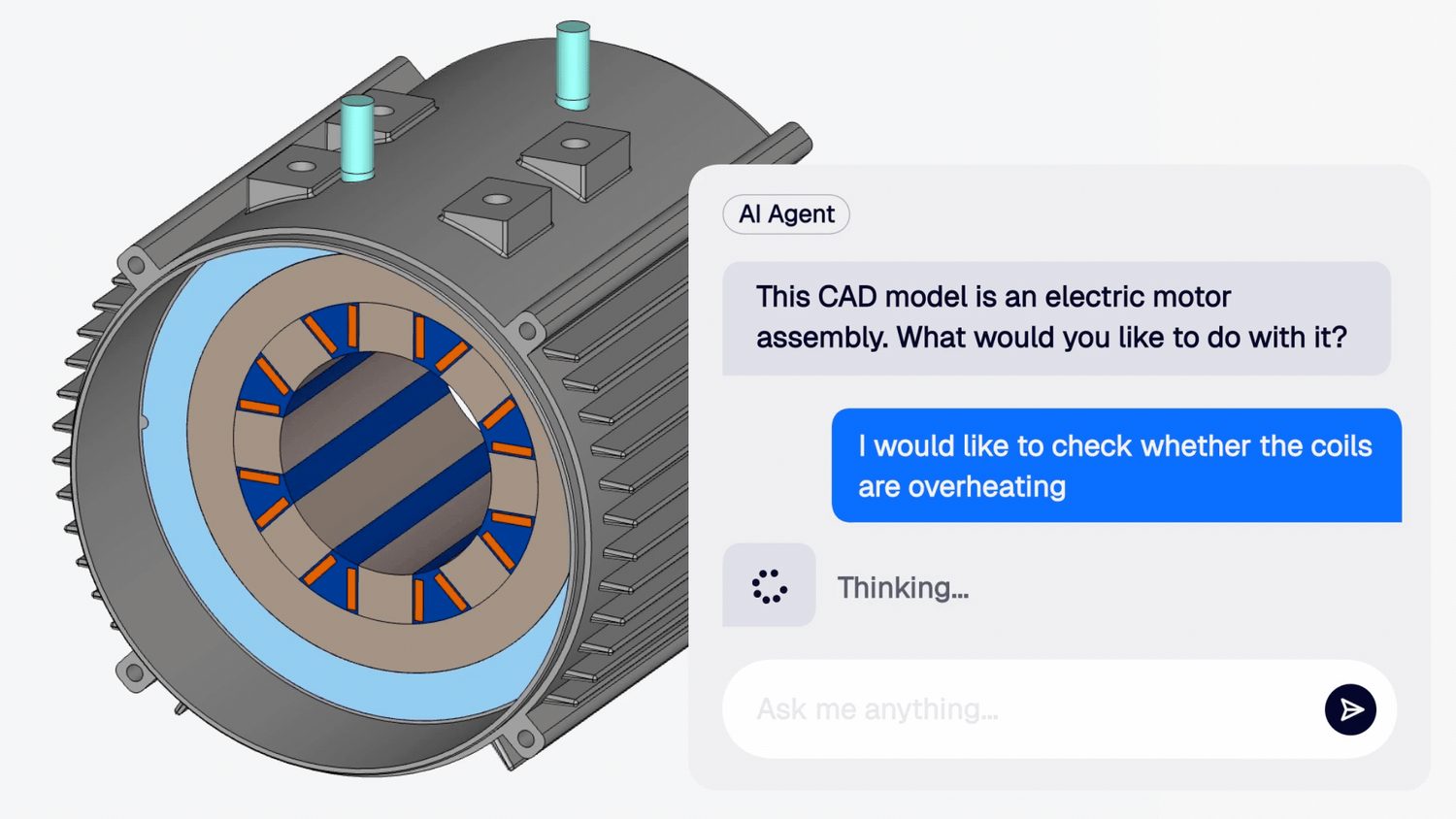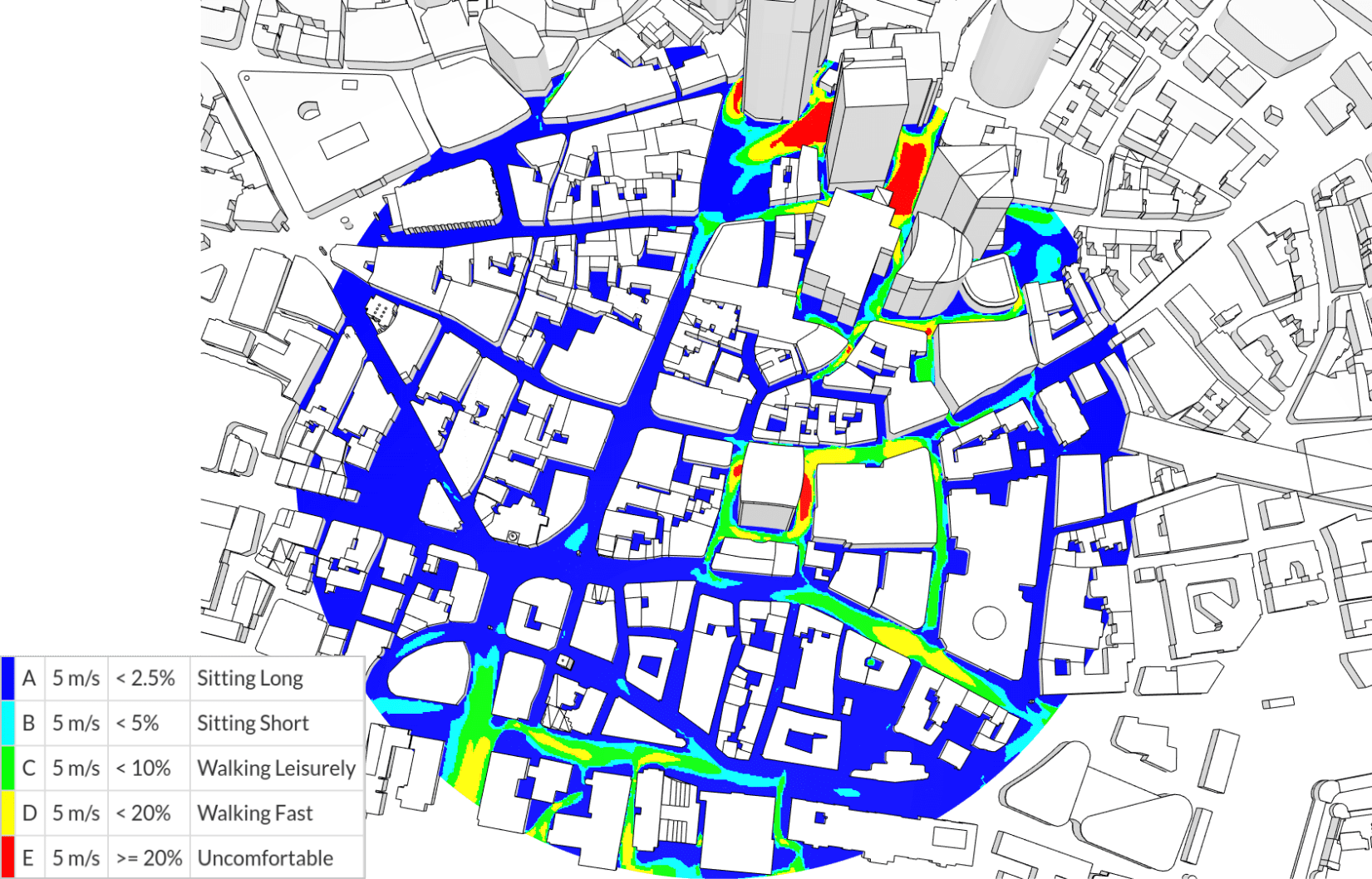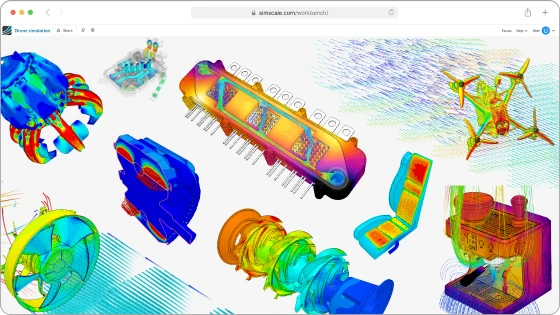

While putting together this article, I asked Jon Wilde, our VP of Product, when he last set up a simulation by hand. He couldn’t remember. As someone deep in the product, he sets up a lot of them, but these days he asks the agent and goes and does something else while it works.
Now, everyone can experience this. Read on below to find out how, and to catch up on everything we have shipped over the past quarter.
Jon and I will take you through all of it on Thursday 8 October. Click the link below to join.
Join us live on Thursday 8 October, 15:00 CET / 9:00 ET. Register for What’s New in SimScale, Autumn 2026.
The agent and Simerics-MP are now free to try
The agent was limited to professional and paid accounts until August, when we opened it to the whole community. Community plan users get an AI credit allowance to start with.
The Simerics-MP mesher and solver joined the Community plan in June. It appears as multi-purpose in the platform, and it suits turbomachinery, anything rotating, and conjugate heat transfer. GPU solvers, including LBM, stay outside the Community plan.
We also passed 900,000 users during the quarter.
Engineering AI
The agent reads your results
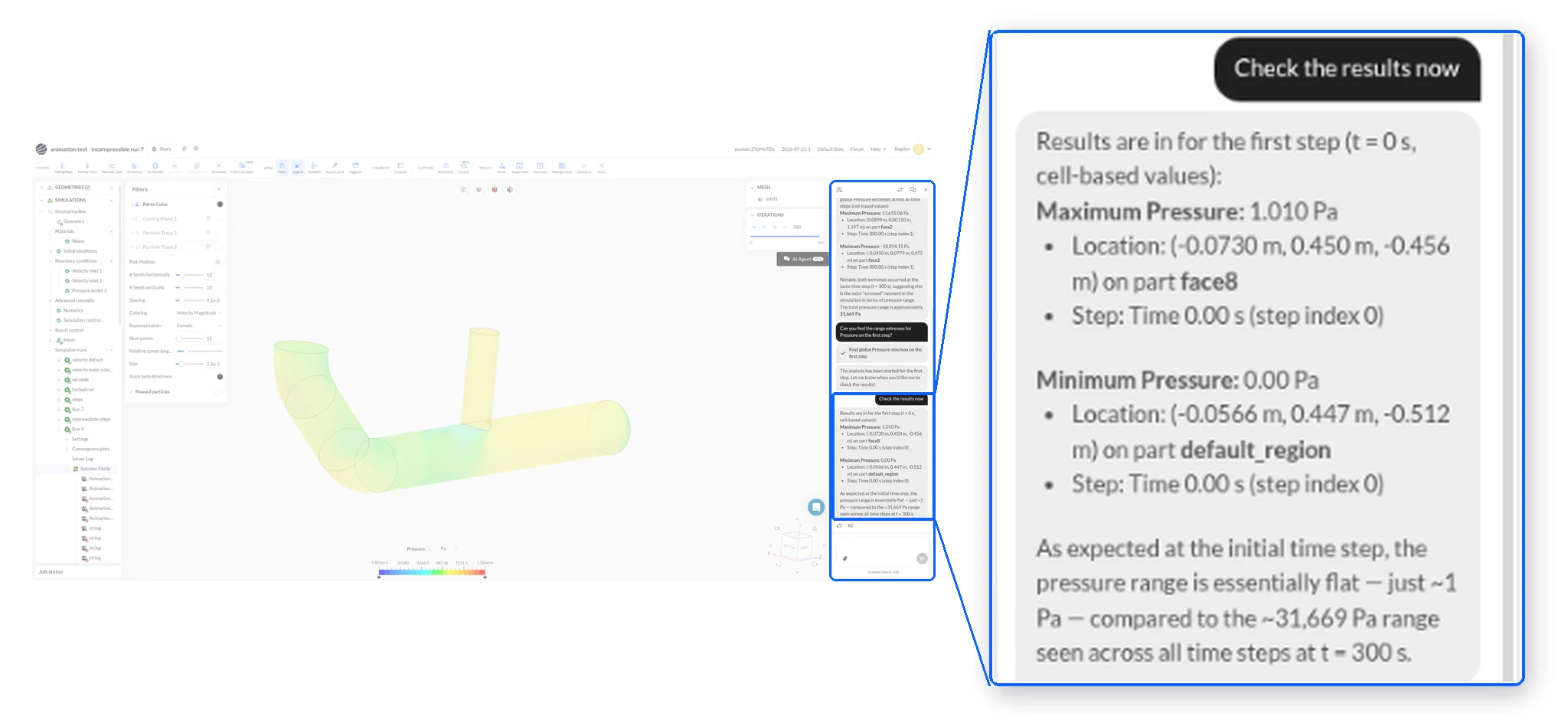
The agent now has much deeper access into simulation results, so you can ask it to compile agent can open a result file directly and pull numbers out of it. You do not load the results first, and you do not do the post-processing yourself.
Ask for the maximum temperature on a face, or where peak pressure sits, and the answer comes back in the chat. Give it a reference image of the view you want and it produces that screenshot for you.
Advanced Meshing Controls

Meshing in SimScale is already physics-aware, but some cases need custom refinement controls to efficiently capture physical phenomena. For example, an external aerodynamics mesh would usually need refinement on the surfaces and in the wake region downstream.
The agent now reads and adjusts mesh settings, creates refinement regions, and starts, stops, and tracks meshing jobs across analysis types. You can even task it with generating multiple meshes and have it orchestrate a mesh independence study (and compile the results afterwards).
Run several agents at once
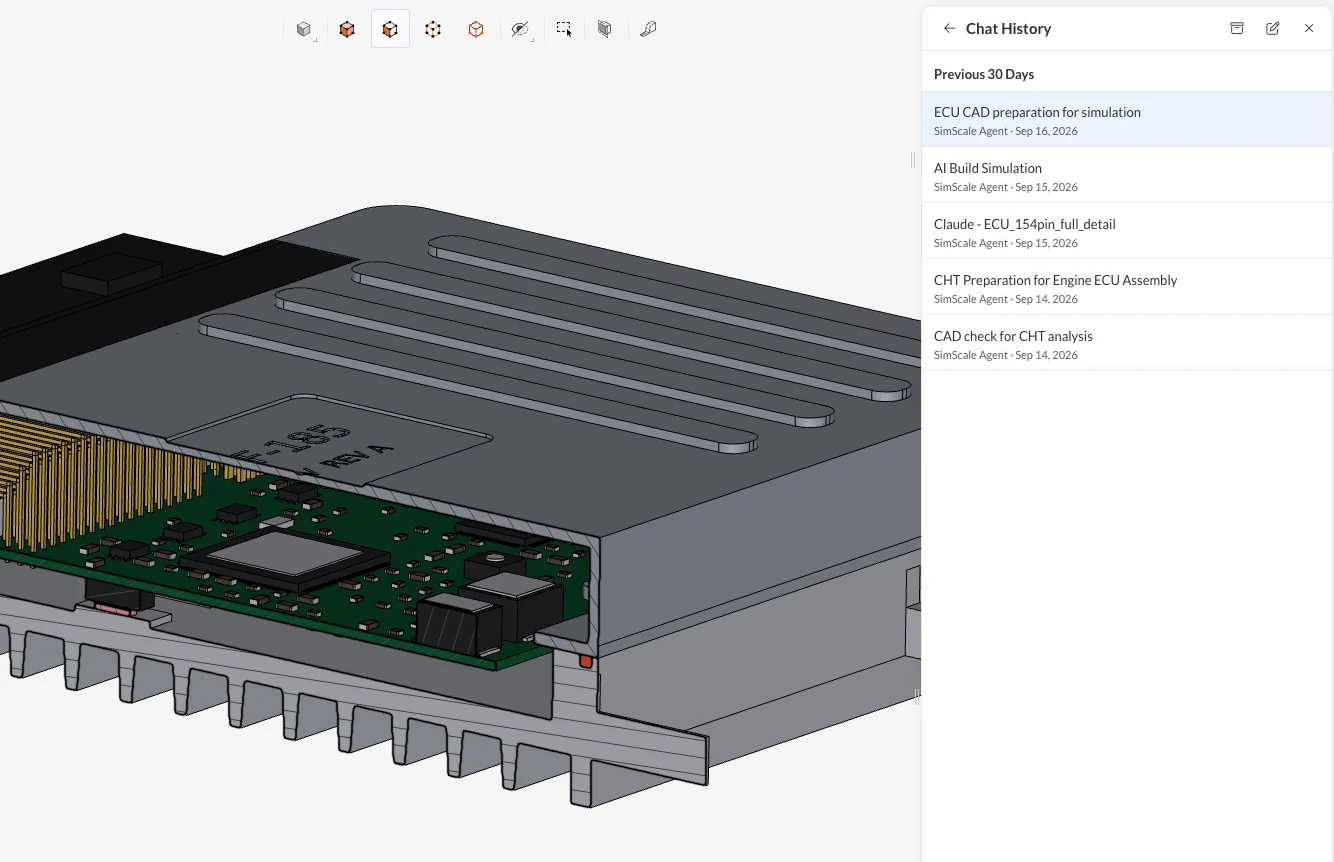
You can now run more than one agent conversation on the same project at the same time – useful if you have multiple simulations within the same project, and you want to maintain separate conversation threads on each. Agents can be sorted and renamed, so you can tell which one is doing what.
The agent works outside SimScale
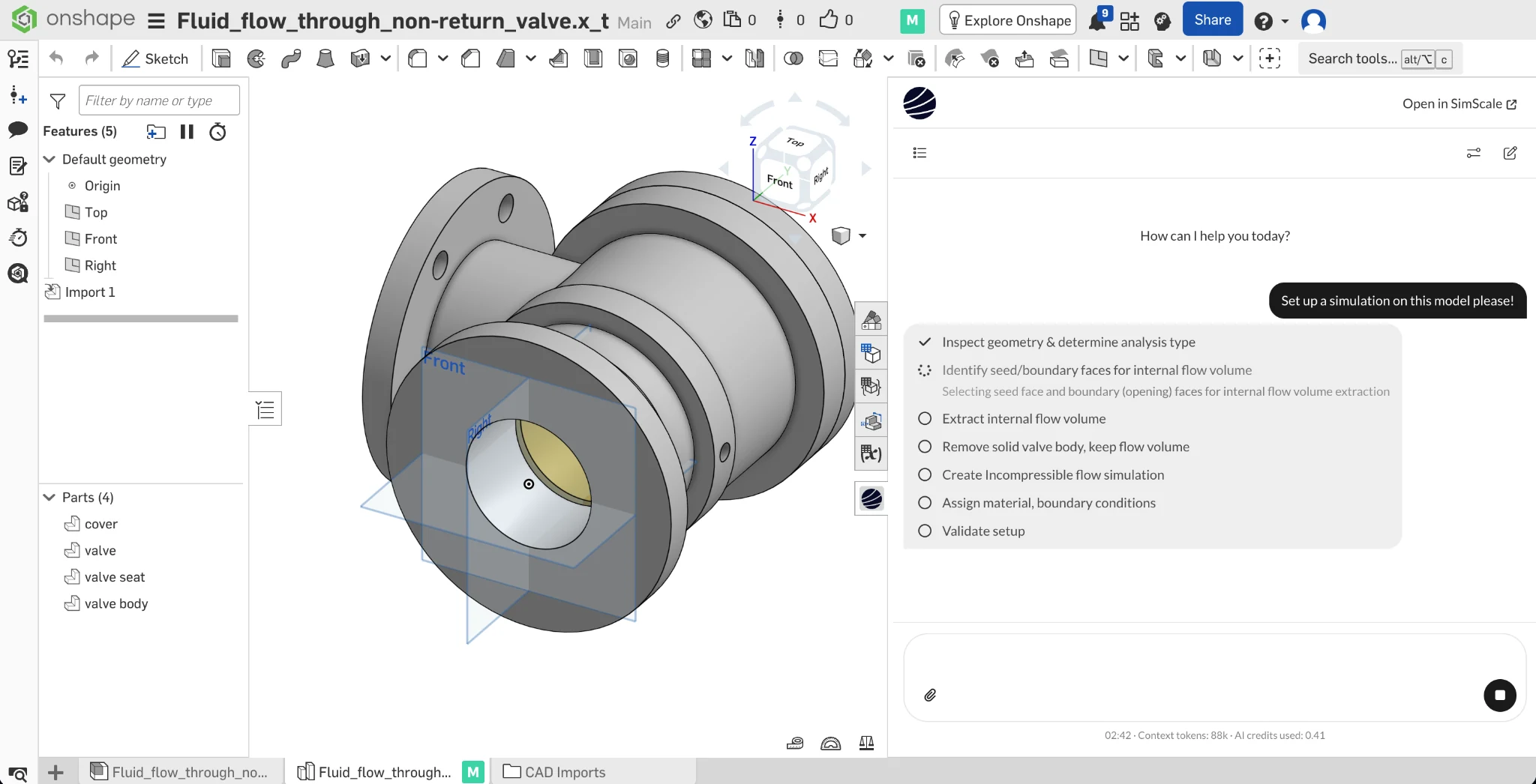
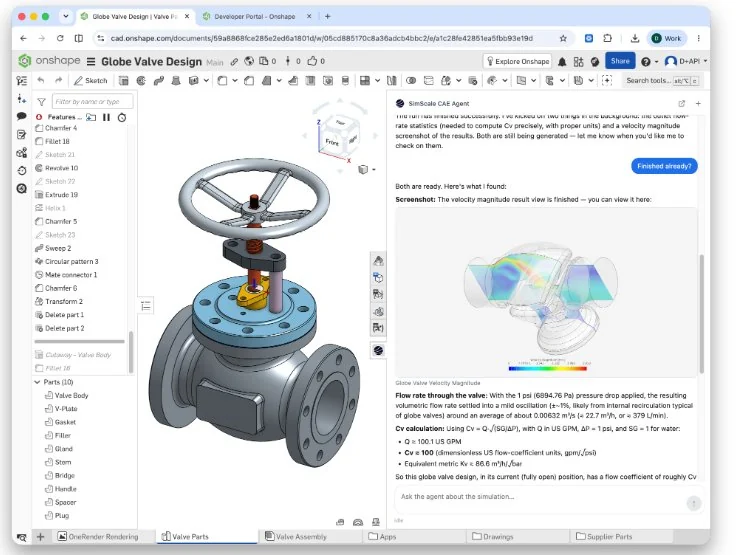
The agent is reachable over the API and over MCP, so agent-to-agent workflows work. The first example in production is a free Onshape app.
Once you install this app in Onshape you talk to the SimScale agent, it can interrogate the CAD, set up the simulation, and report back without you leaving the CAD environment. Open SimScale when you want to and the link takes you to the same project with the same conversation history.
Check out the blog for the low-down.
Physics AI trains on any data
Training a Physics AI model in the SimScale Dashboard is a very straightforward process – but of course it needs data. Until now that data had to come from SimScale.
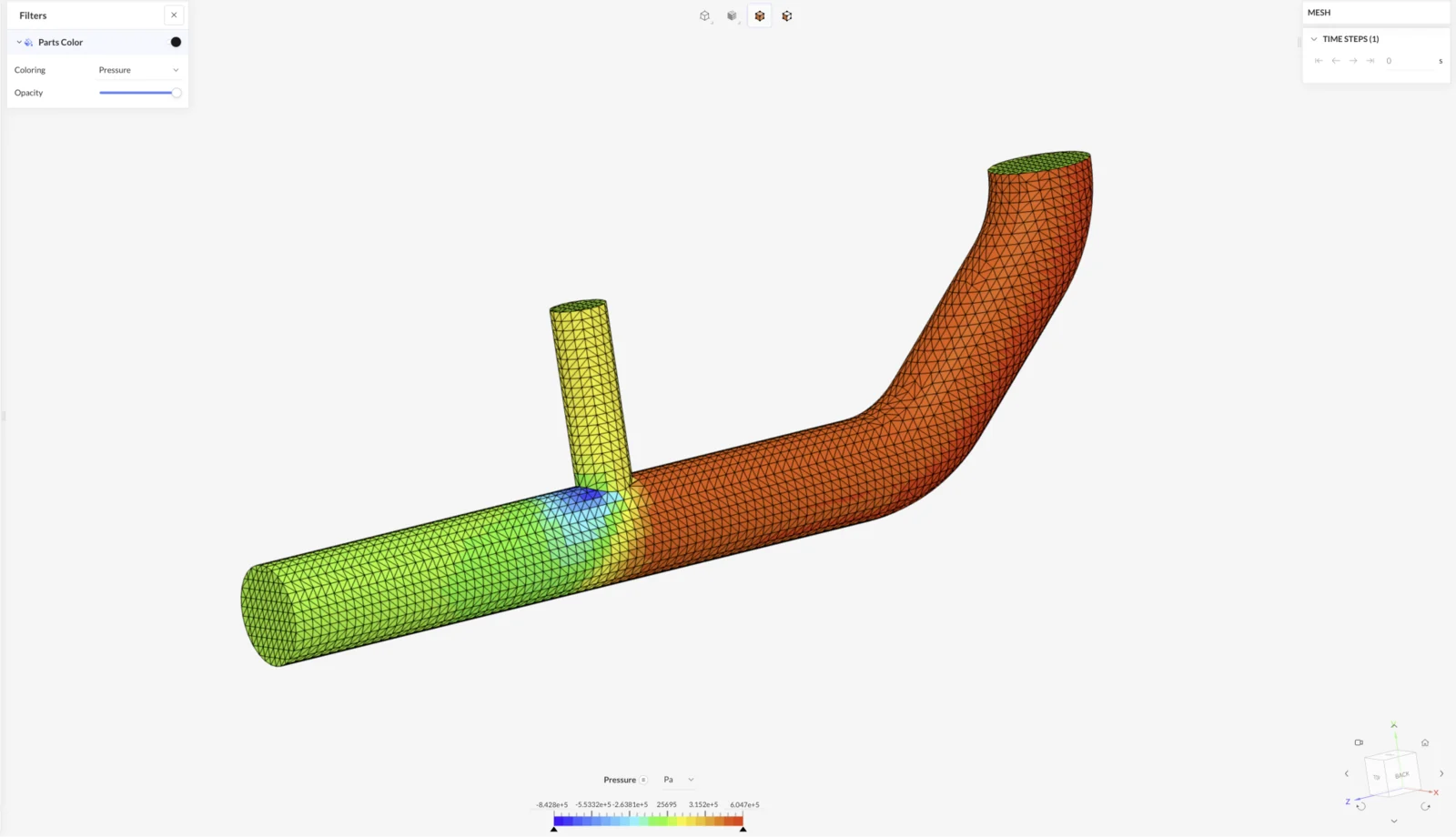
You can now bring simulation data produced in other tools into the platform, train a Physics AI model on it, and run predictions inside SimScale. Tessellation, surface mesh, and volumetric mesh inputs are supported, along with the VTK family, MED, and XDMF, through the UI or the API.
Four additions to Marc

Thermo-mechanical analysis and Temperature-dependent material properties. Include heat transfer in your nonlinear mechanical simulations with the Marc solver, so convection, radiation, surface heat flux, and volume heat flux couple directly to the mechanical solution. Together with a temperature-dependent material properties for linear-elastic, elasto-plastic, and hyper-elastic Marc materials you can tackle advanced processes like vacuum forming.
Bolt preload. Set up bolt preload the same way as the standard structural solver – there is now a Bolt preload boundary condition that applies a target force or axial shortening, ramps it over a load step, and holds it.
Local coordinate systems. Marc supports local Cartesian and cylindrical systems defined anywhere in the model, which makes remote forces and axial filters much easier to set up.
Electromagnetics: linear motion and real circuits

Time-transient magnetic simulations now support prescribed translational motions, in both directions, with the air gap remeshing at every step. That covers solenoids, actuators, relays, and the rest of the linear-actuation class.
The second addition is circuit coupling. A coil could only be excited by properties set on the coil itself, which says little about how it behaves once it is wired into something. You can now upload a SPICE circuit definition and link your coils to it, in both time-transient and time-harmonic magnetic models. Voltage drops and the feedback between coil and circuit are part of the solution.
CAD preparation and post-processing
Find the leak in a fluid volume
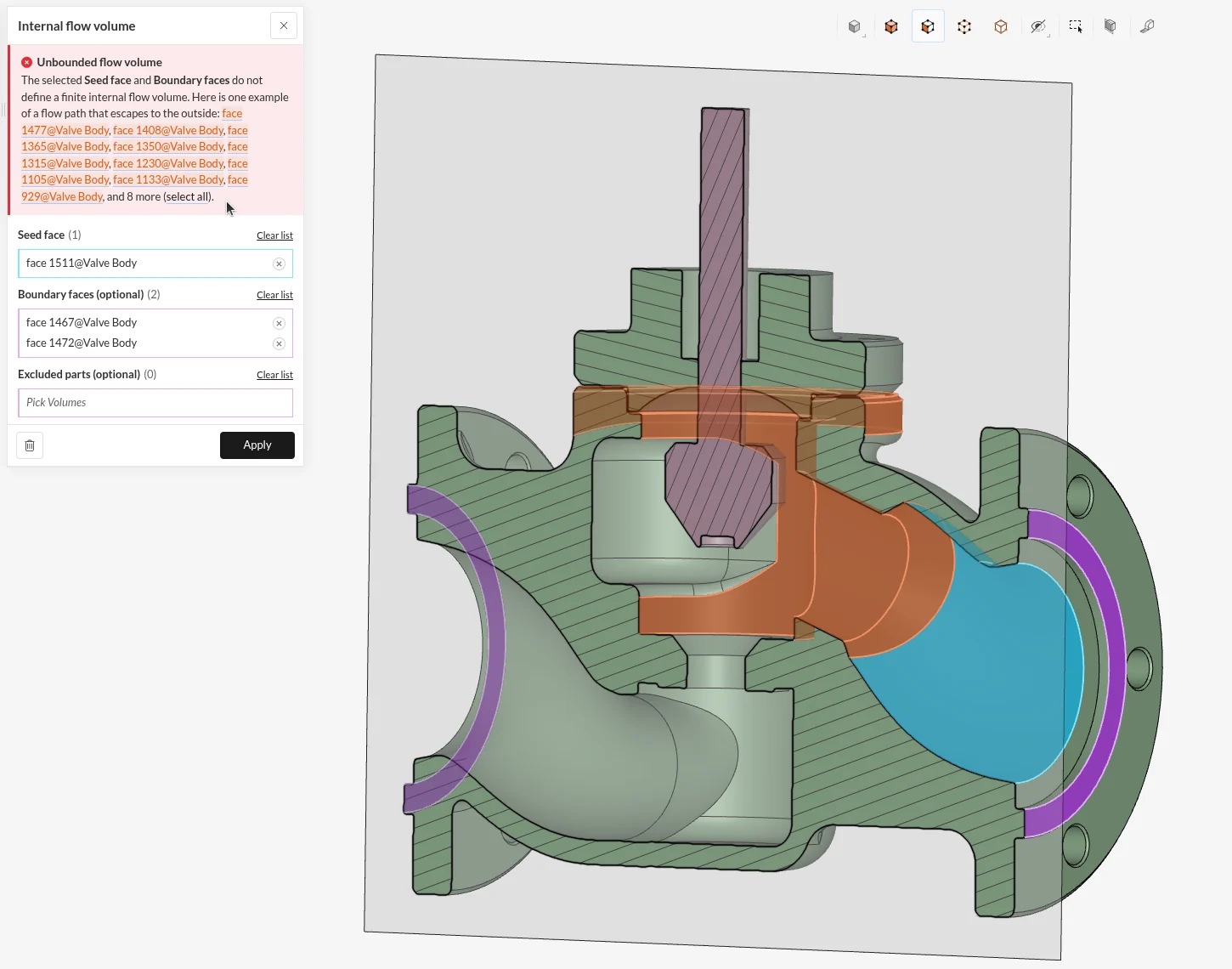
Internal flow cases need a fluid volume, and CAD models rarely contain one, because nobody models the water. Extraction fails when there is a small gap somewhere, because the operation cannot tell where the inside of the part ends and the outside begins. Finding that gap by eye on a large model is slow.
Extraction now returns the escape path when the volume is unbounded, so you can see where it leaks and close it.
Expand selection and delete face with cap
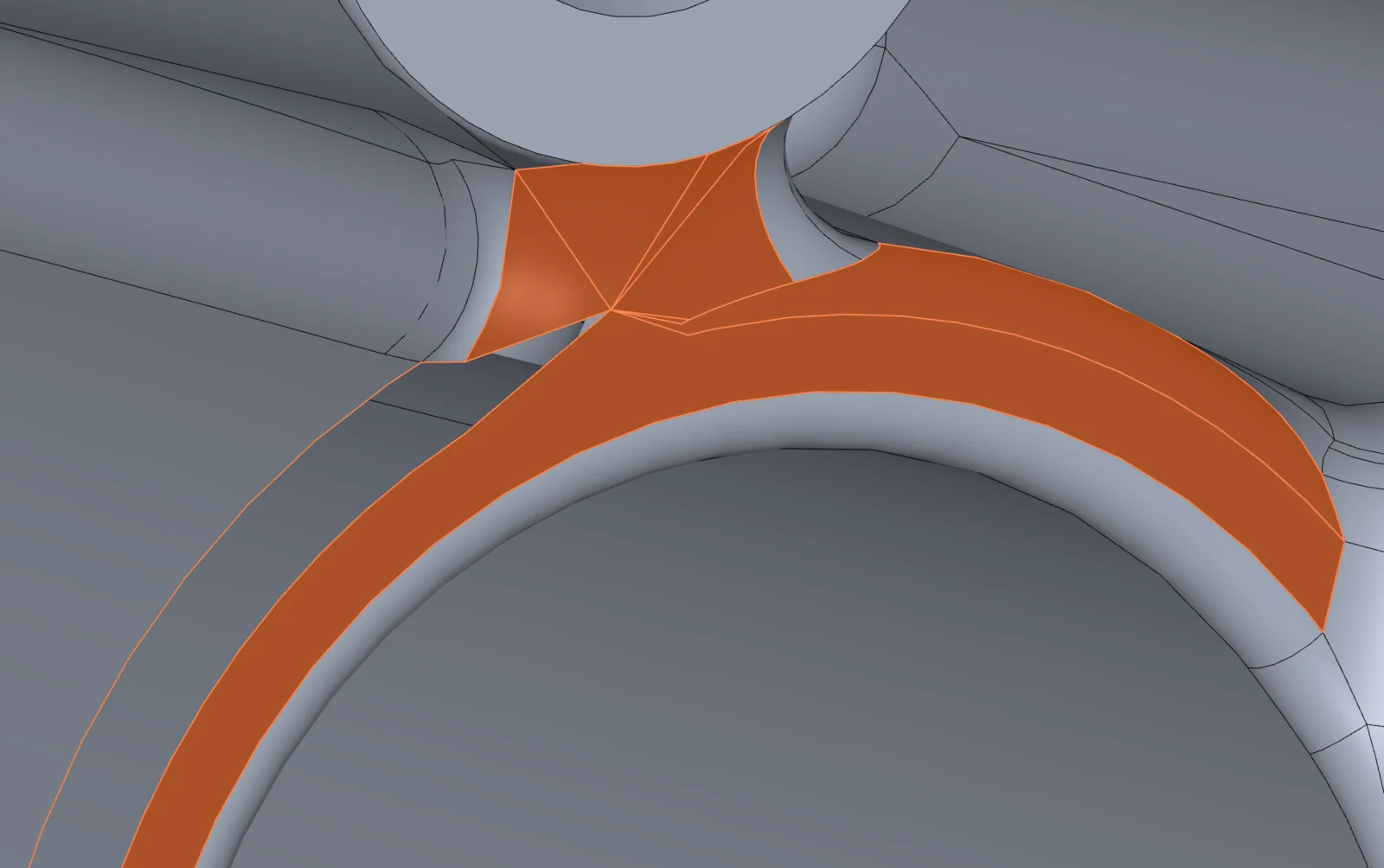
Small sliver surfaces can make meshing harder than it needs to be, and it’s important that our users can easily fix any shortcomings in CAD geometry, without needing to make a round trip back to a CAD tool, or department.
A new right-click option Expand Selection > Neighbor faces grows a selection to every face touching it, and a rebuilt Delete Face > Cap replaces the whole patch with a single face. All CAD operations and queries now run on faulty models too, so a fault no longer blocks its own repair.
Out of range colors

Standard end-of-scale colors can make it difficult to spot where saturation starts and ends. You can now assign custom colors for out of range values – in our example, anything under the lower bound is grey and anything over yield is purple, making a single visualization tell a much richer story of how the stress propagates through the assembly, as well as where it becomes critical.
Scale the legend to what you can see

One very hot or very cold part used to set the range for the whole model, even if those extremes occurred on parts that you were not looking at. Scale range to visible parts and scale to selected items recompute the range to suit what is on screen, cut planes included.
Join us to learn more
We’ll run through what’s new in more detail on Thursday 8 October at 15:00 CET. The Q&A will be open for your questions throughout.
If you have already had a chance to try these, come and tell us how you got on!
Lean more
Autumn Product Update: Thursday 8 October, 15:00 CET / 9:00 ET