Evaluate pedestrian wind comfort and wind loads with cloud-native CFD – no installation or hardware required. Simulate up to 36 wind directions in parallel and go from CAD to results in hours.


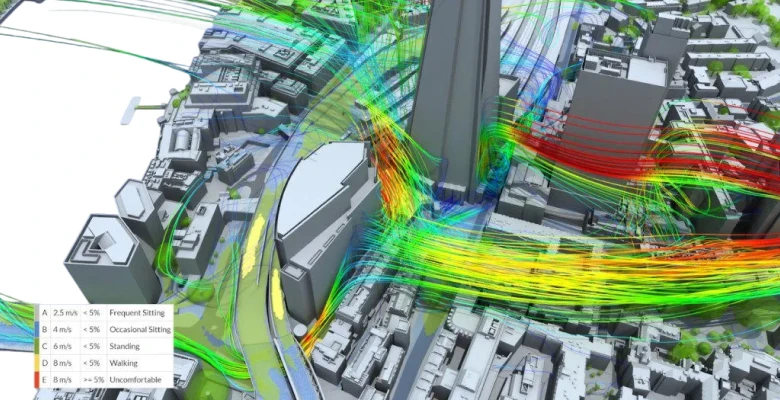











Accelerate your wind simulation workflow. Leverage cloud-native CFD to evaluate pedestrian wind comfort across 36 wind directions simultaneously, assess wind loads on buildings and structures – all in parallel. Whether you call it wind modelling, a wind study, or a full CFD wind analysis, SimScale has you covered.
Test building orientations, landscaping strategies, and massing options under real meteorological conditions. Iterate on geometry in minutes — not weeks — to ensure your designs meet comfort criteria and building codes. SimScale works entirely online — no software to download, no wind simulation program to install, no hardware to maintain.
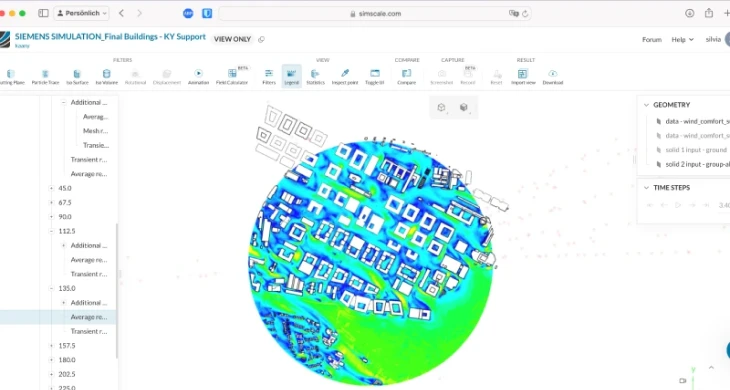
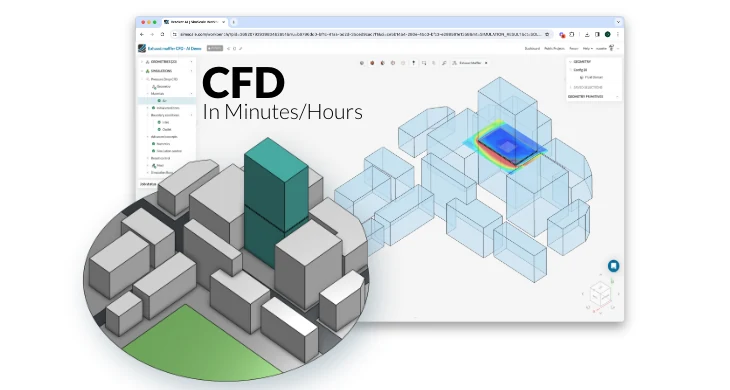
Use AI surrogates and pre-trained foundation models to get wind performance predictions in seconds. Explore hundreds of building massing variants — from orientation and setbacks to podium heights and canopy placements — and identify winning configurations before committing to high-fidelity CFD analysis.
SimScale AI unlocks new ways to innovate in urban design. Explore whole design spaces in minutes and make planning decisions with confidence, reducing design iterations and accelerating project timelines from months to weeks.
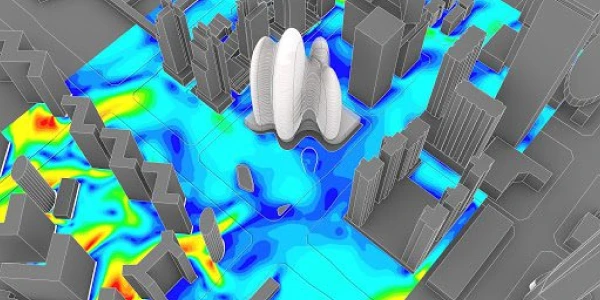
Simulate 36 wind directions in parallel with real meteorological data to produce wind analysis maps per Lawson LDDC, Davenport, NEN 8100, and City of London standards. From early-stage wind comfort assessment to detailed pedestrian wind study for planning approval — results non-specialists can interpret, delivered in hours.
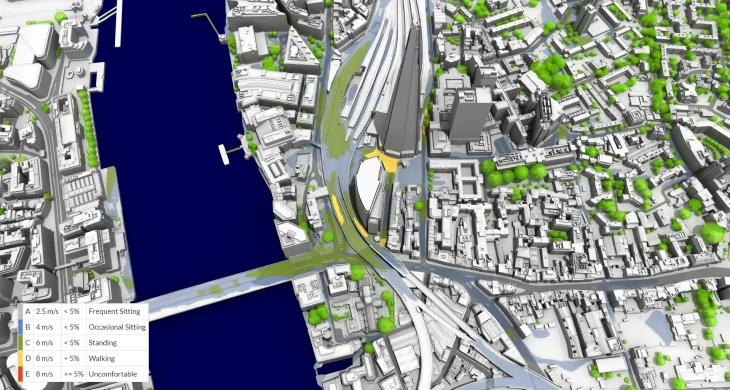
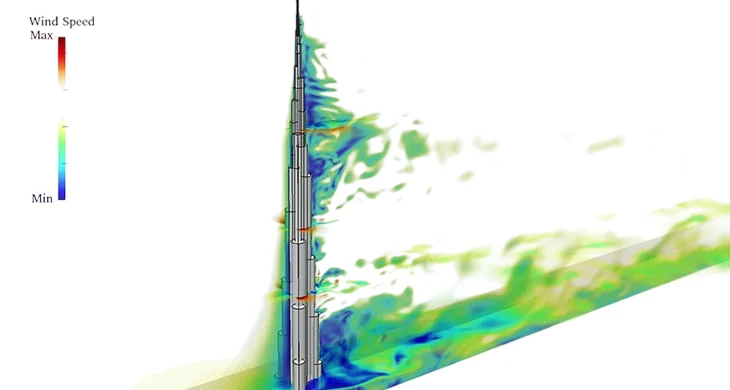
Go beyond code-based approximations. Resolve wind pressure distributions on facades, roofs, and structural elements — capturing vortex shedding, flow separation, and interference effects that ASCE 7 and Eurocode 1 simplified methods miss. Export CFD-derived pressure loads directly for downstream structural wind flow analysis.
SimScale’s Lattice Boltzmann Method (LBM) solver is purpose-built for computational wind engineering around buildings. Resolve wind dynamics across complex urban geometries and visualize flow patterns with streamlines, pressure contours, and velocity fields. Wind modelling accuracy that matches wind tunnel testing — with the speed of a modern cloud wind simulator.
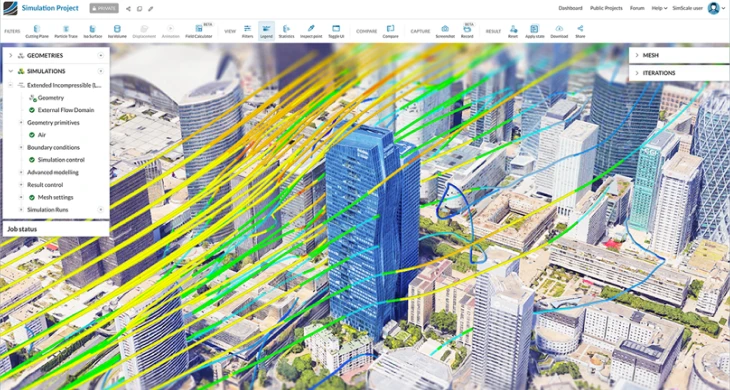
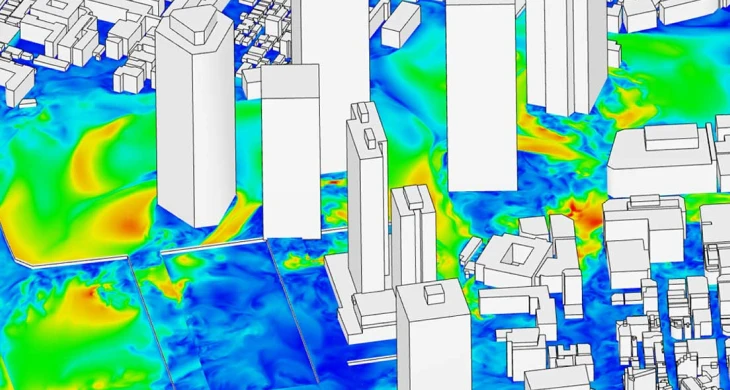
Go beyond wind comfort. Combine wind flow simulation with thermal analysis, solar radiation, and pollutant dispersion for holistic studies. Integrate terrain, vegetation, and surrounding buildings for wind environment studies that address both comfort and sustainability.
Replace expensive physical wind tunnel testing with validated cloud CFD. Test building shapes, bridge decks, and infrastructure designs at scale — without booking tunnel time or waiting for results.
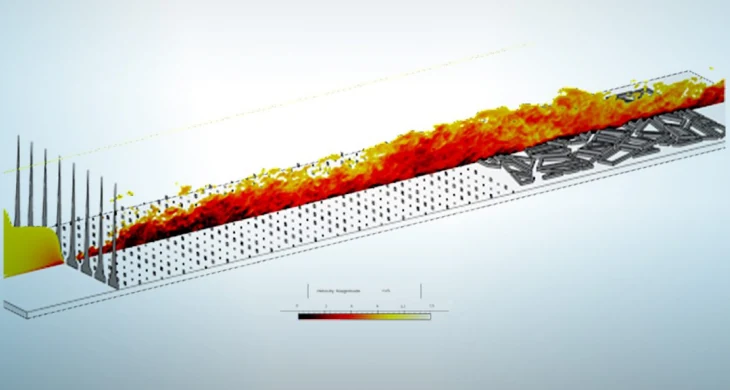

Identify channeling effects, corner acceleration, downwash, and vortex formation early in design. Then test mitigation strategies — canopies, screens, landscaping, podium setbacks — until you achieve comfortable conditions.
Produce compliant wind studies for planning approval worldwide. SimScale supports;
ASCE 7 (US), Eurocode 1 (Europe), City of London Guidelines, Lawson LDDC, NEN 8100, and Davenport.
Custom criteria also supported. Learn more about wind comfort criteria and standards.
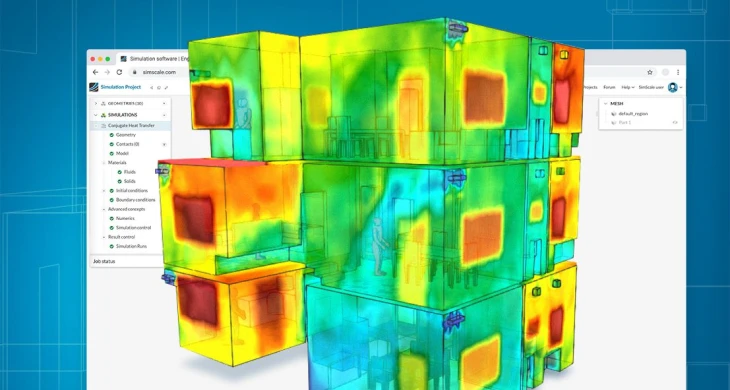
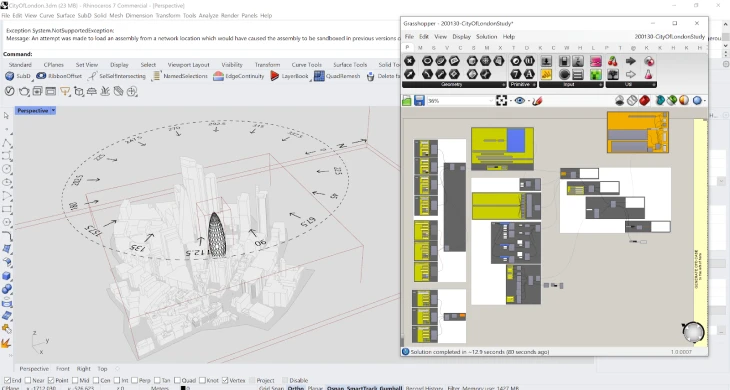
Import from Rhino, Revit, SketchUp, or any STEP/STL format. SimScale’s Rhino plugin lets architects run wind studies without leaving their design environment; wind design software that connects to the tools you already use.
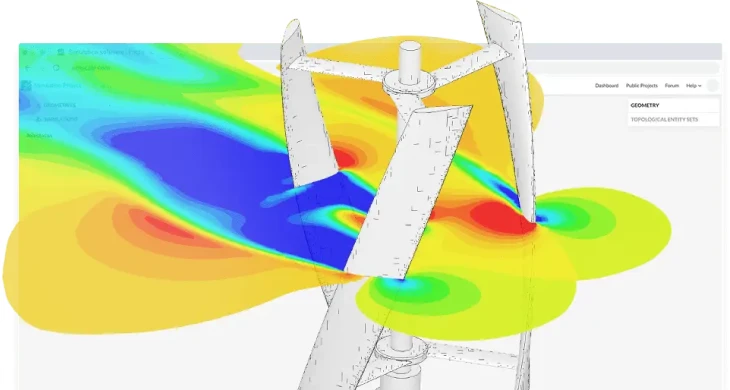
Optimize turbine blade aerodynamics and assess wake interactions for wind farm layout planning. Analyze micro wind turbine performance and evaluate placement strategies to maximize energy capture while minimizing interference effects.
Full pedestrian wind comfort results in under 2 hours for the OPPO HQ project — 6 wind directions ran in parallel. The LBM solver eliminated days of geometry clean-up, enabling same-day design iteration: geometry by morning, results after lunch, optimized design by end of day.
SimScale’s solvers are validated against physical wind tunnel experiments and analytical benchmarks; results within engineering tolerances of real-world measurements.
Check out our expert content on wind analysis, CFD methods, and engineering best practices.
Check out the latest thermal management simulations performed in SimScale and validated against experimental and/or analytical results.
Subscription Plans Adapted to Your Needs
Free for testing & learning
For higher fidelity simulation work
For team collaboration
For broad simulation roll-outs
CFD numerically solves fluid flow equations to predict wind behaviour around buildings. SimScale uses the Lattice Boltzmann Method (LBM) — a highly parallelizable approach suited to external aerodynamics. Upload a 3D model, define wind conditions, and SimScale’s cloud infrastructure handles meshing, solving, and post-processing. No local hardware or CFD expertise required.
It depends on the application. For pedestrian wind comfort and building aerodynamics, SimScale is the leading cloud-native platform — automated multi-direction analysis, built-in comfort criteria, no hardware. For structural wind loads, SimScale competes with desktop tools like RWIND (Dlubal) and ANSYS Fluent with the advantage of parallel cloud computing. For wind energy resource assessment, specialized tools like WindSim serve that niche. SimScale uniquely covers comfort, loads, and aerodynamics in one platform.
Up to 36 wind directions run simultaneously in the cloud. Upload your wind rose data and SimScale automatically generates comfort and safety maps per Lawson, Davenport, NEN 8100, and City of London standards.
Lawson LDDC, Davenport, NEN 8100, City of London guidelines, and custom criteria. Define your own thresholds for project-specific requirements.
1 – Upload your CAD model (Rhino, Revit, SketchUp, STEP/STL)
2 – Define wind conditions manually or via meteorological data
3 – Select comfort criteria and parameters
4 – Click Run — SimScale handles meshing, solving, and cloud distribution automatically
5 – Review comfort maps, velocity plots, and pressure distributions in the built-in post-processor. Most users go from CAD to results in under a day.
A laptop or computer and internet connection. SimScale runs on cloud HPC — your local machine stays free.
Yes. All standard CAD formats plus direct plugins for Rhino and Revit. Run wind studies without leaving your design environment.
No. The pedestrian wind comfort workflow is designed for architects and planners without CFD backgrounds. Guided setup handles the technical complexity — you focus on design decisions.
The most common CFD models are Reynolds-Averaged Navier-Stokes (RANS) with k-omega SST or k-epsilon turbulence models, Large Eddy Simulation (LES) for transient flows, and Lattice Boltzmann Method (LBM) for GPU-accelerated simulations. SimScale supports all of these.
Sign up for SimScale
and start simulating now
