Proven Workflow
Simulate FreeCAD models in the cloud
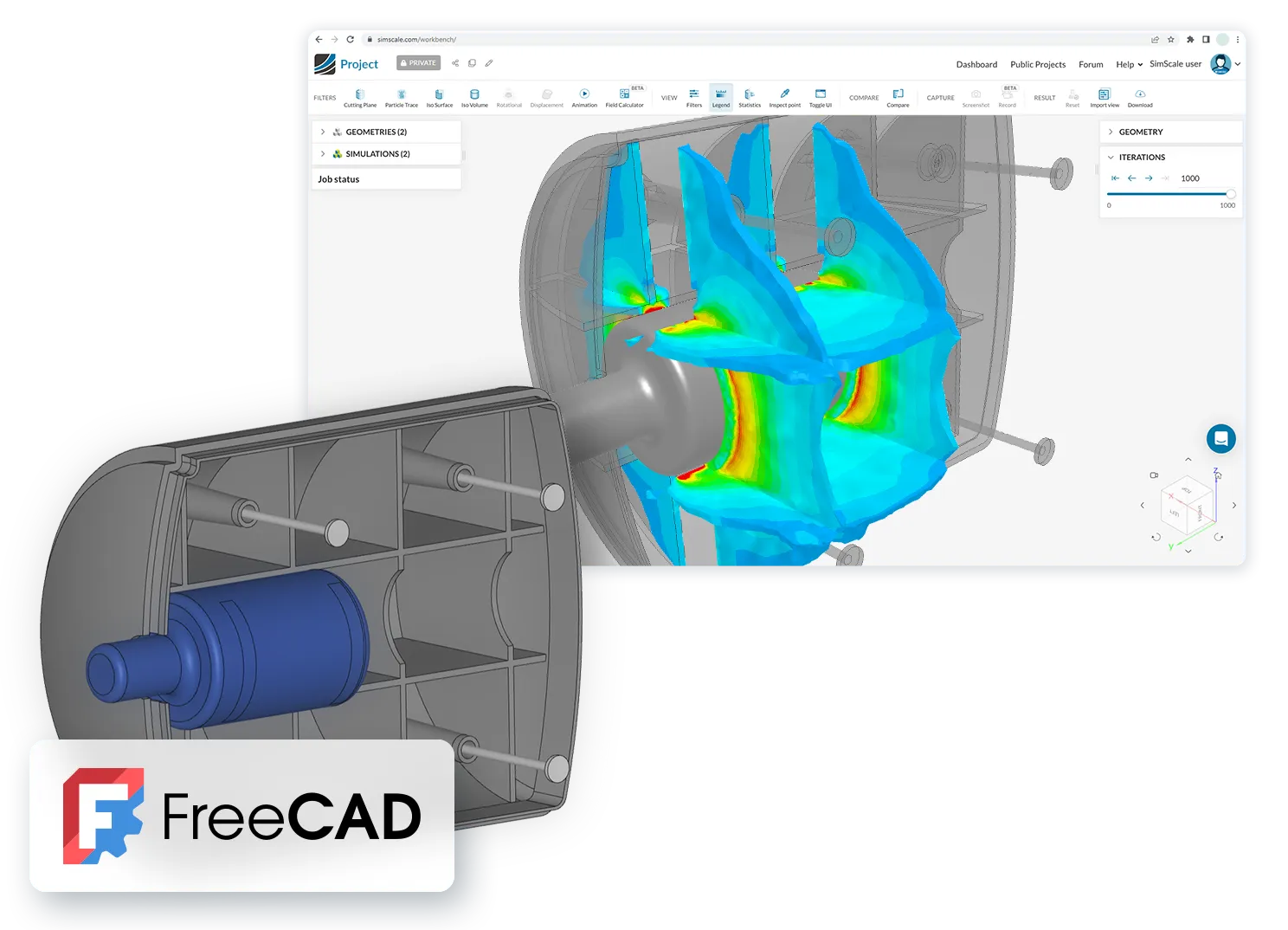
Import your FreeCAD geometry into SimScale and analyze it in the cloud using multiphysics simulation..
How it works
How it works
Step file support
Export your FreeCAD model as a STEP file and drag and drop it into the SimScale workbench.
Cloud-native simulation setup
Set up and run sophisticated multiphysics simulations. Your computer is free while the simulations run in the cloud.
Integrated online post-processor
Analyze your simulation results and validate your models with SimScale’s cloud-native post-processor.
SimScale and FreeCAD
Predict deformation, stress, and strain under operational loads using SimScale’s cloud-native platform. Import FreeCAD models, validate durable designs, and streamline product development. The integration was developed together with Alsado — learn more at www.alsado.de.
Benefits
- Leverage CAD associativity for seamless geometry updates, preserving all load and boundary condition setups.
- Save time by rapidly testing multiple CAD designs without reassigning simulation settings.
- Access high-performance simulation without the need for advanced hardware.
- Simplify setup with no complex integrations or software installations required.
Steps to Import FreeCAD Files
For more details on CAD preparation and upload, visit our documentation.
- Single parts: import directly into SimScale.
- Assemblies: place the assembly and part files in one folder (.zip), using the assembly name as the folder name.
- Use the prefix system (NS_XXX) for face names to maintain associativity across model versions.
- Upload to SimScale and begin your simulation.
Start simulating in minutes, not weeks
Get started today with AI-native engineering simulation