Integration
Native import of implicit geometry for cloud-native simulation
SimScale leverages the nTop CAD kernel to deliver a fast, robust workflow for flow and thermal simulation of high-performance thermal management systems..
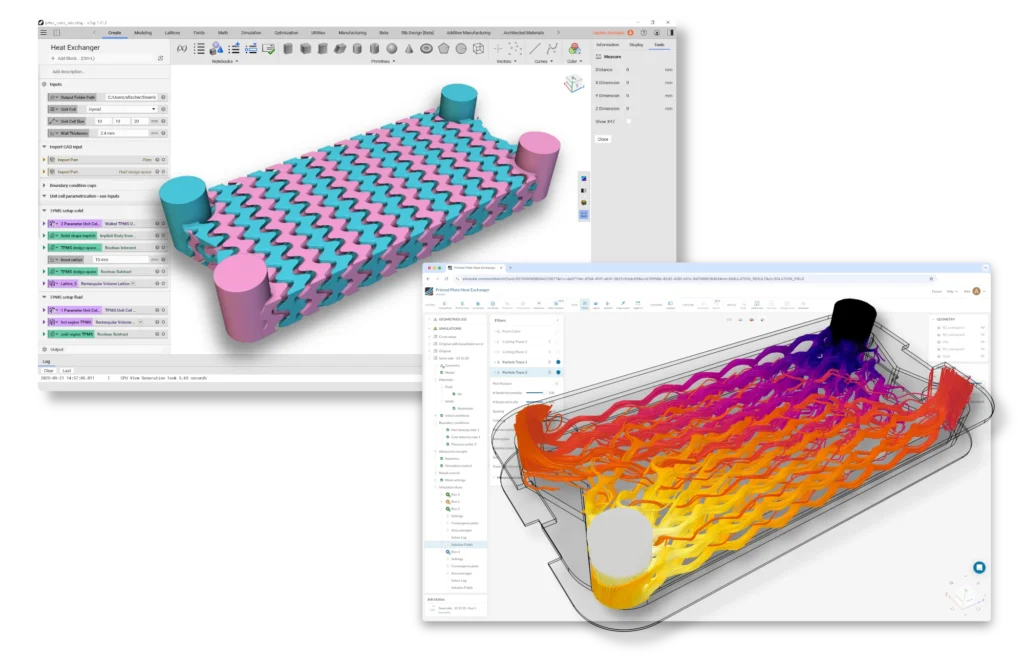
How it works
Simulate nTop models in 3 steps
Import implicit model files from nTop into SimScale
Import geometries in seconds, maintaining native geometry fidelity.
Run flow and thermal simulations in the cloud, quickly and robustly
SimScale’s Conjugate Heat Transfer (CHT) analysis using the Immersed Boundary Method (IBM) builds directly on the implicit geometry representation.
Explore designs faster with a smooth, repeatable end-to-end workflow
With no time wasted on pre-processing steps, leveraging implicit geometry natively accelerates workflows and eliminates discretization errors.
SimScale and nTop
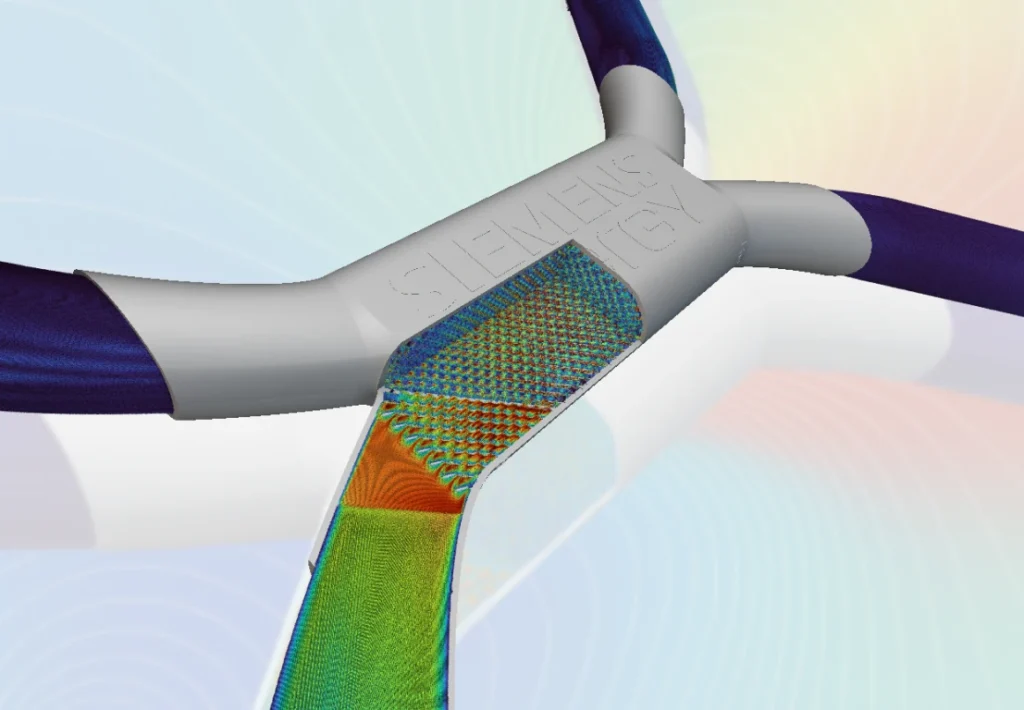
Import nTop implicit (.implicit) CAD files directly into SimScale and run Conjugate Heat Transfer analysis on the native implicit representation — up to 20x faster than traditional meshing pipelines.
Benefits
- Importing nTop (*.implicit) CAD files lets nTop users seamlessly prepare and run flow and thermal simulations in SimScale
- Using the implicit representation natively is up to 20x faster than traditional meshing pipelines requiring faceted CAD
- Establishes a highly robust, repeatable workflow for complex geometries including high-performance heat exchangers, TPMS and gyroid structures, and DfAM products
How it works
- nTop implicit import option is available to all SimScale users
- Compatible with Conjugate Heat Transfer (IBM) analysis type
- Uses the nTop geometry kernel to enable import and meshing
Start simulating in minutes, not weeks
Get started today with AI-native engineering simulation