Drone simulation software
Design drones that fly further, hover quieter, and land safer — in the cloud
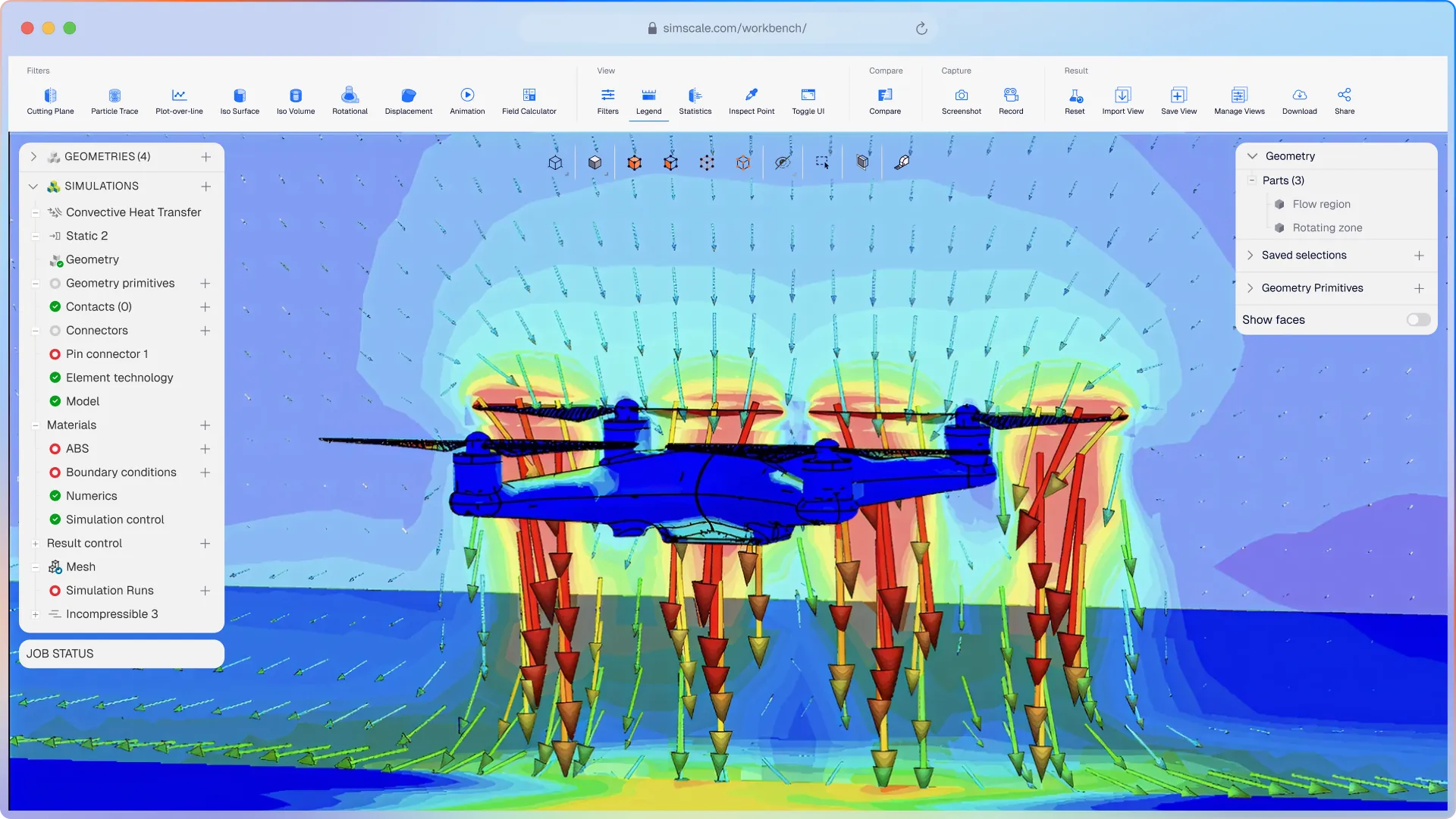
SimScale’s AI-native platform runs CFD, FEA, and conjugate heat transfer on multirotor, fixed-wing, and eVTOL designs in the cloud. Predict propeller thrust, drag, structural margins, battery temperatures, and landing-site wind conditions for every iteration — before the first prototype is machined.


















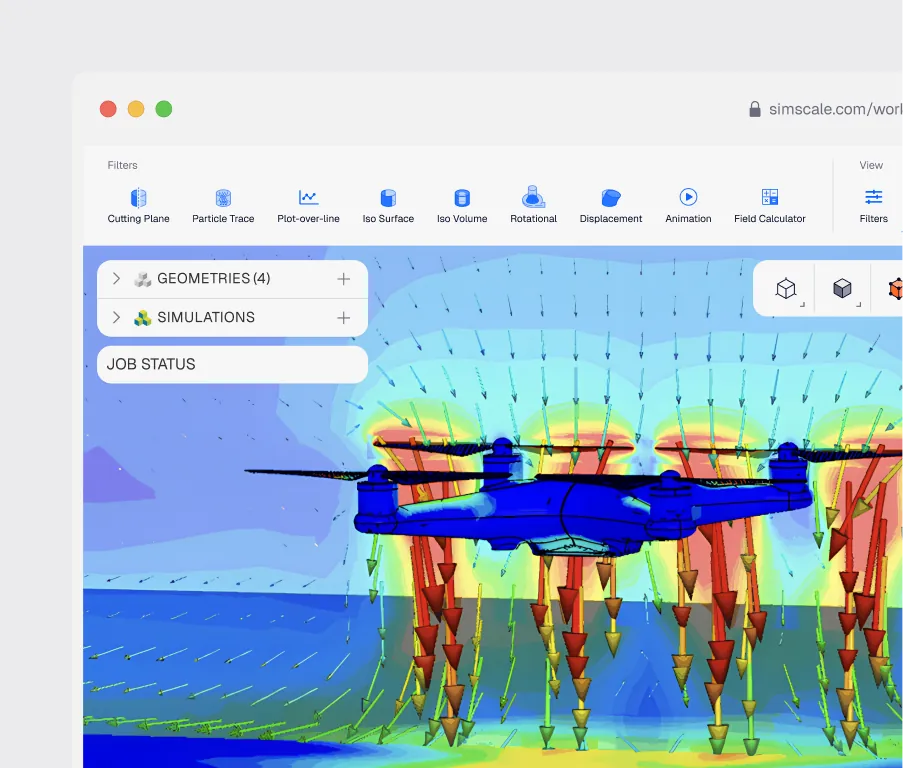
Aerodynamics, structures, thermal, and electromagnetics all interact. Physical rigs are too slow to explore that space. SimScale runs the full coupled analysis in hours, trusted by 800,000+ engineers to replace the test rig with a simulation sweep.
Drone simulation that covers your full design challenge
Multiphysics: CFD, FEA, and thermal in one drone project
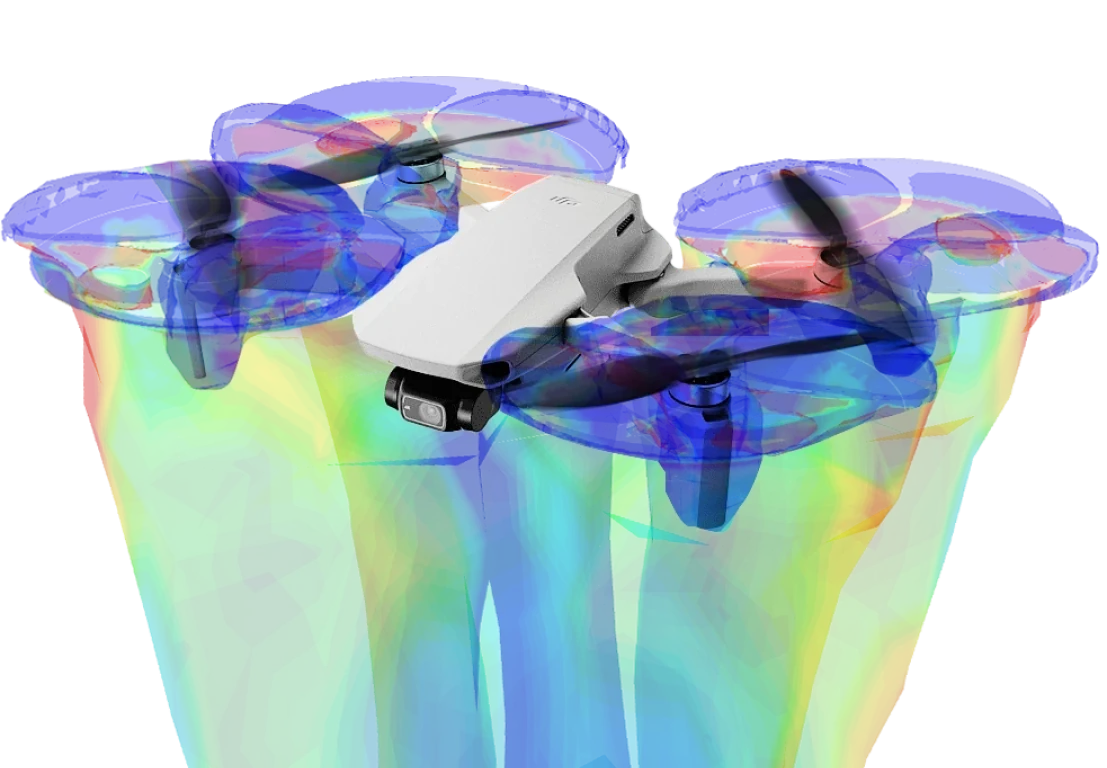
Drones fail in coupled domains: a frame that’s too light vibrates under rotor load, a motor that’s too hot derates mid-flight, a propeller optimised for thrust induces drag elsewhere. SimScale runs incompressible and compressible CFD, structural FEA, conjugate heat transfer, and electromagnetics on the same drone geometry — one mesh, one results store. Validate aerodynamic performance, frame structural margins, battery cooling, and motor thermal limits in a single project, and sweep design variants in parallel.
AI-native drone design optimisation
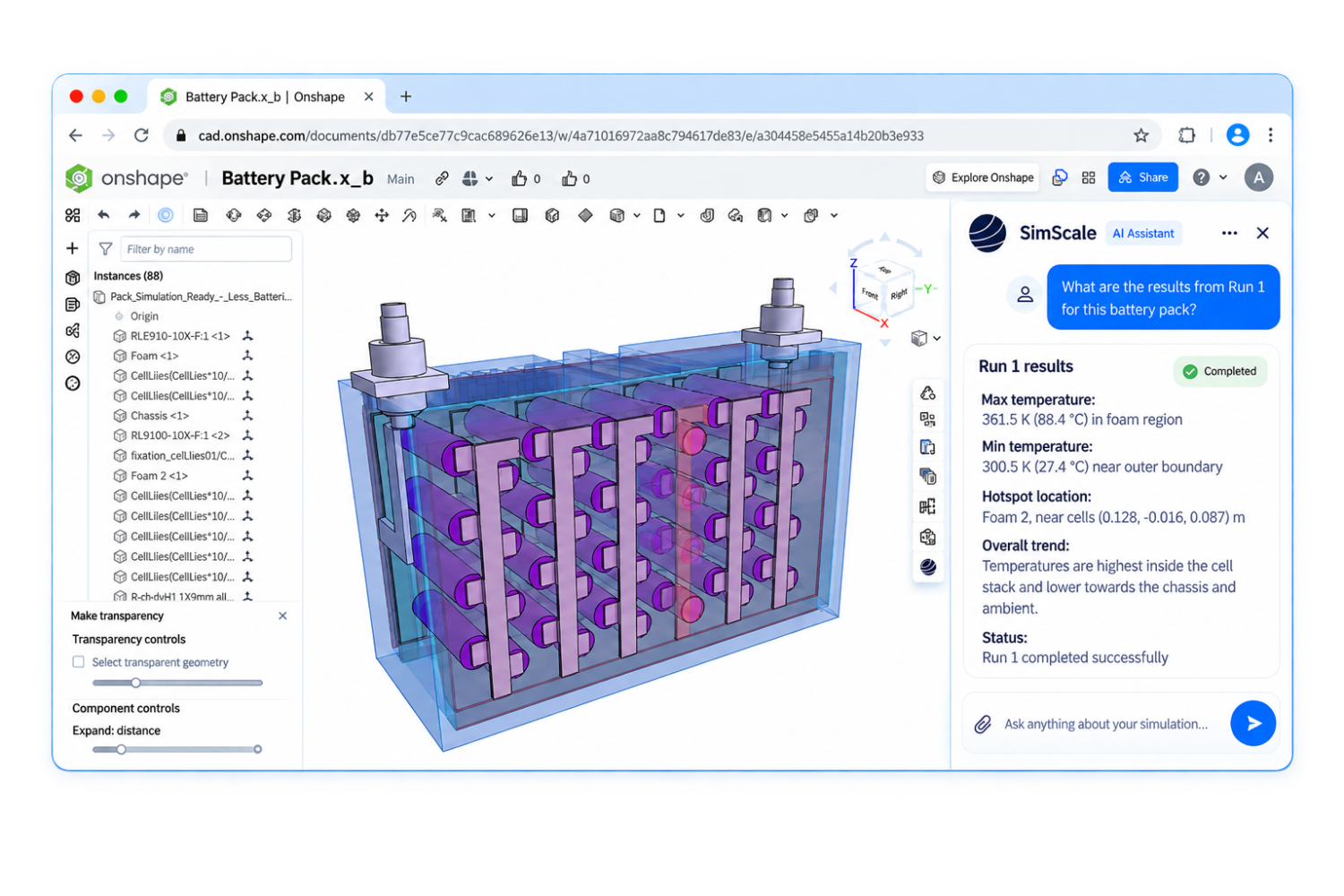
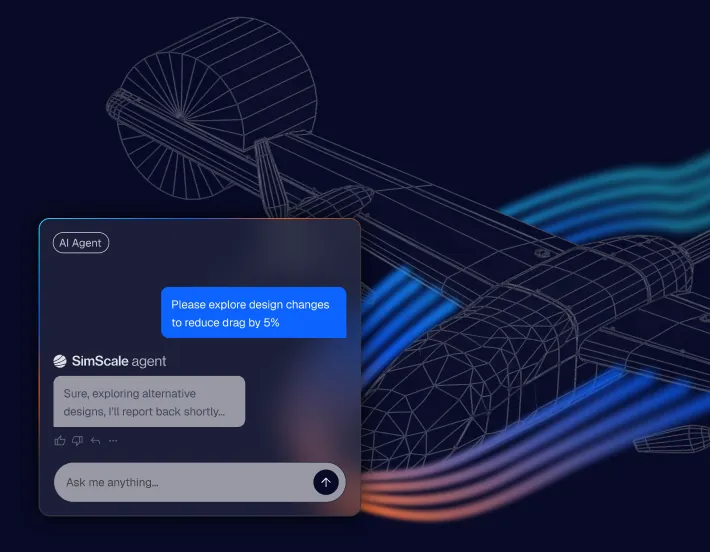
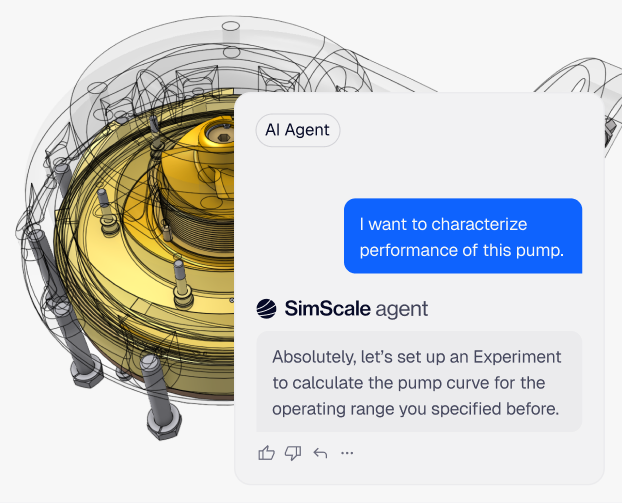
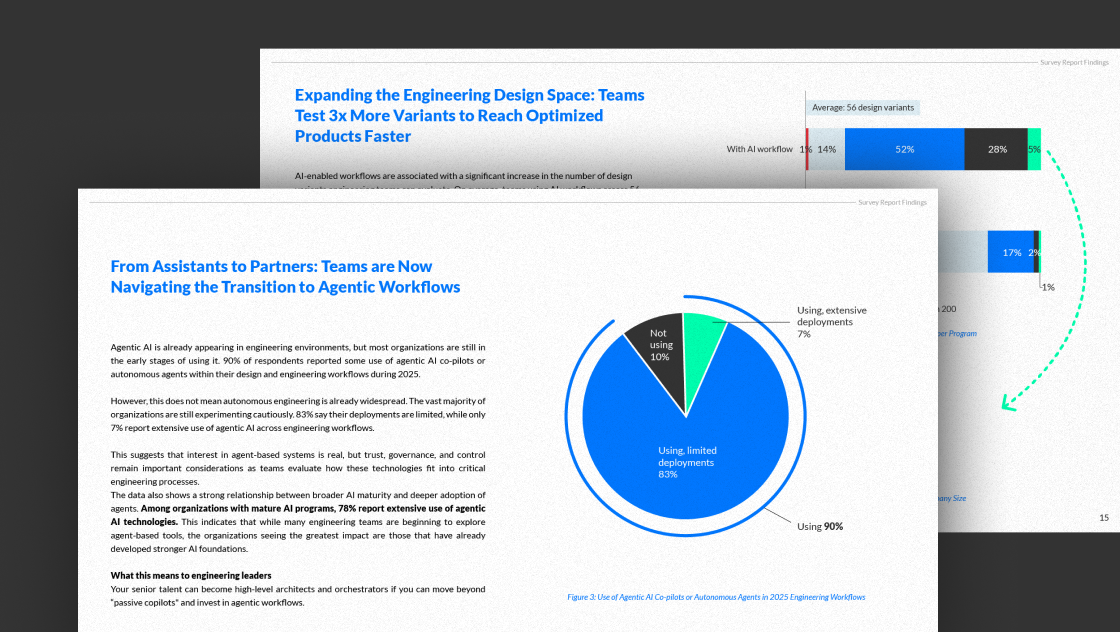
SimScale’s Engineering AI handles the full workflow automatically — geometry import, meshing, solver configuration, parametric study orchestration, and post-processing — so engineers spend time on design decisions, not setup. Physics AI then delivers near-instant predictions on propeller geometry, frame topology, and rotor placement. Sweep dozens of blade-twist, pitch, and chord variants in seconds, promote the strongest candidates to full CFD, and find the thrust / drag / noise frontier without 200 manual runs.
Cloud scale: run the full design space
SimScale allocates cloud compute on demand — run dozens of rotor configurations, aerodynamic load cases, or structural variants simultaneously, with no HPC queue and no licence ceiling. Simulations start in minutes from any browser and results land while the team continues other work. No on-prem infrastructure, no VPN, no IT bottleneck.
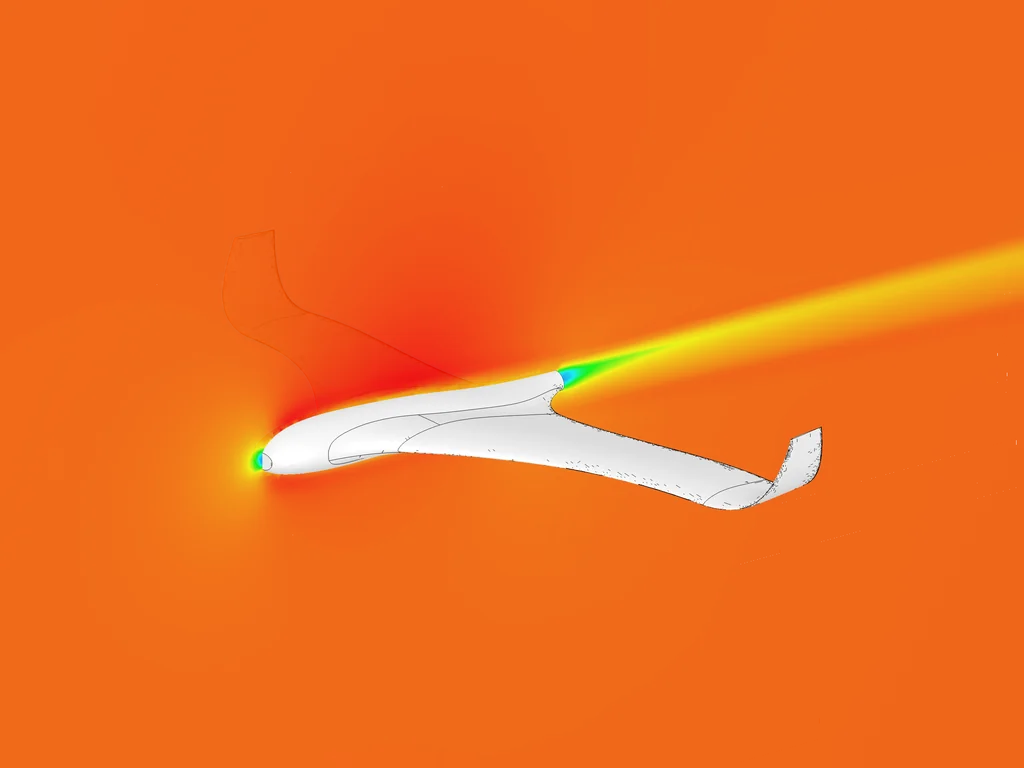
Drone aerodynamics: drag, lift, and gust response
Quantify drag on fixed-wing UAV airframes, lift distribution on cabin and rotor configurations, and gust response in urban turbulence. For eVTOL and urban air mobility configurations, evaluate cabin shape, impeller arrangement, and atmospheric boundary-layer behaviour in dense urban environments.

Propeller and rotor CFD: thrust, torque, and noise
Run rotating MRF or sliding-mesh CFD on multirotor and propeller geometries. Predict thrust, torque, efficiency, and noise across hover, forward flight, and transition. Sweep blade chord, twist, and pitch to find the design that hits thrust targets without paying for it in battery drain. Published optimisation studies show 15% efficiency gains and 21% thrust improvements from CFD-driven blade design.

eVTOL and urban air mobility design
Simulate eVTOL transition between hover and forward flight, rotor–airframe interaction, and passenger-cabin aerodynamics. The right rotor placement, cabin shape, and vertical-thrust margin are visible in CFD long before flight test — and they decide whether your vehicle is certifiable for urban operations.

Drone structural FEA: frame, mounts, and payload
Run static and dynamic FEA on drone frames, motor mounts, and payload structures. Validate weight reductions, vibration response, and impact tolerance on the same geometry that ran the CFD analysis. One platform, one CAD model, one project — instead of moving files between three tools.
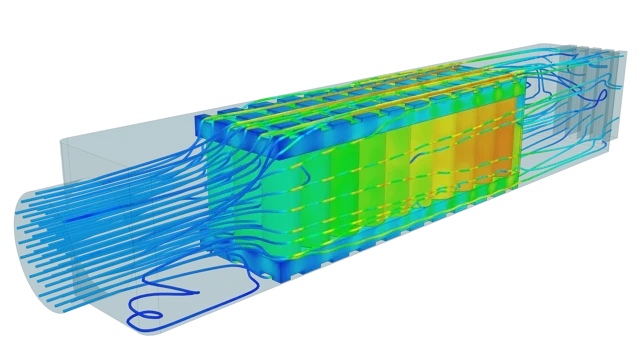
Thermal Management for Drone Electronics
Take the guesswork out of battery and motor thermal management. Analyze heat dissipation from Li-ion battery packs, motor windings, and ESCs under sustained flight conditions. Engineer cooling strategies that prevent thermal runaway, extend battery life, and maintain motor efficiency, ensuring your drone can sustain longer flight times without overheating.
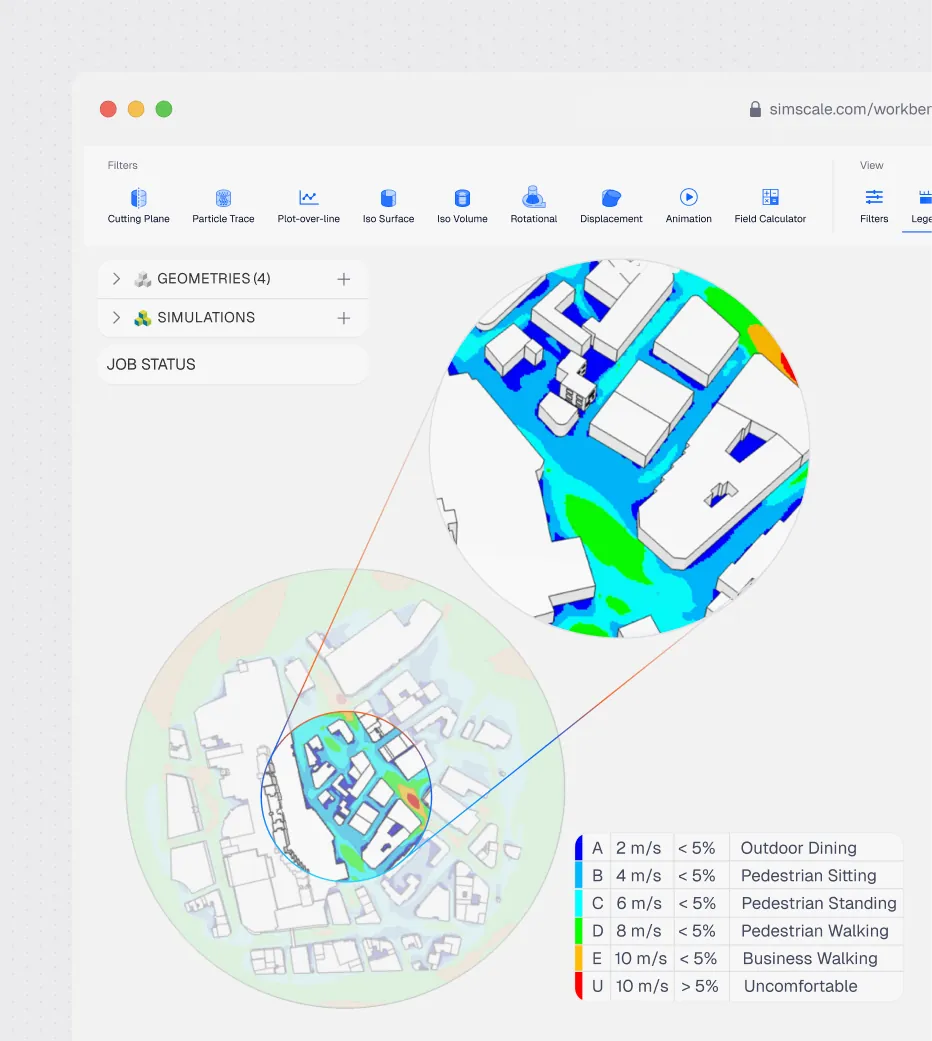
Vertiport and drone landing site wind comfort
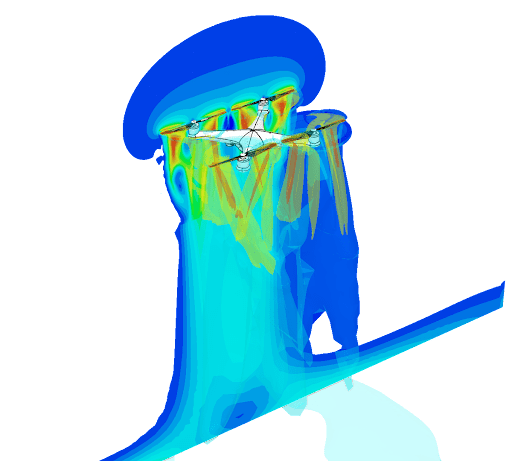
Run full 360° pedestrian wind comfort analysis to identify safe drone landing sites and vertiports. Validate landing zone safety across all prevailing wind directions — including transient gust analysis for safety-critical medical and urban delivery routes.

Full 360°
wind comfort in a single run
“CFD simulations are used to determine the ideal landing location for the drone near a hospital site. For this we used the pedestrian wind comfort tools in SimScale, analysing the full 360° of annual wind profile. Leveraging its ease of use to quickly get a 360° view on the location offers a huge time saving and makes it possible to continue with other tasks while the simulation is running in the cloud.”
Chesney De Bondt, Product Developer at Helicus

35
hours saved on a single 5-impeller test campaign
“SimScale was very easy to get started with. I was the only CFD expert and in several projects, people from the department decided to include CFD as they found it very easy to use after a 1-hour explanation of how things worked and how to set up a simulation. This has broadened access to simulation within Tecnalia.”
Lucas Juan Bernácer Soriano, Aeronautical Engineer at Tecnalia

Thermal
management validated for drone-mounted THz photonic transceivers
“We use SimScale to find solutions in system design, often looking at thermal management of electronic devices. In the Teraway project, for example, we were able to select the correct thermal management system at a much earlier stage of design because of SimScale. Using simulation, we were able to test things that weren’t considered possible, e.g. liquid cooling systems, and thus had a broader cooling solution space to choose from.”
Nienke Nijenhuis, Engineer at PHIX
Related resources
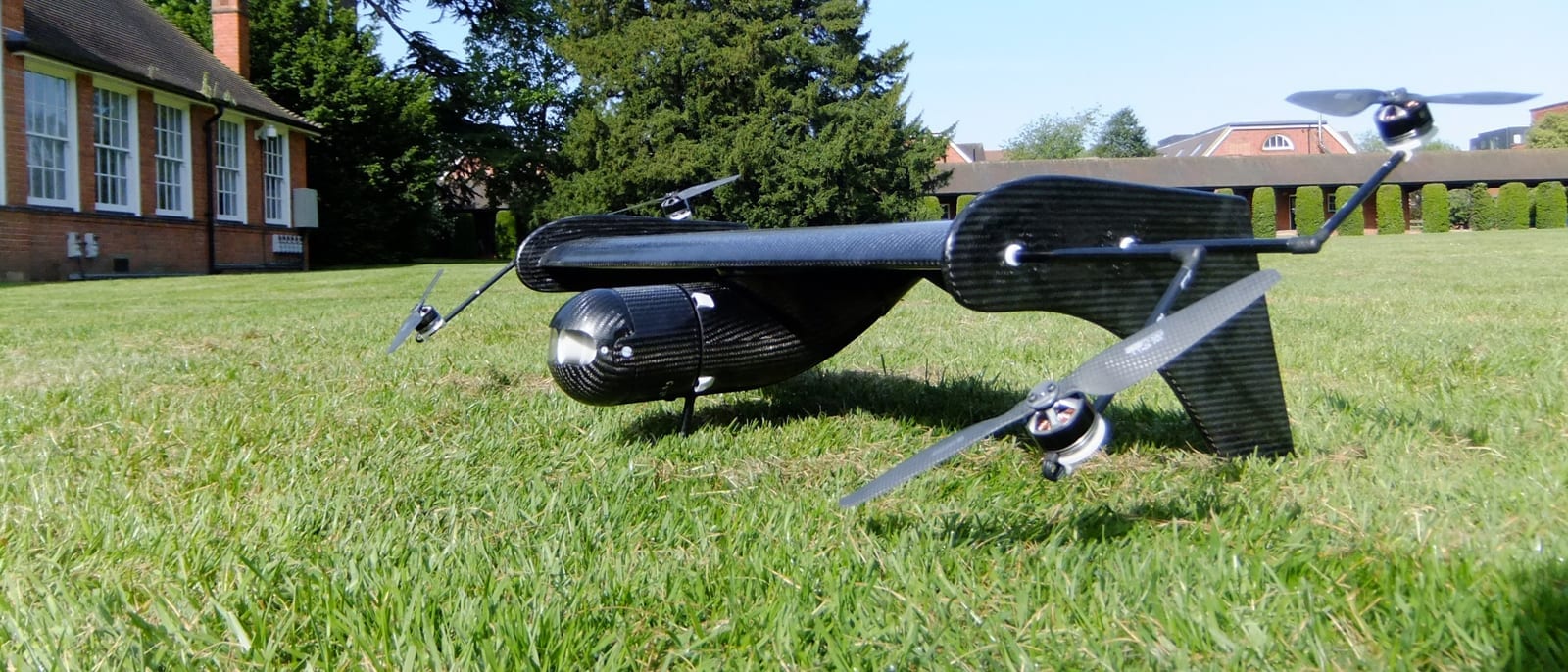
How Drone Teams Use CFD and FEA Simulation to Ship Faster
Discover how four drone teams slashed design time, cut costs, and unlocked breakthrough aerodynamic gains by moving cloud-based simulation to the start of development.

Alex Graham
May 15, 2026

Samir Jaber
November 3, 2023
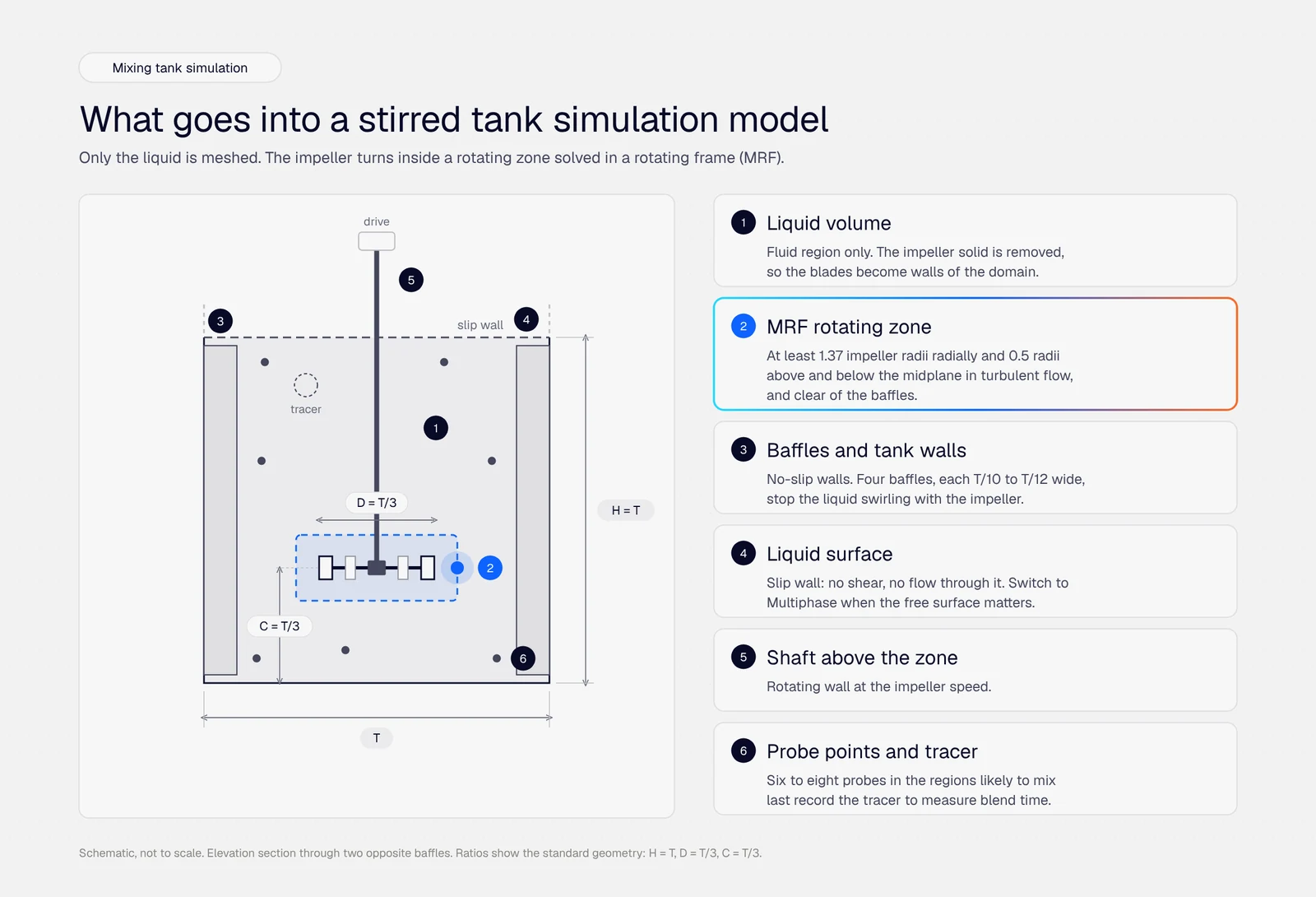
Mixing tank simulation: how to set up a stirred tank CFD model in 8 steps
Eight steps to set up a mixing tank simulation in CFD, from the rotating zone and mesh to power number, blend time and multiphase checks.

Alexander Fischer
October 14, 2026



Luis Goncaves
August 4, 2026
Luis Goncaves
June 18, 2026
Luis Goncaves
January 27, 2026

Steve Lainé
October 9, 2026

Peter Selmeczy
September 28, 2026
Alex Graham
September 15, 2026
Peter Selmeczy
July 9, 2026
Peter Selmeczy
March 24, 2026
Peter Selmeczy
September 10, 2025
Peter Selmeczy
September 23, 2026

jwebster
September 15, 2026
Multirotor (quadcopters, hexacopters, octocopters), fixed-wing UAVs, hybrid VTOLs, and passenger-carrying eVTOL air-taxi configurations. CFD, FEA, conjugate heat transfer, and electromagnetics all run on the same geometry. Industries covered include healthcare logistics, urban air mobility, defence, inspection, and delivery.
A flight simulator runs a low-fidelity, real-time approximation of how an existing drone responds to pilot inputs — it's built for training and gameplay. Drone CFD (what SimScale runs) solves the actual Navier–Stokes equations on the aircraft geometry to predict thrust, drag, lift, noise, and wake behaviour at engineering accuracy. It's built for designing the aircraft, not flying it.
Run rotating MRF or sliding-mesh CFD on the propeller geometry at the operating Reynolds number and advance ratio. Post-process thrust, torque, efficiency, and noise directly. Sweep blade twist, chord, pitch, and winglet geometry in parallel to find the design point that hits thrust targets at minimum power. Peer-reviewed blade optimisation studies report efficiency improvements of up to 15% and thrust gains of up to 21% using this workflow.
Yes. SimScale handles the full eVTOL design challenge — transition between hover and forward flight, rotor–airframe interaction, passenger-cabin aerodynamics, and atmospheric boundary-layer behaviour in dense urban environments. Combine with the vertiport wind comfort workflow to model the operating environment as well as the vehicle.
SolidWorks, Onshape, CATIA, and STEP imports land directly in SimScale through the browser. Geometry updates re-run automatically against the saved simulation setup, so iterations don't lose progress. Real-time engineer support sits in every project.