Natural Ventilation Simulation Software
Design naturally ventilated buildings with cloud-native CFD
Model wind-driven and buoyancy-driven (stack effect) airflow, validate window and louvre layouts, and predict indoor temperatures, CO₂, and thermal comfort — all in a browser. SimScale’s incompressible solver and Lattice Boltzmann method run 16 wind directions in parallel and integrate with IES VE, EnergyPlus, and DesignBuilder for accurate Cp values where default settings fall 100% short.
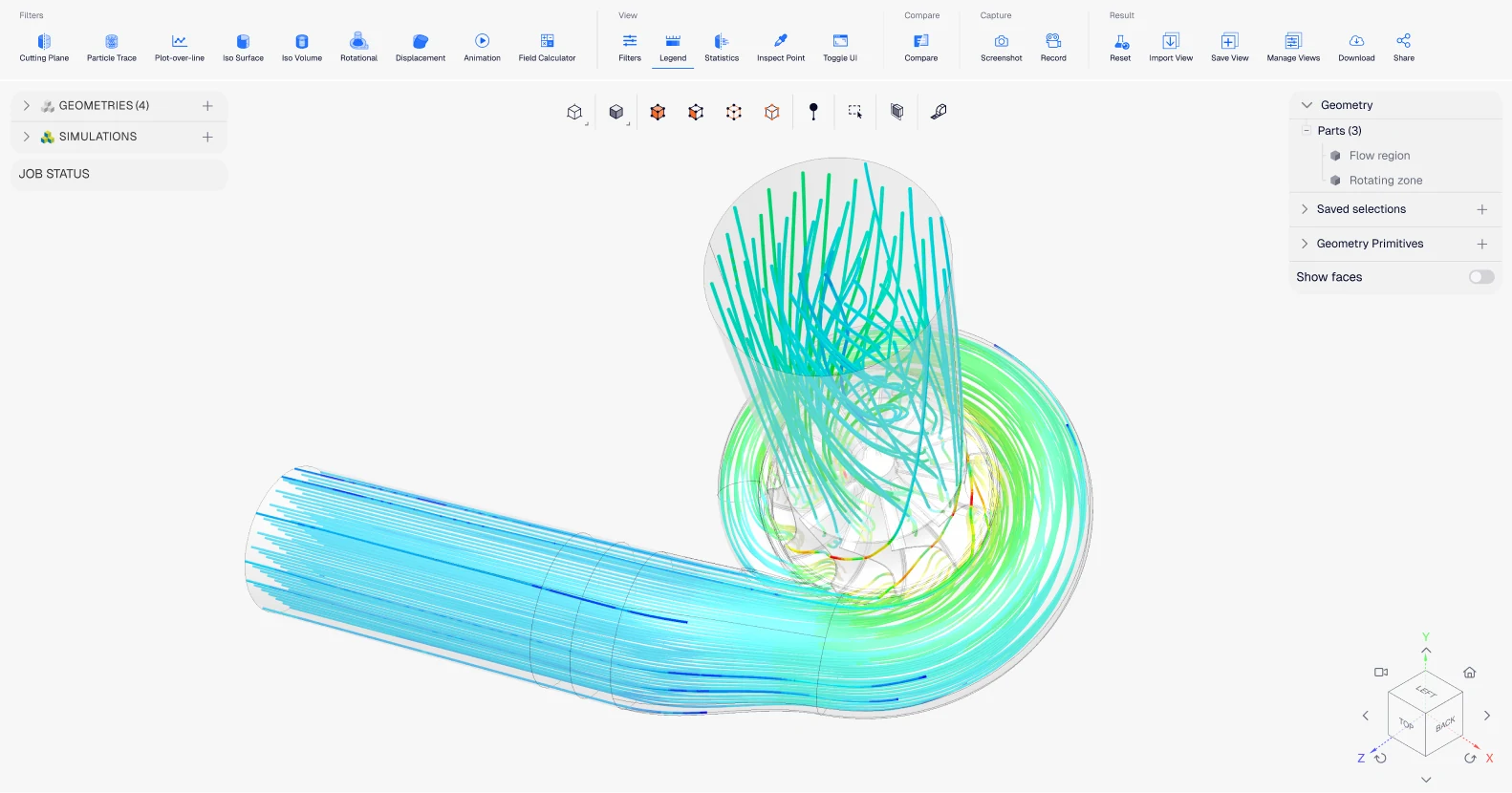












Whole-building thermal models (IES VE, EnergyPlus, DesignBuilder) rely on default wind pressure coefficients (Cp) that can differ from real-world values by 100% in both magnitude and sign — distorting predicted natural ventilation rates, summertime overheating risk, and CO₂ concentrations. SimScale runs CFD-based wind and buoyancy simulations in the cloud and feeds calibrated Cp values back into your thermal model. Architects and building physics specialists use it to size operable windows, validate stack-effect chimneys, and meet Passivhaus, CIBSE TM59, and ASHRAE compliance — without waiting for an HPC queue or a wind-tunnel test.
Wind, buoyancy, and façade-aware natural ventilation CFD
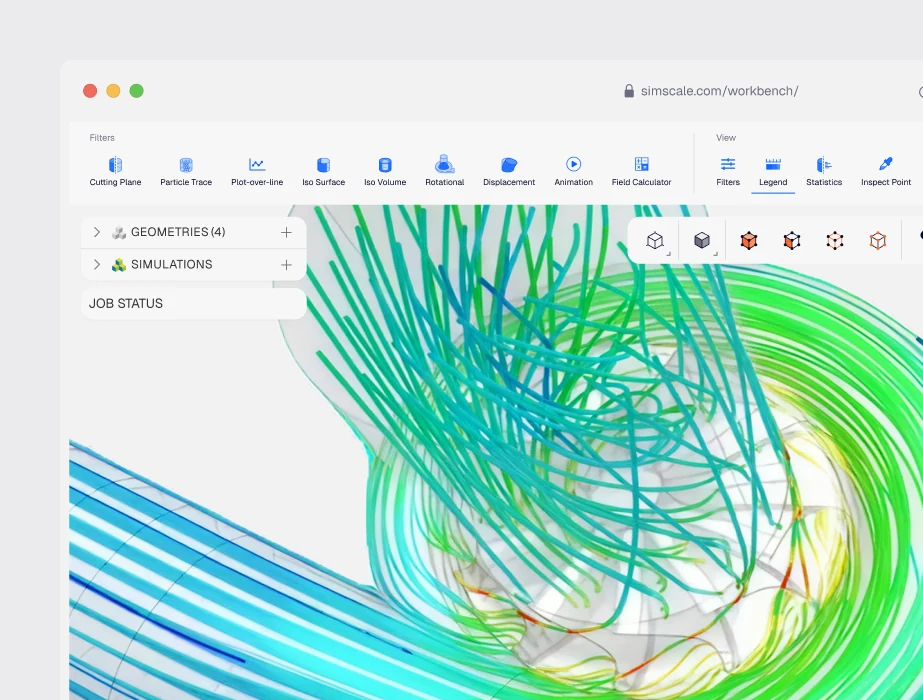
Multiphysics in one platform
Couple natural ventilation CFD with conjugate heat transfer for solar gains, thermal stratification, and surface temperatures; with structural analysis for wind-load on façades and operable elements; and with pedestrian wind comfort studies for the surrounding urban environment. Architype runs ventilation, thermal comfort, and CO₂ studies for Passivhaus classroom designs inside a single browser session.
AI-accelerated design
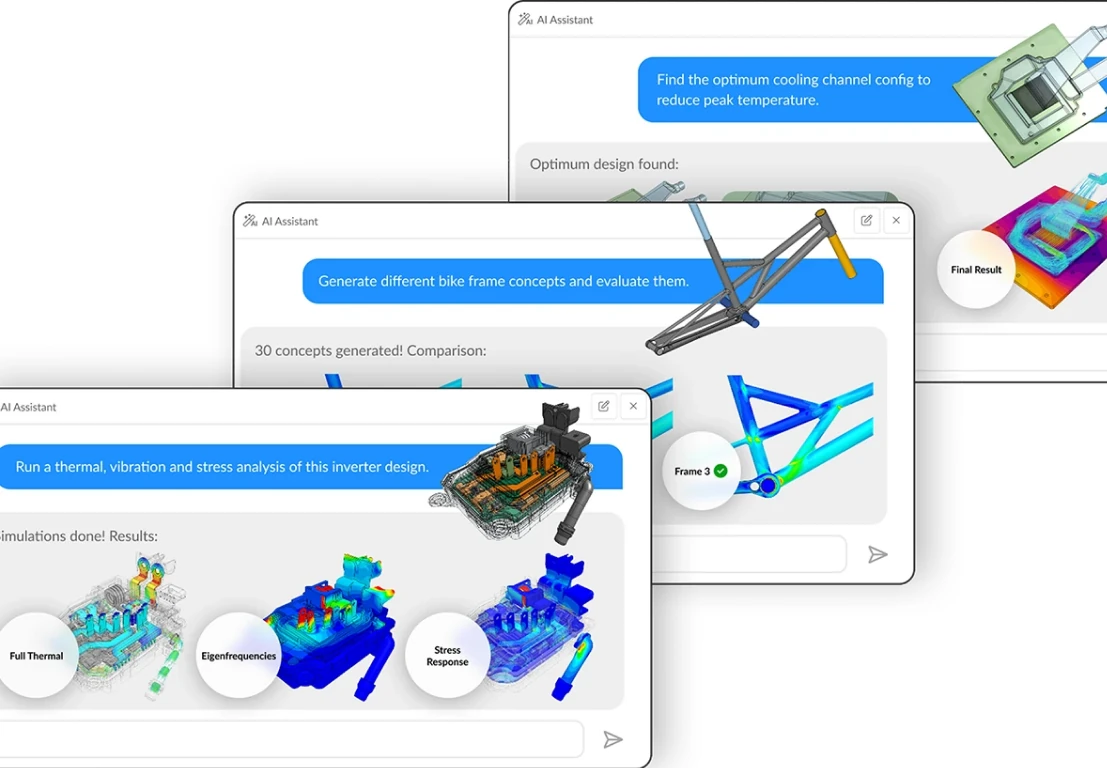
Parameterize window opening angles, louvre fin geometry, and stack-effect shaft heights, then let SimScale’s AI engineering features sweep through hundreds of configurations to converge on layouts that meet thermal comfort and ventilation rate targets without manual scripting.
Browser-based cloud compute
No on-premise HPC, no license server, no installation. Greenlite Building Physics ran a full 16-direction wind simulation in parallel using SimScale’s LBM solver, exported Cp values to IES, and rebuilt the dynamic thermal simulation with significantly improved accuracy — all from a browser.
Schools & classrooms
Validate window-open natural ventilation, mixed-mode HVAC strategies, and post-occupancy thermal comfort in Passivhaus and low-energy school designs. Architype used SimScale to compare base-case, enhanced louvre, and window-open ventilation scenarios for a Passivhaus classroom.
Large multi-storey naturally ventilated buildings
Model buoyancy and wind-driven airflow through 9-storey atria, library stacks, and university campus buildings. AIRLIT studio used SimScale to evaluate floors 3-8 of a naturally ventilated library at the University of Lima — projecting natural ventilation feasibility for 52-62% of occupied hours.
Façade openings, louvres & operable windows
Model perforated architectural screens, louvre fin angles, bird/insect screens, and operable window opening percentages — both explicitly in CAD and via porous-media boundary conditions. Fairlite Consulting validated CFD-derived airflow within 2% of physical AS 4740 testing.

1 hour
Thousands of design variants explored
“Using SimScale is a treat for those of us who love to combine architecture and engineering. We have used at least three other CFD packages in our professional lives, and nothing is as easy to use or as powerful as SimScale. We love how easy it is to use the interface, and yet how powerful the platform and tech support are to model complex physical phenomena including complex airflows around buildings and cities and indoor air quality using natural ventilation.”
Alonso Dominguez, PhD
1 hour
Thousands of design variants explored
“We now have an AI model that can generate a new optimized design in under an hour, and I have complete confidence in the results.”

1 hour
Thousands of design variants explored
“We now have an AI model that can generate a new optimized design in under an hour, and I have complete confidence in the results.”
Related resources

Alex Graham
June 16, 2026
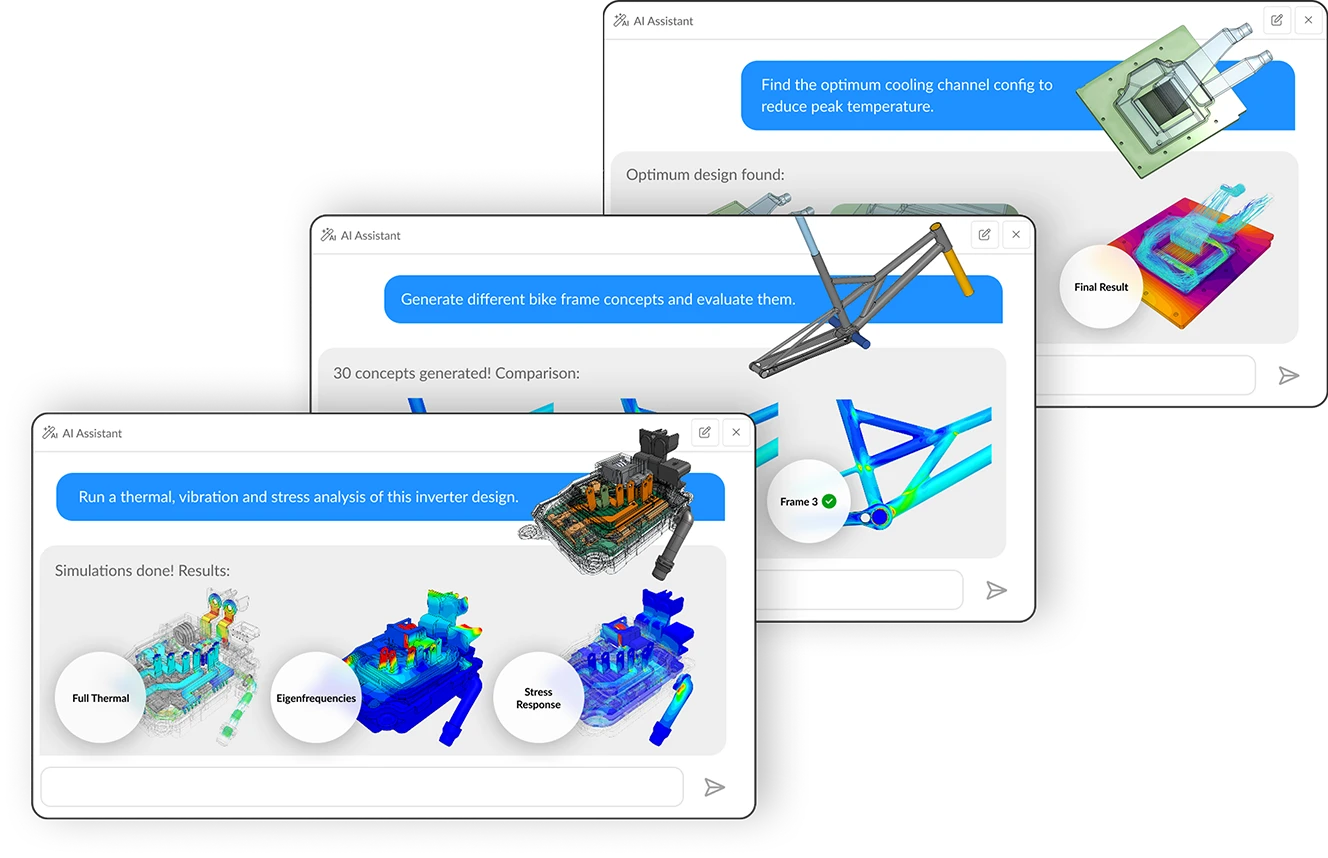
Multi-agent workflows: key takeaways from Design & Simulation Week 2026
SimScale and CoLab demonstrated live AI agent collaboration at Design & Simulation Week 2026, cutting engineering review and simulation lead times dramatically.
Alex Graham
June 12, 2026

SimScale Workflows: Why we are opening up the platform (& why you should care)
SimScale Workflows opens its platform to custom solvers and tools, enabling automated, AI-driven multi-step engineering simulation pipelines for any organization.
Alex Graham
May 29, 2026



Luis Goncaves
June 18, 2026
Luis Goncaves
January 27, 2026

Paras Ghumare
December 4, 2025


Jon Wilde
June 16, 2026


David Heiny
June 15, 2026
Jon Wilde
June 3, 2026

Peter Selmeczy
March 24, 2026
Peter Selmeczy
September 10, 2025
Peter Selmeczy
June 25, 2025
Peter Selmeczy
May 29, 2026
SimScale’s incompressible CFD and Lattice Boltzmann (LBM) solvers cover the full range of natural ventilation regimes used in building design: wind-driven cross ventilation through operable windows and façade openings; buoyancy-driven (stack effect) flow through atria, shafts, and chimneys; combined wind-and-buoyancy interaction with realistic Atmospheric Boundary Layer profiles; mixed-mode strategies that switch between natural and mechanical based on outdoor conditions; and façade-detail studies of perforated screens, louvres, and operable window angles. A 16-direction wind rose study runs in parallel on the cloud.
Buoyancy-driven ventilation, also called stack effect, arises from temperature differences between indoor and outdoor air — warmer indoor air rises and exits through high openings, drawing cooler outdoor air in through low openings. Driving pressure scales with shaft height and thermal differential. Wind-driven ventilation arises from pressure differences across the building envelope caused by wind hitting one face (positive pressure) and creating suction on the other (negative pressure), pushing air through windows and openings. Real buildings are driven by both forces simultaneously, sometimes reinforcing each other, sometimes opposing — SimScale’s CFD resolves the combined interaction explicitly.
Accurate enough that customers use it to challenge default settings in industry-standard thermal modelling tools. Greenlite Building Physics found that SimScale’s Lattice Boltzmann 16-direction wind CFD produced site-specific Cp values that differed from IES VE defaults by up to 100% in magnitude — and in some façade locations had the opposite sign — significantly changing predicted overheating, CO₂, and heating loads on a UK student accommodation project. AIRLIT studio validated buoyancy-driven flow scenarios against Lima climate data for a 9-storey university library. Fairlite Consulting independently validated CFD-derived louvre airflow within 2% of physical AS 4740 testing.
Yes — and this is where SimScale’s IES VE / EnergyPlus / DesignBuilder integration becomes load-bearing. Calibrated Cp values from CFD feed directly into CIBSE TM59 overheating assessments, ASHRAE 62.1 ventilation rate calculations, and Passivhaus energy modelling. Greenlite’s experience is that SimScale-derived Cp values “return more favourable simulation outcomes in the case of CIBSE TM59 simulations, which can return project cost savings without compromising the risk of overheating.” Architype uses SimScale to validate Passivhaus classroom natural ventilation against post-occupancy monitored data.
SimScale exports wind pressure coefficients (Cp) and detailed airflow data in formats compatible with the industry-standard dynamic thermal simulation tools used by building physics teams: IES VE, EnergyPlus, and DesignBuilder. The typical workflow is to build the thermal model in the dynamic simulation tool, run SimScale CFD for site-specific Cp values across a 16-direction wind rose, then feed those Cp values back into the thermal model — replacing the default values that whole-building tools ship with. Greenlite’s UK project documents this workflow end-to-end.