


Open Integration
Open integration across simulation, AI, and your engineering tool chain
SimScale’s integration layer brings simulation and Physics AI into your engineering toolstack, so AI agents can orchestrate entire engineering processes, not just individual simulation runs.
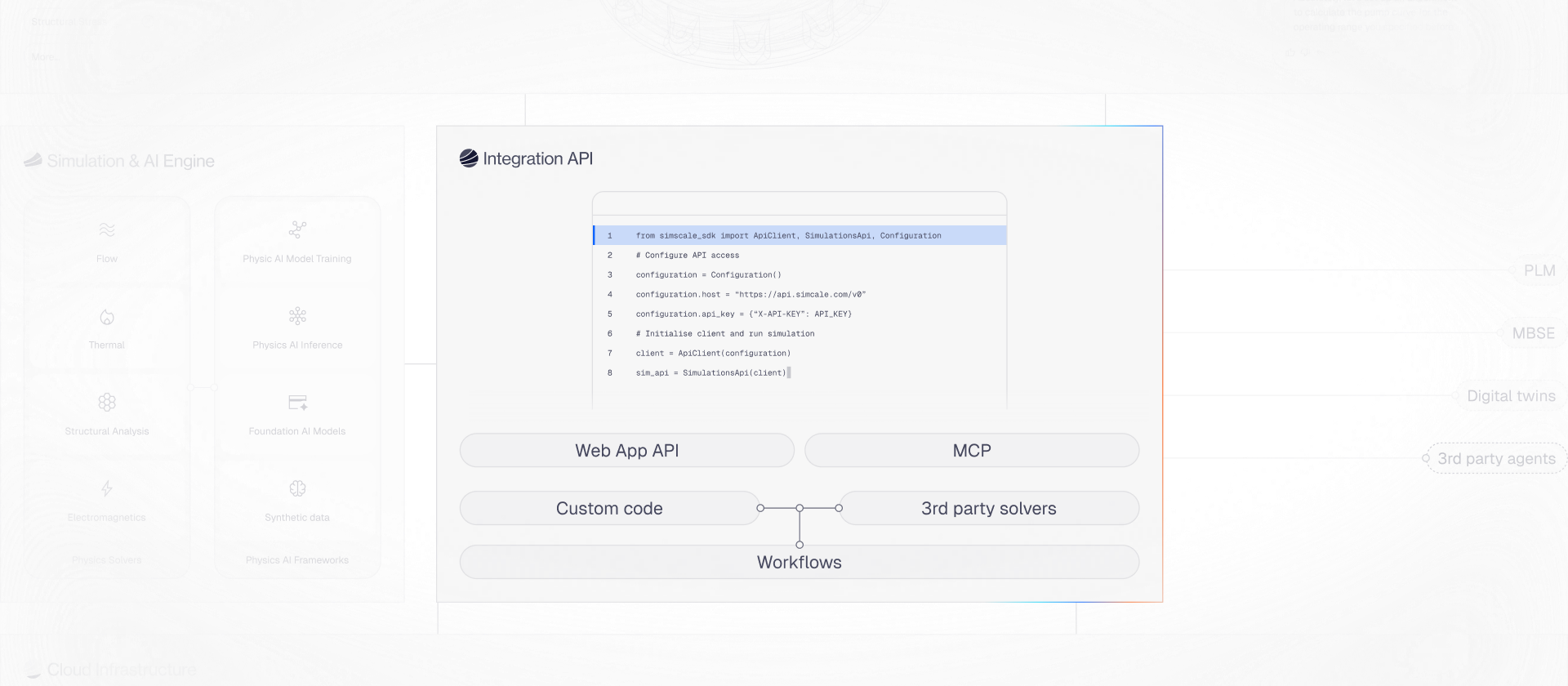












Platform capabilities
The capabilities that open SimScale's execution infrastructure to external tools, solvers, and AI models, and connect simulation to the broader engineering ecosystem.
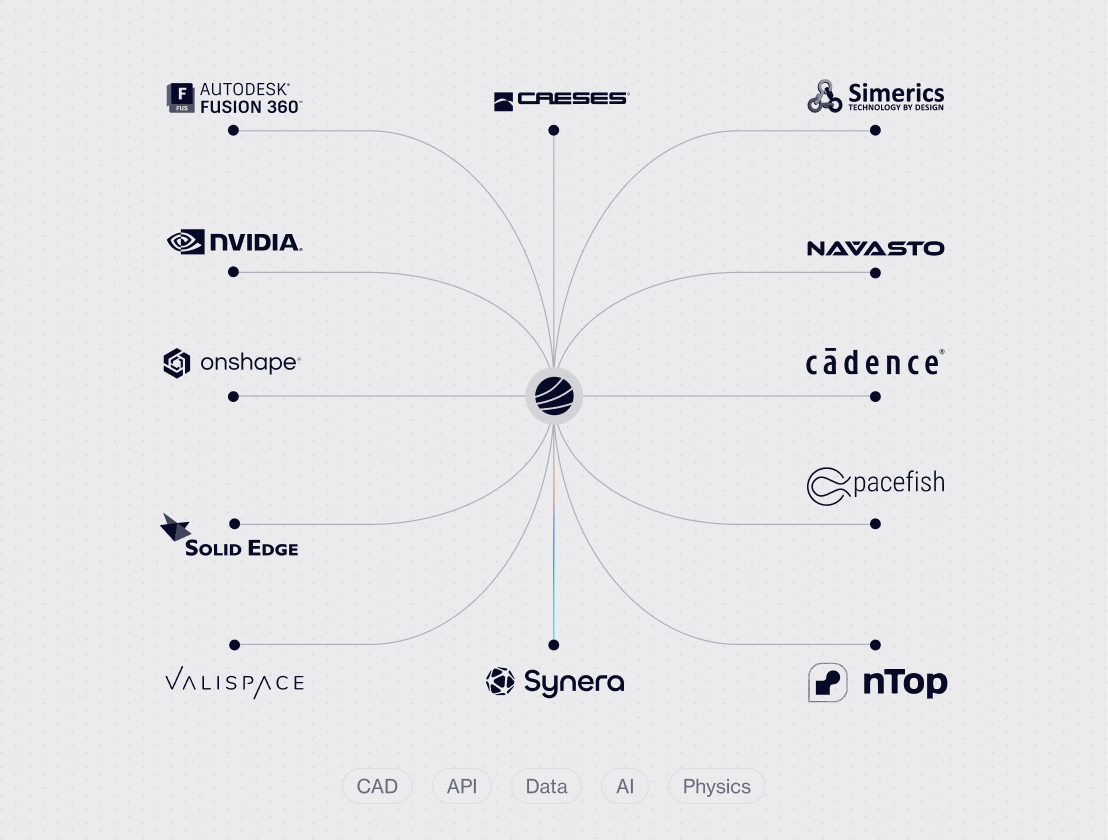
Open API framework
SimScale exposes the full simulation lifecycle through secure APIs. Engineering teams can programmatically upload geometry, configure simulation studies, execute analyses, and retrieve results. SimScale also integrates into automated and agent-driven workflows, allowing external systems — including engineering tools and AI agents — to trigger simulations.
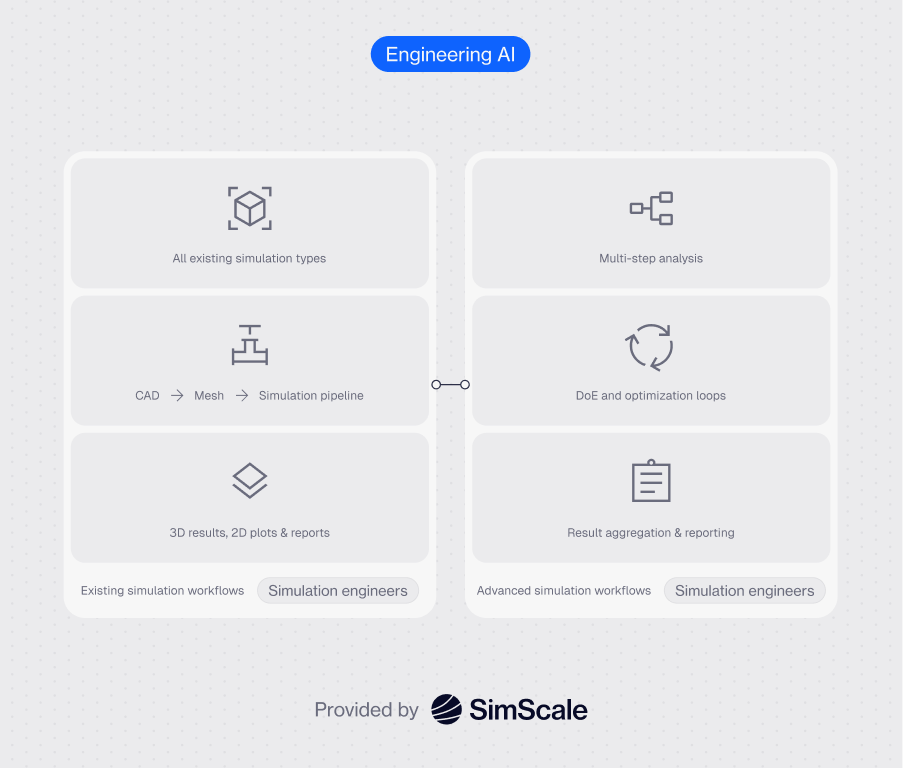
Repeatable simulation workflows
SimScale Workflows orchestrate simulation processes across tools, turning complex multi-step processes into repeatable, governed automation. Workflows can be linear or adaptive, with Engineering AI introducing reasoning and decision points at each stage. Teams can define and reuse them as governed engineering processes.
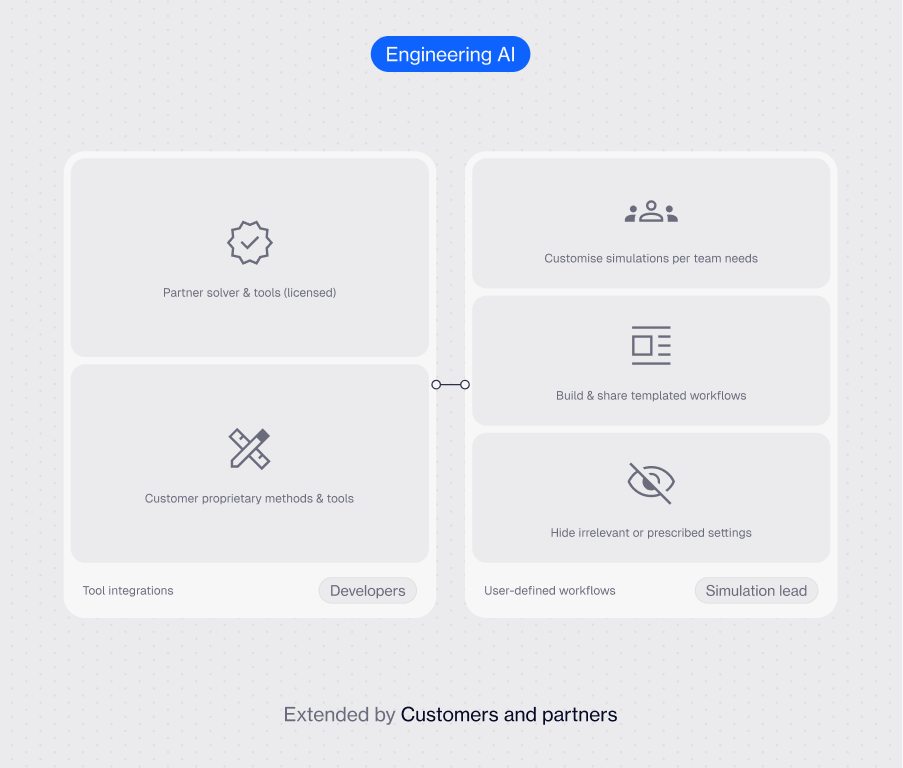
Third-party solvers and methods
SimScale's open execution infrastructure means third-party solvers and AI models become native participants in the platform, governed, versioned, and executed by the same infrastructure as SimScale's own capabilities. Engineering organisations can incorporate proprietary methods, specialist physics solvers, or custom code into their workflows without leaving the platform or building separate integration infrastructure.
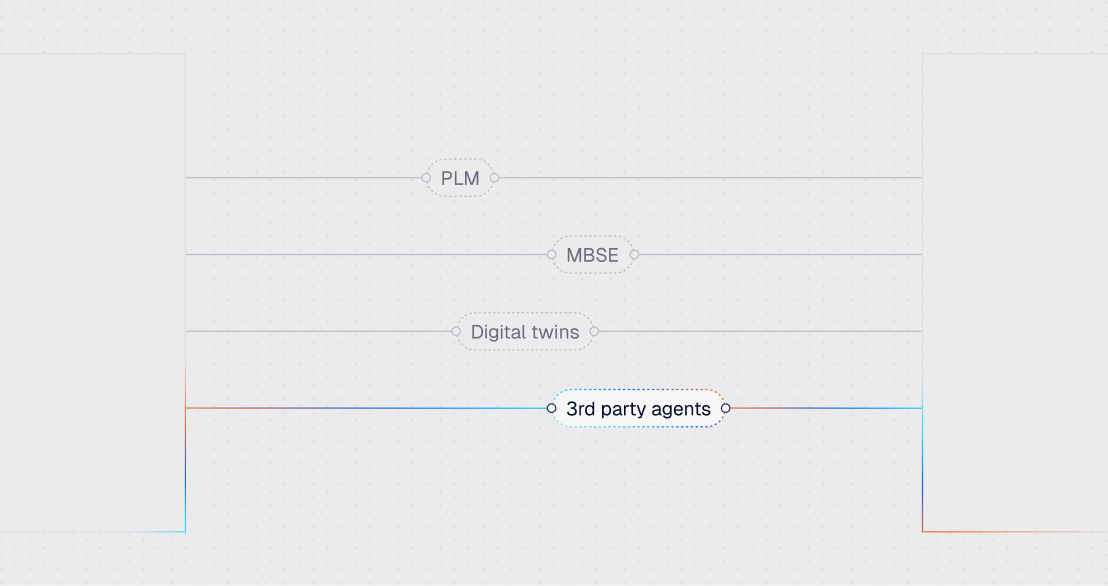
Engineering system connectivity
SimScale integrates with modern CAD and engineering tool stacks to enable the transfer of geometry, materials, and design parameters. This allows simulation workflows to remain synchronized with evolving product designs while reducing manual translation steps between tools. Through Workflows and APIs, design updates can automatically trigger downstream simulation analyses.
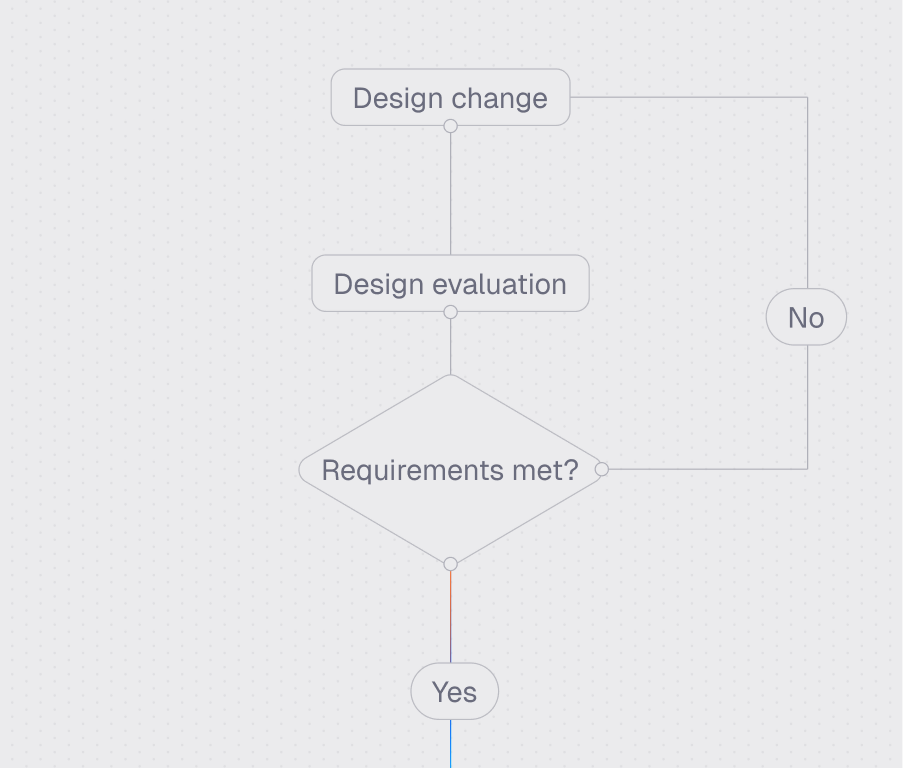
CI/CD automation
APIs and Workflows together turn simulation into a standard step in the engineering lifecycle — not a specialist task run at the end of a project. Design changes can automatically trigger simulation runs, parametric studies, or validation checks, allowing teams to evaluate performance earlier and more frequently during product development.
Security & governance
All integrations operate within enterprise-grade security frameworks, including encrypted data transfer, role-based access control, and full audit logging. Simulation data, engineering IP, and AI models stay protected across distributed teams, with every integration action auditable and lifecycle-managed from a single governed environment.
1 hour
Thousands of design variants explored
"We developed an in-house digital wind tunnel app by integrating SimScale with Grasshopper. This allows our architects to run multiple design iterations in early-stage development without needing specialized simulation expertise."

FAQs
New to AI simulation and integrations, or evaluating SimScale? Here are the questions we hear most.
ContactThe API covers the full simulation lifecycle: uploading CAD geometry, configuring and launching simulations, running automated parameter sweeps, accessing results, and generating post-processed images and videos. It also supports integration with external tools like PLM systems, design of experiments (DoE) platforms, generative design tools, and shape optimization software.
SimScale provides official SDKs for Python and C#, with examples available on SimScale's GitHub. The REST-based API can also be accessed from any language that supports HTTP requests, giving teams flexibility to integrate it into existing codebases regardless of stack.
SimScale has native integrations and proven workflows with SOLIDWORKS, Fusion 360, Onshape, PTC Creo, Solid Edge, Autodesk Inventor, and FreeCAD. CAD associativity in add-ins like the SOLIDWORKS integration means that when a design changes, the updated geometry is pushed directly to the SimScale project, eliminating manual re-upload and re-setup for each iteration.
Yes. Several SimScale customers have built custom simulation apps on top of the API — including Thornton Tomasetti's Digital Wind Tunnel app for architects in Rhino and KPF's early-stage design simulation tool. The API provides the simulation backend; teams build the front-end and user experience tailored to their specific workflow and audience.
Yes. Automated parameter sweeps are one of the primary use cases for the SimScale API. Teams can capture a simulation workflow in code, define the parameter ranges, and execute hundreds of variations programmatically across cloud compute — with results stored centrally and accessible via the API or the SimScale workbench.
Explore technology
Understand how SimScale connects simulation, AI, and cloud infrastructure into a unified engineering platform.
Orchestration Layer
Coordinate simulation, AI, and external tools into automated, adaptive engineering workflows.
Simulation & AI Engine
Core simulation and AI capabilities that power physics-based analysis, AI inference, and design exploration.
Cloud Infrastructure
Scalable, secure cloud compute designed to run large simulation workloads and AI models in parallel.
Start simulating in minutes, not weeks
Get started today with AI-native engineering simulation






