websights

Fill out the form to download

Required field
Required field
Not a valid email address
Required field
Required field

Fill out the form to download

Required field
Required field
Required field
Required field
Required field
Required field
Required field
Required field

Thank you. We will contact you shortly.

OPEN PLATFORM

One platform. Any solver. Any AI method. Any workflow.

The first cloud-native simulation platform to open its execution infrastructure. Any solver or AI model integrates natively — and Engineering AI agents gain the scope to orchestrate complete engineering processes end-to-end.

Trusted by 800,000+ users

See Case Studies

Open by design. Not by afterthought.

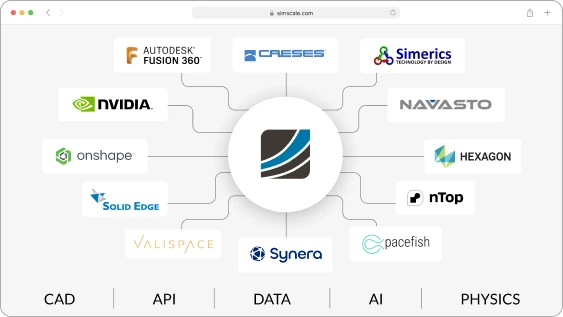
SimScale’s execution infrastructure is open by design — any solver, AI method, or external data source can be integrated natively into the platform, governed and versioned alongside SimScale’s own capabilities. Third-party methods aren’t external tools being managed around the platform; they’re first-class participants in it, with access to the full SimScale stack: elastic HPC, real-time collaboration, Engineering AI, and Physics AI pipelines.
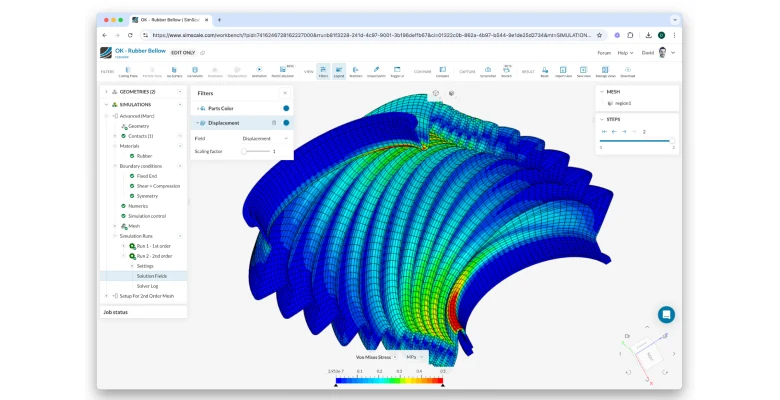
non-linear structual analysis
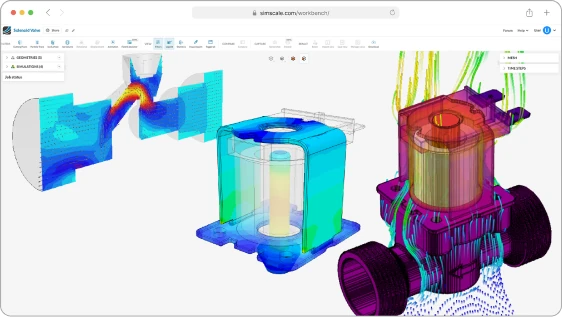
Unified Multiphysics

Register any method, any solver. All on one platform.

Engineering teams can build workflows that combine SimScale’s built-in capabilities with their own proprietary methods, custom solvers, or external AI models — the scope of what’s possible is defined by what methods exist in the ecosystem, not by any single vendor’s roadmap. This matters as much for enterprise organisations with proprietary methods developed in-house as it does for teams wanting access to best-in-class third-party solvers — both run natively inside SimScale, as if they were always part of the platform.

A platform built for technology partners

Solver vendors and AI companies can integrate their technology directly into SimScale’s method registry and make it immediately available to engineering teams already on the platform — with cloud infrastructure, pre-processing, post-processing, and AI tooling already in place. No platform to build. No infrastructure to manage. Their technology runs inside the environment engineers already trust, from day one.
Open API and Integration
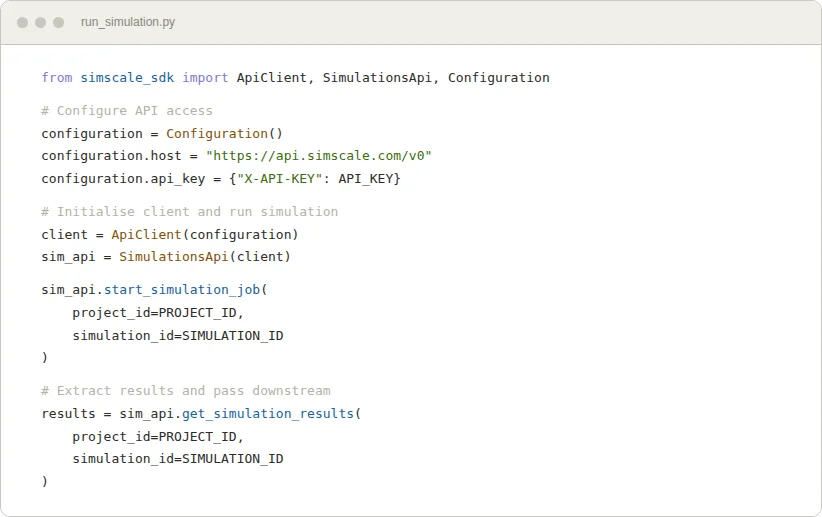
SimScale's Python API and SDK

API integration across industries and applications

SimScale’s REST API and SDKs give engineering teams and developers direct programmatic control over the full simulation workflow. Automate setup, trigger runs, extract results, and connect SimScale to any external system — at the scale your engineering process demands.

Our SDKs are available through our GitHub page, including examples for Python and C#.

Automate engineering workflows

Automate repetitive simulation workflows, run design space exploration across thousands of variants, and build custom simulation apps with presets and guardrails for non-specialist users — programmatically via the API, or through SimScale’s Engineering AI agents, which can orchestrate complete multi-step processes end-to-end across any natively integrated method or work agent to agent across platforms.

Automate workflows like multi-disciplinary optimization

See How Companies Use SimScale’s API Integration

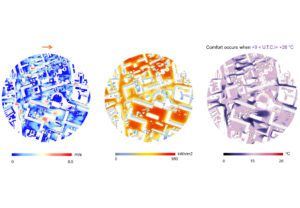
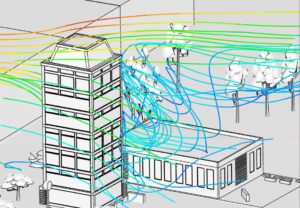
Launch Event: A New Digital Wind Tunnel App in Rhino

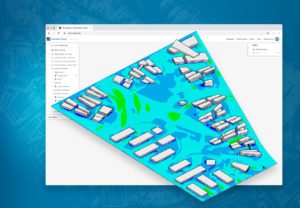
Watch this on-demand webinar with Thornton Tomasetti and SimScale for the launch of a new microclimate simulation app.


Jeroen Janssen Associate Director
Richard Szoeke-Schuller Product Manager
turbine optimization with datadvance

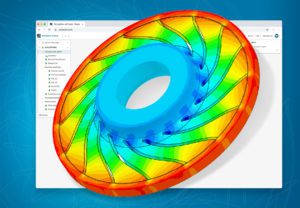
CFD-Driven Optimization of an Industrial-Grade Compressor from Your Web Browser with Datadvance

Drastically speed up and reduce the cost of engineering simulation and optimization procedures with cloud-native Datadvance’s low code platform pSeven Enterprise and SimScale’s multiphysics simulation engine using API connectivity.


Nikita Zhukov Application Engineering
Laurent Chec Vice-President of Global Sales
Steve Lainé Application Engineering Manager
human-centric design with atkins

Developing an Ecosystem of Cloud-Native Tools for Human-Centric Design with Atkins

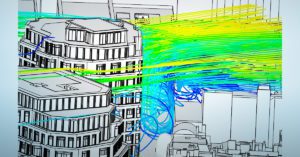
Learn how Atkins has developed tools to optimize the design of buildings and cities for planet and people, using engineering simulation in the cloud.


Dr. Avgousta Stanitsa Senior Design Researcher
Ruth Hynes Associate Design Researcher
Richard Szoeke-Schuller Product Manager
api programmatic automation simscale

Design Using Grasshopper and Rhino, Simulate With SimScale

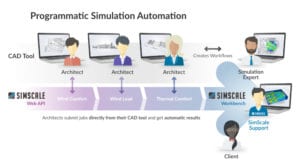
Automate design simulation for faster decision-making. Our experts will show you how to get started.

Anatol Dammer Co-Founder & Product Manager
  • thornton tomasetti logo

    “The digital wind tunnel app created by the CORE Studio Group is a CFD app using wind simulations for urban developments and looking particularly at PWC, structural wind loading, facade pressures, and integrating these analysis types into our digital design workflows. The app is really for the larger pool of engineers who might not be CFD experts but can run a quick simulation without leaving the rhino design environment.”

    Jeroen Janssen

    Associate Director at Thornton Tomasetti

  • anybotics logo

    “The biggest benefit that we see from the workflow with SOLIDWORKS comes from the CAD associativity. The associativity between SimScale and SOLIDWORKS significantly speeds up our simulation process and simplifies our fast design iterations. This is because it reduces the number of clicks and checks required to set up simulations following a design change. With it, we can direct our focus more towards the simulation results and design innovation.”

    Dr. Alessandro Scafato

    Senior Development Engineer at ANYbotics

  • zefyr logo

    “When we introduced the SOLIDWORKS Add-In for SimScale it made our design iterations 10X easier! The add-in means that we can rapidly iterate through design changes and run many simulations quickly and efficiently in-house, without the need to invest in local hardware or in external stimulation providers.”

    Mike Prentice

    Project Engineer at Zefyr Consultants

  • “With the SOLIDWORKS Add-In for SimScale we are able to do everything much faster and easier. When we upload CAD geometries through the Add-In, all of the CAD files are pushed directly to the simulation project in SimScale, eliminating the need to create and store local files. Therefore, we save time and data storage space. Furthermore, the associativity between the CAD geometries is extremely helpful to us, especially when working with design iterations of large assemblies. The total design iteration process is shorthand by eliminating the need to navigate the assembly and hide faces to make the boundary condition and materials assignments for each iteration.”

    Sebastian Hügging

    Simulation Engineer at ait-deutschland GmbH

Learn more about our open platform and how SimScale can automate your workflows with scalable simulation and integrate with your technology stack.