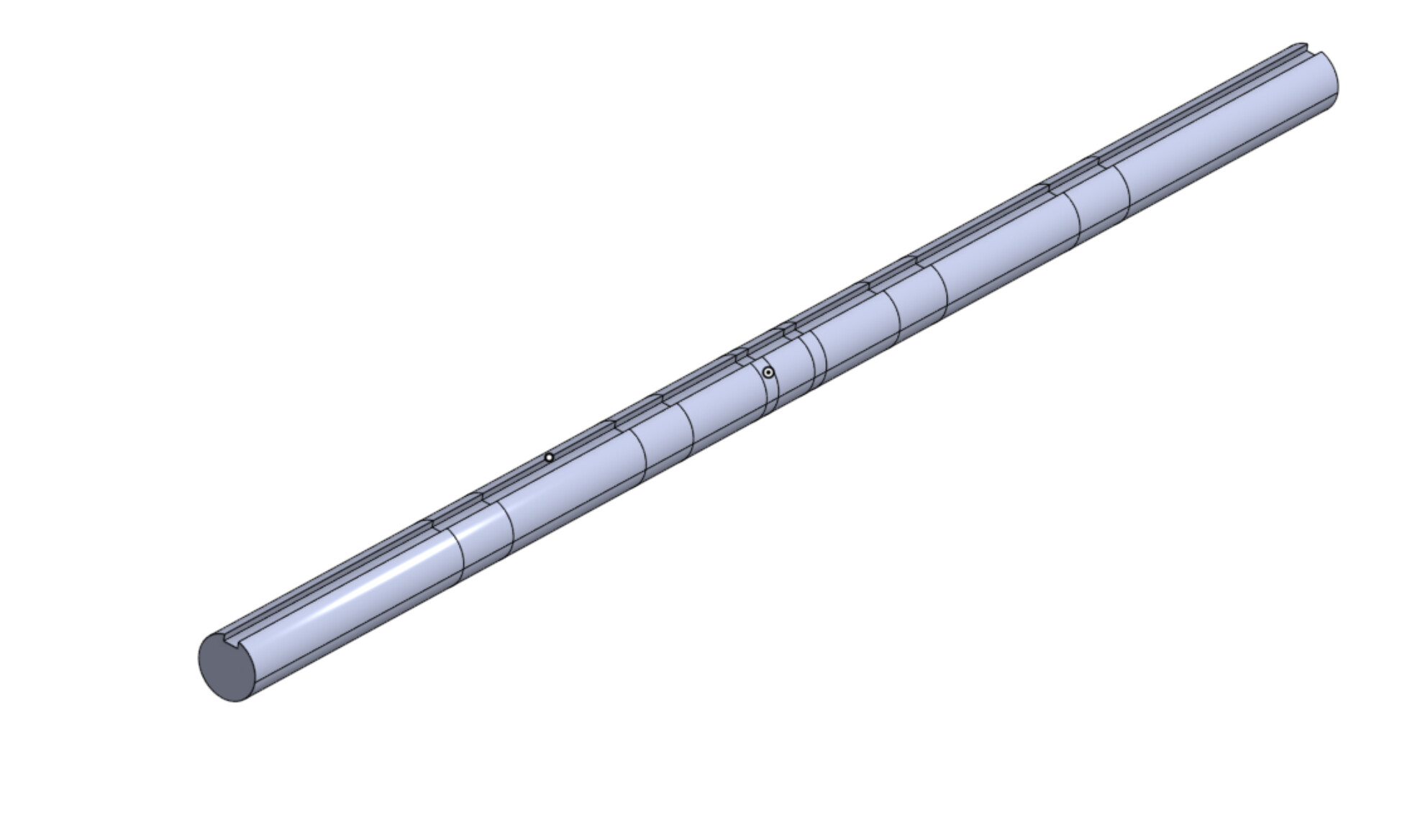
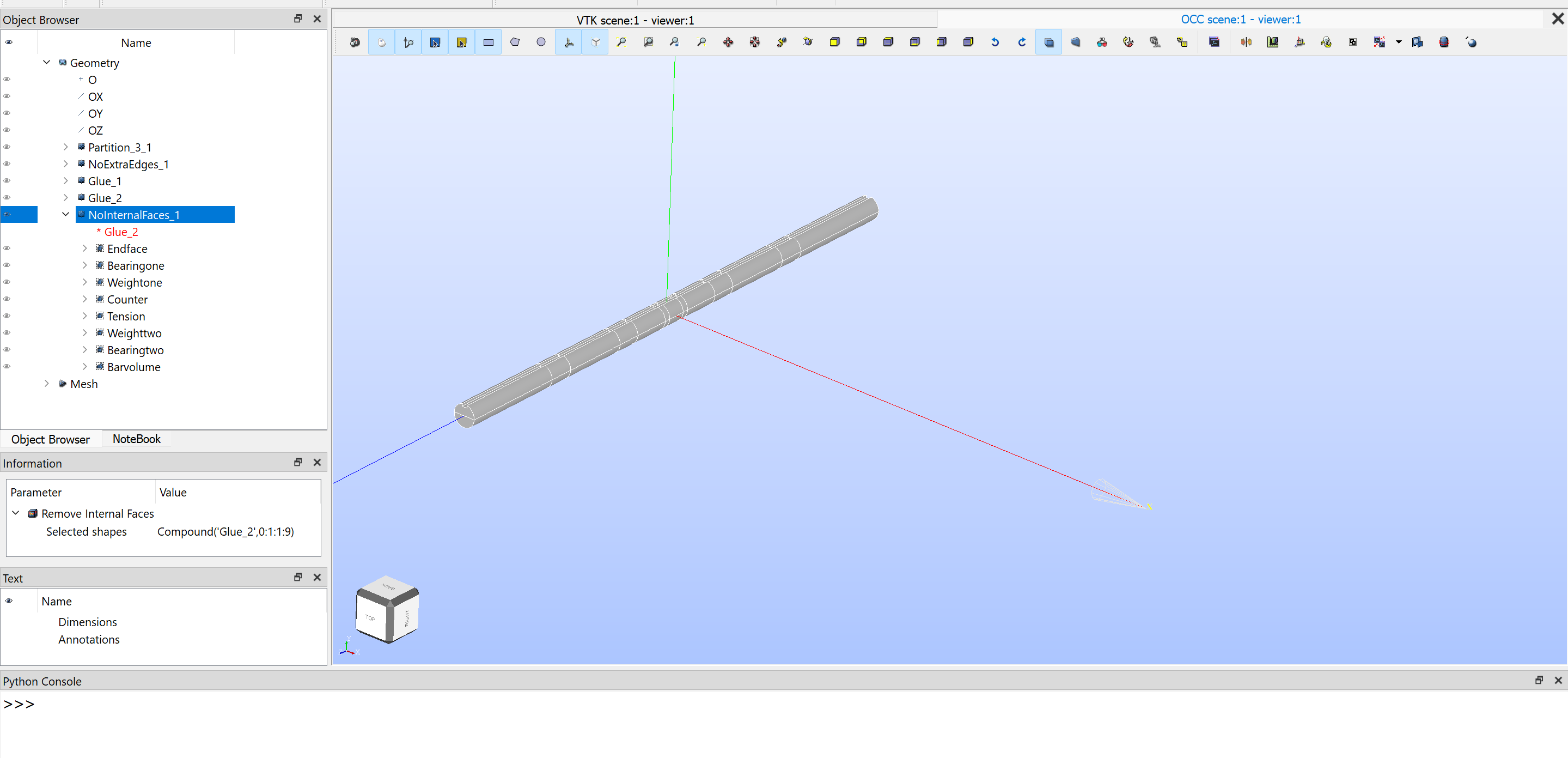
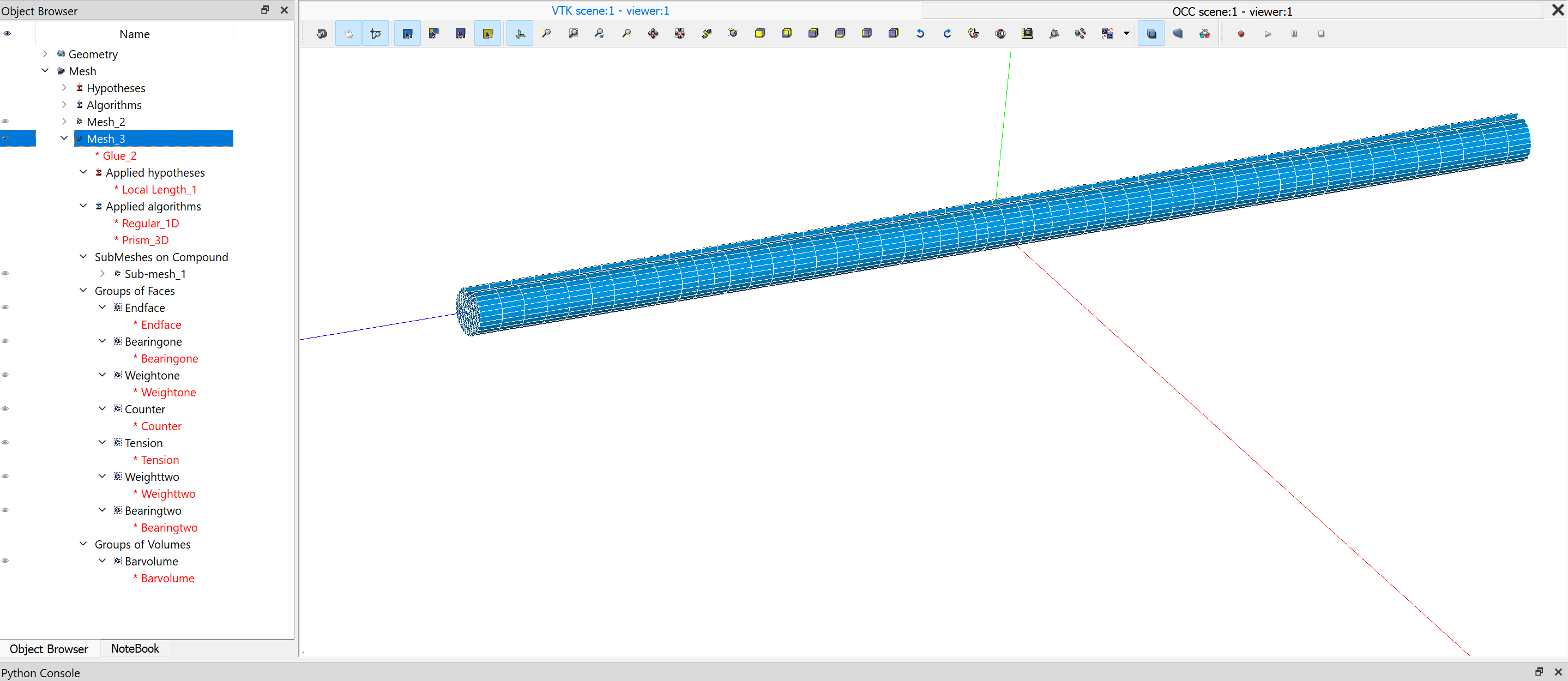
I chose to mesh in Salome instead of SimScale because it can do extruded 3D meshes from a 2D face through a partitioned body (face cut up). The SimScale extruded mesher could not (at least I could not get it to). In hindsight, I probably should have spent more time trying that out. But a lot of people seem to struggle with getting .med files into SimScale, so I am hoping my struggles can help someone else. This was also supposed to be a bit of a test project to see if Salome was a viable external mesher to Simscale.
**Note, I am aware that it says Glue_2 under mesh 3. Even when I click NointernatFaces_1, it selects Glue_2. I think it because there were no internal faces, so it is the same.
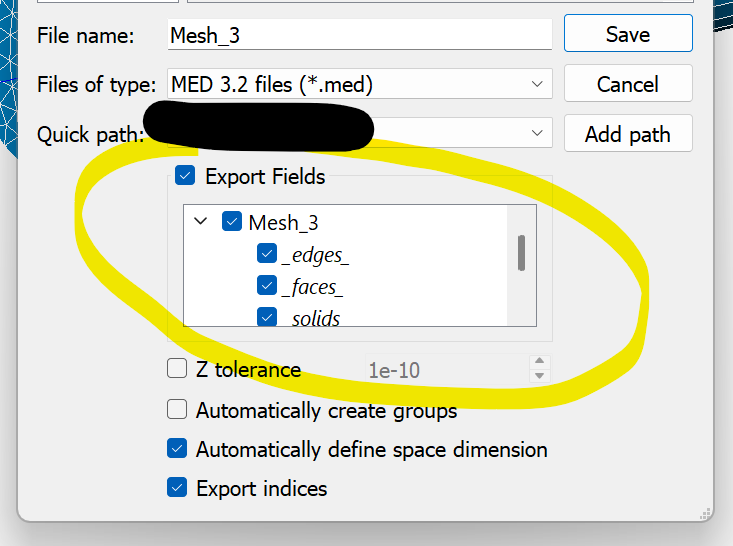
I have reimported the .med file back in to Salome to make sure the groups exported properly. They are.
I was able to export a .unv file and open it in other FEA software without any issues.
I am open to any other suggestions on what to try. I have been at this for a while, so I may be missing something basic or something I had forgotten about earlier on. Also, the upload function does not allow for file uploads other than images. Here is a google drive with the step file, .hdf file, and .med file. Note that I am posting this on my personal account; however, I am performing this project on a paid account.
Thanks for the detailed post! From a quick look, the thing that stood out to me the most was:
You are correct that groups of faces and groups of volumes are needed. Further to that, all faces and all volumes have to be added to groups. If you want specific faces to receive a boundary condition/contact, you would need a specific group for that face (or set of faces).
However, the faces that wouldn’t receive any boundary conditions/contacts still have to be declared into a group of faces.
Perhaps here is a suggestion: instead of starting with the more complex geometry right away, try to upload a single section of a cylindrical tube (i.e. cylinder with 3 faces in total) and then use the same approach for the more complex tube.
I have done some more investigation. I tried a simpler model as suggested. I was able to upload it. You were right, EVERY face and EVERY volume must be in a group. You can have multiple different faces in one group. As long as every face and volume is accounted for in a group.
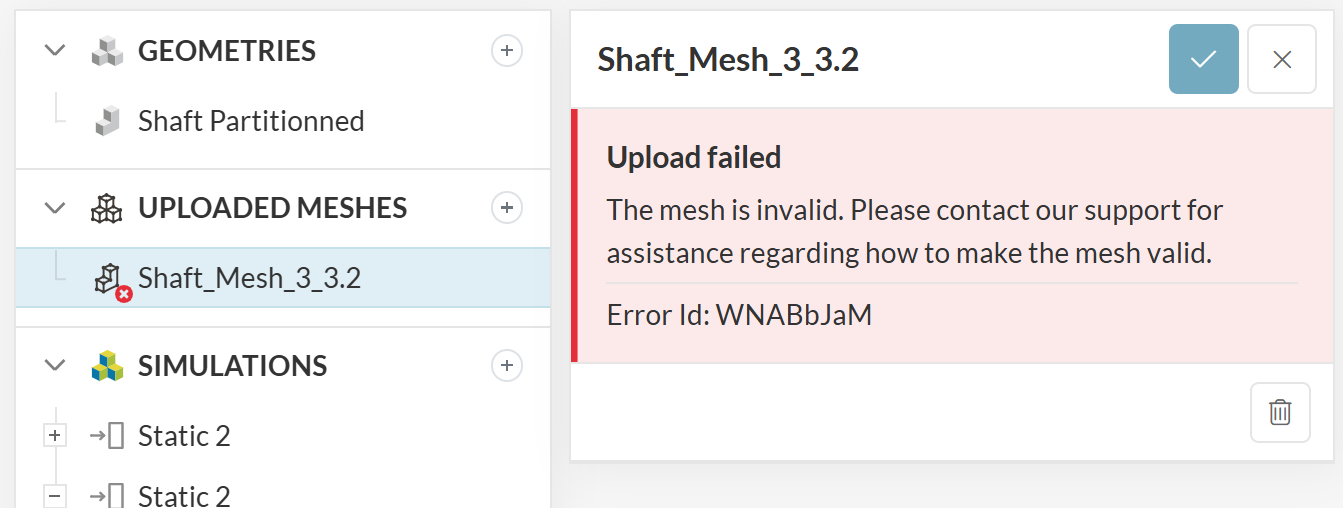
I made a solid cylinder in Salome and exported three .med files. First file had each face in their own group, and the volume in one group. The second file had the top face in its own group, but the bottom and side in the same group, and the volume again in one group. The third file, I deleted the top face group (so now it was not in any group) but kept the rest the same. The third file is the only one that did not import. It through the following error: The mesh is invalid please contact support.
If possible, maybe modify the documentation page to make that clear. It gives the impression that you only need to include the faces to which you will apply boundary conditions. In reality, you need to have every face in a group.
Now, about my actual model. I still cannot get it to upload. I believe it has something to do with the fact that my shaft is a partitioned body (Salome calls it a CompSolid). My Comp Solid has internal faces. Even when the internal faces are included in groups in the .med file, I get the following error: The imported mesh contains a face that is not attached any region.
I only have two groups of faces. I have tried a single group of all faces (also did not work). Without a log file, I cannot identify which face(s) is(are) the issue.
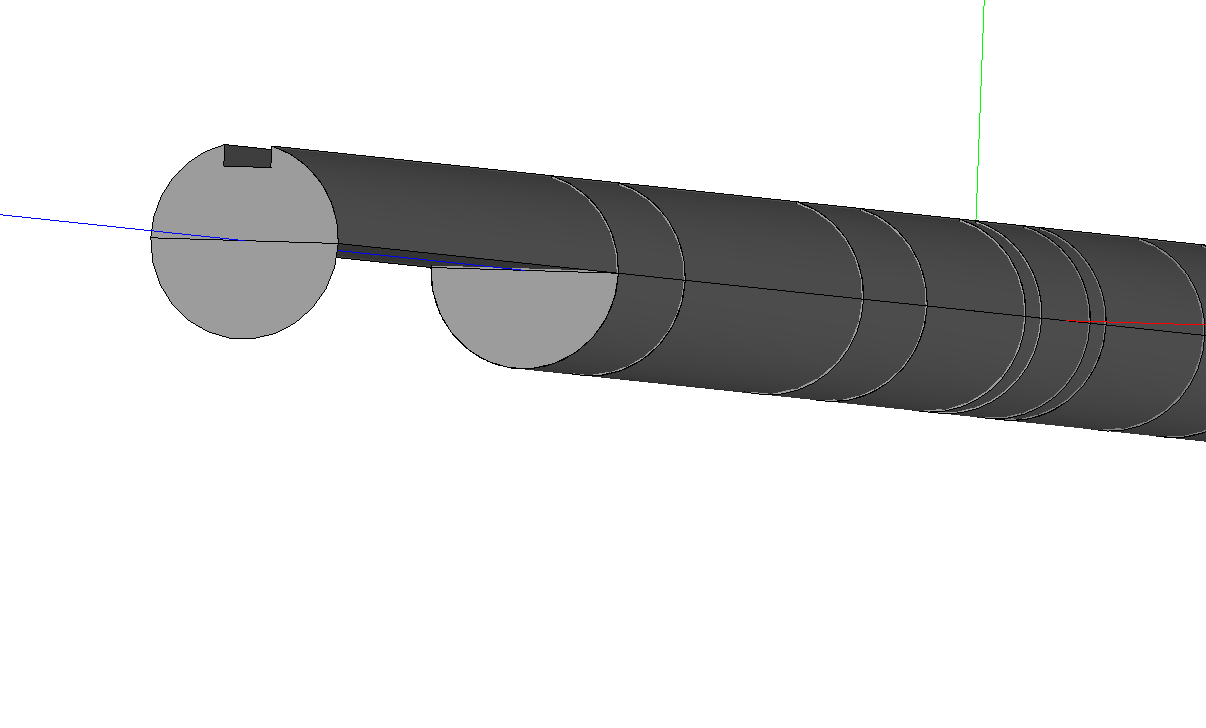
Instead of fighting with SimScales import, does anyone have any suggestions on how to do an extrude 3D mesh (similar to the image below) while keeping the faces partitioned so I can apply my complex loading scenario? In Salome or SimScale mesher. Salome requires a constant solid body with no face cuts to use the extrusion 3D algorithm. I’ve tried a bunch of combos of Salome’s following tools: build, partition, explode, remove internal faces, glue, etc.
I’ve been trying to answer this post for a bit now, but I keep getting an error that I cannot embed media in the post. The images I reference are in the drive link I uploaded earlier.
Thanks for the feedback, I wrote a note to myself to change the documentation text slightly to make it clearer that all faces and all volumes must be accounted for in the groups.
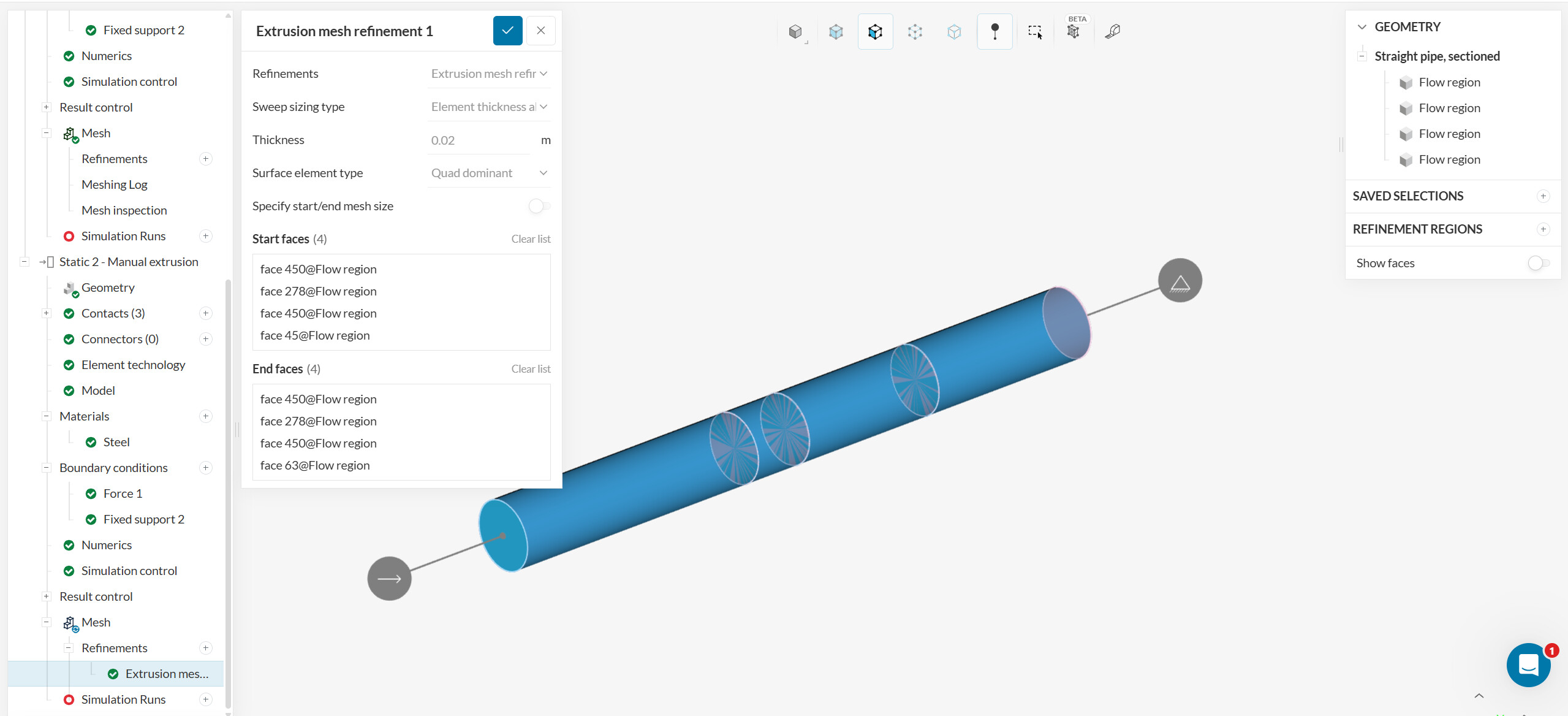
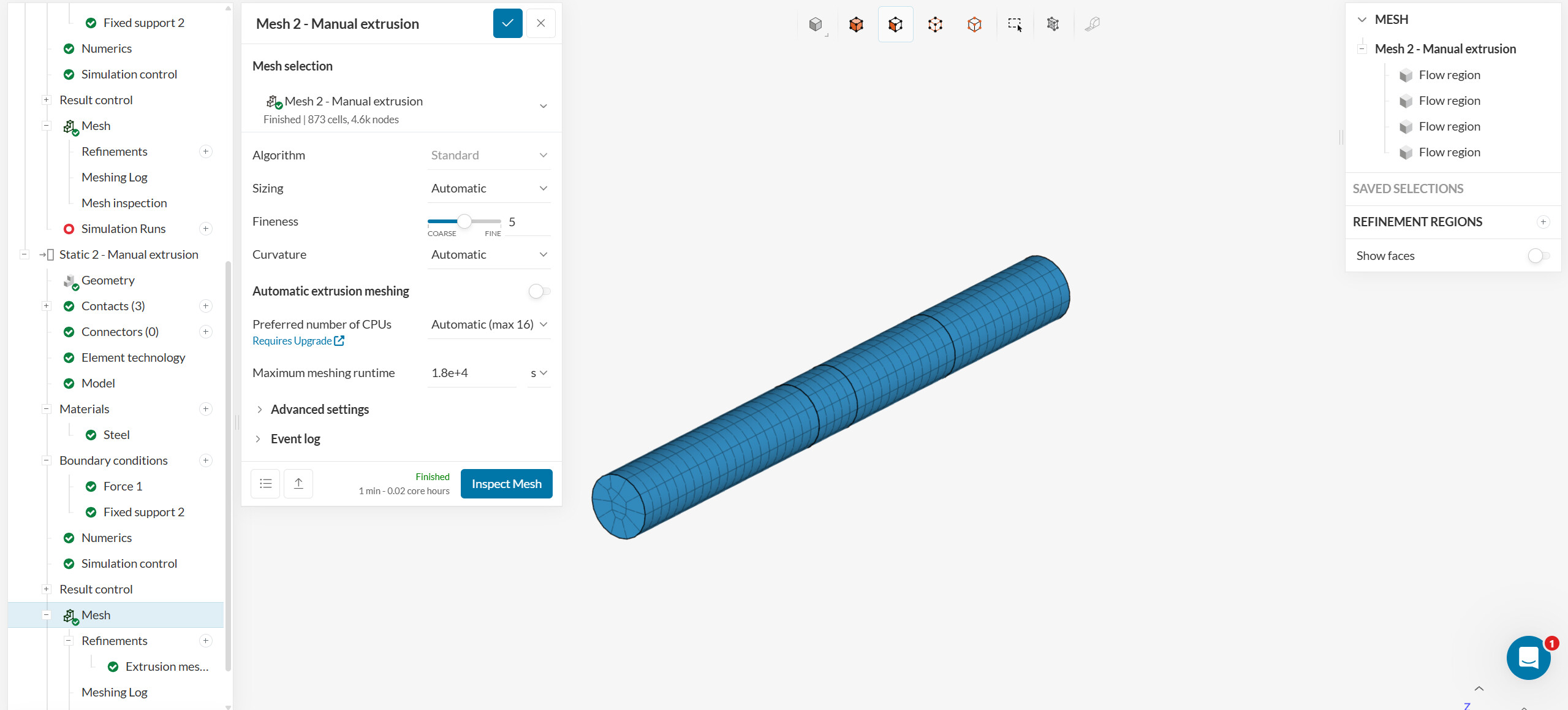
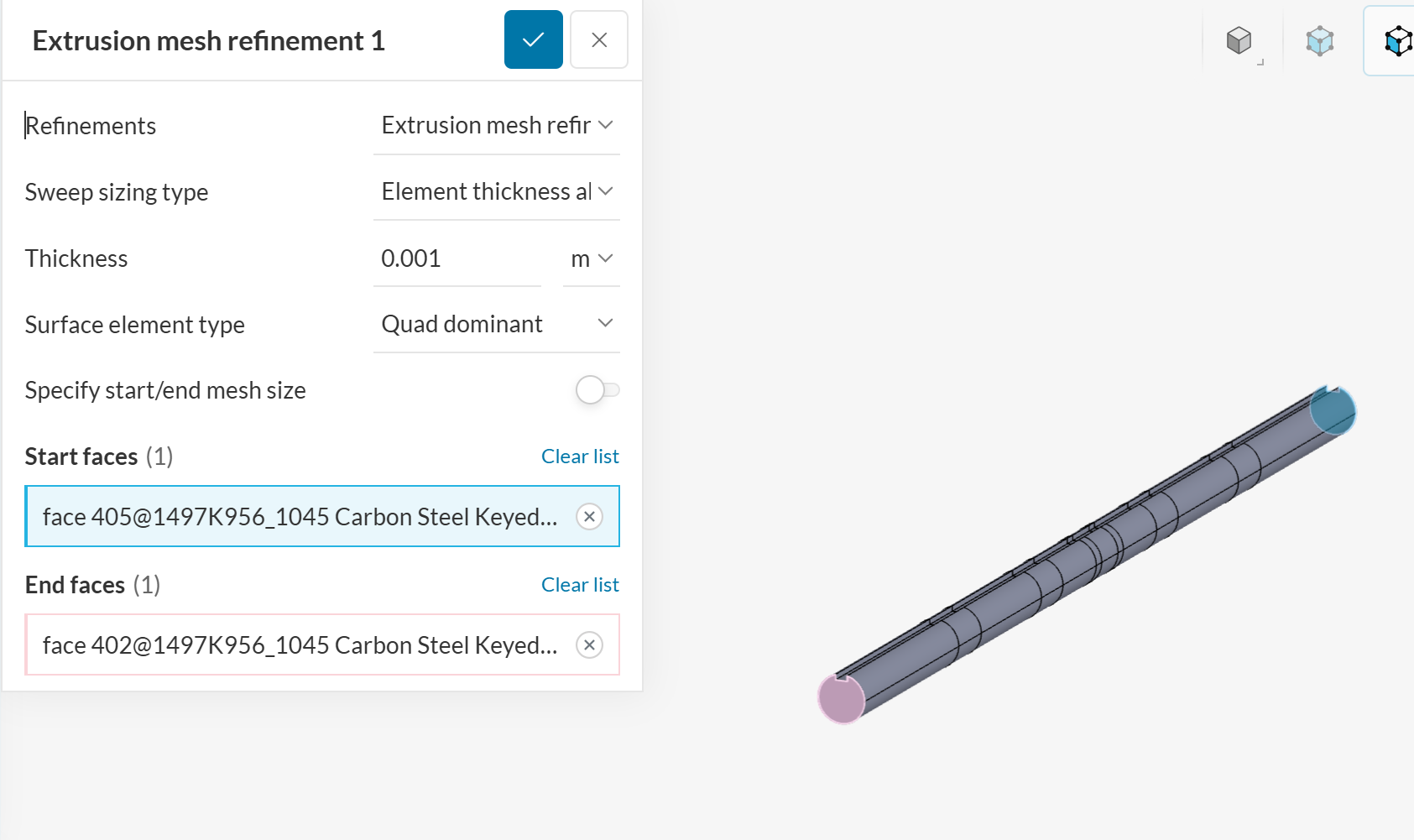
Question: when you say that you have “internal faces”, what do you mean exactly? Do you have holes inside of this tube, or do you just have a simple extrusion and you just want the side wall to be split? If it’s the latter, you can get an extruded mesh, like below. You’d need to split not only the side wall, but the volume itself, and have the sections of the volume connect with each other through bonded contacts.
Internal faces are the faces at each ‘cut’ along the length of the shaft. So my shaft has a circle face inside multiple times along its axis. Your model does as well, I believe. I see that you chose internal faces during the manual extrusion.
Here is the model in Salome. I hid a side face so show you the internal face (a slice of the cylinder).
Weirdly enough, when the model is imported into Simscale directly from onshape, there are no internal faces (which is what I was expecting to begin with as I used the split face tool in onshape).
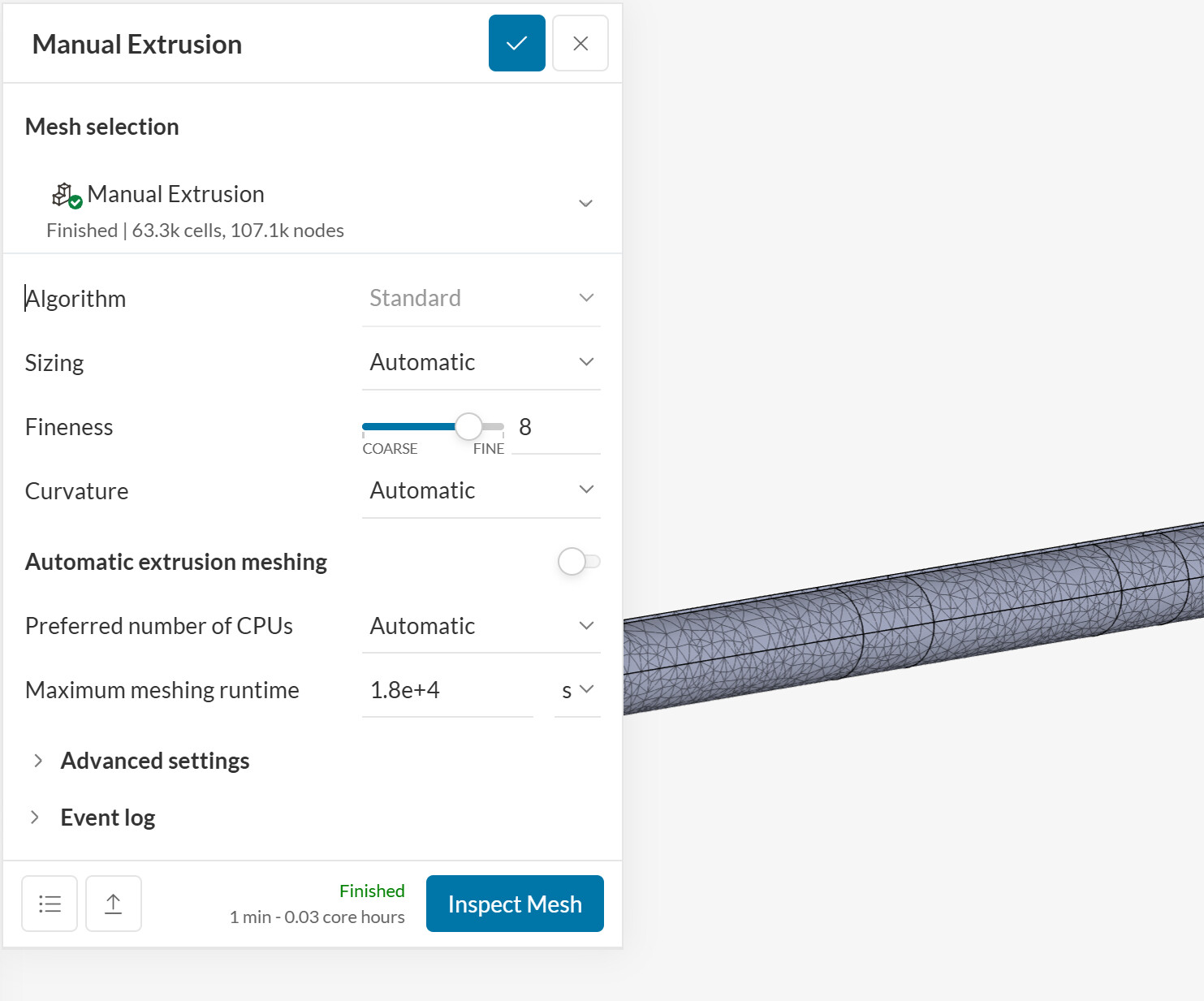
I tried manual meshing using only the two end faces of my shaft, but could not get a good result. I think I need those internal faces so it has one consistent volume/shell/face to extrude through. I noticed you had selected internal faces in your cylinder. Without them, it does not give even distribution of elements axially (unless I am missing a setting). I tried a variety of thicknesses and fineness’. Some times it would throw an error if the extrusion refinement thickness was too big.
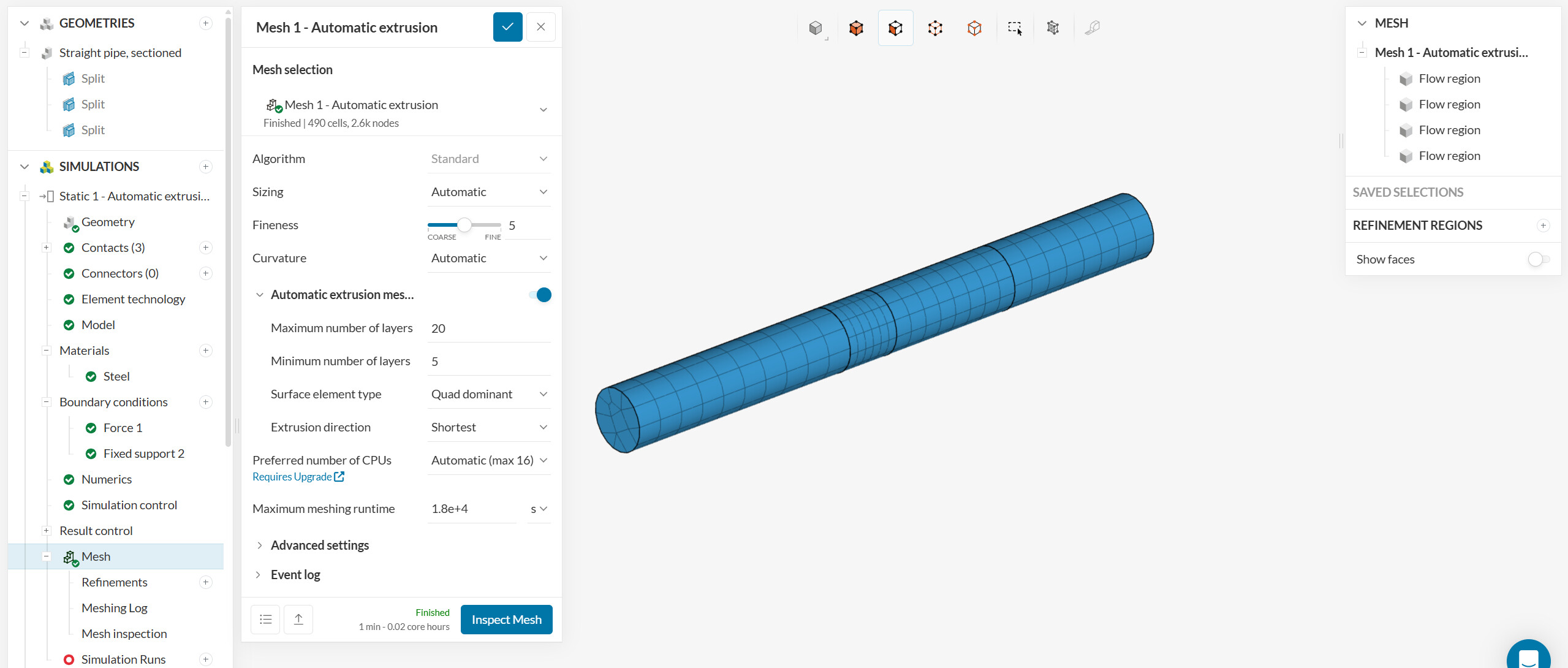
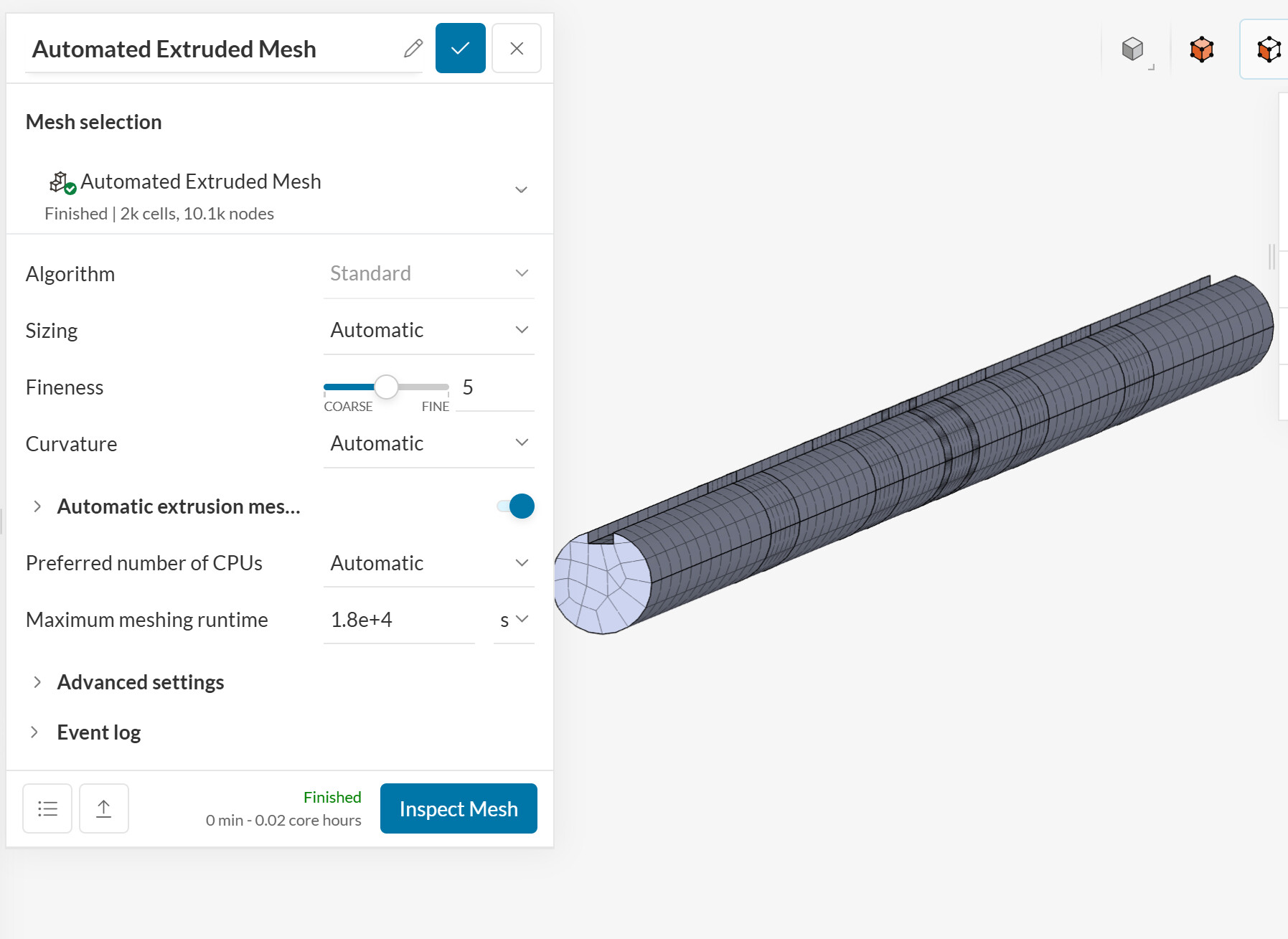
I ended up messing around with the automatic extruded mesher (missed that slider) and got a decent mesh. I may mess around with some local refinements around the keyway. But this should be good enough for my analysis.
I unfortunately have to go back to focusing on other tasks. Too bad the Salome workflow did not pan out at the moment. It is a really powerful tool. I may try again some other day.
Thank you so much for your help and patience! Excellent customer support.