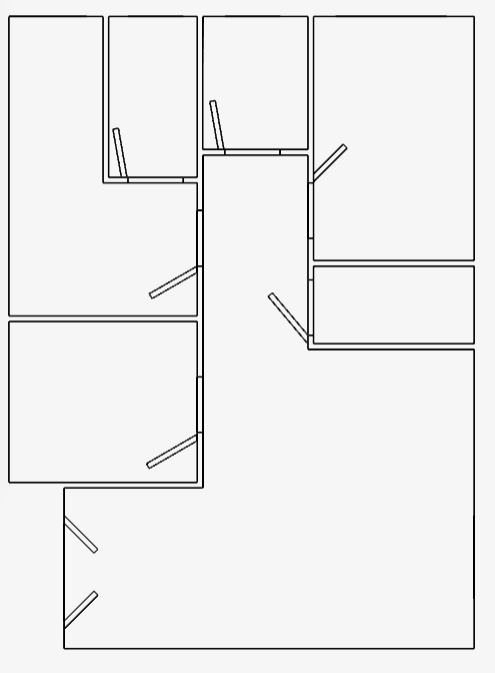
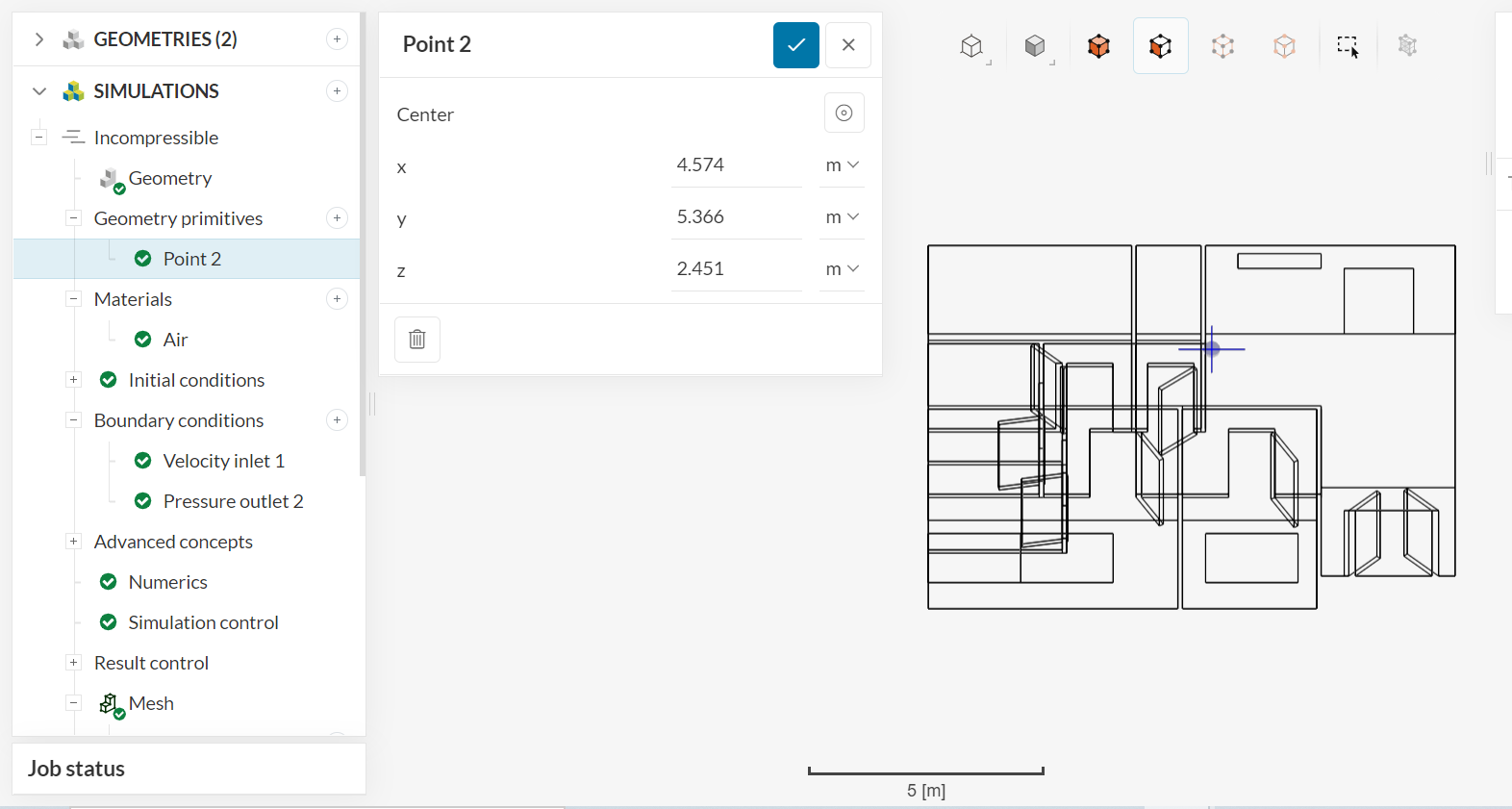
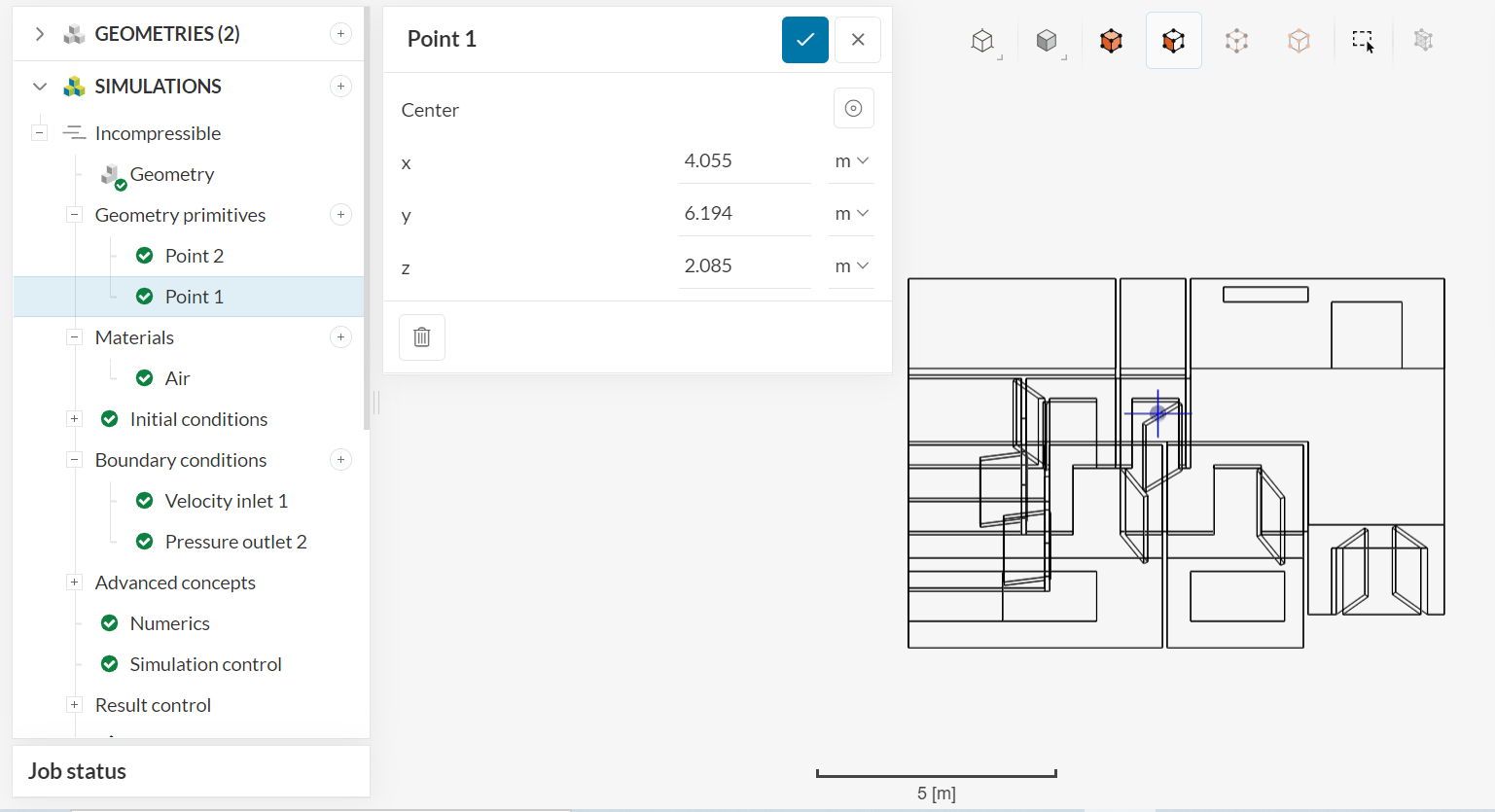
Hello! Currently, I am trying to run simulations of wind flow through a house - Wind flow project 2 by wcw | SimScale when I encountered the error message “Velocity field started diverging” at the coordinates here:
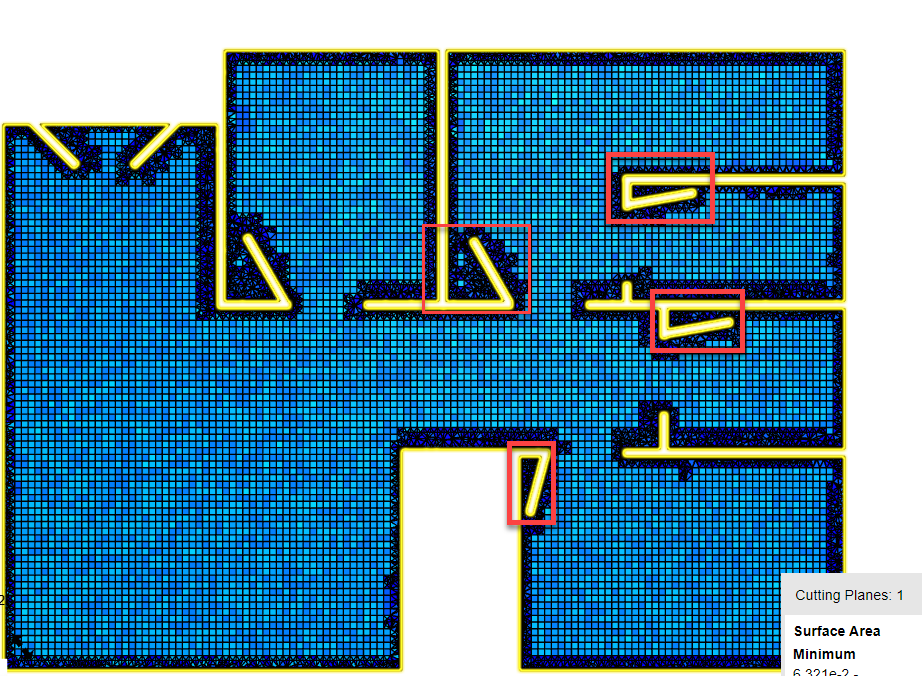
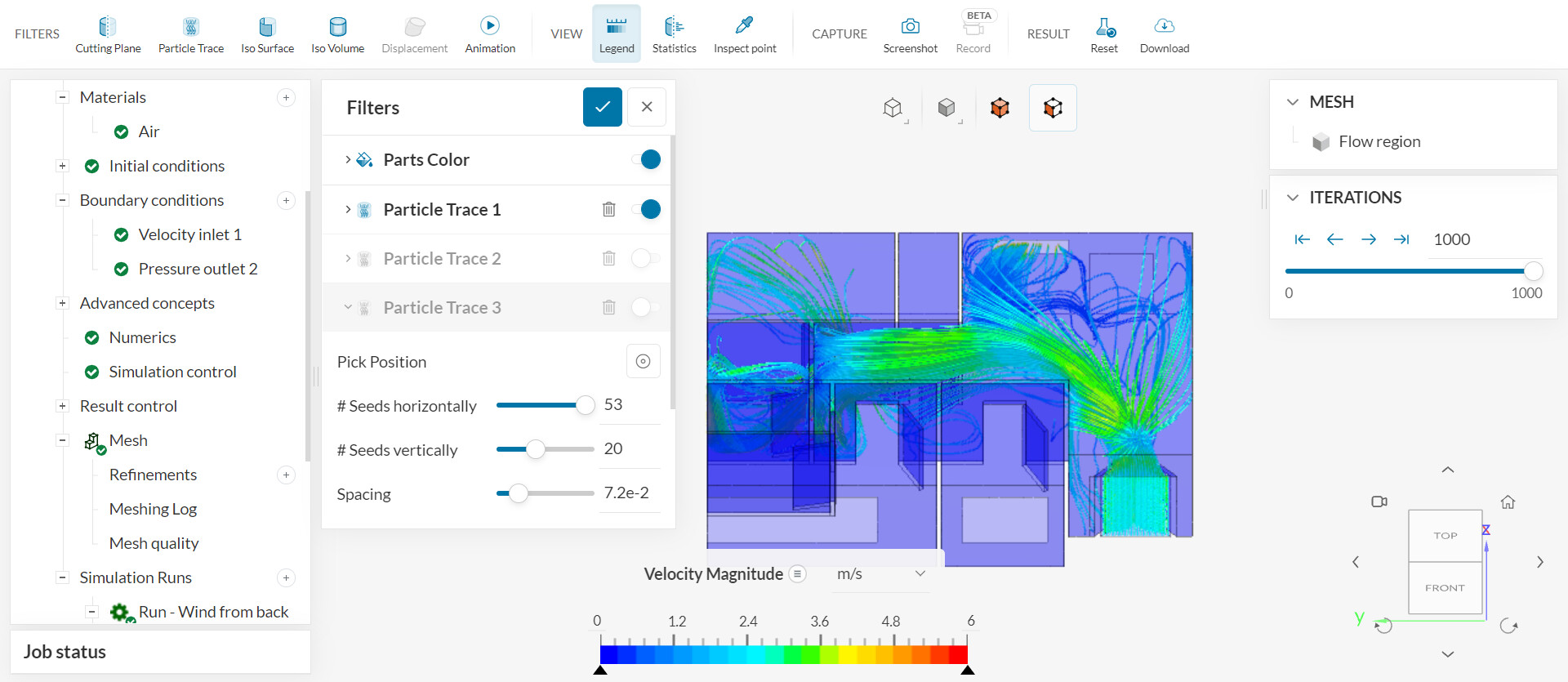
I referred to this article, Divergence in Simulation: How to Tell When and Where? | SimScale, but I am not able to identify the issue in the simulation. While there are some bad cells around the inlets and outlets, it did not affect the run I did previously (with different inlets and outlets in the model):
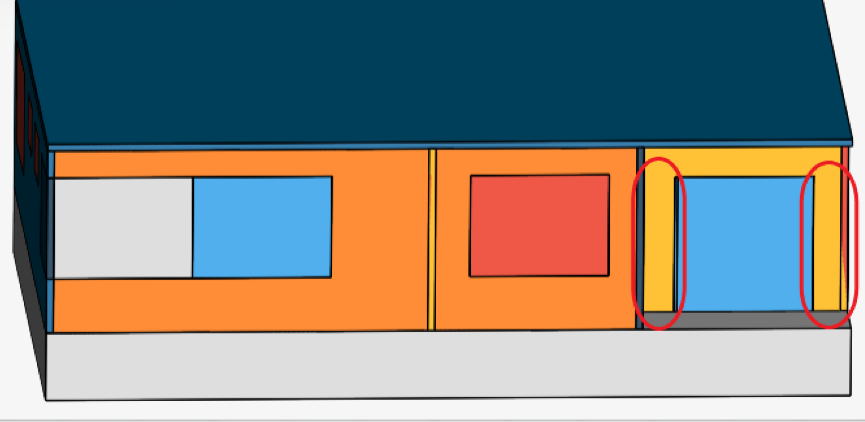
I suspect that something is wrong with the inlets and outlets I chose for the second run, but I am not sure what the exact issue is. Can someone help me please?
Hi for me it seems like your mesh is pretty coarse in general.
Please have a look at this article and see if you can improve your mesh.
If one mesh runs with a specific setting that doesn’t directly mean it can run with any setting.
That’s the challenge when creating a good quality mesh.
Hello, raising another questions about this, is it possible to minimise the core hours used to run the simulation?
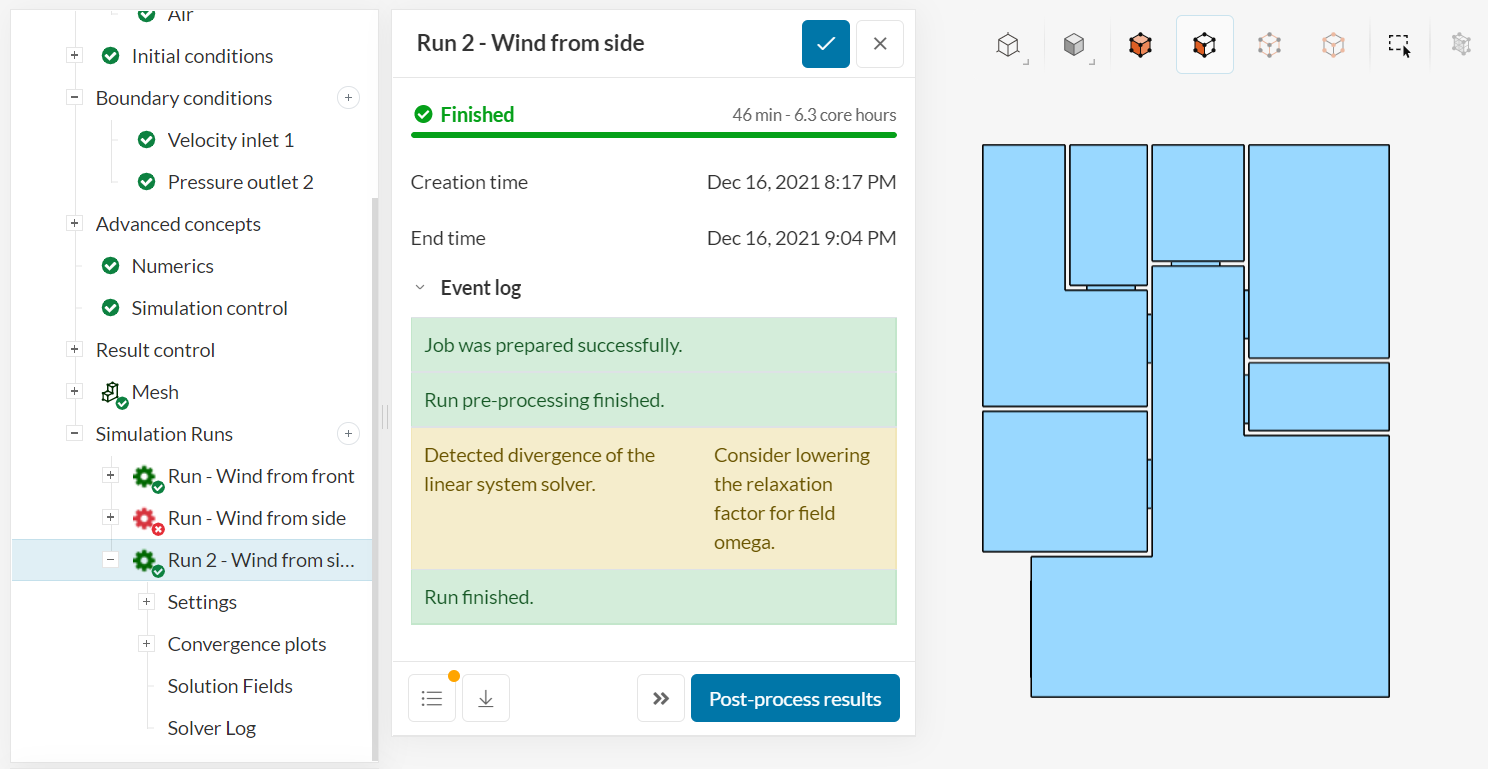
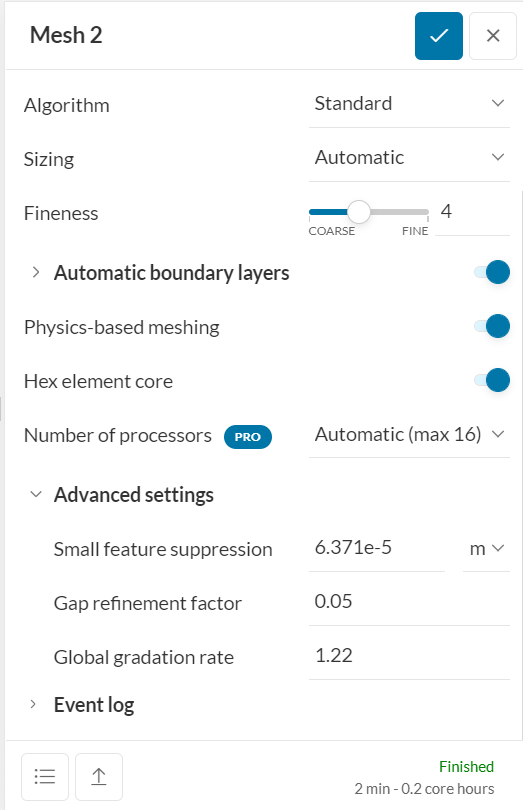
Using the coarser mesh, it took 46 min - 1.5 core hours (2 processors) to finish the successful simulation run.
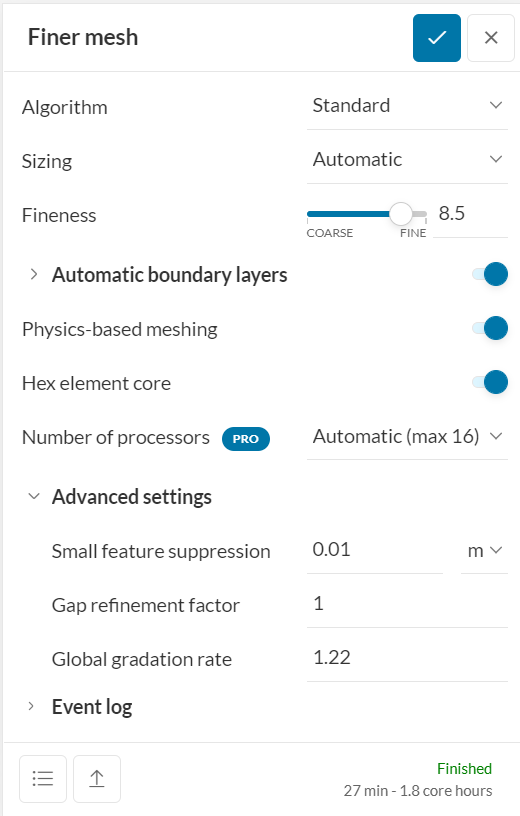
Using the finer mesh, it took 51 min - 13.6 core hours (16 processors) to finish up to 20%, before encountering an error.
Using ~70 core hours per run is quite unsustainable for someone using a free account . Can someone advise me on how I should reduce the core hours?
Hello, thank you for your reply! I will do that for future simulation runs.
However, I am not sure where is the problem in the mesh right now. As mentioned earlier, I have created a finer mesh for the whole model (8.5 fineness), but still received the same error message.
For Run 2 - Wind from side, the only difference from the previous run (which had a similar error message) was that I used a finer mesh and toggled on the “Potential flow initialization”.
i thing the finer mesh might be the only solution for you to get adequate and stable simulations.
You might also simulate the room with not all doors open at the same time. This will reduce the fluid volume of interest and therefore a finer mesh can be achieved while still the total number of cell is manageable.
Hello! Unfortunately, having all the doors open is one of the scenarios that I have to run in order to test a hypothesis. I will close one of the doors and try to run the simulation with a fineness of 8 and see how it goes. Hopefully I won’t have to try the simulation with a fineness of 10! (3.6M cells at fineness 8 vs 19.7M cells at fineness 10 is a scary jump)
Speaking of which, is there any way to increase the number of core hours available in the community plan? I’m afraid that I may not have enough to run all the scenarios planned…
If you use SimScale for an educational project or a thesis you can apply for the academic plan. But please be sure that this is only for academic/educational purposes only.
In order to avail the Academic license, please send an email to academic-program@simscale.com with the following information:
Brief overview of your project
If possible, please share with us your university email id for the Academic license
Let us know your timeline of start and completion of your project
Hello! Thank you for the information, I will consider doing that
Also, I did a run with fineness 8 and 9 respectively but still no luck completing it.
Does this mean that it is impossible to run the simulation for this scenario?
Thank you so much for all the help you have given me to complete this project @SBlock !
I truly appreciate the prompt response and guidance you have given me
 . Can someone advise me on how I should reduce the core hours?