Recently I did a little setup trial-and-error:
•Project - harmonic analysis to validate a multi-material structural damping treatment
• Setup → simulation control
• I was entering a manually created frequency list/time stepping table for the first time.
Initially, it was unclear whether the harmonic solver interprets the [Frequency] / [Time Step Length] table as:
- [specific frequency to solve] / [delta to next frequency] –or–
- [end frequency of interval] / [step size used within that interval]
The correct answer is #2 - but I learned this via a few failed runs with Error: Time Step Bigger Than the Simulation Interval
I found this post in the forum: How can time step and write options be made more intuitive? - #3 by rszoeke and voted yes, since I do think clearer instructions could simply appear on the input panel.
Meanwhile, Simscale’s AI assistant pointed me here: https://www.simscale.com/docs/simulation-setup/simulation-control-structural-analysis/ At the top of that page, there’s a list of the various structural analyses to which the documentation applies. What I initially missed was this, which is located right on the page – except that it’s in the “nonlinear static and dynamic analysis” section:
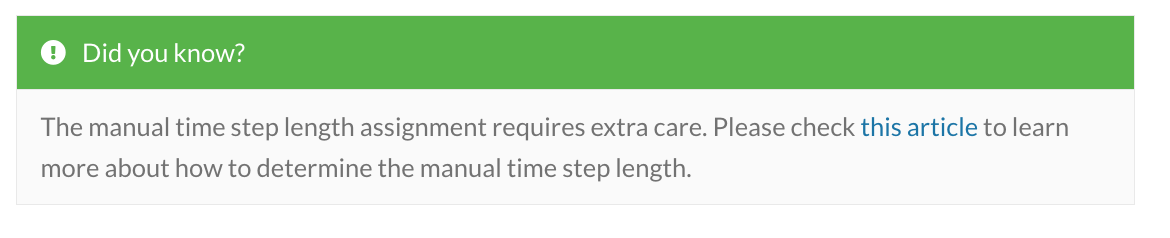
I missed it because I was doing harmonic, so I simply scrolled past it on my way to the harmonic section.
So my humble suggestion is simply that the information in the linked article should be included in the introduction to the Simulation Control documentation.
Hopefully this post can be helpful to anyone searching the forum for “manual frequency list table”.