Hello Everyone,
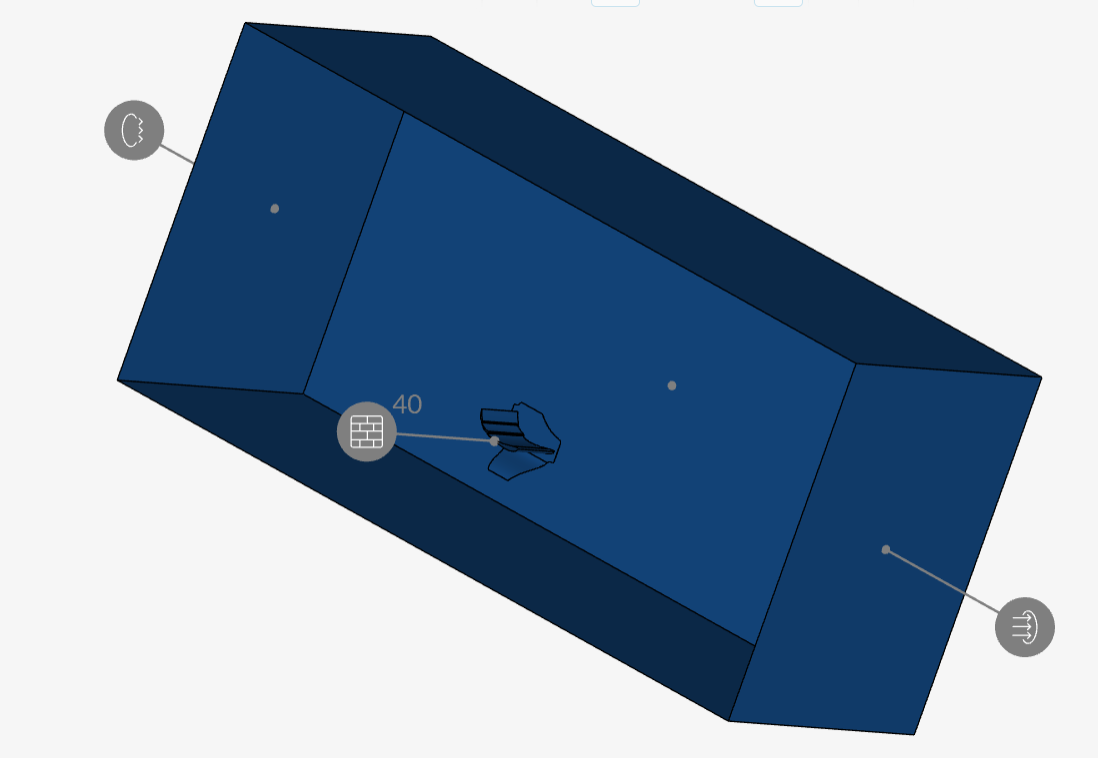
I am new to Simscale and started learning right after getting the academic sponsorship license. In this case I am trying to do a 3d simulation of an FSAE rear wing. In short I am following a traditional cfd workflow, I prepared the geometry and as u can see its cut in half to exploit symmetry condition. I defined my named selections which are the pressure and suction sides on each element as well as the trailing edges ( trimmed with a given radius to avoid skewness) and the endplates edges. Everything worked fine until I started working on the meshing. I tried automatic generation with fine mesh parameters.. well it obviously didnt work well because I got defeatured trailing edges and a terrible boundary layer. I tried to adjust the meshing parameters manually to account for the specific errors made in the first attempt but I kept running into the same problems basically. The inflation boundary layers always collapse near the trailing edge and the leading edge radius is getting defeatured.
I dont have any screenshots of the mesh unfortunately because I deleted them right after. I am not gonna try again on my own because I am wasting core hours for nothing so please help me out.
this is the link to my ptoject.