I am trying to simulate gas flowing through a pipeline.
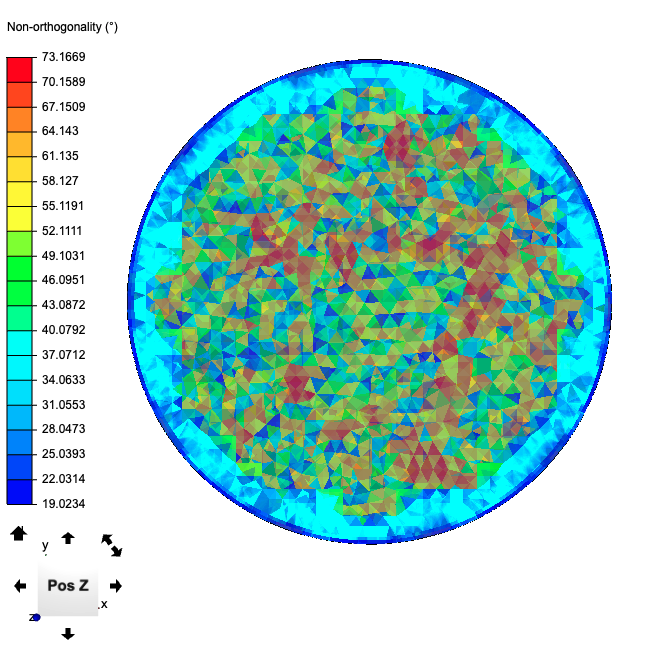
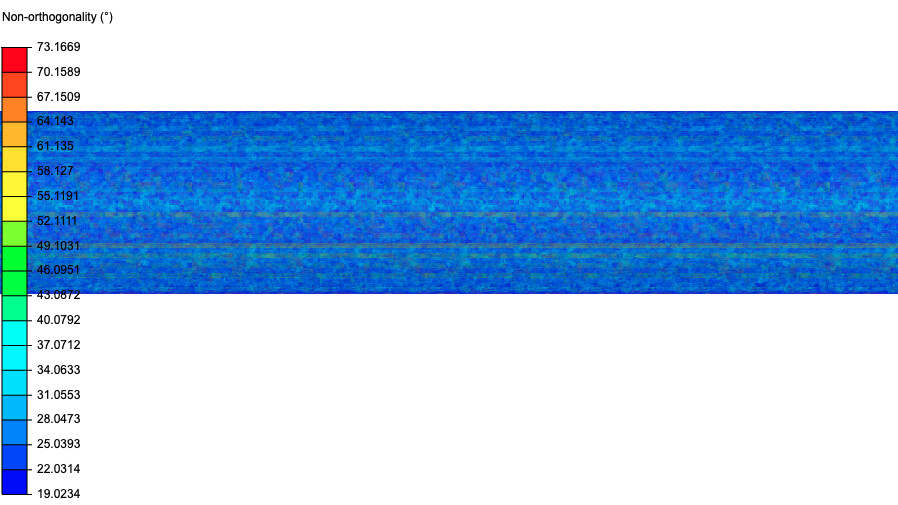
My simulation keep failing, which likely because of mesh quality. After checking the guide, I found out that my non-orthogonality is the likeliest problem, and looking for a way to reduce it
The image below is inlet (same with outlet), I would like to reduce those red spot here
After changing meshing algorithm, my simulation somehow stucks at 0%, even after 6 hours of running (!) If I go to Solution Field → Animation, the only two data point there are 0s and 0.0125s
6 hours to process one step is a bit too much, I think I am doing something wrong here. Do you have any idea? Thank you
Hi, I checked your simulation set up and have a question in regards to the inlet pressure?
This is set to 4,482*10³ Pa (44bar) and the outlet pressure is set to 0 pa ( 0 bar). I i just calculate the velocity for the outlet using the Bernoulli equation and assuming the fluid has no velocity at the inlet I get 9985m/s for the outlet velocity.
Is this the right value for your simulation?
In regards to your question it seems pretty reasonable to me that with that velocity and the Adjustable time step activated that your solving time get’s that high.
The solver decreased the delta T time to deltaT = 5.18247695834e-10 s to be able to keep the courant number below 1.
you can either reduce the pressure at the inlet or deactivate the adjust time step, which will result in extreme high courant numbers.
So according to Wrought Steel Pipes - Bursting Pressures vs. Size (Not sure if it is a correct reference), a pipe with 2 inches dimension has working pressure of 650 psi, so I changed them to Pascal.
But the same website states that speed for hydrogen in steel pipe should only be 20 m/s (Pipe Line Velocities vs. Fluid), so if
then I must be wrong somewhere …
I would probably adjust the inlet pressure, so that the outlet speed is 20 m/s. Thank you Sebastian