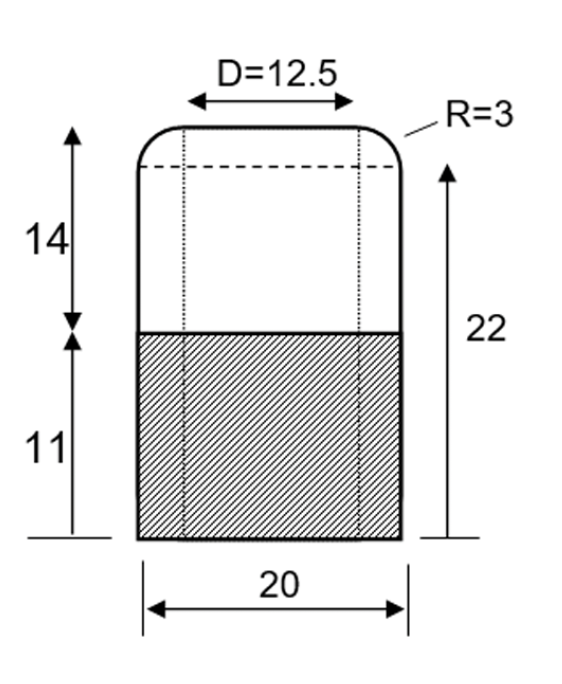
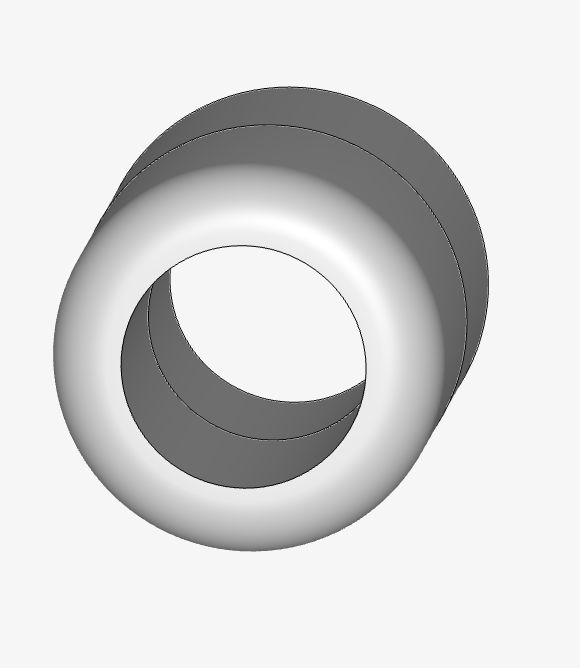
However, when I put it in SimScale, I find it difficult to obtain the face for the velocity inflow and outflow. I don’t find the possibility of adding the face
Hi @igaviano, I still didn’t solve my problem.
There I was unable to create a fluid area and I had to create primitives. However, in that case is wasn’t still working
I received “Invalid Boundary faces
The selected Boundary faces are not suitable for the creation of flow volume caps. Please select a different set of Boundary faces.
The operation can currently only be used with Immersed Boundary analysis type. Internal caps operation creates faces (caps) which cover the inlets and outlets of the internal flow volume. The faces can be used for the definition of boundary condition”
The main problem I think is linked to the CAD model itself. But I don’t understand how I am supposed to fix this problem.
Is there the possibility of describing the solution in detail? I think there may be a problem with the software or my geometry
Plus, with internal flow volume approach (rather than using internal caps), I would get infinite loading
I think you might have confused internal flow volumes with internal caps. The latter is only meant for IBM analyses. The former should be used in your case.
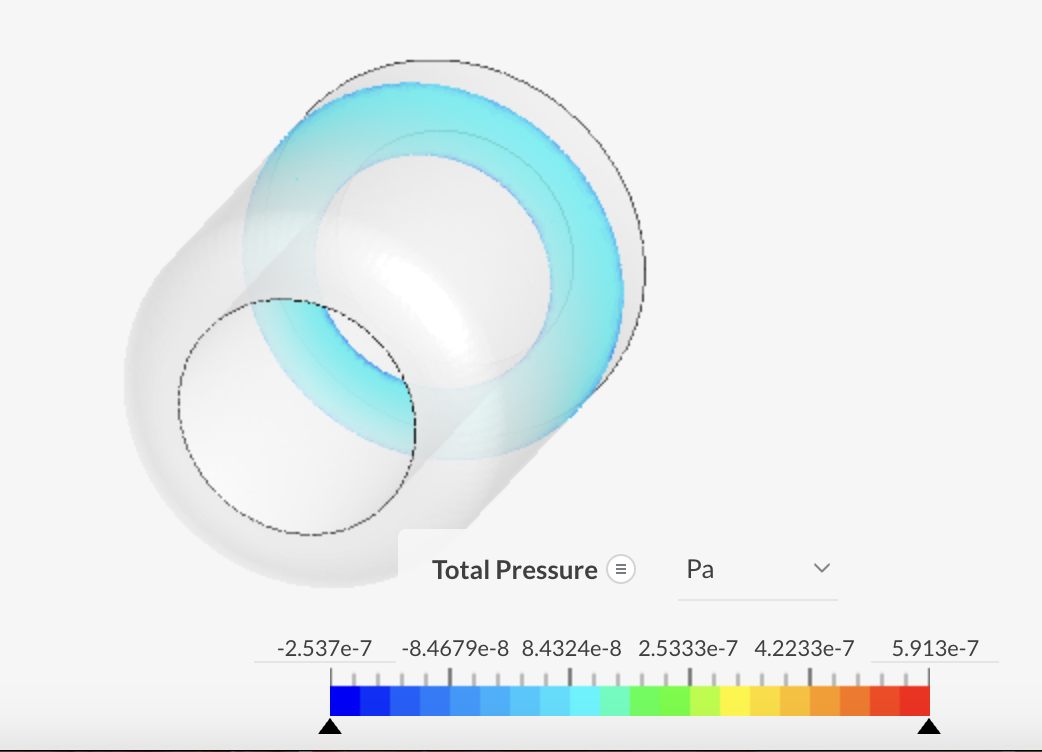
With an incompressible simulation, you will be able to calculate pressure values of the fluid along the inner surface of the VAD. You would have to delete the VAD geometry after you create a flow region and before you run an incompressible flow simulation. These pressure values you would then have to extract by downloading the results . You must then use these pressure values as input for a structural simulation within SimScale on the VAD geometry to get the deformation through the VAD as a result of the fluid pressure exerted upon it. This is what we call a one-way FSI (Fluid-Structure Interaction).