How’s it going?
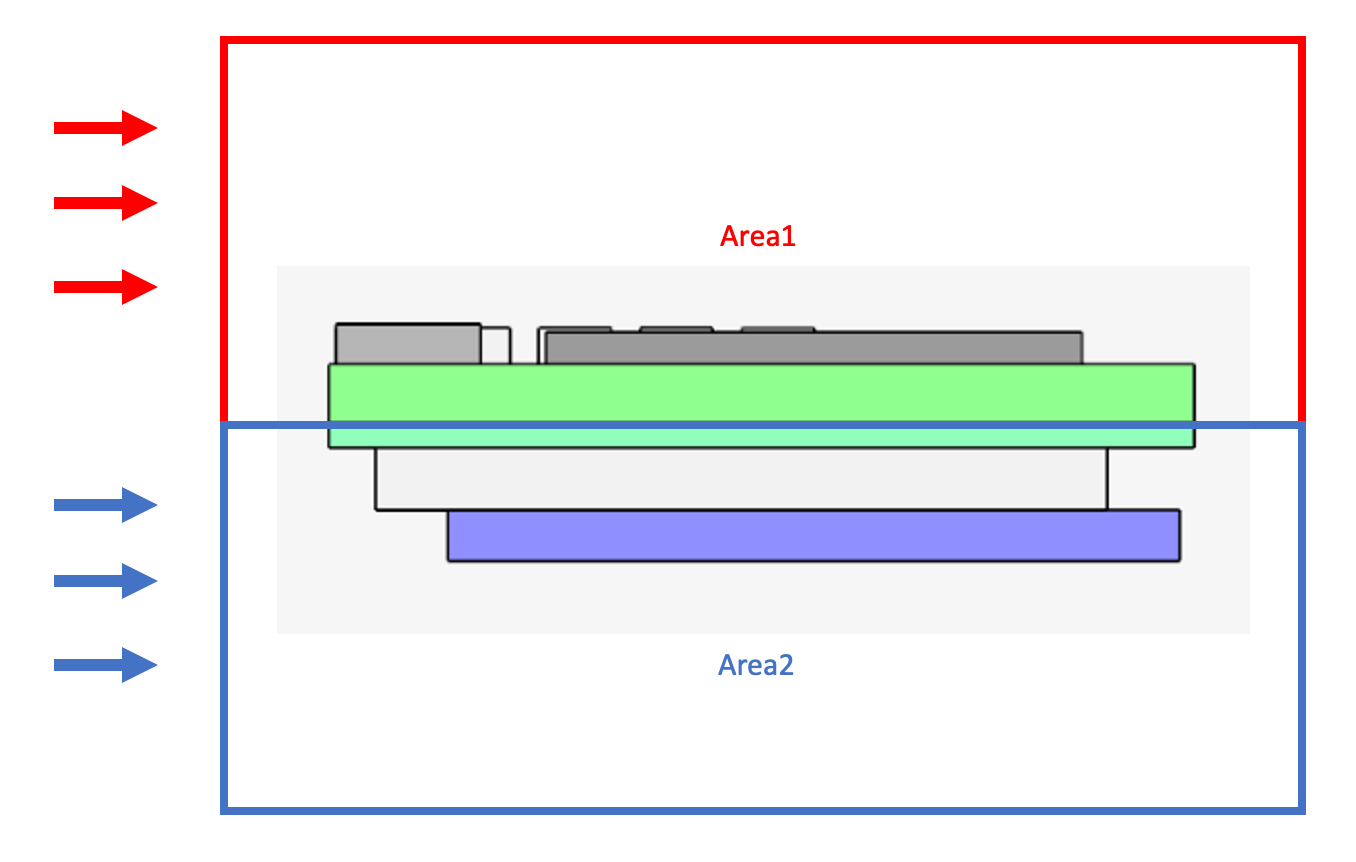
I’m trying to set 2region of enclosure like blow.
but I can’t find a solution.
Are there some method?
I want to set natural in/out in area2, and customized wind in area1
Best regards

Hi Jake! The two flow volumes should be connected though, right? Meaning that the air will flow in both areas.
Hello, Thanks for reply^^
There are totally different area.
Area1 and Area2 should be independent.
I’m planning to set the situation below
please reply
Thank you
Alright, having two flow regions that are not connected is possible with the Conjugate heat transfer analysis. (Conjugate Heat Transfer Analysis | Analysis Types | SimScale)This simulates the heat transfer between the fluids and solids, and it is required that the flow regions are not in contact. All of the other CFD analysis do not support two separate flow regions.
If you have a model, you could create a flow volume inside of the case for Area 1, and an external flow volume for area 2 in the CAD mode: CAD Mode | CAD Preparation & Upload | SimScale
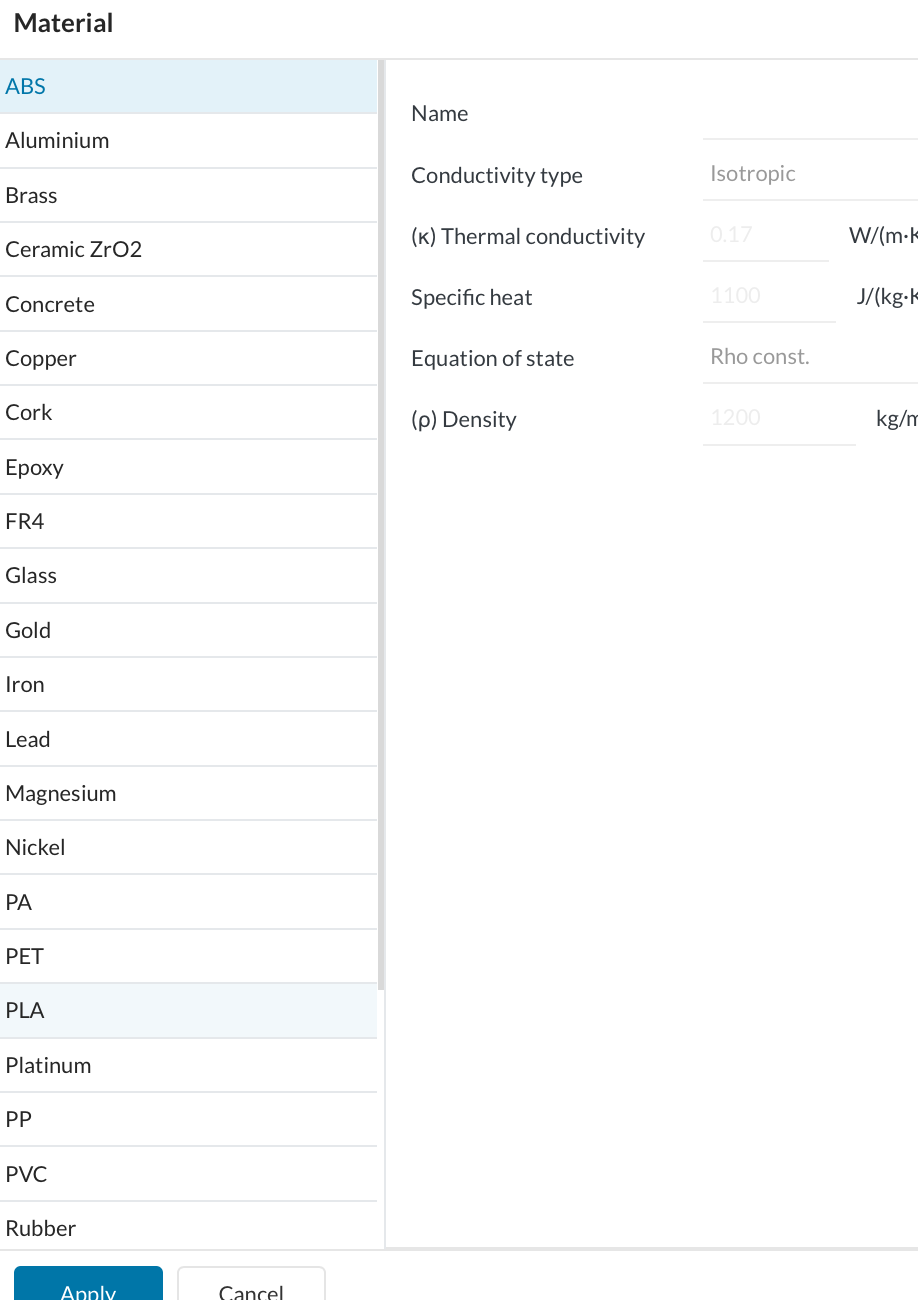
Sure but keep in mind that after you click Apply, you are able to add custom values for your material