Don’t worry. Sometimes you can’t avoid some bad cells.
Checking final mesh ...
Checking faces in error :
non-orthogonality > 75 degrees : 29
faces with face pyramid volume < 1e-13 : 2
faces with concavity > 80 degrees : 4
faces with skewness > 4 (internal) or 20 (boundary) : 0
faces with interpolation weights (0..1) < 0.01 : 2
faces with volume ratio of neighbour cells < 0.0075 : 2
faces with face twist < 0.005 : 32
faces on cells with determinant < 0.005 : 17
Finished meshing with 88 illegal faces (concave, zero area or negative cell pyramid volume)
So that message appears every time there is at least 1 bad cell?
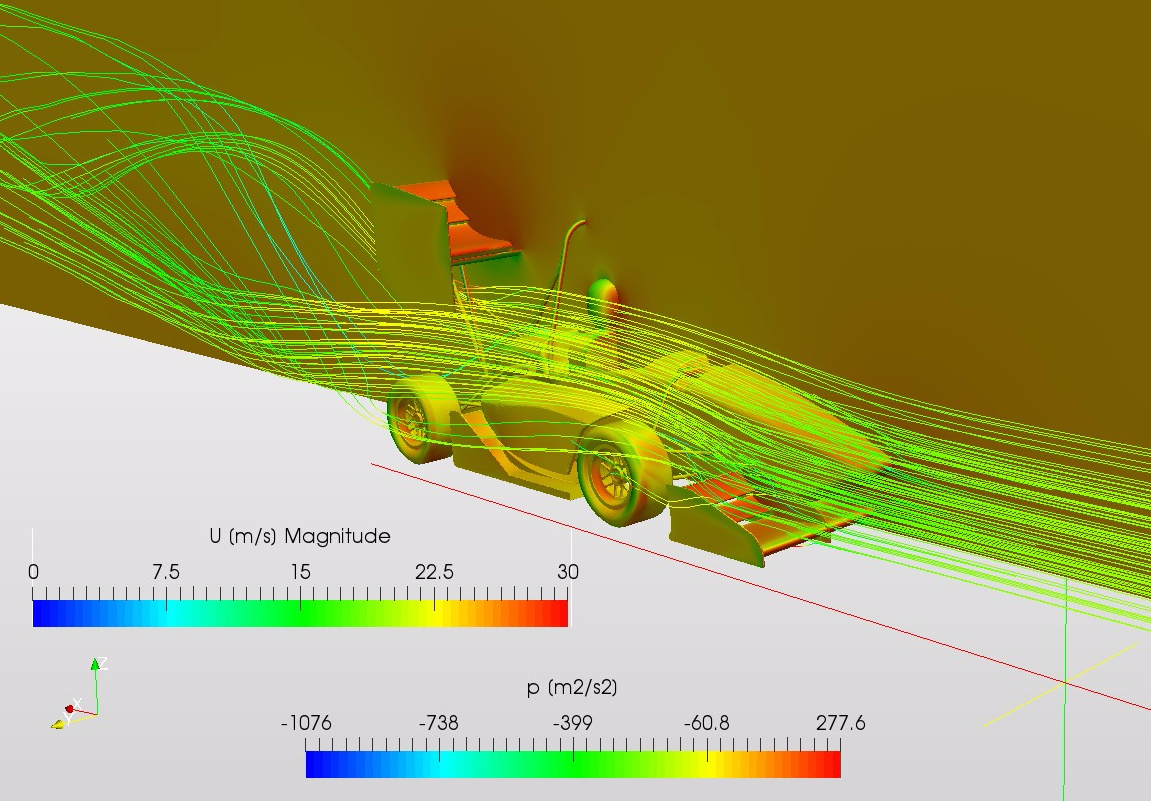
Anyway, the simulation is running now and it seems to be converging without any problem, so it’s all ok. Thanks to all for your help (esp. @dylan and @luiscalzado), this is a really good community.
@anon67859130@anon96223049 I have submitted my homework unfortunately i couldnt proceed further than generating the items as they would not correctly scale to each other. here is me project link. I have tried everything i can. My university is teaching us to use ptc creo 3.0 more this semester but my skills are limited and it would have been easier to copy the wing to a car file. unfortunately also i couldnt import the vehicle into a usable file. tried using the reference file and the same issues arise. Please dont think i havent tried because i really have. i have a lot of university coursework alongside this homework so appologies. https://www.simscale.com/workbench?publiclink=b8ac84cc-cf26-4635-ad56-1c7b93ade5ac
I was able to reduce the number of illigale faces to 32 by adding more vertexes to the mesh, so thet the mesher had more referenz points. the mesh looks better aswell and the simulation worked. For everyone who has the same issue you could load your stl into Blender an then subdivade the mesh. Exported as an stl and then add to the car model.
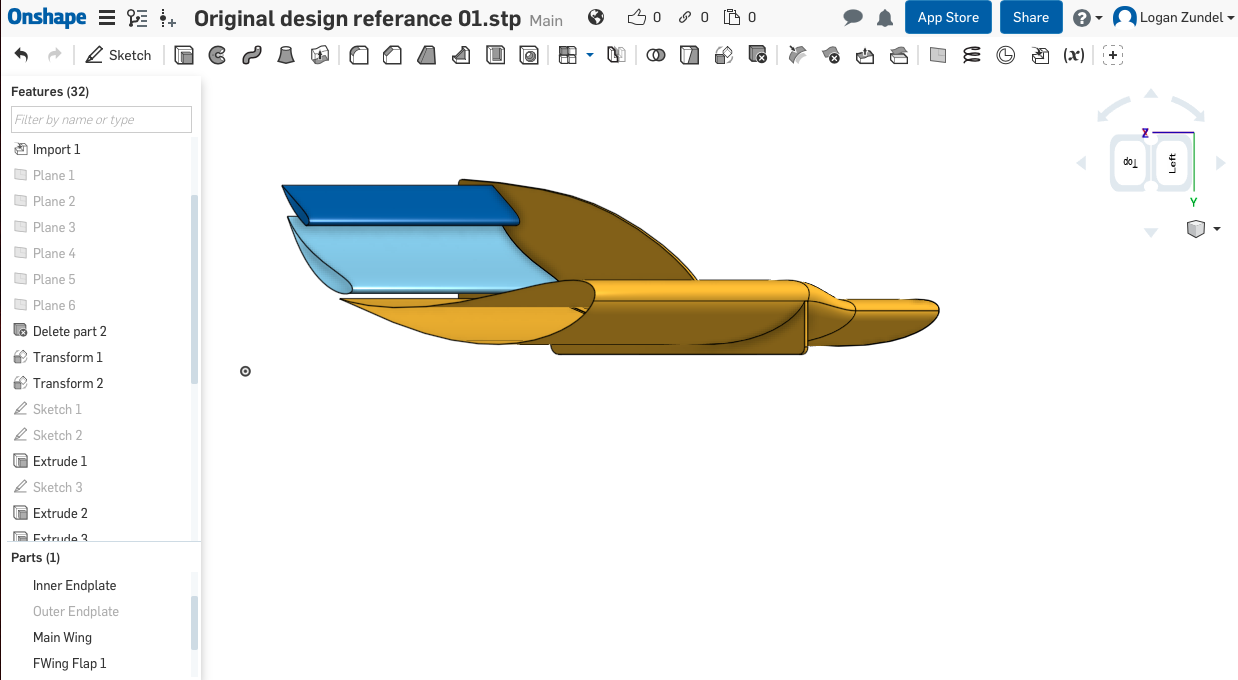
I am using Onshape to design my wing and, for the life of me, I cannot figure out how to export the surfaces as STL. The options are limited to standard formats and won’t give me the option to export as STL. Perhaps I can’t build it as surfaces and must build as all solid parts? Any help would be greatly appreciated.
Blender is a good for that as an open-source tool.
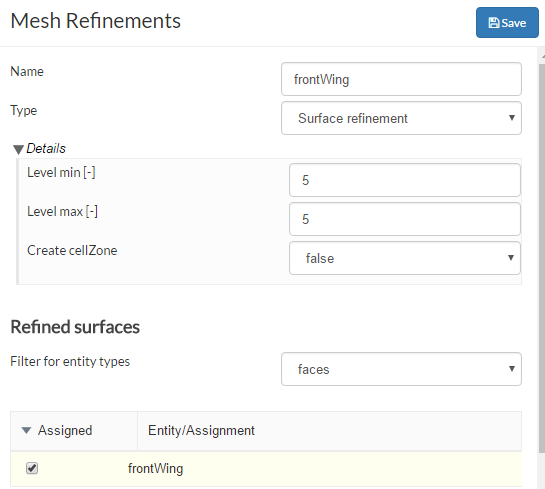
To everybody: if STL patches have been renamed correctly, you do not need to create ‘face sets’. This is because OpenFOAM picks up those patches already. For example when using frontWing.stl as a single patch below:
solid frontWing
.
.
.
endSolid frontWing
You can choose the exact name ‘frontWing’ in refinement under ‘faces’
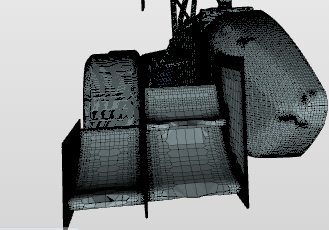
Hey every body for those who face problems with mesh ( the mesh looks coarse even when you refine the face), please check the names of the faces you have to avoid space between words.
@Christian_F did you get a reply? I got the same Problem, but in my case the left tire is just the rim but that’s not important, I also work with Creo Elements/Direct Modelling.
Hi,
The simulation was perfect. I think that the issue was a small open spline that I left in the main flap sketch. But I could solve this, so everything is good. Thanks everyone for the support!
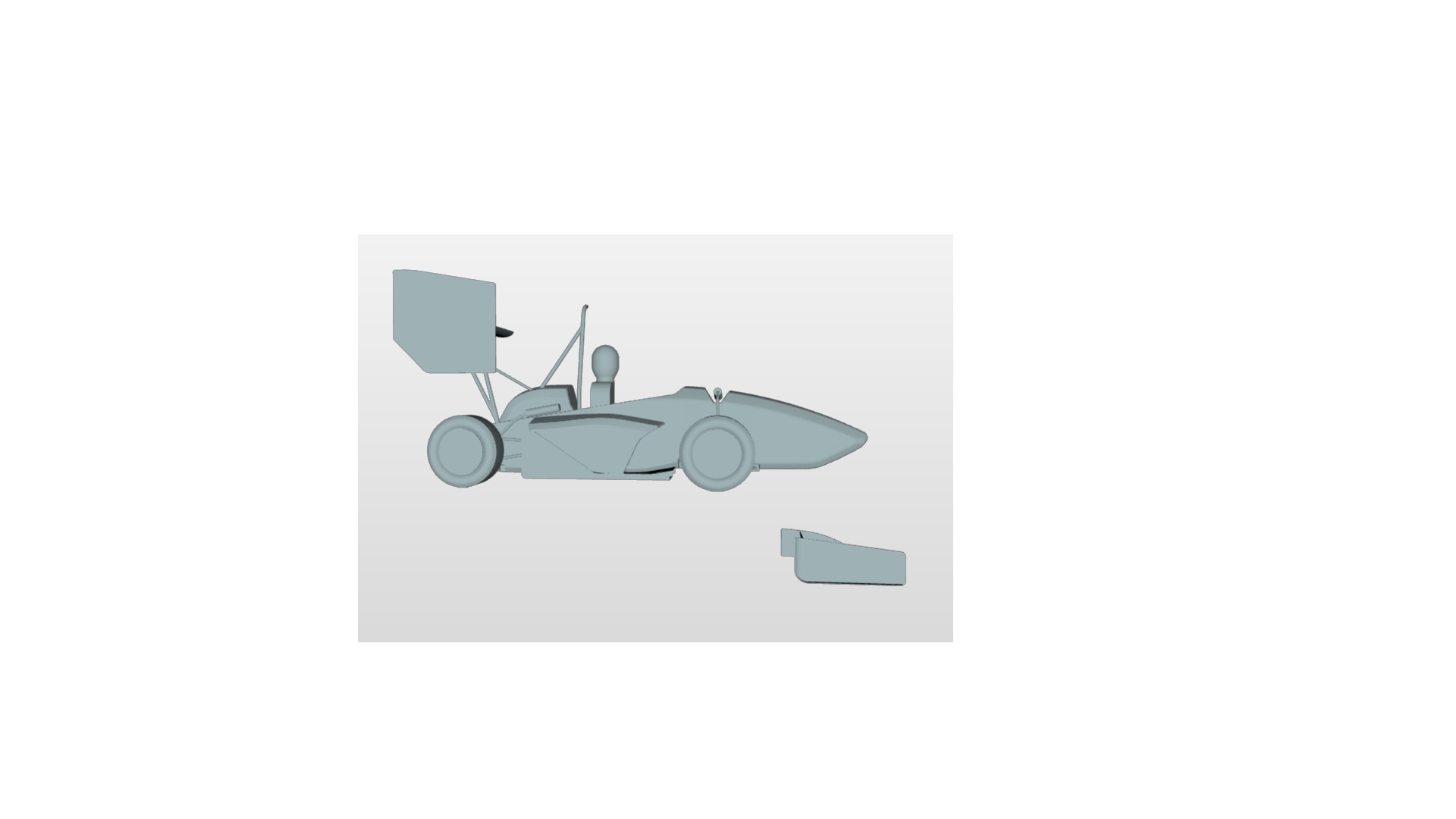
My front wing is way too below as can be seen from the picture attached. I tried using inventor to move wing up but somehow inventor is not able to do assembly of wing and main body. How can i do that? Please help.
Hi jousefm–Thanks for your reply. Did you mean inserting coordinate system in inventor or in text file? Because in inventor i can’t attach both objects together since inventor doesn’t seem to recognize faces.Only the object as whole piece. I tried to do grounded in assembly for both the objects rather than doing any kind of constraint but then i can’t export the entire geometry.It says no valid solid bodies. And by the way only inventor was abled to open the car without wing body. I tried with freecad and creo 3.0 but didn’t work.