i had the same problems. To solve this i created a new Coordinate System. To do this go to, Insert → Reference Geometry → Coordinate system.
As reference point I did the origin of the S4_home_work_model
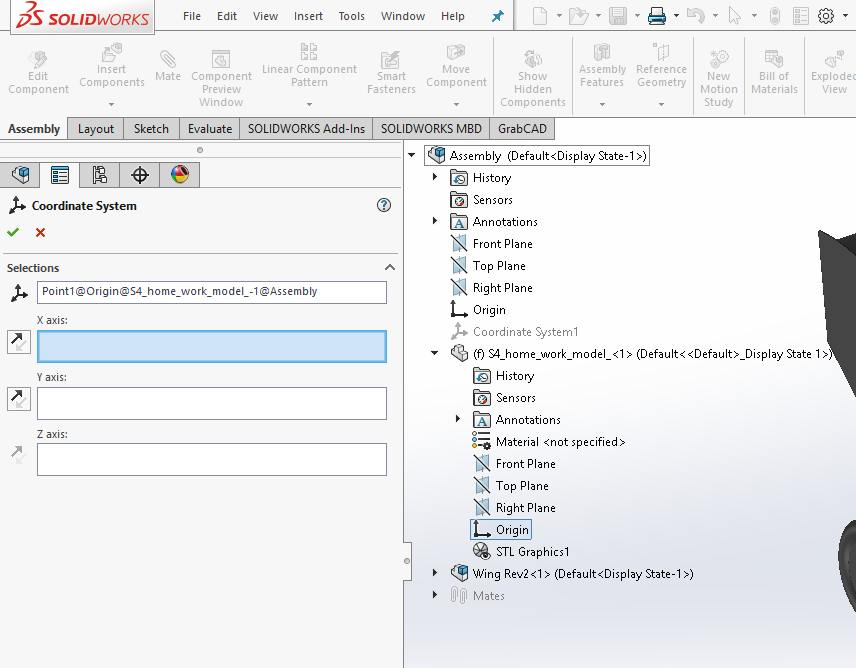
Now go to save as and select .STL. Go to Options and select Do not translate STL output data to positive space. Also you need to select a Output coordinate system(see picture below)

it took me 3 days to get a good stl file but this method worked for me.
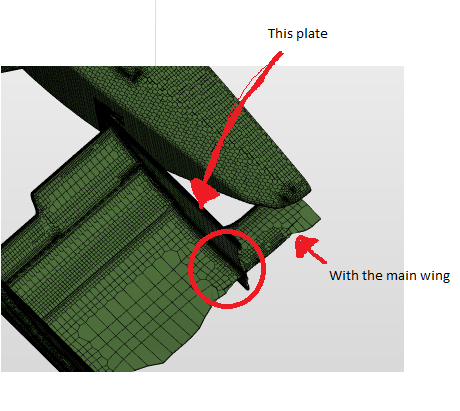
My first try had the same bad mesh. The problem by my was the "inside plate". The plate intersected the main wing. A simple Cavity solved the problem. A quick paint job: