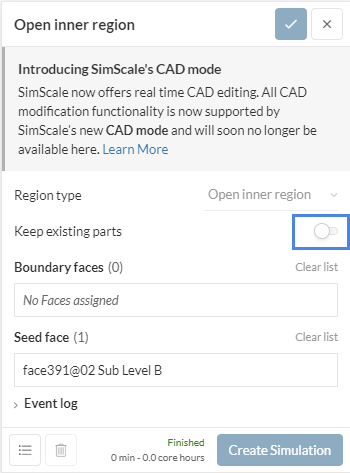
Hello. My simulation kept saying that “31 regions are being used in a single regiona analysis. Make sure all except for one has Advanced concept assigned.” The sample workbench has 8 regions but it didn’t hinder the simulation.
Please check my workbench and see what’s wrong. Thank you…
Yes. I wasn’t able to select bodies for my momentum and passive scalar forces. Can’t select specific bodies. Car and jet fan models were converted into FACES after I created my “flow region”.
I think my problem starts with the model I have imported. It’s a SOLIDWORKS assembly converted to a STEP file. Initially, I had 31 solid bodies in my assembly. Everything’s supposed to have an “Advanced Concept” assignment. But then, I got simulation errors because of these 13 regions the program has detected. No idea what these 13 regions are.
I know. I just can’t established the appropriate model for this. Sample project/workbench has 8 solids, but the simulation went smoothly. Mine has 31 bodies and 13 regions were detected upon simulation.
I would rather suggest you to use the CAD Edit Mode, where you can have a more granular control over the operations and what parts are kept/deleted. Check out for reference:
Thanks but I already tried it… Today, I have run a complete 3 simulations without introducing any car models for passive scalar source.
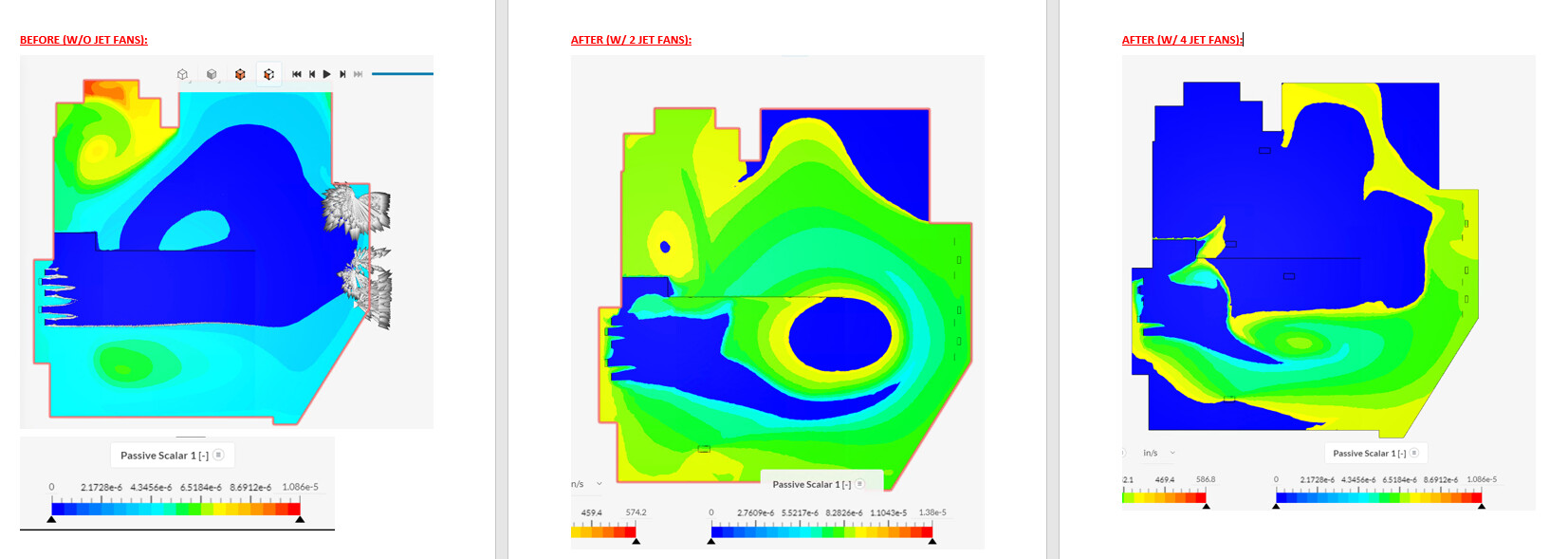
I used the “flow region” as the passive scalar source instead. I would appreciate it if you could check my simulation runs and see if I did everything right. Here’s the link:
Well, I couldn’t tell if you did everything right, as I am not aware of what you are modeling and the assumptions. From what I can see, the setup looks ok and it runs without failing. It is your job then to analyse results and check if it is realistic.