Hello,
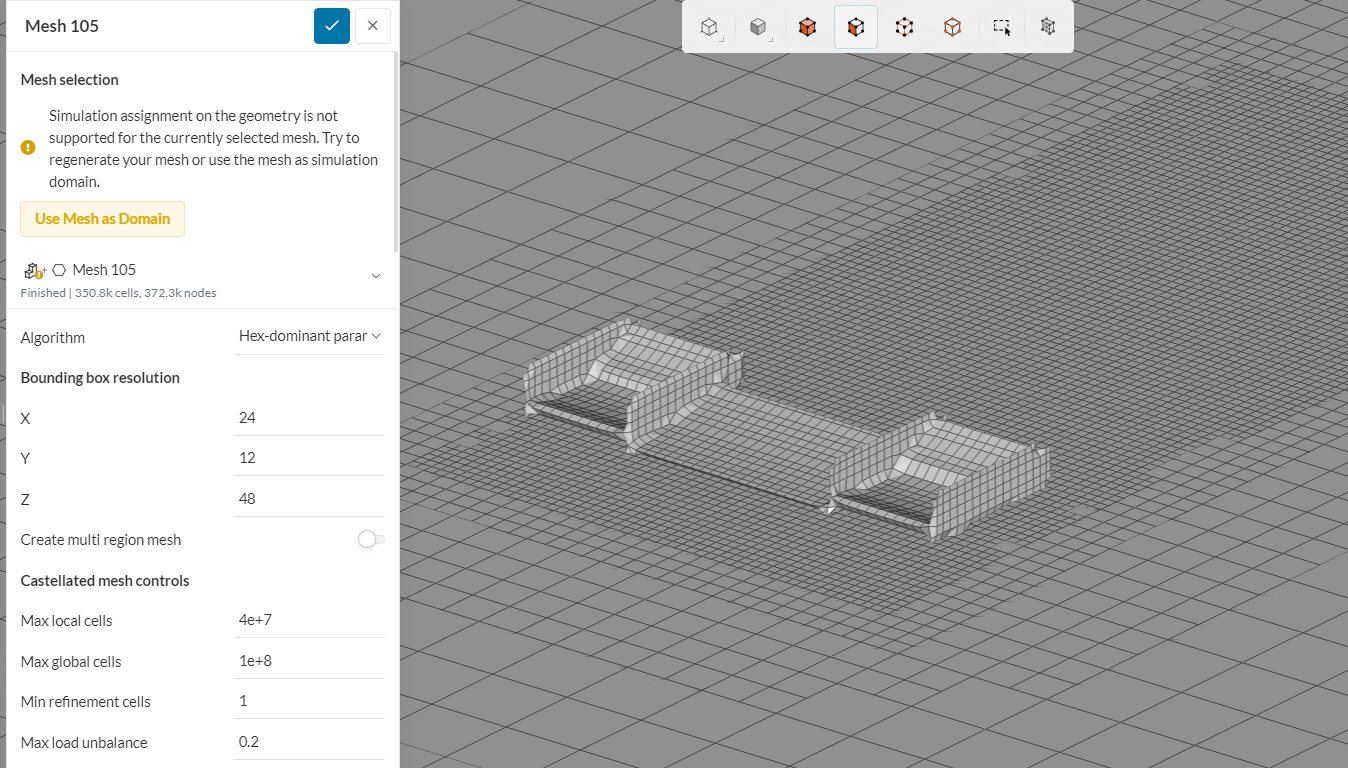
I am trying to mesh the front wing and rear wing of our FSAE car but I am getting a weird glitch where even I am assigning refinement to my Front wing, the refinement is not applied and hence the mesh is too coarse for a simulation run. I am attaching photos for the reference
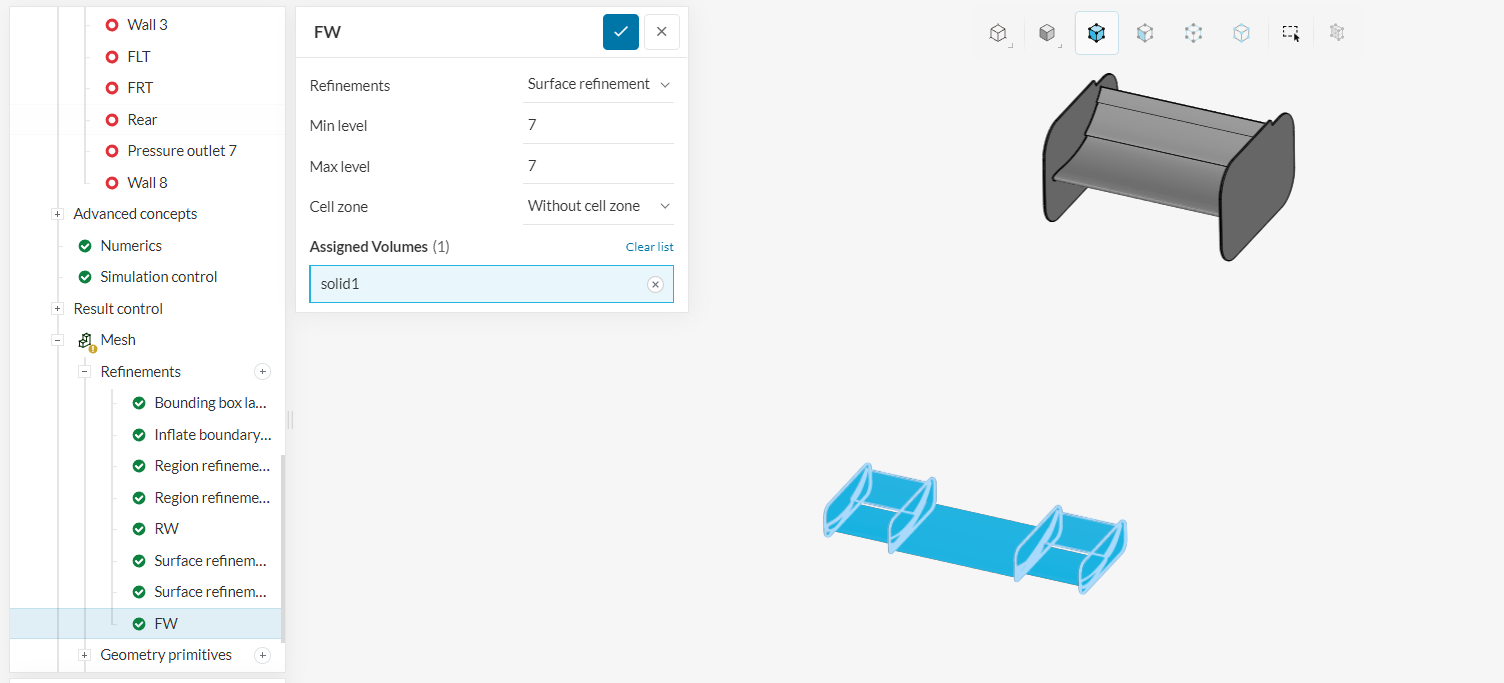
1. Refinements for the wing. As you can see, I have given surface refinement of 7-7 to whole body
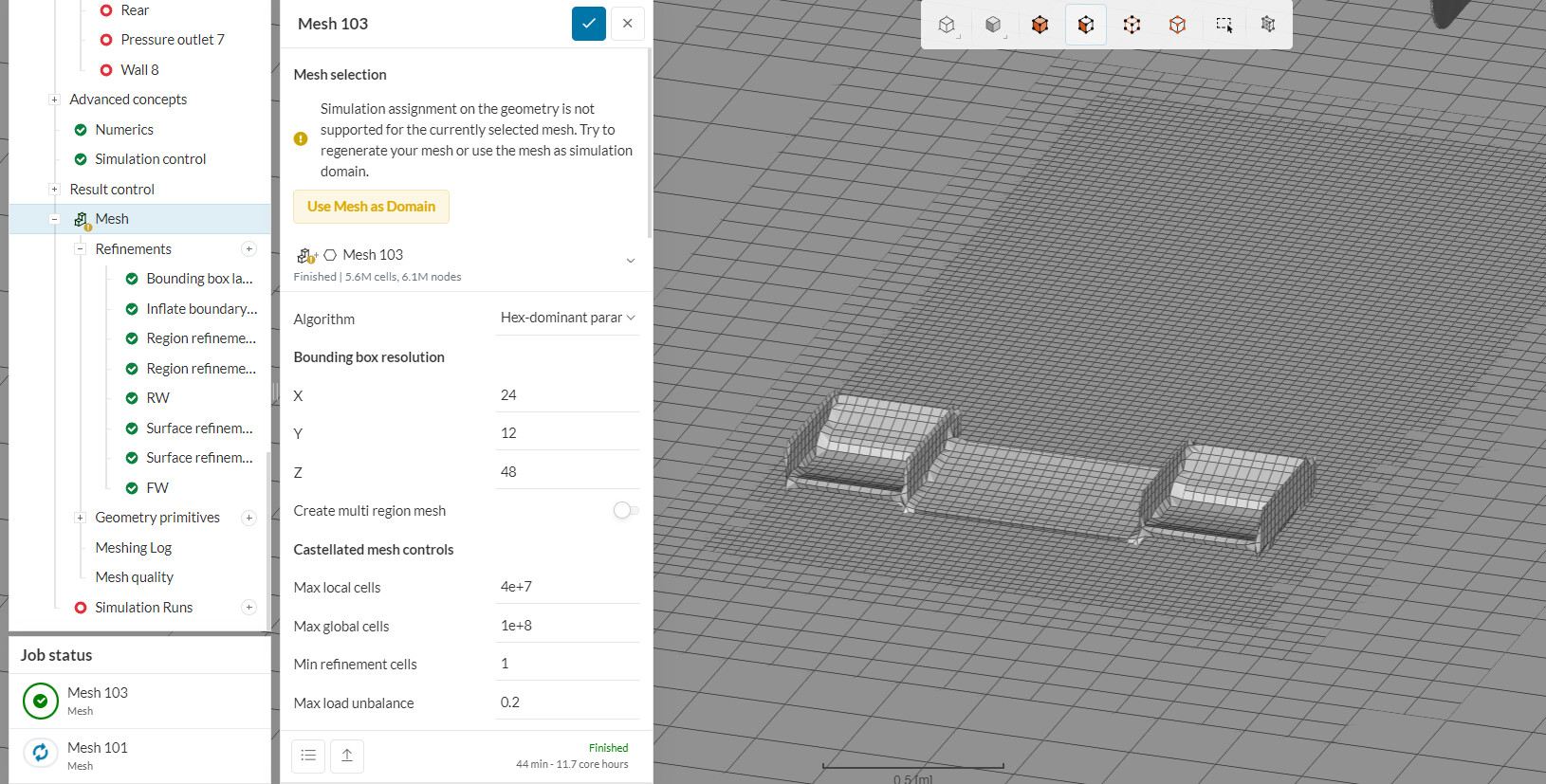
2. Meshed body showing no signs of refinement
I have given the same refinements to the rear wing and it meshed just fine. Hope someone can guide me on this issue…
Link to project: https://www.simscale.com/workbench/?pid=5817386551471516098&mi=spec%3A911a006a-9f3e-4b86-bcf1-bdcac95f312b%2Cservice%3AMESHING%2Cstrategy%3A894&sh=859
Cheers!!
Hi sohamsawant32,
this seems very strange to me, do you have tried to only mesh the front wing? To make sure it’s not some kind of fault for the CAD Geometry?
Hi @anon41772514,
Sorry for the late reply. I have put up the meshing for just the front wing. I will update you on that as soon as I get the results.
Meanwhile,
In the same project, I was running a simulation of an already created mesh which was pretty good in terms of quality (with 14M cells). But the simulation sun seems to have a problem running that mesh too. Can you tell me what exactly is the problem in here?
-
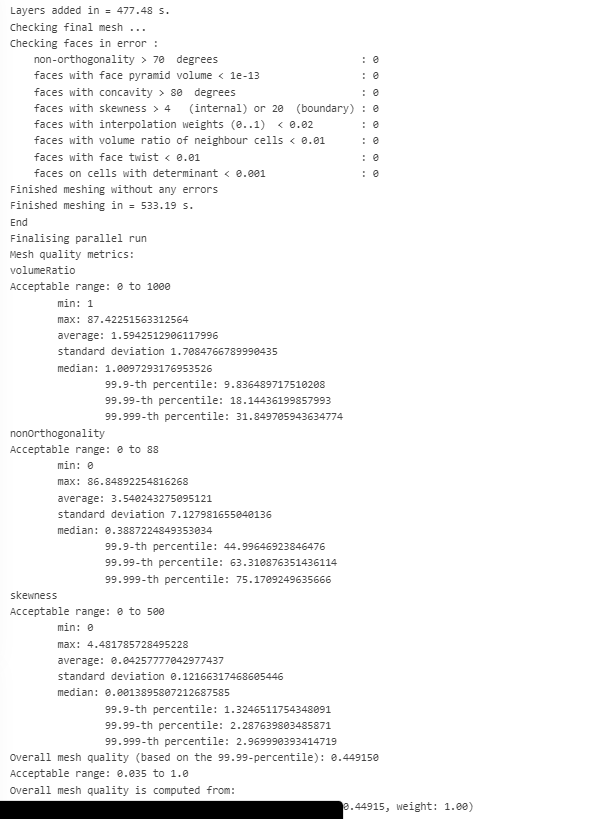
The mesh quality seems fine to me as per meshing log:
-
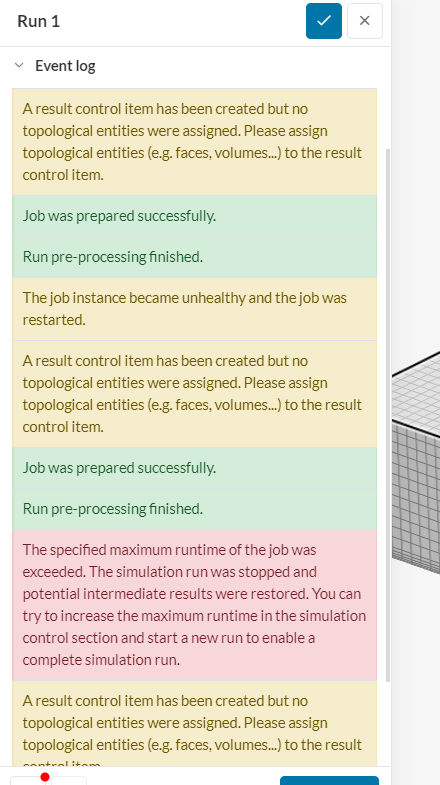
The run showed me an error with the message saying the run was unhealthy:
-
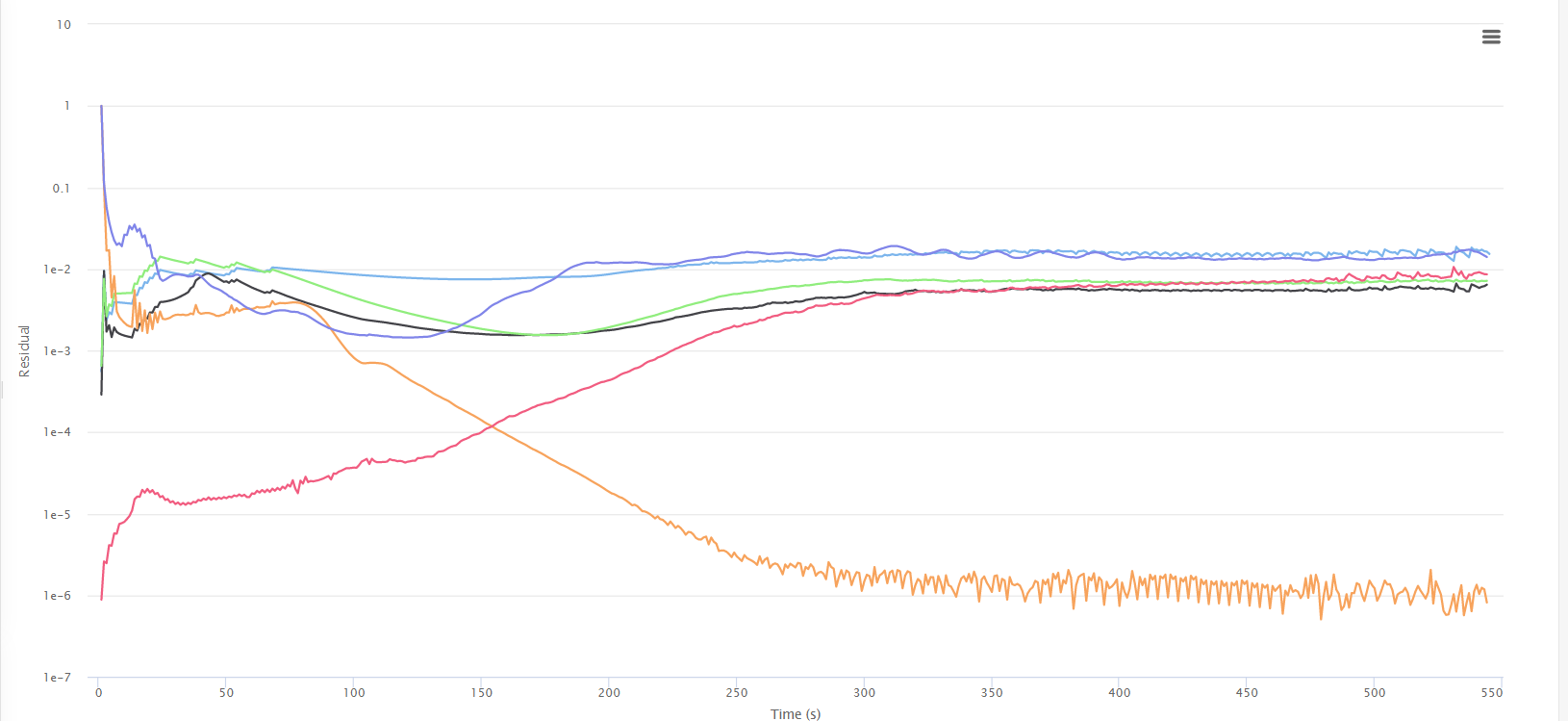
When I checked the residuals of the incomplete run, they were diverging after some point;
I have resumed the run till 1000 iterations but it is still wasting my core hours. So my question is, why has the run turned unhealthy even if the mesh is in pretty good condition?
Hope you can help with this
An update on Front wing problem,
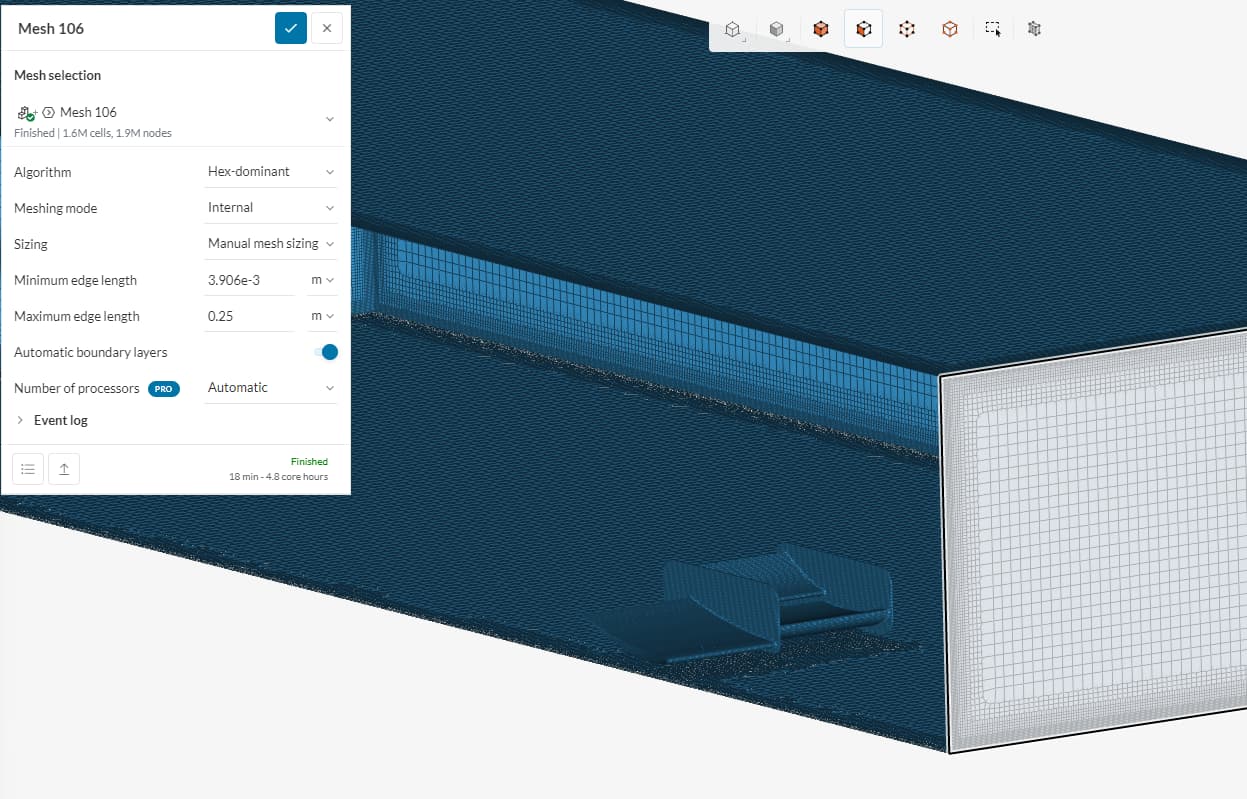
The Front wing refinement was taken into consideration in the meshing of the Front wing alone too. I am attaching photos of it
Next, I am going to try reuploading the geometry and meshing it again. Hope it will give some results. Still, I would I like to know the reason why it happened so that I can avoid it in future.
Hi sohamsawant32
which of the runs is this? Seems like the mesh is OK in general but with that many cells in the fluid domain, just a few bad cells still can occur. Also especially wings are very mesh sensitive.
Can you please check if get better results if you upload a step file instead of a stl. Maybe the resolution of the stl is a problem.
If you tell me which run this is I can have a look at it
Best regards Sebastian
Hello @anon41772514
Refer to the run named “Yaw IT1 10 Deg”
Also, regarding the file format, I have uploaded SAT format (ACIS) and not STL format. I was getting errors in my nosecone when I uploaded step format
Also please note that this has happened first time. I have done simulations many more times on this nosecone so I don’t think the nosecone has a problem.
While you are at it, please look at this problem as well
Refer to sim named “IT1 10 Deg fw” for front wing problem
Hope you can help!!
Hello @sohamsawant32 ,
unfortunately, I cannot find a Simulation named Yaw IT1 10 Deg, can you please just post the link to that simulation.
I’ll also try to figure out why the front wing is not meshing correctly but this might take a while.
Hi @sohamsawant32
can you please try to create the fluid volume using the Edit in CAD Mode.
I was able to create a mesh for the front wing with that method and the result looked like this.
Best regards
Sebastian
Hello @anon41772514
Sorry for the late reply. I didn’t have access to this account for a while. I am posting the link for the simulation named “IT1 10 deg fw”. Here is the link
Hope you can help with this problem. Thanks in advance
Cheers!!
Hi sohamsawant32,
No problem did you try the method I have suggested. It really worked for me.
Best regards Sebastian