Hi yall,
I’m setting up aerodynamics simulation in SimScale for a NACA 0012 airfoil and I’m stuck on a setup error.
Current setup:
- Simulation type: Incompressible external flow
- Geometry consists of:
- Part 1 = NACA 0012 airfoil
- Flow region = external flow volume created using the External Flow Volume tool
- Air material is assigned only to the Flow region.
- Velocity inlet is assigned to the front face of the flow region.
- Pressure outlet is assigned to the back face of the flow region.
- Force and moment coefficients are assigned to the airfoil faces.
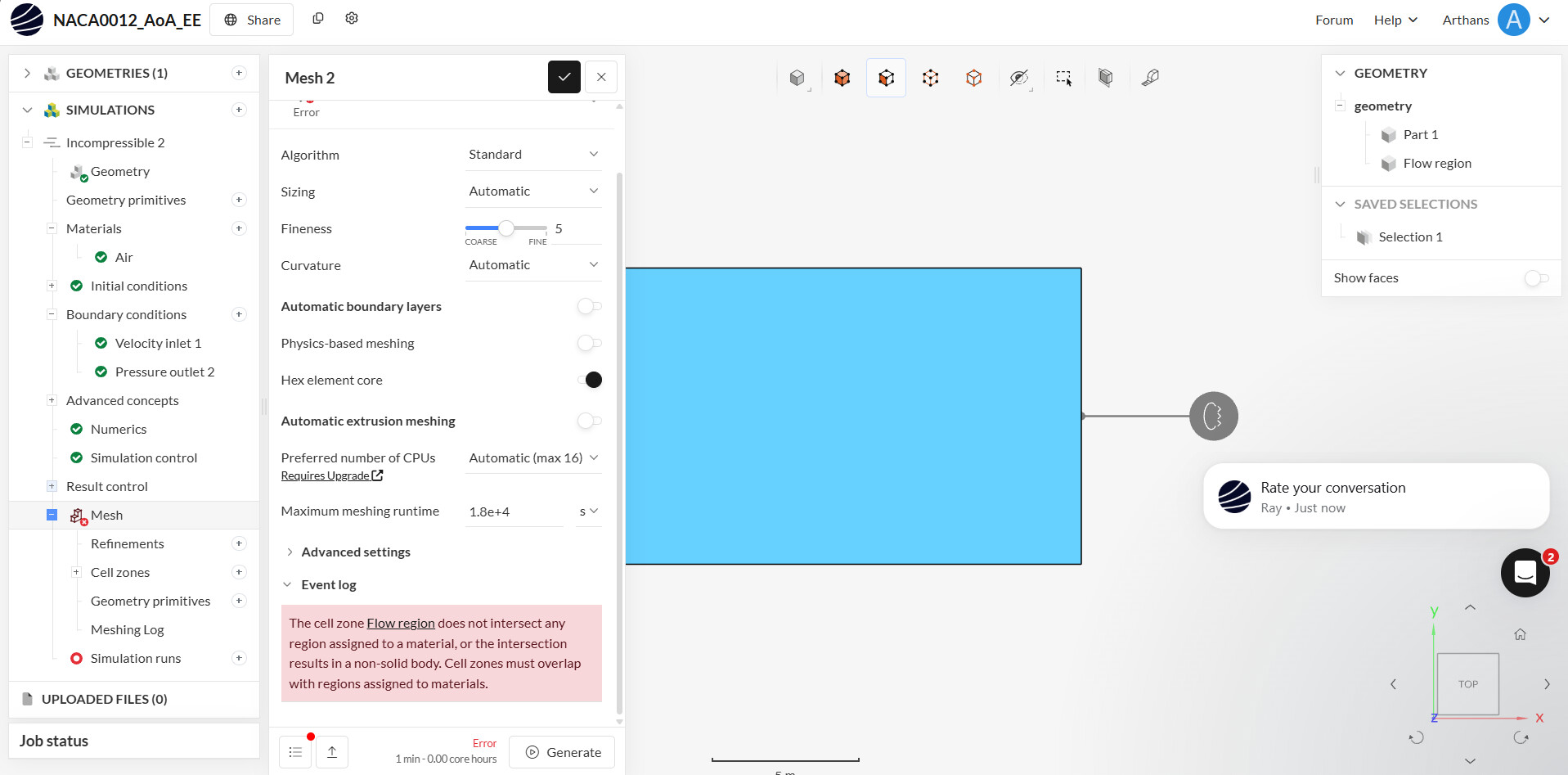
- Cell zone is assigned to the Flow region.
Problem:
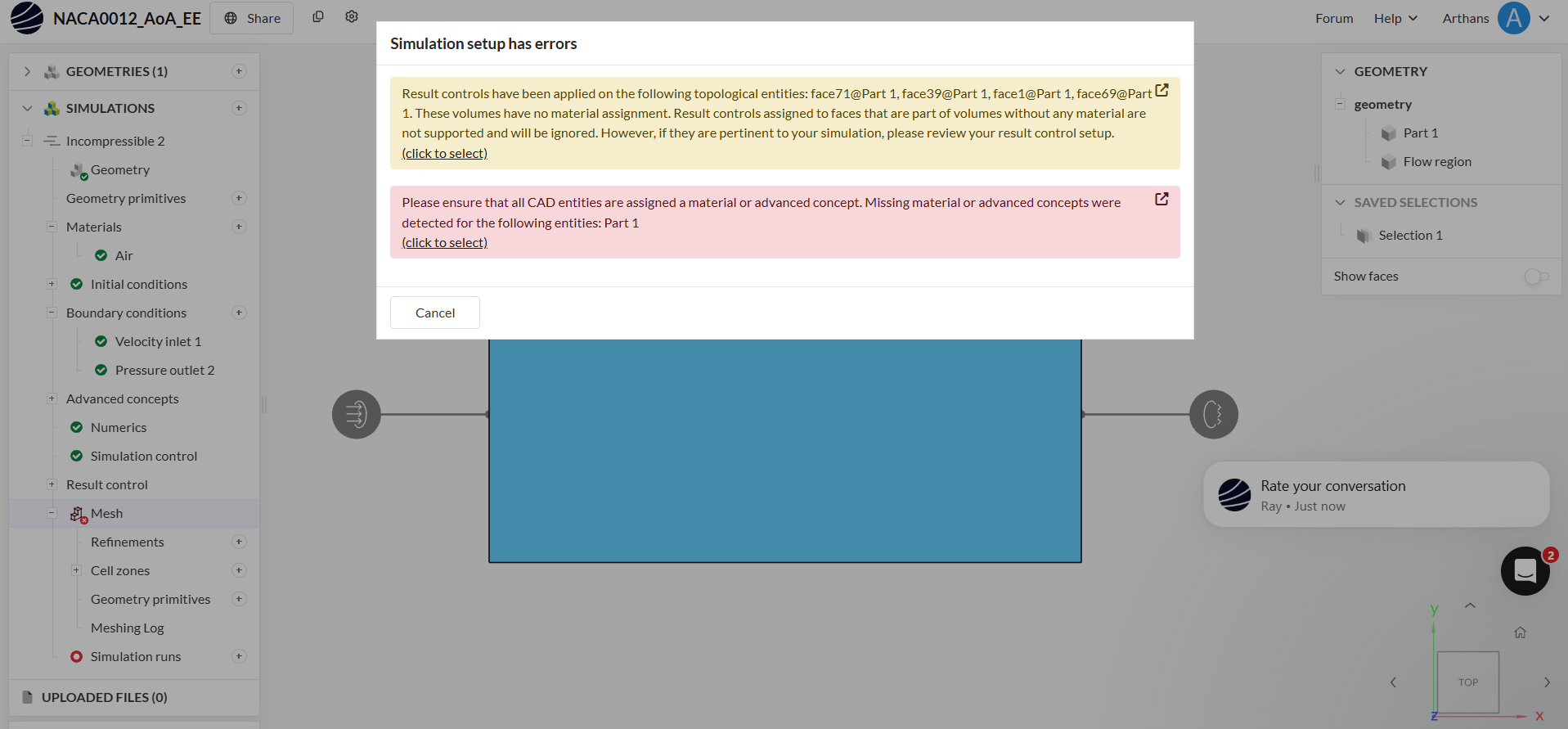
When I try to start the simulation, I get the following error:
“Please ensure that all CAD entities are assigned a material or advanced concept. Missing material or advanced concepts were detected for the following entities: Part 1.”
I previously had a cell zone error, but assigning the Flow region to the cell zone fixed that.
What I’m unsure about:
Since this is an external CFD simulation, I thought Part 1 (the airfoil) should remain a solid obstacle and only the Flow region should receive the Air material.
Should Part 1 also be assigned a material, or is there another step I’m missing?
I’ve attached screenshots of the geometry, material assignment, and the error message.
Any help would be greatly appreciated. Thanks!