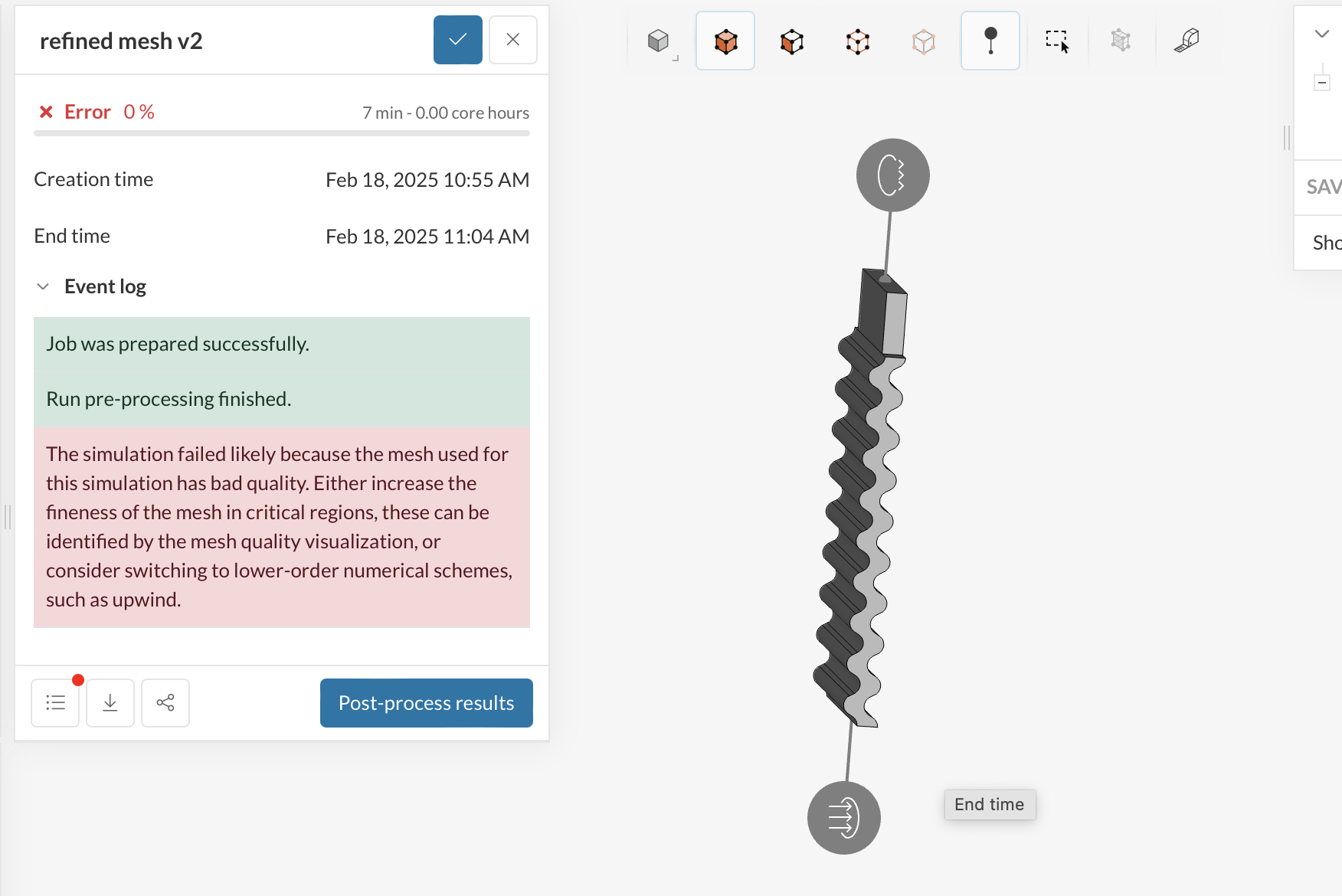
I am new to simscale, and am trying to run a multiphase simulation to see any fluid movement through a channel geometry I have cadded. I have set my phase 0 as air and phase 1 as water (tea) but am having some issues with the mesh I think? or this the error I am getting when I try run the simulation:
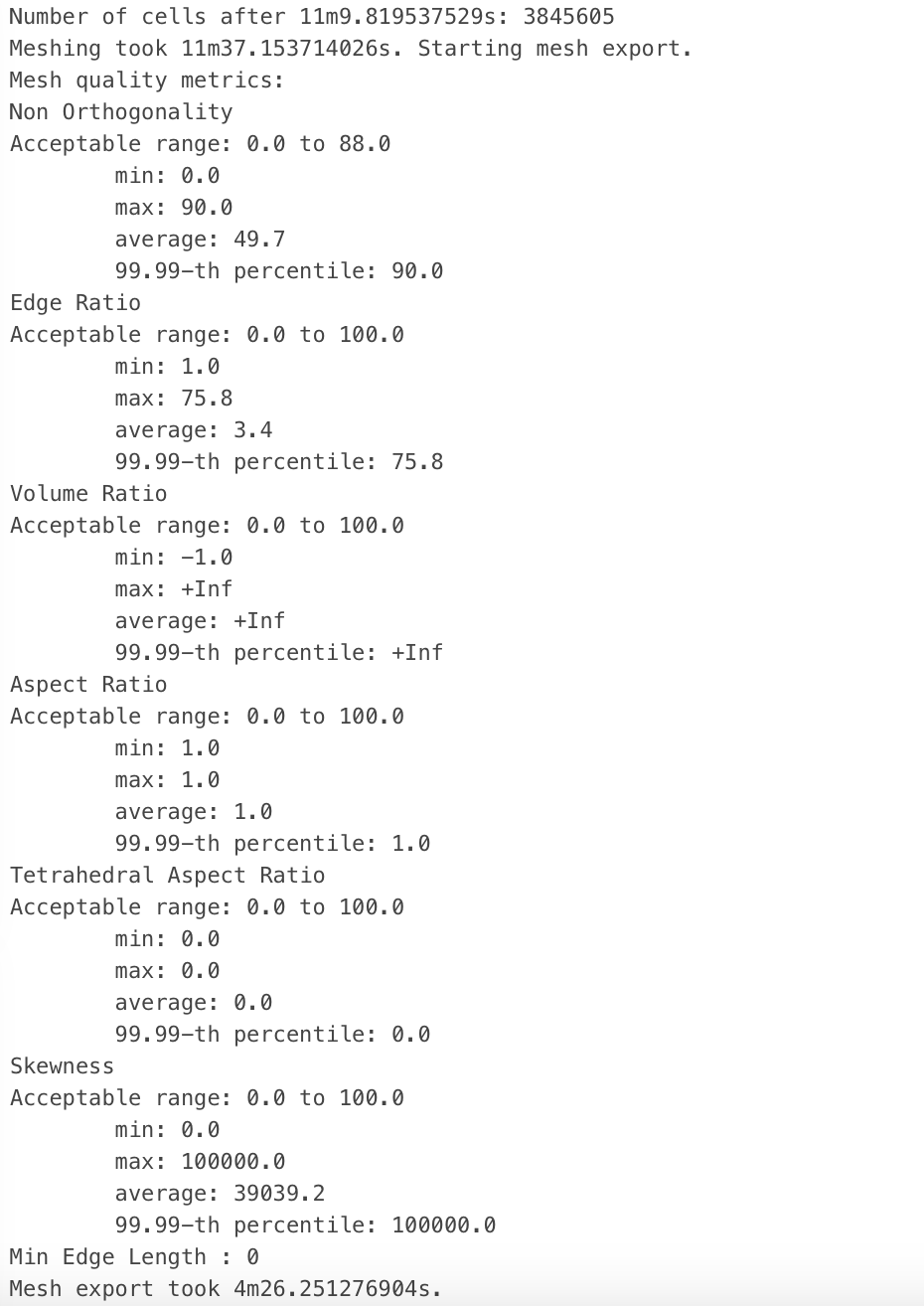
This is my mesh. I tried to increase local mesh fineness along a line which said it orthogonality was over the recommended limit (near 90) but it hasn’t seemed to have improved the metrics recorded in the log so I’m not sure if its working…
For multiphase simulations you will need to be extra careful with CAD clean up and meshing. From looking at the quality metrics that you posted there are some extremely bad cells in the domain right now (e.g. max non orthogonality = 90º; max skewness = 100000, etc.).
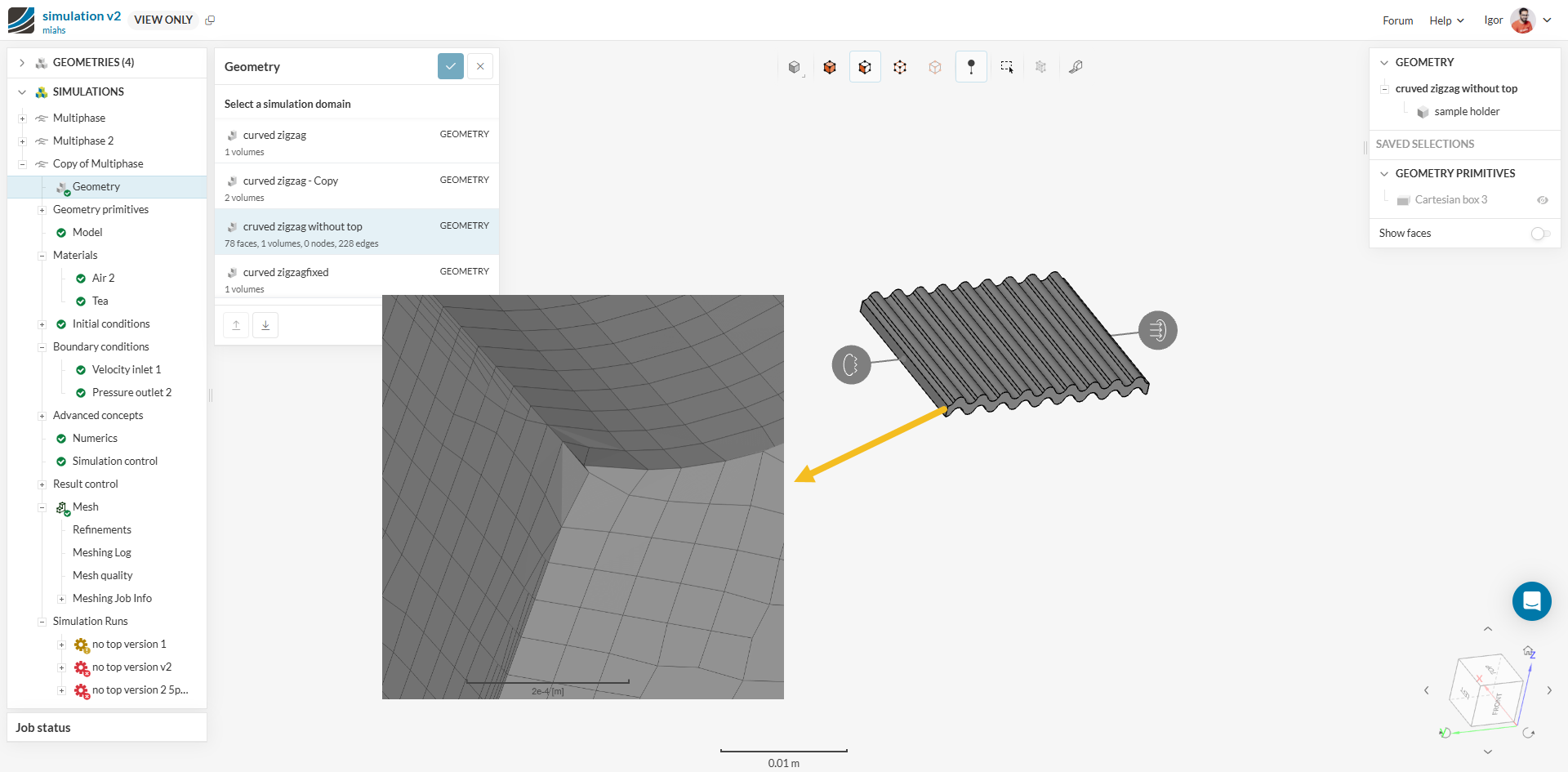
Looking at the CAD image, I’m a bit suspicious of thin walls around here (due to faces not matching well):
Hello! Thanks so much for your reply. I tried to run this without the top rectangular section which I thought may be the issue but the simulation keeps failing saying that it diverges. Would this still be a geometry problem and is there a way I can resolve these issues?
The boundary layes seem to be breaking which will ultimately disallow you to run a transient study as the mesh needs to be uniform all accross for a good convergence.
There are other issues related - these are explained by my colleague Darren in this youtube video: