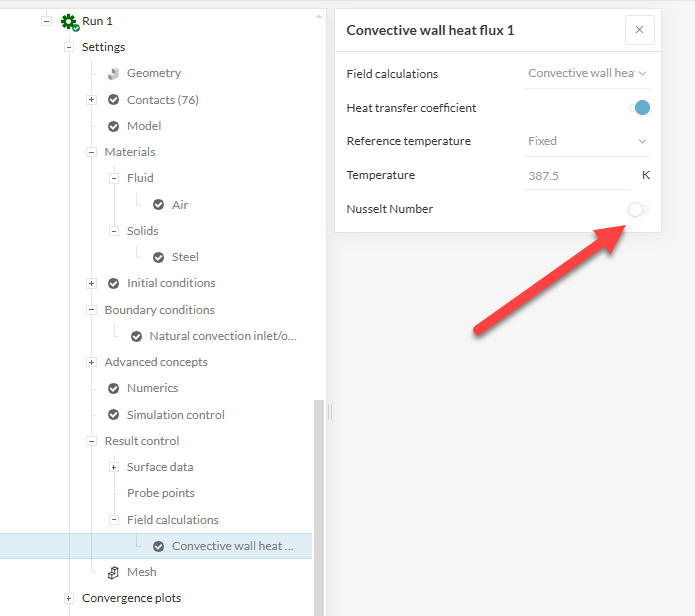
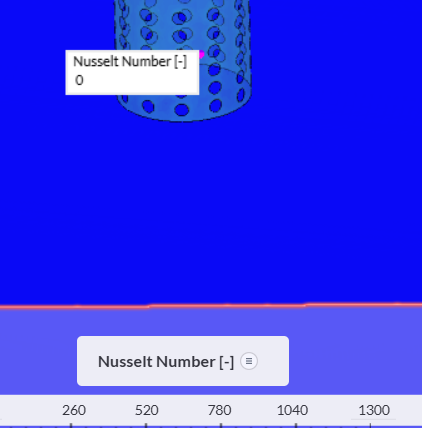
hello everyone, can someone help me why my project cannot display results ‘nusselt numbers’, but i already choose this
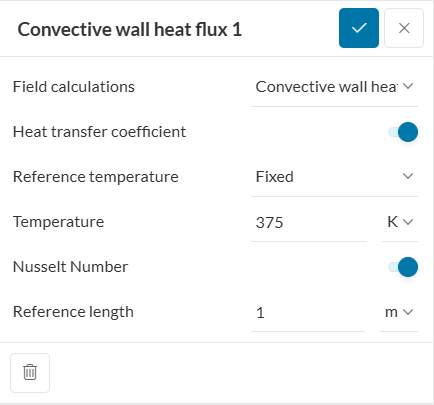
but in solution fields, there’s no nusselt number,
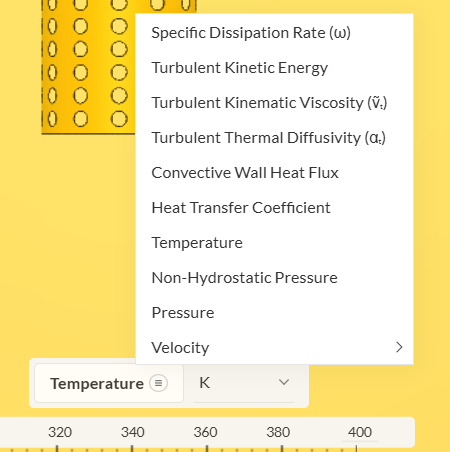
thank you for helping me

Hi @bheatricrjb ,
Thanks for posting on the forum. Going forward please already post the project link in the forum post.
I believe this is the project you are referring to: Project Link
It seems like you changed the Nusselt number toggle after running the simulation. In the settings of Run 1 the toggle is off.
If you start the simulation run after making all changes to settings to see relevant results in solution fields, it should all work just fine. 
Cheers!
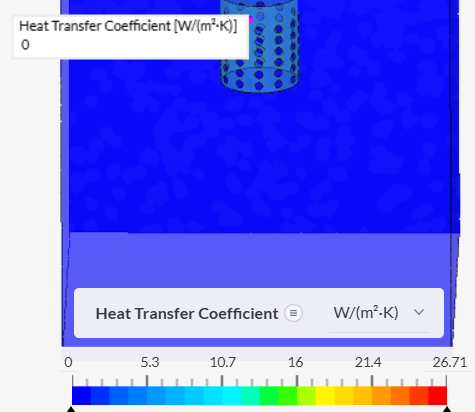
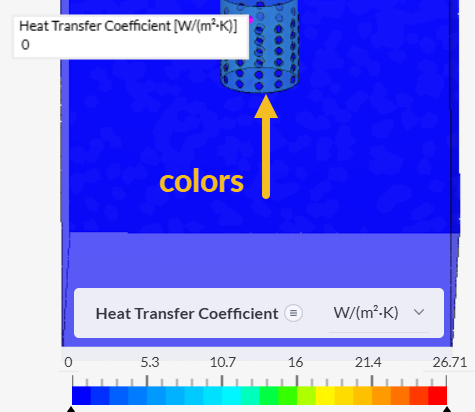
Hi @bheatricrjb I couldn’t find the project you are mentioning here. I would assume you’re getting “0” because you didn’t hide the outer faces of the flow region before applying the “inspect point” - and I can see color differences on the solid part inside.
Just select the outer faces, right click and click on “hide selection”. Then, you’ll be able to point inspect the solid’s faces.
Cheers
hello, for the result of nusselt number, its only can defined by inspect point? can the nusselt number result by average or something like that for the whole part of my geometri?
Hi @bheatricrjb,
You can use the statistics filter in the post processor, then select your entire assembly with the volume selector enabled and the Nusselt number filter visible. You’ll have the average, max and min values for the selected volumes.
Cheers
Igor