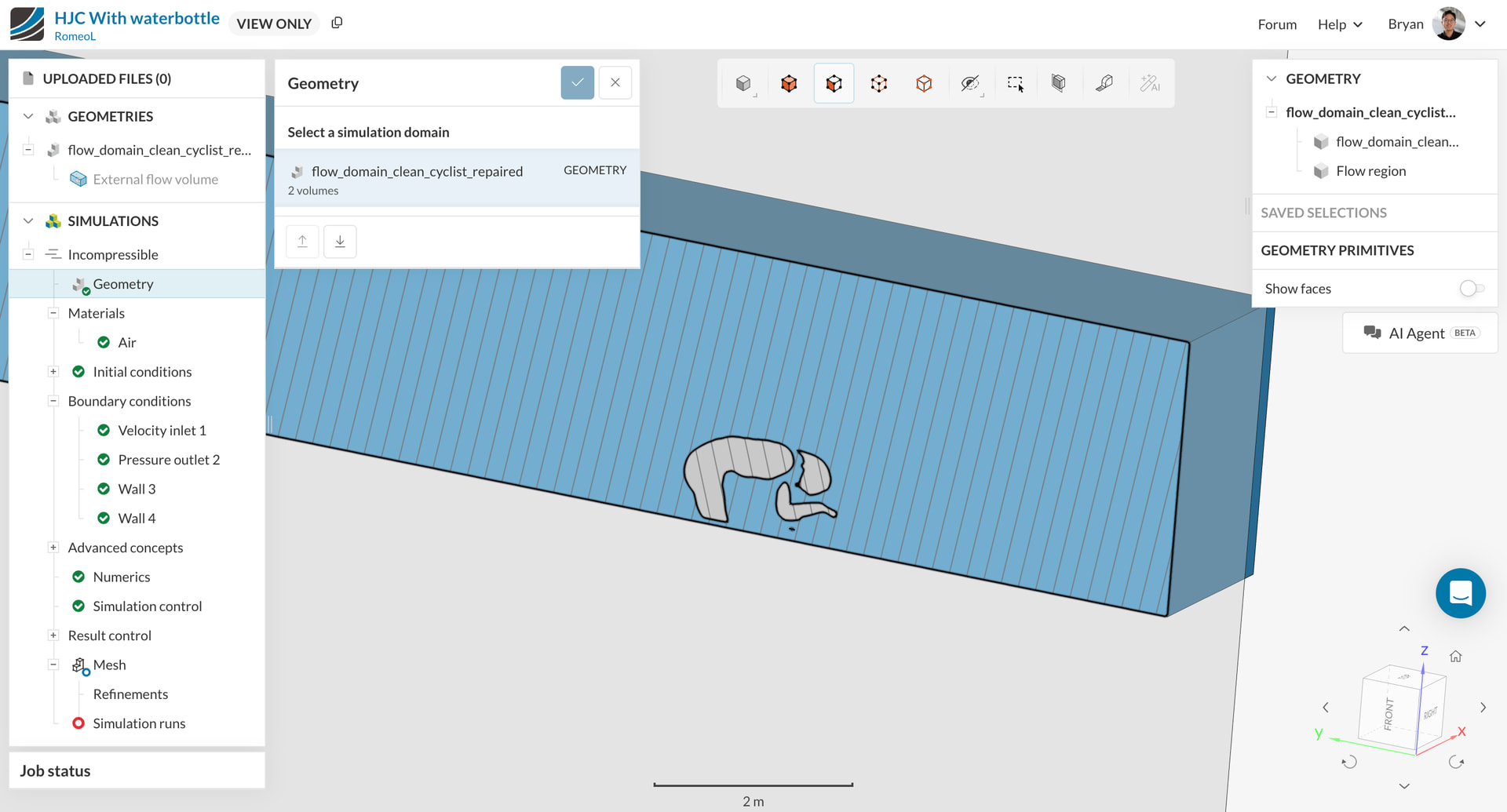
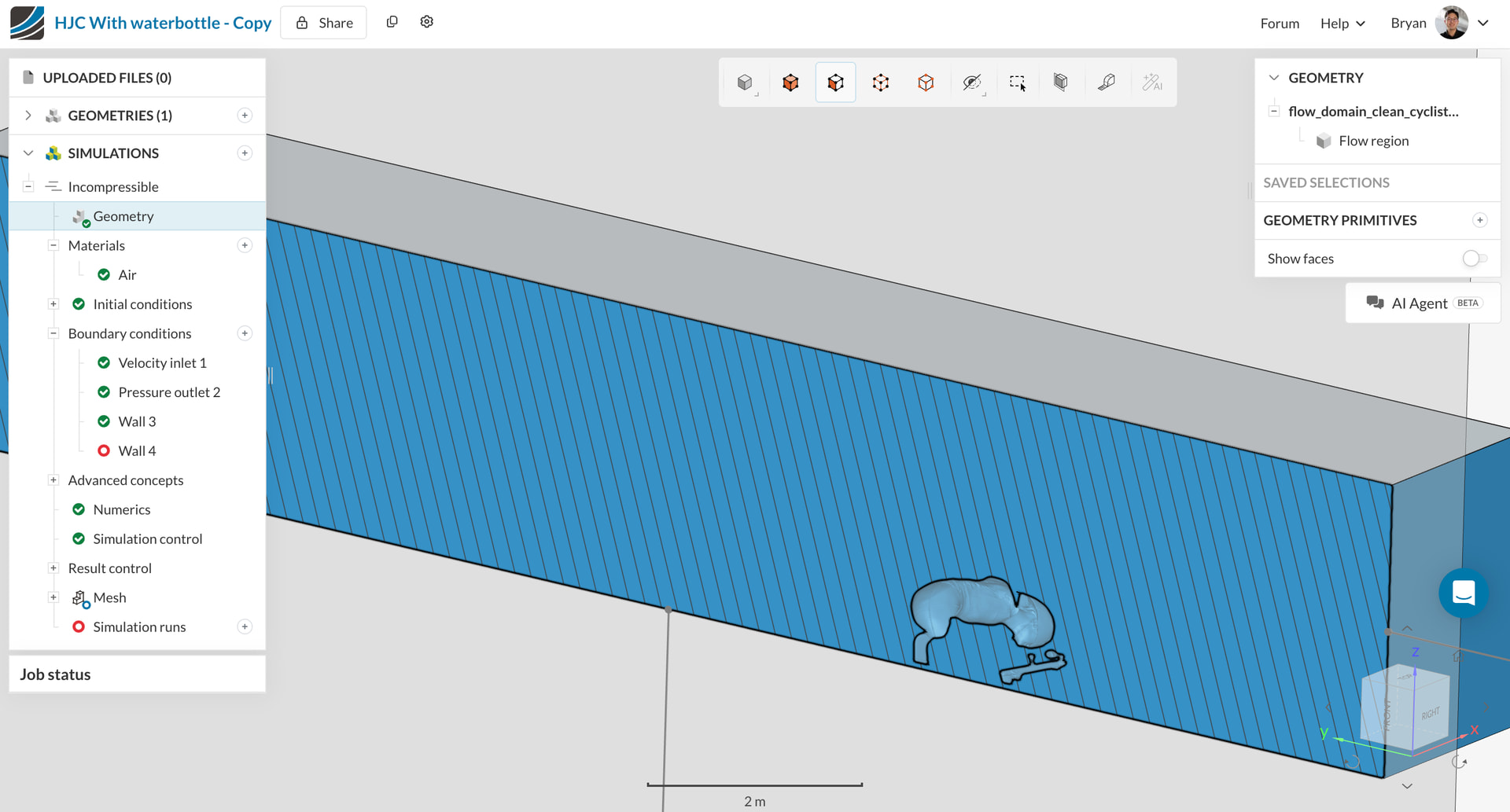
Hi SimScale team, I’m trying to set up an external aerodynamics simulation for a TT cyclist (STL). After uploading and running the External Flow Volume tool with default settings (no excluded parts, no seed face), the resulting geometry shows:
- Number of solid bodies: 2
- Volumes: Flow region + cyclist_only
This creates a deadlock in Materials setup:
- Air assigned only to Flow region → “Wall 4 has body without material”
- Air assigned to both → “Multiple bodies with material assignments detected”
- Adding Darcy-Forchheimer to cyclist_only → “not interfering with material body”
- Excluding cyclist_only in External Flow Volume tool → “all bodies excluded”
What’s the correct way to configure this for an Incompressible single-region simulation? Should the cyclist_only body be merged into Flow region somehow? Here’s the project link: HJC With waterbottle
My goal is to create a simple drag coefficient comparison for TT cyclist with/without bottle on their back