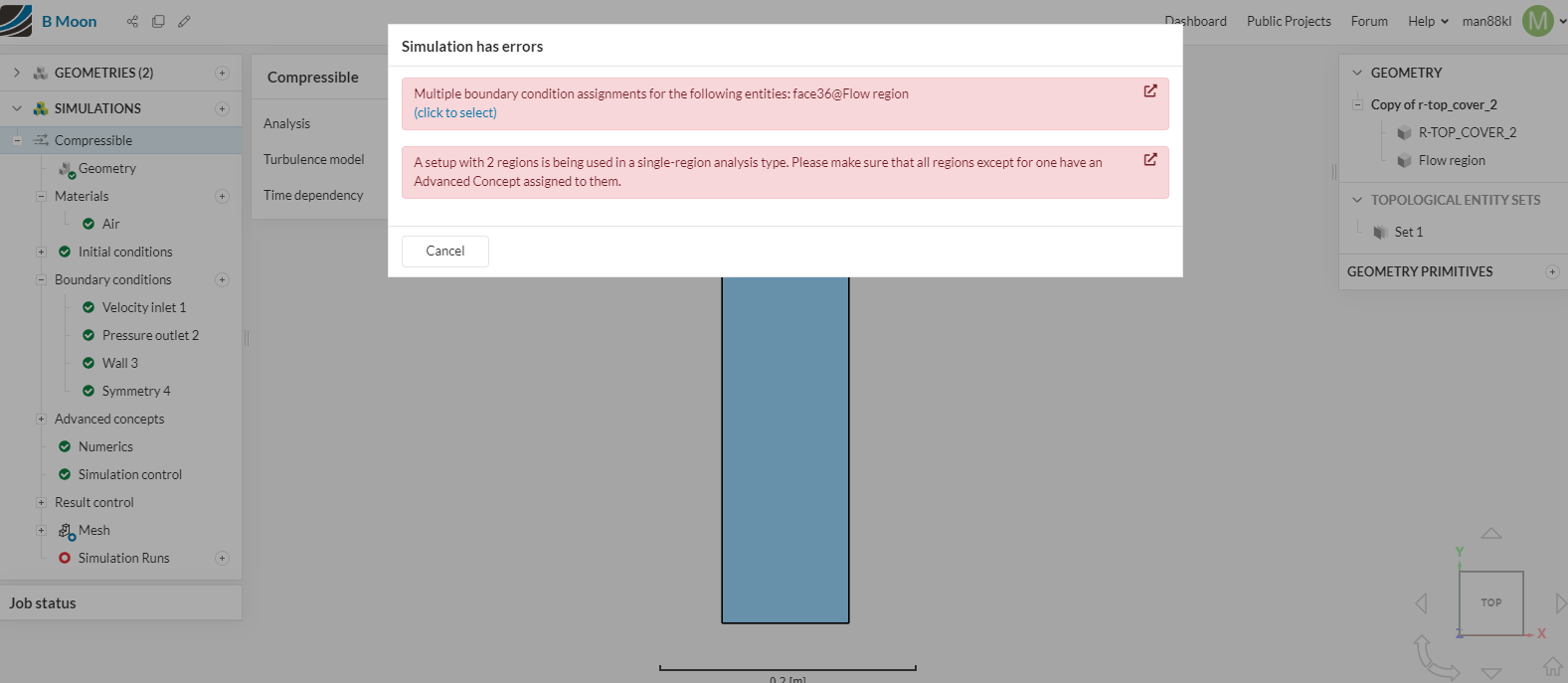
It have error in below link project. Please acces it to solve the issue for me. Thanks.
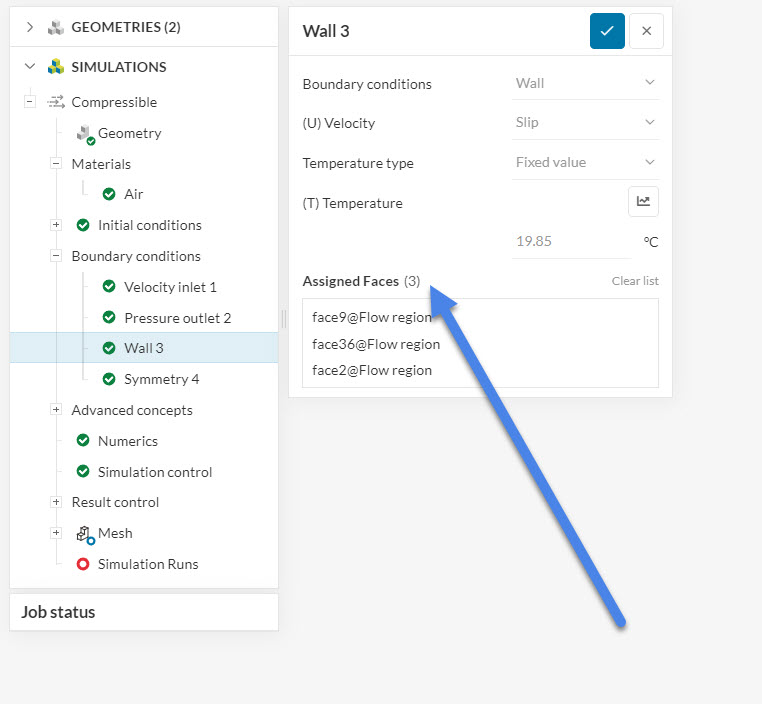
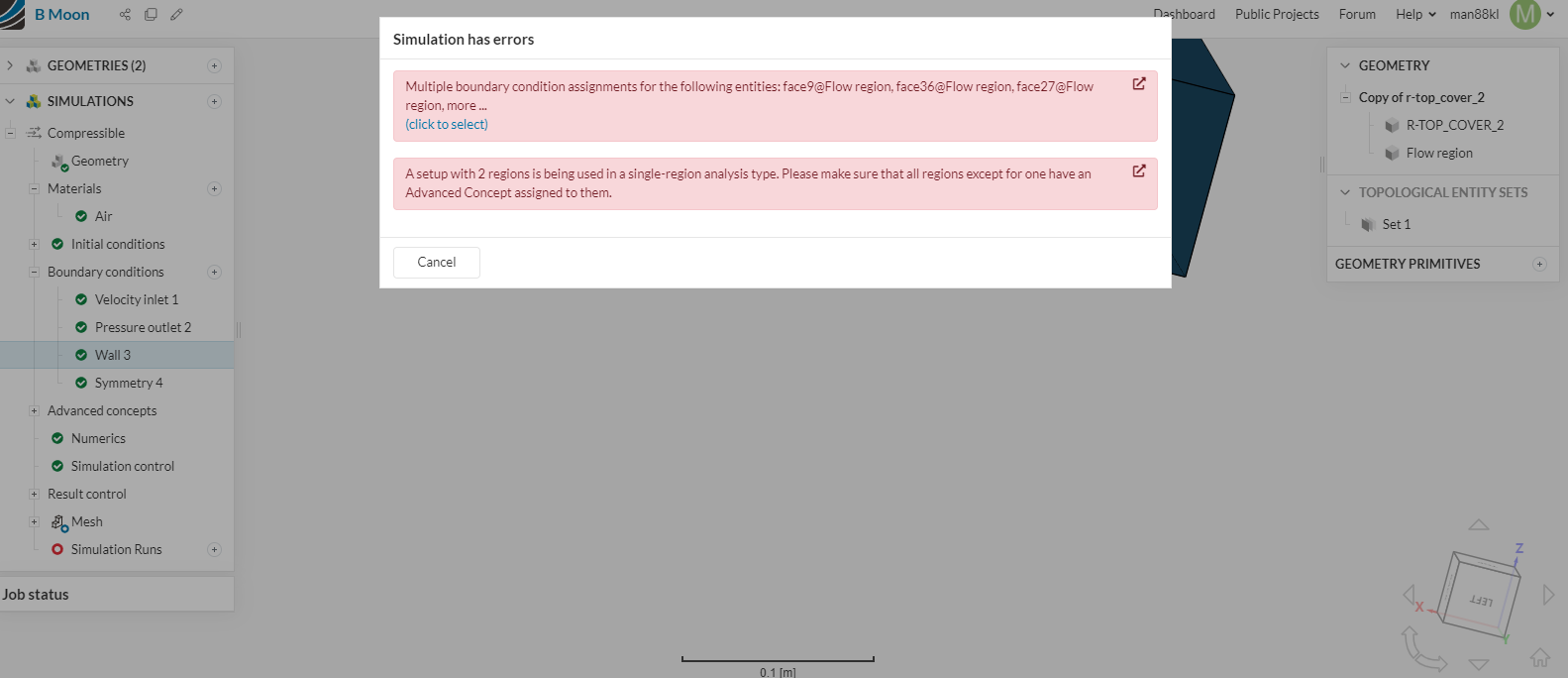
Hi there, each face can get only one boundary condition. As the message indicates some of them have more than one. If you click on the (click to select) option that is highlighted in blue, you can check these specific faces, and fix your boundary conditions accordingly.
Here, you have set both slip wall and symmetry bc for some of the faces.
Also, you will need to delete all solid parts after the flow volume is extracted. You can do this using the CAD mode: CAD Mode | CAD Preparation & Upload | SimScale
Best regards,
Fillia
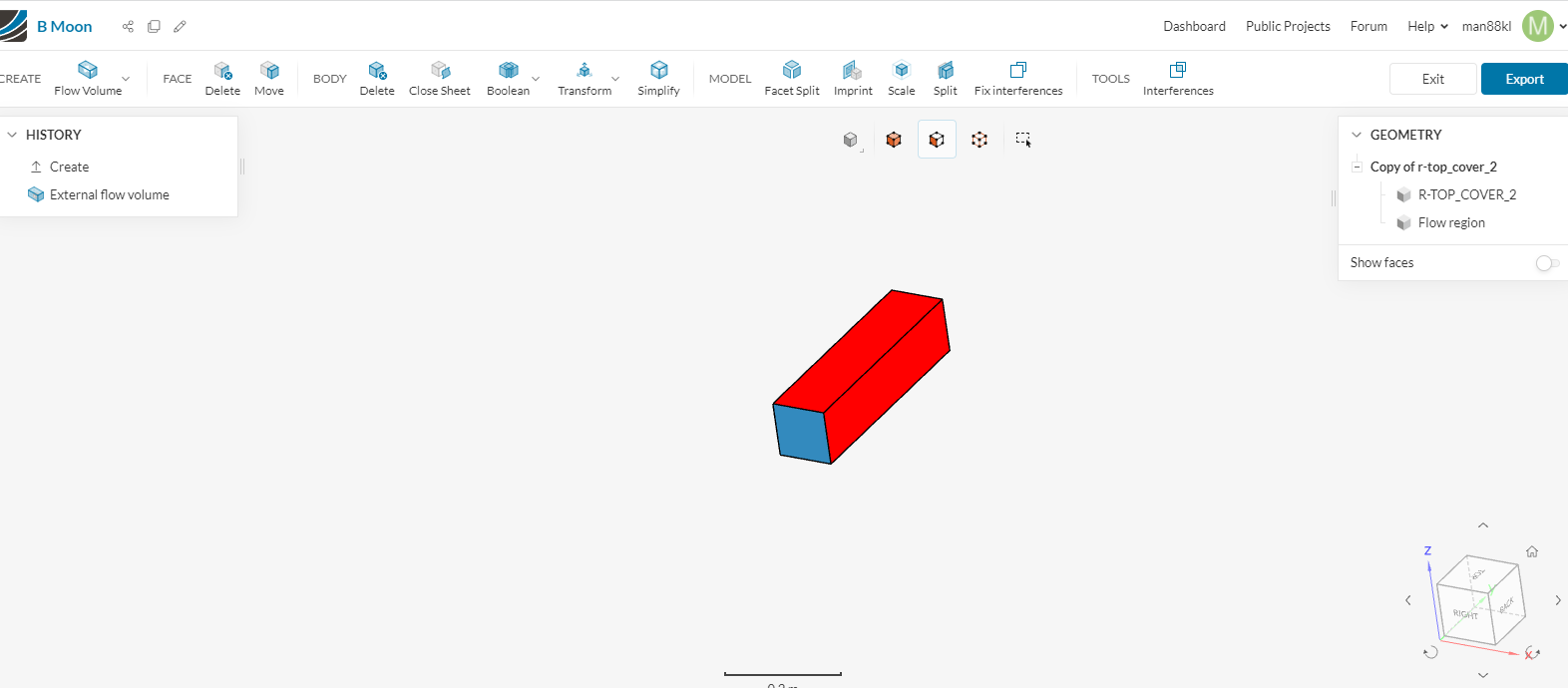

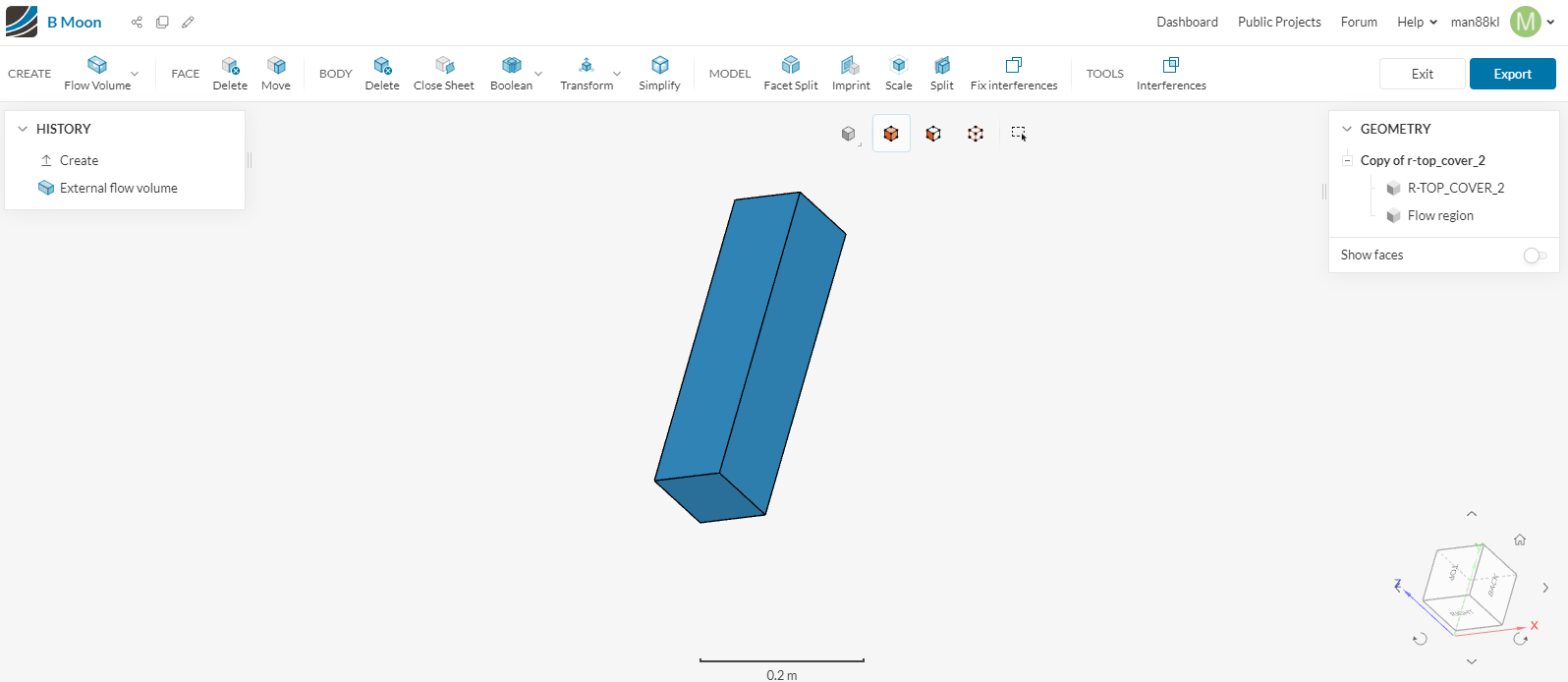
Please help to solve above, or access to my project link to update for me. Project link shown as folowing. Thanks.
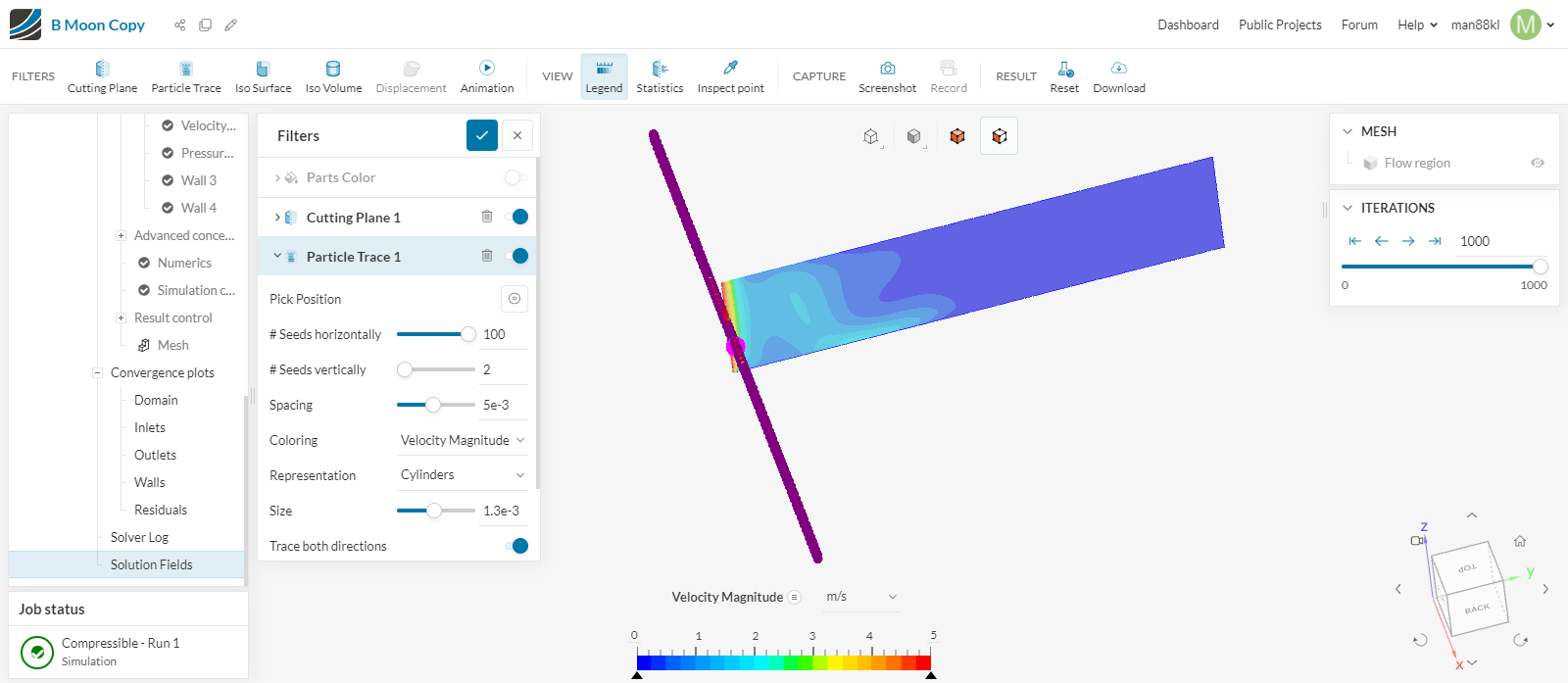
Hi, you have used the wrong direction for the velocity inlet. It should be Uy according to the coordinate system, not Ux.
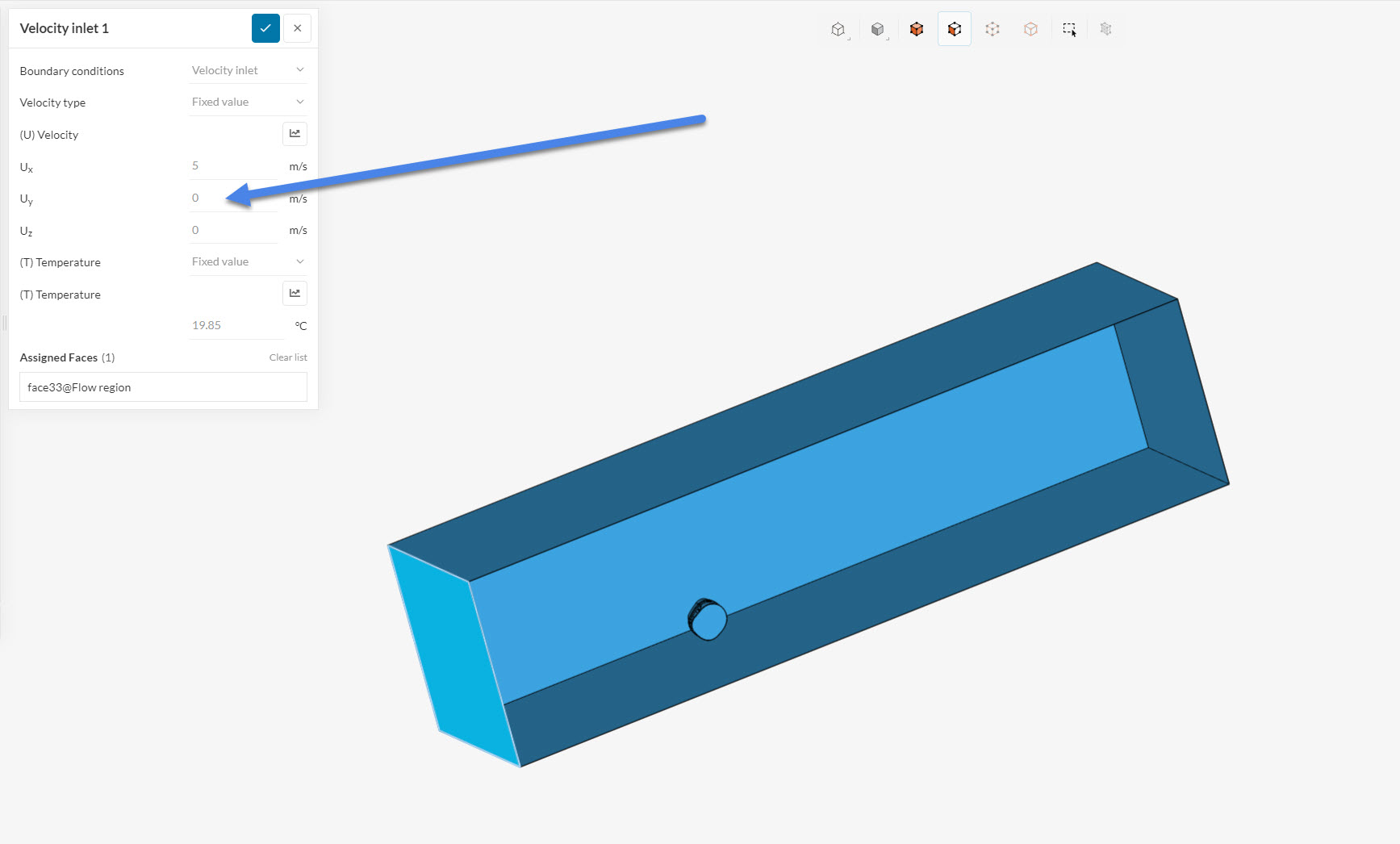
This is why the streamlines do not show. You will have to rerun the simulation with the correct boundary conditions.
Best regards,
Fillia