Hello,
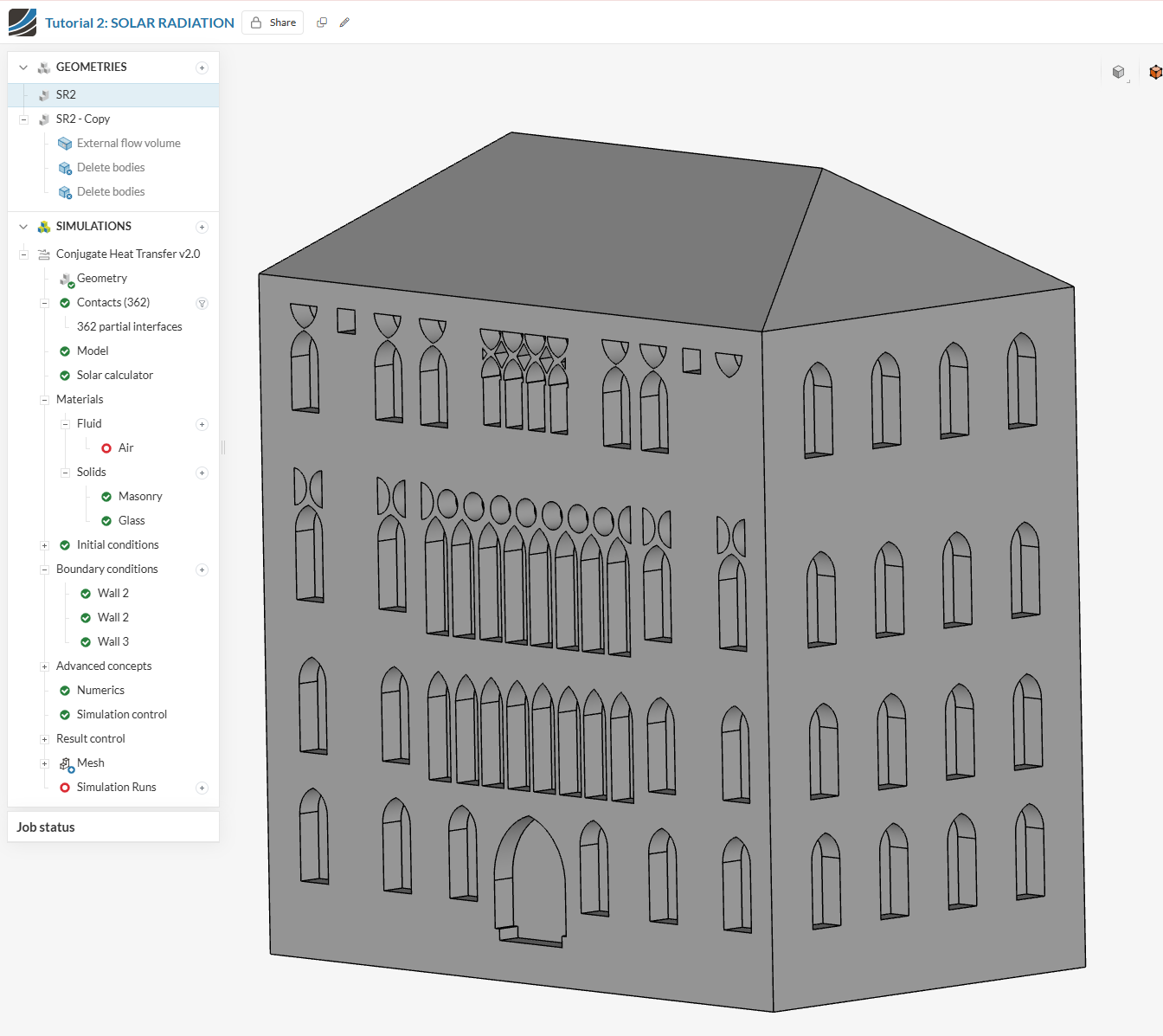
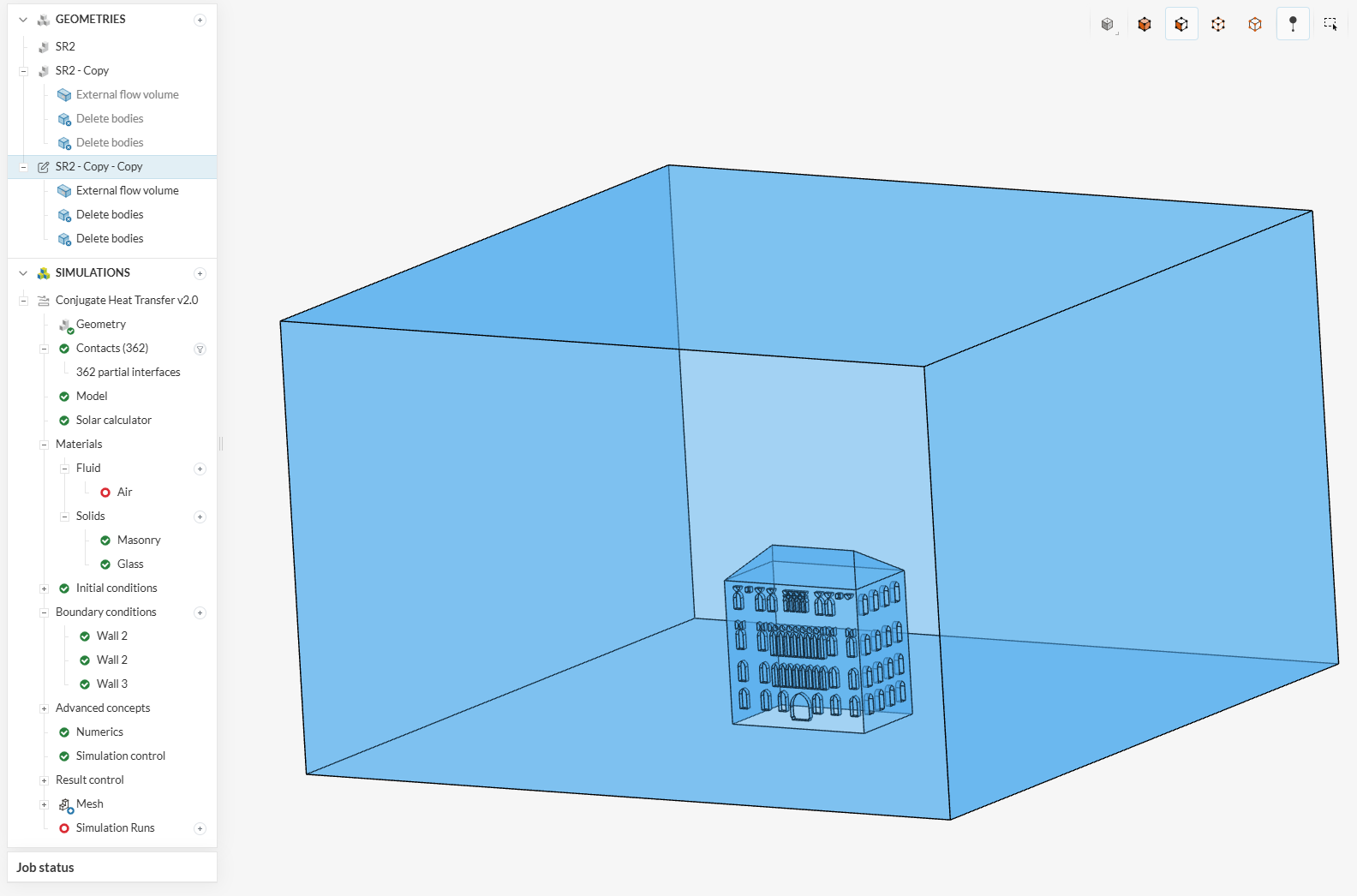
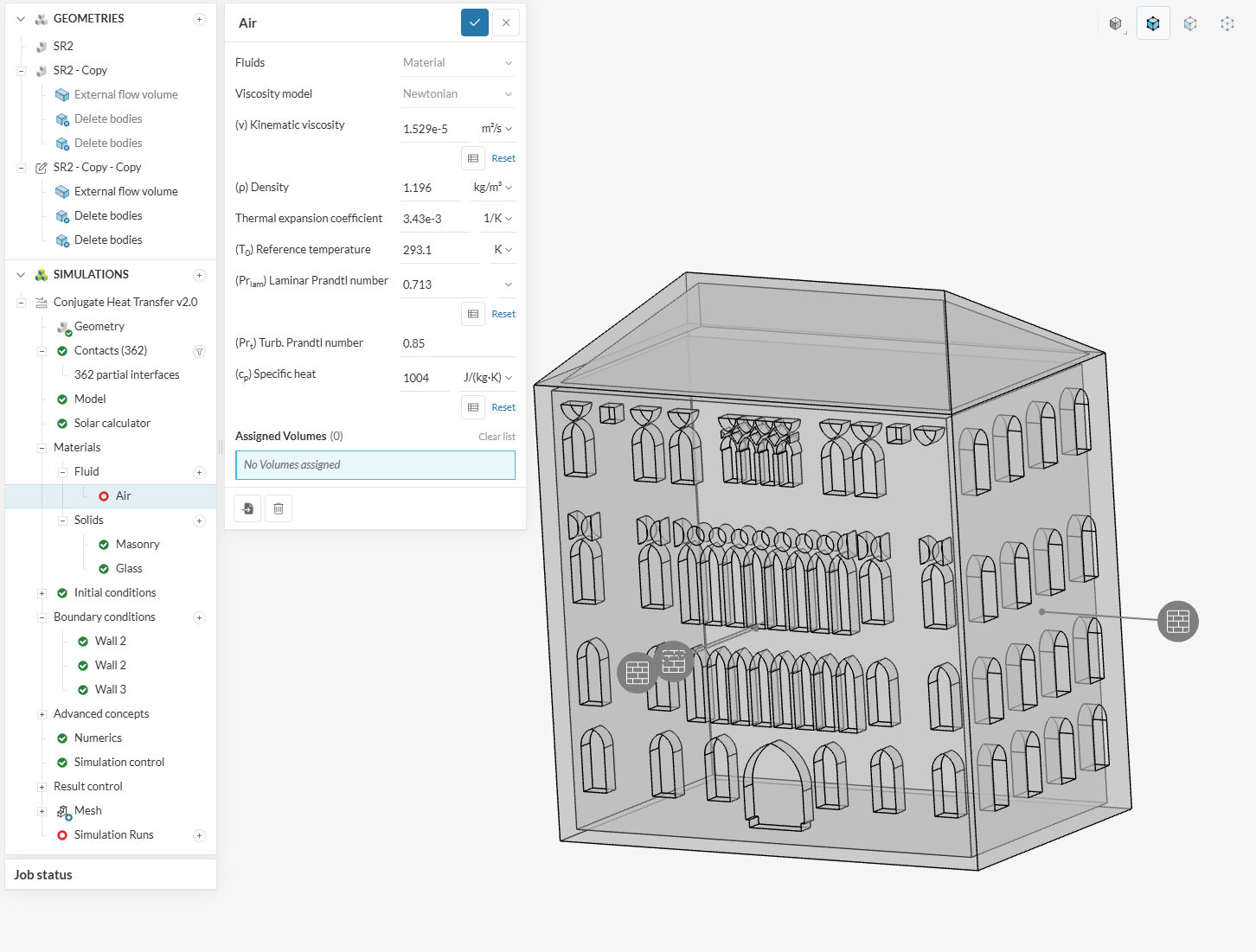
I want to run a Conjugate heat transfer analysis on a building to assess the impacts of solar radiation on the facade of the building. I imported the 3D model from CAD in .iges format. The building has many openings with glass material. I set up the analysis and created an external flow volume. When I remove the solid part from the external flow volume I can see the hollow part of the solid inside it but when I want to assign the Air material to the external flow volume it will be disappear and I cant assigne material to it but again the solid, which I had already deleted will be apprear. I need your support to solve this issue. Thank you.
Hello,
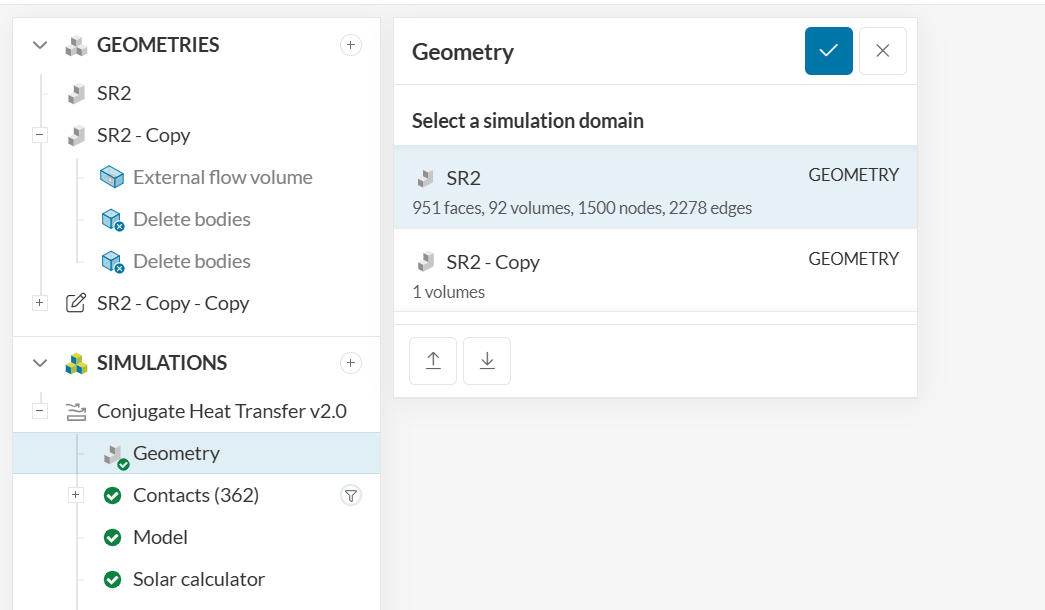
The simulation tree is currently associated with the geometry that does not have a flow region (“SR2”) instead of being associated with the geometry that has a flow region (“SR2 - Copy”).
You would need to switch the geometry in the Geometry tab.
Cheers
Hello,
Thank you for your answer.
I switched the geometry to "SR2 - Copy " and I could assign the material to the external flow volume, but the materials and walls under the boundary condition are missing. The simulation was completed, but the results show the temperature in the hollow part of the building. I need to see the impacts of the solar radiation and temperature on the north and east walls (walls with openings). How can I have these results?
.
Thank you.
Thanks for the update - any tips for our user, @power_users ?
Hey @arezubeigi ,
Now your model only has the flow region and not the original CAD to which you previously assigned the material. In CHT analyses, (in contrast to an incompressible simulation for example), if you want to take into consideration the conduction and other effects through the original geometry, you need to retain those parts after you create the flow region.
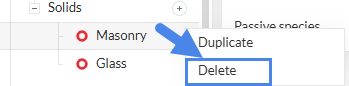
Your flow region would have the fluid material assigned and the original parts their actual material. This would then complete the material setup. If you only want the flow region analysis, then you can delete the material that you don’t require any longer:
In general, the following tutorials should be really helpful for your use case:
- Conjugate Heat Transfer in U-Tube Heat Exchanger | SimScale
- Thermal Management Tutorial: Electronics Box Cooling | SimScale
Hope that helps!
Best,
Satvik 