
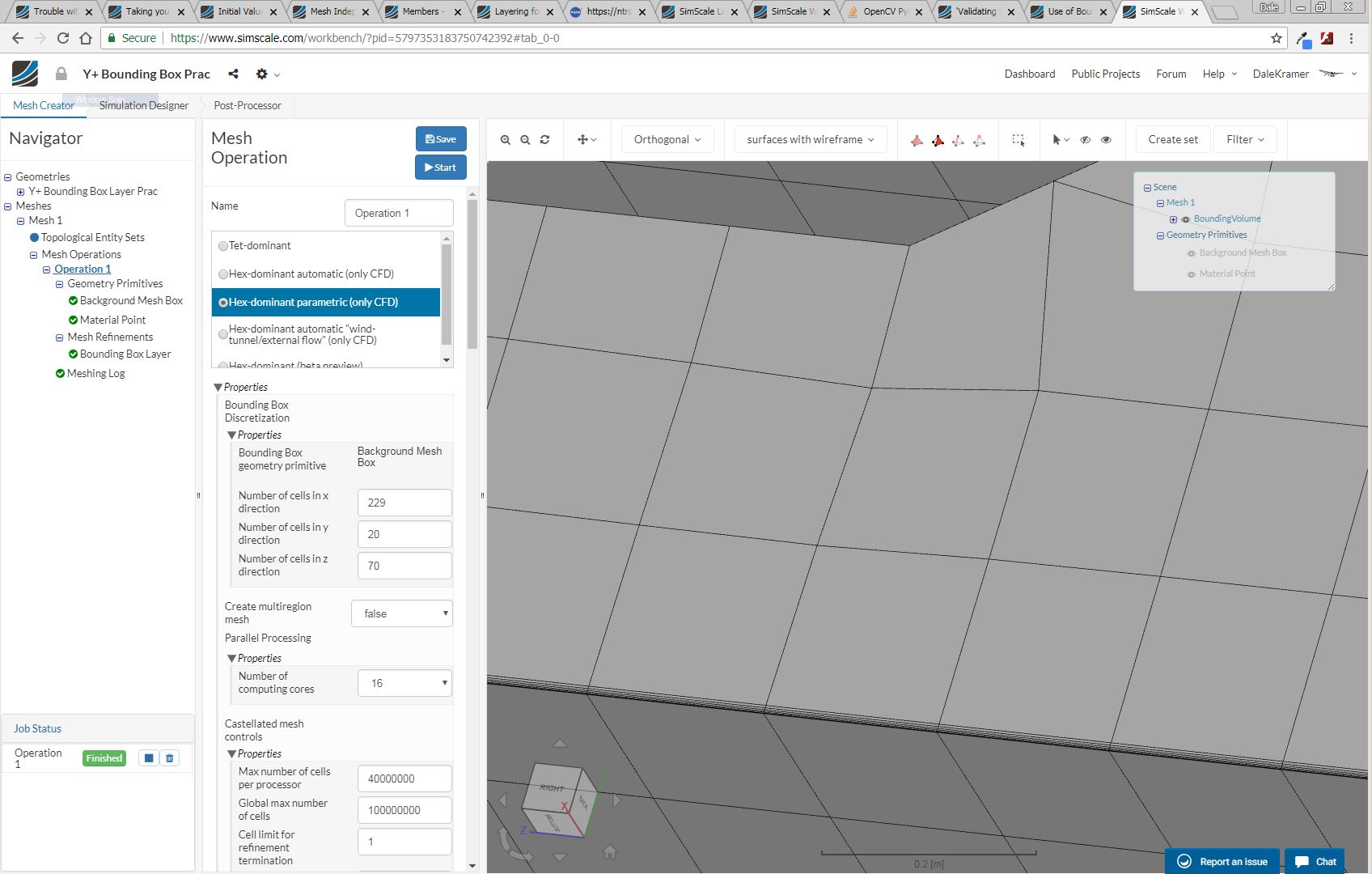
I am not totally sure about what results you expect but I copied your project and made some layers for you.
Here is my copy with layers. I will leave that for a few days and then erase the project.
First, I assume you want an external mesh if you are layering the Bounding Box.
With that assumption I did this:
- Made your Background Mesh Box ~1 m larger than your geometry all around. This is not a realistic way to size wall spacing away from the geometry!!! That is a whole other topic which I have not got a good handle on yet, but for this simple layering test it will do.
- Changed your Number of cells in x,y,z directions to maintain approximately square cells on the Background Mesh Box
- Moved your Material Point to a location outside of your Geometry.
But then the layers on the ‘Bottom’ face of the Background Mesh Box still refused to appear.
So, I used some methods of this technique to ‘force’ them to appear.
I iterated that process and found progressively that 3 parameters needed to be relaxed until I got 100% layering.
First, ‘Min normalized cell determinant’ from 0.001 to 0.0001.
Then, ‘Min Face weight’ from 0.02 to 0.002.
Then, ‘Min volume ratio between neighbouring cells’ from 0.01 to 0.001.
BUT, even though the thin layers appeared, I do not think you should use them that way.
You should at least change your Background Mesh Box grid size so that you can put ‘Min volume ratio between neighbouring cells’ back to 0.01.
Then you need to determine what affect the other 2 parameter changes would have on the accuracy of any simulations you do with the mesh. If the affect would be unacceptable, then you should figure out ways to retain the layering while putting those values back to their default values. For advice on this step, you need someone with more knowledge than I to step in here 
Here is a clip at x=10 of the layers:
Also, I am not sure if 30m is the correct reference length for your layer creation, perhaps someone else can help on that…
Dale