Hello SimScale community,
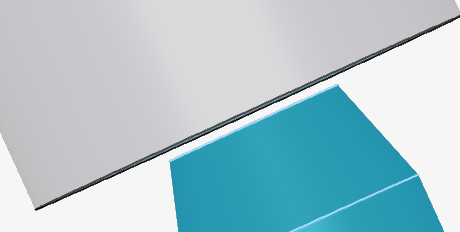
I am currently trying to simulate a Shore 45A indentation test of a silicone block using the nonlinear mechanics solver (Marc). Test setup Durometer: Shore durometer - Wikipedia
Goal is to penetrate the indenter by 1.4mm and then measure the reaction force.
Setup so far (one example):
-
Material: Mooney-Rivlin hyperelastic (Shore 45A estimated parameters: C10 ≈ 1.6e6 Pa, C01 = 1.6e5, K ≈ 5e7 Pa, ρ = 1120 kg/m³).
-
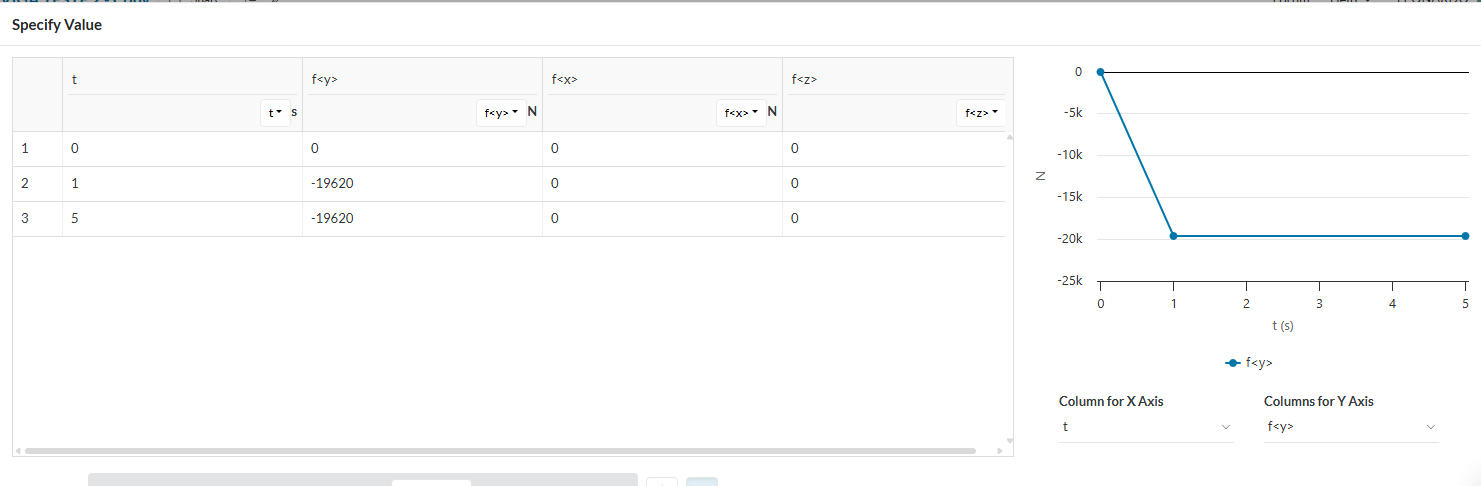
Indenter: rigid punch, displacement-controlled z: -1.4 * t mm (but it usually aborts after 0.5-1mm)
-
Contact: frictionless, automatic penalty.
-
Mesh: 2nd, locally refined under the indenter.
-
Simulation control: End time = 1 s, Initial = 1e-4 s, Max = 1e-3 s, Min = 1e-9 s.
-
Boundary conditions: block bottom fixed in Z, sides free. Block size ~2× indentation depth, ~1.5× contact radius. (I chose a very reduced version to be able to have a finer mesh)
Problem:
The simulation repeatedly fails with
“Automatic time stepping led to a timestep below the minimum threshold”.
I have already tried:
-
Decreasing max timestep,
-
Using smoother displacement ramps,
-
Mesh refinement under the indenter and the soft silicone surface
-
Frictionless contact only.
Questions:
-
Are there recommended time-stepping settings for hyperelastic indentation in SimScale?
-
Does my block size (2× depth, 1.5× radius) cause artificial confinement effects?
-
Is there a way to make the run more stable without exploding computation time (e.g. mesh strategy, solver settings)?
-
Has anyone successfully simulated Shore A hardness tests (or similar rubber indentation) in SimScale and could share best practices?
Link: SimScale Login
Any hints or example projects would be greatly appreciated!
Thanks in advance,
Peter