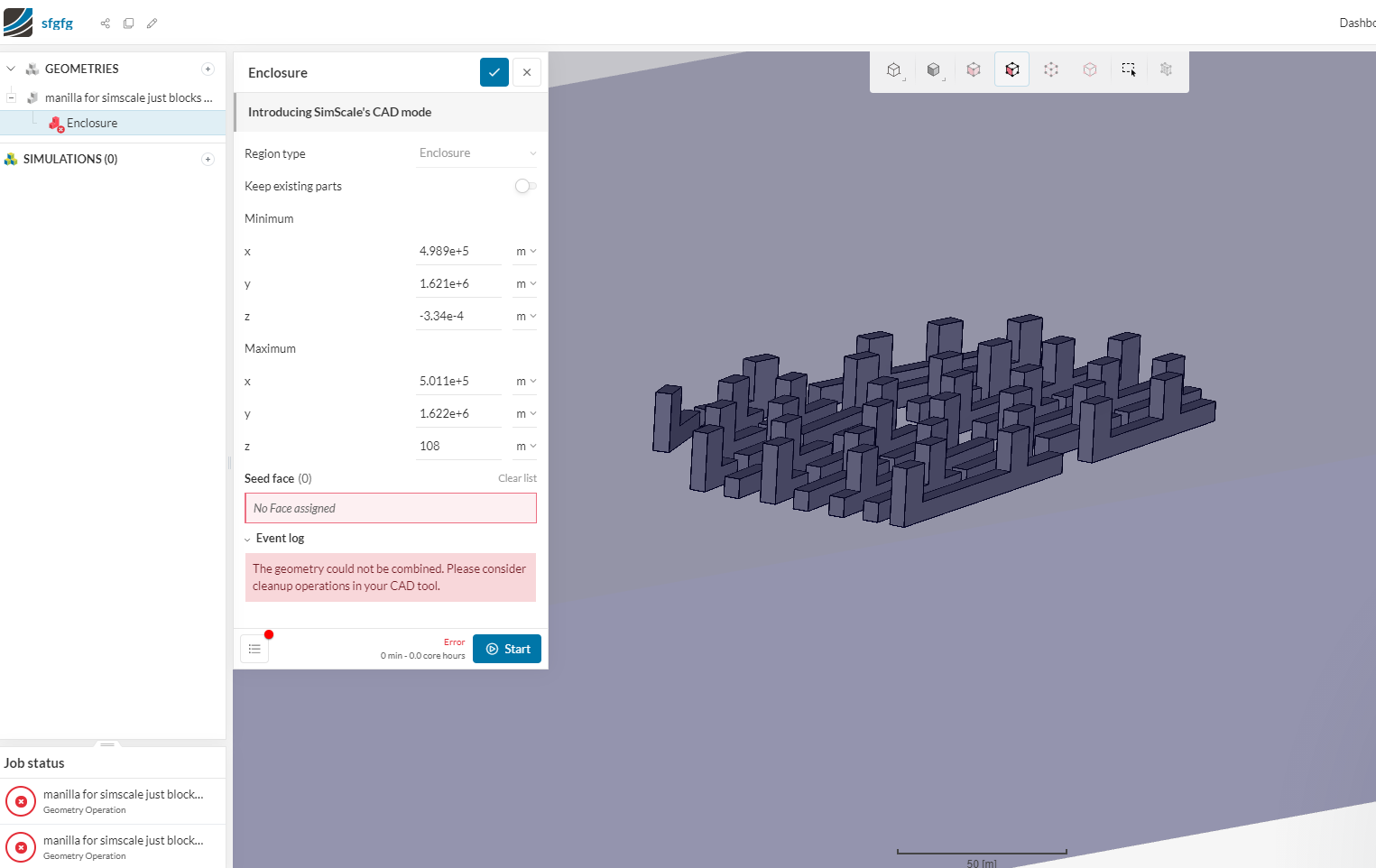
Hi, I am very new to this program and I am trying to make a simulation for a school project. I have a problem creating an Enclosure for my model. At first I got a message that there was a problem with one of my surfaces (however this was just a very simple extrusion that had no obvious problems). I decided to split it up into two pieces and try again. Now however, I get a messages saying. “the geometry could not be combined. please consider cleanup operations in your CAD tool”
I am currently using rhino 6
I do not see any problems with my model. What am I doing wrong?
My goal is to create a simple wind simulation for a certain neighborhood design.
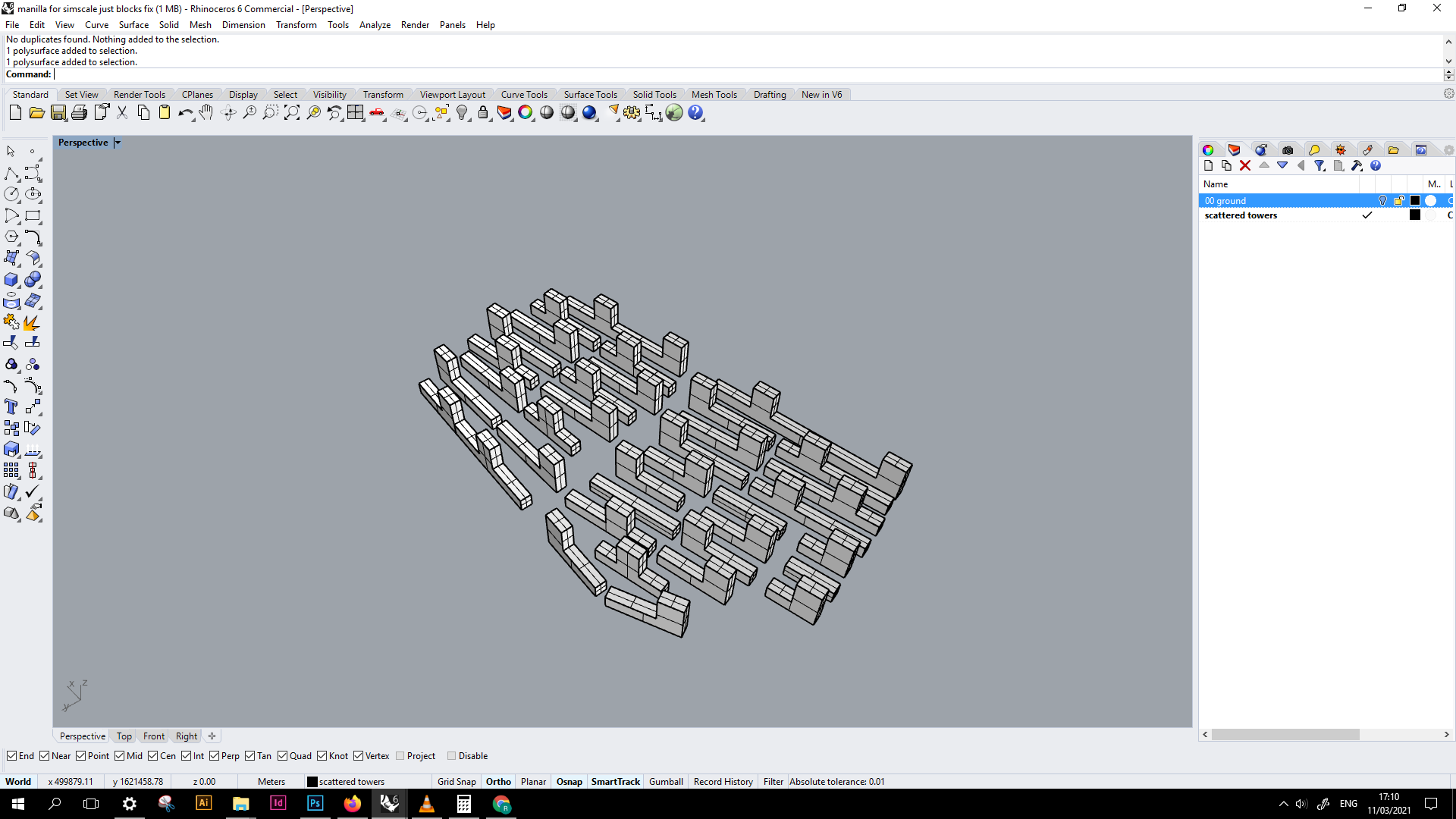
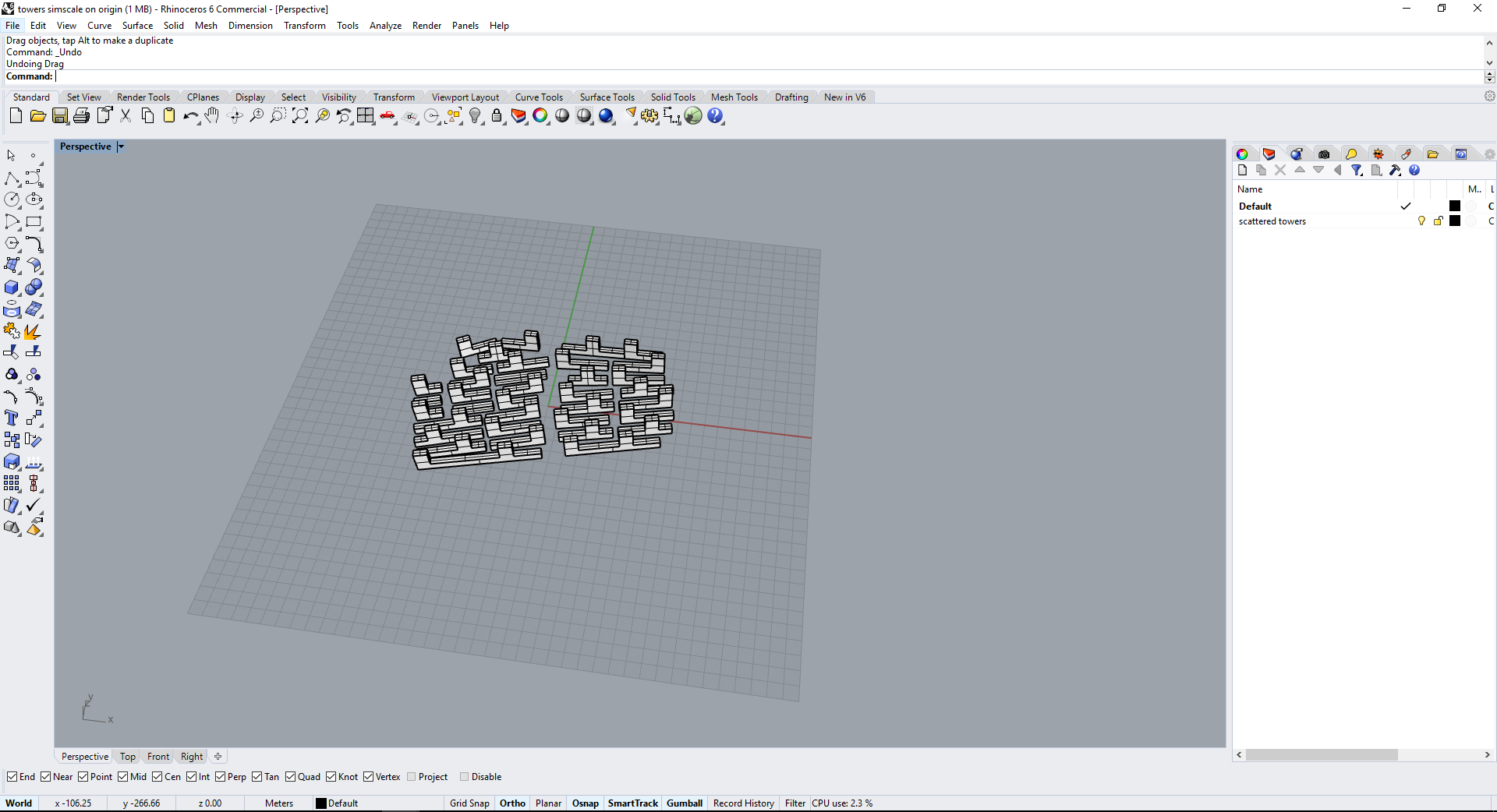
This is how my objects look like. At first they were extrusions but I exploded and joined them to get polysurfaces.