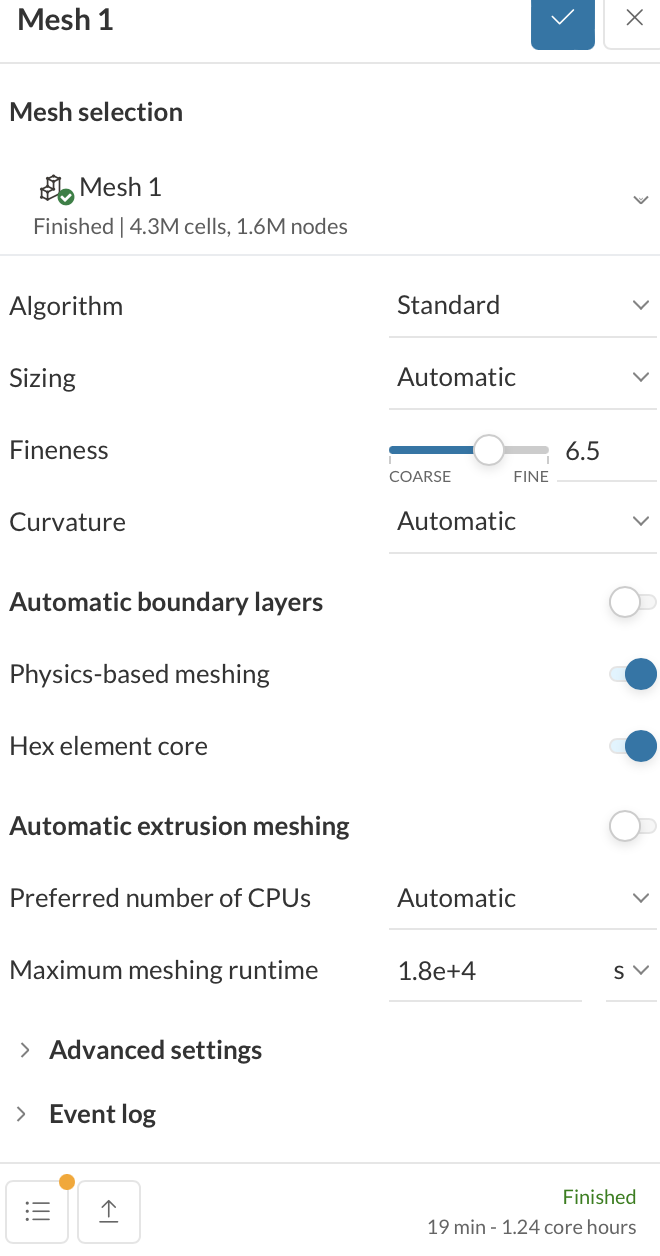
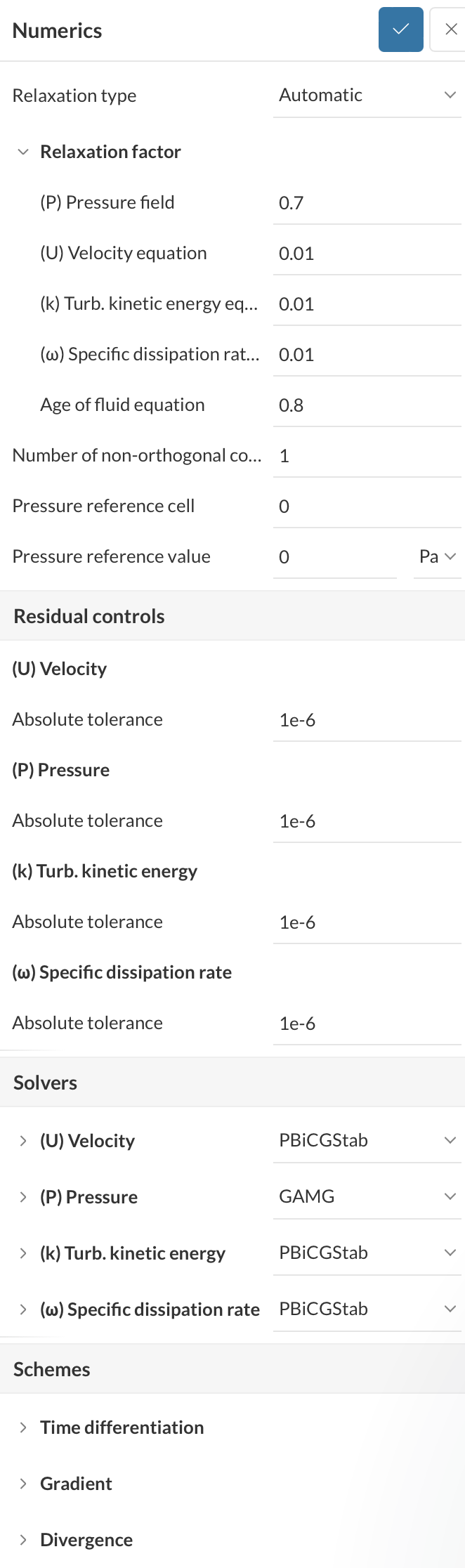
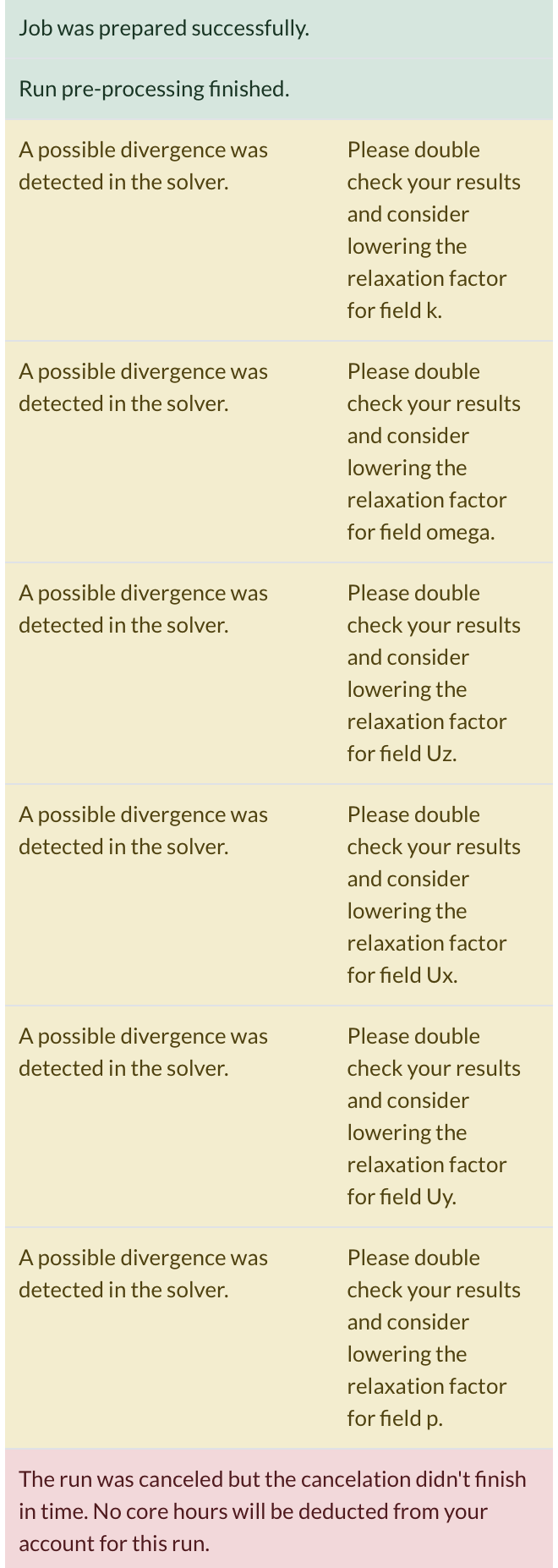
We’re trying to make an incompressible simulation for our F1 in Schools car and have successfully done so with multiple cars. For some reason the same settings are not working on this car. I’ve attached a screenshot of the solver log, mesh settings and numerics. Ideally there would be a fix that wouldn’t impact our coefficients because we’ve done quite a few runs with these settings now.
We’re trying to make an incompressible simulation for our F1 in Schools car and have successfully done so with multiple cars. For some reason the same settings are not working on this car. I’ve attached a screenshot of the solver log, mesh settings and numerics. Ideally there would be a fix that wouldn’t impact our coefficients because we’ve done quite a few runs with these settings now.
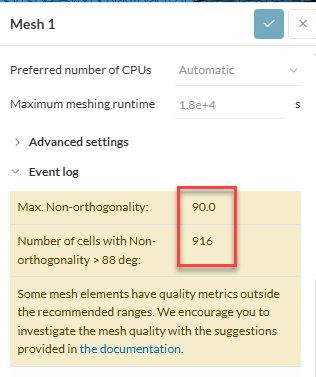
A setup that worked for one model will most likely not work for a different model, especially the mesh settings are very likely to be unfit. From the screenshots, I believe an important part could have been overseen and this is the mesh quality. The warning under the mesh tab is as follows:
Even with identical settings, a new CAD model can produce a mesh with a few poor-quality cells. These can easily lead to divergence, and that’s what’s happening.
Pay close attention to areas with small details or sharp angles on the new car model. You may need to add some local refinements to capture the geometry better.