I have been trying to correct mesh ee2.0 in MediWing, 0 aoa, full scale(final), and I have tried region refinements and surface refinements and still cannot manage to correct this high-value isovolume part by the back of my winglet.
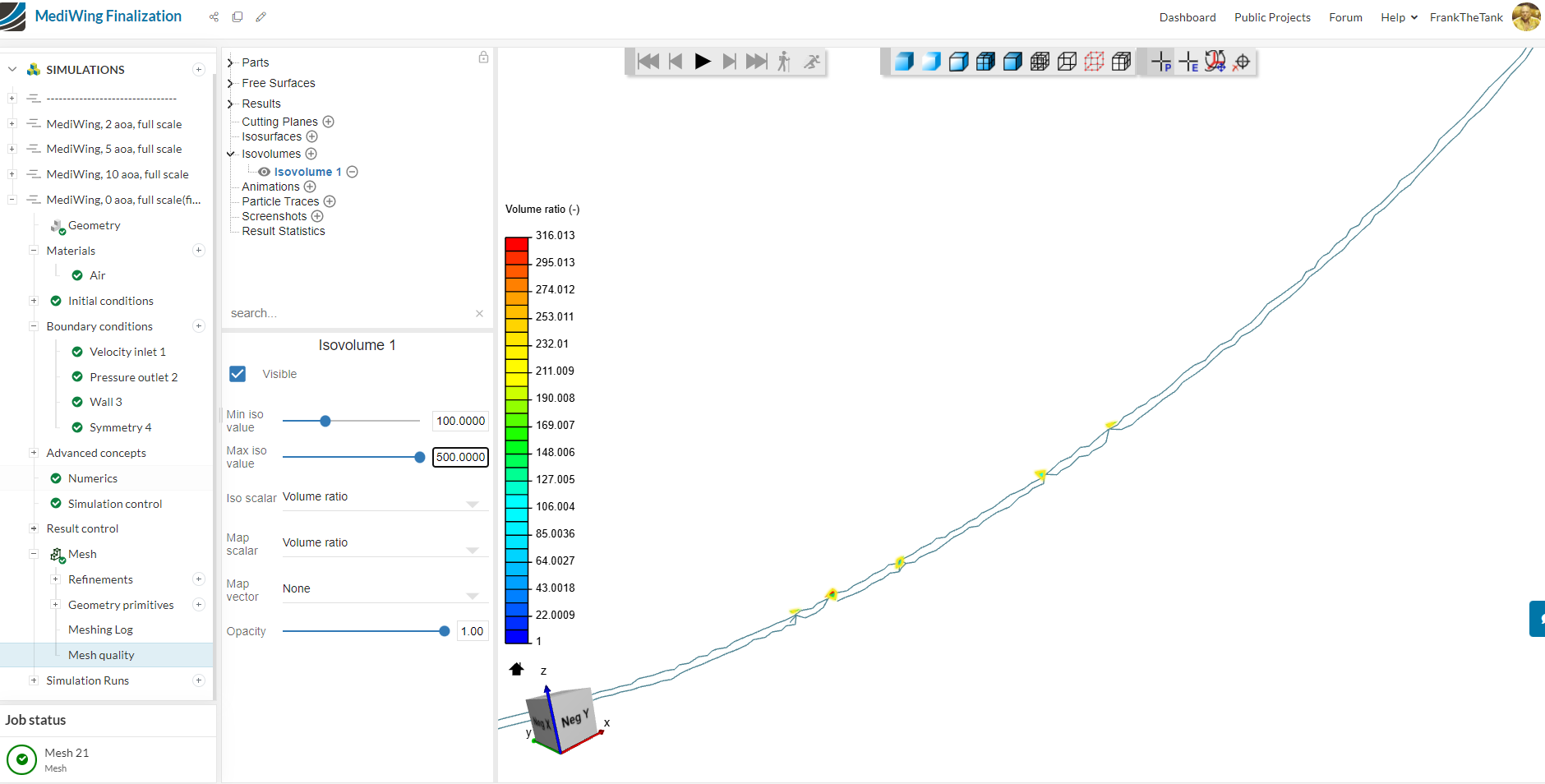
As you can see its just those parts of the mesh that’s causing all the trouble,
I was wondering if you could please help me fix this issue?
Thank you for your help,
Frank Lucci