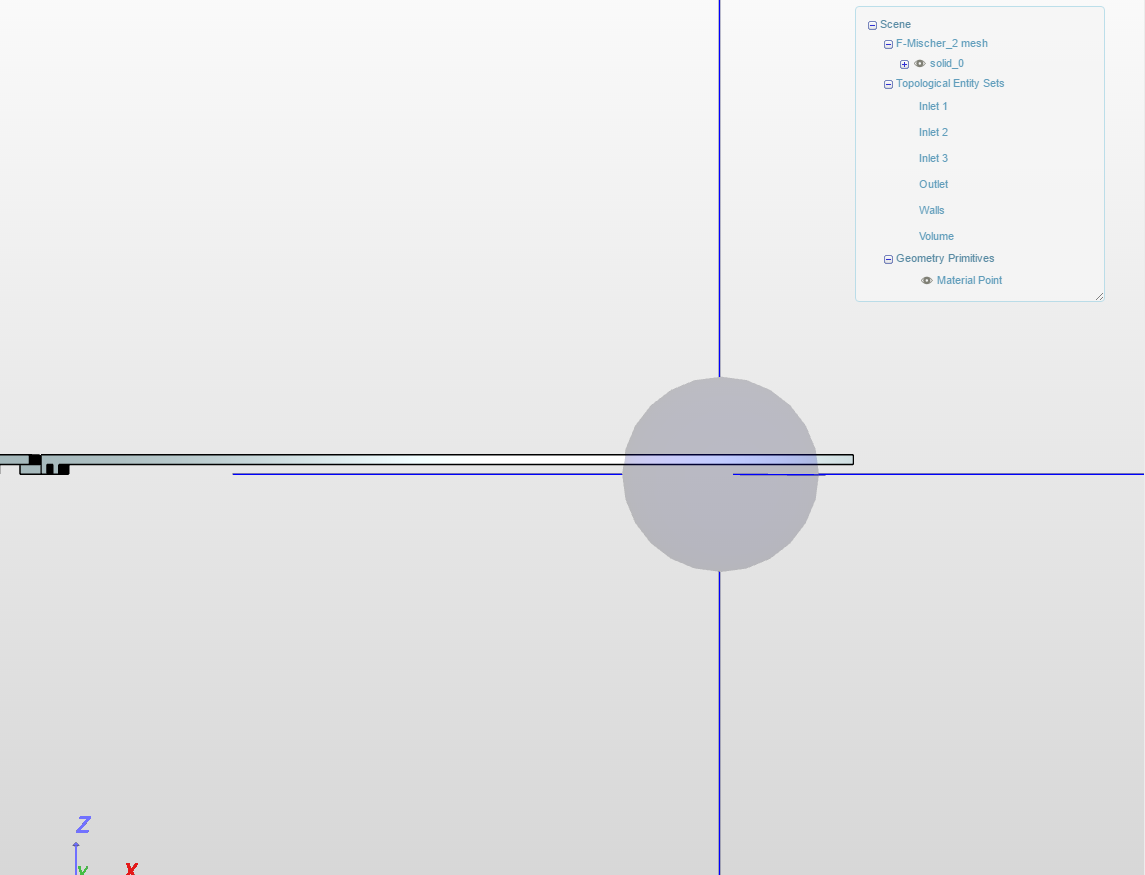
I’m trying to model mikrofluidic channels and I encountered a mesh problem. For some reason the mesh is also outside the channel. Maybe the desing it is not “water-proof” for some reason, but I can’t find the problem.
Can anyone help?
For an easy channel design the meshing with the same properties worked fine.
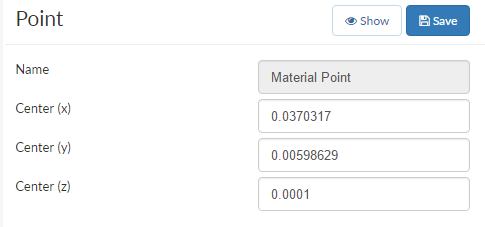
Hi @rwilcken. Try a parametric mesh instead of an automatic one, this way you can ensure that the ‘material point’ is within the geometry. The parametric mesh is a bit more involved, check the tutorials to get started.
With the material point, it now puts the mesh on the inside where it belongs. But only for a part of the structure, depending on where I put the point. I couldn’t figure out how to expand the area. I just managed to crash the mesh generation for a few times.
Any ideas would be greatly appreciated.
Most important, if anyone could have a short look on the CAD drawing itself? Not that there is a problem, because I’m really not an expert in this and AutoCAD Free Trial is running out
Hi @rwilcken, Firstly, as long as this is the desired shape I don’t think I see anything wrong with it. It is water tight. I think you simply need to increase the number of cells in each direction, consider tripling it to start. I would expect this to give better results and increase the cell count or refine locally to improve it.
Finally, I use OnShape, you may have heard of it but it is very powerful and also free to individual non-professional users ideal if you just need to put a geometry together for SimScale.
Let me know if this helped or you need any more help,
Darren
I had a second look at this. With the small geometry, visualizing the material point in the viewer becomes quite difficult.
As you can see, in the Z + direction the line denoting the plane of the material point does not fall inside the geometry (this is not supposed to happen and I will report it to our engineering team)
I added a regional refinement and surface refinement. And also noticed in the solver log that many of the volumes were < 1e-13, thus I updated the min cell volume (see Operation settings) to 1e-30. See this post.
It is good to know, that the CAD geometry is ok. I just tried AutoCAD for the first time. OnShape also looks pretty good though. AuntoCAD is 175€ a month or somthing like this. It’s pure isanity.
Increasing the number of points worked out, too. I think I tired it yesterday and crashed the mesh generator. It’s a little confusing that it worked out know. But hey, it worked.
Thanks to Anna for going through this. A lot of really helpful new tricks.