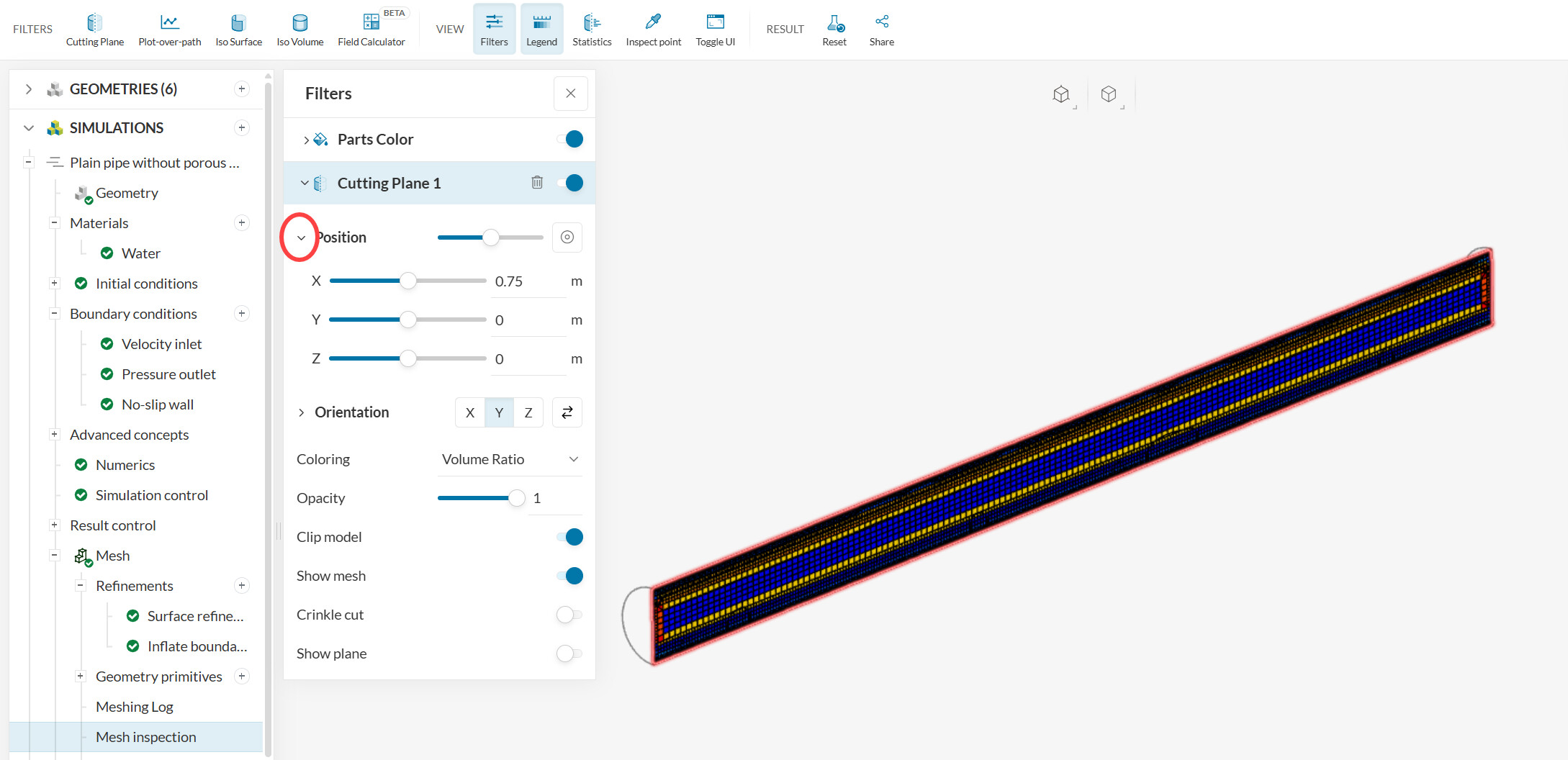
When using a Mesh Clip it wouid be great to see in that clip the Reference Point that has been used (say as a cross or ball or…). For instance when I get an error (with coordinates) in the simulation, and I use Mesh Clip to determine the meshing, it would be nice to see this Reference Point (which I configured with the given coordinates). Or is there another way to see the coordinates (in(side) a mesh?
But is there some kind of sign where this Position is in the cut? I see now sign. Would be nice to see a plus or a dot or circle in the graph indicating the Position.
Or do I not recognize it in your graph (I also do not see such in my meshes)
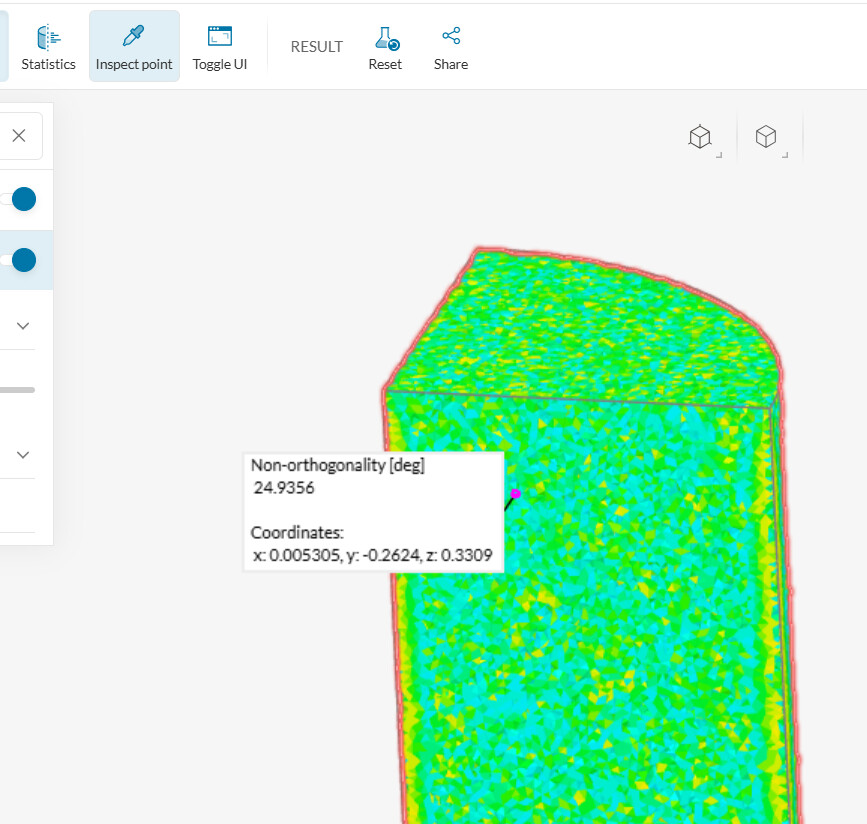
I don’t think there’s a “point” tool within the mesh inspection tab, but you could use “inspect point”, which now gives you the coordinates of the location where you click.