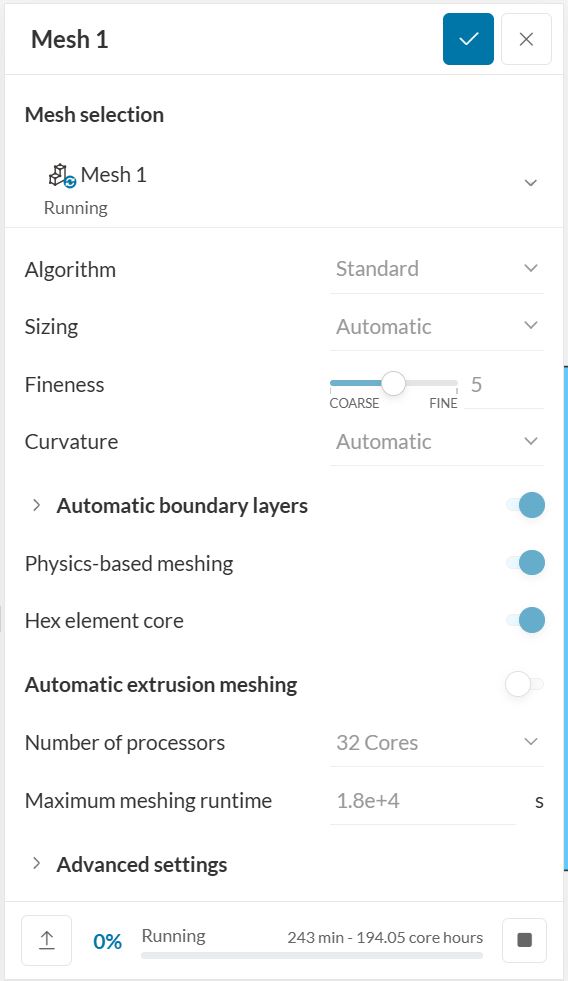
I am currently meshing a simulation of mine. It is a further version of a car I have been working on for months. This is important because this means that there is not much difference between the version meshing currently and previous versions. I originally tried to mesh it with cores set to automatic it kept having to restart and start again on a larger instance. This does not usually happen. I then tried to mesh it using 32 cores. This has now been going on for close to three hours and has taken over 100 core hours so far. For reference this usually only takes less than 10 core hours to complete.
Current Project
Past project to compare.
Below is a photo of it just before the writing of this post.
Any help would be much appreciated.
Hi @cyrus_costa,
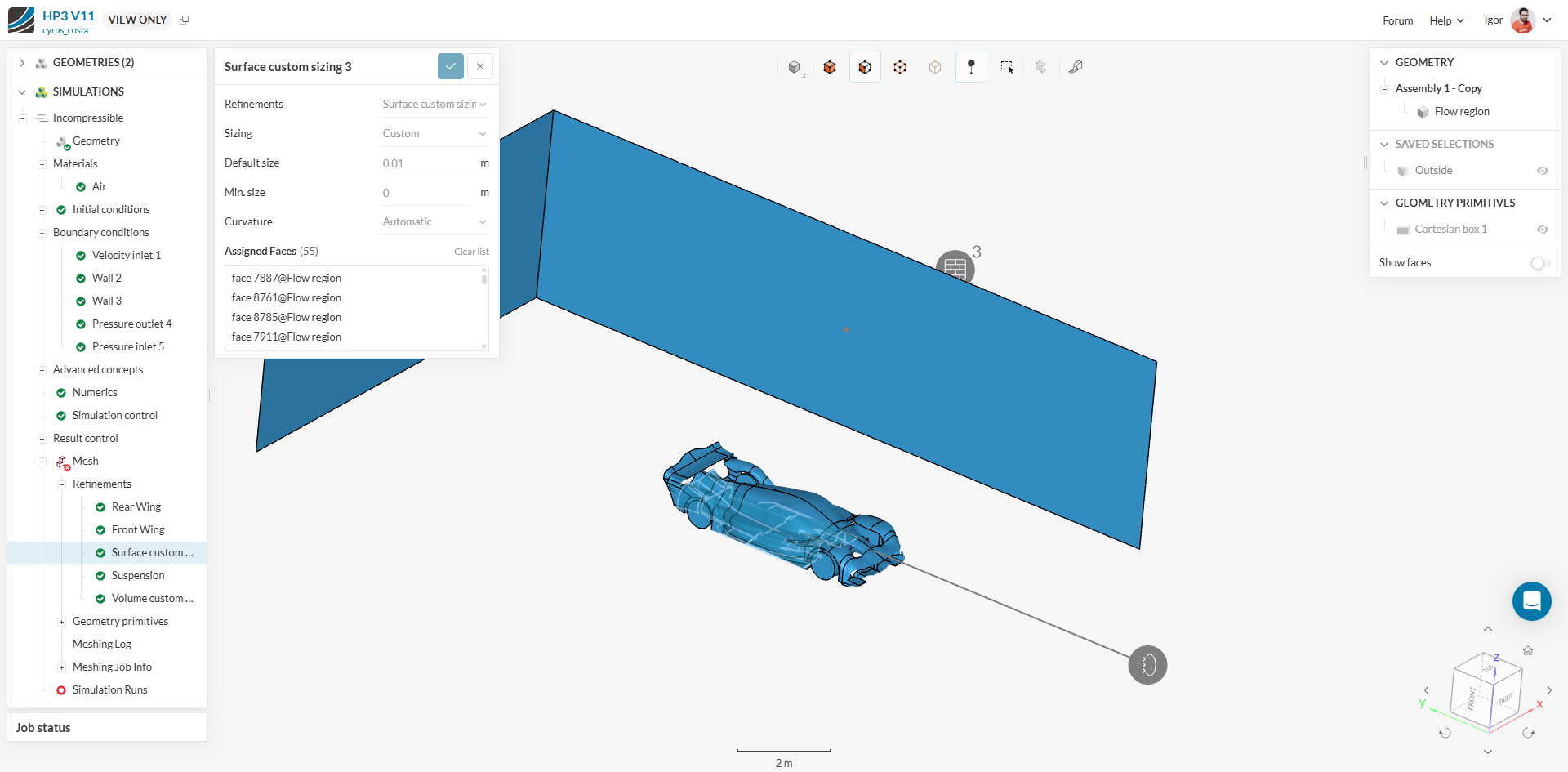
One difference I can notice between the projects is this extra refinement:
Which might be causing all the trouble.
One piece of advice we’ve already provided and that I’d like to stress is for you to extend your domain and use the symmetry of your model in your favor. Just split the car in half and only simulate it’s symmetrical part as in this tutorial:
This will save half the resources you’d spend on this simulation.
Another piece of advice is to copy the refinement options in the tutorial I’ve shared above. I feel like a better approach for external aero cases is to rely more on volume refinements for the close/far fields to best capture the wake region than to add the refinement to specific surfaces.
Cheers
Igor
I forgot to label that surface refinement, but it should say “Diffuser”. This does exist on the previous iteration and does not explain why the mesh ran for so long. Thankfully the mesh ran into the maximum runtime and was not able to complete so I did not loose any core hours, but when it stopped it had gone on for over 5 hours. As I specified before the mesh usually only takes an hour at most. While I know this is still a long time it is no where near the 5 hours this one took and that is why I think there is something wrong; I just cannot find out what it is.
@cyrus_costa, it’s tough to say, but if you’ve changed the model maybe you’ve accidentally inserted a new feature such as a small face or gap which can be causing all the trouble. Even with the change in small feature suppresion, it’s not 100% guaranteed that the mesher will suppress faces smaller than the value you’ve inserted - especially if too many faces are being suppressed.
My advice would be to run half the model and rely more on volume refinements.
I am still confused as to how it is possible for the meshing time to change so much. Usually meshing takes around an hour and the export takes another 10 to 20 minutes. This had not even completed the meshing after 5 hours (I am not sure how long it would have gone but my maximum runtime as set to 18000 seconds so the run was thankfully cancelled). Because of all this I struggle to see how even a very large change to my car could have possibly created such a drastic change in meshing time. From my experience, which admittedly is only about 2 years, I could see a large change leading to maybe a half hour increase but more than 5 hours sounds very strange.
P.S. As I usually use the automatic cores for meshing I am not easily able to see how many cores simscale chooses. Do you know where I can see how many cores were used for a previous meshing operation where the number was set to automatic?
Also as another point. I have changed the mesh slightly on this version, however, I have only made it coarser in places so I could reduce the simulation times.
There isn’t a direct way, but you can calculate it from the time it took to mesh your model + the consumption. E.g., if the mesh took 30 minutes to run and consumed 4 chs, it was running on 4 cores
Cheers
1 Like