
Hi there,
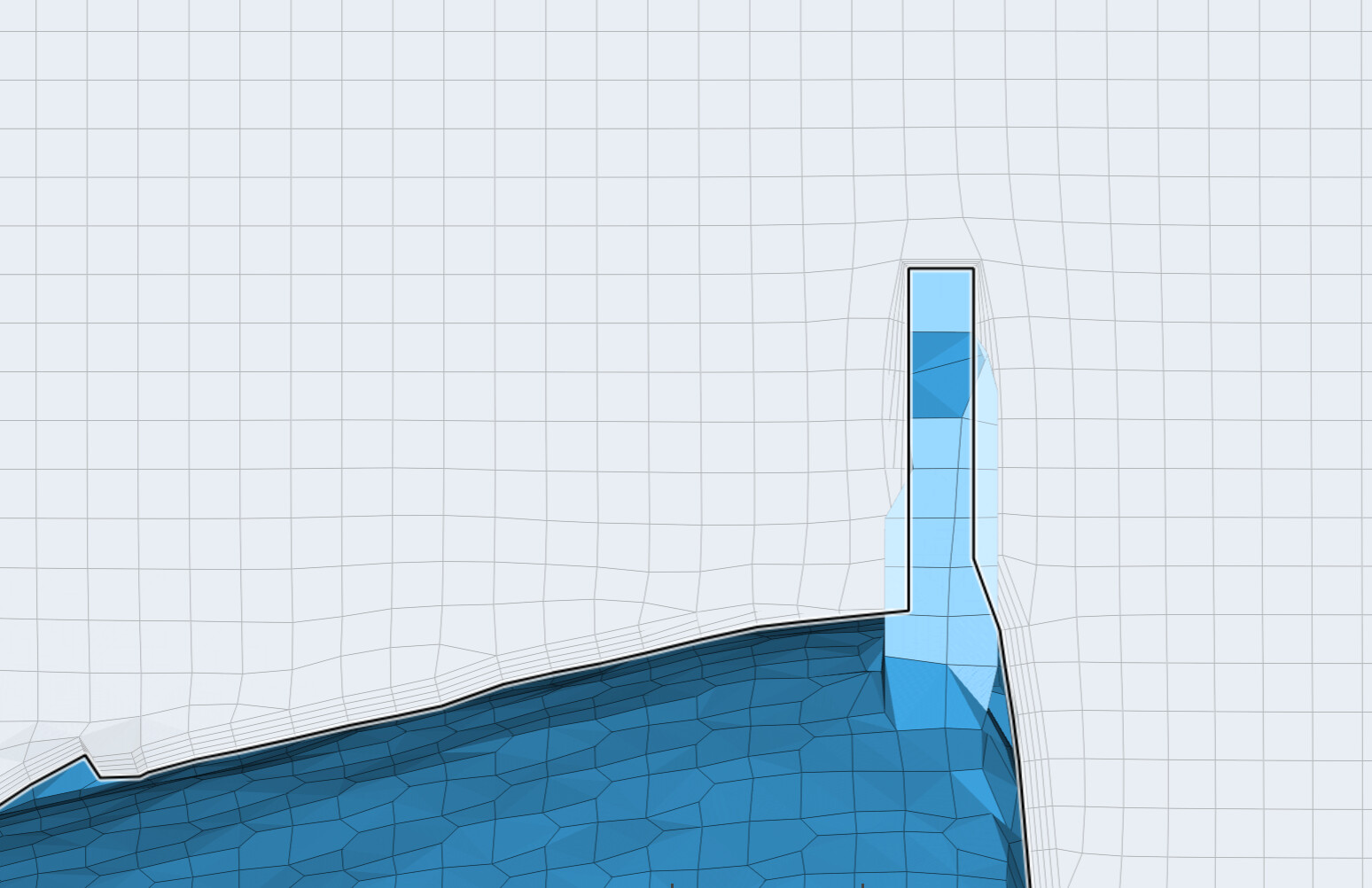
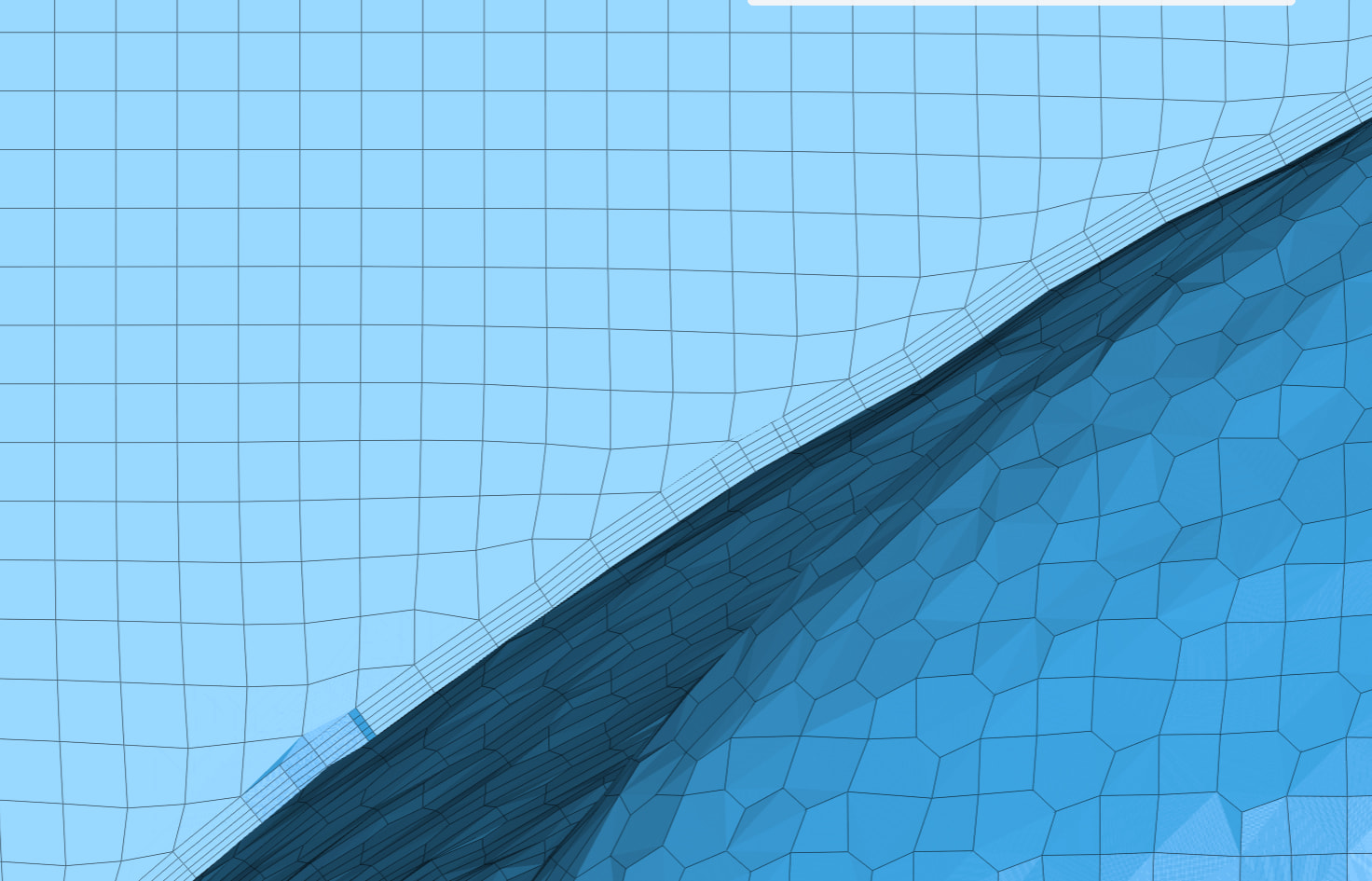
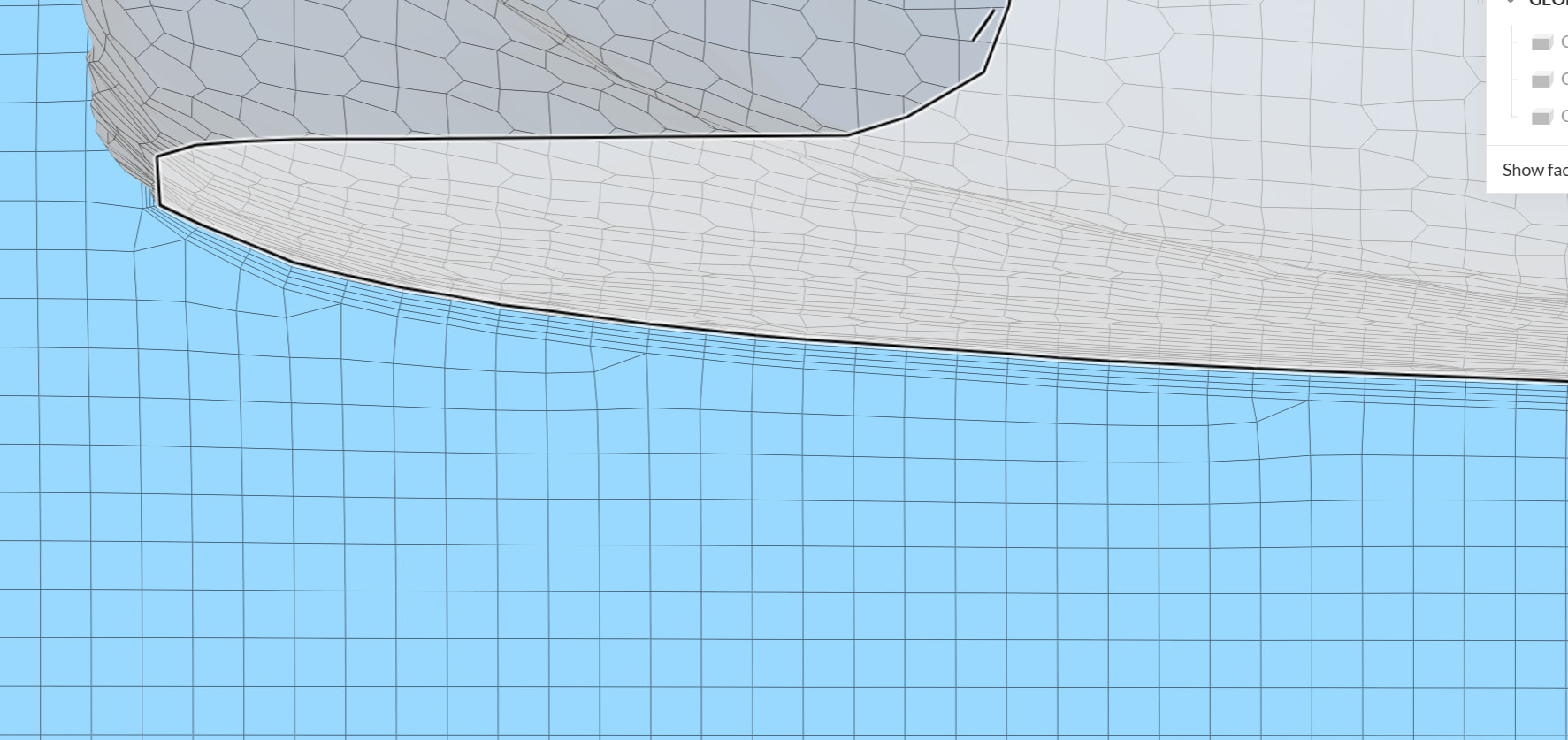
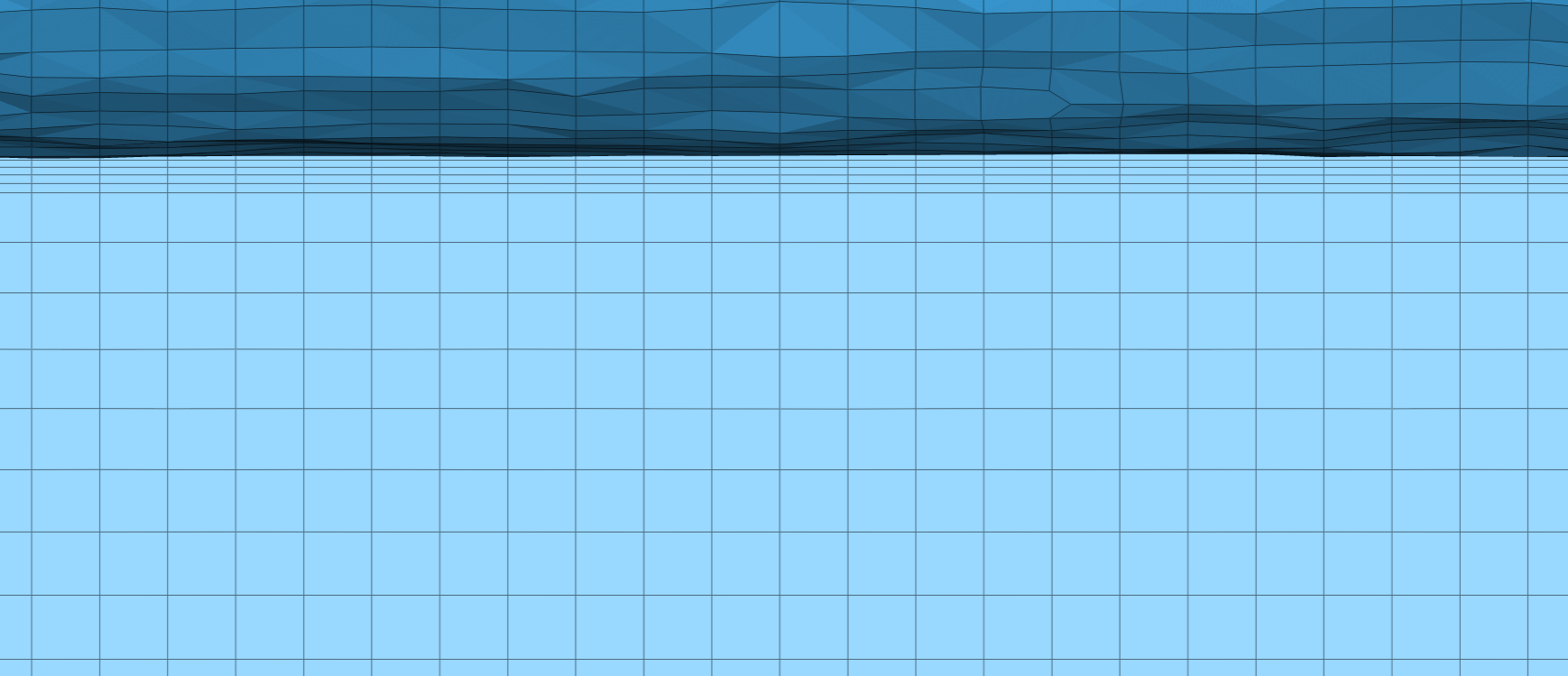
I’m working on an incompressible simulation with hex-dominant automatic meshing and need help achieving a smoother transition between my boundary layer mesh and the surrounding volume mesh. Currently using Inflate boundary layer settings, but the transition appears abrupt with a noticeable jump in cell size and every mesh is consuming my core hours. Lastly I used this setup…


I also have surface refinement with edge length min 0.05 metres and max 0.2 metres and without cell zone. One region refinement around the car 0.02 metres of the edge length. The second one is behind the car for better wake capture and edge length has 0.06 metres and the third one is on the moving ground with edge length 0.015 metres.
The mesh results from the last setup (previous setups had very similar results):
*Standard mesher is not valid because of non-orthogonality errors.
Every advice is welcome!
Jan