
Oh-oh, it now looks like more than a geometry display bug …
Here is a bent mesh too:

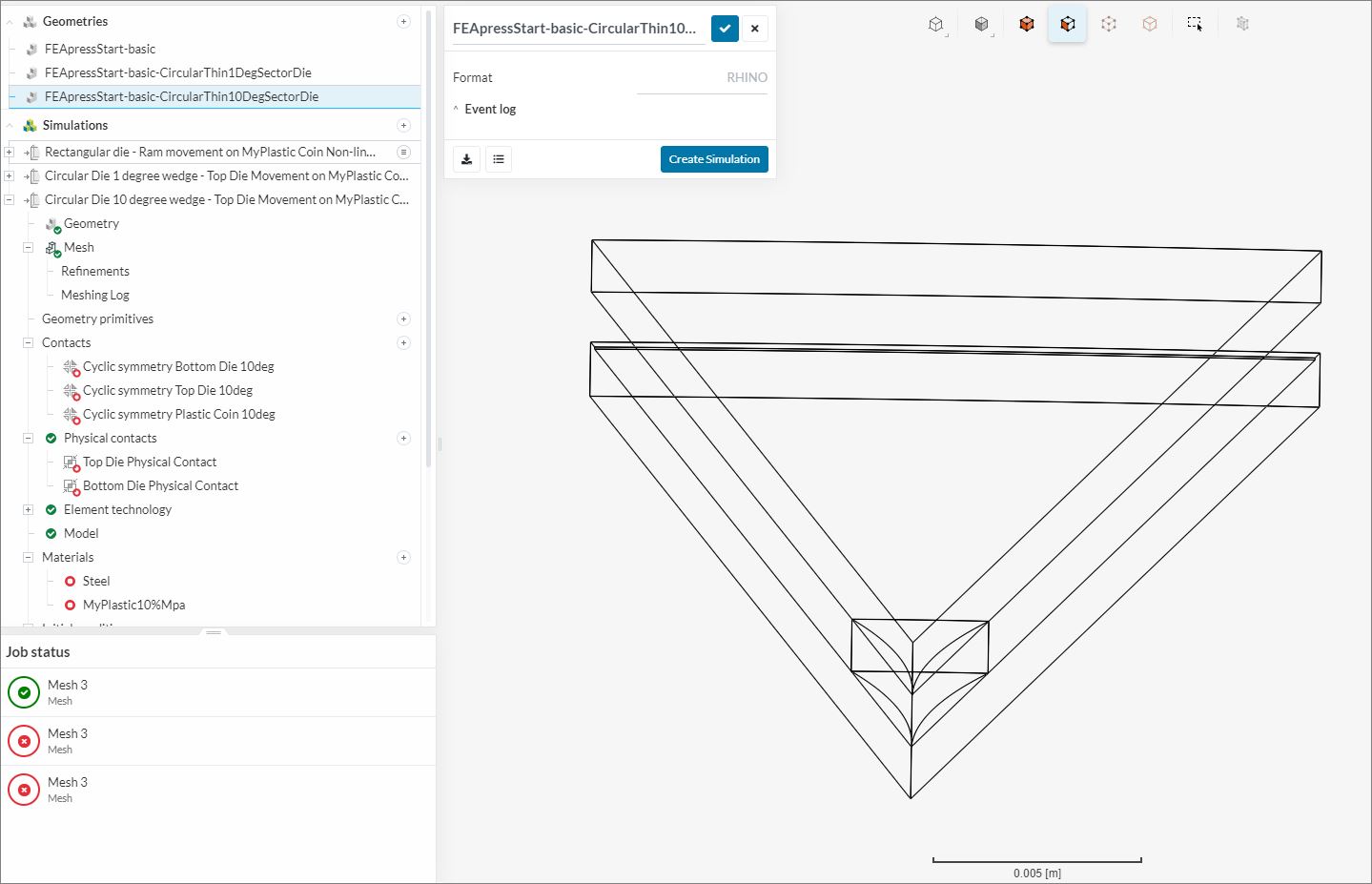
And the geometry shows as bent in SimScale UX , but different faces are bent:
BUT, in RHINO the bent faces are ALL planar faces:
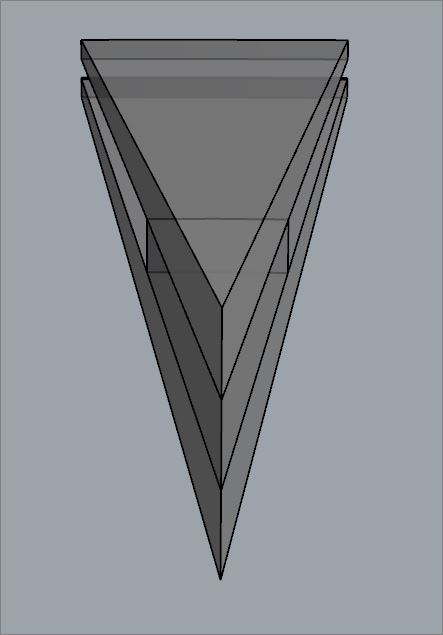
Now we really need some experts involved quickly in case the mesh was really generated like that 
EDIT: Another data point.
I tried to run a simulation on the mesh using cyclic symmetry.
I had to stop the simulation run after being stuck at 4% for ~25 minutes.
The simulation issue is not likely caused by this ‘geometry and mesh display bug’ but IT COULD BE, so here is the stalled Simulation Run
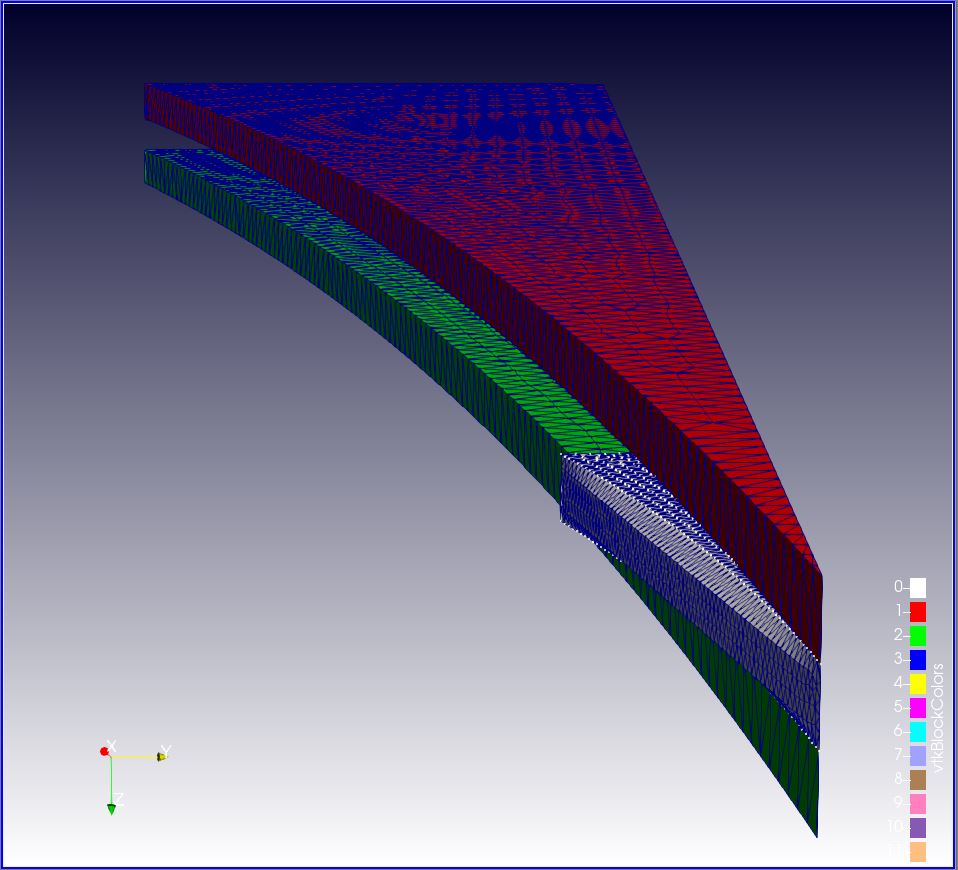
EDIT #2 And, finally here is proof that it is not just a ‘display’ issue.
I downloaded the results of a cancelled Run 1 using the above mesh. I then opened the results in ParaView, this Paraview image says it all:
I have edited this topic name accordingly