
Hi @estephan,
I’ve done a quick check and shown below are the possible problematic areas.
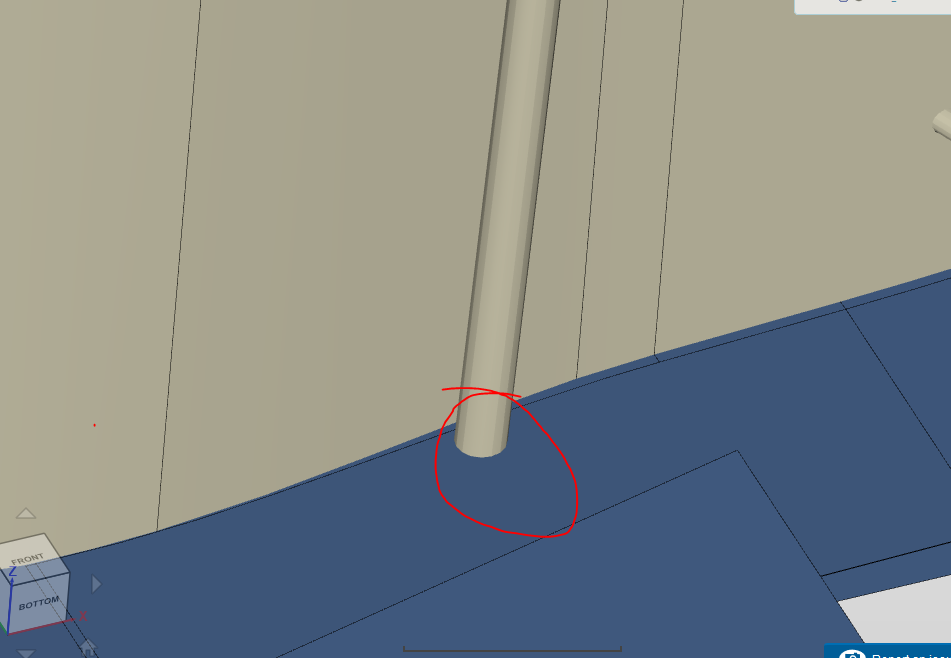

The geometry itself has a minor problem but the bigger problem is in the second figure where your mesh is “double layering”. This happens when your geometry is not watertight and due to how complex your geometry is, the checker that states whether your geometry is watertight may have just stated that for one or two parts as seen in the blue circle where the double layering is not occurring. This can also happen when you set the bounding box to “cut” incorrectly. Typically the area where the FSAE car is cut in half is the point 0, 0, 0 so that when the bounding box is placed human error in setting the bounding box is removed. In your case it seems like the same position of the geometry is not present and rounding errors from possibly “eye balling” the size of the box in the Y direction which interfaces with the cut off side of the car or rounding errors from measurements in the CAD software may cause this issue.
I faced similar issues in my simulation here. Hopefully it will give you an idea of what I’m talking about.
You should look into both possible errors that I’ve mentioned and then go ahead and remesh it to reduce the no of illegal cells.
Cheers.
Regards,
Barry